Suites
Your view
A suite is a set of tests you run or schedule together. A typical project has a five-minute smoke suite for every build and a full regression suite at night.
Before you start: the project needs some tests. See Tests.
1. Open Suites
Section titled “1. Open Suites”In the sidebar, open Quality Engineering › Functional Testing, then the Suites tab.
Under Pages, choose Tests, then the Suites tab.
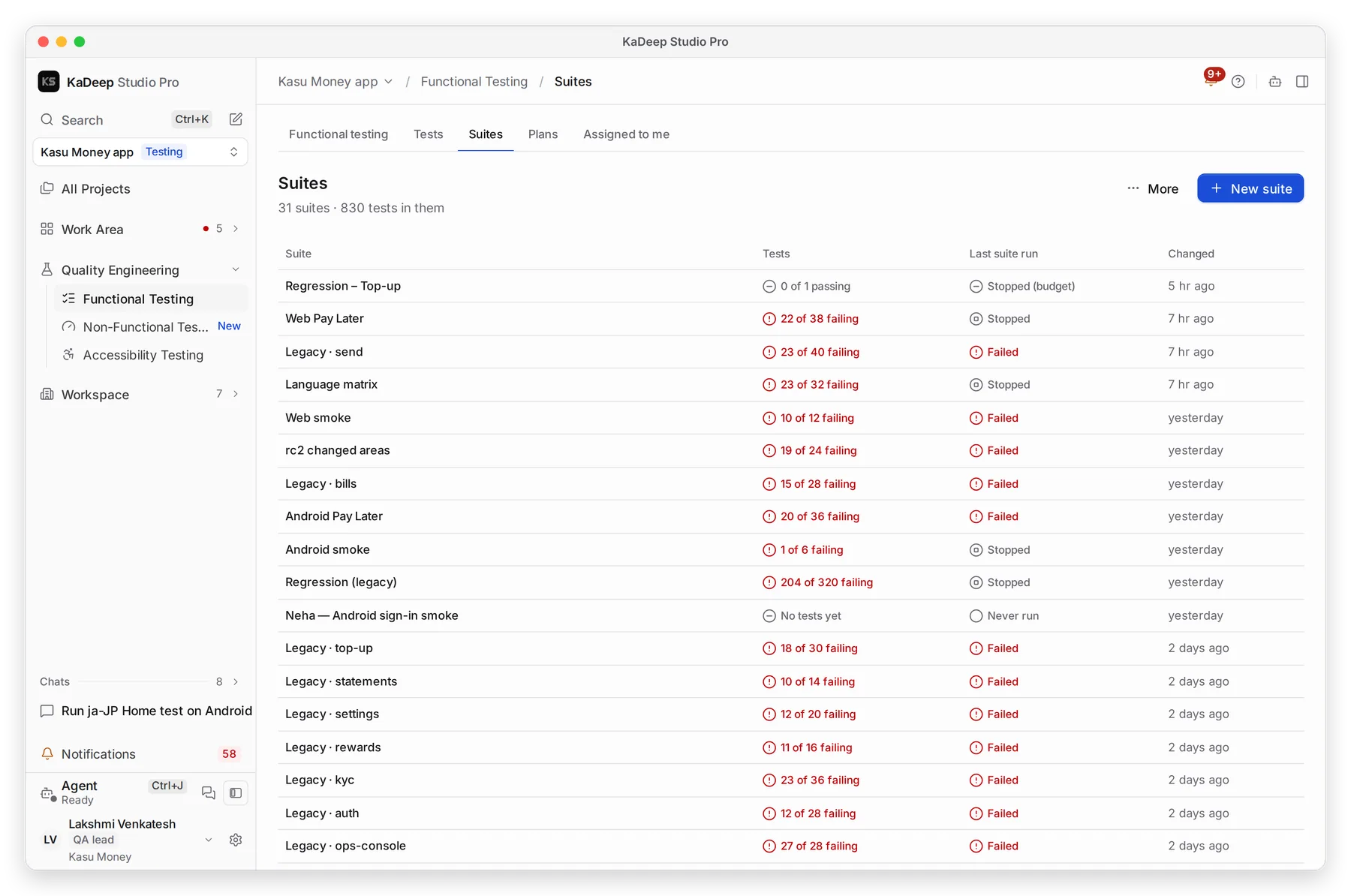
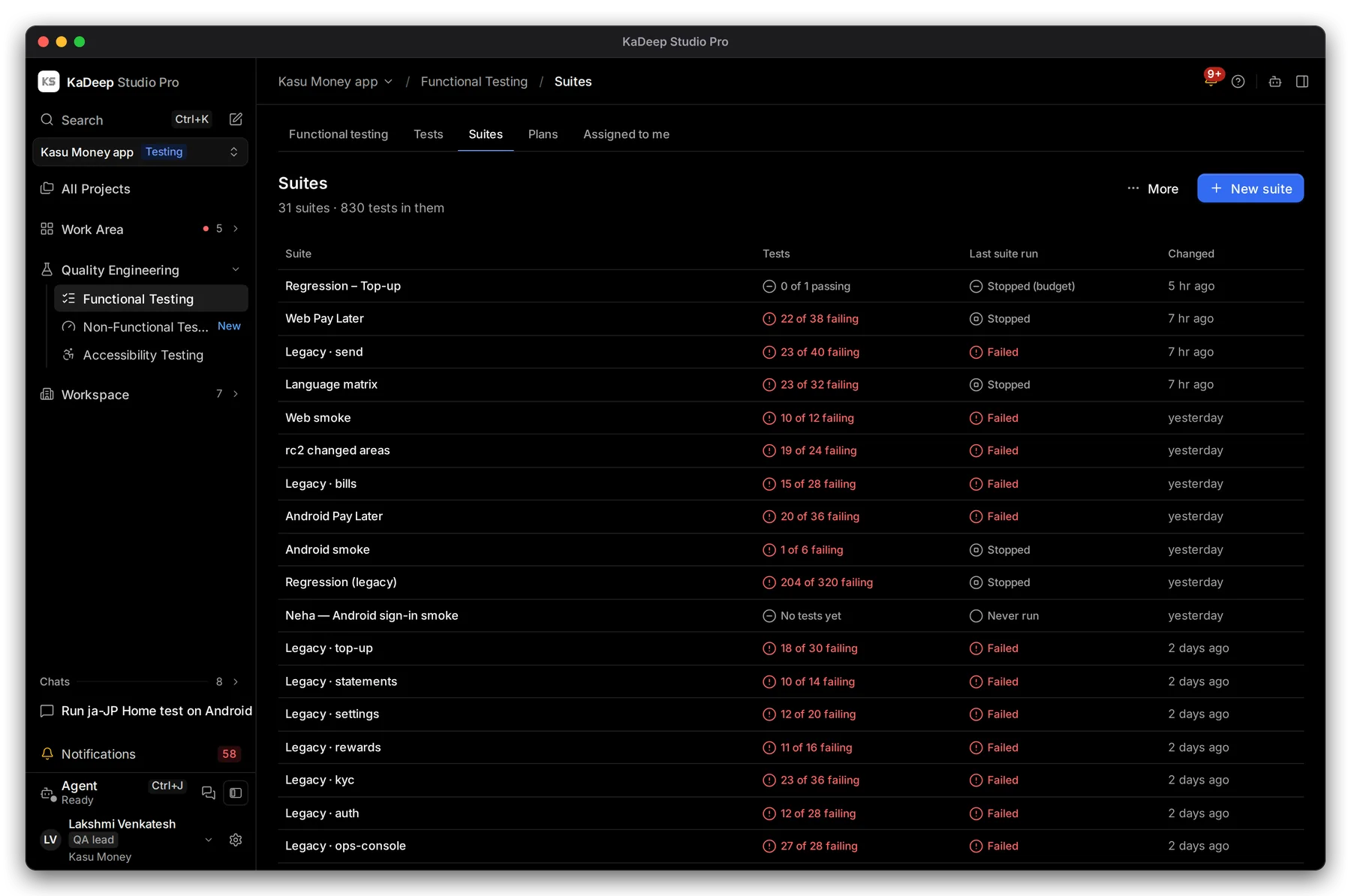
Manage view
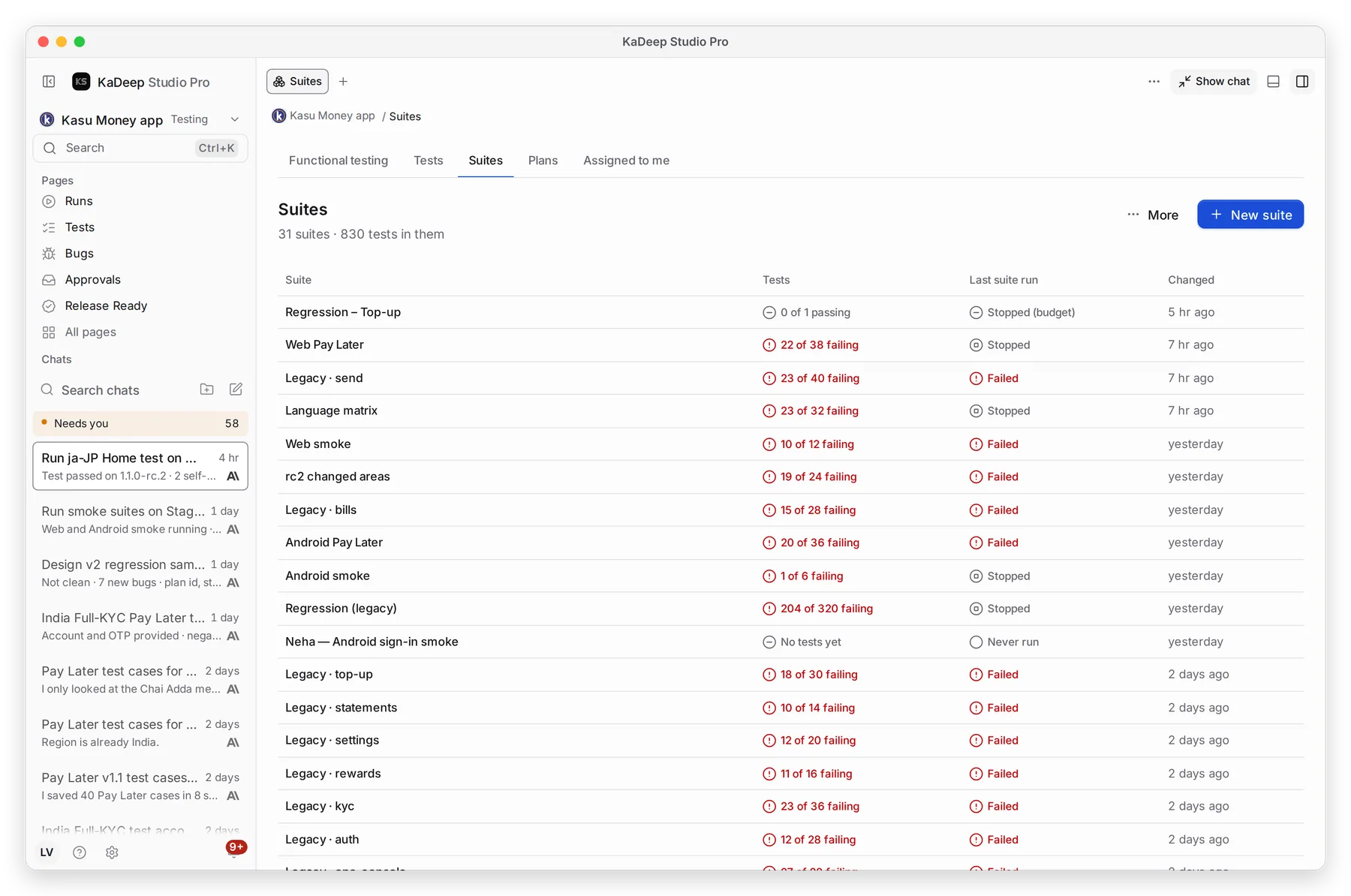
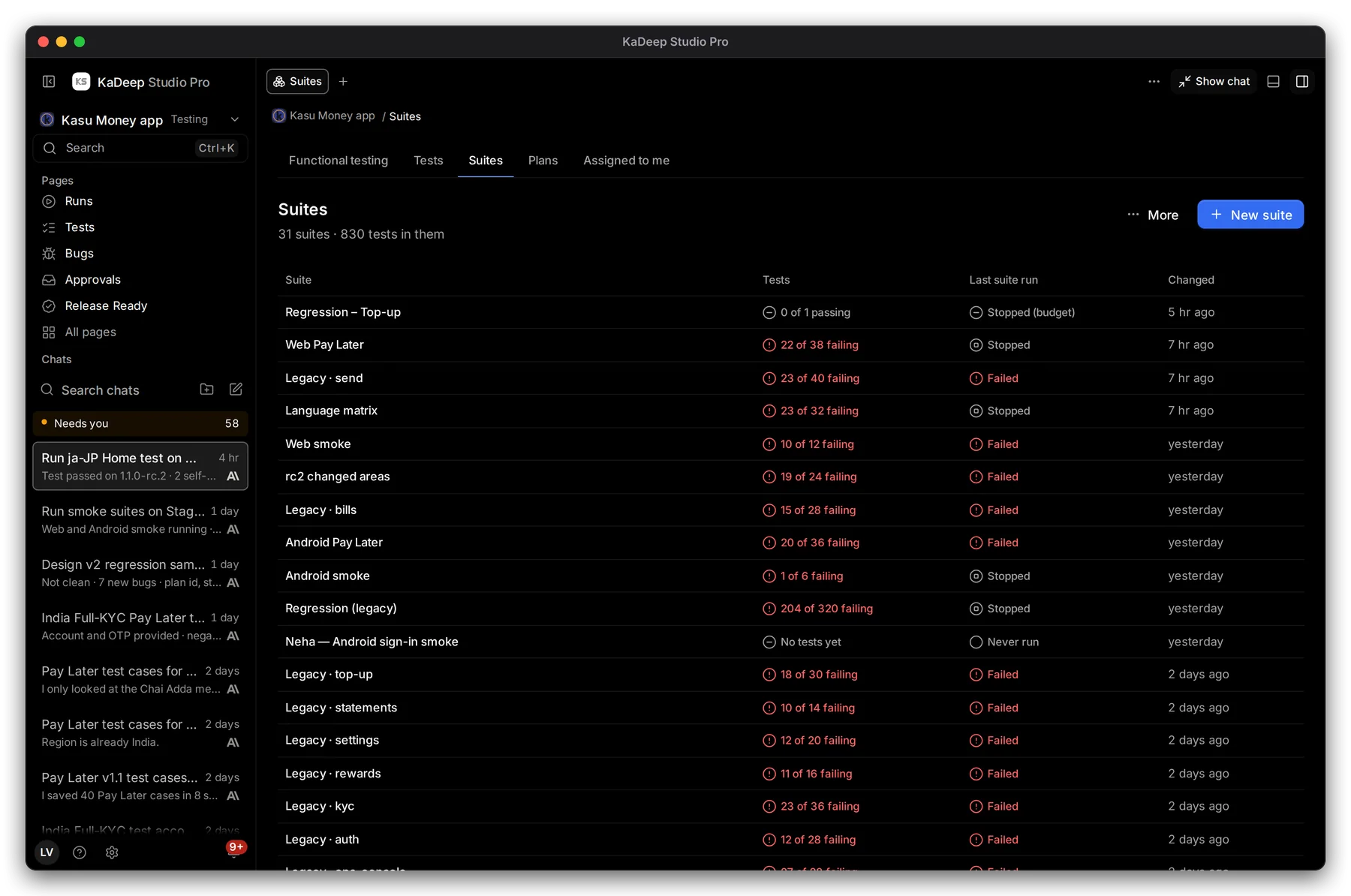
Hands-on view
- 1 New suite.
- 2 Last suite run: how the suite’s last run ended, and when it changed.
- 3 Click a suite to open it.
2. Make a suite
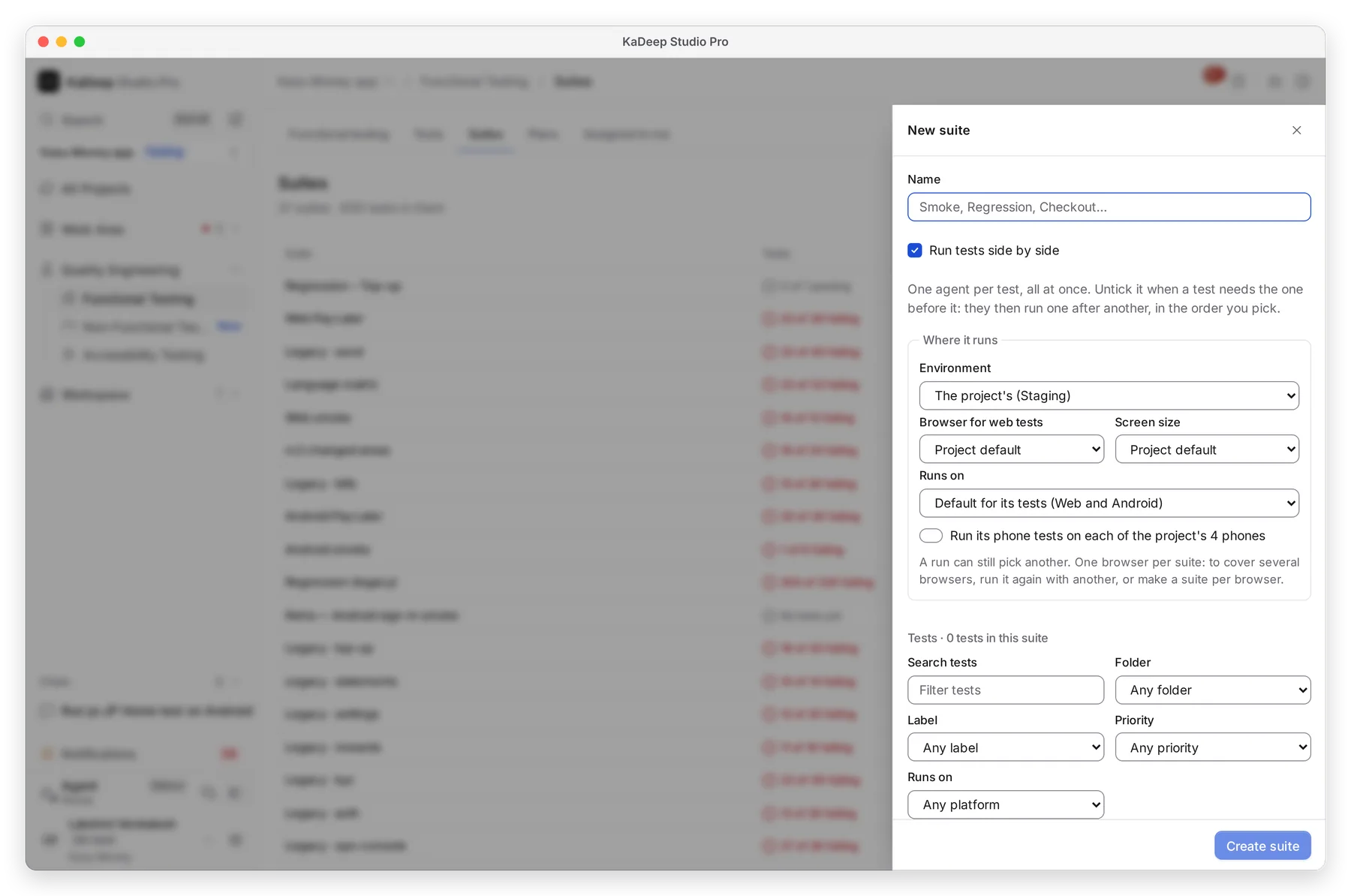
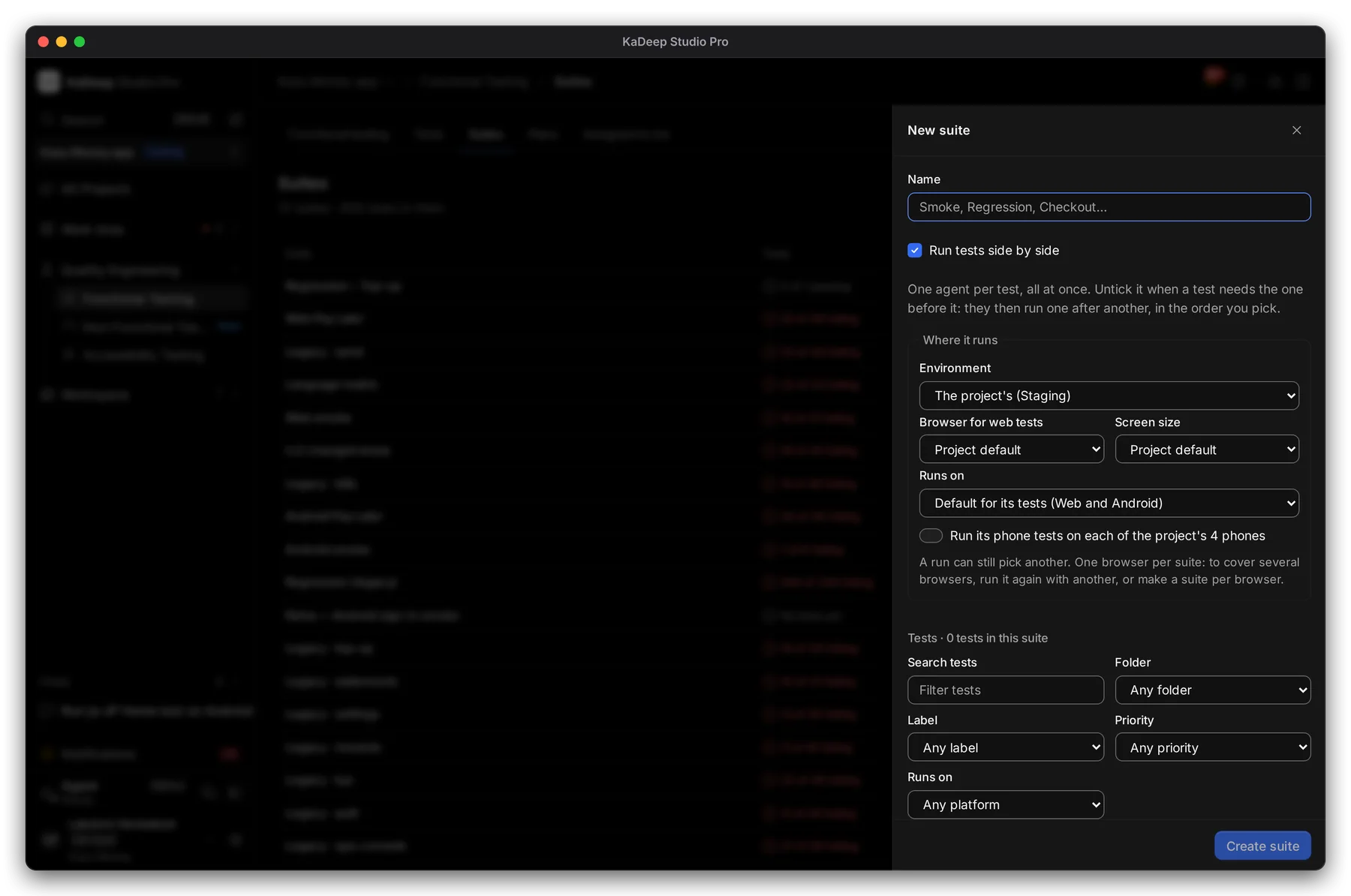
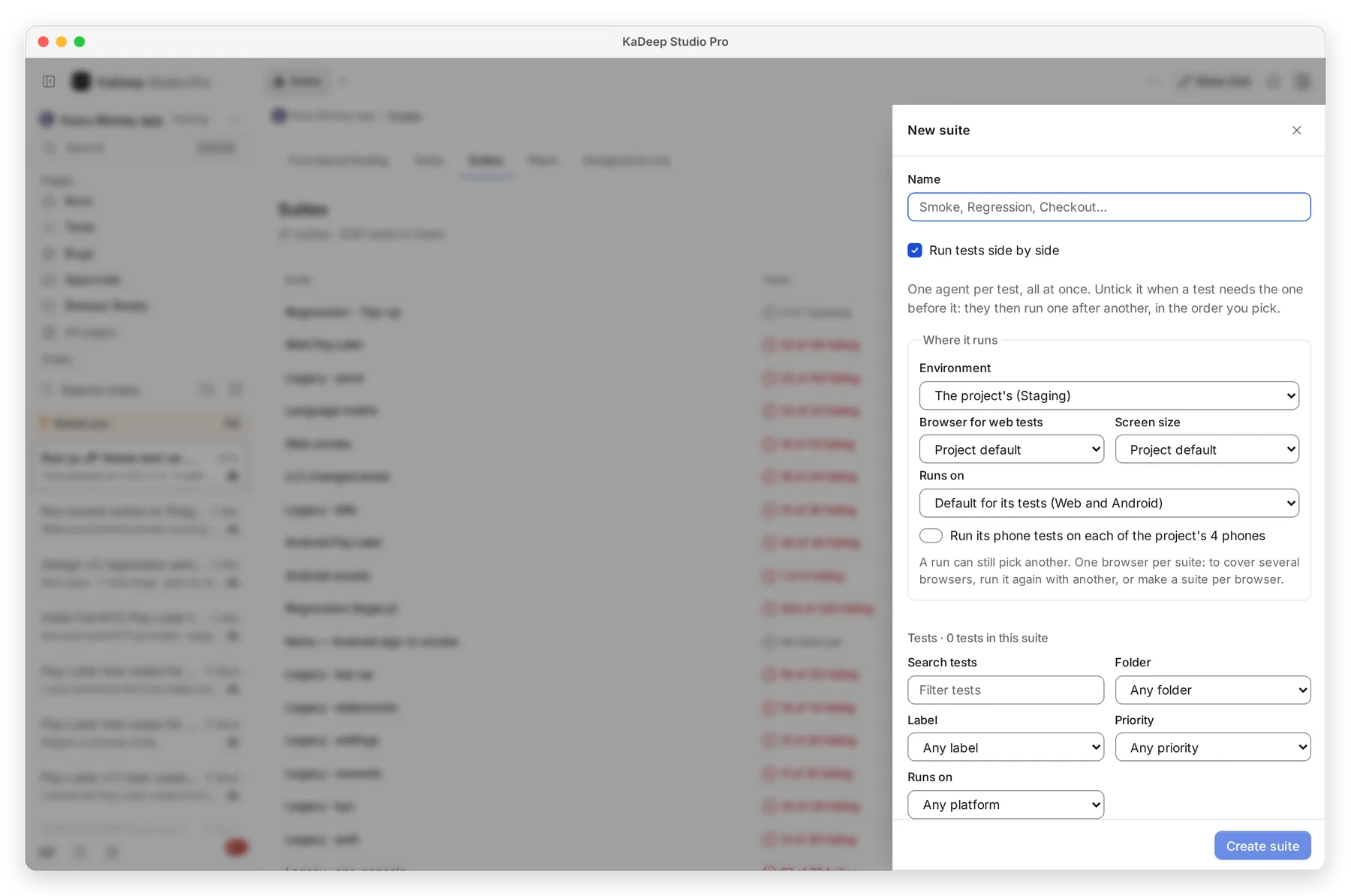
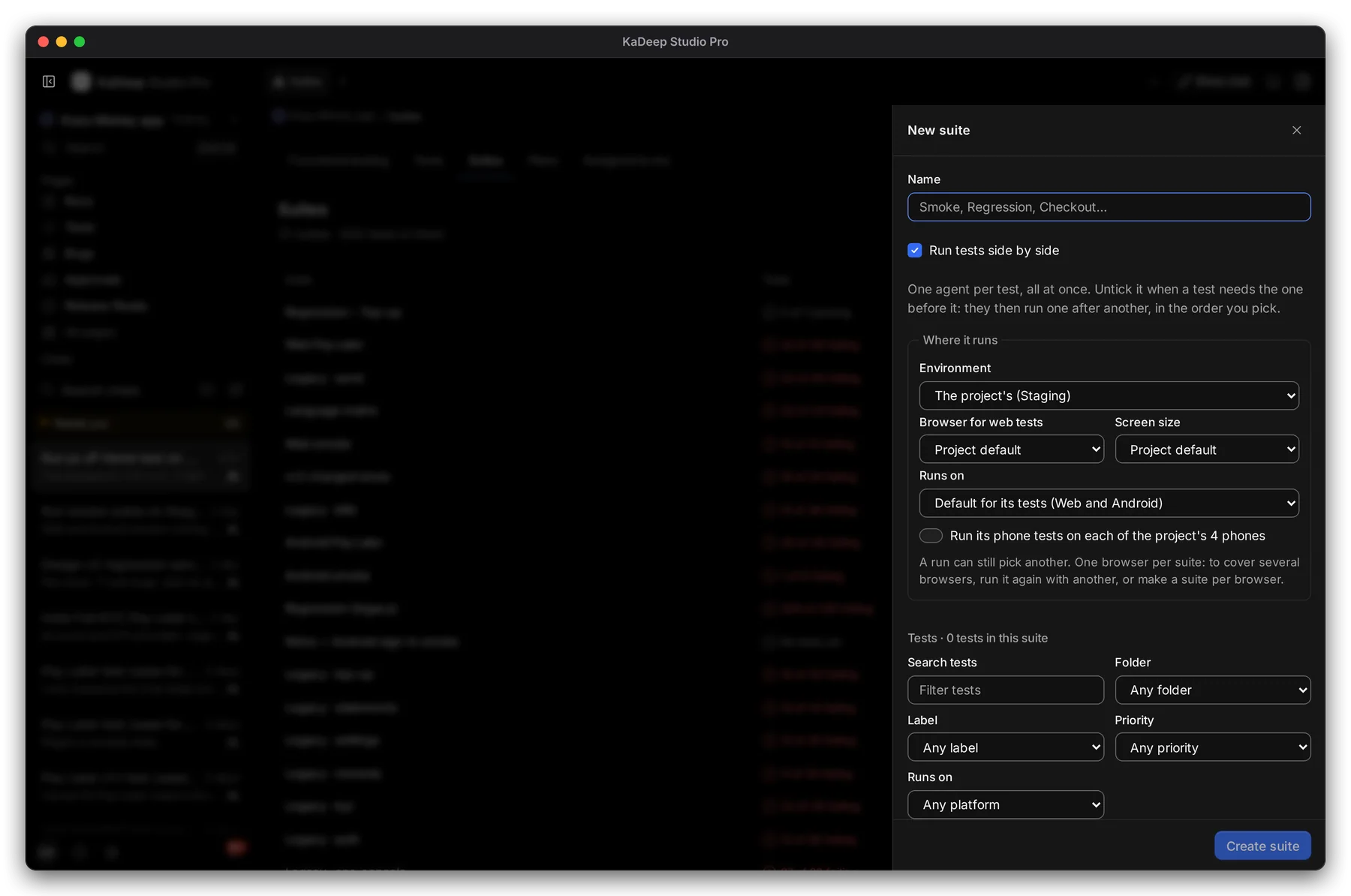
Section titled “2. Make a suite”- Choose New suite.
- Type a Name, such as “Smoke” or “Checkout”.
- Under Where it runs, keep the project’s environment, browser and screen size, or pick others.
- Under Tests, find and pick the tests. Filter by folder, label, priority or platform.
- Choose Create suite.
Manage view
Hands-on view
1 The suite’s name. 2 Run tests side by side is faster. Leave it off when one test needs another first.
No tests yet? Let the agent suggest suites after you add or import test cases.
3. Open a suite
Section titled “3. Open a suite”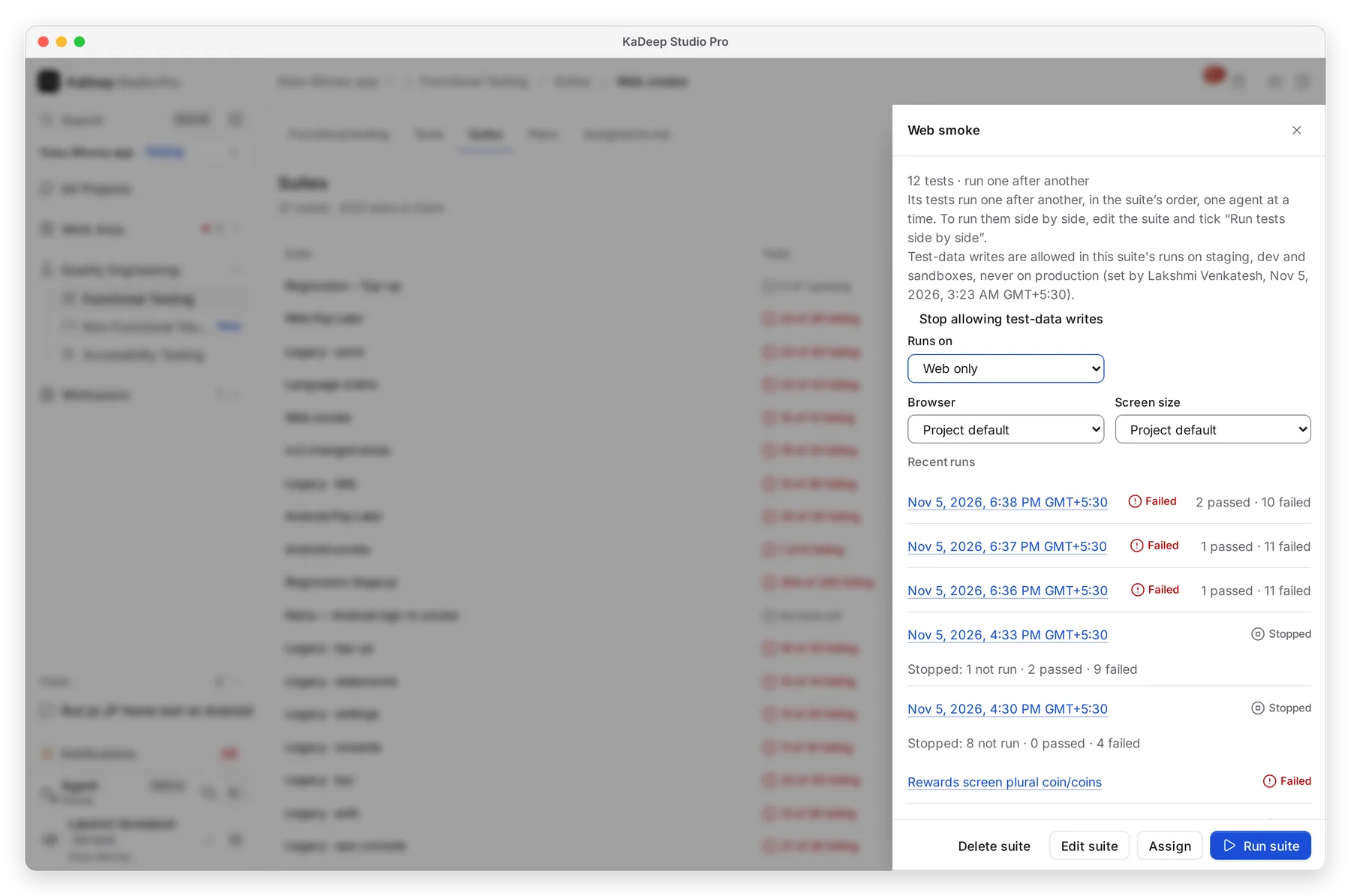
Manage view
Hands-on view
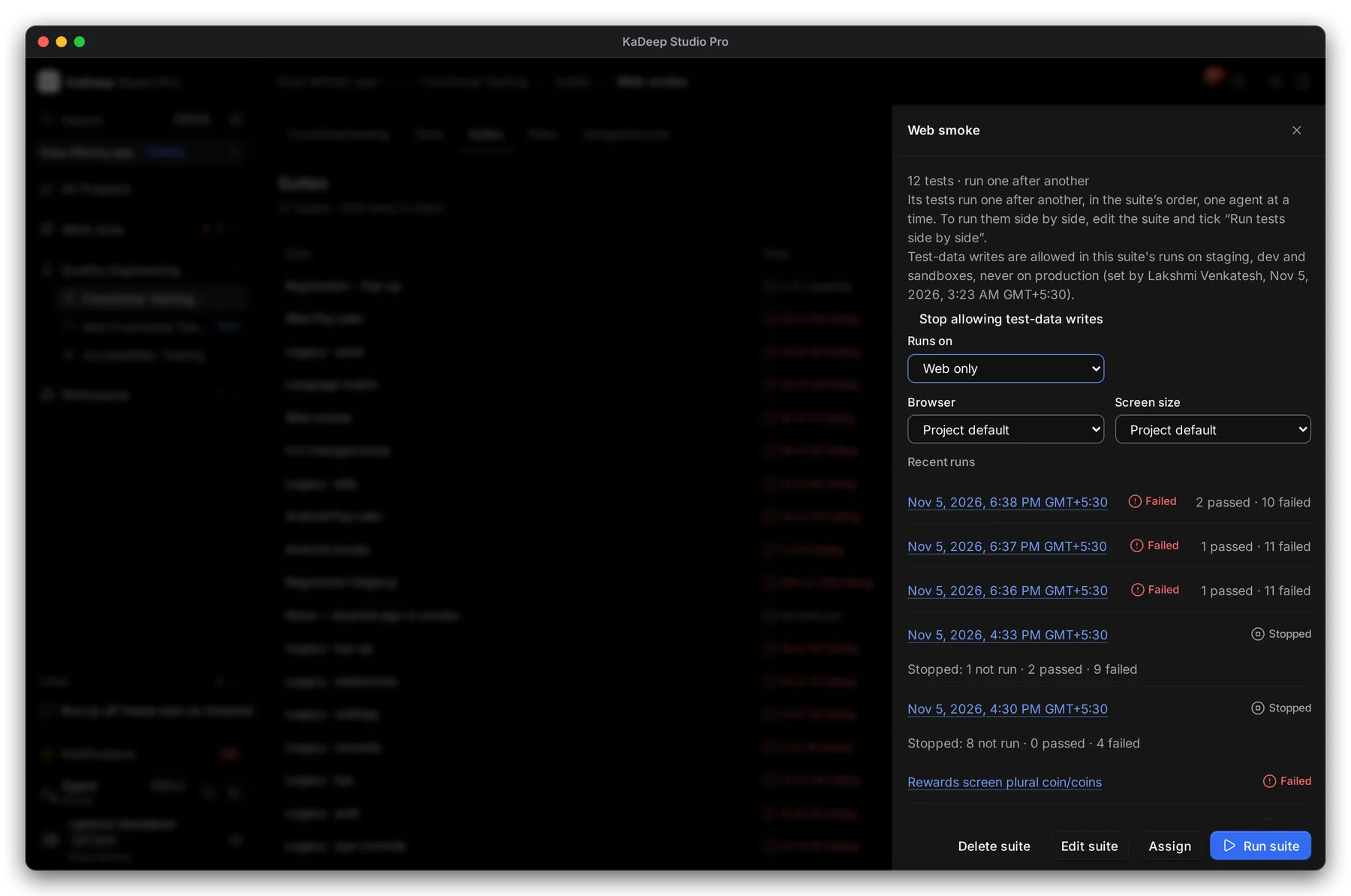
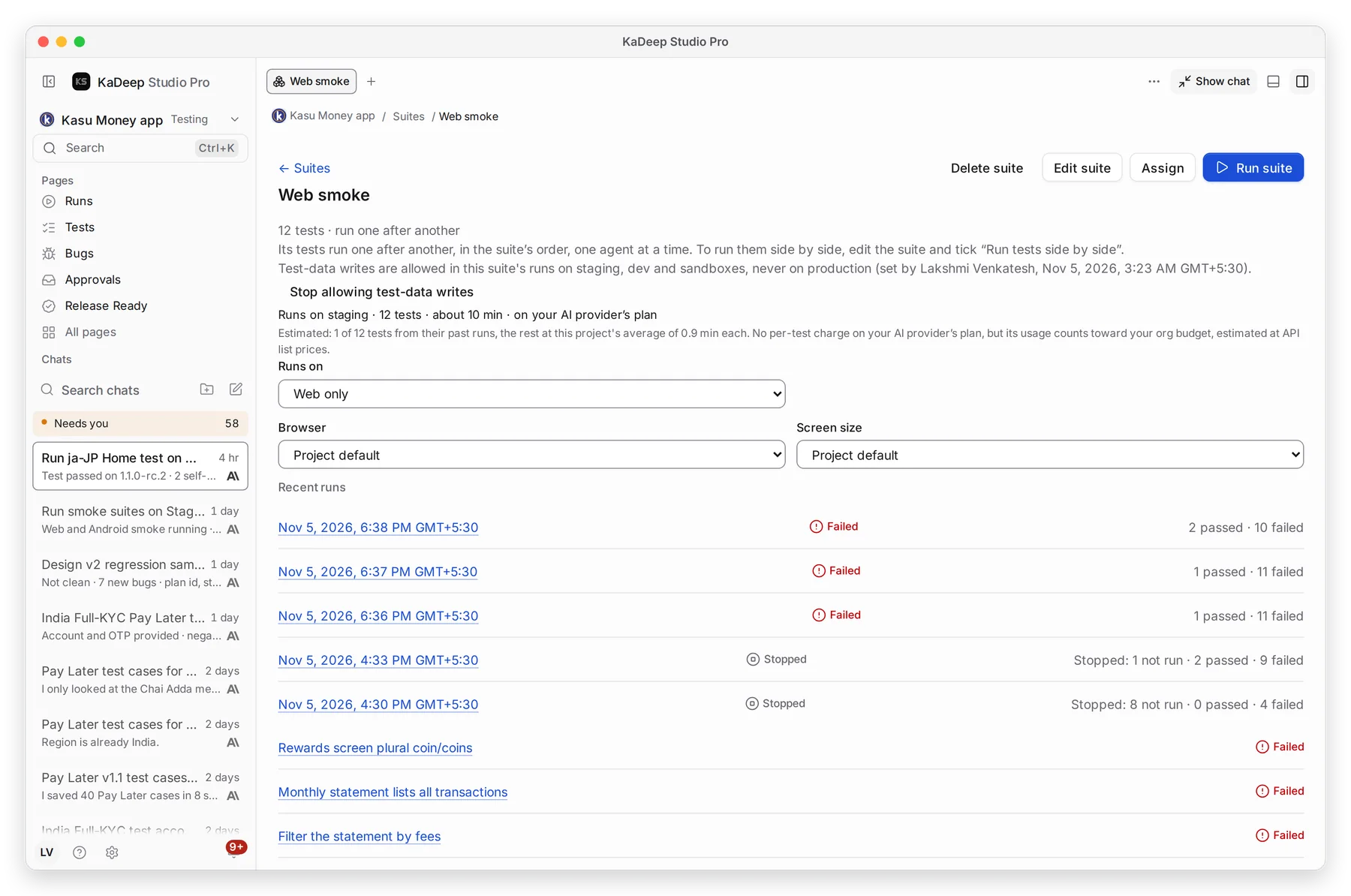
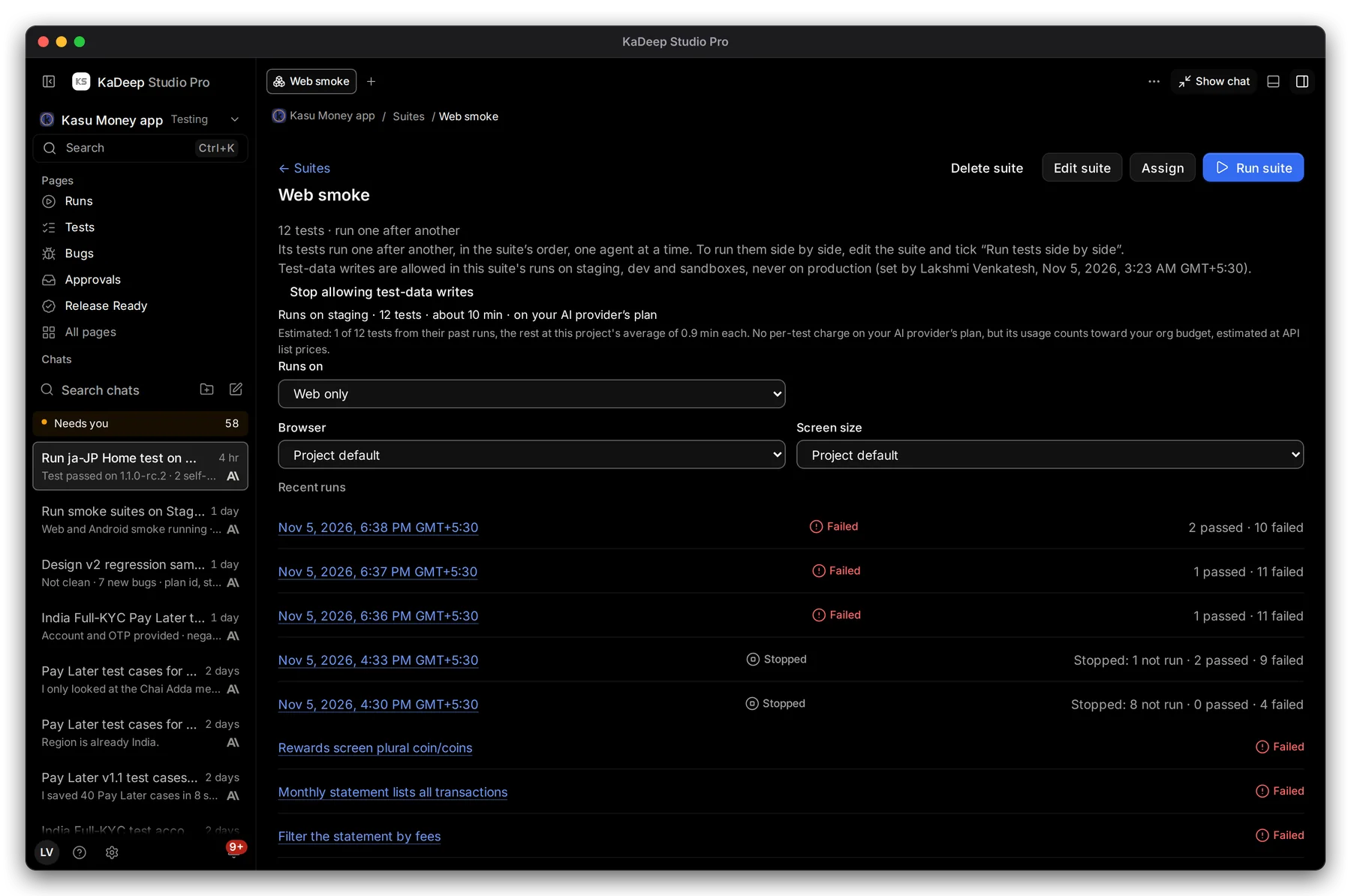
- 1 How many tests, and how they run: one after another in the suite’s order, or side by side.
- 2 Whether the tests may write test data. They never write on production.
- 3 Edit suite: name, tests, Run order, and a Setup test that runs first.
- 4 Assign hands “Run and review” this suite to a person, with a due date.
- 5 Run suite. Below it are Runs on, Browser, Screen size and Recent runs.
What’s next
Section titled “What’s next”Run a test suite and read the resultsStart a run and read the evidence.
Schedule runsRun suites on a schedule.
Assign tasksHand a suite run to a teammate.