Release overview for leaders
Your view
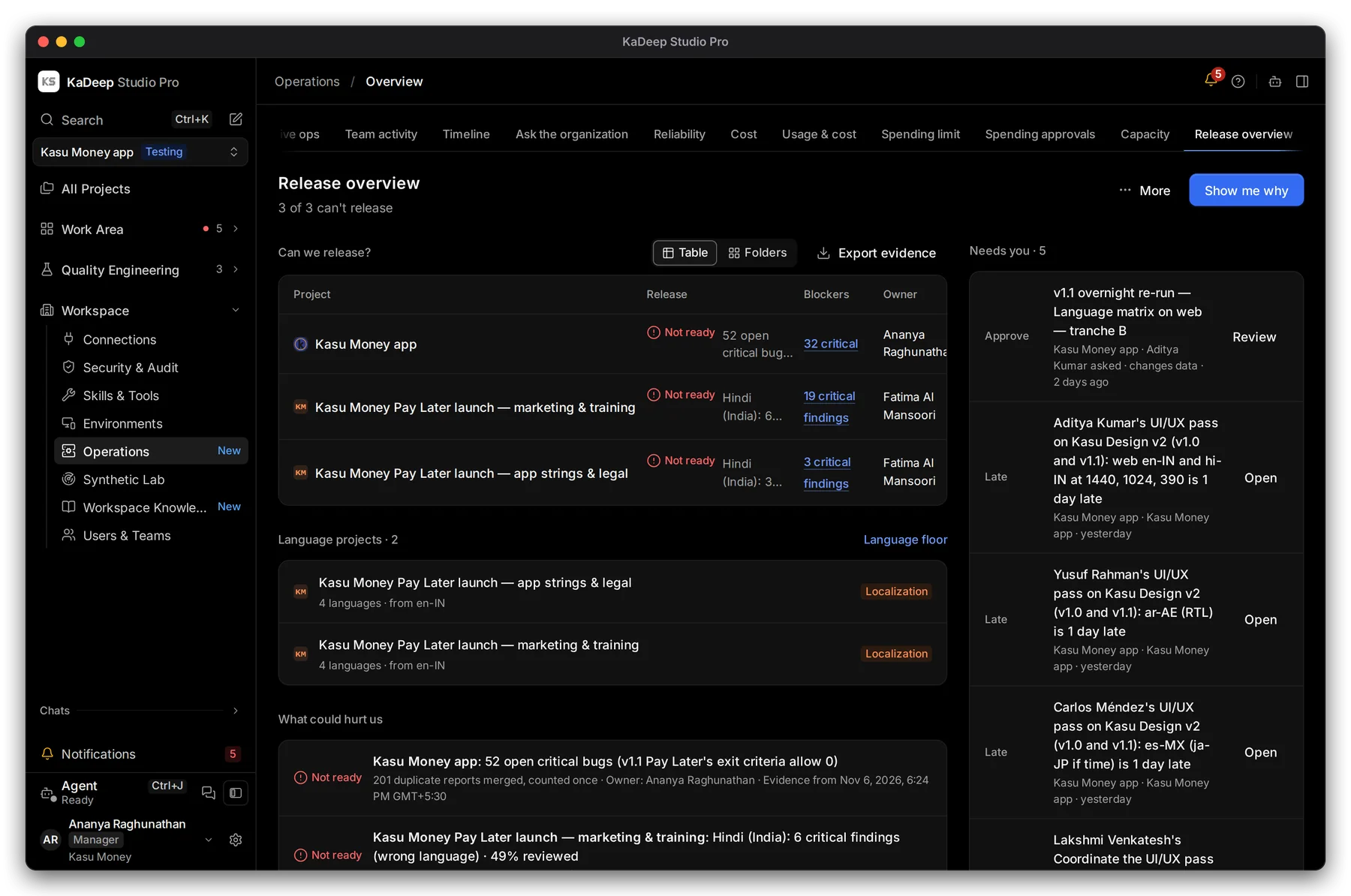
The release overview is the one page to show a leader: every project, whether it can release, what blocks it, and who owns it. Nothing on it needs testing knowledge to read.
1. Open it
Section titled “1. Open it”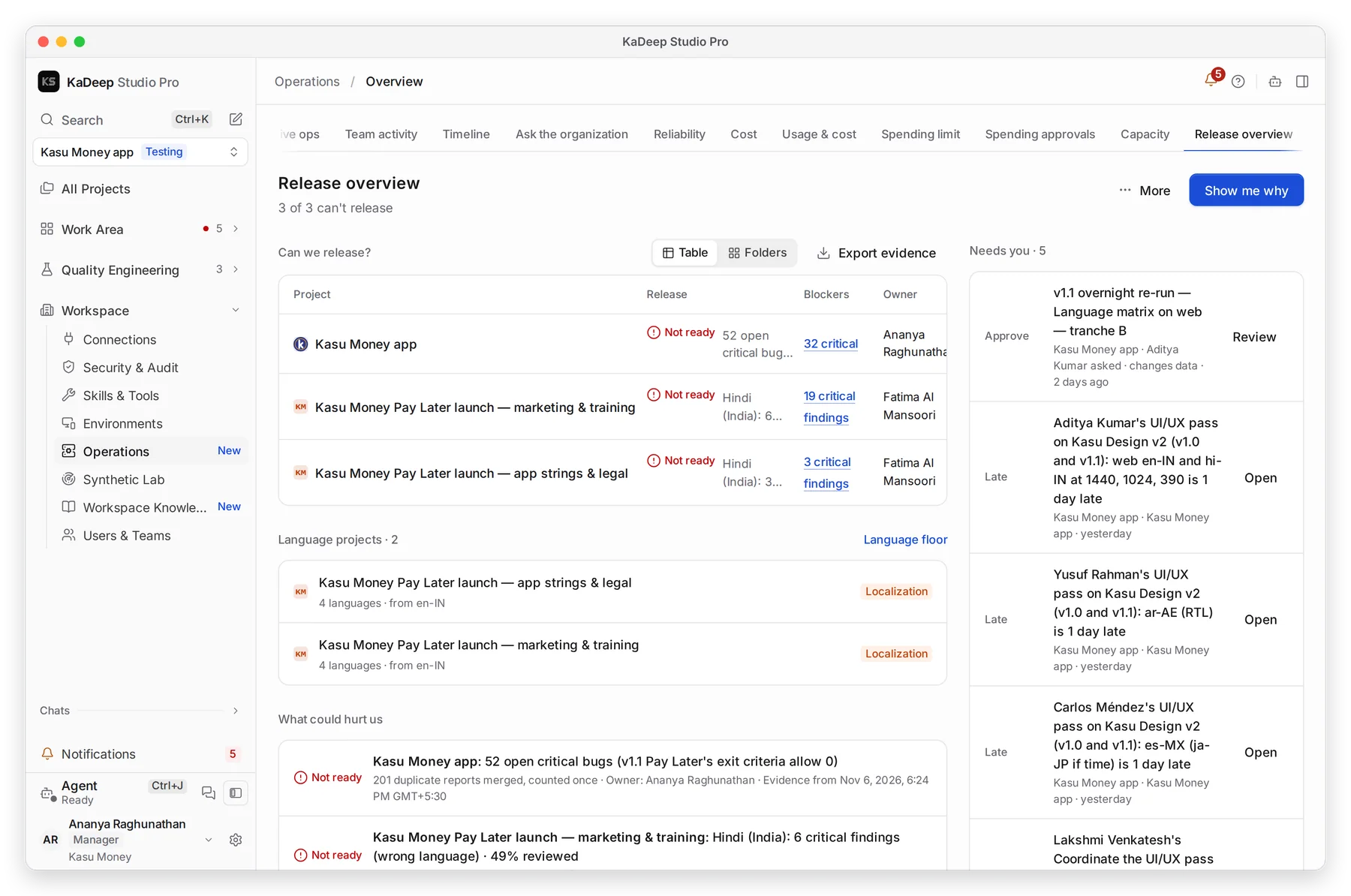
Manage view
Hands-on view
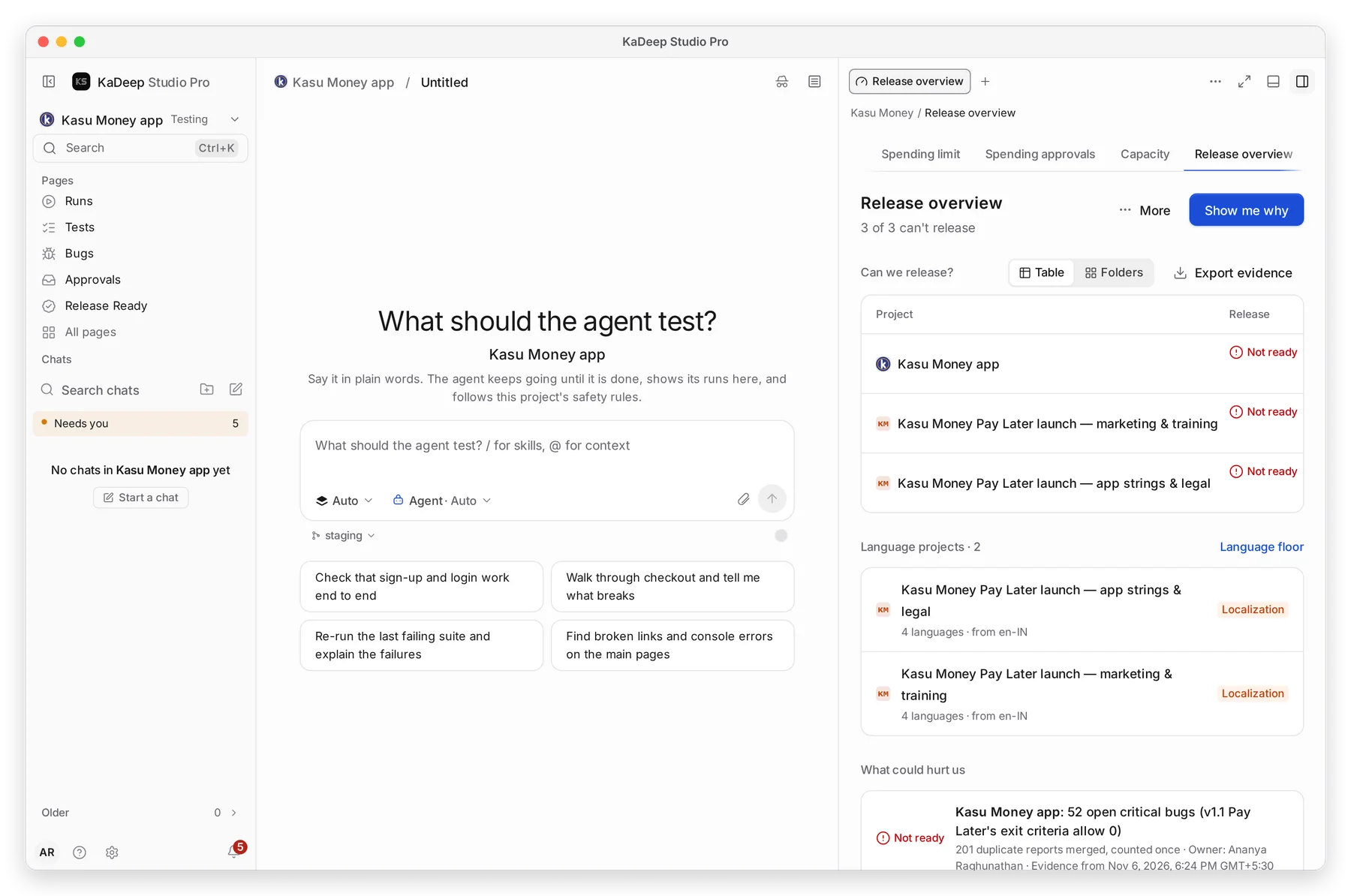
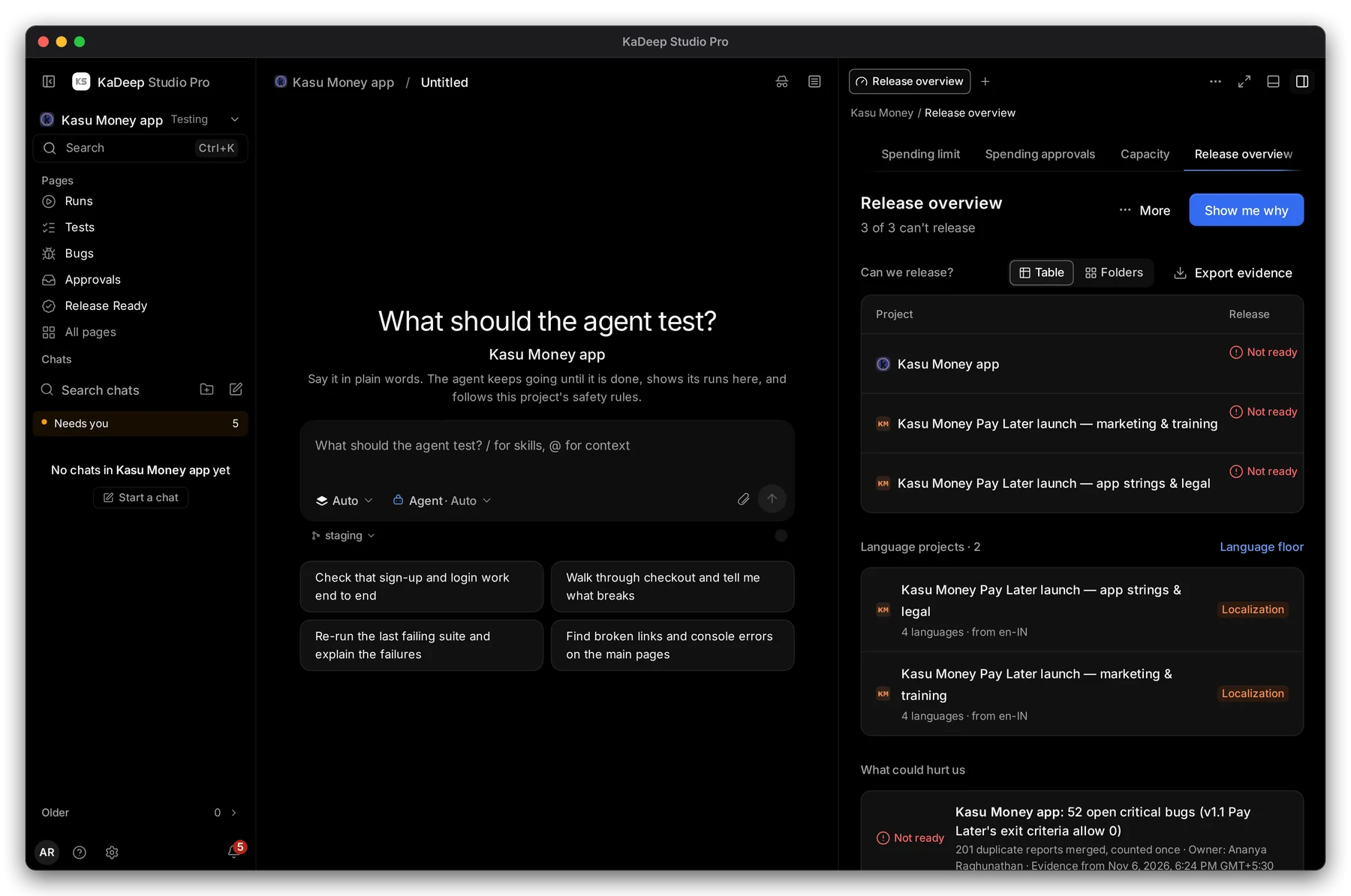
- 1 One release answer per project: the verdict and its main reason, the blockers, the owner and the last activity. Choose Table or Folders.
- 2 Show me why lists the evidence behind every answer.
- 3 Export evidence saves the answers with their evidence, to attach to an email or a board pack.
- 4 What could hurt us: each risk with its owner and the date of the evidence.
Below that, Language projects lists your localization projects, and What agents are doing now shows live work.
2. Answer “can we release?”
Section titled “2. Answer “can we release?””- Read the summary under the title, such as “3 of 3 can’t release”.
- For each project that can’t release, read the reason. Click the project to open its Release Ready report.
- Ask the owner named in the row. They decide to hold, fix, or ship with accepted risk.
What’s next
Section titled “What’s next”Release ReadyOne project's verdict, sign-offs and decisions.
ReportsReports to download and forward.
Export evidenceCollect the proof for an auditor.