Search and keyboard shortcuts
Your view
One box finds everything: pages, projects, tests, runs, bugs, chats and people. It also runs actions, like starting a chat or filing a bug.
1. Search
Section titled “1. Search”- Press Ctrl K (Windows) or ⌘ K (Mac), or choose Search at the top of the sidebar.
- Type a few letters, for example “suite”.
- Move with ↑ and ↓, then press Enter to open. Esc closes the box.
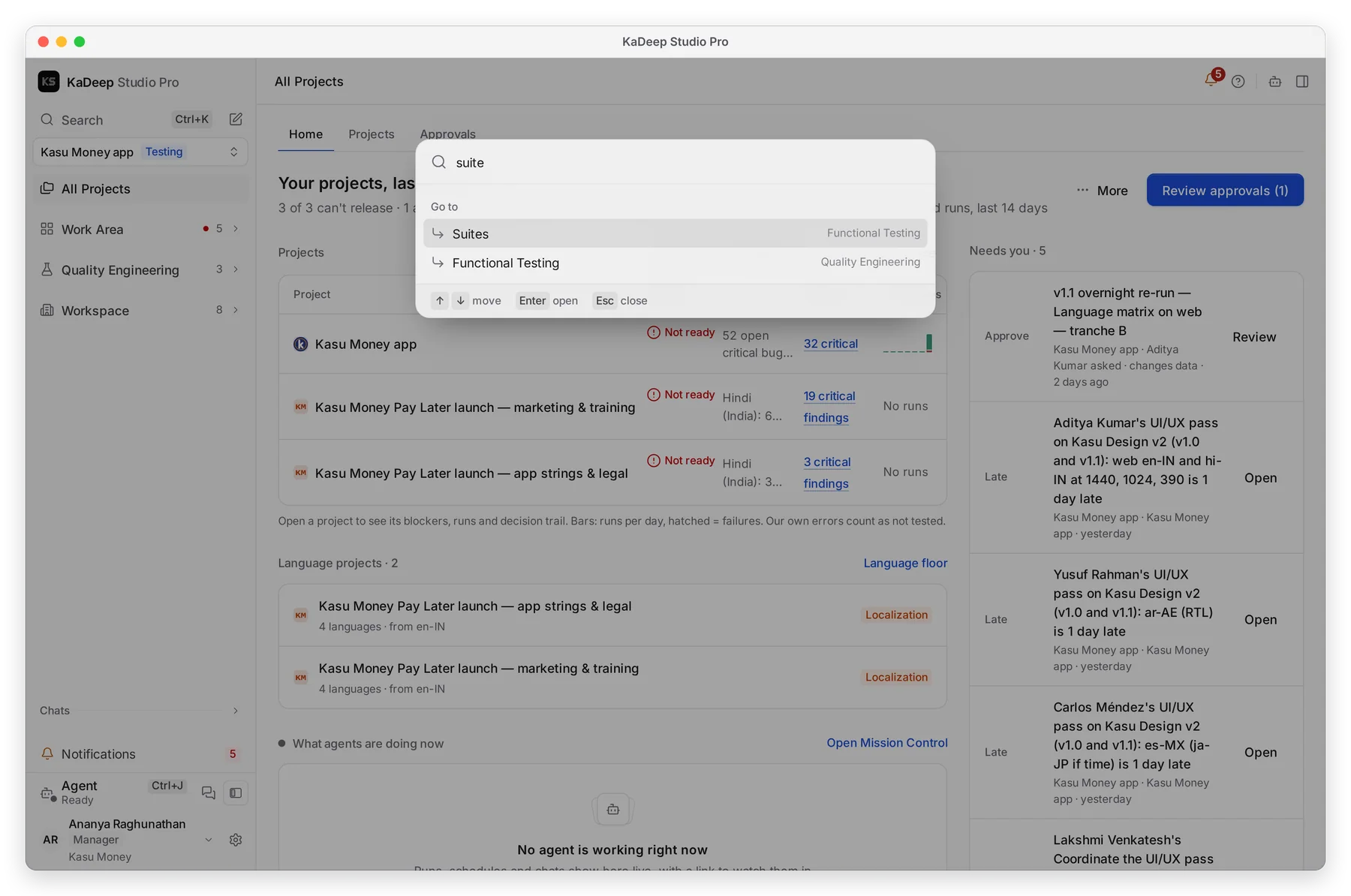
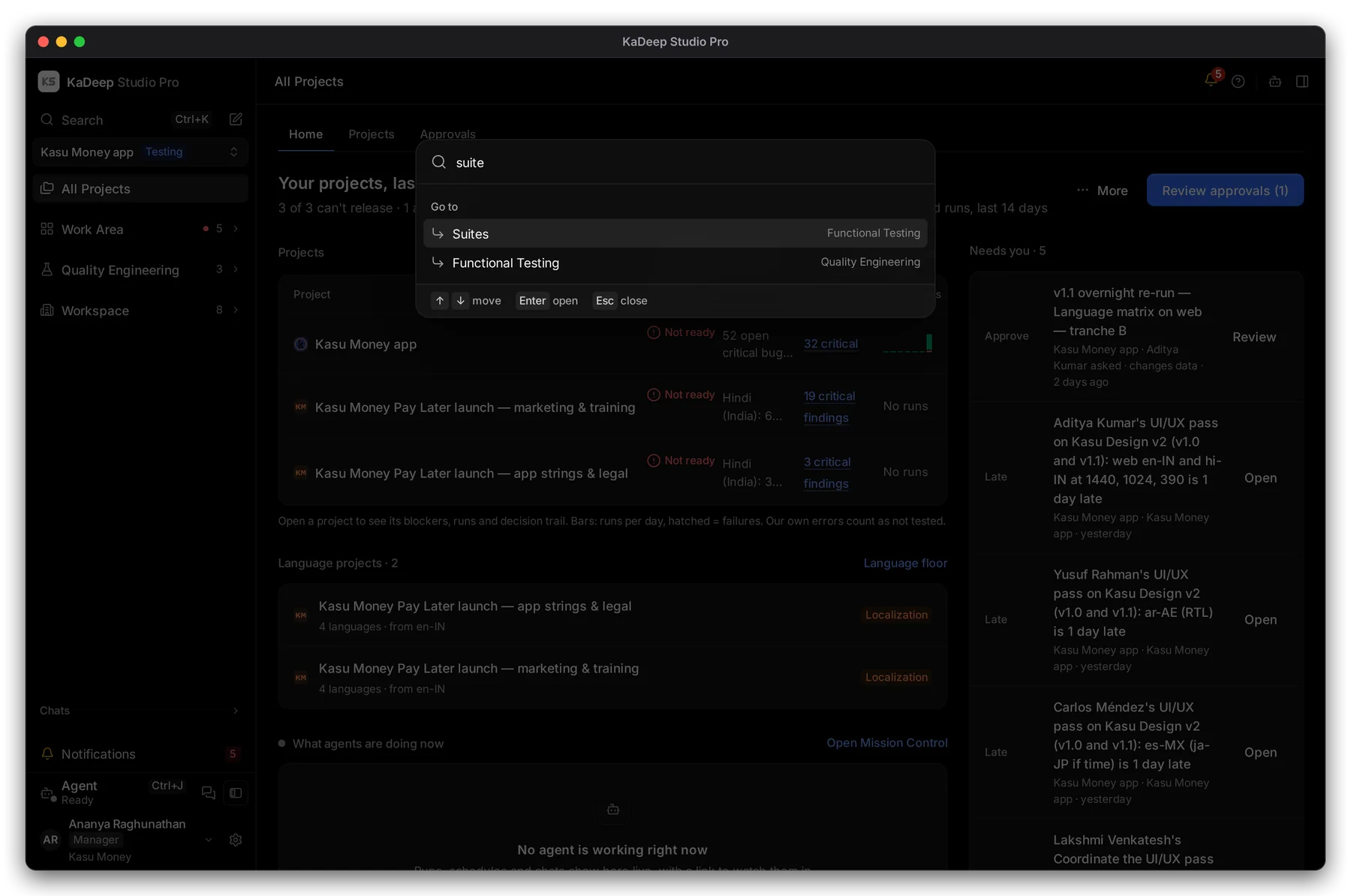
Manage view
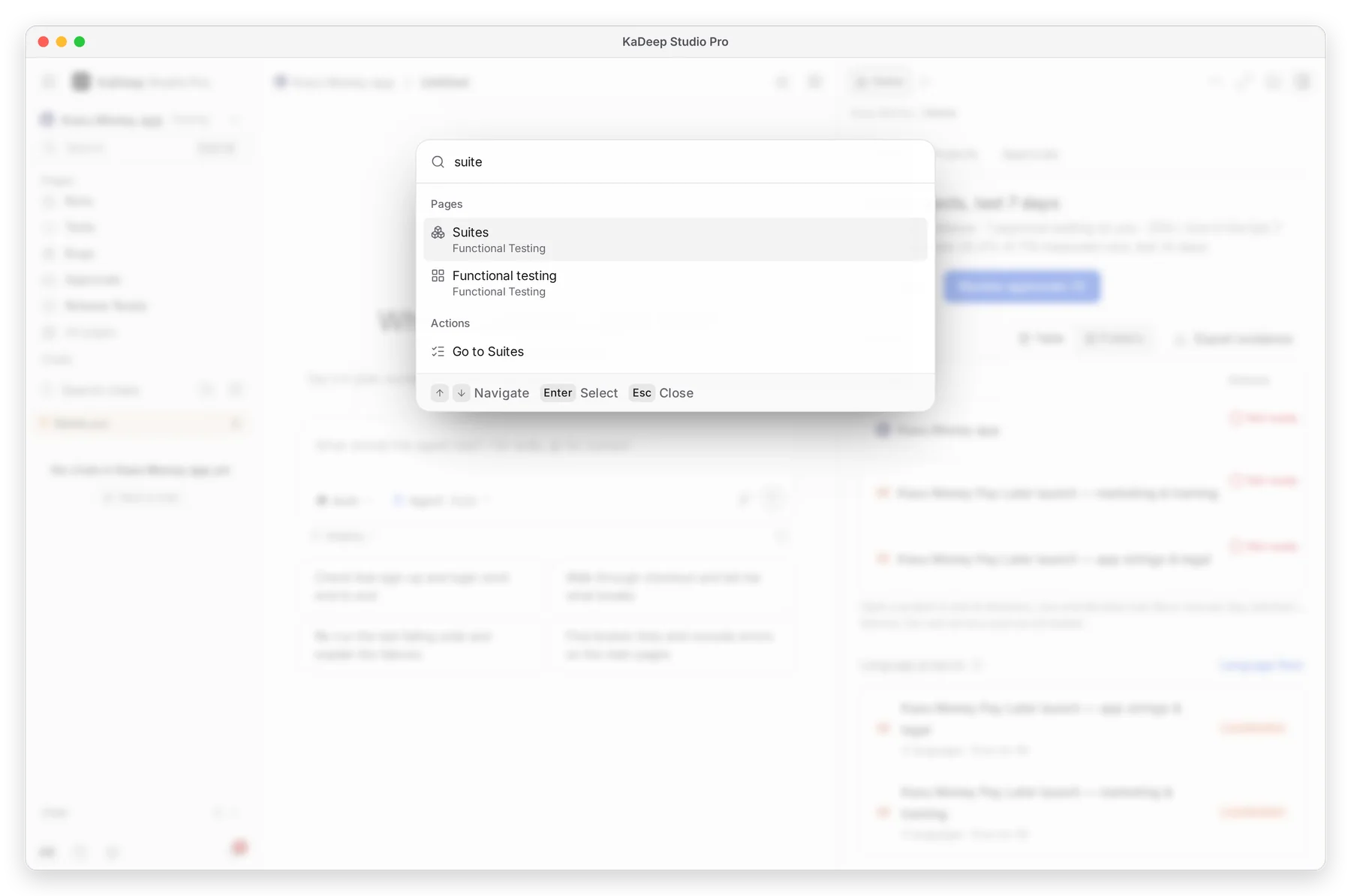
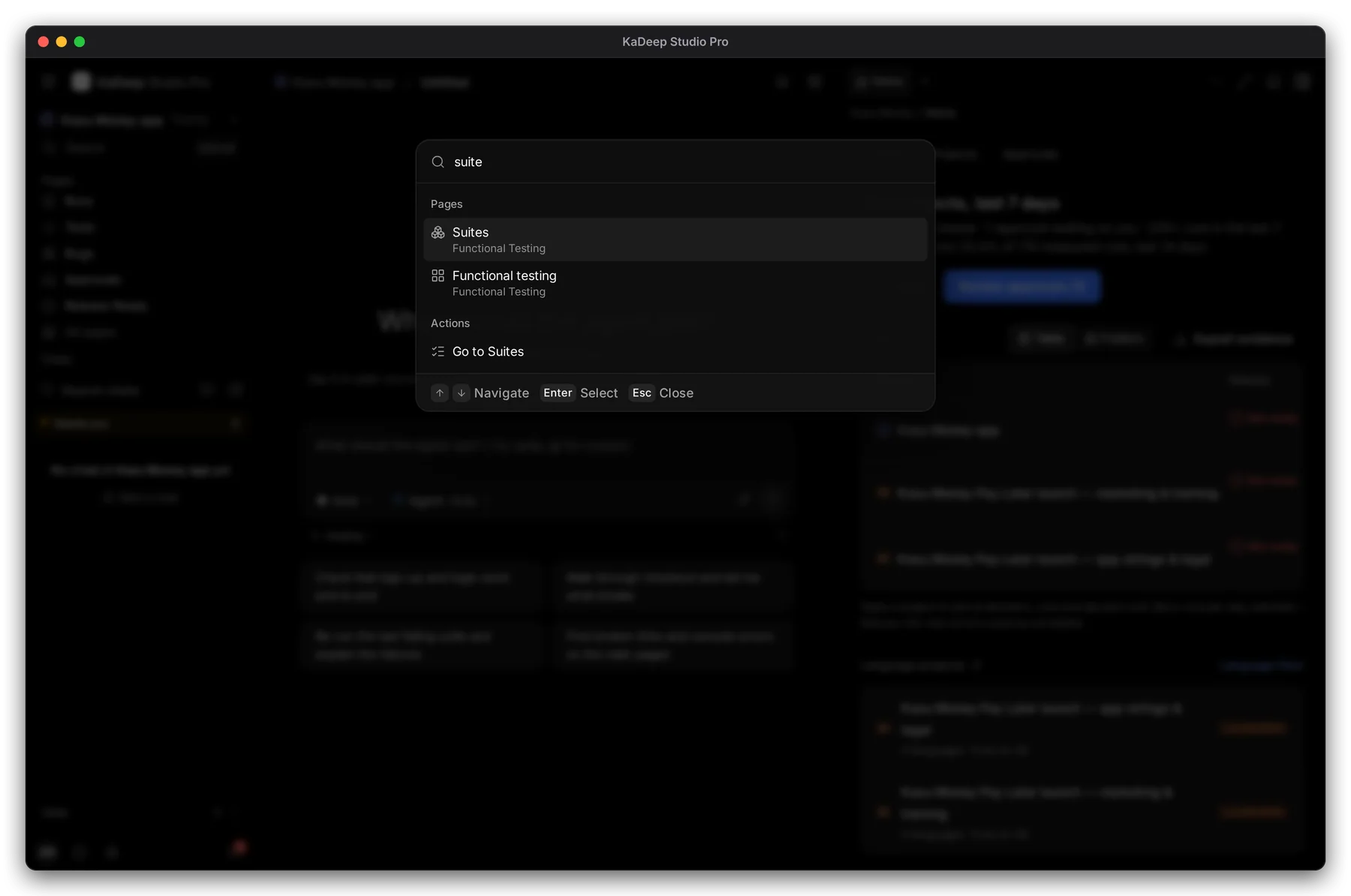
Hands-on view
Results are grouped: pages to go to, actions you can take, and records such as tests, runs, bugs and chats. With nothing typed, the box shows what you opened recently.
2. Keyboard shortcuts
Section titled “2. Keyboard shortcuts”| Do this | Windows | Mac |
|---|---|---|
| Open or close search | Ctrl K | ⌘ K |
| Open the agent | Ctrl J | ⌘ J |
| Hide or show the sidebar | Ctrl B | ⌘ B |
| Show or hide the page panel (Hands-on) | Ctrl Alt B | ⌥ ⌘ B |
| Focus mode on or off | Ctrl Shift F | ⌘ ⇧ F |
| Show keyboard shortcuts | Ctrl / | ⌘ / |
| Go to the page’s search or filter | / | / |
| Next or previous row in a list | J / K | J / K |
| Close a menu, panel or dialog | Esc | Esc |
3. See them all
Section titled “3. See them all”Open the account menu and choose Keyboard shortcuts, or press Ctrl / / ⌘ /.
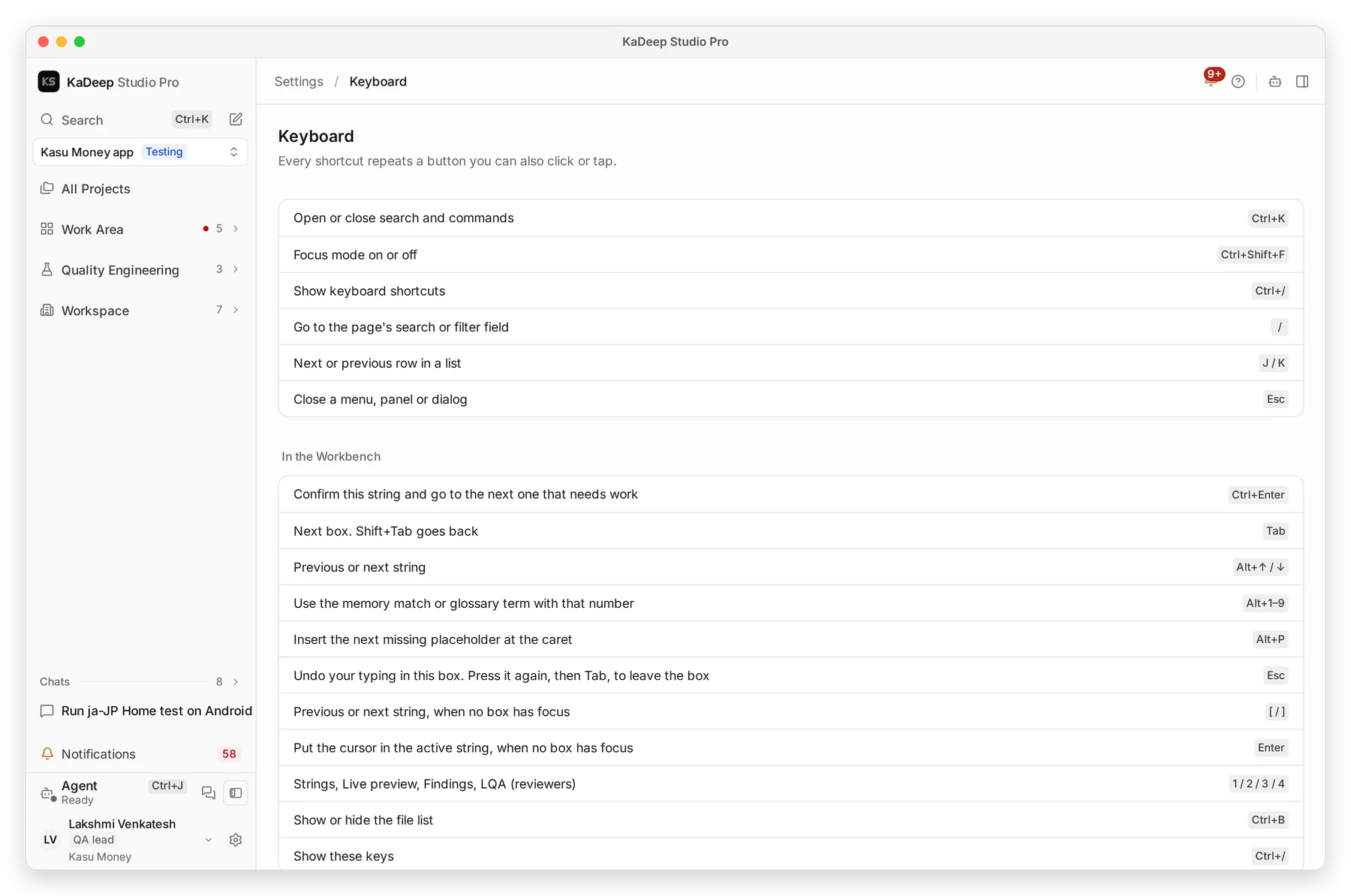
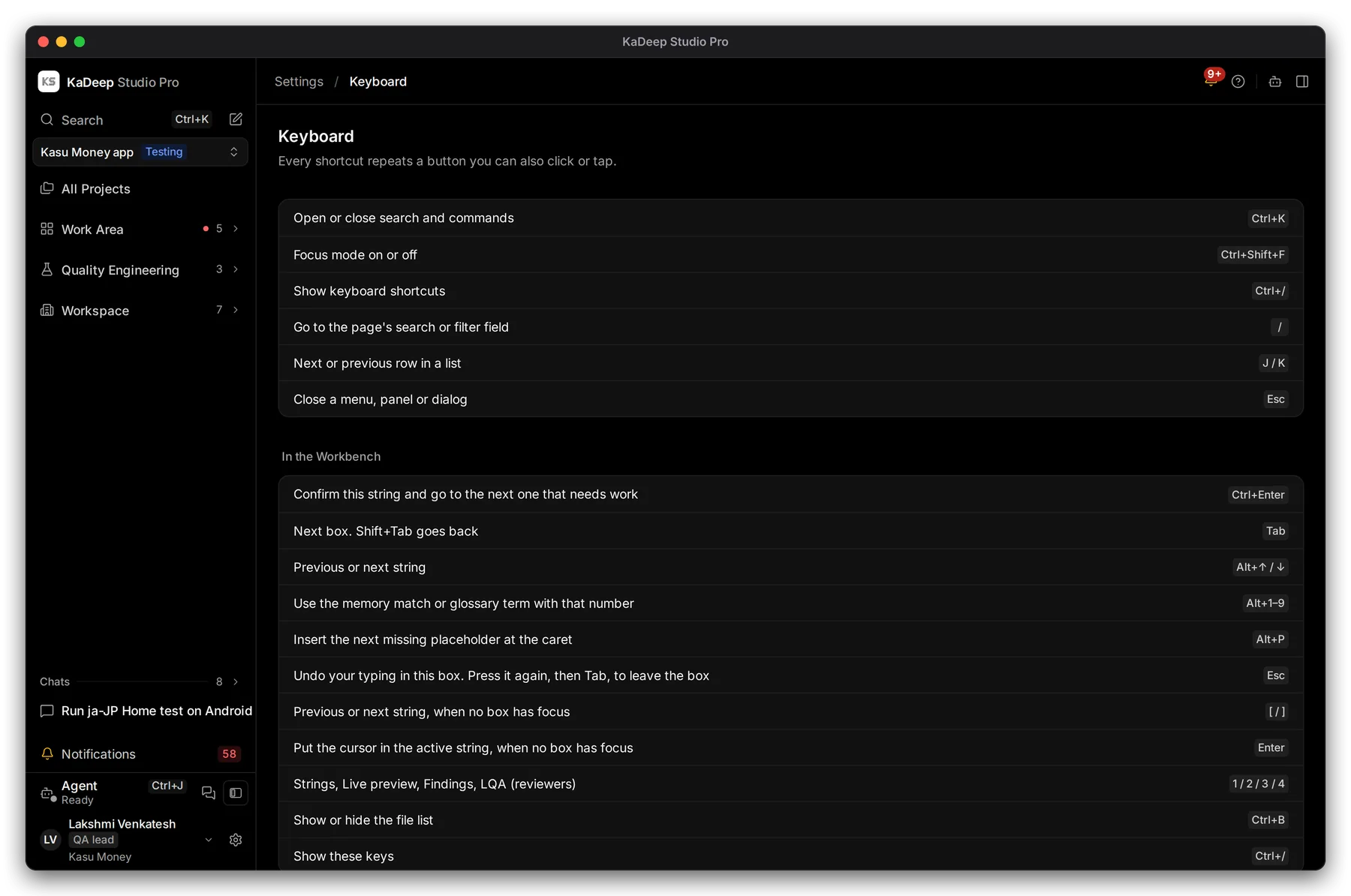
Linguists: the list also has the Workbench shortcuts, such as Ctrl Enter to confirm a string and go to the next one. See Translate in the Workbench.
What’s next
Section titled “What’s next”Preferences and themeLight or dark, notifications and profile.
Work with the agentAsk, approve and follow what it does.
A tour of the KaDeep windowWhere everything is.