How localization works
Your view
A localization project takes your app strings, documents, pictures and courses into other languages. The agent drafts, linguists translate, reviewers check, and the language lead delivers.
1. The loop
Section titled “1. The loop”| Step | Who | Where |
|---|---|---|
| 1. Set up languages, people and rules | Language lead | Create a localization project, Languages and locales |
| 2. Add the source files | Language lead | Source assets |
| 3. The agent drafts every string, using the glossary and memory | The agent | Workbench |
| 4. Translate and confirm each string | Linguist | My work, Workbench |
| 5. Review in context, accept or send back | Reviewer | Review and LQA |
| 6. Check gates, then export and deliver | Language lead | Deliveries |
2. Where the language pages are
Section titled “2. Where the language pages are”Open Quality Engineering › Linguistic Testing. The tabs are Language status, My work, Review, Workbench and Video Translate.
In a localization project, the Pages list in the sidebar shows the language pages your role uses.
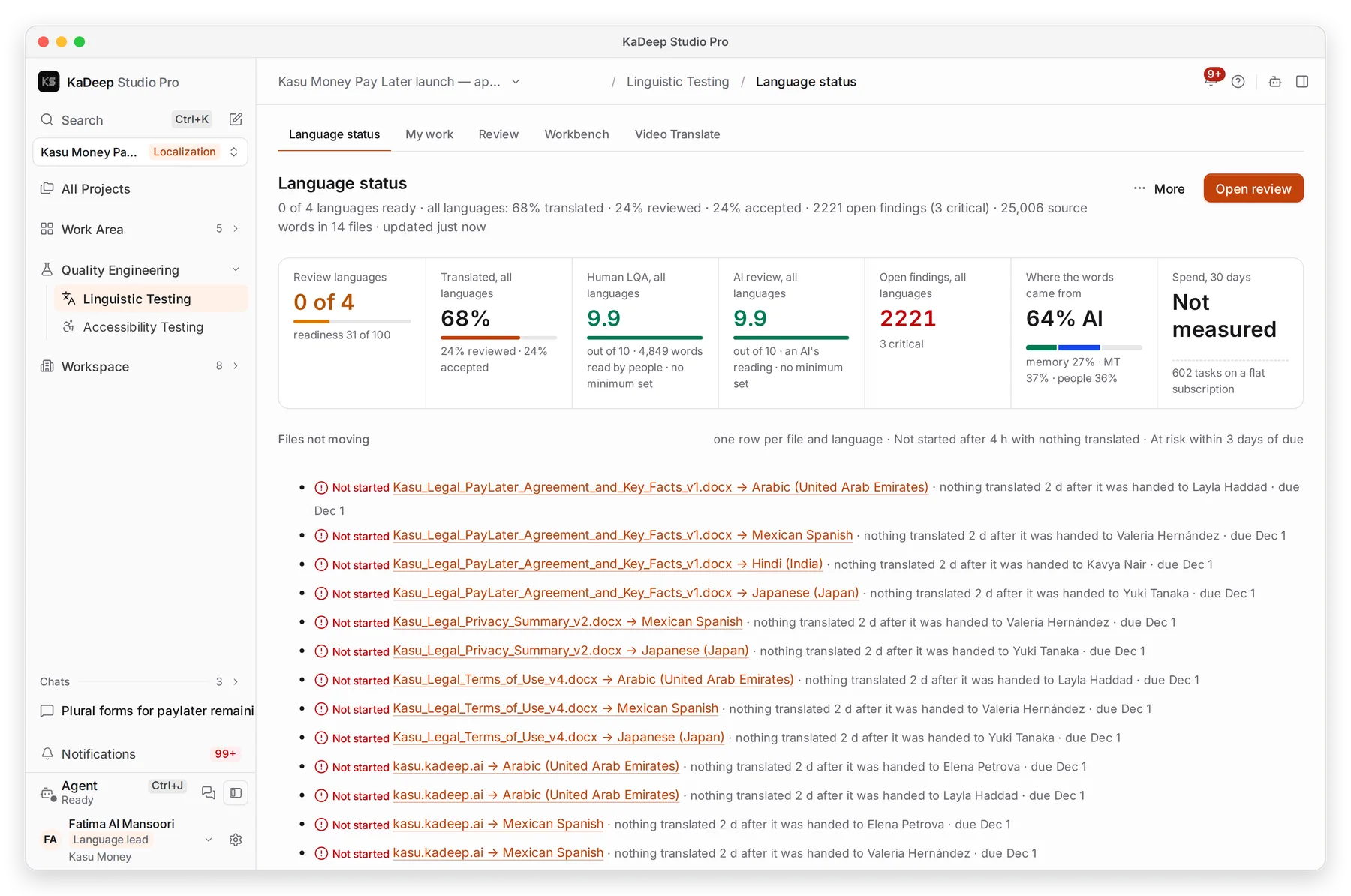
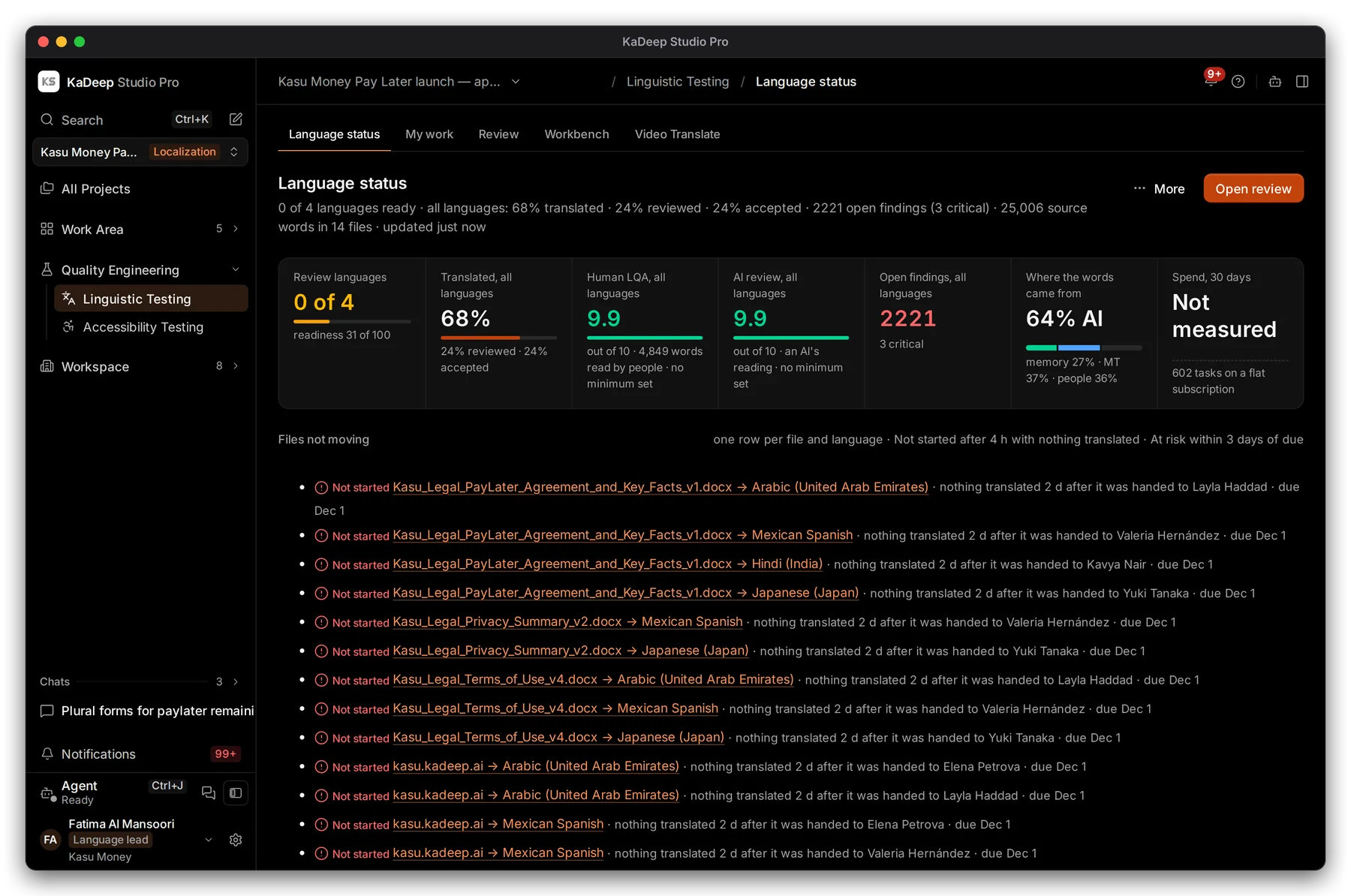
Manage view
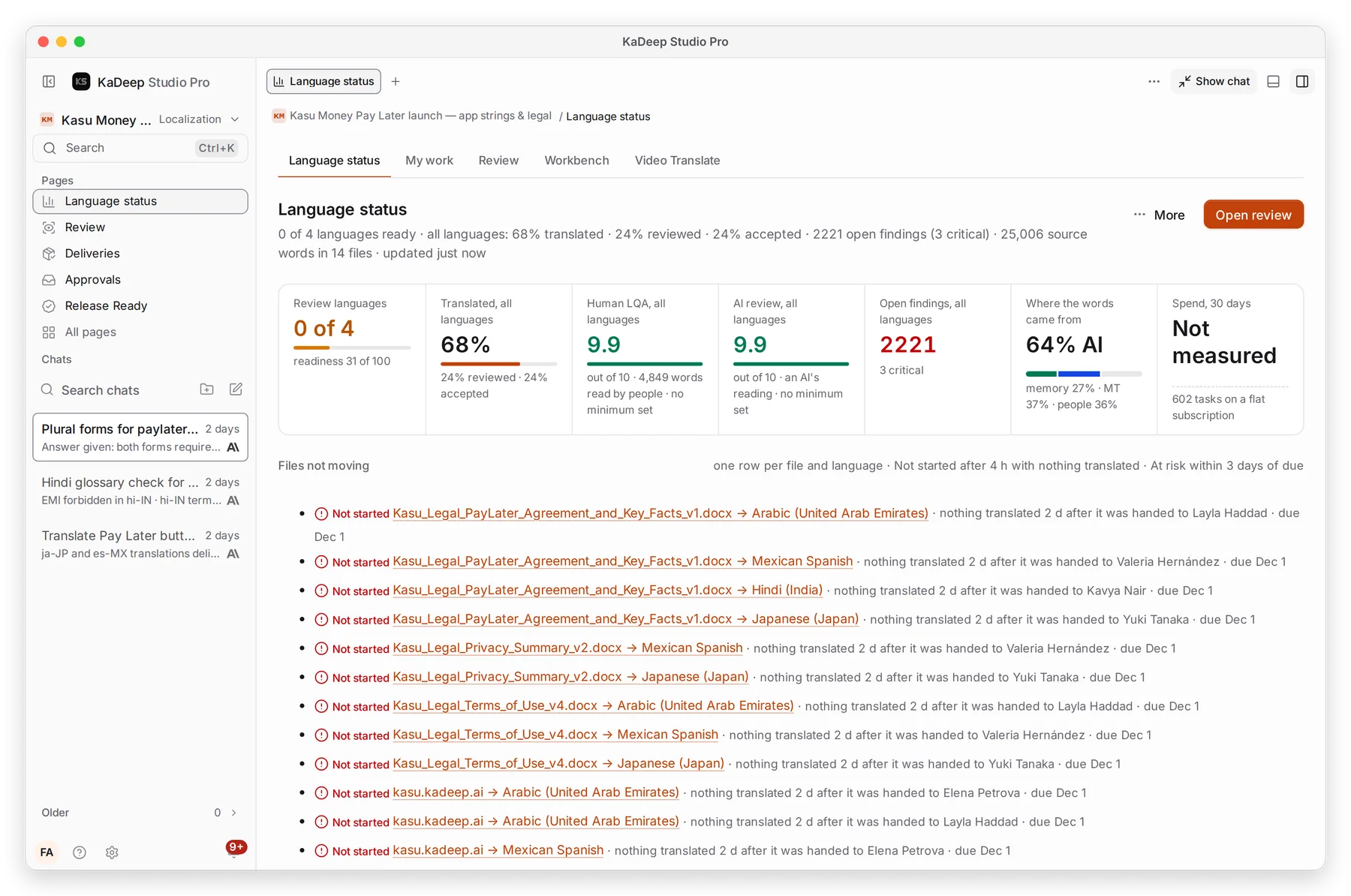
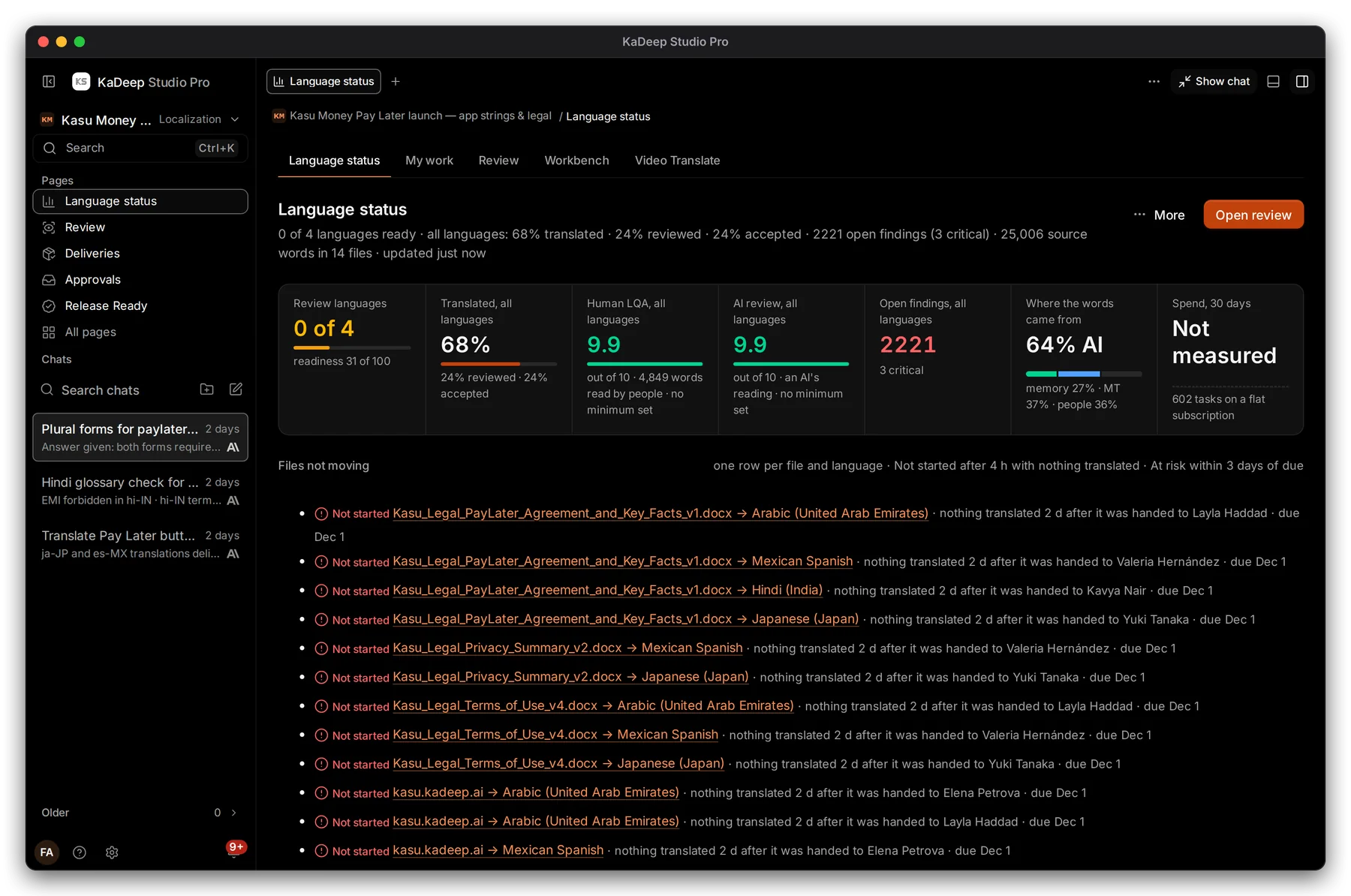
Hands-on view
- 1 The language pages. Your pages. A language lead sees Language status, Review, Deliveries, Approvals and Release Ready.
- 2 Languages ready: how many languages can ship.
- 3 How much is translated, reviewed and accepted, across all languages.
- 4 Files not moving: files nobody has started, or that are at risk of missing their date.
3. Words you will see
Section titled “3. Words you will see”| Word | Meaning |
|---|---|
| Draft | The agent’s or a machine’s translation, not yet confirmed by a person |
| Translated | A linguist confirmed it |
| Reviewed / Accepted | A reviewer read it and accepted it |
| Finding | Something a check flagged: a missing placeholder, a wrong term, text too long |
| Do not translate | A glossary term that must stay exactly as written, such as a brand |
See the Glossary for more.
What’s next
Section titled “What’s next”Create a localization projectThe setup wizard, step by step.
Your language queueFor linguists and reviewers: where your work starts.
Translate in the WorkbenchEdit strings with glossary and memory.
DeliveriesGates, exports and delivery.