Watch agents live
Your view
Mission Control is the live board for a project. Every agent that is testing shows as a tile with its screen, the step it is on, and the chat that started it.
You don’t need to watch a run for it to finish. Open Mission Control when you want to see the app as the agent sees it, or to stop a run early.
1. Open Mission Control
Section titled “1. Open Mission Control”- In the sidebar, open Work Area › Runs & Defects, then choose the Mission Control tab. In the sidebar, under Pages, choose Runs, then the Mission Control tab.
- From a running test or a chat, you can also choose Open in Mission Control.
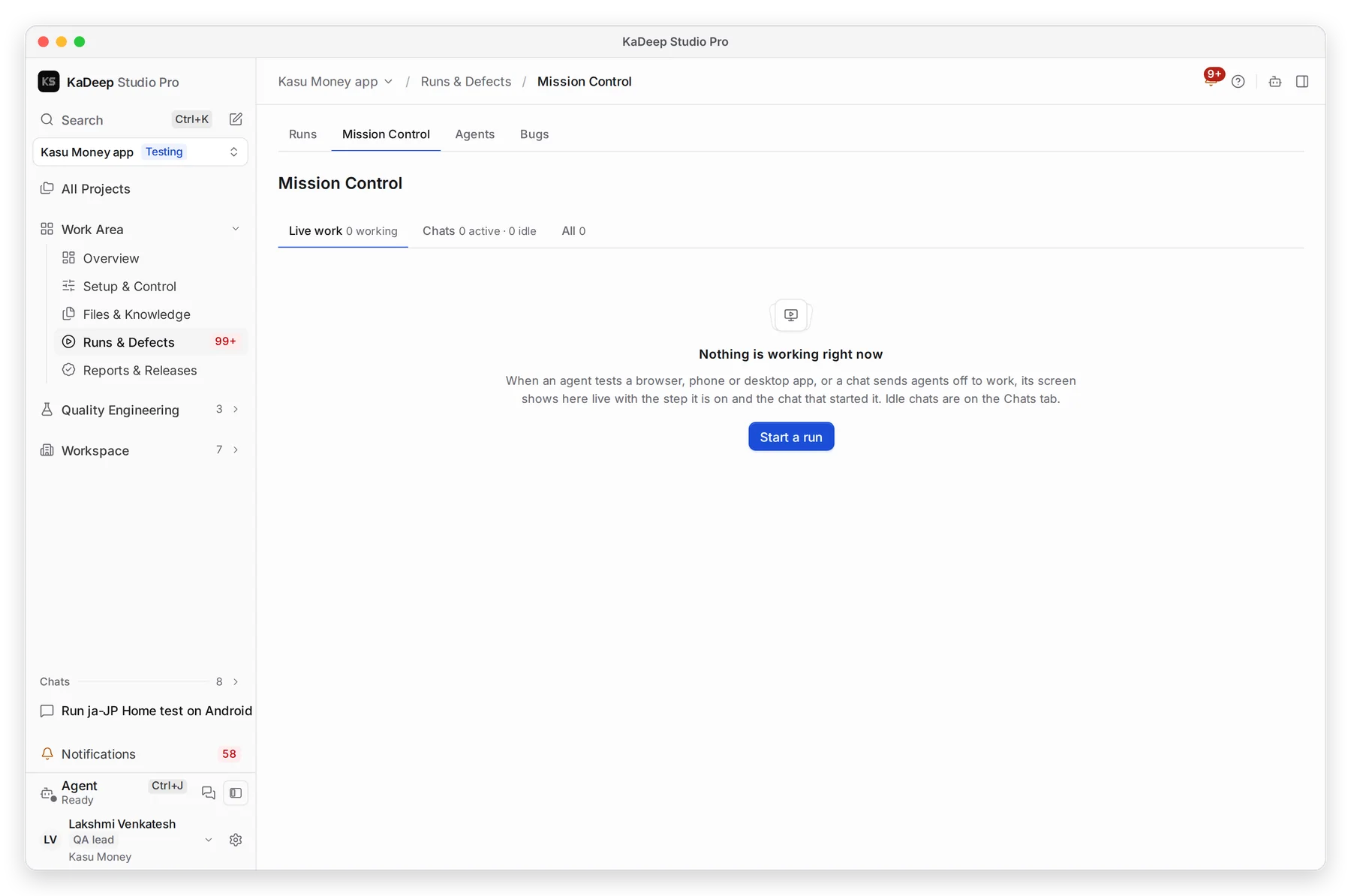
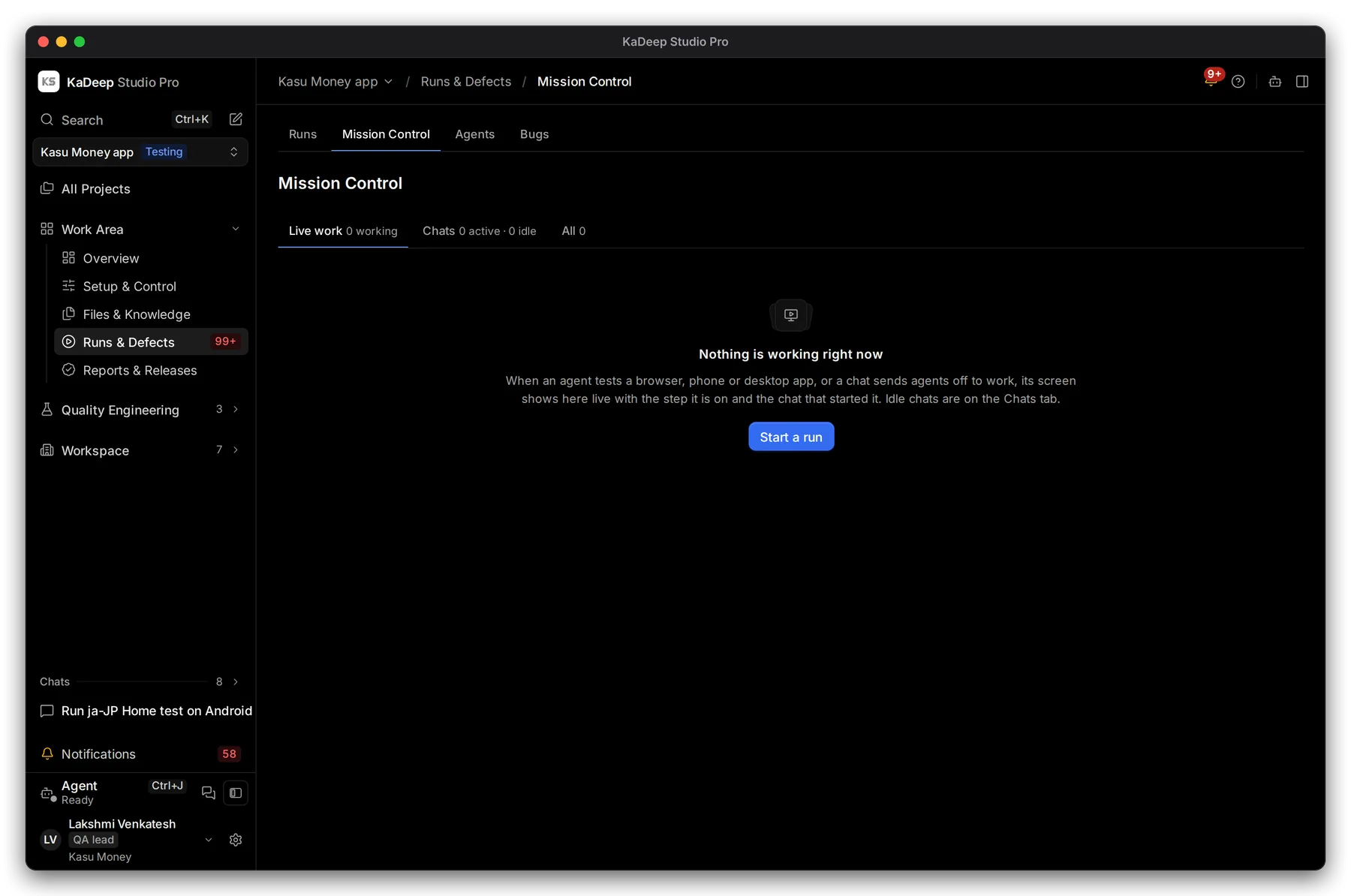
Manage view
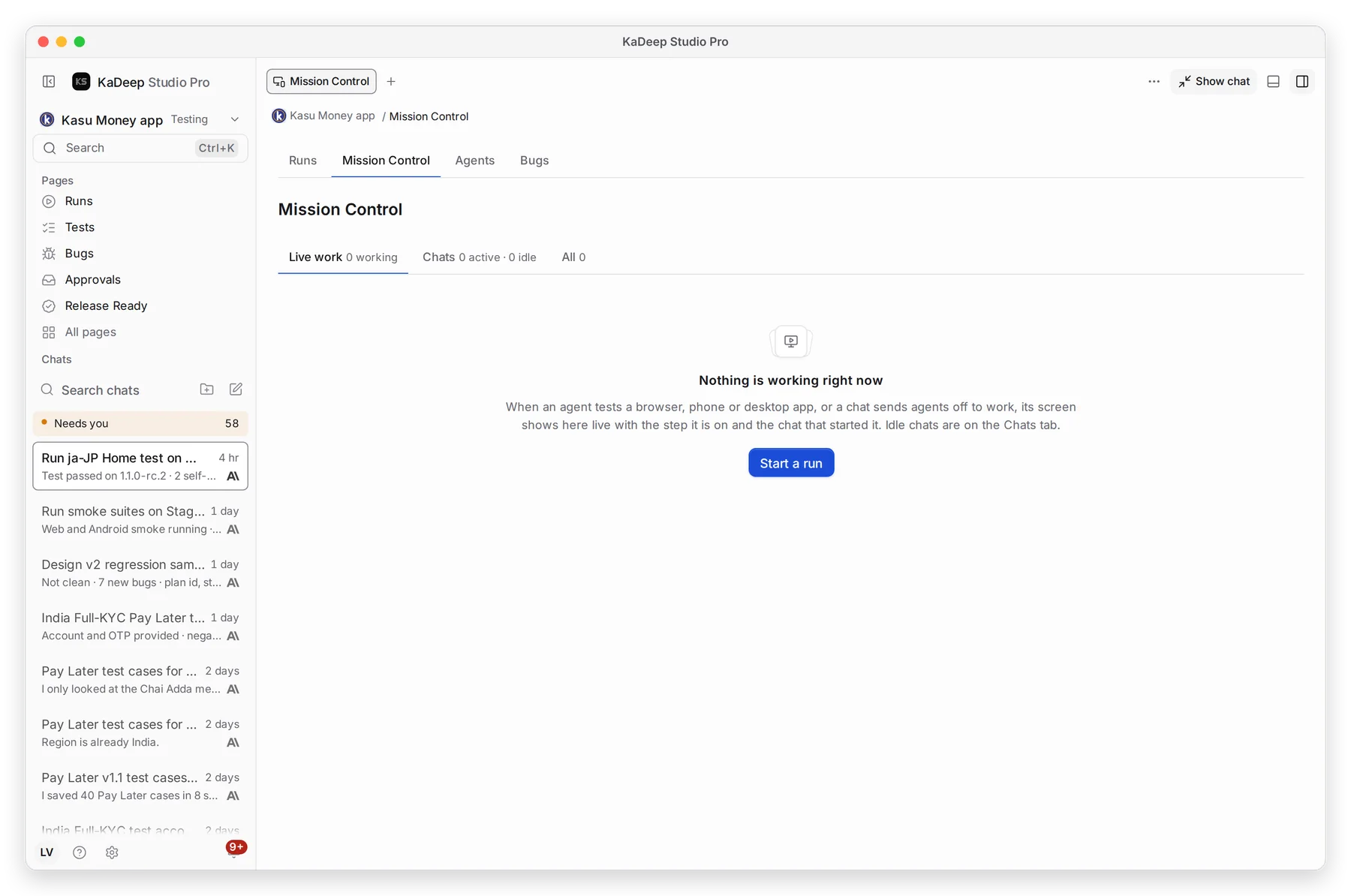
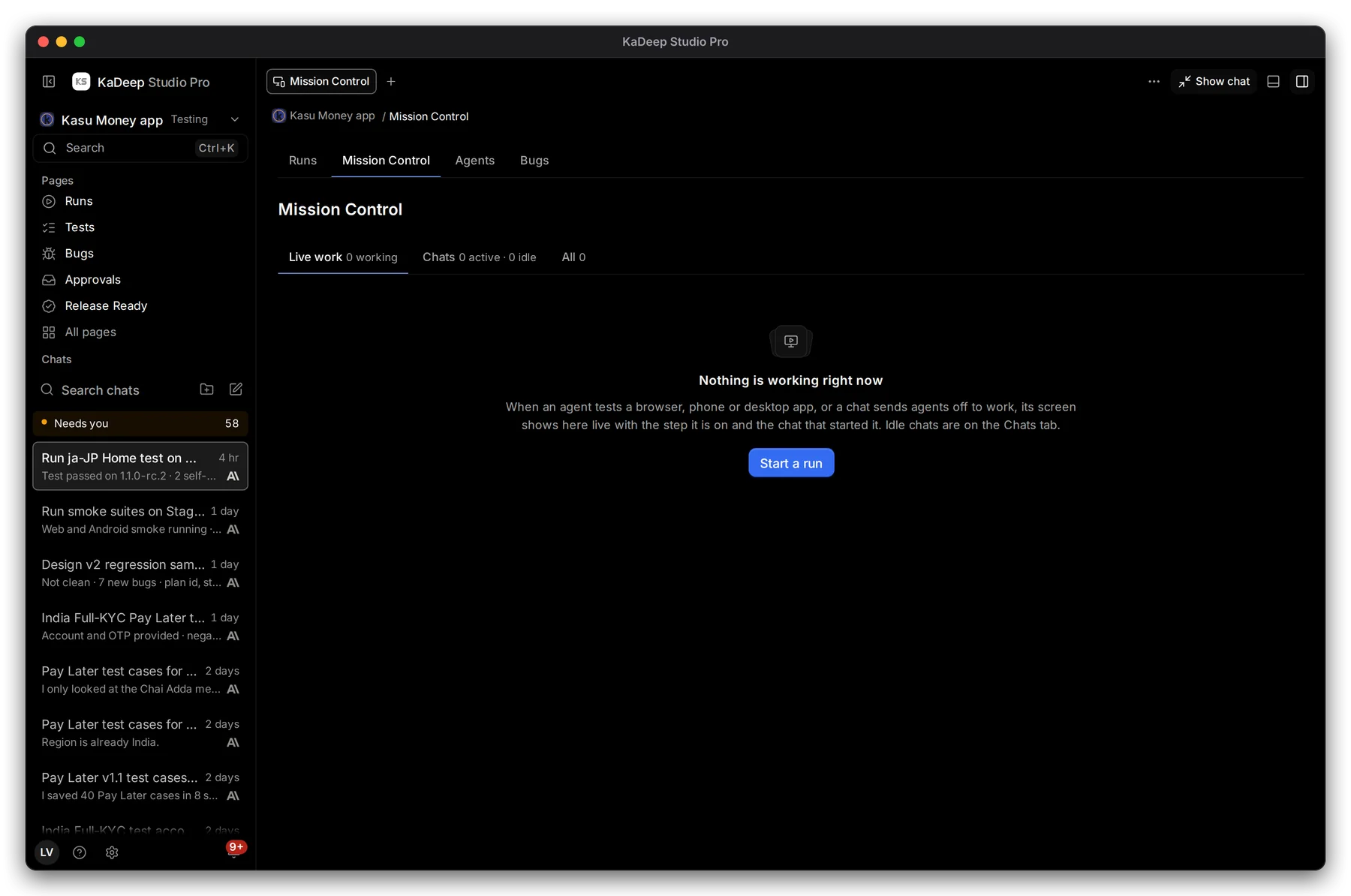
Hands-on view
- 1 Live work: agents testing a browser, phone or desktop app right now.
- 2 Chats: conversations with the agent, and whether each one is working, waiting for approval or idle.
- 3 All: both together.
- 4 When nothing is running, Start a run opens the agent.
2. Follow a run
Section titled “2. Follow a run”While a run is going, each tile shows:
| On the tile | What it tells you |
|---|---|
| The screen | The run’s live browser, phone or desktop. Before the first frame it says Waiting for the screen. |
| Running | The agent is working, with the step it is on and how long it has run. |
| Waiting for a person | The agent needs an answer or an approval before it goes on. |
| Queued | The run is waiting for a free browser, phone or computer. |
| The chat’s name | Opens the chat that sent the agent off to work. |
Click a tile to open the run. Live view opens the screen larger, beside the page.
3. Stop a run
Section titled “3. Stop a run”Choose Stop on the tile, then Stop run to confirm. The test stops at the step it is on. Its steps so far are kept, and it does not count toward the release verdict. In a suite, Stop the rest keeps the finished tests and skips the ones still to come.
What’s next
Section titled “What’s next”Runs and evidenceEvery finished run, with video and report.
Test on phonesAndroid and iOS: cloud phones and your own devices.
Work with the agentAsk, plan and approve in the chat.