Follow language status
Your view
Language status is the project’s dashboard: how far each language is, how good it is, and which files need a push.
1. Open Language status
Section titled “1. Open Language status”Open Quality Engineering › Linguistic Testing. Language status is the first tab. From Home, Open language status goes there too.
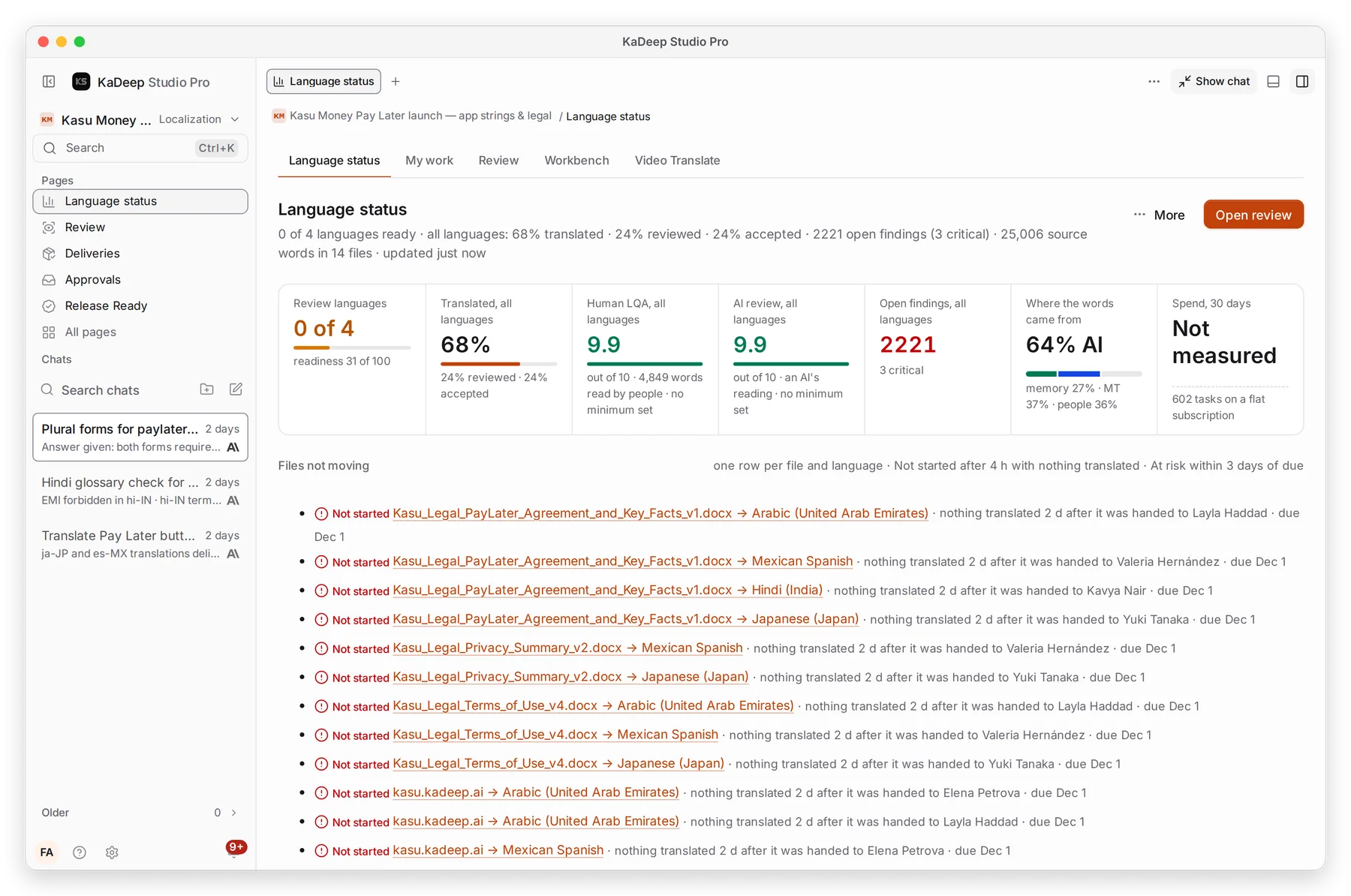
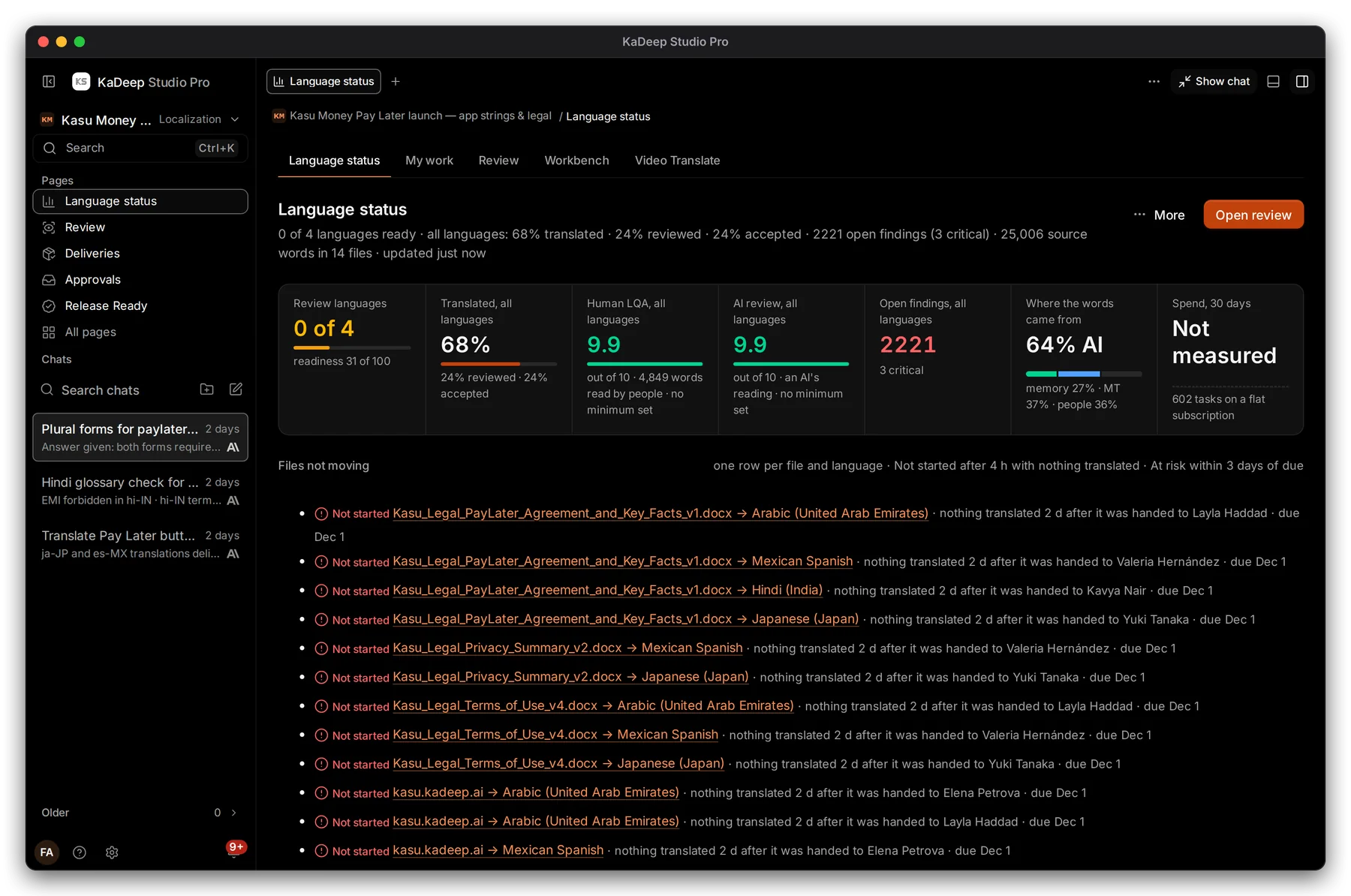
Under Pages, choose Language status.
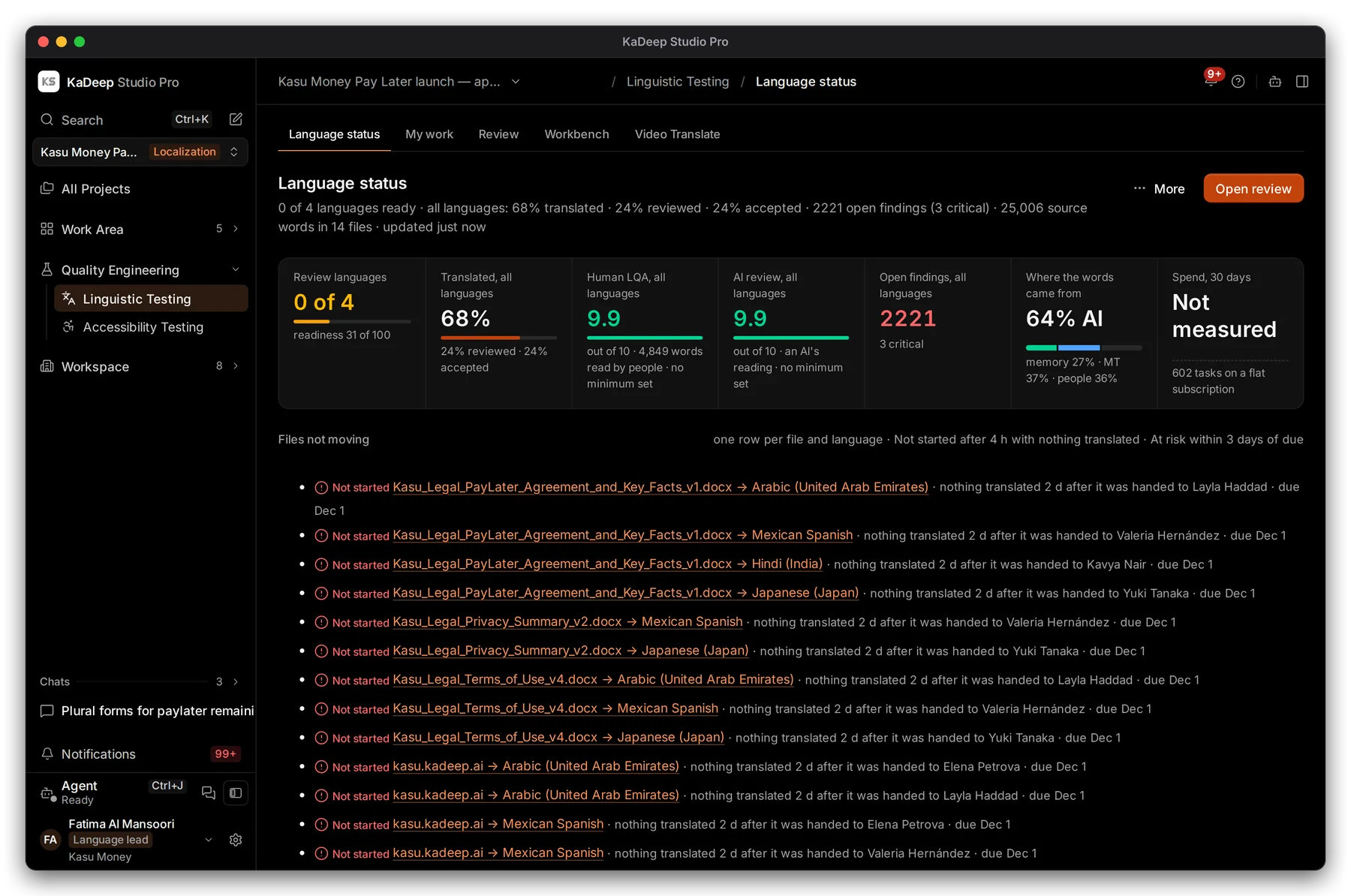
The summary line reads, for example, 0 of 4 languages ready · 68% translated · 24% reviewed · 2221 open findings (3 critical).
2. Read the figures
Section titled “2. Read the figures”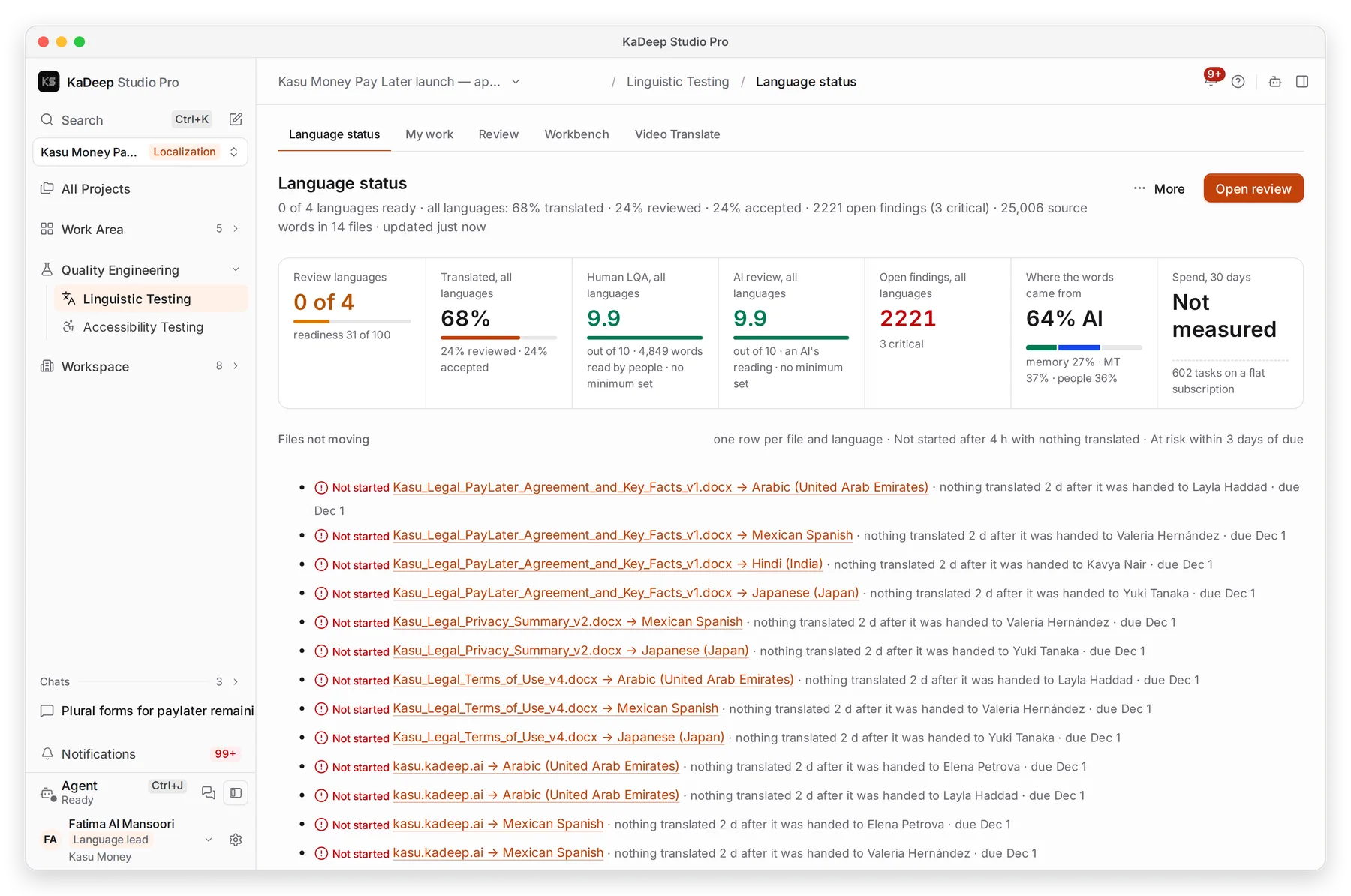
Manage view
Hands-on view
- 1 Languages ready, with a readiness score out of 100.
- 2 Human LQA: the score from people’s reviews, out of 10, and how many words they read.
- 3 AI review: the agent’s own reading, out of 10. It is kept apart from the human score.
- 4 Open findings, and how many are critical.
- 5 Files not moving: one row per file and language that is Not started after 4 hours, or At risk within 3 days of its due date.
| Figure | Also shows |
|---|---|
| Translated, all languages | How much is reviewed and accepted |
| Where the words came from | Memory, machine translation and people, as shares |
| Spend, 30 days | What the project’s agent work cost |
3. Act on what you see
Section titled “3. Act on what you see”- Click a stuck file to open its delivery. Reassign it or move the due date.
- Choose Open review to see what waits for reviewers.
- Click a language’s score to open its findings in the Workbench.
What’s next
Section titled “What’s next”DeliveriesAssign, unblock and deliver each file and language.
Review and LQAWhat reviewers do with each string.
Language floorEvery language project in one view.