Set up languages and locales
Your view
Language settings decide which languages a project goes into, who works on each one, how it should sound, and what must be true before a translation is approved.
1. Open Language settings
Section titled “1. Open Language settings”Open Work Area › Setup & Control › Language settings.
Choose All pages, then Language settings.
The line under the title says the source language, for example Written in English (India) · translated into 4 languages.
2. Add a language and its people
Section titled “2. Add a language and its people”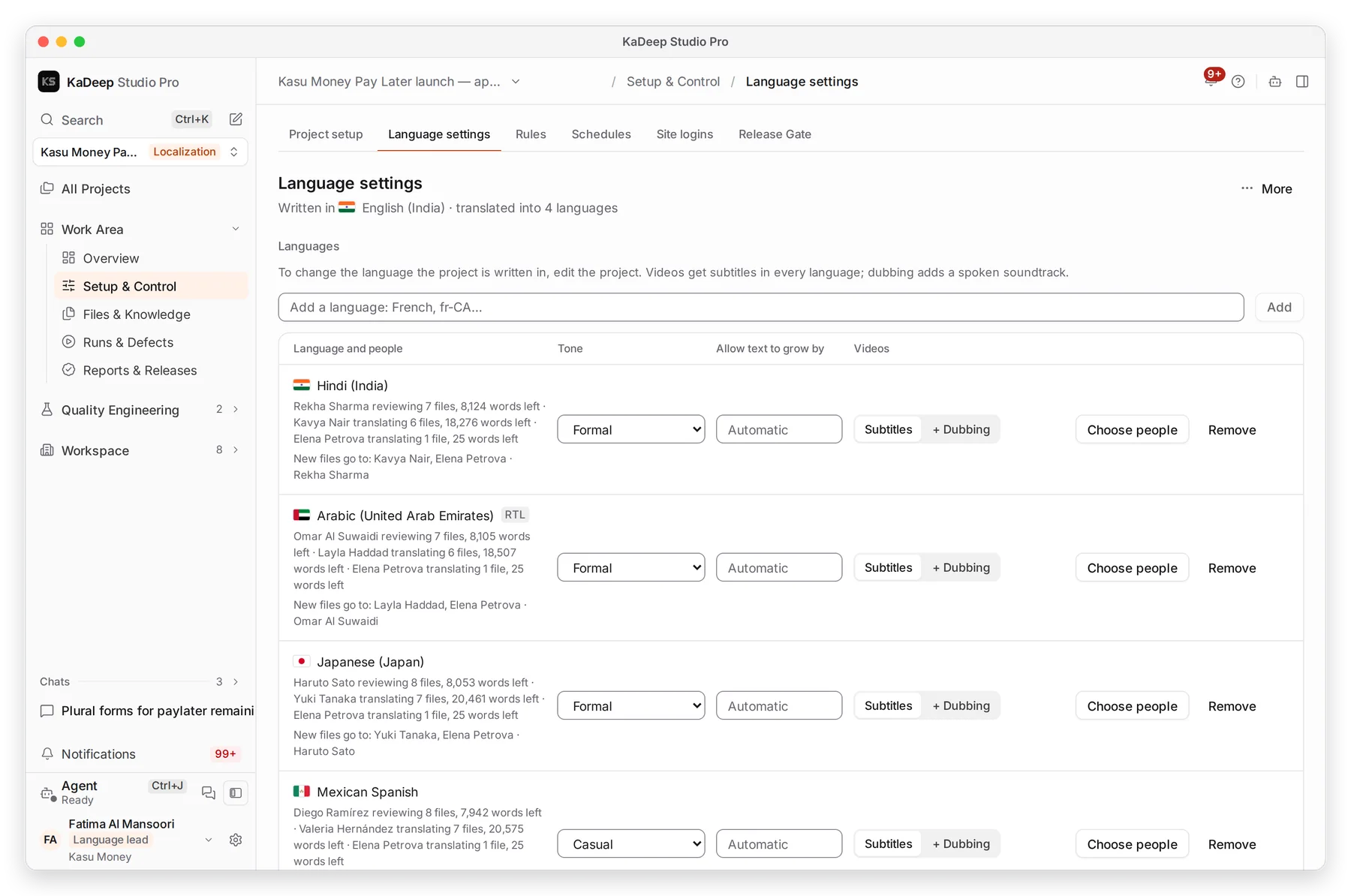
Manage view
Hands-on view
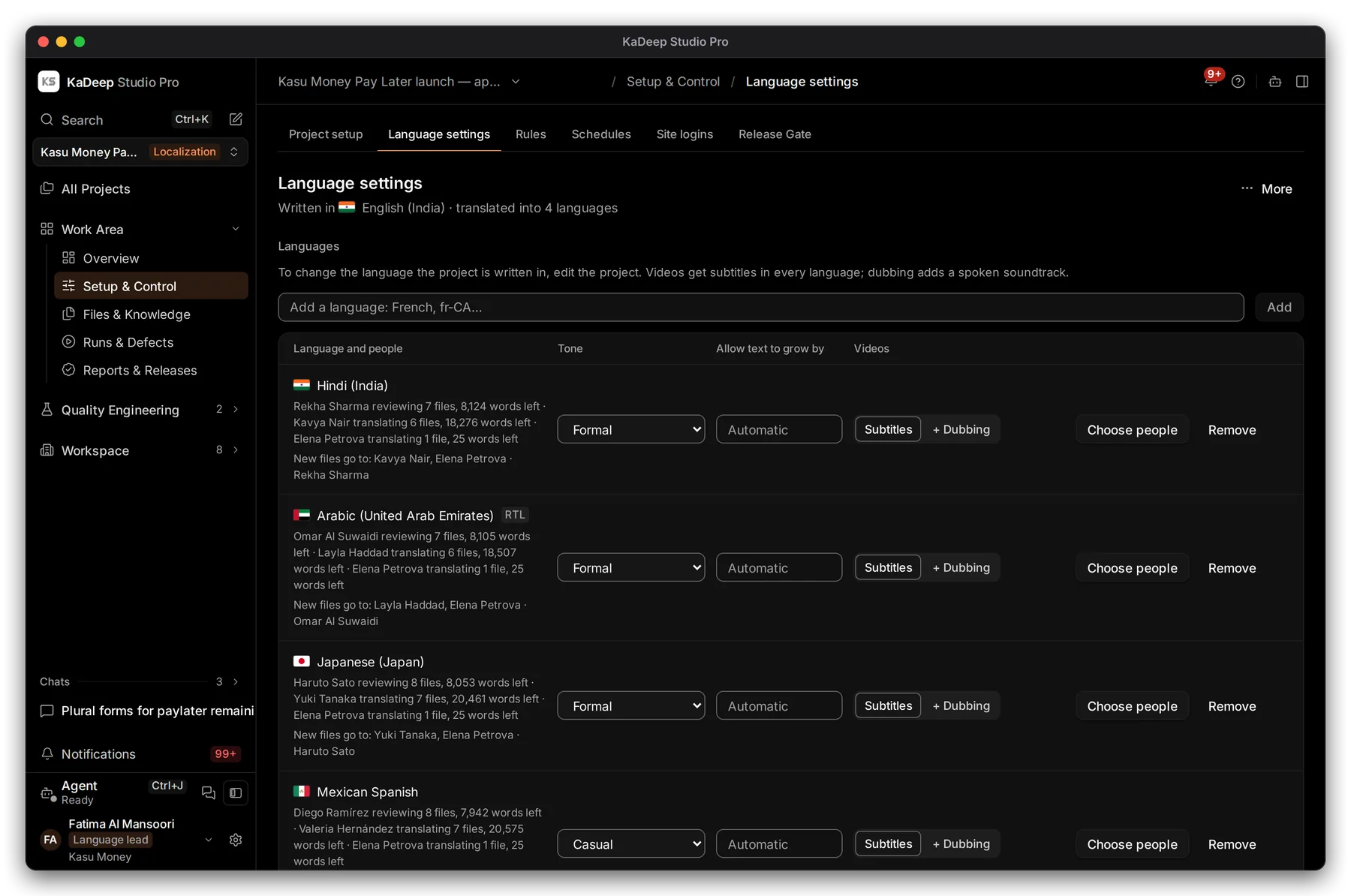
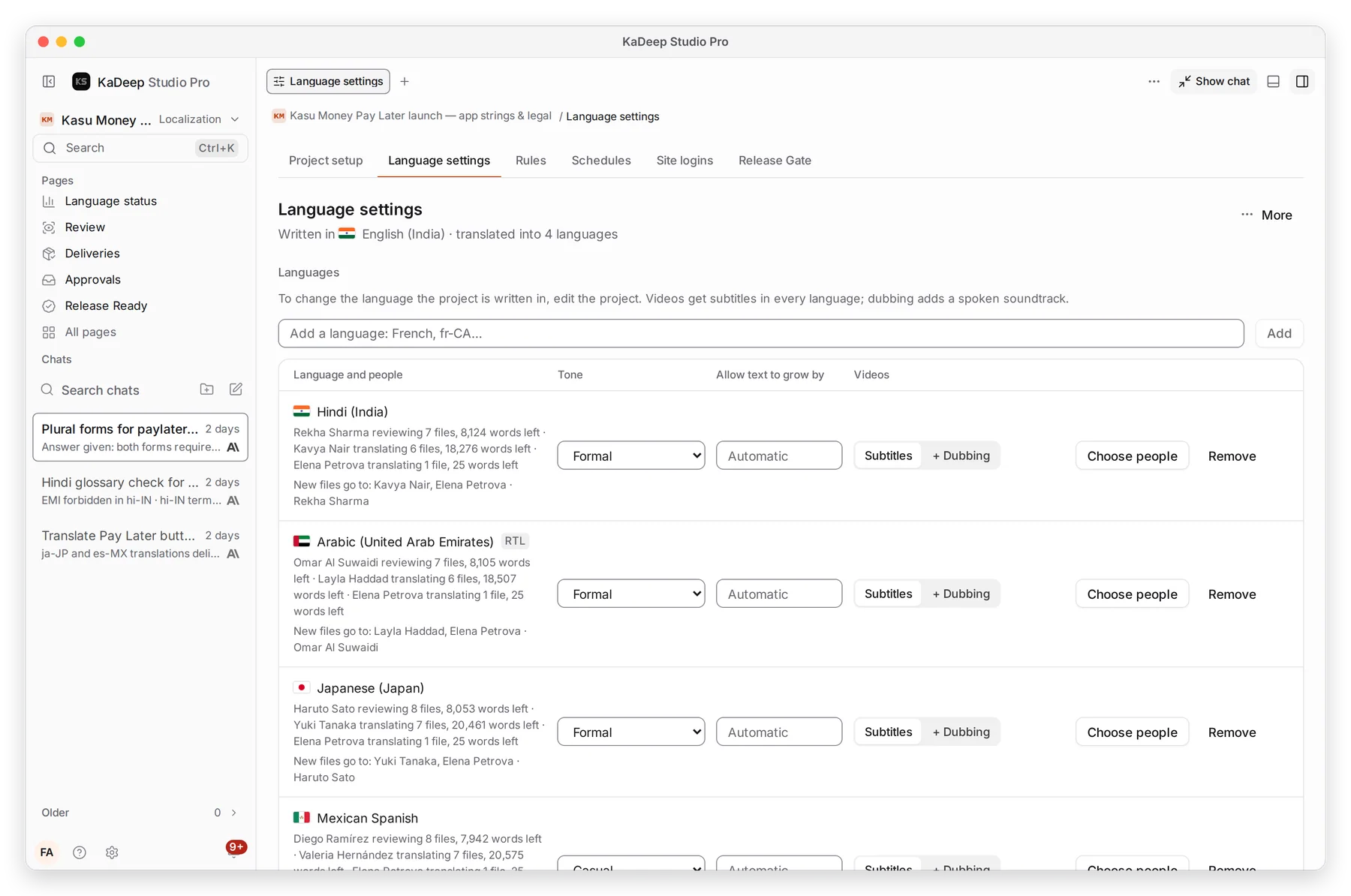
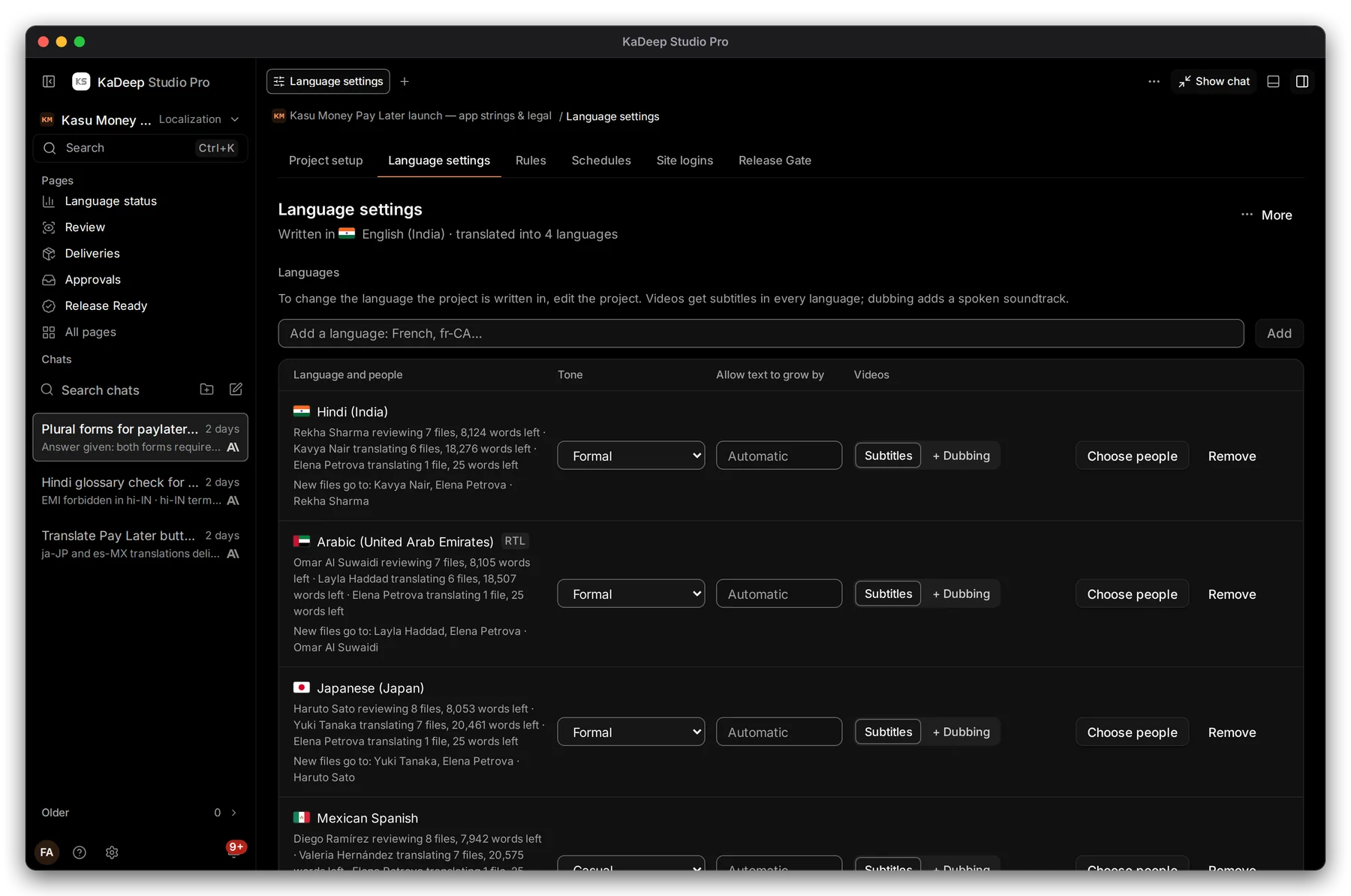
- 1 Add a language.
- 2 Who works on each language: the reviewer, the translators, and how many words each has left.
- 3 Choose people changes who new files go to.
- 4 Right-to-left languages, such as Arabic, carry an RTL label. The Workbench and previews show them right to left.
- Type a language in Add a language and choose Add. Pick a locale, such as Arabic (United Arab Emirates), not only a language.
- Choose Choose people and pick the translators and the reviewer.
- Pick a Tone: Default, Formal, Neutral or Casual.
- Set Allow text to grow by if your screens have tight space.
- For videos, keep Subtitles, or add + Dubbing for a spoken soundtrack.
3. Set the approval rules
Section titled “3. Set the approval rules”Scroll to Before a translation can be approved.
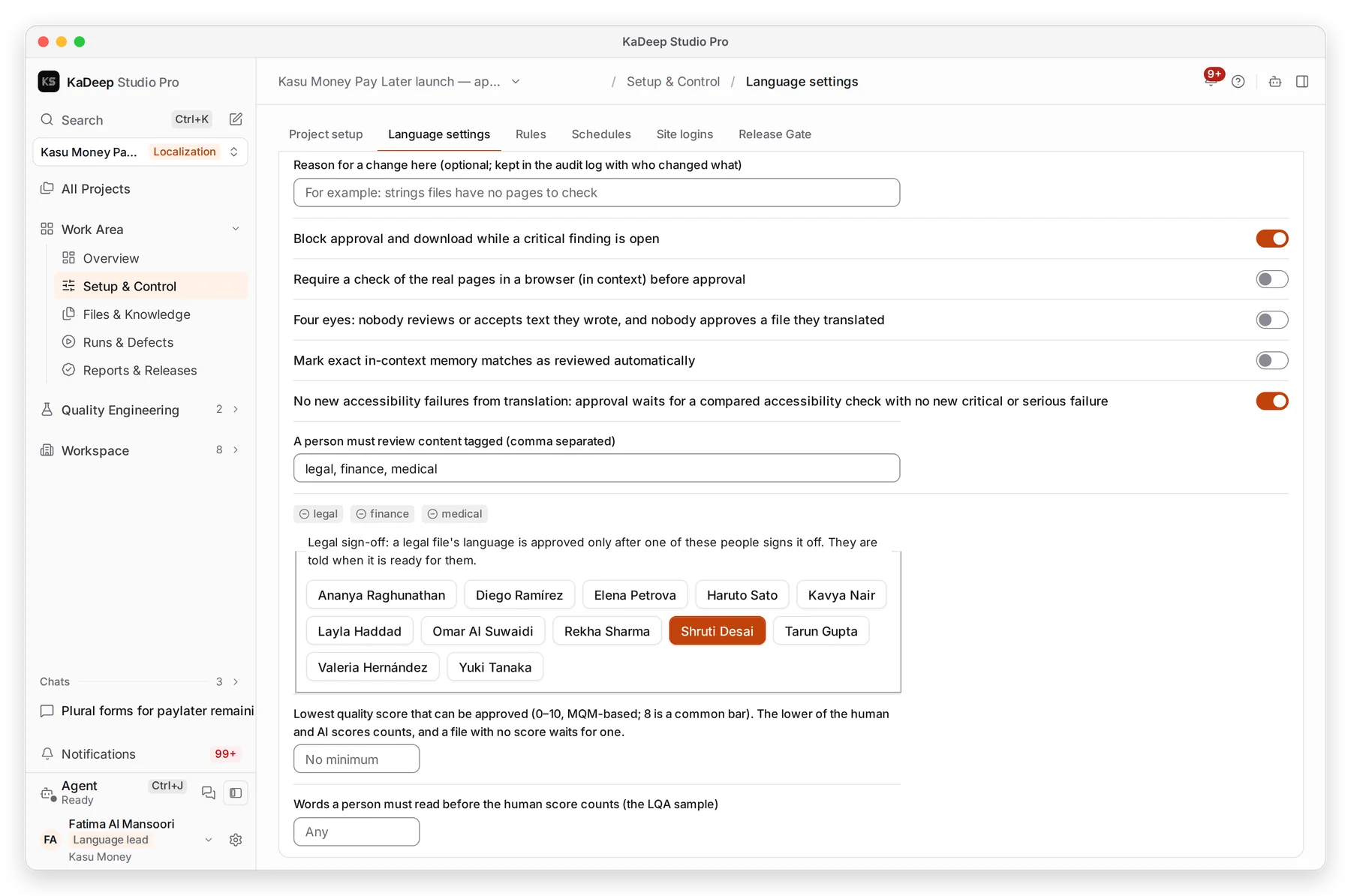
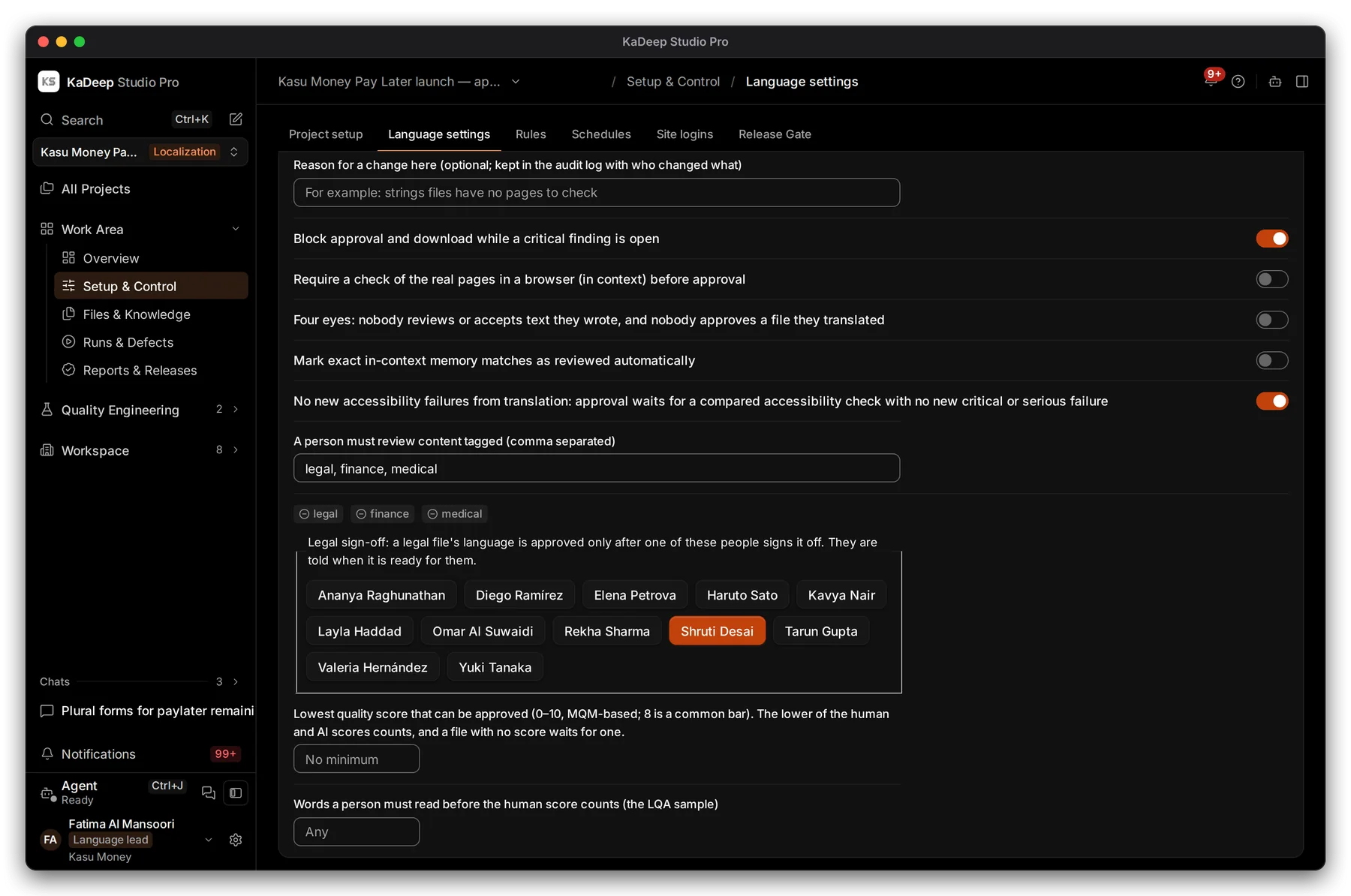
Manage view
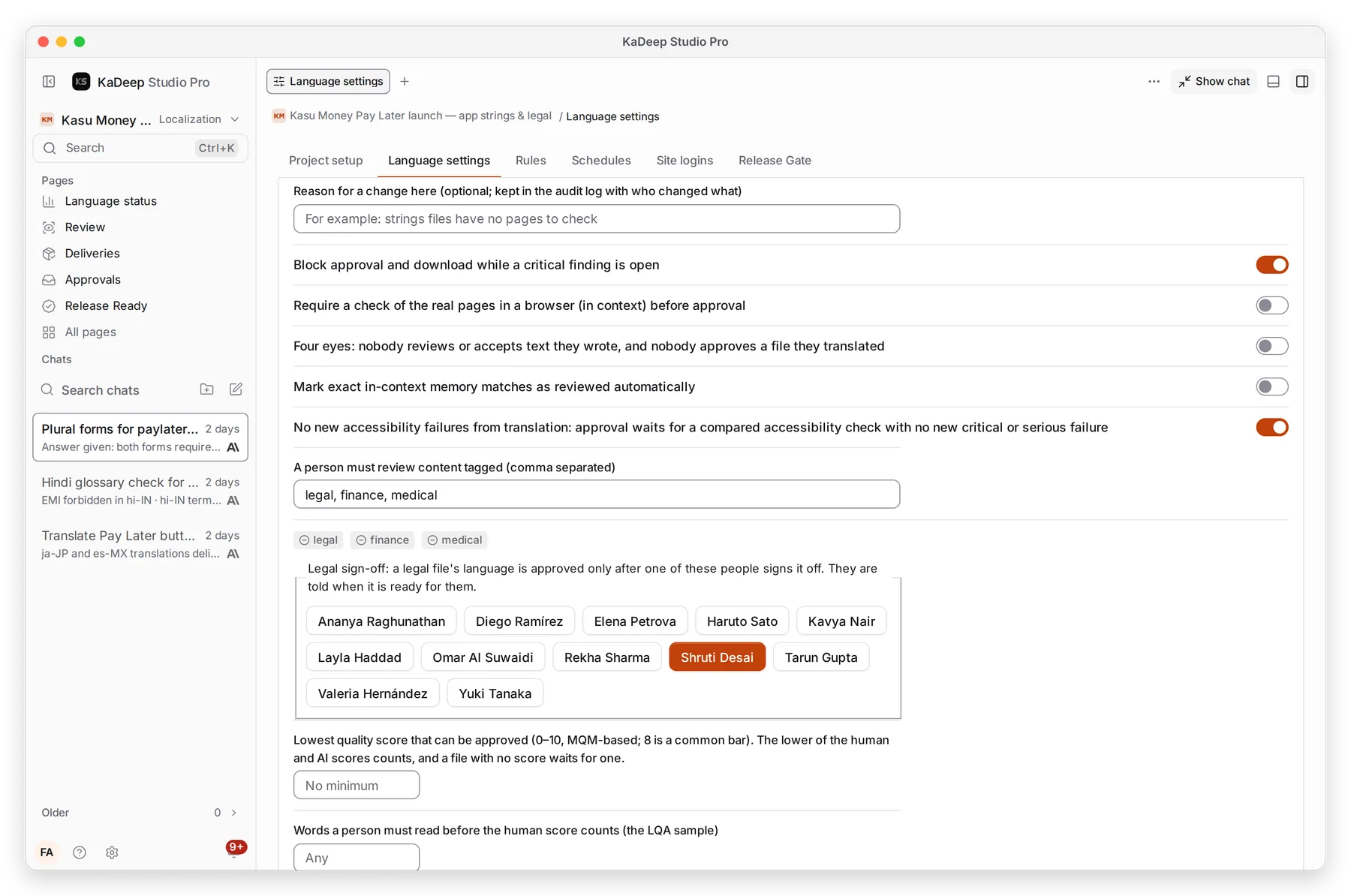
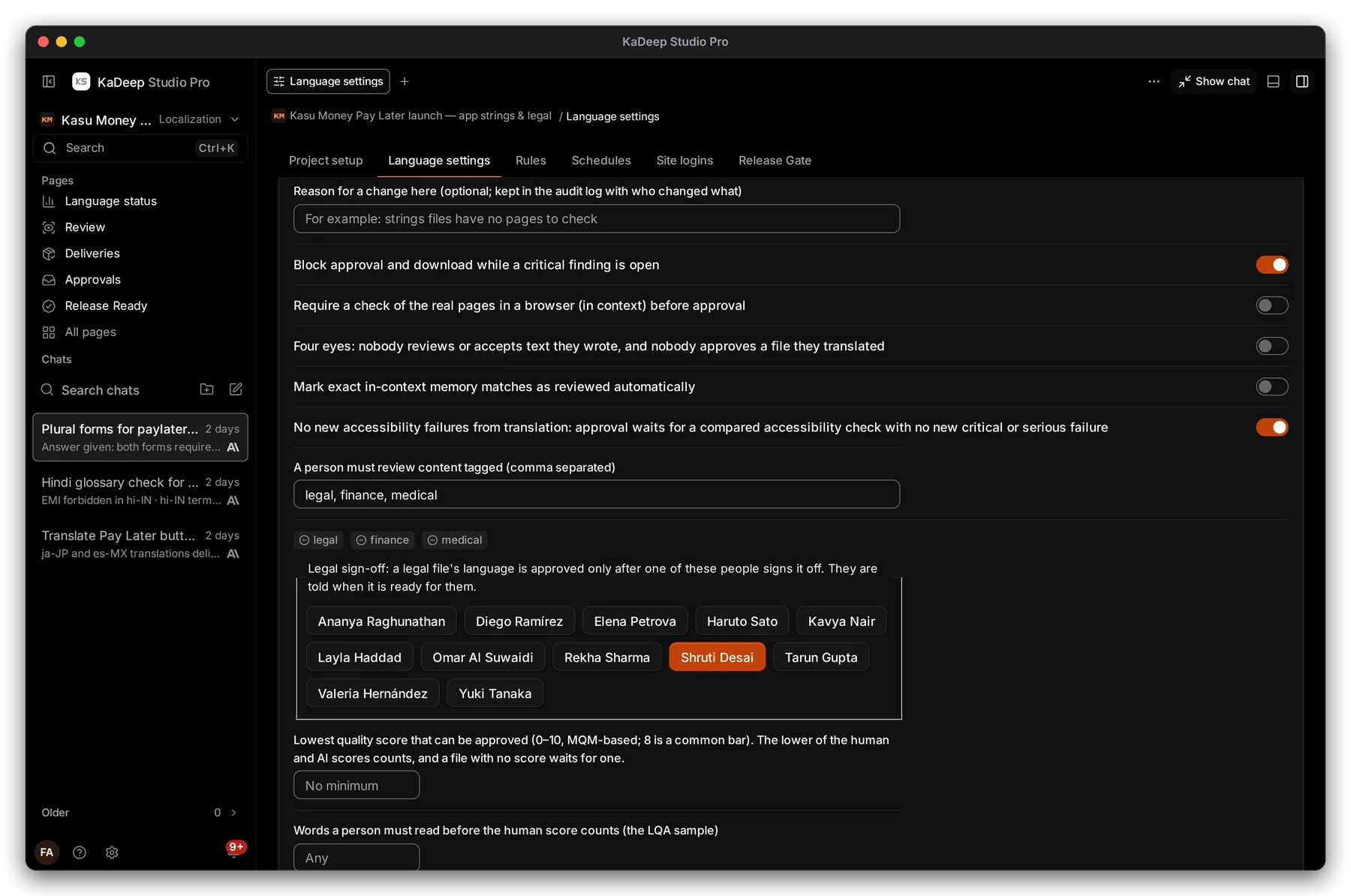
Hands-on view
- 1 Reason for a change here: optional, kept in the audit log with who changed what.
- 2 Four eyes: nobody reviews or accepts text they wrote, and nobody approves a file they translated.
- 3 No new accessibility failures from translation: approval waits for an accessibility check.
| Rule | Turn it on when |
|---|---|
| Block approval and download while a critical finding is open | Legal, money or safety text |
| Require a check of the real pages in a browser (in context) | Text that must fit real screens |
| Mark exact in-context memory matches as reviewed automatically | Large updates of text you have approved before |
What’s next
Section titled “What’s next”Source assetsUpload the files to translate.
Language rulesRules for every language project in the organization.
Add people to a projectInvite linguists and reviewers.