How testing works
Your view
A testing project is one app or site you ship. You tell the agent what matters. It writes and runs the tests, files the bugs it finds, and Release Ready turns the results into a dated verdict.
The loop
Section titled “The loop”| Stage | Who | Where | Read | |
|---|---|---|---|---|
| 1 | Set up the project: the app’s address, platforms, the agent, rules and test logins | QA lead | Project setup | Create a testing project |
| 2 | Write tests, or let the agent write them from your requirements | QA lead, tester | Tests | Tests |
| 3 | Group and plan: suites you run together, and a plan for the release | QA lead | Suites, Plans | Suites, Plans |
| 4 | Run the tests, now or on a schedule, and read the evidence | QA lead, tester | Runs | Run a test suite |
| 5 | Triage bugs and recheck fixes | Tester, QA lead | Bugs | Bugs |
| 6 | Decide: can this release ship? | QA lead, manager | Release Ready | Release Ready |
Where the testing pages are
Section titled “Where the testing pages are”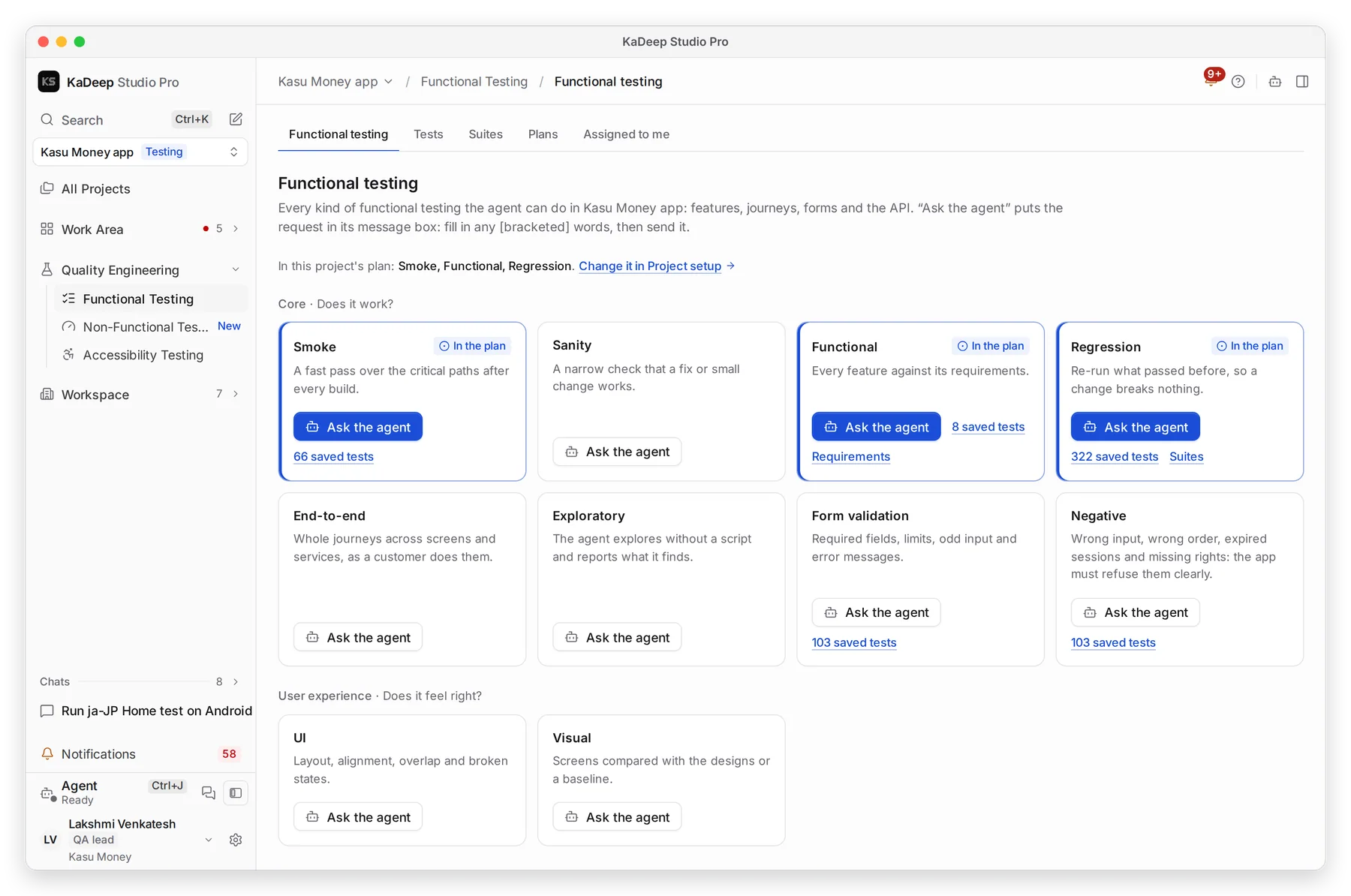
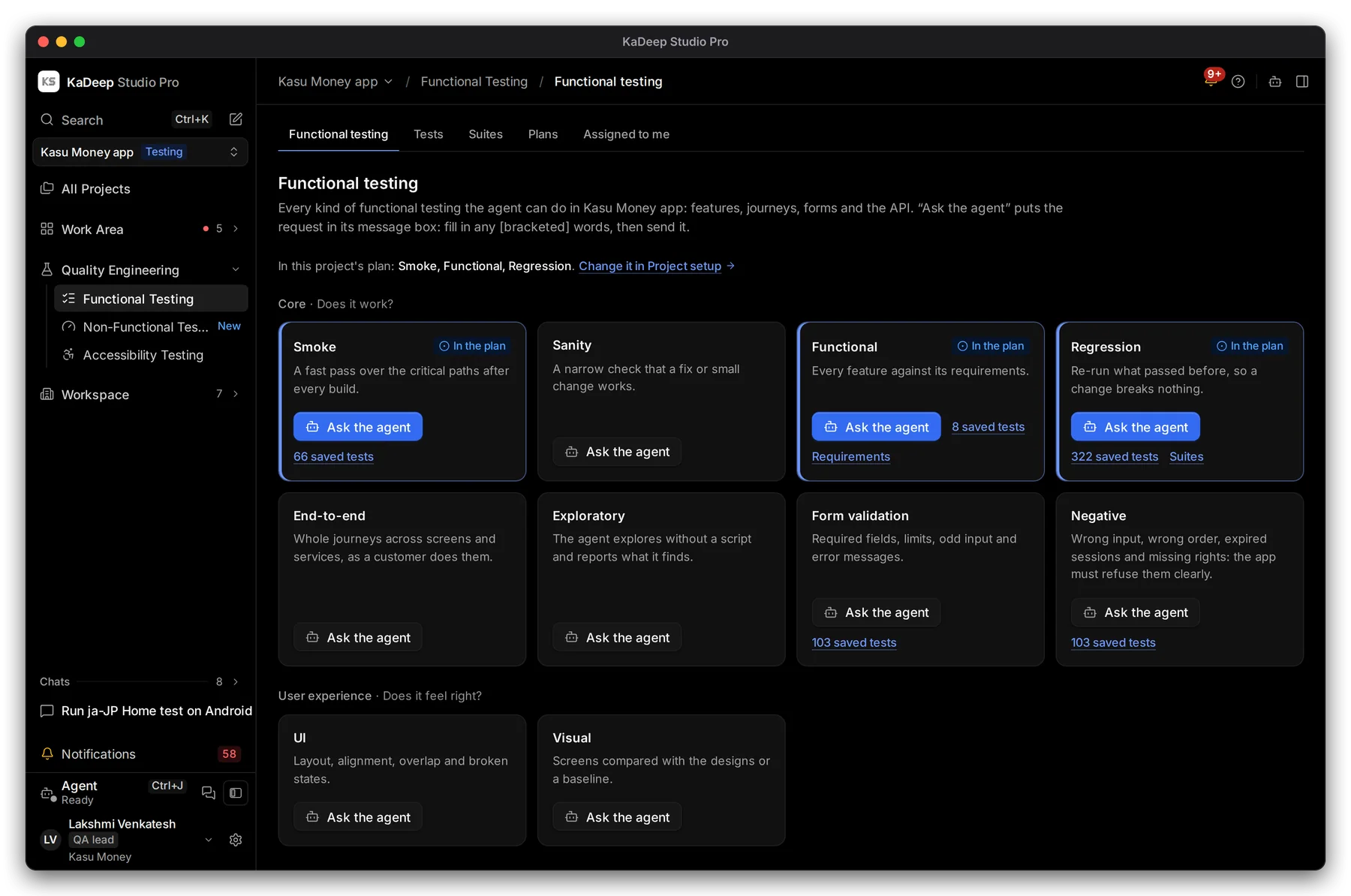
Manage view
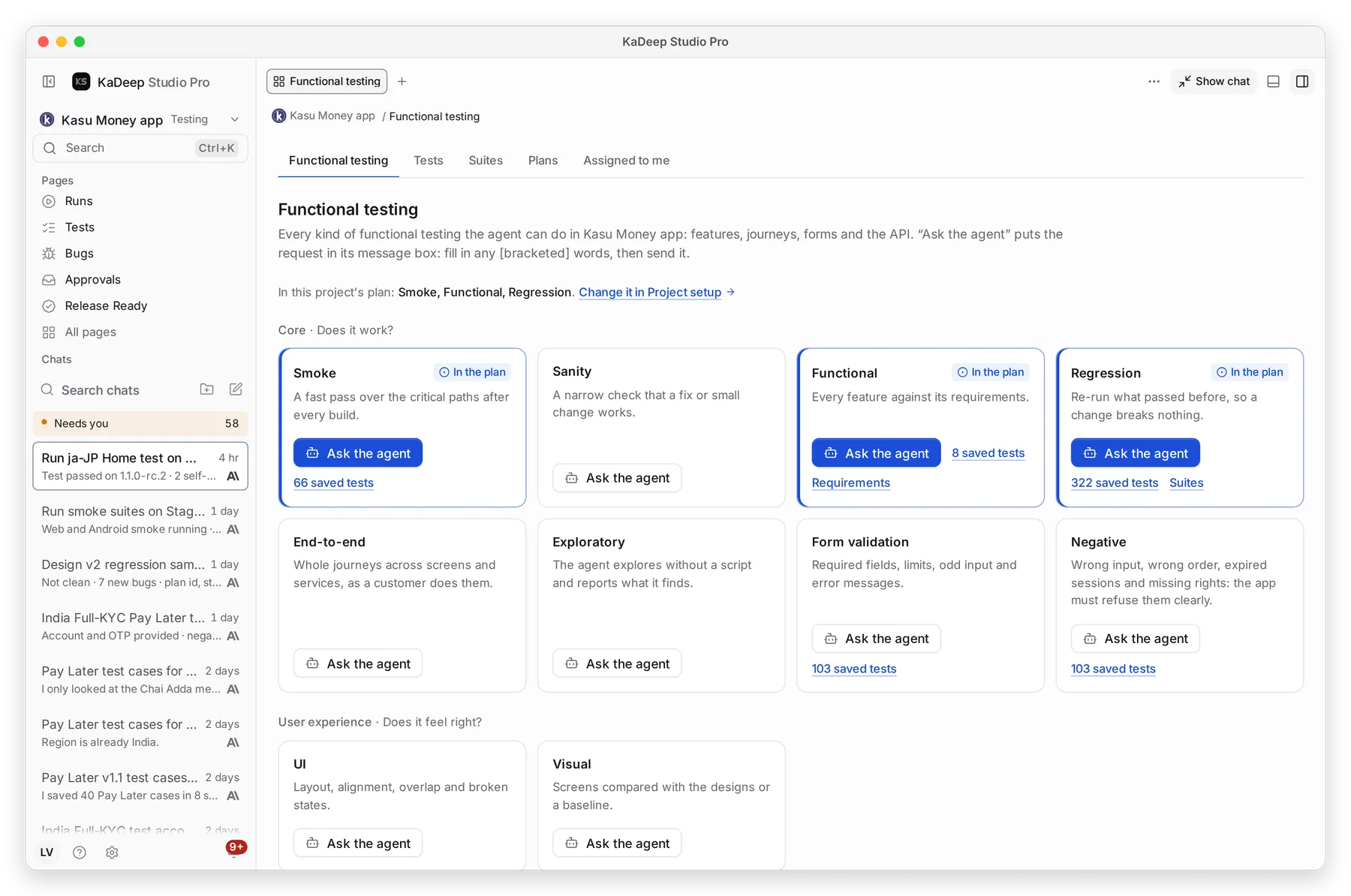
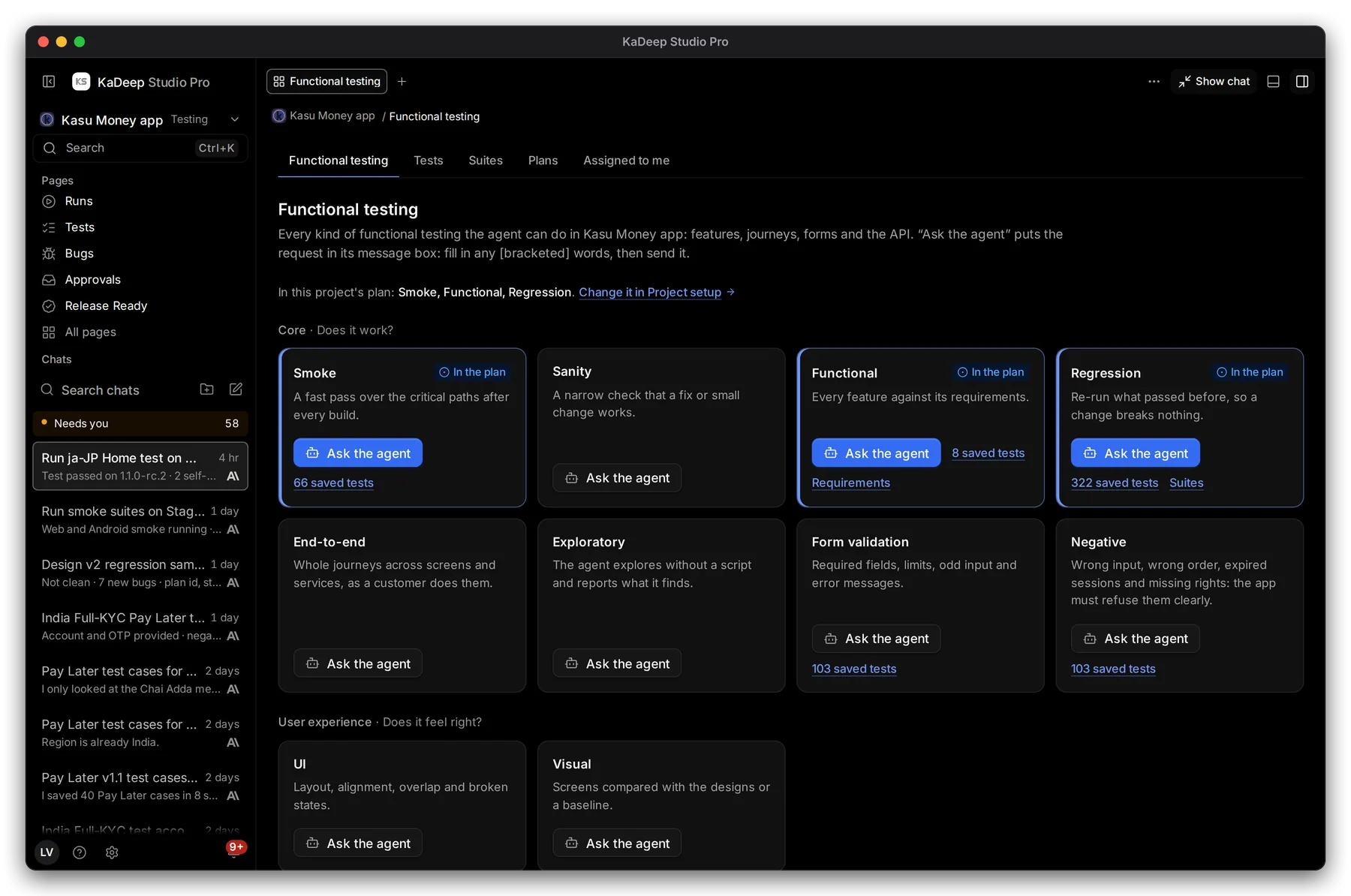
Hands-on view
Open Quality Engineering › Functional Testing.
Under Pages, choose Tests.
- 1 The tabs: Functional testing, Tests, Suites, Plans and Assigned to me.
- 2 The kinds of testing your project’s plan includes, such as Smoke, Functional and Regression.
- 3 Each kind of testing shows how many saved tests it has.
- 4 Ask the agent puts a ready request in the agent’s message box. Fill in any [bracketed] words, then send it.
Where the project setup is
Section titled “Where the project setup is”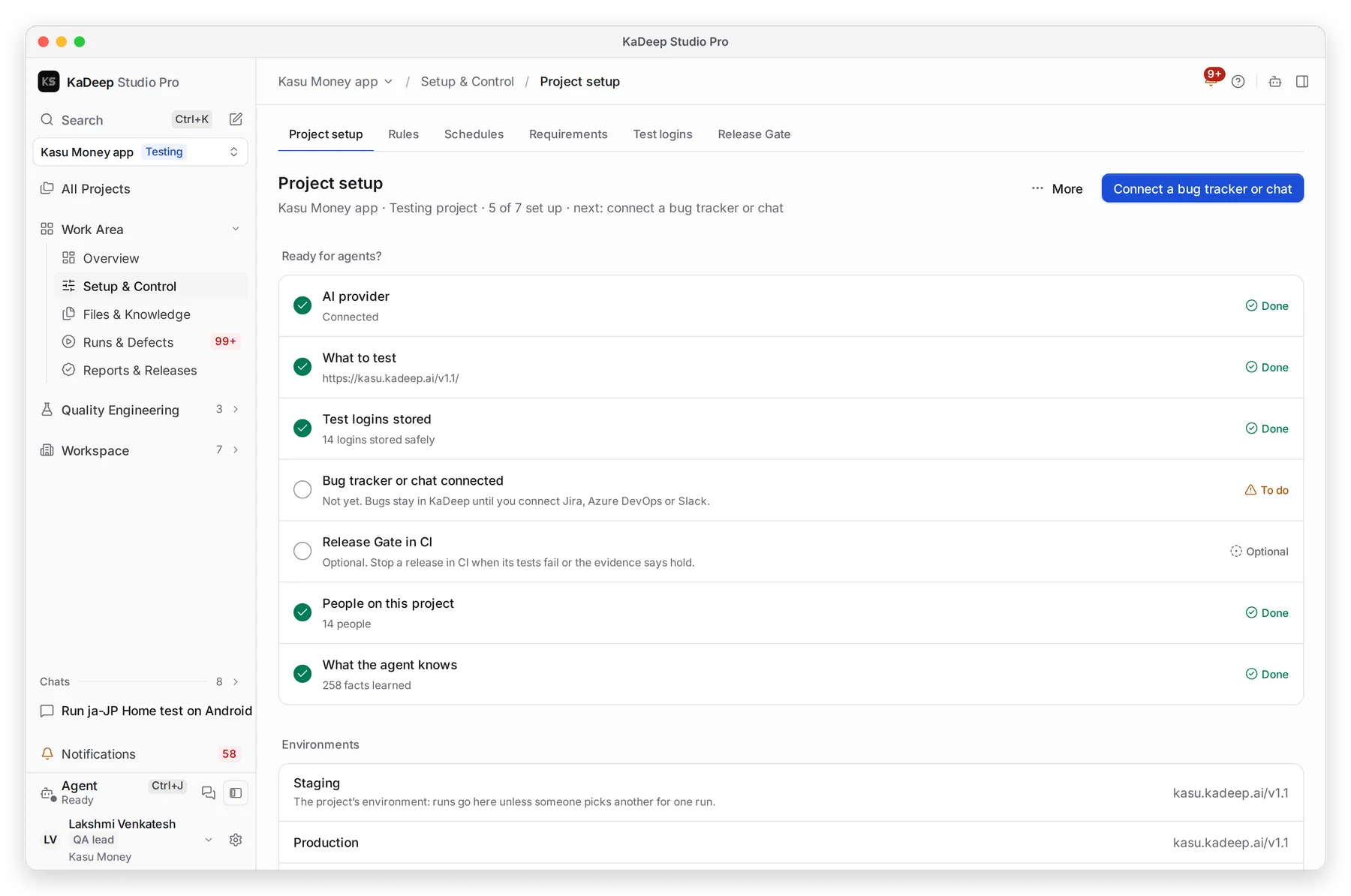
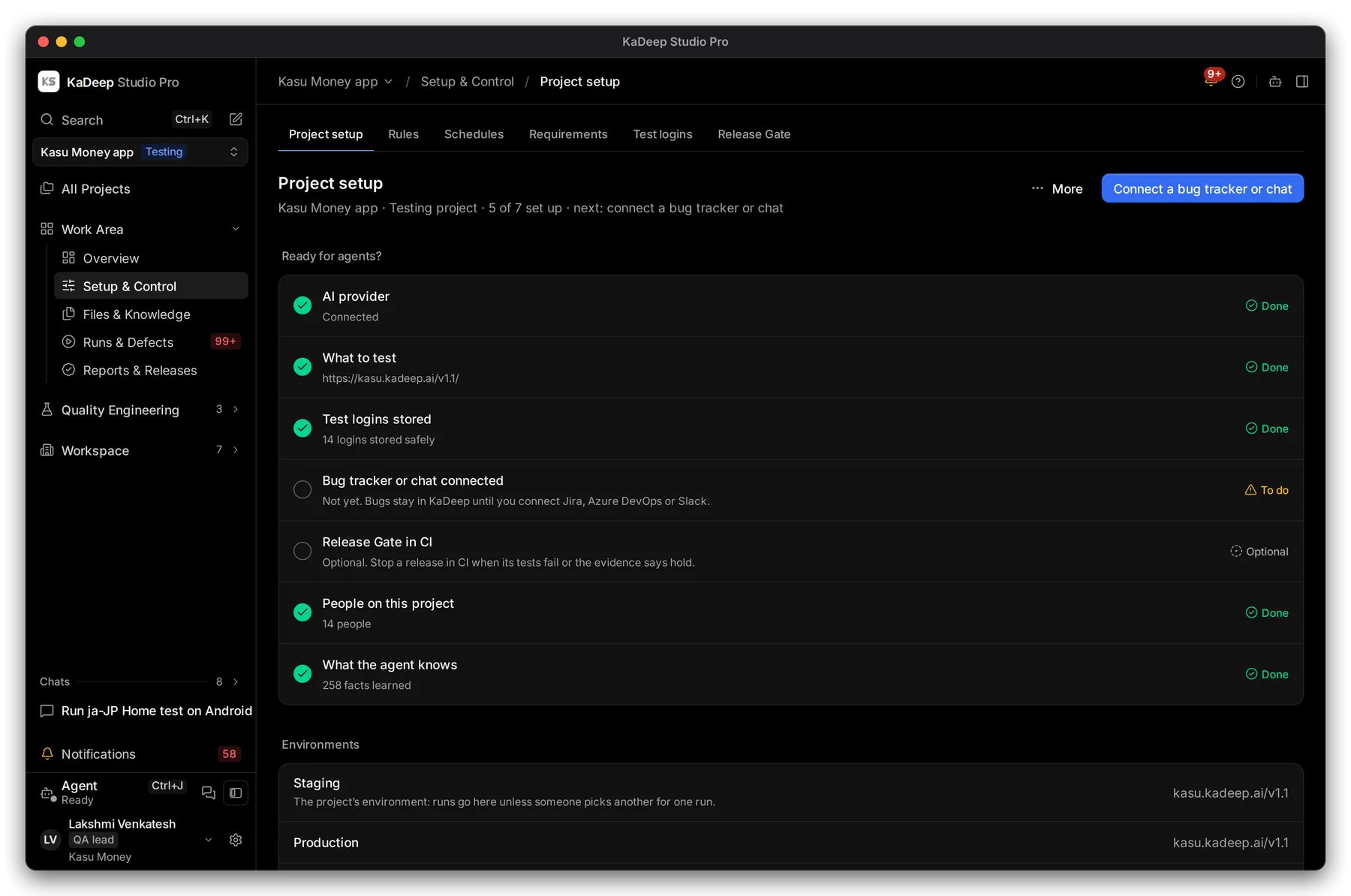
Manage view
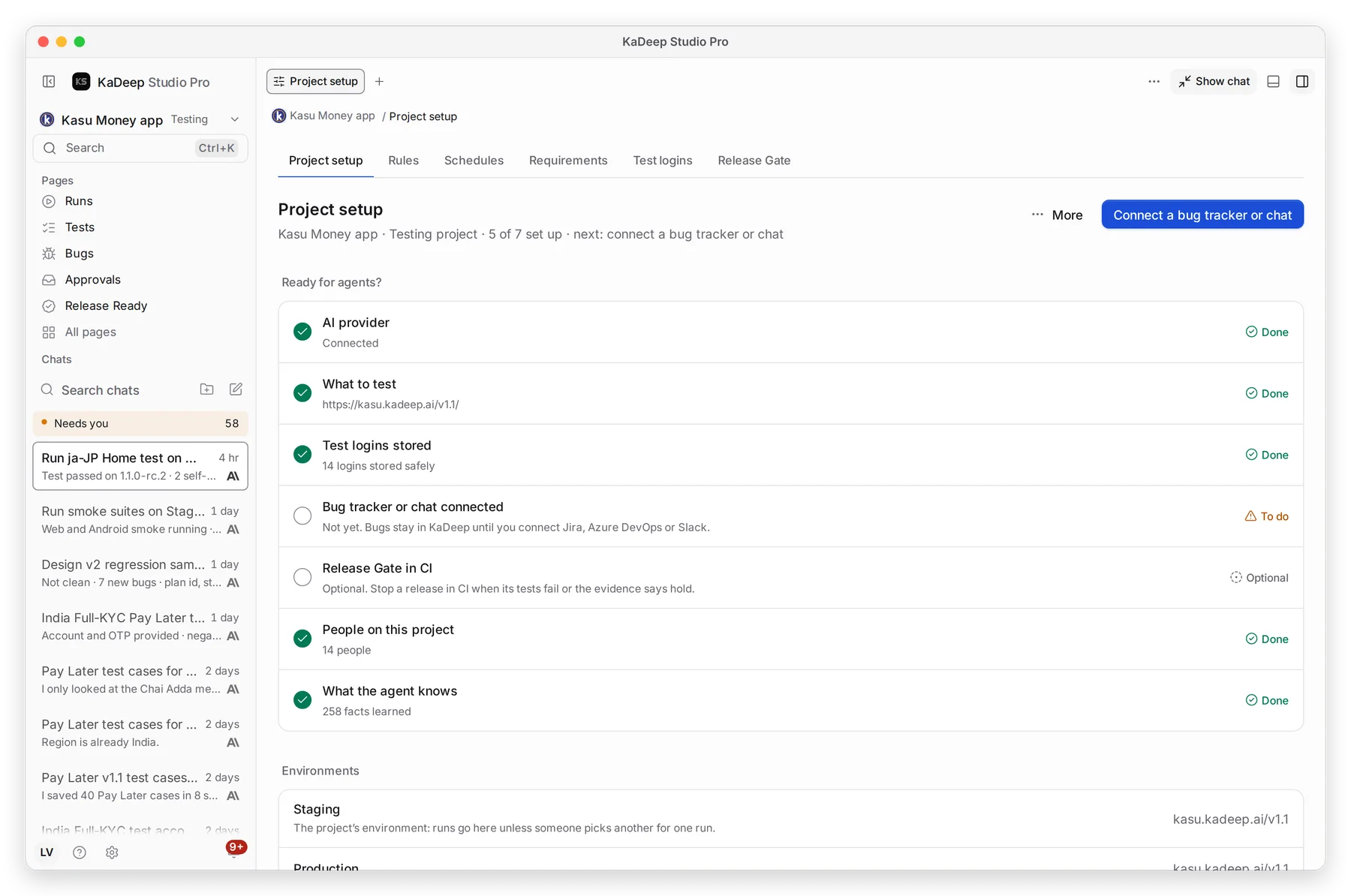
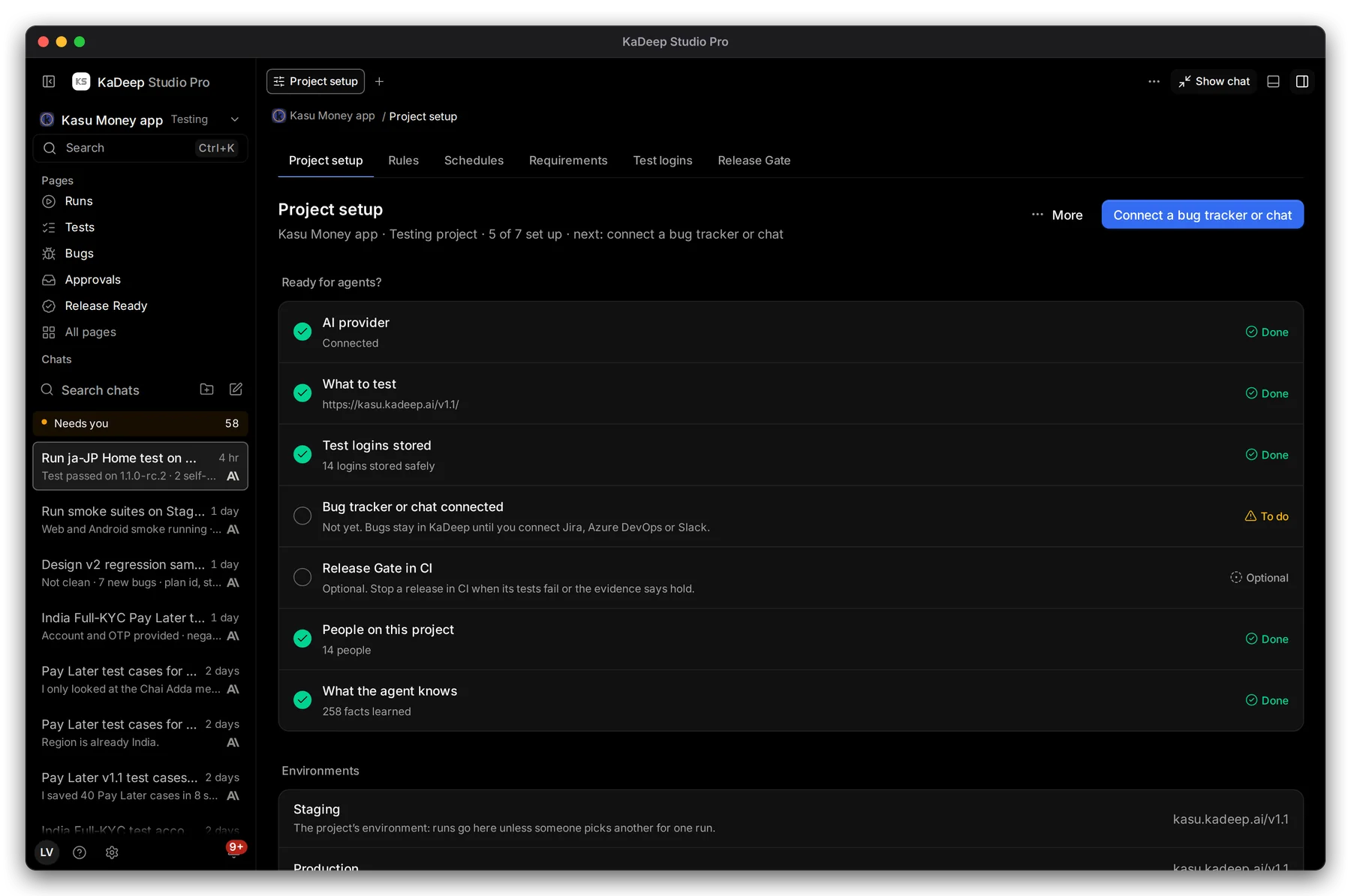
Hands-on view
Open Work Area › Setup & Control.
Choose All pages, then Setup & Control.
- 1 Project setup, Rules, Schedules, Requirements, Test logins and Release Gate.
- 2 How much of the setup is done, and what to do next.
- 3 Ready for agents? lists each part with Done, To do or Optional.
What’s next
Section titled “What’s next”Create a testing projectThe setup wizard, step by step.
TestsWrite, import and organize test cases.
Run a test suite and read the resultsYour first run, start to finish.
Work with the agentAsk, approve and follow what it does.