Synthetic monitors
Your view
A synthetic monitor watches your app between releases. It opens a page, or replays one of your tests, on a schedule. If it fails, KaDeep opens an incident and tells you.
1. Open Synthetic monitors
Section titled “1. Open Synthetic monitors”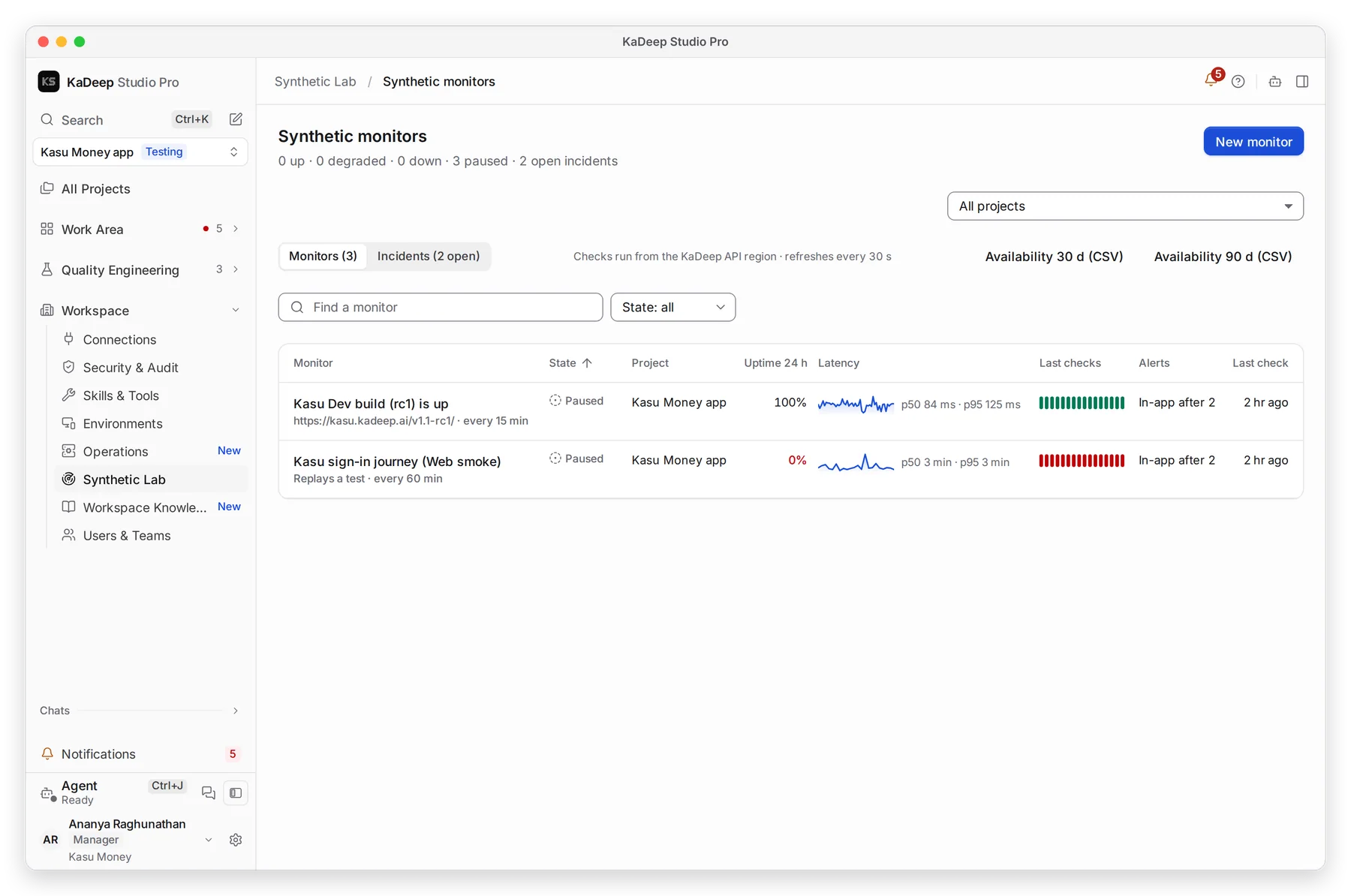
Manage view
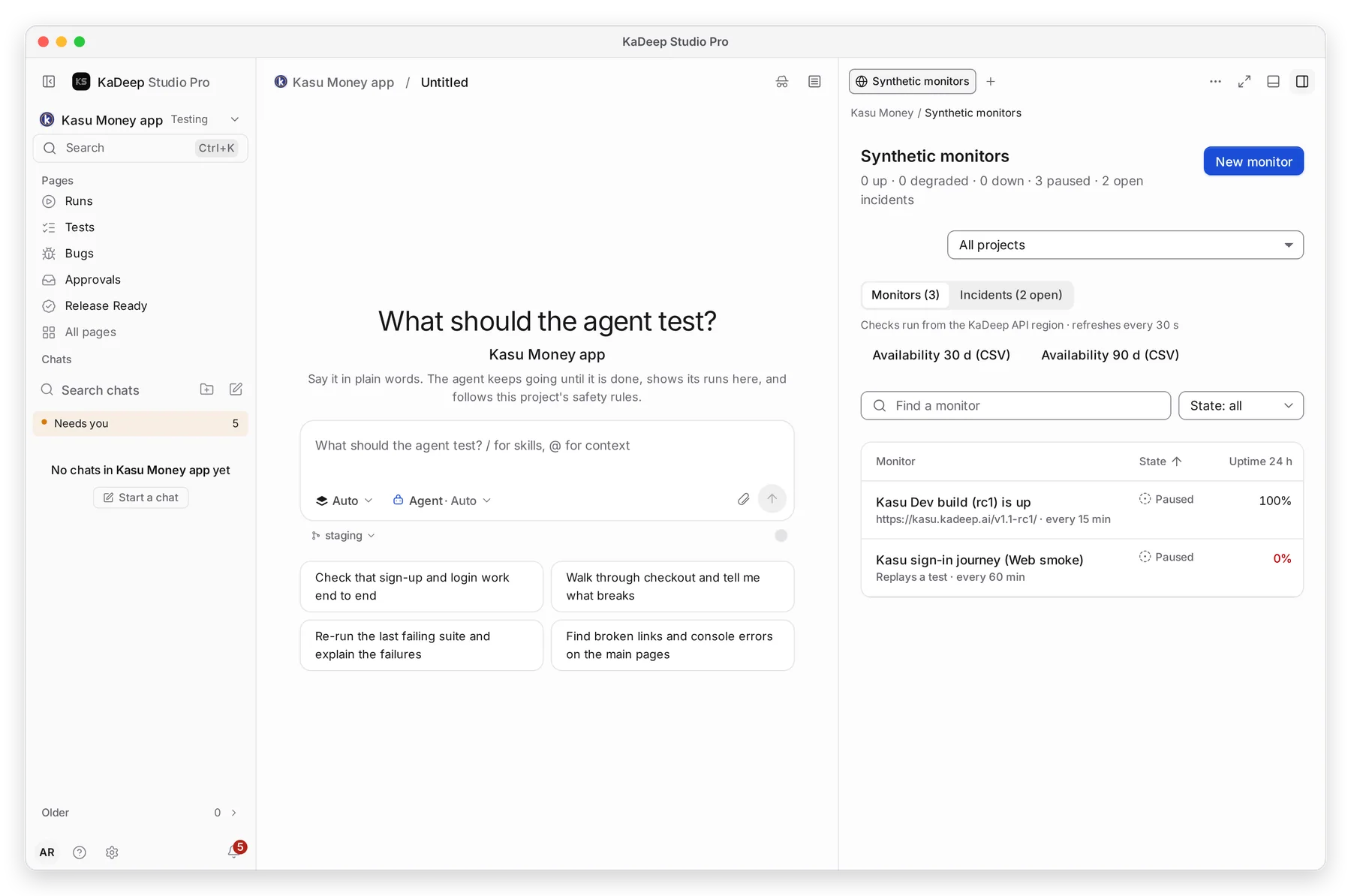
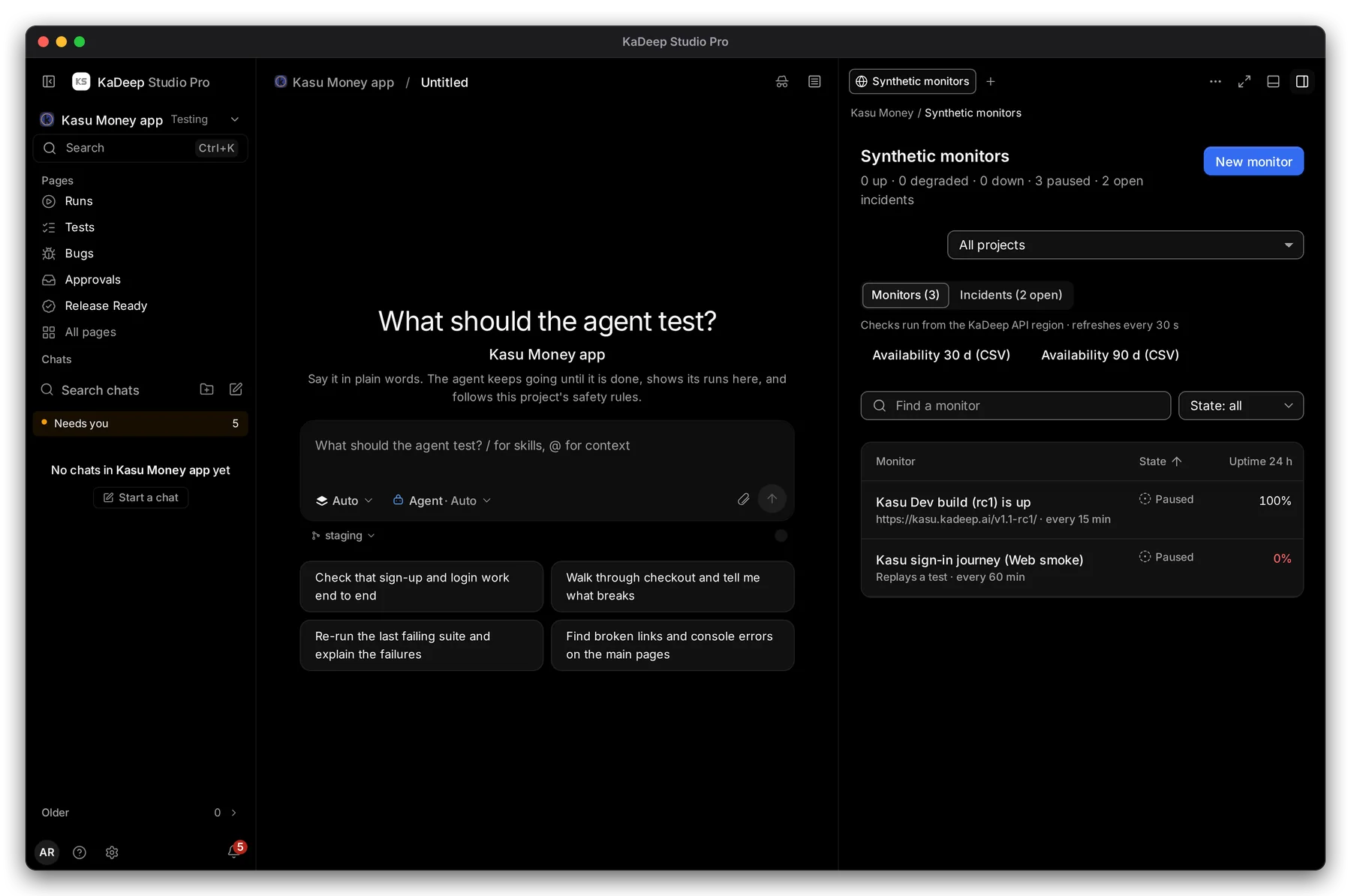
Hands-on view
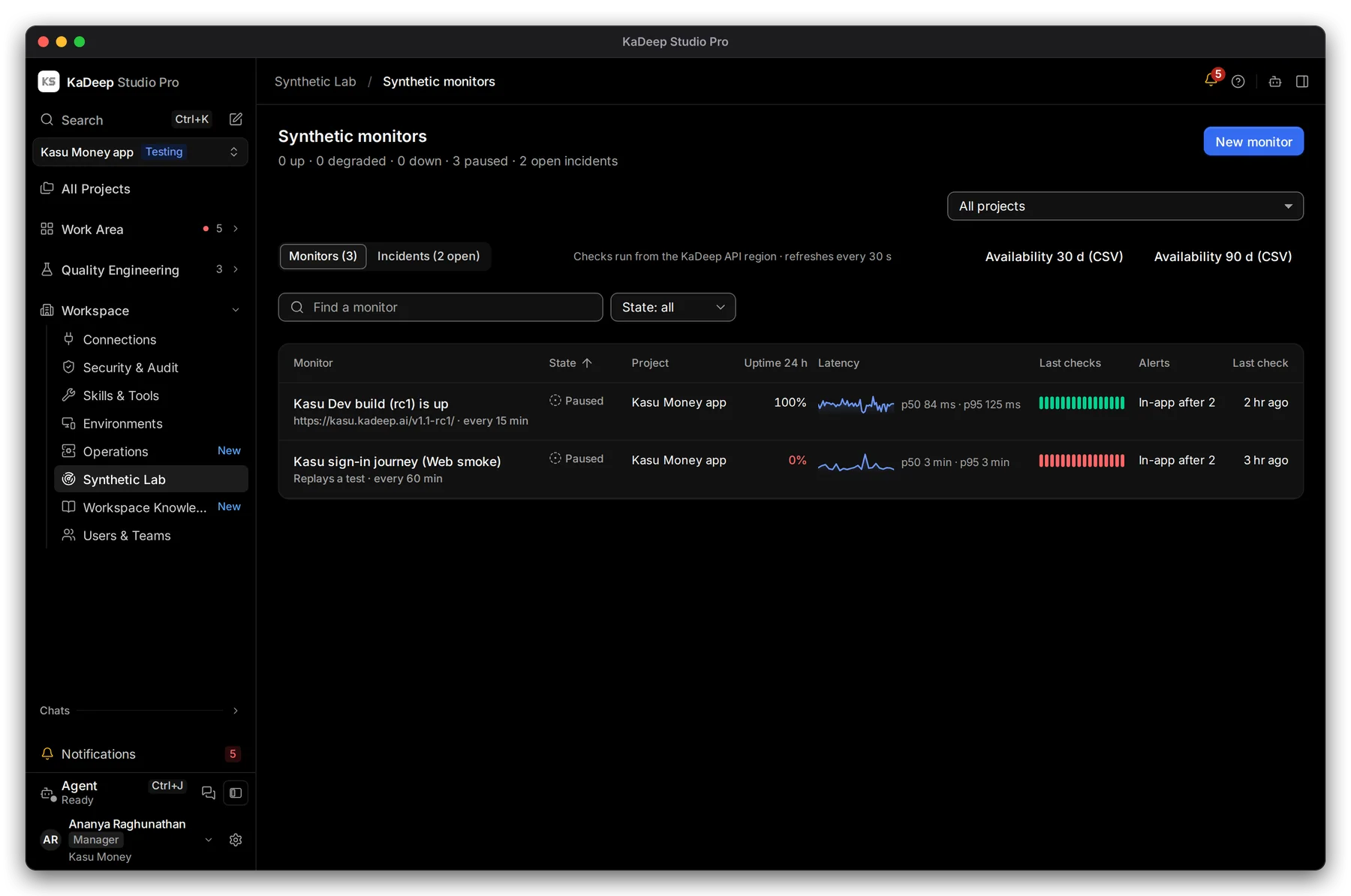
- 1 How many monitors are up, degraded, down and paused, and how many incidents are open.
- 2 New monitor adds one.
- 3 Monitors and Incidents.
- 4 Each monitor: what it checks and how often, its state, the project, uptime in the last 24 hours, latency (p50 and p95), its last checks and how it alerts.
| State | Meaning |
|---|---|
| Up | The last check passed in time. |
| Degraded | It passed, but slower than your limit. |
| Down | The last check failed. An incident is open. |
| Paused | It doesn’t run until someone resumes it. |
Availability 30 d (CSV) and Availability 90 d (CSV) download uptime for a service report.
2. Add a monitor
Section titled “2. Add a monitor”- Choose New monitor.
- What to check: choose Page check and type the address, or Replay a test and choose one of the project’s tests.
- Schedule: how often it checks, in minutes.
- Pass when: what the page must return, and the time limit. A slow check counts as degraded.
- Alerts: in the app, on Slack or by email, and after how many failed checks. Maintenance mute silences it for a few hours.
- On-call: who is paged, and Page again every so many minutes until someone acknowledges.
- Maintenance: weekly windows, for example every Saturday at 02:00 for 2 hours. Checks in a window don’t page anyone and don’t count against uptime.
- Save the monitor.
3. Handle an incident
Section titled “3. Handle an incident”Open the Incidents tab. Each incident shows the monitor, when it started, and the failed checks. Open a check to see the run with its steps and screenshots.
- Acknowledge tells the team you are on it, and stops repeat pages.
- Resolve closes it once the monitor is back up.
To stop a monitor for a while, open it and choose Pause. Resume starts it again.
What’s next
Section titled “What’s next”Monitoring and reliabilityLive operations and flaky tests.
Schedule runsRun whole suites nightly or after each deploy.
IntegrationsConnect Slack for alerts.