Manage and Hands-on views
KaDeep has two views of the same work. The pages, the projects and the agent are the same; only the layout changes. Pick the one that fits your day.
The two views
Section titled “The two views”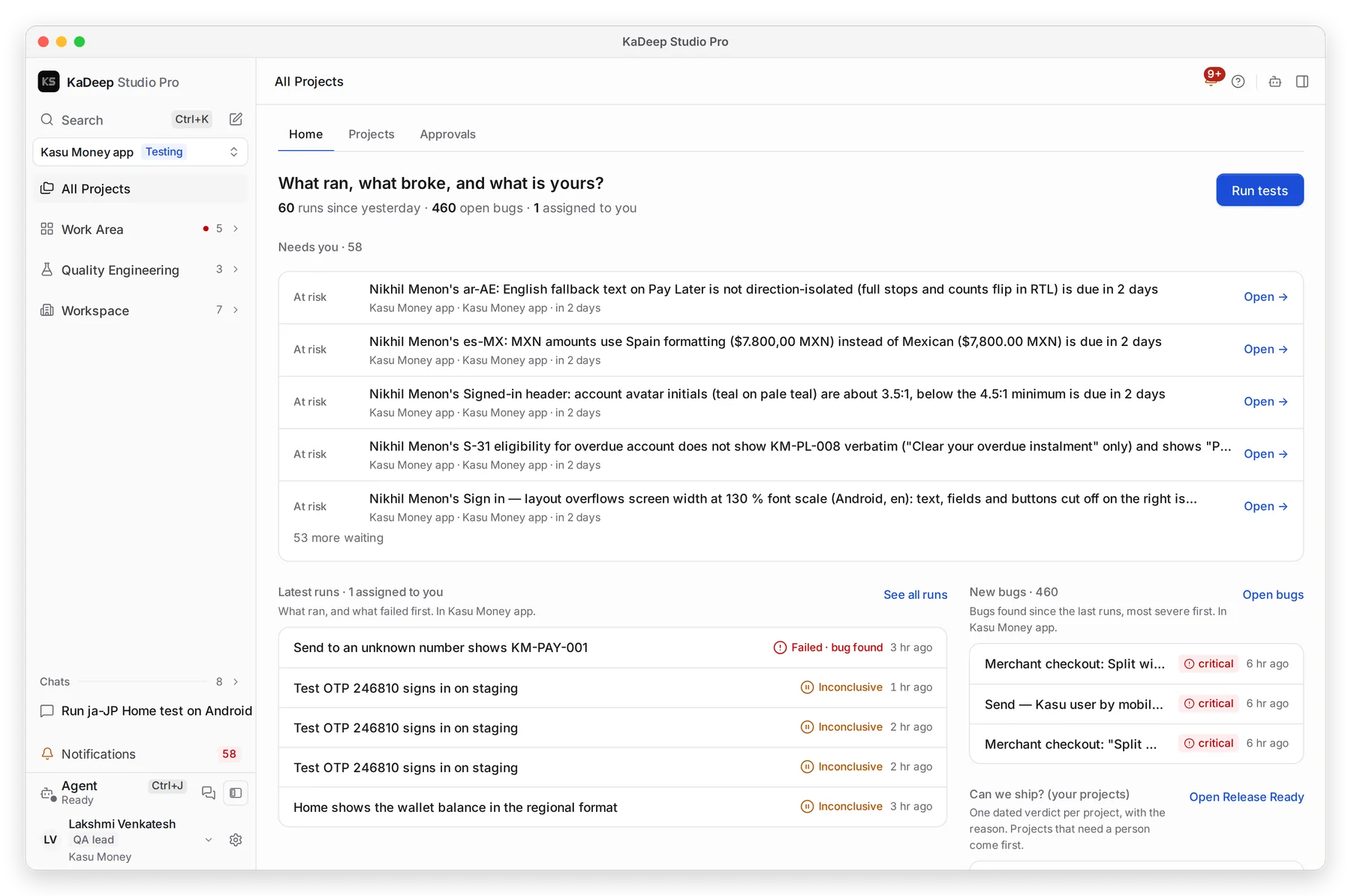
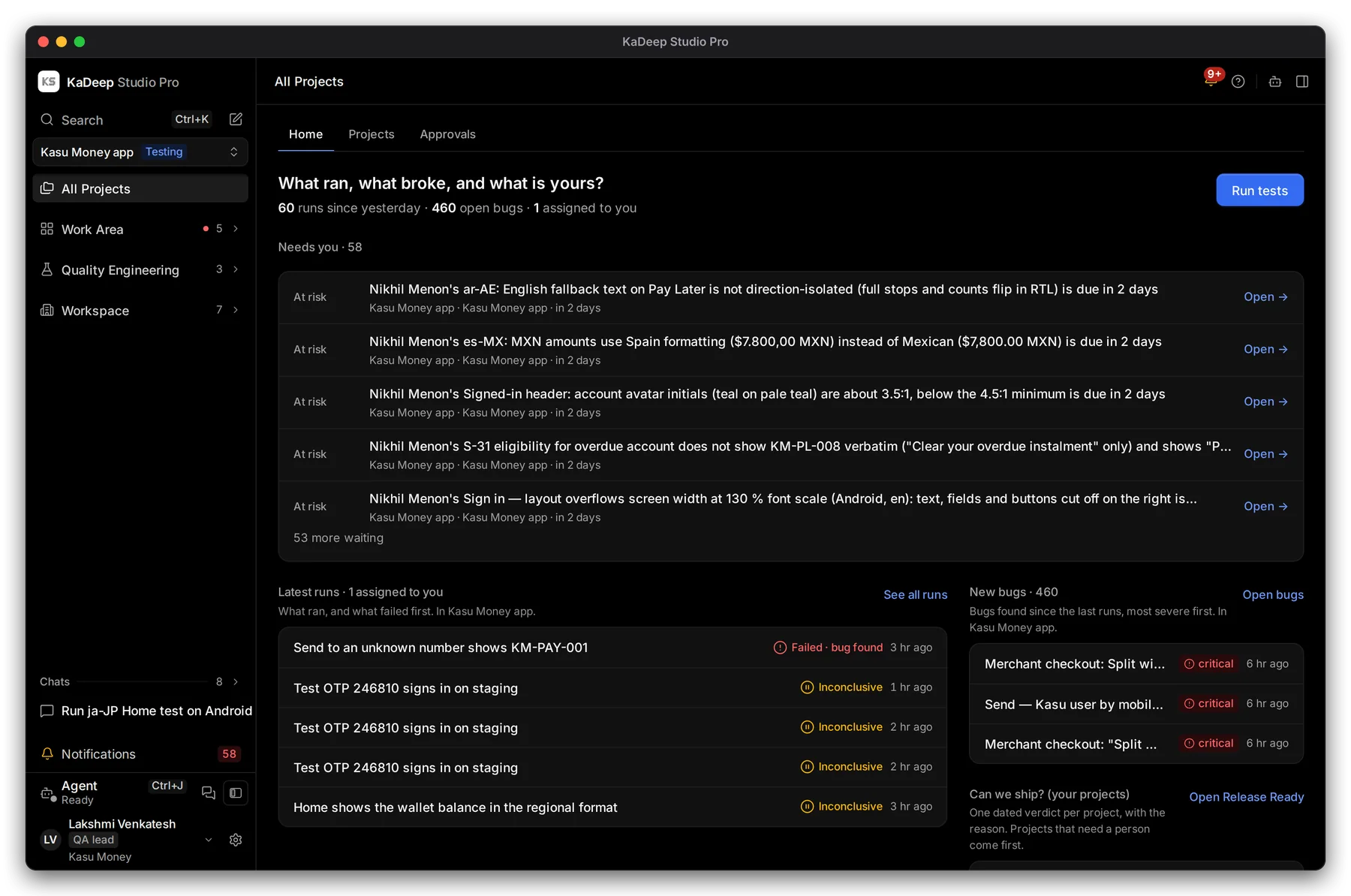
Manage view
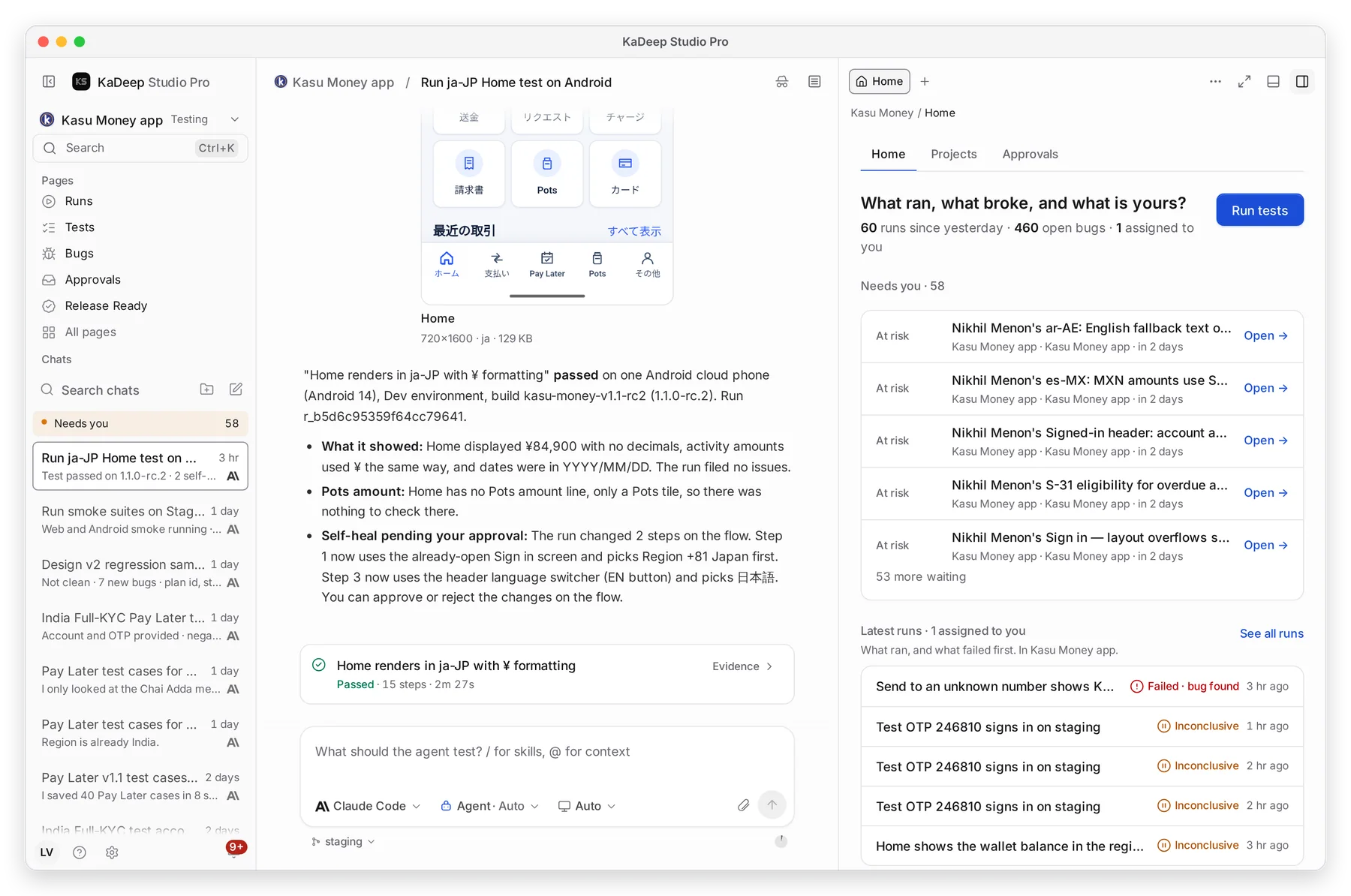
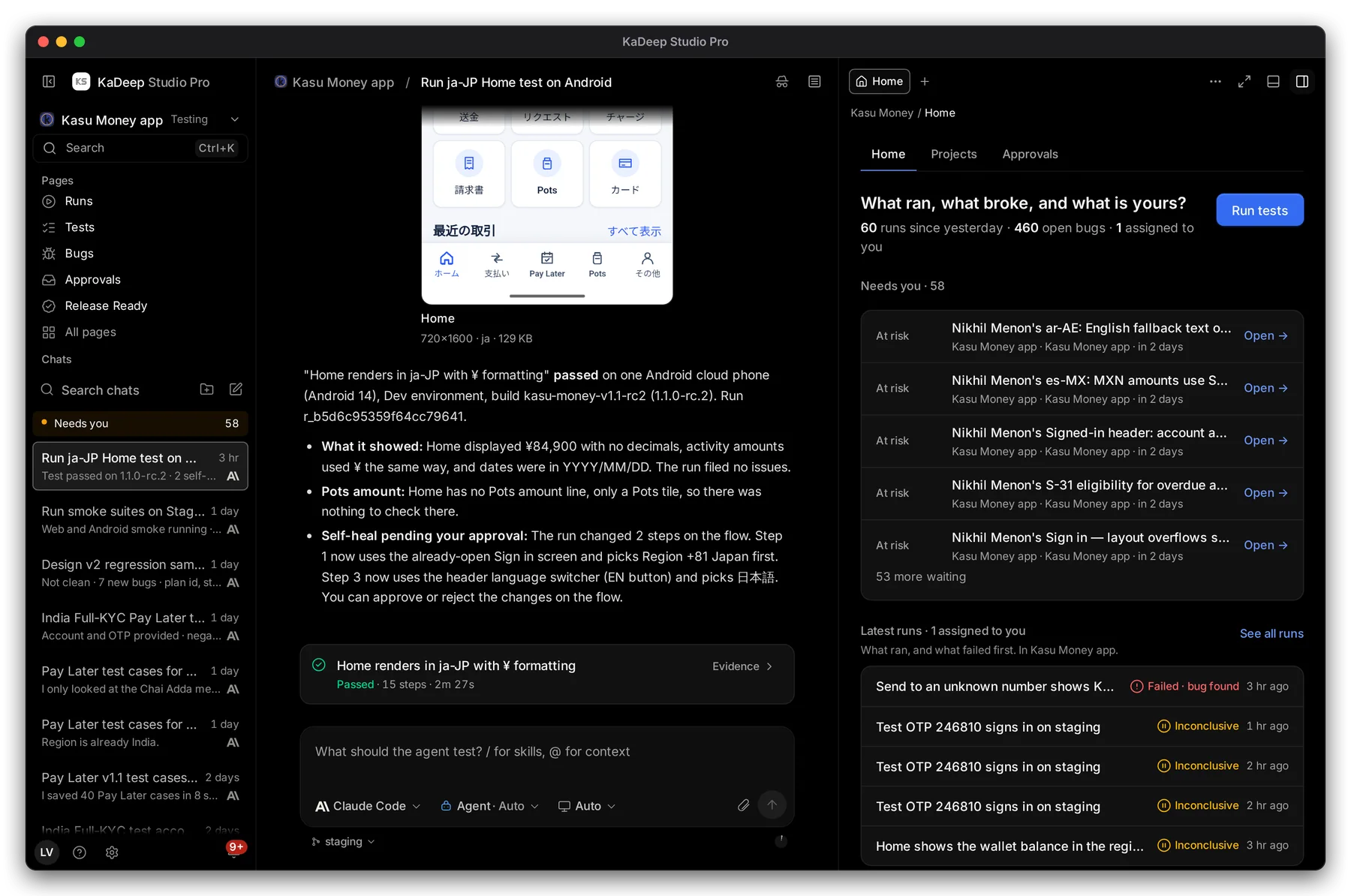
Hands-on view
Manage puts the page in the middle. The sidebar groups every page under Work Area, Quality Engineering and Workspace. The agent opens beside the page when you need it.
Hands-on puts the chat with the agent in the middle. Pages open as tabs in the panel on the right, beside the chat. The sidebar shows your five most-used pages and your chats.
| Manage | Hands-on | |
|---|---|---|
| In the middle | The page | The chat with the agent |
| Pages open | In place of the last one | As tabs beside the chat |
| Sidebar | Every page, in groups | Your top five pages, then your chats |
| Best for | Managers, leads, admins, finance and compliance | Testers, linguists, anyone working with the agent all day |
Use the picker above to switch every screenshot on this site to your view.
Switch view
Section titled “Switch view”- Open the account menu: your name or initials at the bottom of the sidebar.
- Choose Switch to Hands-on view or Switch to Manage view.
The page you are on reopens in the other view. KaDeep remembers your choice.
Choose your default view
Section titled “Choose your default view”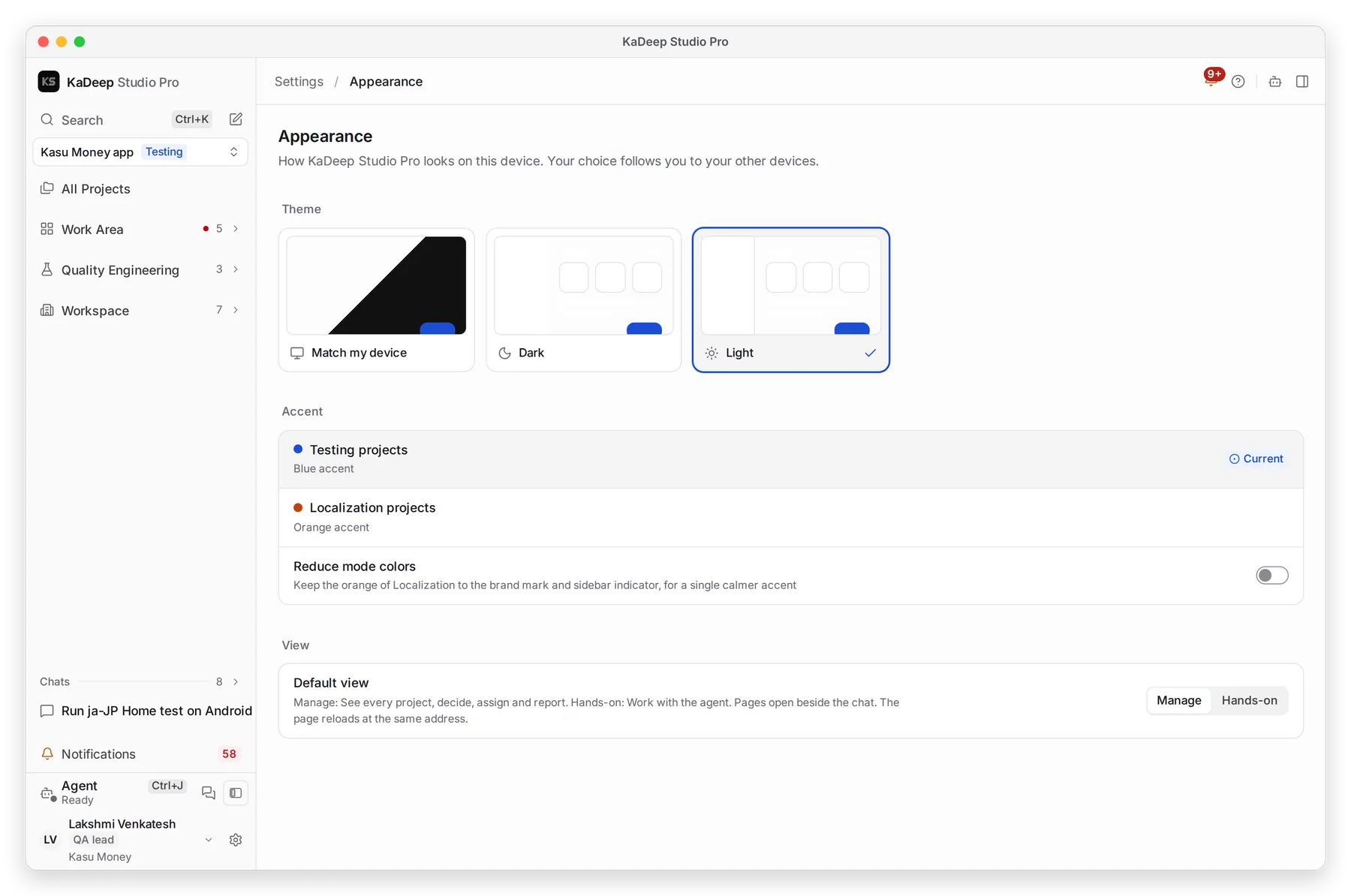
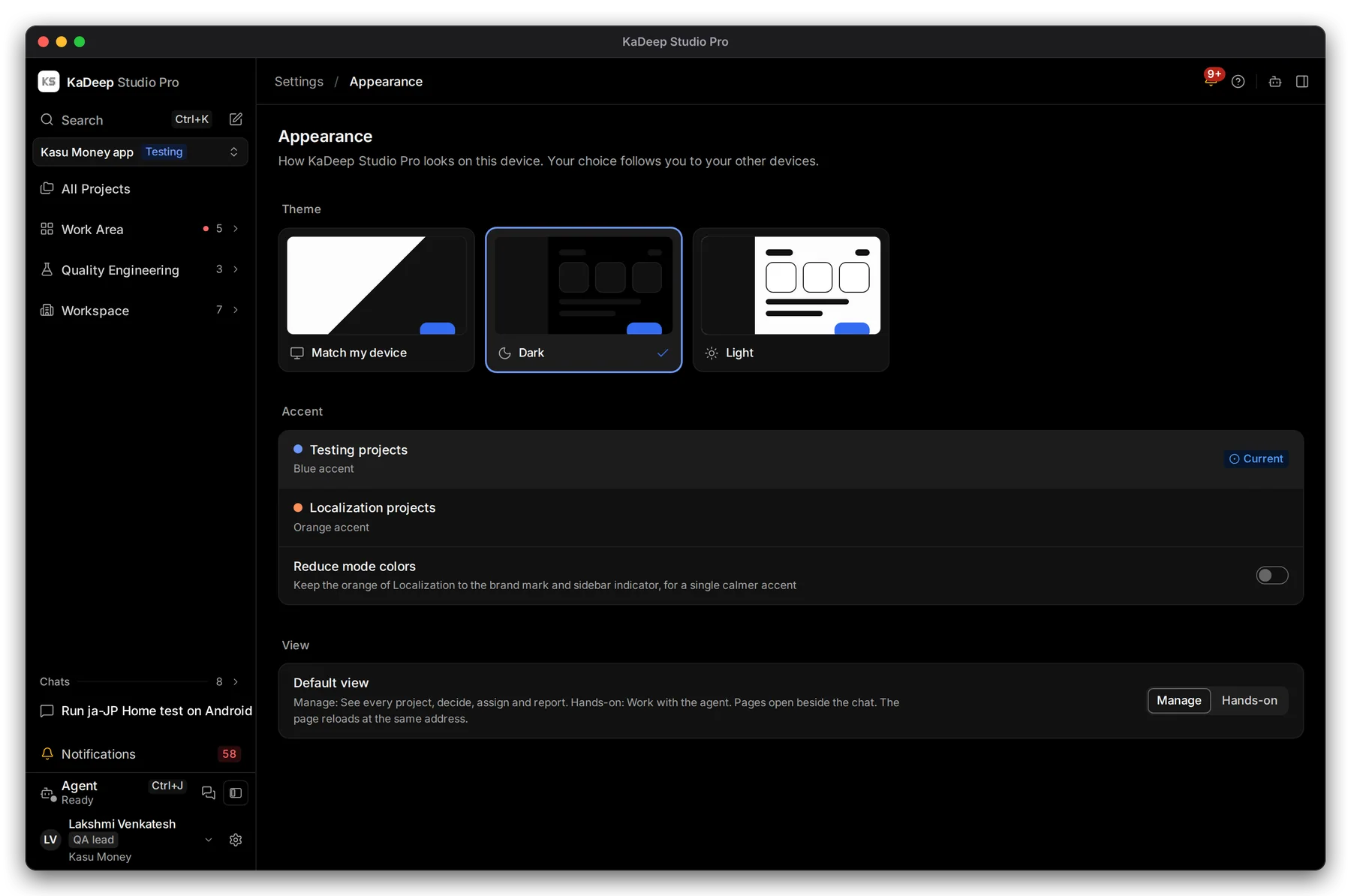
Manage view
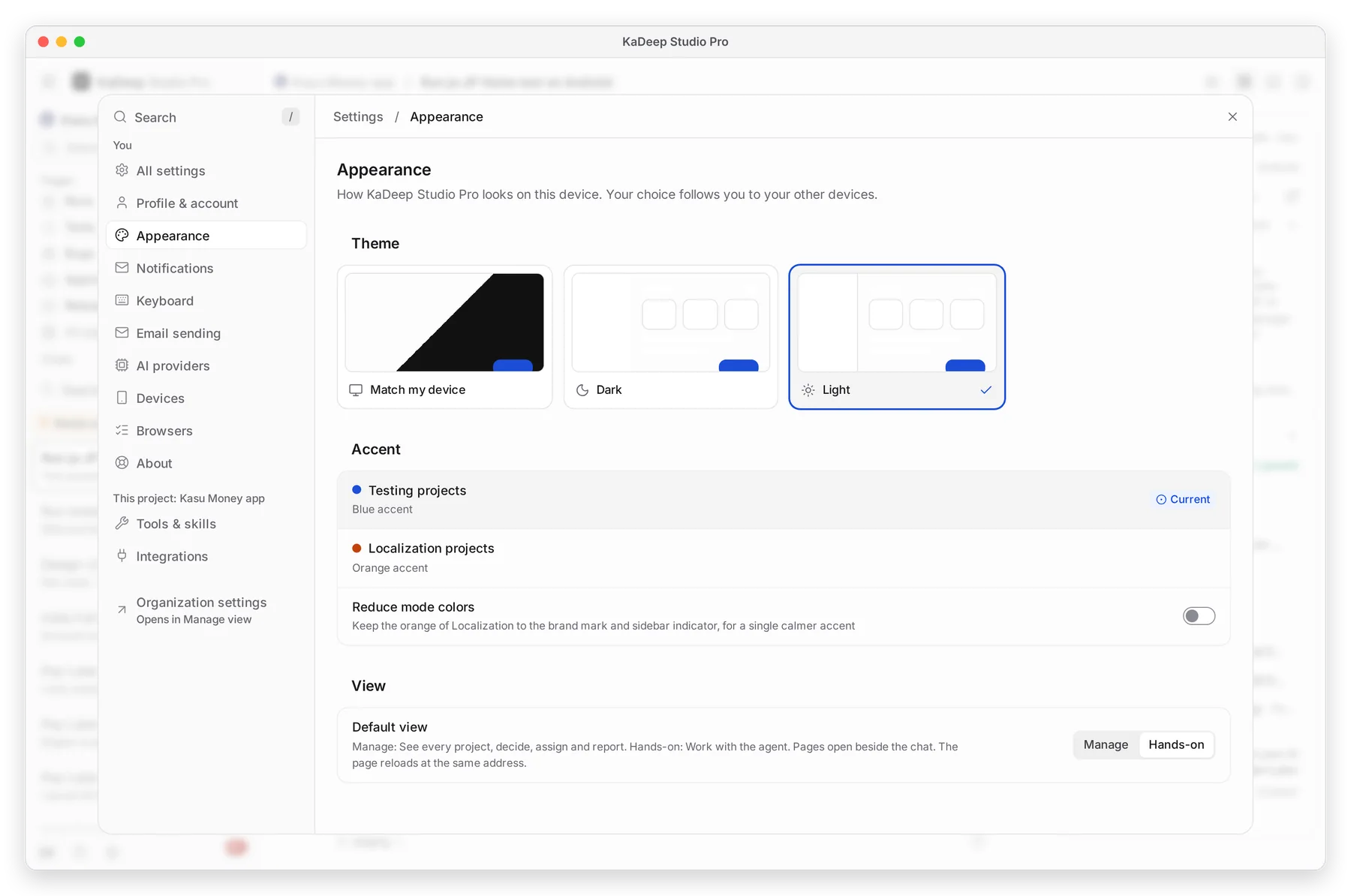
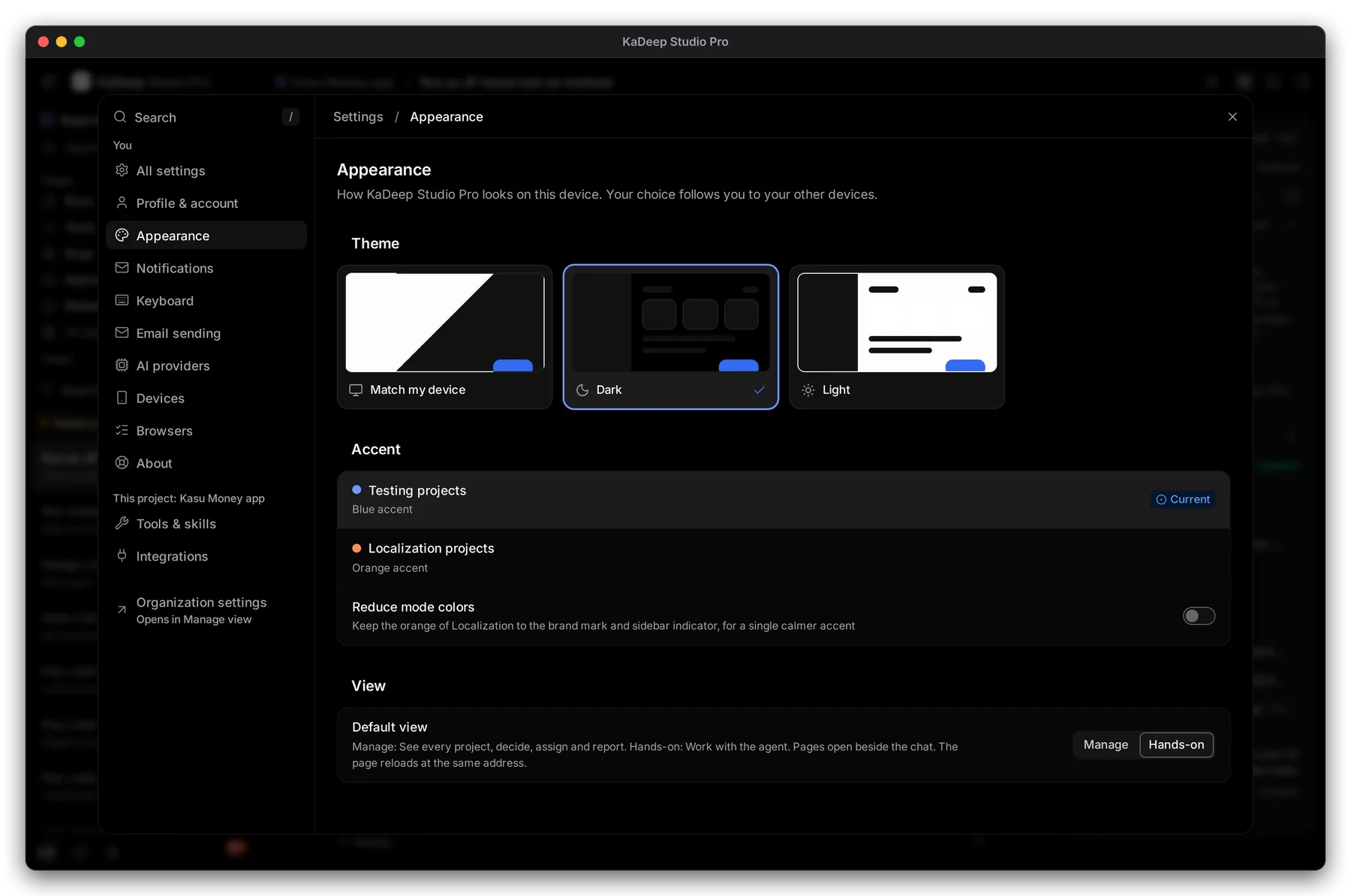
Hands-on view
In Settings › Appearance, 3 Default view sets the view KaDeep opens in: Manage or Hands-on.