Organization settings
Your view
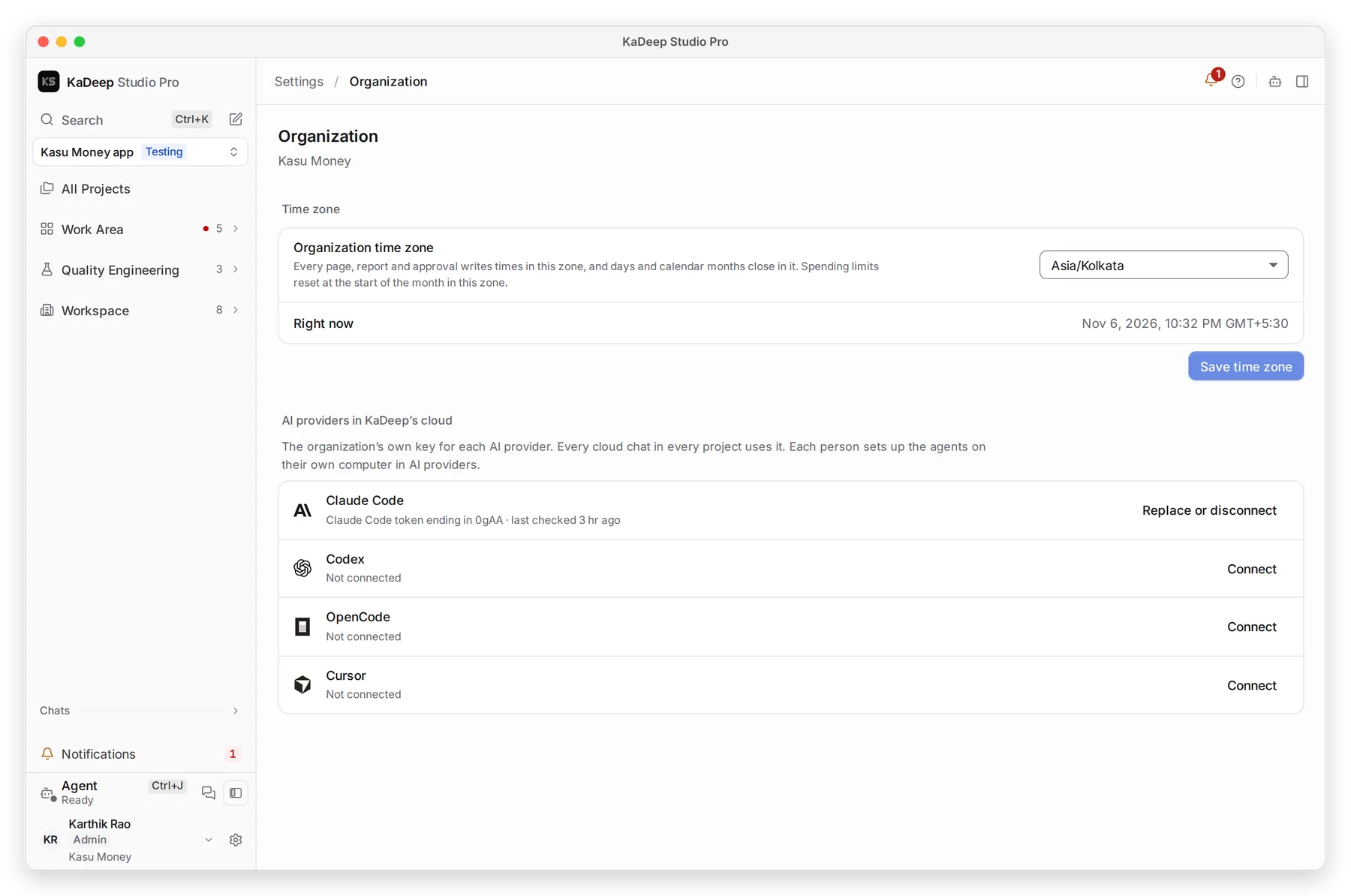
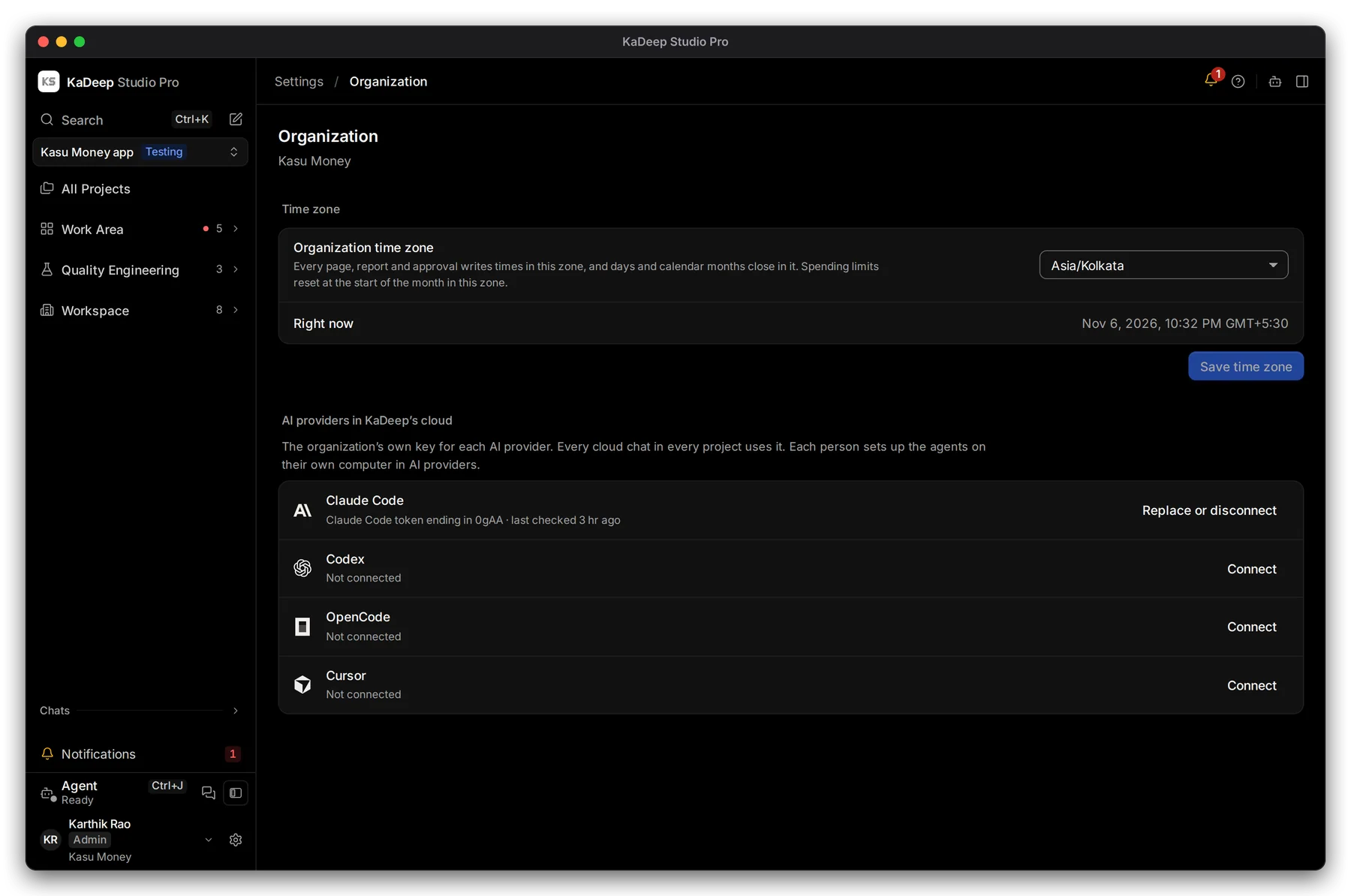
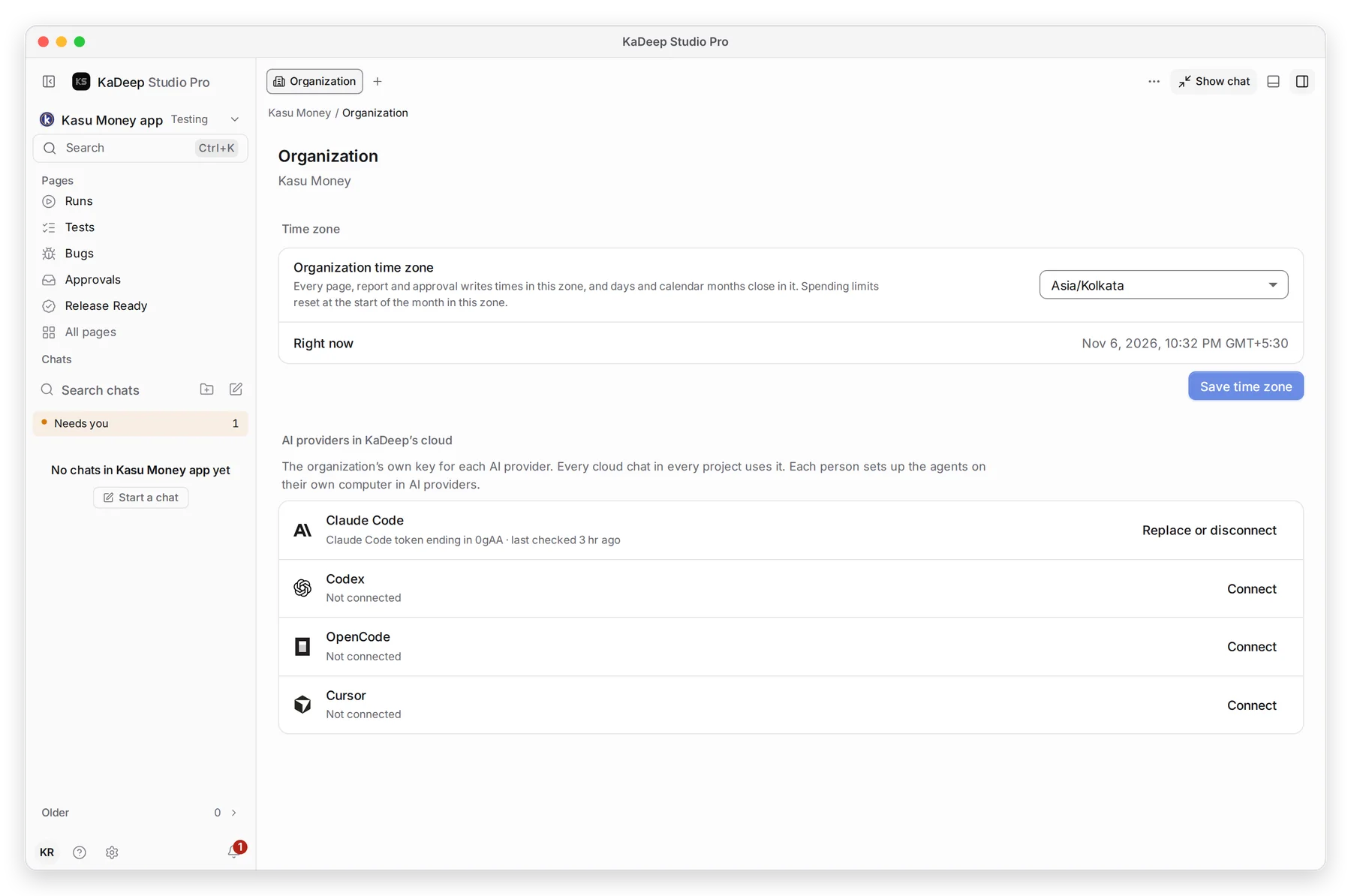
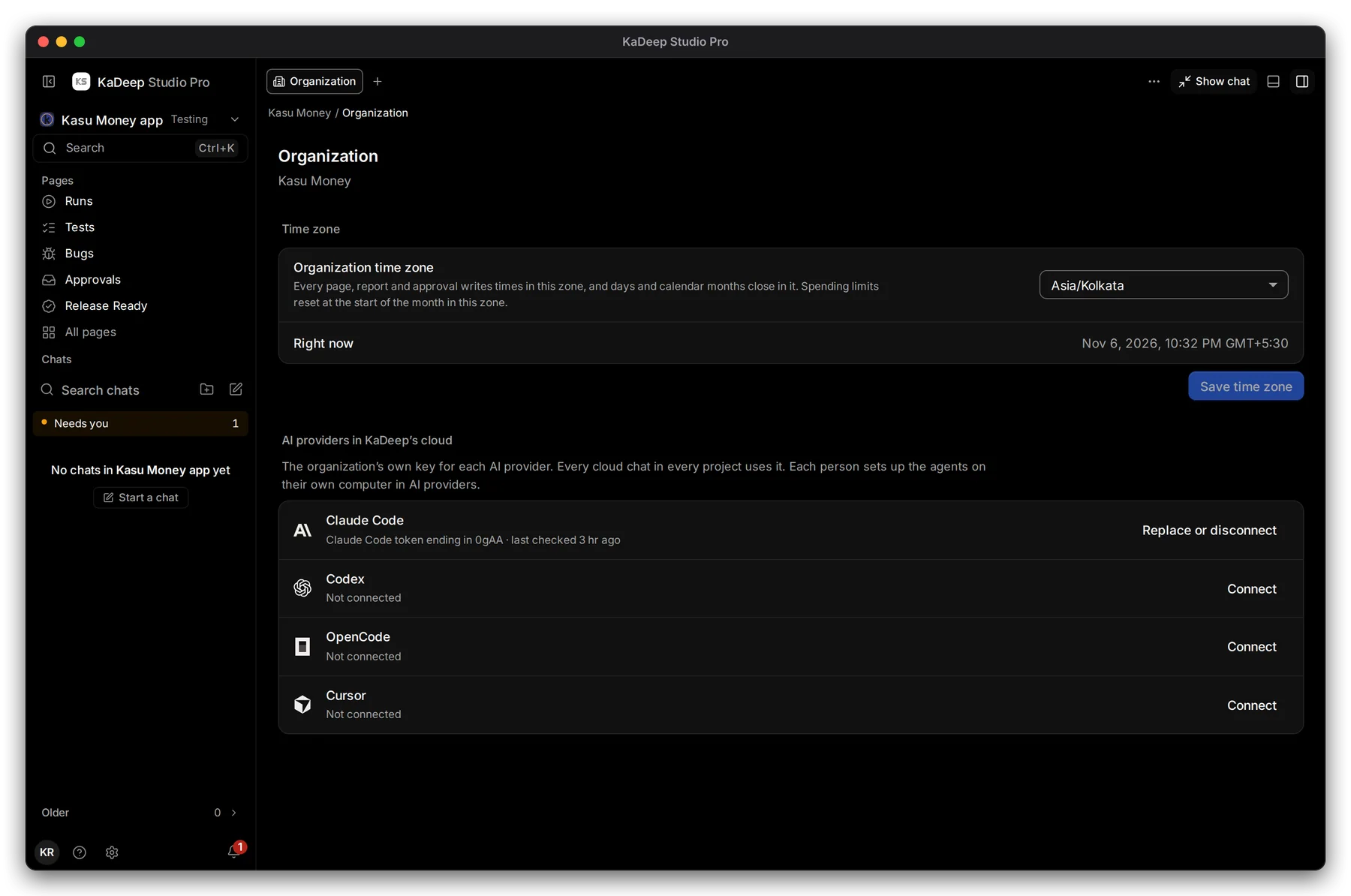
Two settings apply to everyone in your organization: the time zone, and the AI keys the agent uses in KaDeep’s cloud. Set both first.
1. Open Organization settings
Section titled “1. Open Organization settings”- Choose your name at the bottom of the sidebar, then All settings. Press Ctrl K (Windows) or ⌘ K (Mac) and type Organization.
- Choose Organization. Press Enter. The page opens beside the chat.
Manage view
Hands-on view
2. Set the time zone
Section titled “2. Set the time zone”- Choose your zone in 1 Organization time zone.
- Check 2 Right now. It shows the current time in that zone.
- Choose 3 Save time zone.
Every page, report and approval writes times in this zone. Days and calendar months close in it, and spending limits reset at the start of the month in it.
3. Connect the organization’s AI keys
Section titled “3. Connect the organization’s AI keys”4 AI providers in KaDeep’s cloud holds one key per provider: Claude Code, Codex, OpenCode and Cursor. Every cloud chat in every project uses it.
- Choose Connect next to a provider.
- Paste the key or token from your provider’s account, then save it.
- The row shows the last few characters of the key, and when it was last checked.
To change a key later, choose Replace or disconnect.
What’s next
Section titled “What’s next”Invite people and give them rolesBring your team in.
Connect AI providersClaude Code, Codex, Cursor and others.
Set up checklistBack to the list.