Playbook: enterprise IT testing desktop software
Your view
Your team tests the software your company runs on its own computers: a finance client, a line-of-business app, a new build of a packaged tool. This playbook sets KaDeep up so the agent drives those apps on Windows and Mac, on computers you control.
Playbook · setup guide, not a customer story
1. The team and its KaDeep roles
Section titled “1. The team and its KaDeep roles”| Your people | KaDeep role | What they see first on Home |
|---|---|---|
| IT engineer who owns identity and endpoints | Admin | Users & roles, Single sign-on, Spend & limits |
| Head of IT applications | Manager | Who is on what, Waiting for your approval, Oldest open bugs |
| Test lead for desktop software | QA lead | Latest runs, New bugs, Can we ship? |
| Testers, and app owners who re-check fixes | Tester | My tasks, Bugs to recheck, Recent runs |
| Information security and audit | Compliance auditor (read-only) | Can we ship?, Accessibility results, Audit log |
| Service owners who only look | Viewer (read-only) | Their projects, runs and bugs |
2. Setup checklist, in order
Section titled “2. Setup checklist, in order”- Turn on single sign-on, require two-step sign-in, and let Okta or Microsoft Entra ID add and remove people with SCIM. See Sign-in and security.
- Set session limits: how long a session can sit unused, and how long any session can last. See Sign-in and security.
- Turn off tools nobody should use, for every project. See Organization tools and requests.
- Connect the AI that powers the agent, in KaDeep’s cloud or on a paired computer. See Connect AI providers.
- Install KaDeep Studio Pro on the test computers. The 4.0 installers are not signed yet, so plan how users open them. See Install the desktop app and Roll out KaDeep.
- Create a testing project with Desktop as a platform. See Create a testing project.
- Pair each test computer with the project. See Pair this computer.
- On each Mac, allow Accessibility and Screen Recording. See Allow permissions on macOS.
- Run spare computers as workers, so tests run without anyone at the desk. See Worker mode and the tray menu.
- Store the accounts the app signs in with. See Test logins.
3. The main journeys
Section titled “3. The main journeys”| Journey | What the agent does | Guide |
|---|---|---|
| Test on Windows | Opens the app on a cloud VM or a paired PC, clicks, types and reads the screen | Test desktop apps |
| Test on Mac | Works on a paired Mac, with the two permissions allowed | Pair this computer |
| Watch or take over | Shows the agent’s screen live; Take control and Hand back | Watch agents live |
| Read the evidence | Steps, screenshots, a recording and a report, like any run | Runs and evidence |
| Fix and re-check | Files a bug with evidence, then re-checks the fix | Bugs |
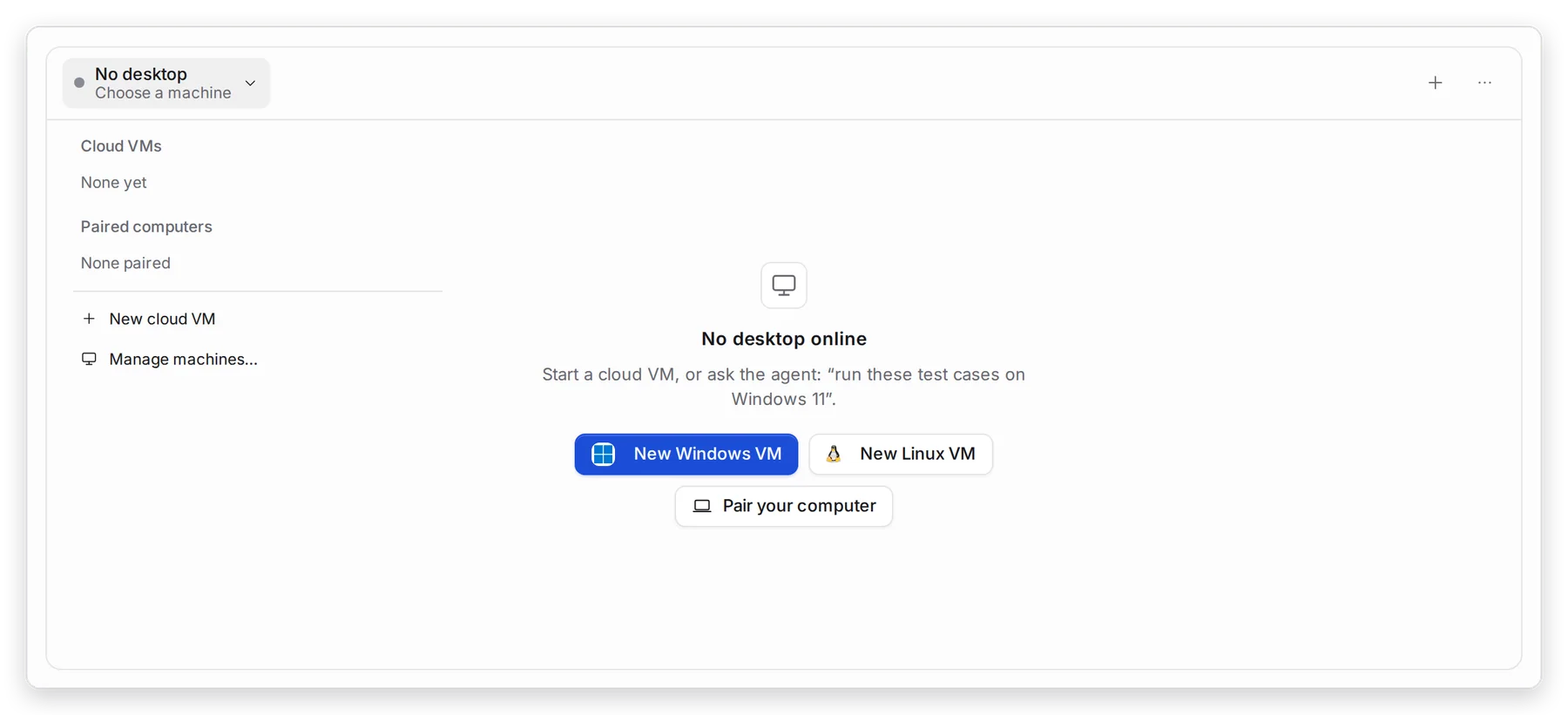
Manage view
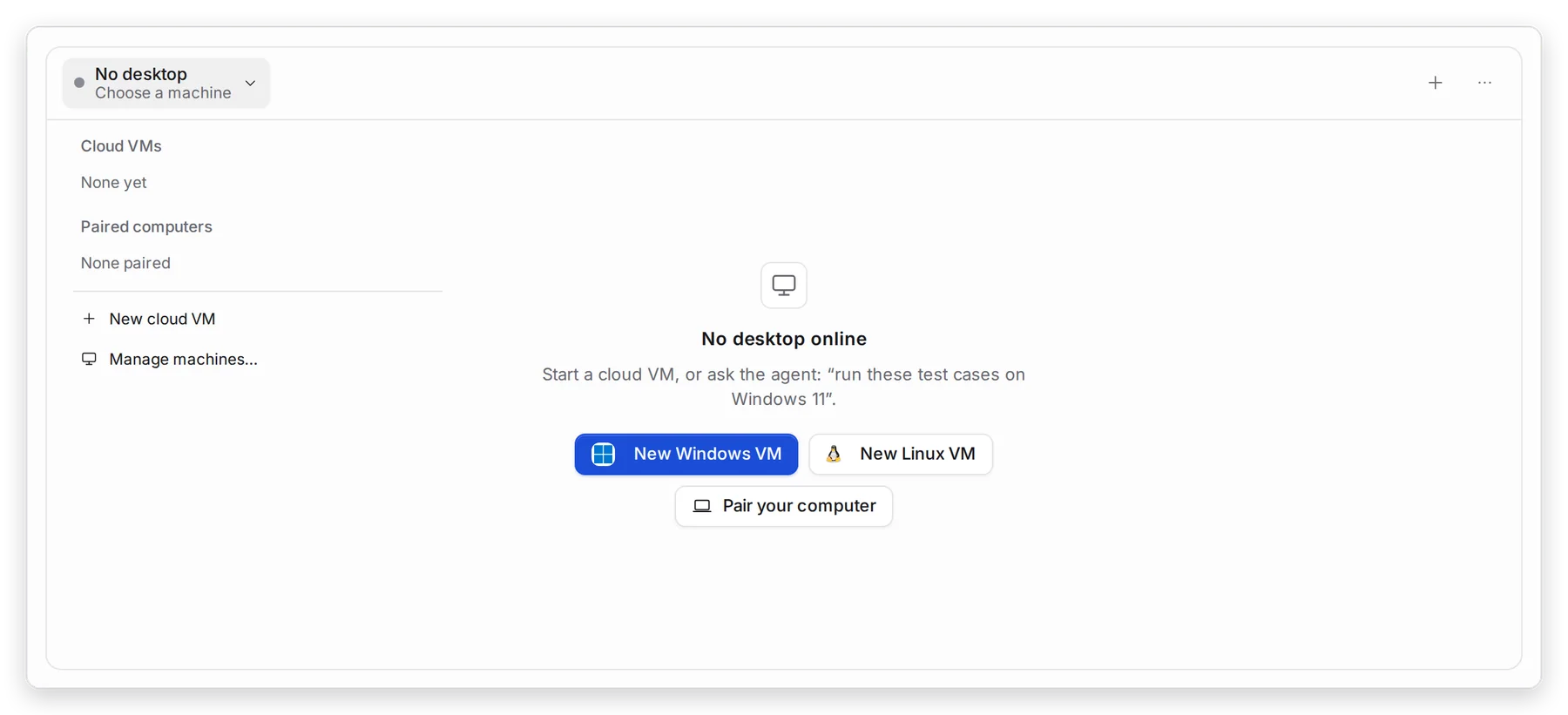
Hands-on view
| Choose | When |
|---|---|
| Cloud VM | A clean Windows or Linux computer with nothing to install. It counts toward your plan while it runs. |
| Paired computer | The app runs on macOS, needs your network or VPN, or needs hardware on a desk. |
4. Governance
Section titled “4. Governance”- Who gets in. Single sign-on and SCIM keep KaDeep in step with your directory. End all sessions signs a person out everywhere. See Roles and what they can do.
- What the agent may touch. Allowed hosts keep the agent on the sites you name, and project Rules say what it must never do. See Project setup and rules.
- Stop at once. Stop all sessions in the tray menu stops every agent session on that computer. See Worker mode and the tray menu.
- Tokens and connections. Every AI key, pipeline token and integration is listed with its owner, last use and expiry. See Tokens and connections.
- Budgets and approvals. Set the monthly limit and Run limits, and who signs larger requests. See Spending limit and approvals.
- Audit and retention. Sign-ins, role changes and token use are in the Audit log. Security reviews access on People and access. Set how long recordings stay in Data and retention.
5. What to measure
Section titled “5. What to measure”| Measure | Where you read it | Guide |
|---|---|---|
| Paired computers online, busy or offline | Desktop, Manage machines… | Pair this computer |
| Runs and their results per app build | Runs | Runs and evidence |
| Open bugs and fixes proven | Bugs, Needs re-check | Bugs |
| Risky permissions and failed sign-ins | People & access | People and access |
| Refused actions | Governance | Governance |
| Spend, by project and by person | Usage & cost | Usage over time |
6. A 30/60/90-day rollout
Section titled “6. A 30/60/90-day rollout”| Days | Goal | Check before you move on |
|---|---|---|
| 1–30 | One app on one paired Windows PC and one Mac; SSO on | Users open the installer the way your IT policy allows. The agent finishes one test case on each computer. |
| 31–60 | Your regression cases for that app; spare computers as workers | Tests run with nobody at the desk. Security has read the audit log and the access review. |
| 61–90 | More apps, cloud VMs for clean Windows runs, SCIM | People join and leave KaDeep through your directory. Every release of the app has runs and a decision on record. |
What’s next
Section titled “What’s next”Roll out KaDeep: pilot, expand, governIncluding how users open the unsigned installers.
How KaDeep fits your organizationThe lifecycle, the roles and what stays under your control.
Find your fit and estimate the workPick your team and goals, then estimate.