Needs you: everything waiting on your decision
Your view
Needs you is your to-do list for decisions. It gathers everything that waits on you, across all your projects. When it is empty, nothing is blocked on you.
1. Find it
Section titled “1. Find it”Needs you is on the right of your Home page. You can also open it from any page: choose the bell at the top right, then the Needs you tab.
Needs you is at the top of Chats in the sidebar. The number is how many things wait for you.
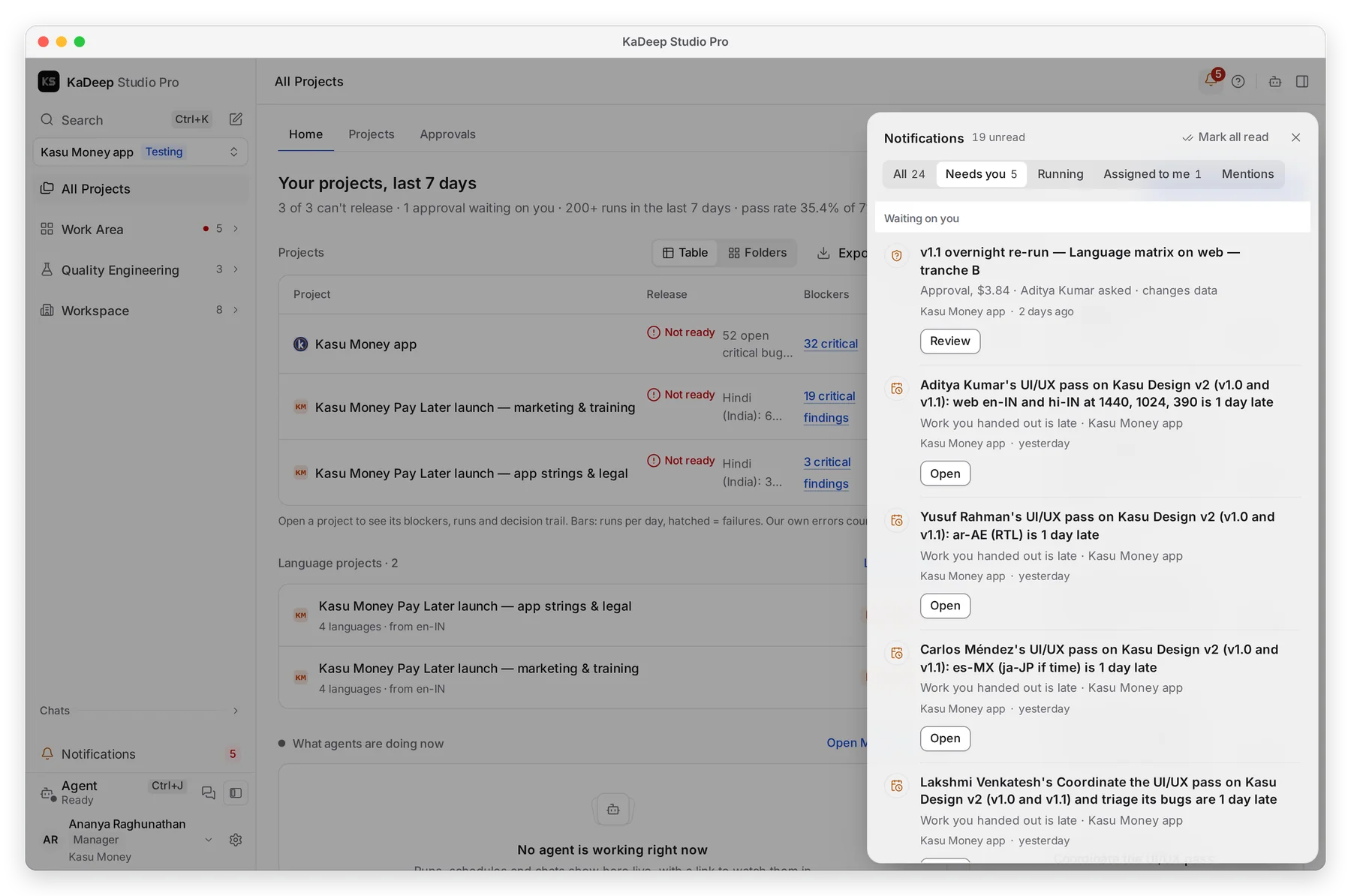
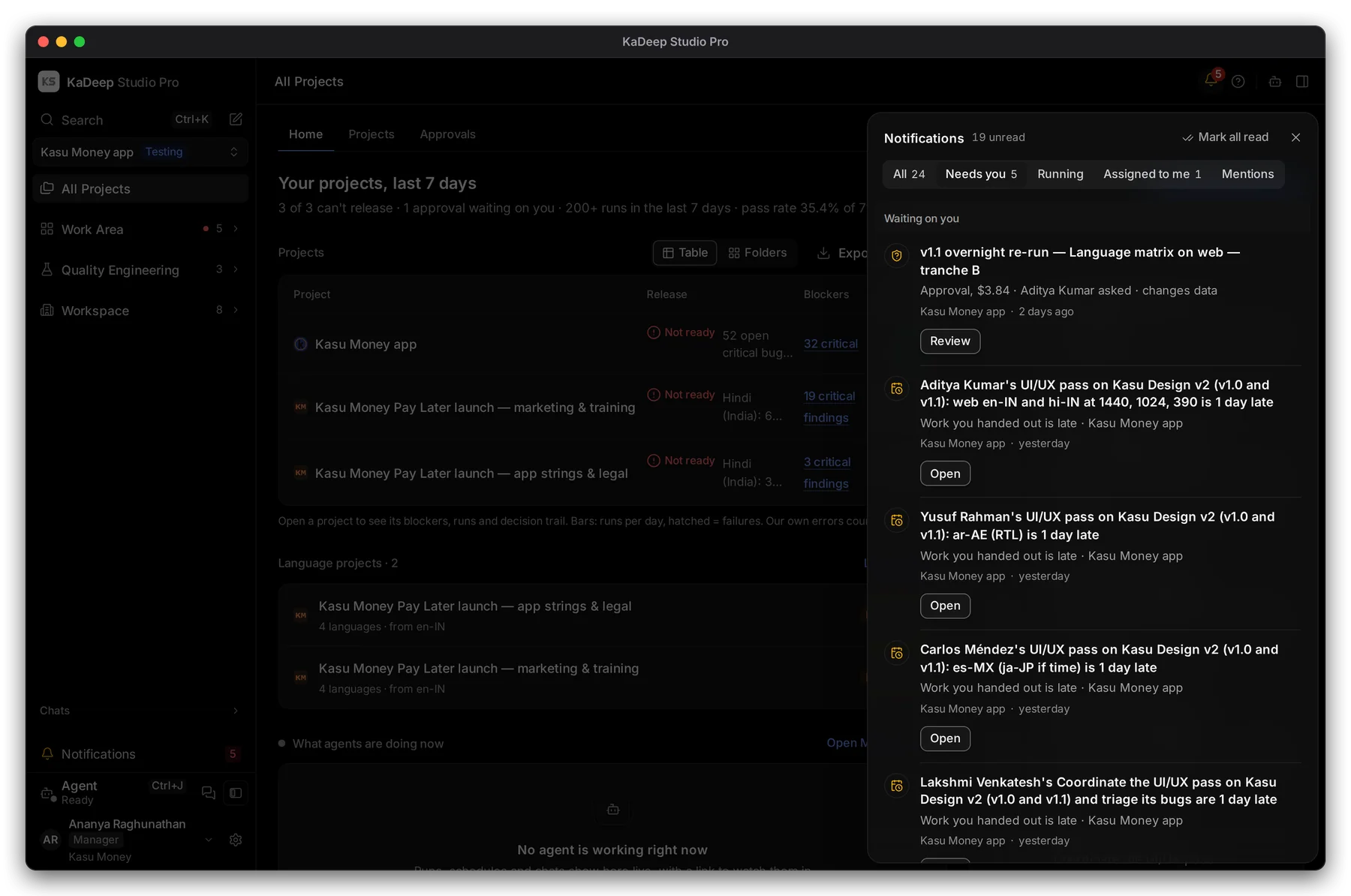
Manage view
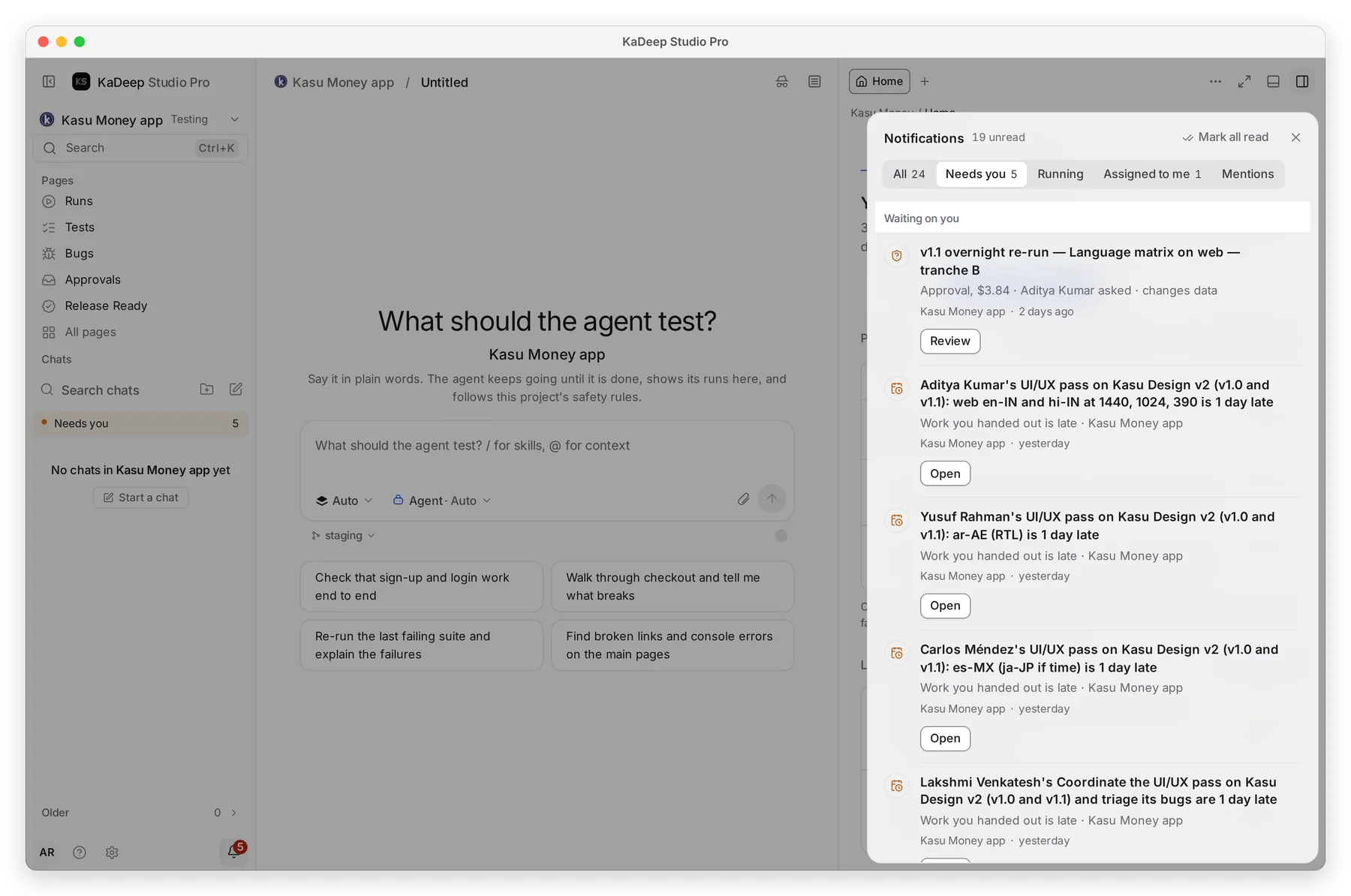
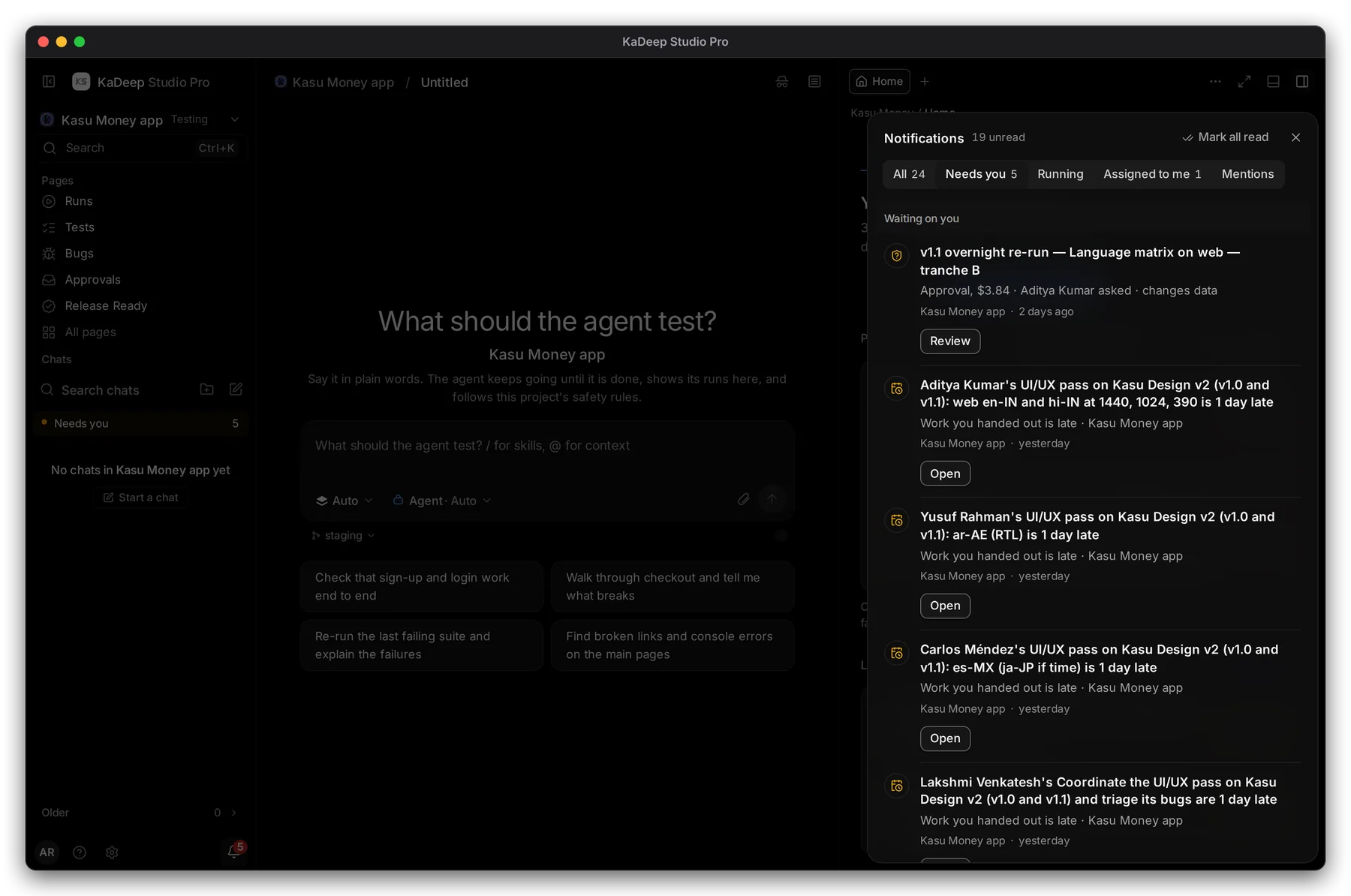
Hands-on view
- 1 The bell opens your notifications. Choose Needs you.
- 2 The Needs you tab. The other tabs are All, Running, Assigned to me and Mentions.
- 3 Waiting on you: the list, most urgent first.
- 4 Each row has one button that takes you to where you decide.
2. Read a row
Section titled “2. Read a row”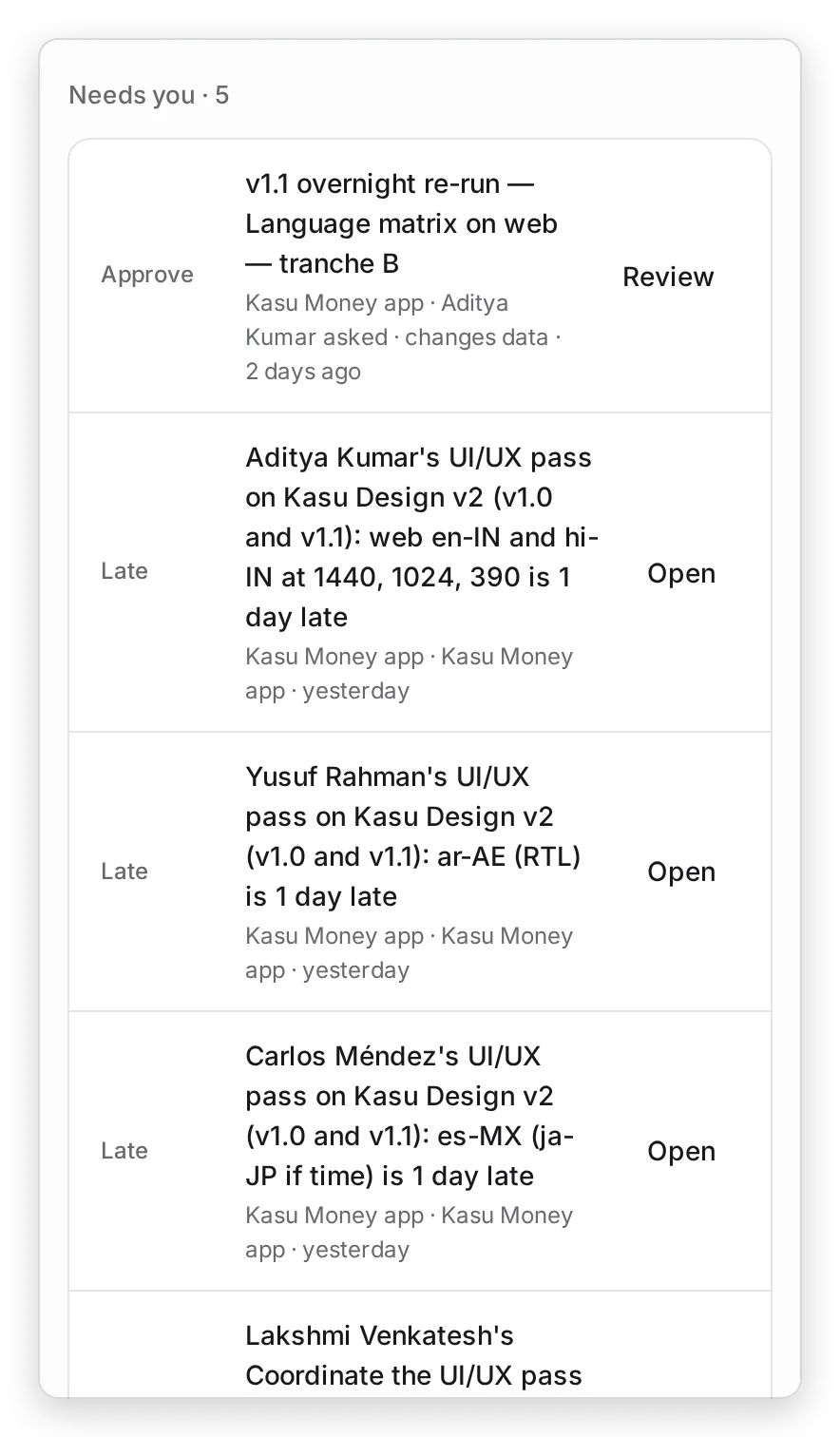
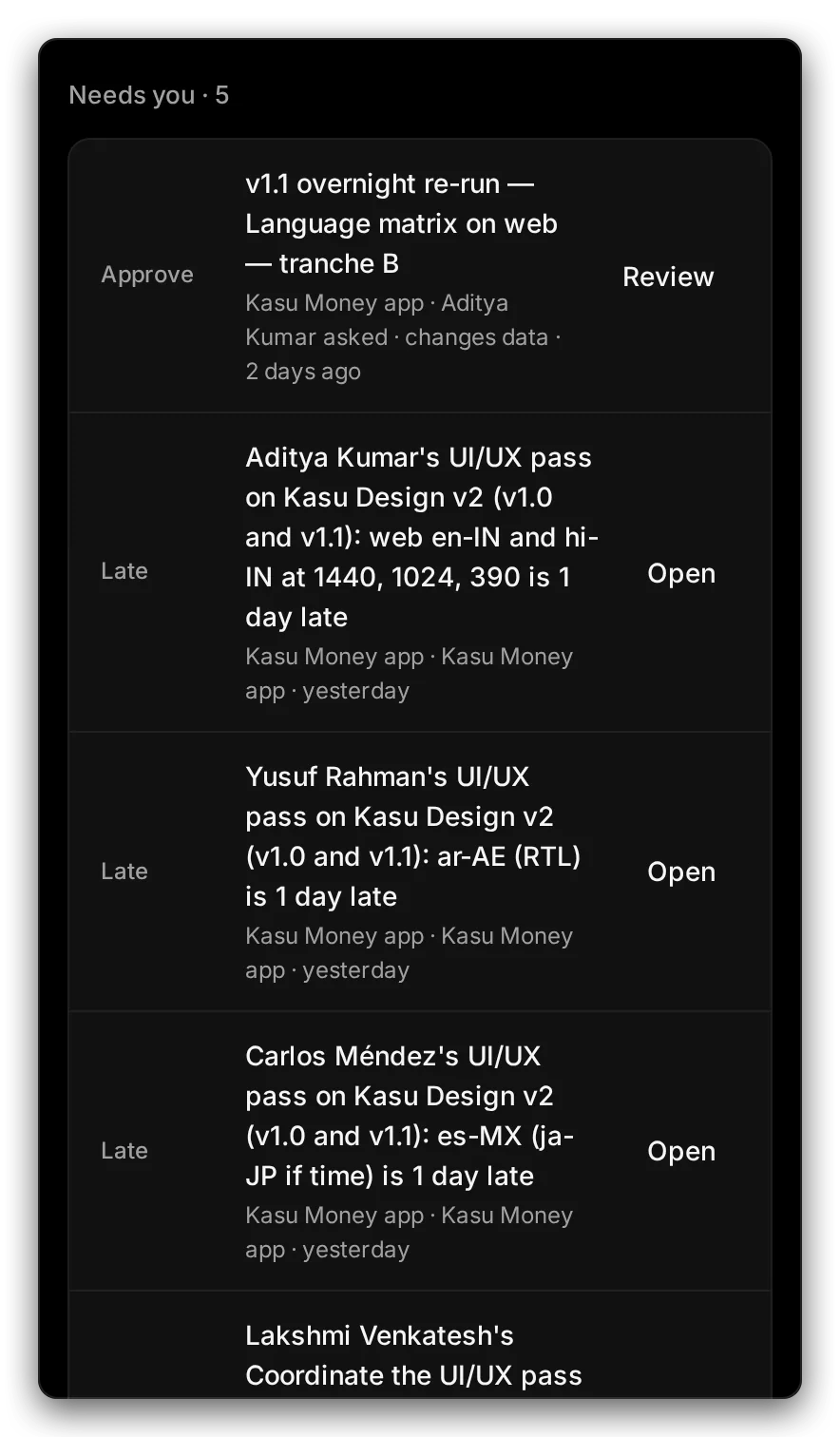
Manage view
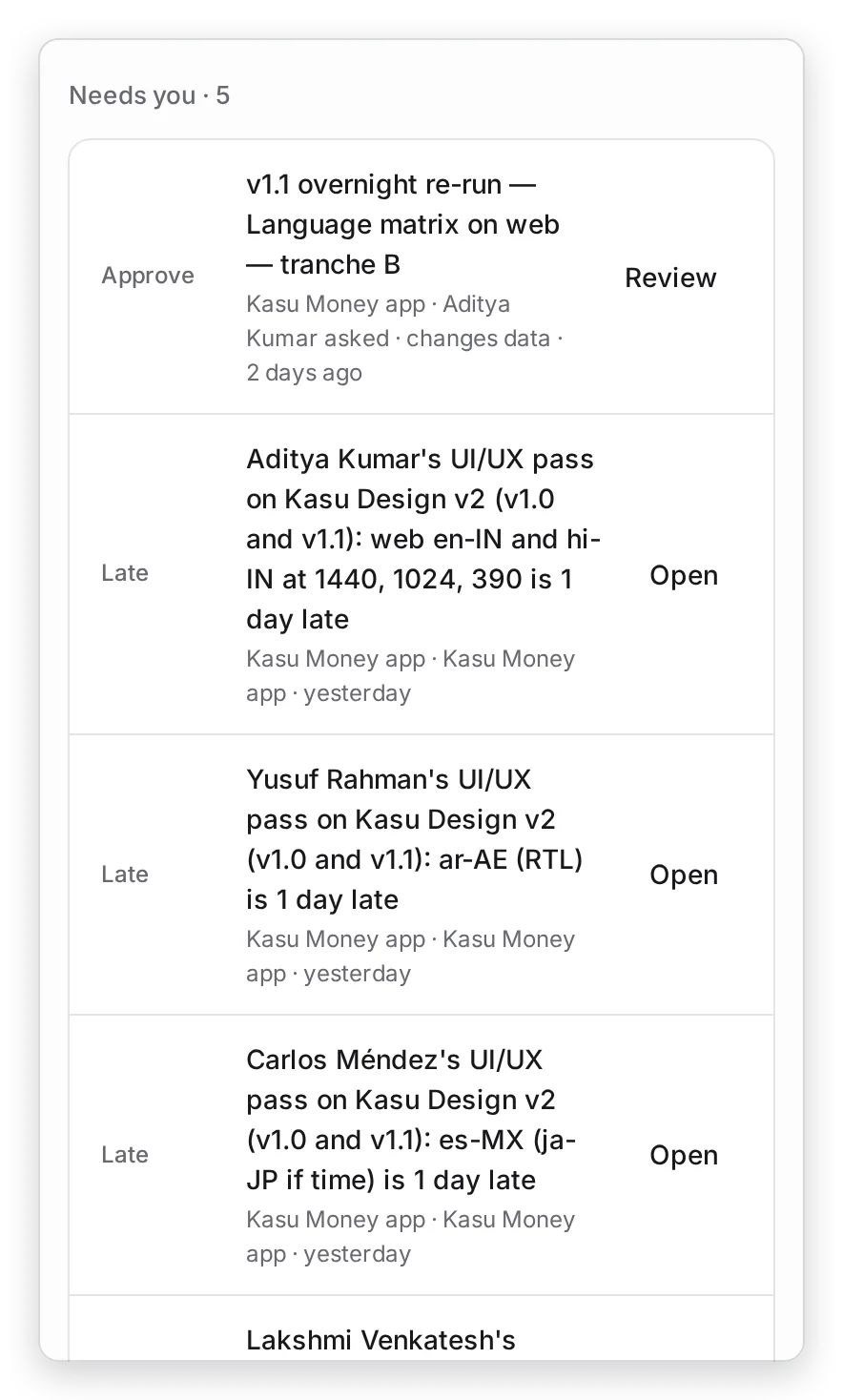
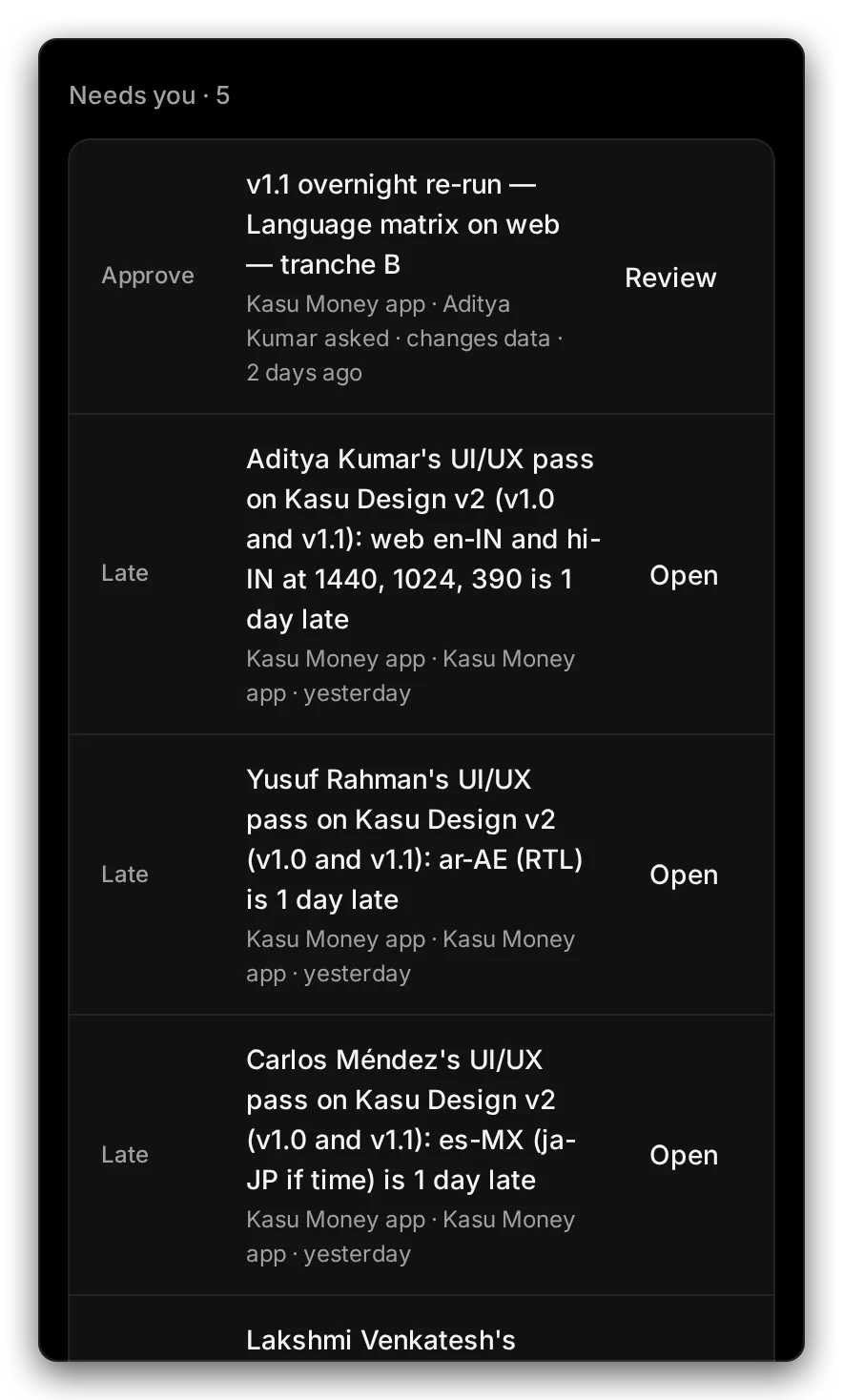
Hands-on view
- 1 The label says what kind of thing it is. Approve means a request to spend money or change data.
- 2 Late means work you handed out is past its due date.
- 3 Open takes you to it.
| Label | What waits | Button |
|---|---|---|
| Question, Login, Code, Step, Connect | The agent stopped and needs an answer, a login, a one-time code, a step done by hand, or a connection. | Answer, Log in, Enter code, Open, Connect |
| Plan | The agent’s plan waits for your OK. | Review |
| Approve | A run or job that costs money or changes data. | Review |
| Sign-off | You are a stakeholder on a release. | Decide |
| Job | A localization job stopped for you. | Open |
| Late / At risk | Work you handed out is past due, or may slip. | Open |
| Task, Review, Bug | Work assigned to you. | Open |
The agent’s questions come first, then plans, requests, sign-offs and slipping work. Within each kind, the newest is first.
3. Clear it
Section titled “3. Clear it”Choose the row’s button and decide there. A row leaves the list when it is decided, done or withdrawn.
What’s next
Section titled “What’s next”ApprovalsReview a request, then approve or reject it.
TimelineAll the work you handed out, on one calendar.
Approve the agent's planRead what the agent will do before it starts.
Your manager HomeEverything else on your Home page.