Ask the organization
Your view
Ask the organization is an agent that only reads. Ask it a question in plain words; it answers from the pages your role can open, and links to each one.
1. Open it
Section titled “1. Open it”Open Workspace › Operations, then the Ask the organization tab.
Under Pages, choose Ask the organization.
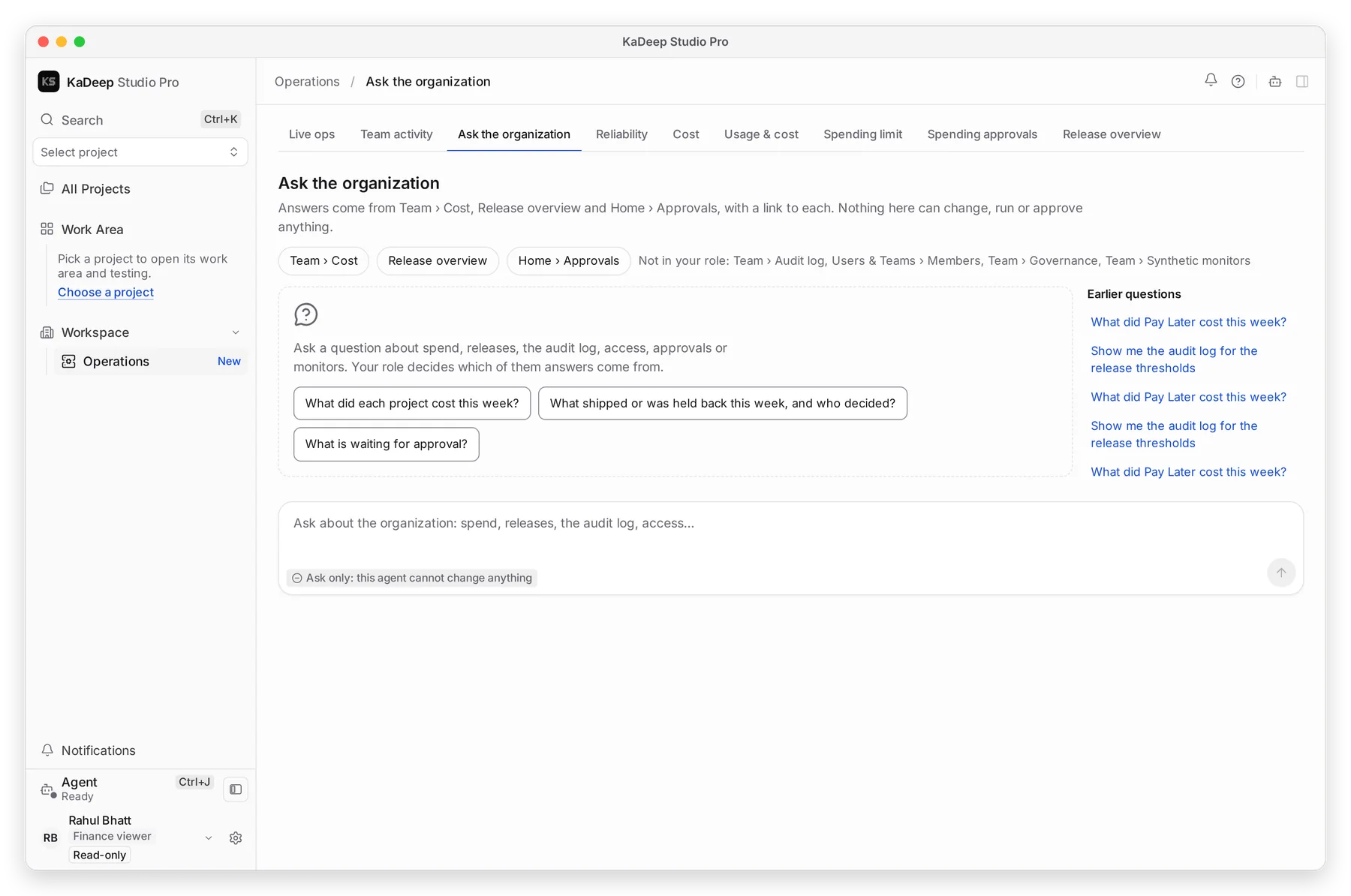
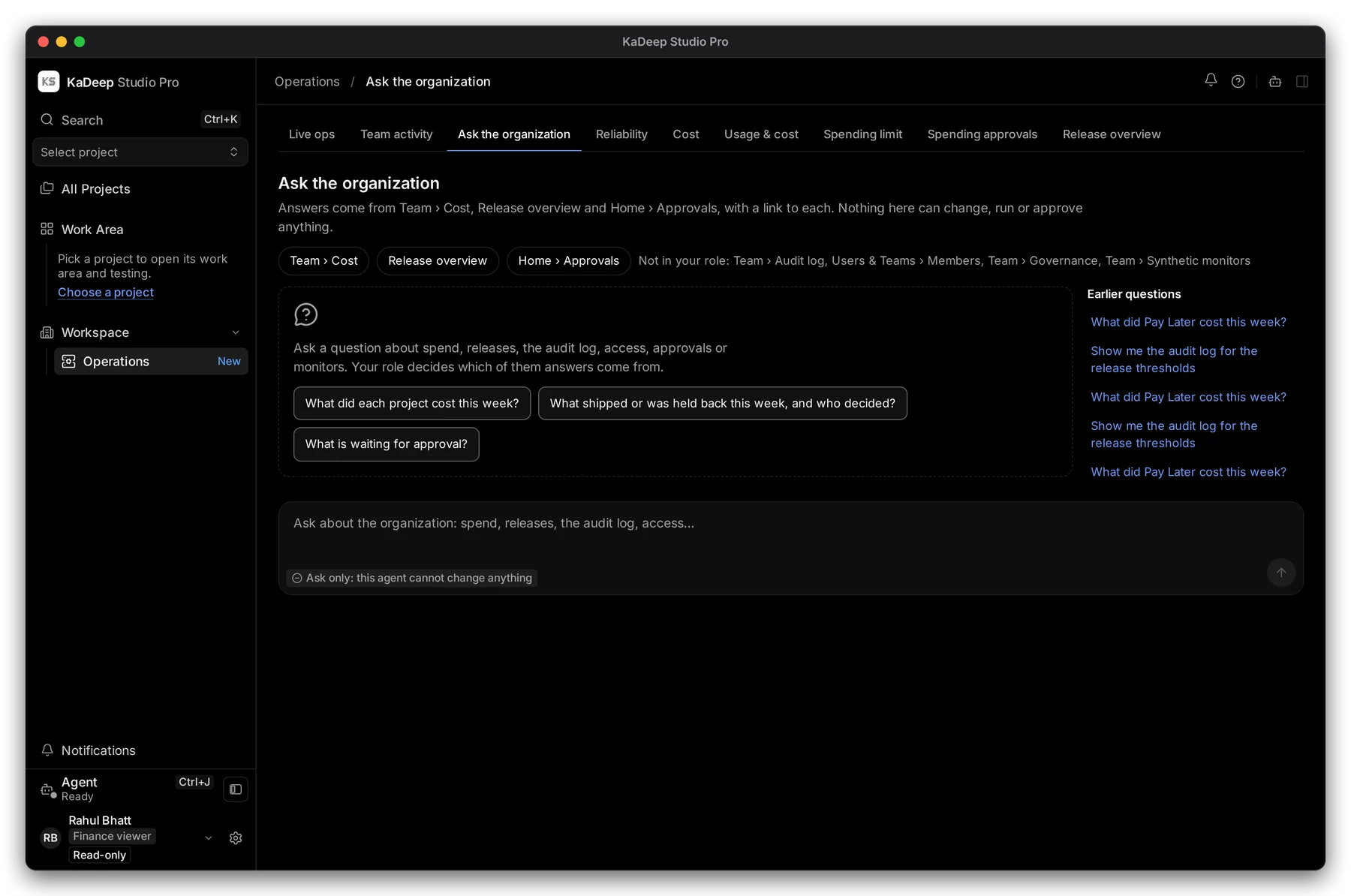
Manage view
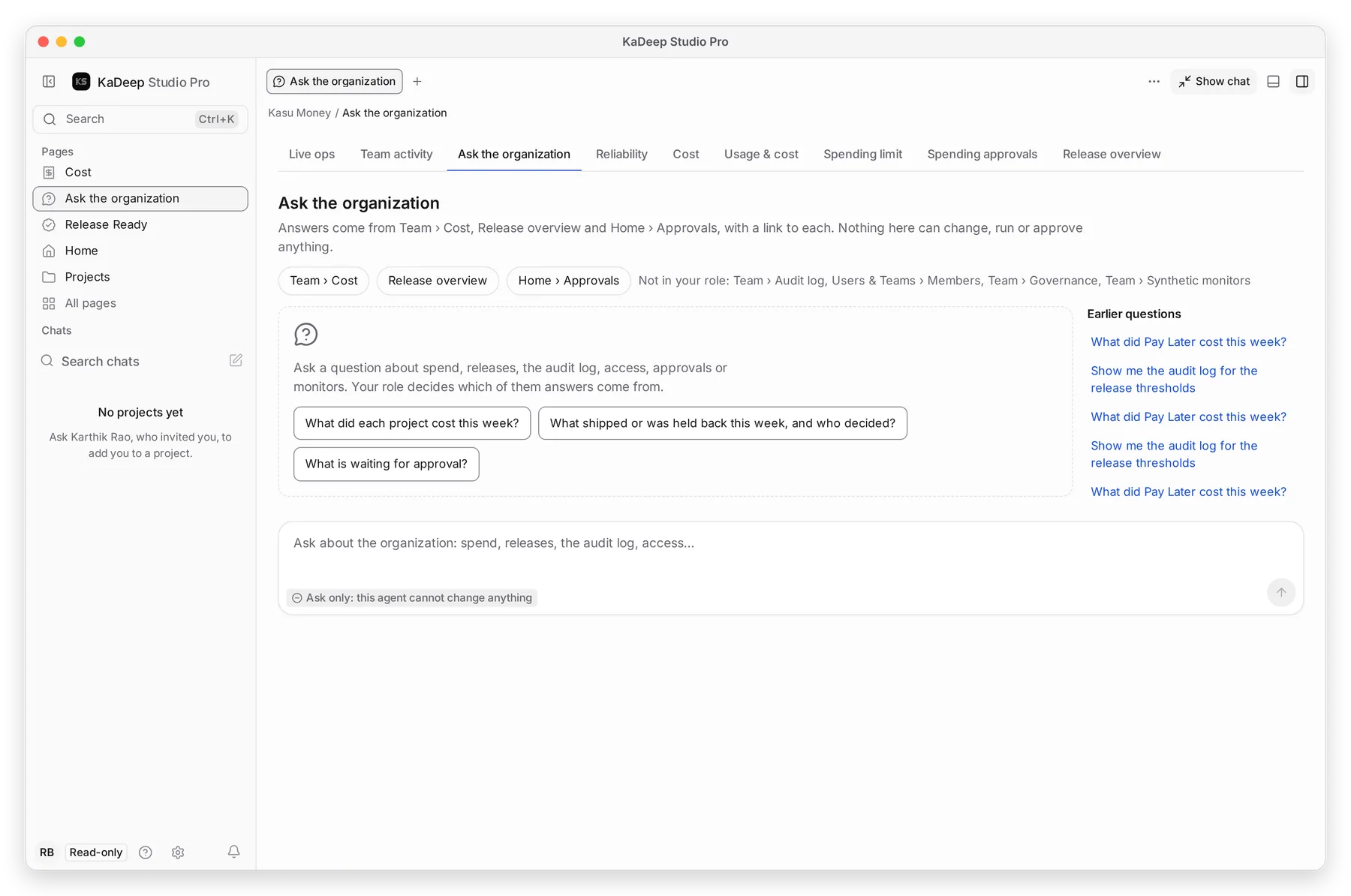
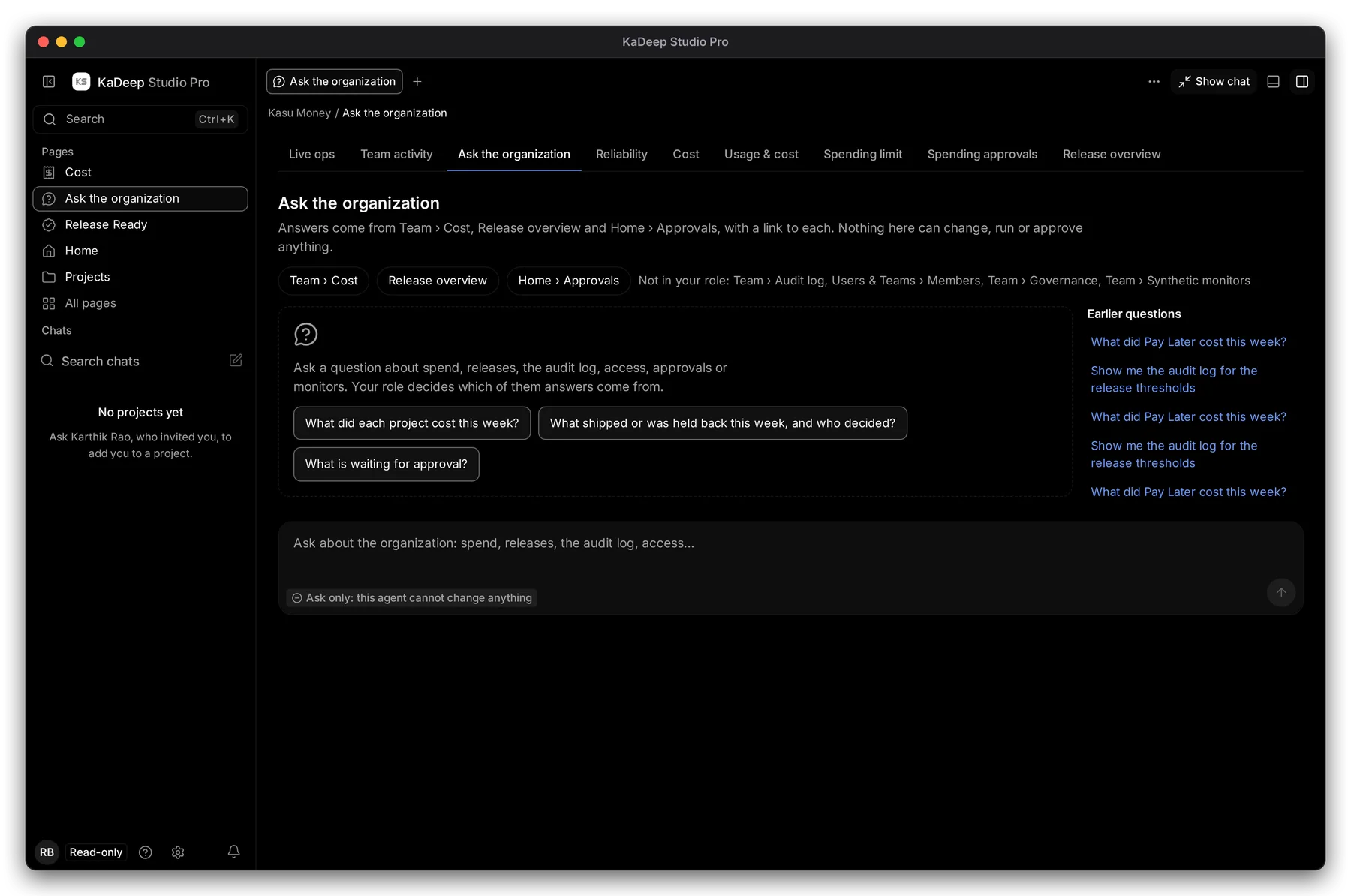
Hands-on view
- 1 Where answers come from. Finance gets Team › Cost, Release overview and Home › Approvals. Pages outside your role are listed after Not in your role.
- 2 Starter questions. Choose one to ask it.
- 3 Type your own question.
- 4 Ask only: this agent cannot change anything.
2. Ask a question
Section titled “2. Ask a question”- Type a question, for example What did Pay Later cost this week?
- Press Enter.
- Read the answer. Each fact links to the page it came from. Open the link to check it.
Earlier questions on the right keeps what you asked before. Choose one to ask it again.
3. Good questions by role
Section titled “3. Good questions by role”| Role | Ask |
|---|---|
| Finance | What did each project cost this week? Who spent the most this month? |
| Compliance | Show me the audit log for the release thresholds. Who changed roles this month? |
| Manager | What shipped or was held back this week, and who decided? What is waiting for approval? |
What’s next
Section titled “What’s next”CostThe numbers behind spend answers.
Audit logThe source of who-did-what answers.
Work with the agentThe project agent that plans, tests and translates.