Agents, memory and notes
Your view
The agent gets better at your app as it works. It remembers screens, fields and rules, and writes tests, notes and reports into the project. These pages show what it knows, so you can check it and correct it.
1. See your agents
Section titled “1. See your agents”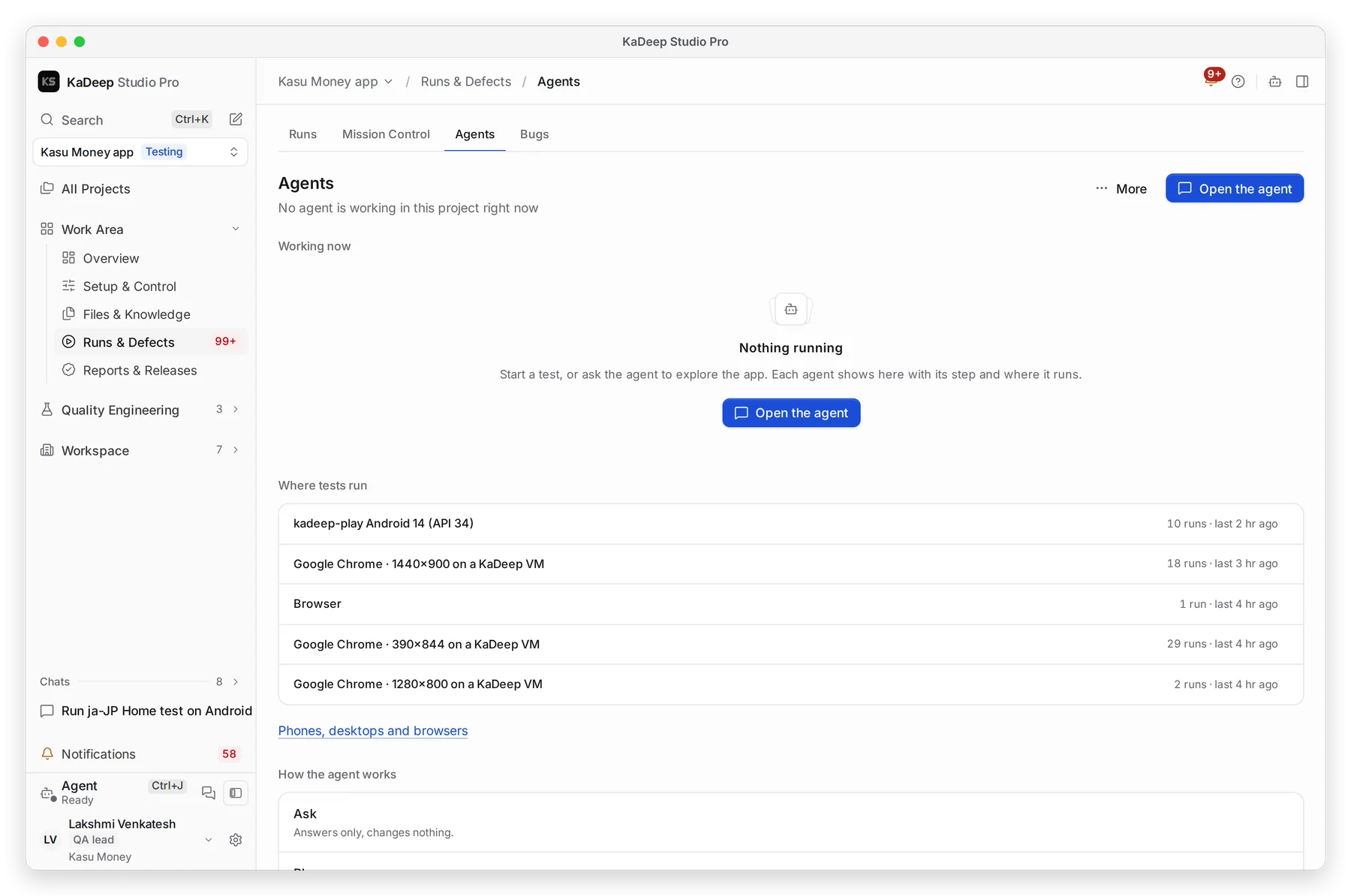
Manage view
Hands-on view
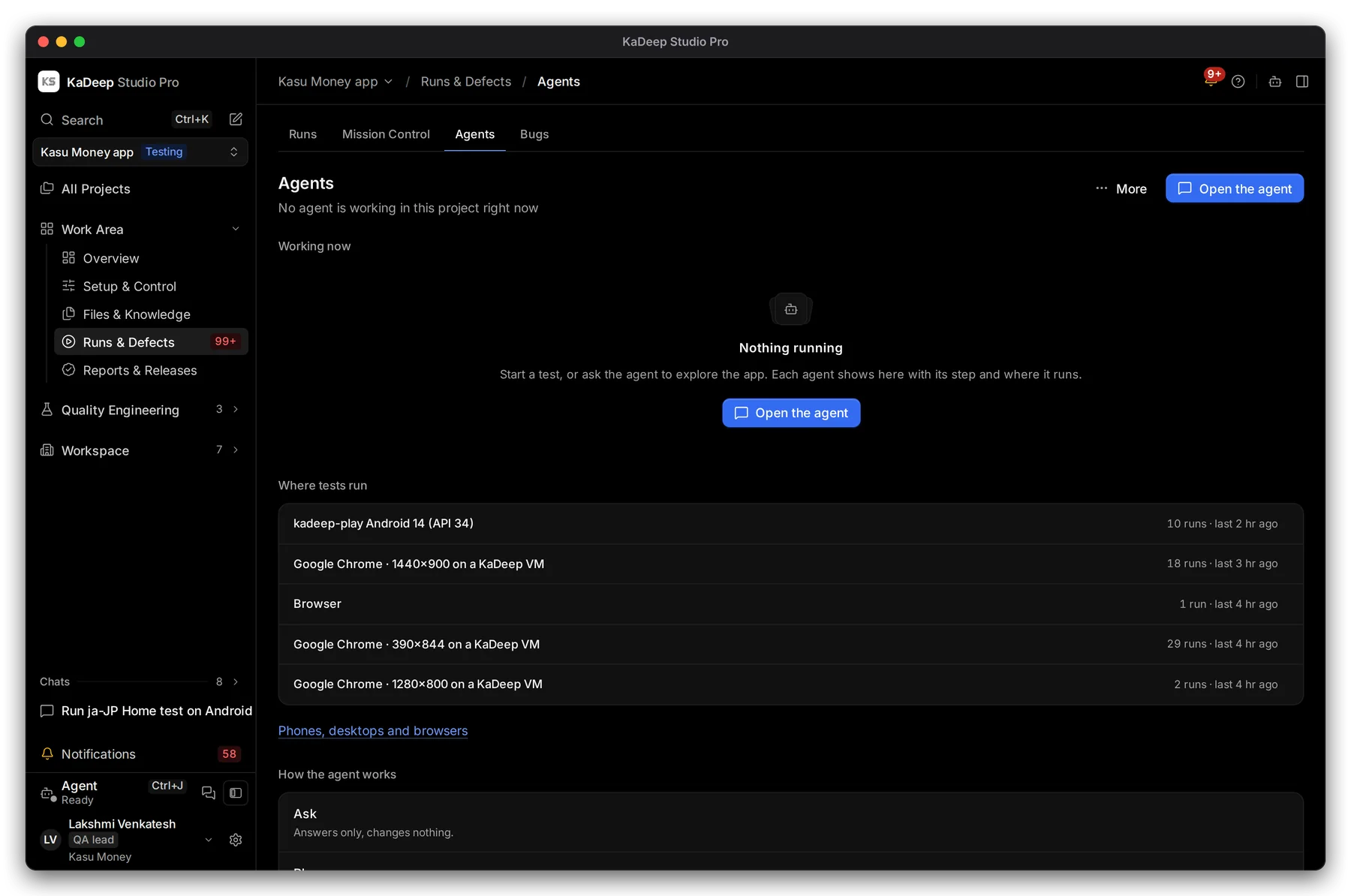
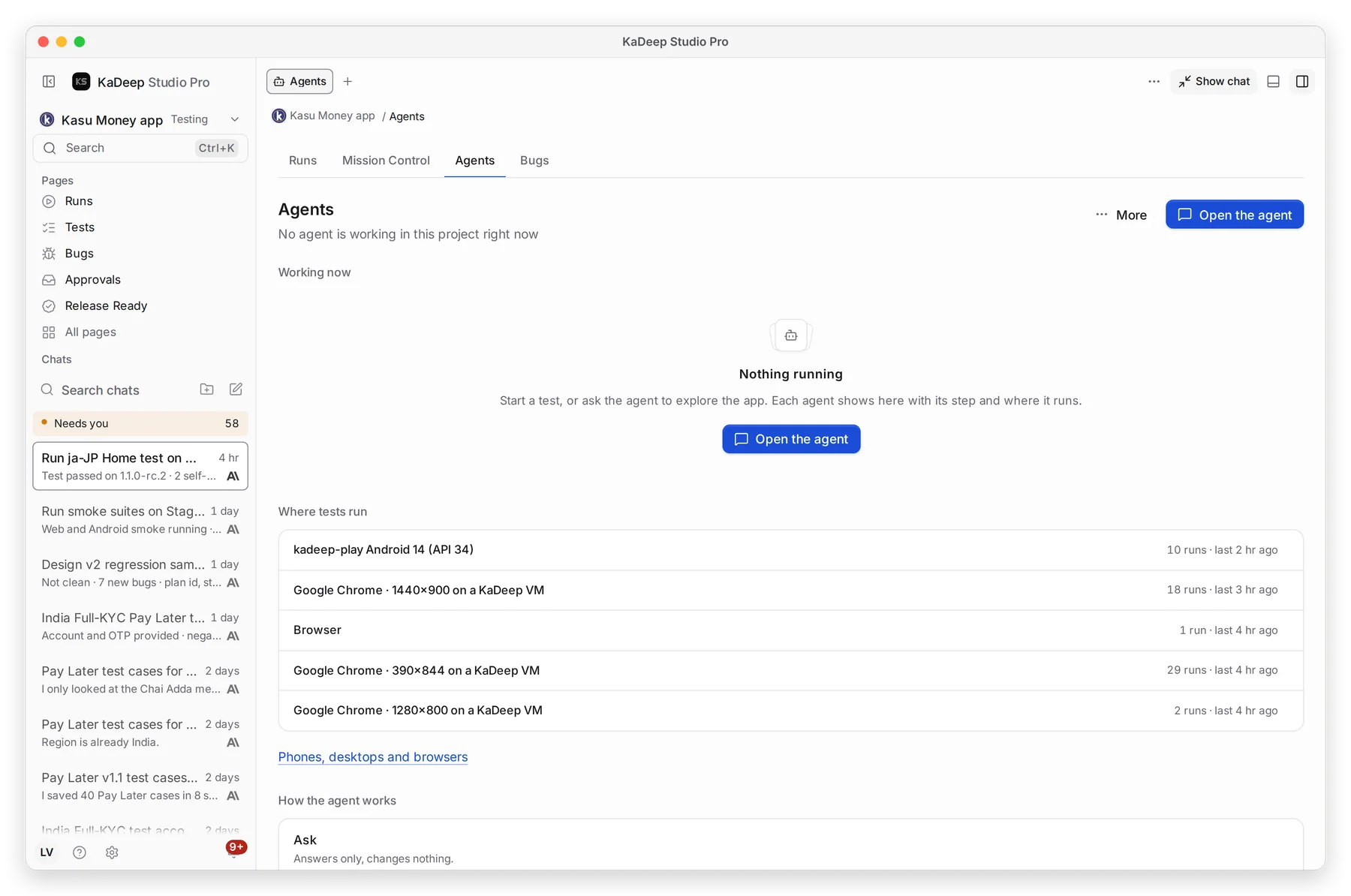
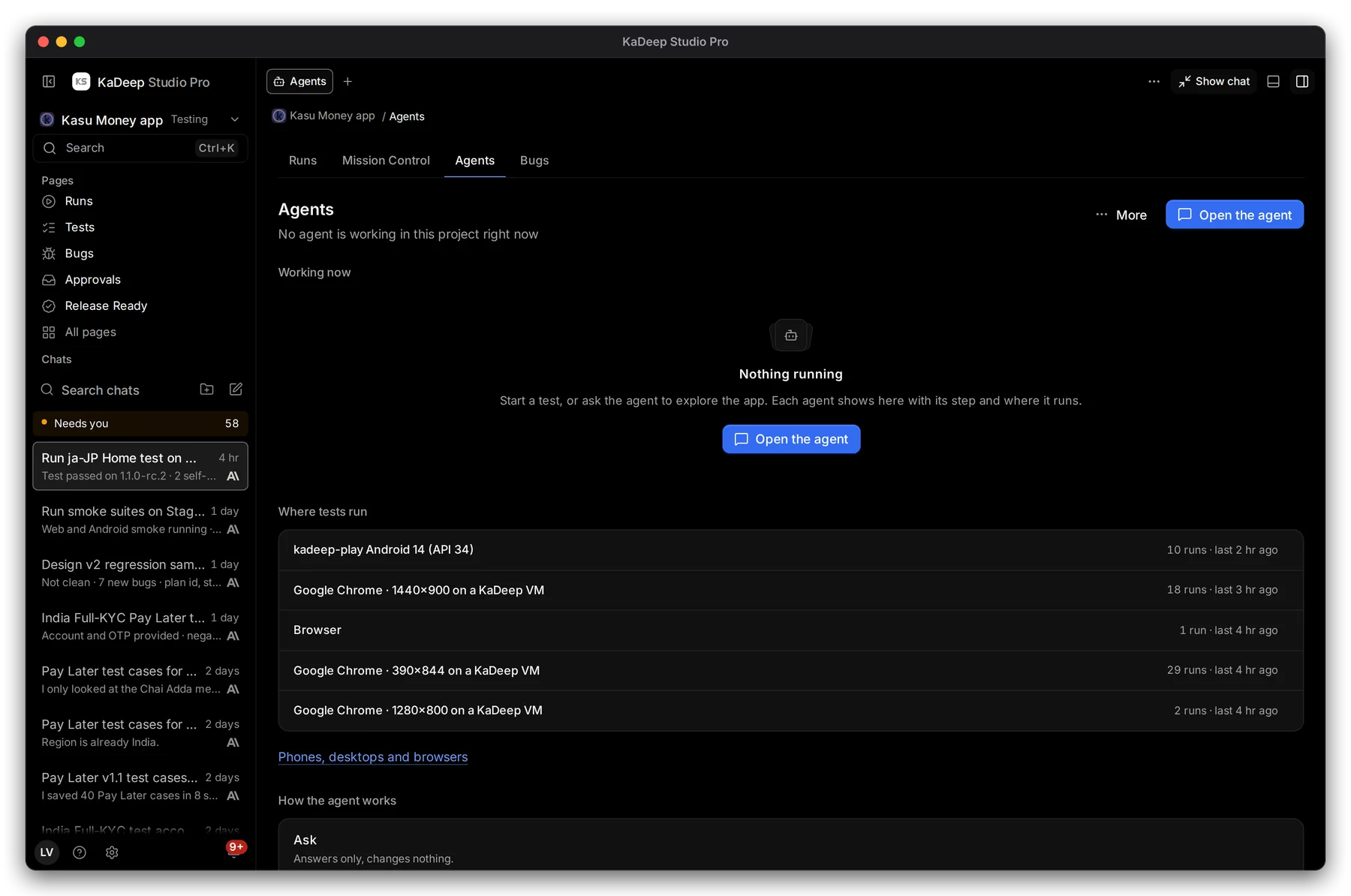
- 1 Working now: each agent at work, with its step and where it runs. When nothing is running, it says so.
- 2 Where tests run: the browsers, phones and computers this project used, with the number of runs on each.
- 3 How the agent works: the three modes you pick in the message box.
- 4 Open the agent to give it work.
| Mode | What it does |
|---|---|
| Ask | Answers only, and changes nothing. |
| Plan | Proposes the steps for you to approve first. |
| Agent | Does the work, inside the project’s safety rules. |
2. Check what it learned
Section titled “2. Check what it learned”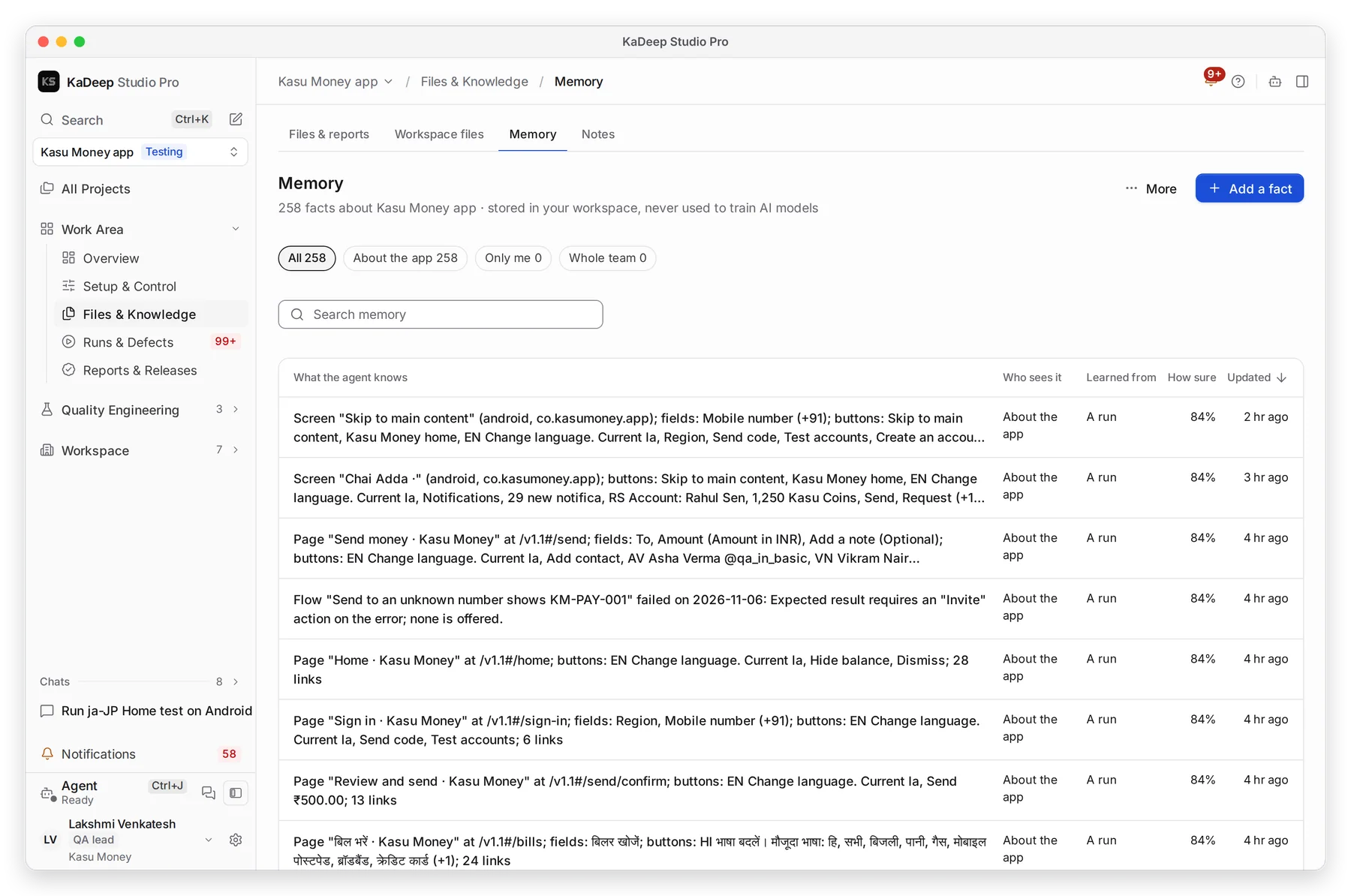
Manage view
Hands-on view
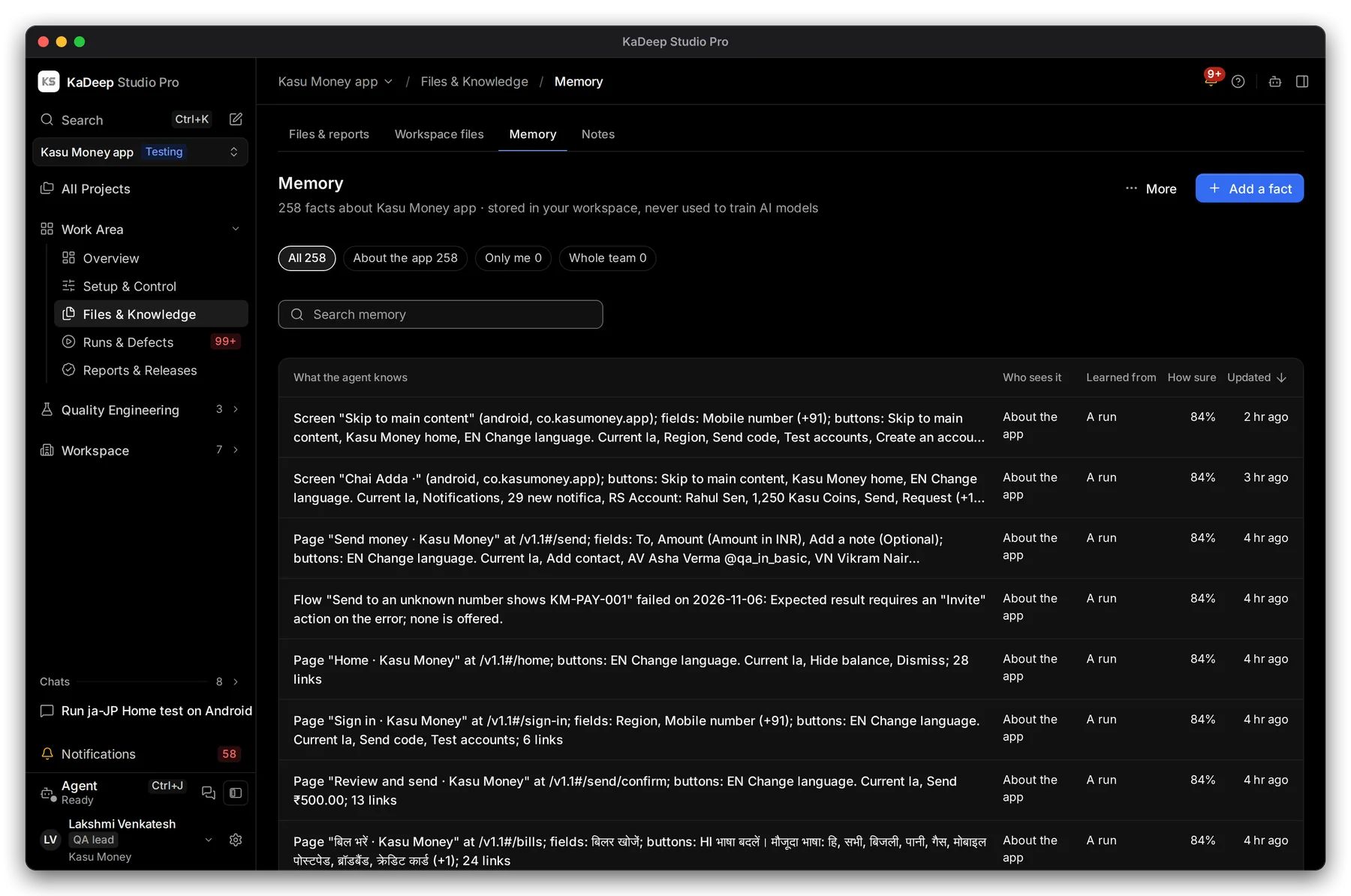
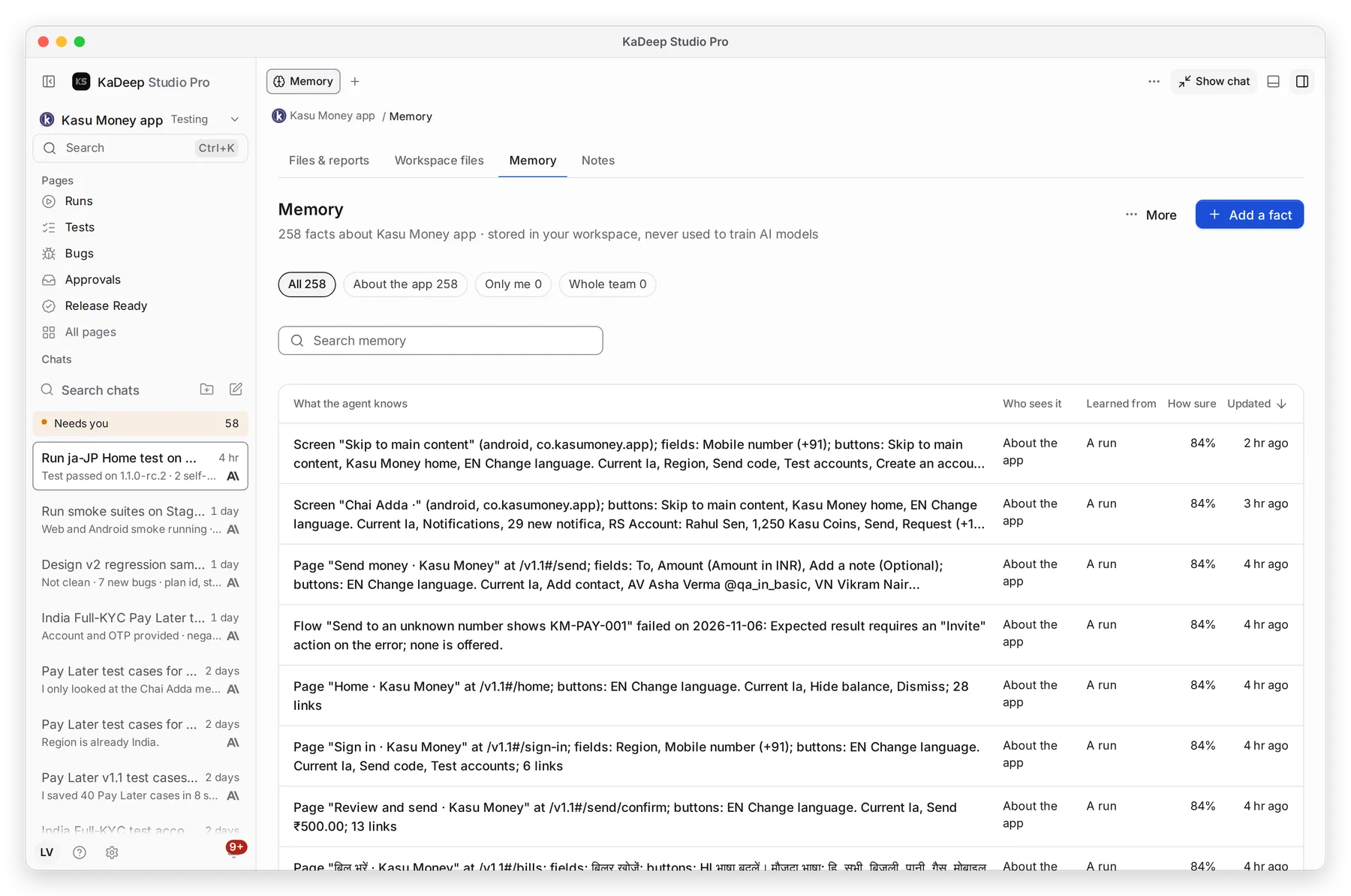
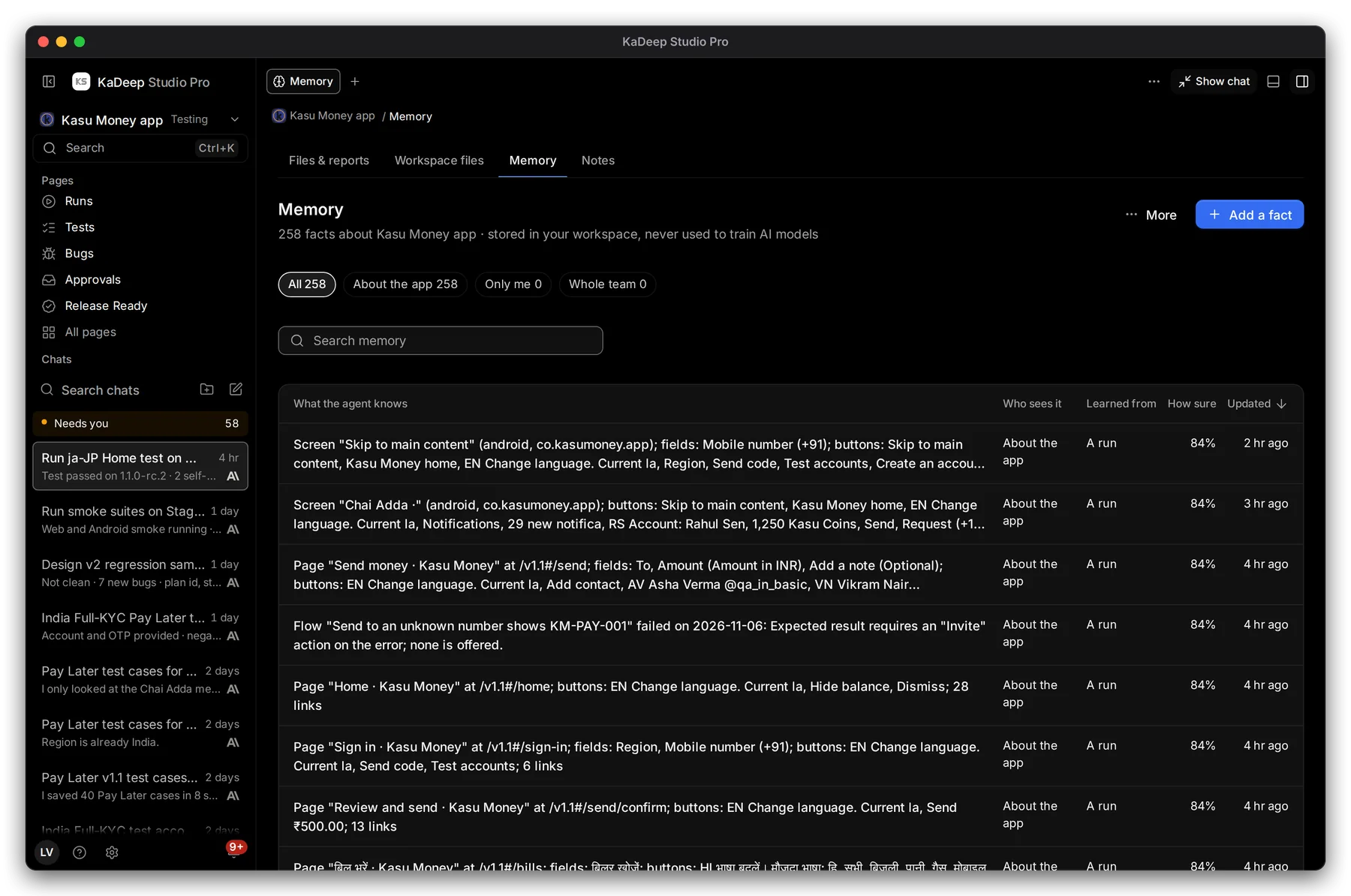
- 1 Filter the facts: About the app, Only me or Whole team. The Who sees it column says who each fact is shared with.
- 2 Search memory.
- 3 Each fact says what the agent learned it from, such as a run, and How sure it is.
- 4 Add a fact the agent should always know, like “Test accounts sign in with a one-time code.”
To correct a fact, open it and edit it, or choose Forget.
3. Workspace files and notes
Section titled “3. Workspace files and notes”Files & Knowledge has two more tabs:
- Workspace files: the agent’s working folder, with Test cases, Suites, Reports, Runs, Skills and Notes. The list refreshes on its own while the agent writes. Choose New file to add your own.
- Notes: notes the agent or your team wrote. Choose New note to add one.
What’s next
Section titled “What’s next”Files and reportsEvery file you gave the agent, and every report it made.
Tools and skillsGive the agent skills and tools for this project.
Workspace knowledgeWhat agents learned across all projects.