Find and open projects
Your view
All work in KaDeep happens inside a project. You see the projects you belong to, and you switch between them from the top of the sidebar.
1. Switch project
Section titled “1. Switch project”The fastest way. The project switcher is at the top of the sidebar, under Search.
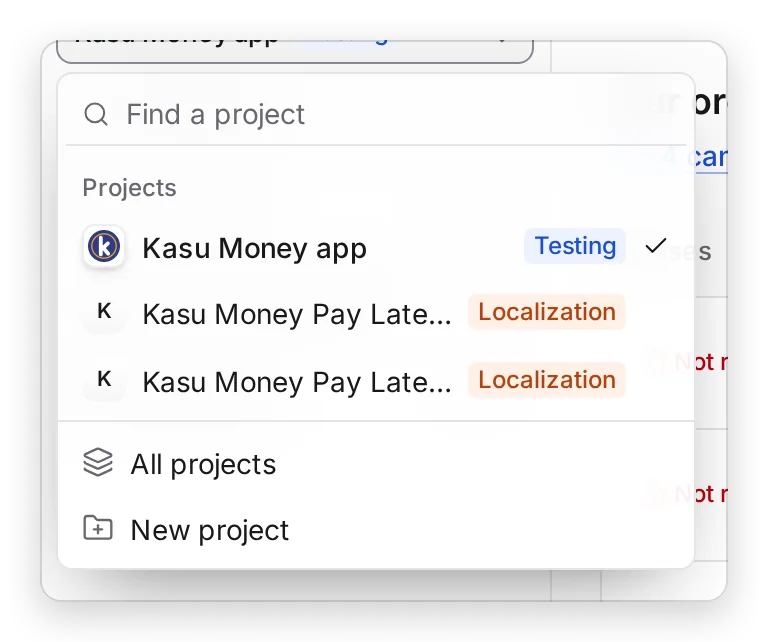
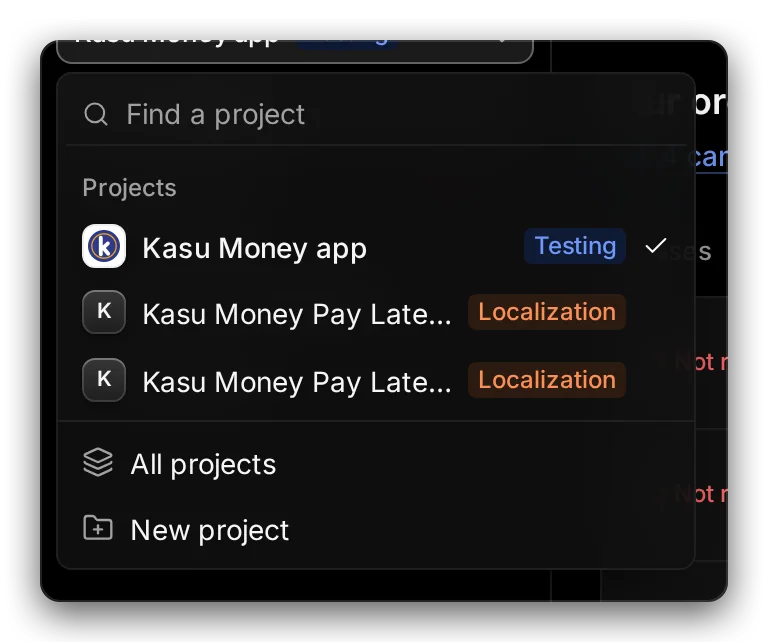
Manage view
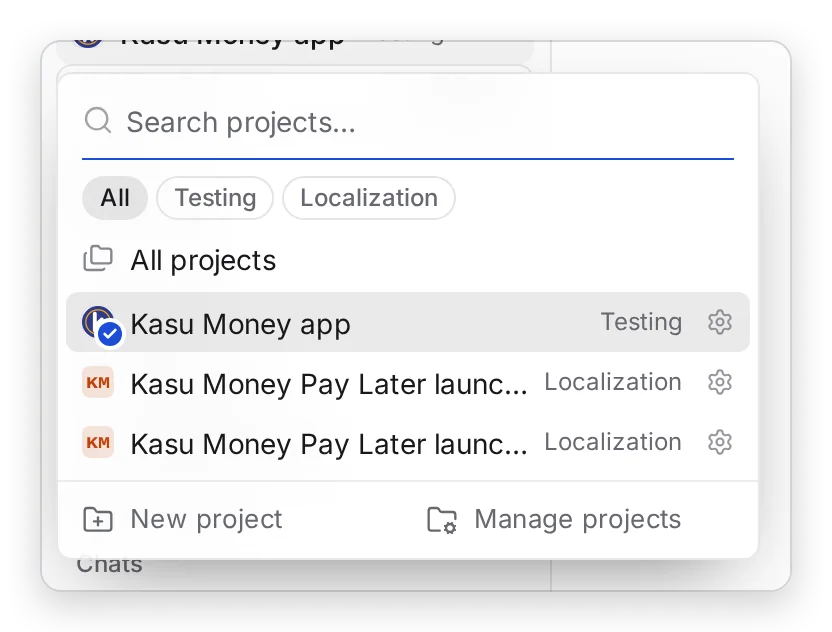
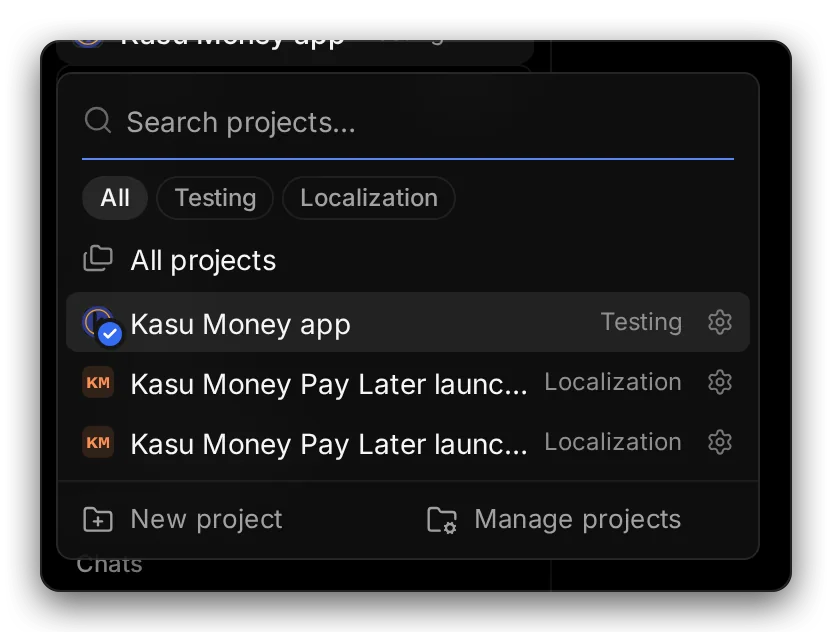
Hands-on view
- Choose the project name at the top of the sidebar.
- 1 Type to find a project, or 2 show only Testing or Localization projects.
- Choose a project. 3 The one you are in is marked.
The pages in the sidebar change to that project’s pages.
2. See every project
Section titled “2. See every project”In the sidebar, choose All Projects, then the Projects tab.
Press Ctrl K (Windows) or ⌘ K (Mac), type Projects and press Enter.
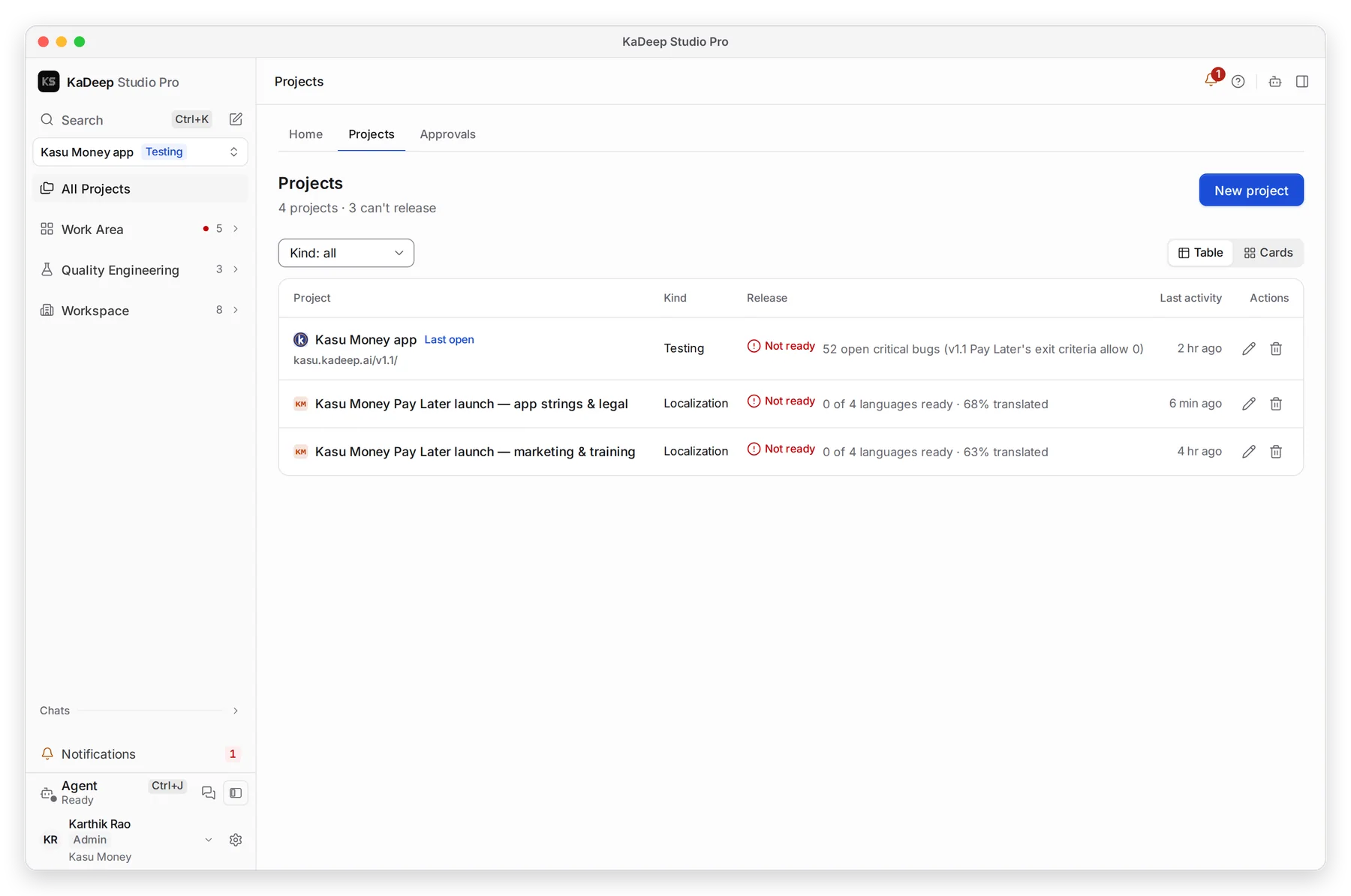
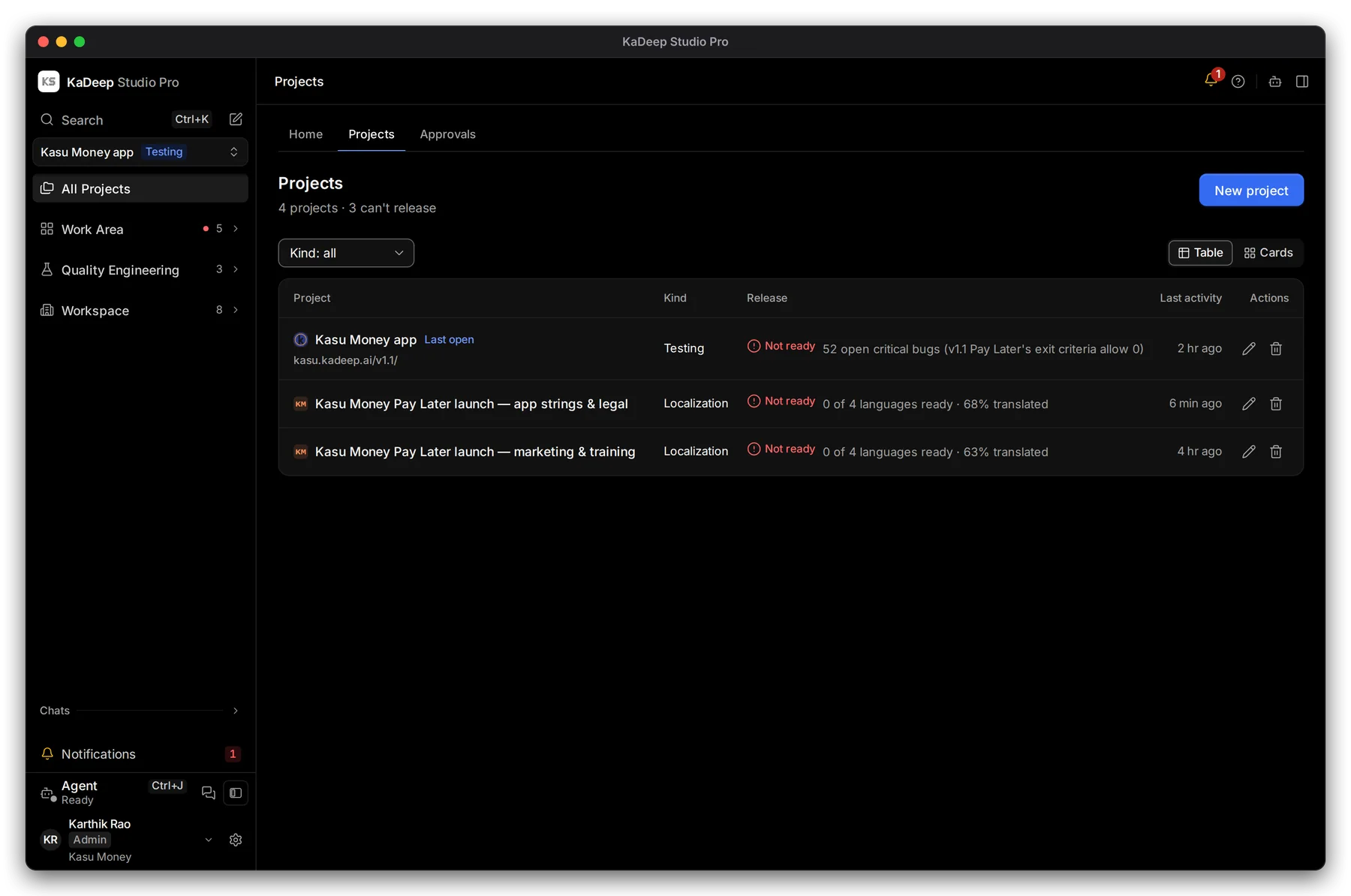
Manage view
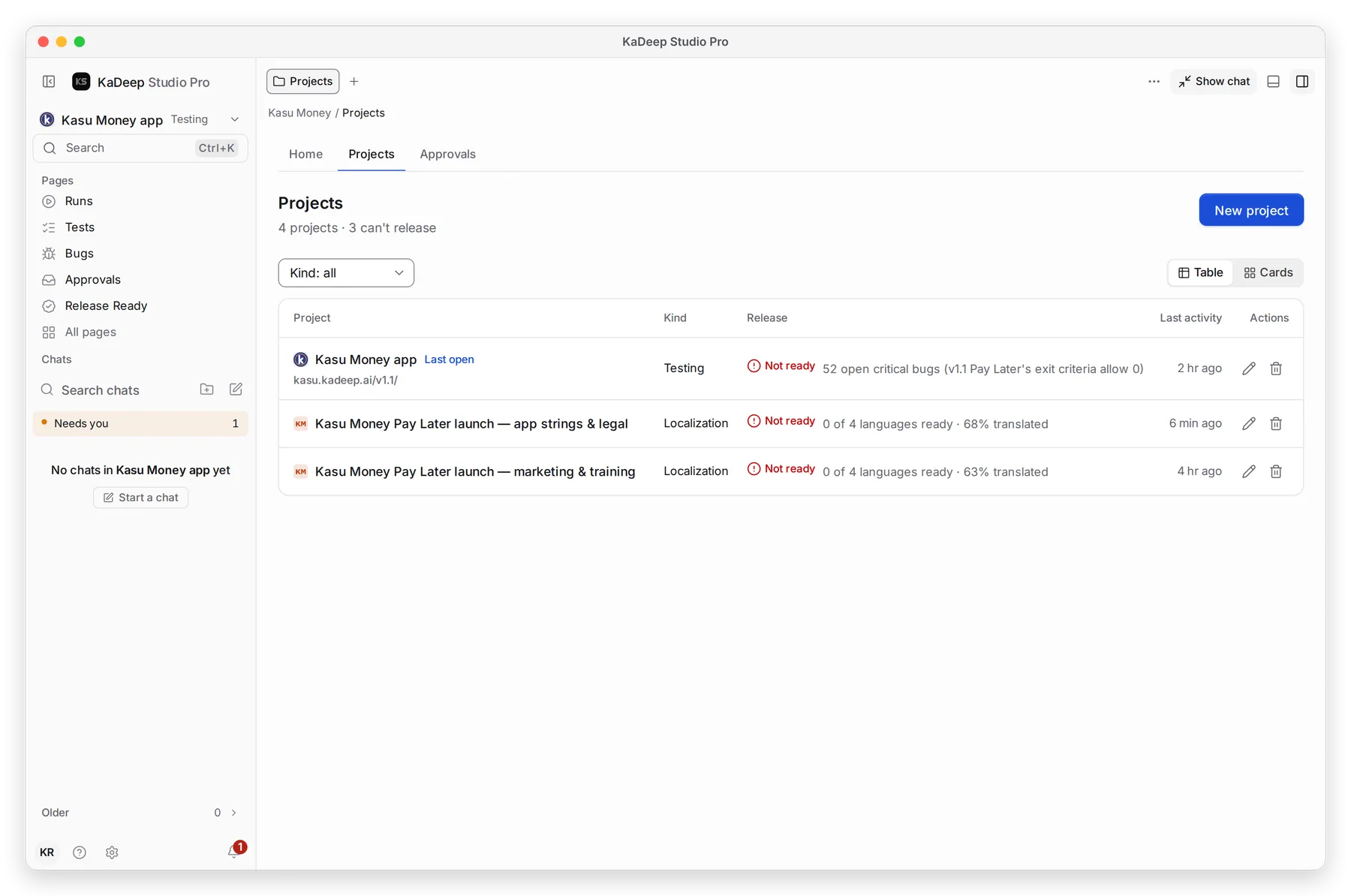
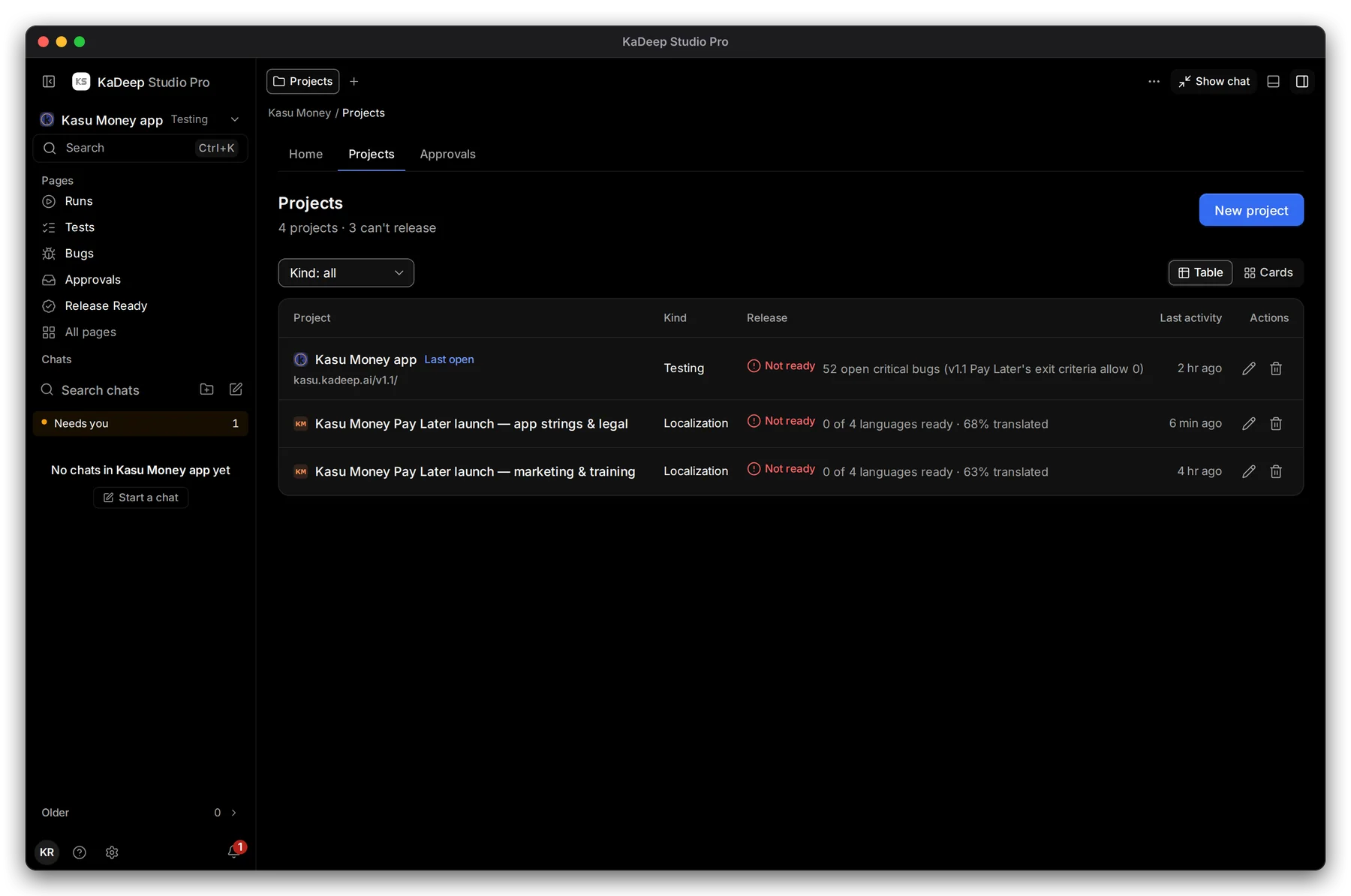
Hands-on view
- 1 Kind: show all projects, or only testing or localization ones.
- 2 Table or Cards: two layouts of the same list.
- 3 Each project shows its kind, its release status, such as Not ready, and its last activity. Choose it to open it.
- 4 New project starts the setup wizard. Only roles that can create projects see it.
3. Testing or localization?
Section titled “3. Testing or localization?”| Kind | Badge | What happens in it |
|---|---|---|
| Testing | Testing | Tests, suites, runs and bugs for an app |
| Localization | Localization | Languages, assets, translation, review and deliveries |
In a localization project, the tests area is called Validation, and the sidebar shows the language pages.
What’s next
Section titled “What’s next”Create a testing projectThe setup wizard, step by step.
Create a localization projectLanguages, content, brief and team.
Work with the agentAsk it to plan, test and translate.