Playbook: insurance broker with a customer portal
Your view
Your customers buy and renew policies, file claims and download documents on your portal. A broken journey costs trust, and a regulator may ask how you tested it. This playbook sets KaDeep up so the agent tests those journeys and every decision leaves a record.
Playbook · setup guide, not a customer story
1. The team and its KaDeep roles
Section titled “1. The team and its KaDeep roles”Give each person the smallest role that lets them do their job. See Roles and what they can do.
| Your people | KaDeep role | What they see first on Home |
|---|---|---|
| Head of IT or QA, who sets KaDeep up | Admin | Users & roles, Single sign-on, Spend & limits |
| Head of digital, who owns the portal | Manager | Who is on what, Waiting for your approval, Oldest open bugs |
| Portal QA lead | QA lead | Latest runs, New bugs, Can we ship? |
| QA engineers, and claims staff who check journeys | Tester | My tasks, Bugs to recheck, Recent runs |
| Risk and compliance officer | Compliance auditor (read-only) | Can we ship?, Accessibility results, Audit log |
| Finance controller | Finance viewer (read-only) | Spend vs limit, Spend by project, Spend by model |
| Product owners and auditors who only look | Viewer (read-only) | Their projects, runs and bugs |
2. Setup checklist, in order
Section titled “2. Setup checklist, in order”- Set the time zone and the organization’s AI keys in Organization settings.
- Turn on single sign-on and two-step sign-in, and add people with SCIM. See Sign-in and security.
- Set the monthly limit and the approval chain before anyone runs a test. See Spending limit and approvals.
- Decide how long evidence is kept, and how you place a legal hold. See Data and retention.
- Connect the AI that powers the agent. See Connect AI providers.
- Create one testing project for the portal with the wizard. Upload your product rules and old test cases at Uploads. See Create a testing project.
- Store a test login for each portal role, such as policyholder and broker. See Test logins.
- Point Allowed hosts at your portal, and turn on Read-only for any environment that holds real customers. See Project setup and rules.
- Import or write tests, and link them to requirements. See Tests and Requirements and coverage.
- Invite the team and add them to the project. See Invite people and give them roles and Add people to a project.
3. The main journeys
Section titled “3. The main journeys”| Journey | What the agent does | Guide |
|---|---|---|
| Quote, buy and renew | Runs the purchase suites on the web and on phones | Run a test suite, Test on phones |
| Claims and document upload | Follows the claim path with a stored login, and records each step | Runs and evidence |
| Accessibility | Checks pages against WCAG and EN 301 549, and makes an ACR/VPAT report | Accessibility testing |
| Bug fixes | Files each bug with evidence, then re-checks the fix | Bugs |
| Release decision | Gives a dated verdict, collects sign-offs and keeps the record | Release Ready: can we ship? |
4. Governance
Section titled “4. Governance”- Budgets and approvals. A run that costs more than the project allows waits on Approvals. Tests that change data are marked Changes data there. Set who signs which amount on Spending approvals.
- Read-only production. With Read-only on, the agent looks but never clicks, types or submits. The saved test login can still sign in. See Project setup and rules.
- Audit. Every change, refusal and decision is in the Audit log, kept as long as the organization exists. Your compliance officer runs an access review on People and access.
- Retention and legal hold. Choose how long run videos and screenshots stay. Place hold stops every cleanup for a project during a dispute. See Data and retention.
- Evidence for an auditor. An evidence pack holds the report, the decision, runs and bugs, with a hash for every file. See Export evidence.
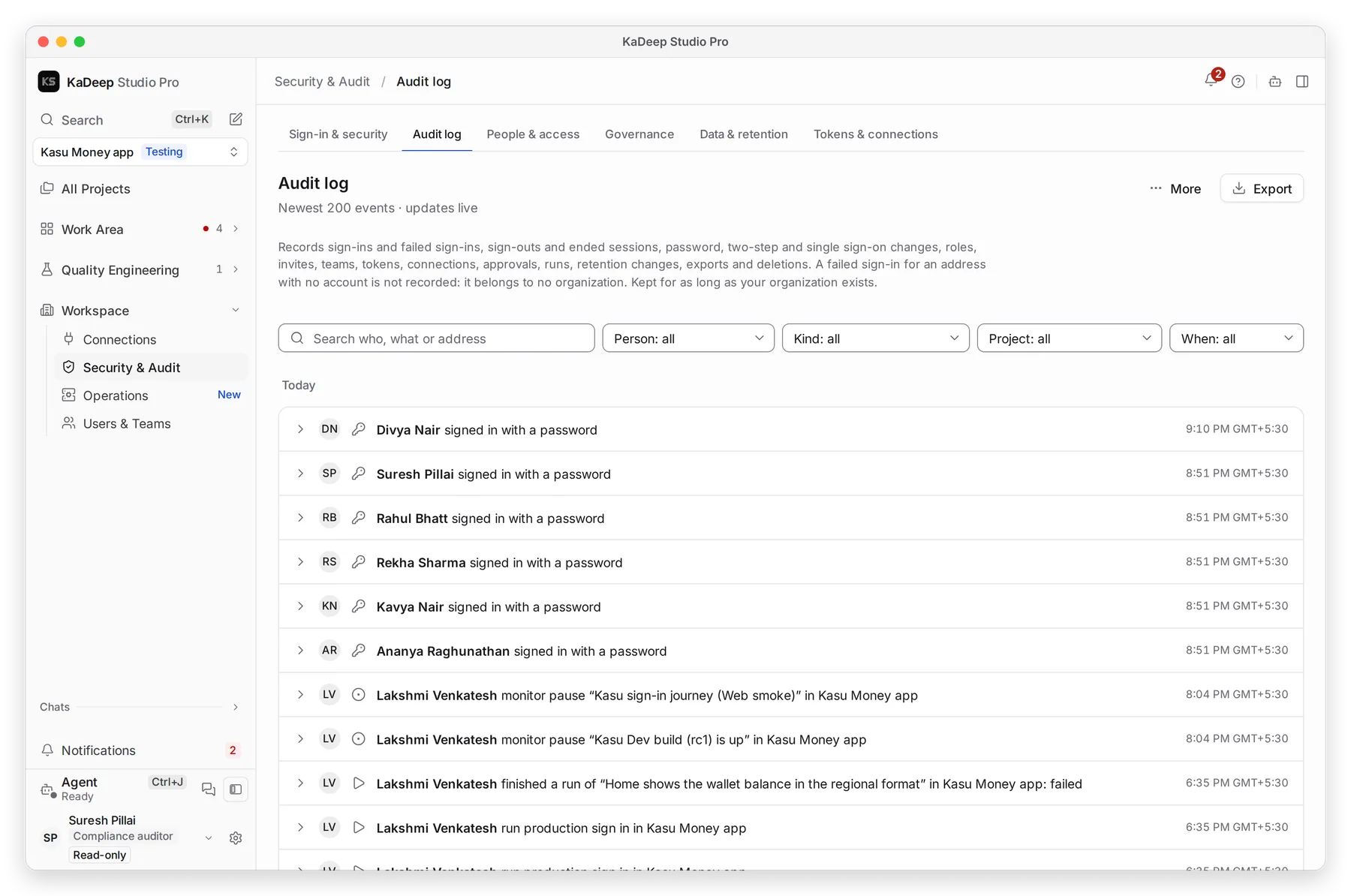
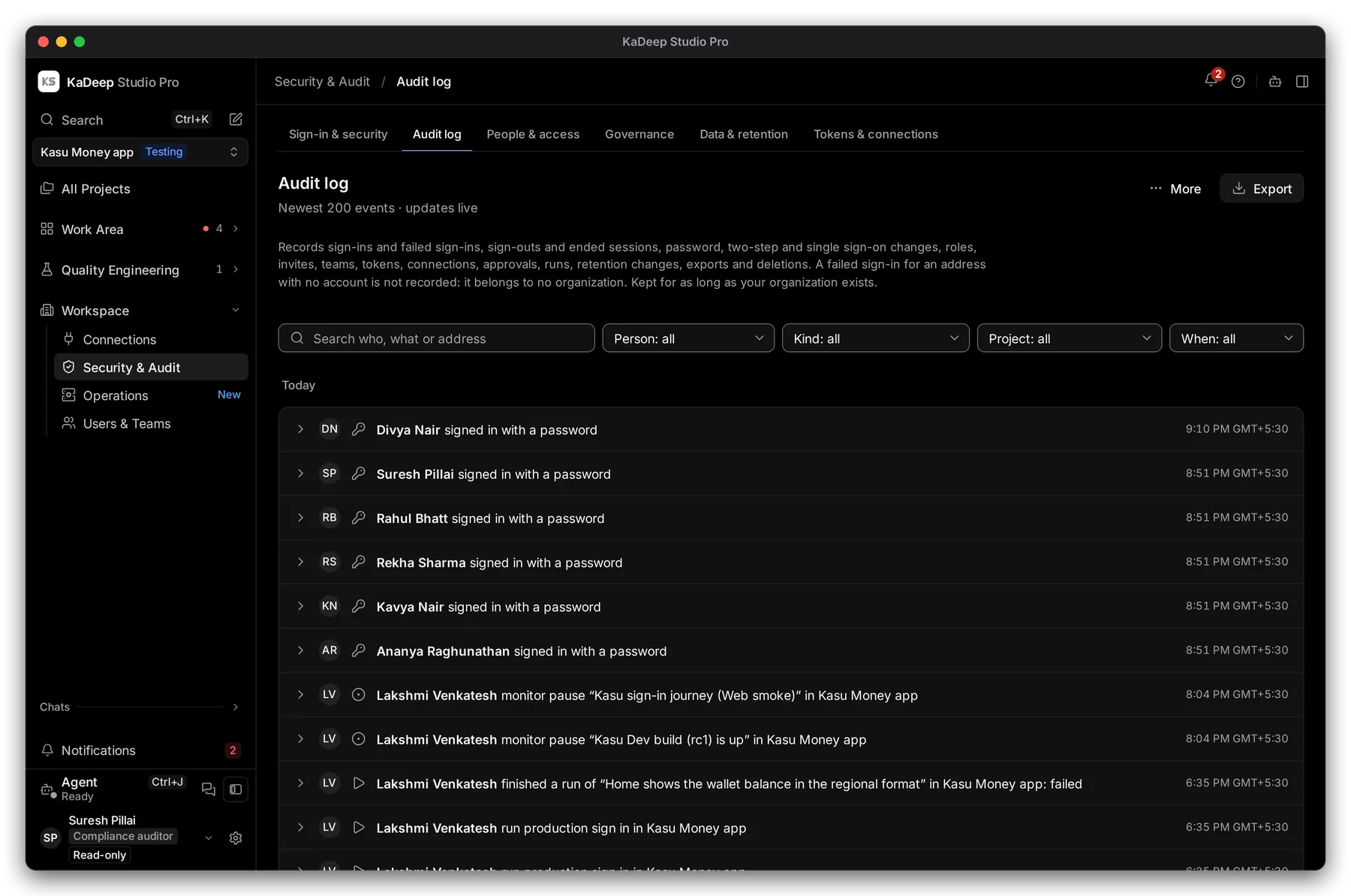
Manage view
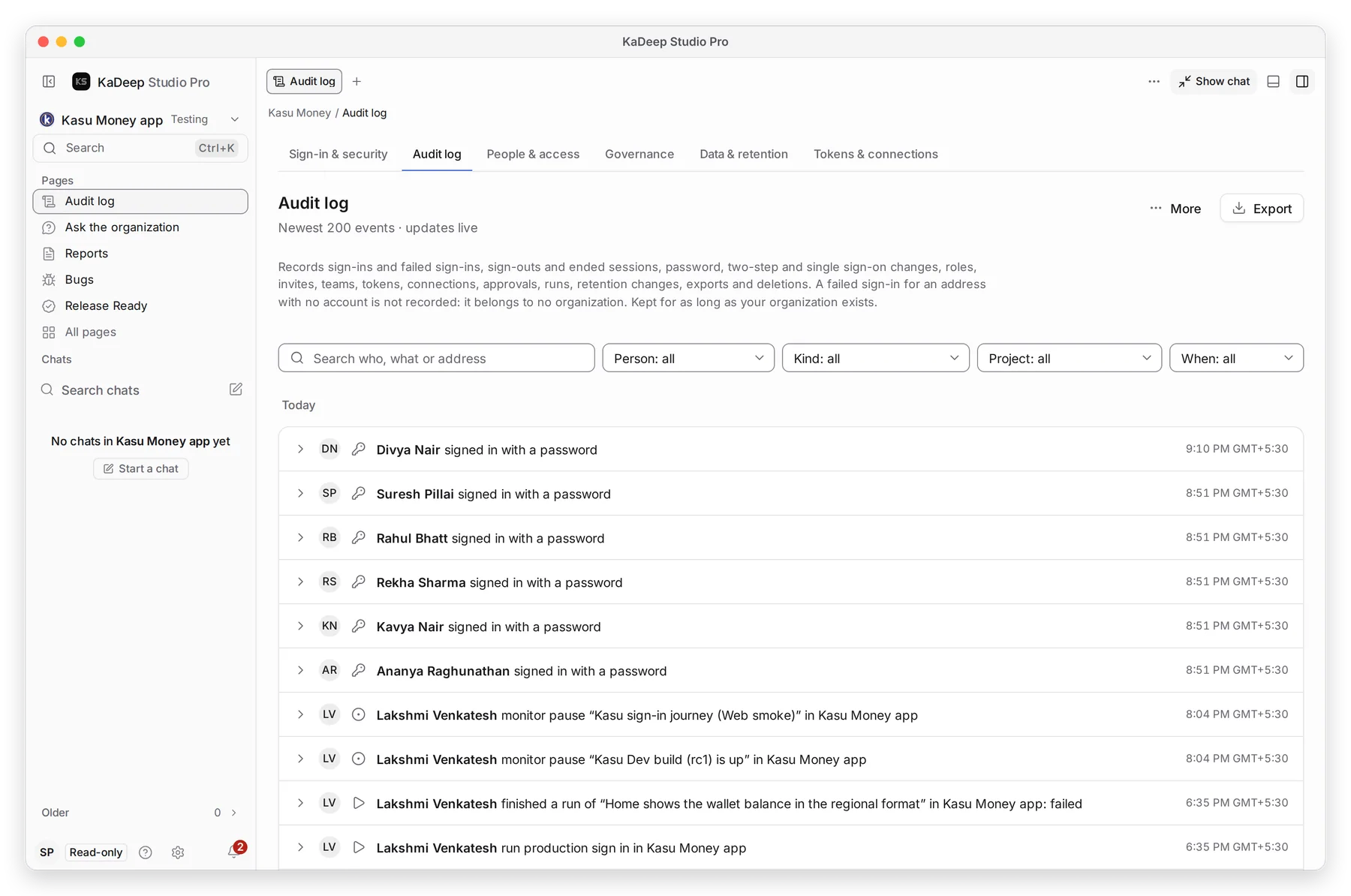
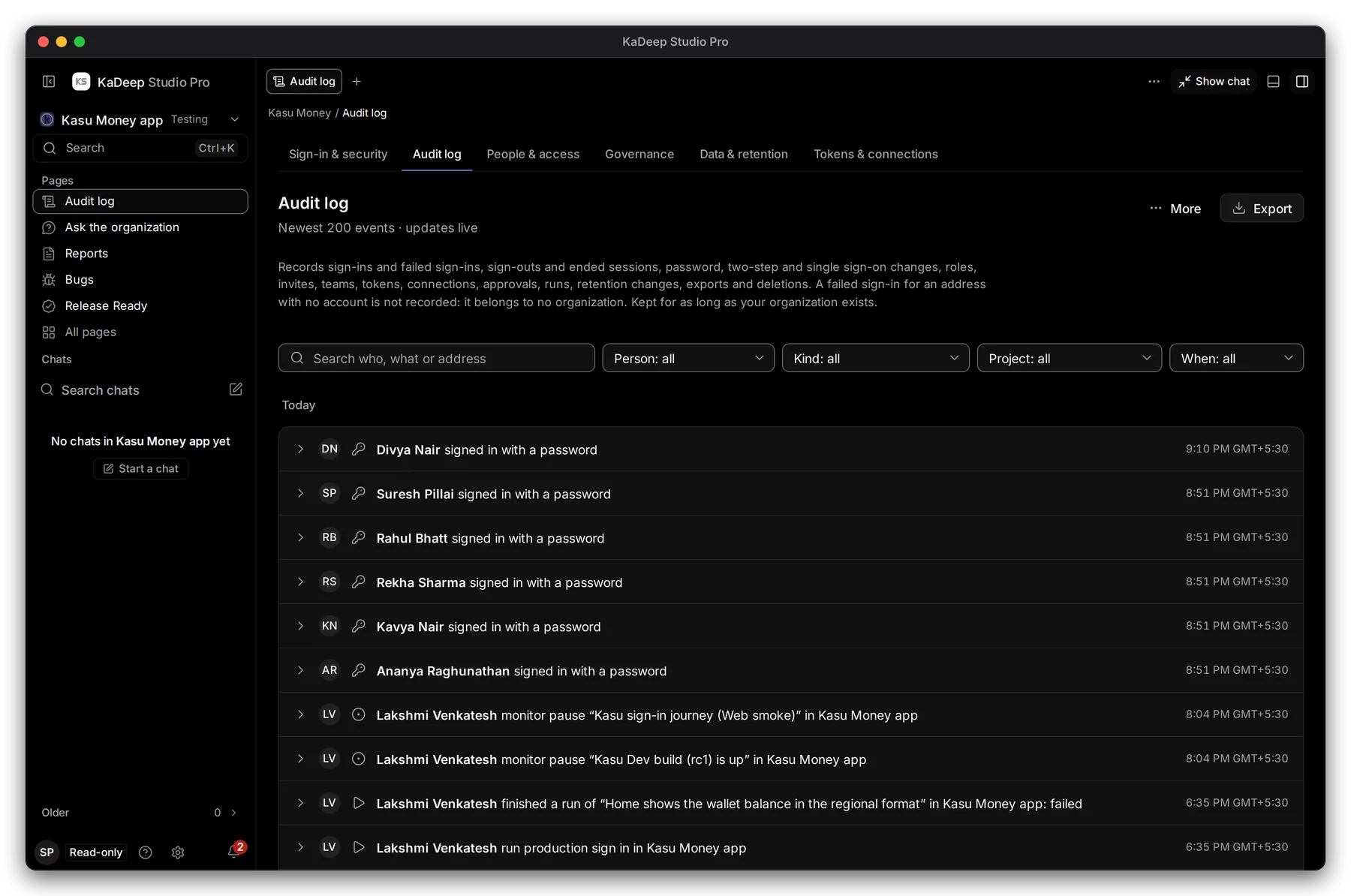
Hands-on view
5. What to measure
Section titled “5. What to measure”| Measure | Where you read it | Guide |
|---|---|---|
| Can the portal ship, and why not | Release Ready verdict and reasons | Release Ready |
| Requirements covered by tests | Requirements, linked and covered | Requirements and coverage |
| Open bugs by severity, and fixes proven | Bugs, Needs re-check | Bugs |
| Accessibility score per page | Accessibility results | Accessibility testing |
| How fast approvals are decided | Governance, Approvals SLA | Governance |
| Spend against the limit | Cost tiles | Cost |
6. A 30/60/90-day rollout
Section titled “6. A 30/60/90-day rollout”| Days | Goal | Check before you move on |
|---|---|---|
| 1–30 | One project, one journey (for example, renew a policy), a small team | Your smoke suite runs on a read-only environment. Every failure has evidence your QA lead trusts. |
| 31–60 | All main journeys, phones and accessibility; compliance joins | Release Ready uses your own exit criteria. Your compliance officer can export an evidence pack alone. |
| 61–90 | Releases decided in KaDeep, schedules and the CI gate | Each release has a recorded decision and sign-offs. Spend stays inside the limit you set. |
What’s next
Section titled “What’s next”How KaDeep fits your organizationThe lifecycle, the roles and what stays under your control.
Roll out KaDeep: pilot, expand, governThe admin's plan, step by step.
Find your fit and estimate the workPick your team and goals, then estimate.