Schedule runs
Your view
A schedule runs a suite for you, for example the full regression suite every night at 02:00. You find the results in Runs the next morning, and you get a notification when a run finishes.
Before you start: the project needs a suite. See Suites.
1. Open Schedules
Section titled “1. Open Schedules”In the sidebar, open Work Area › Setup & Control, then the Schedules tab.
Choose All pages, then Setup & Control, then the Schedules tab.
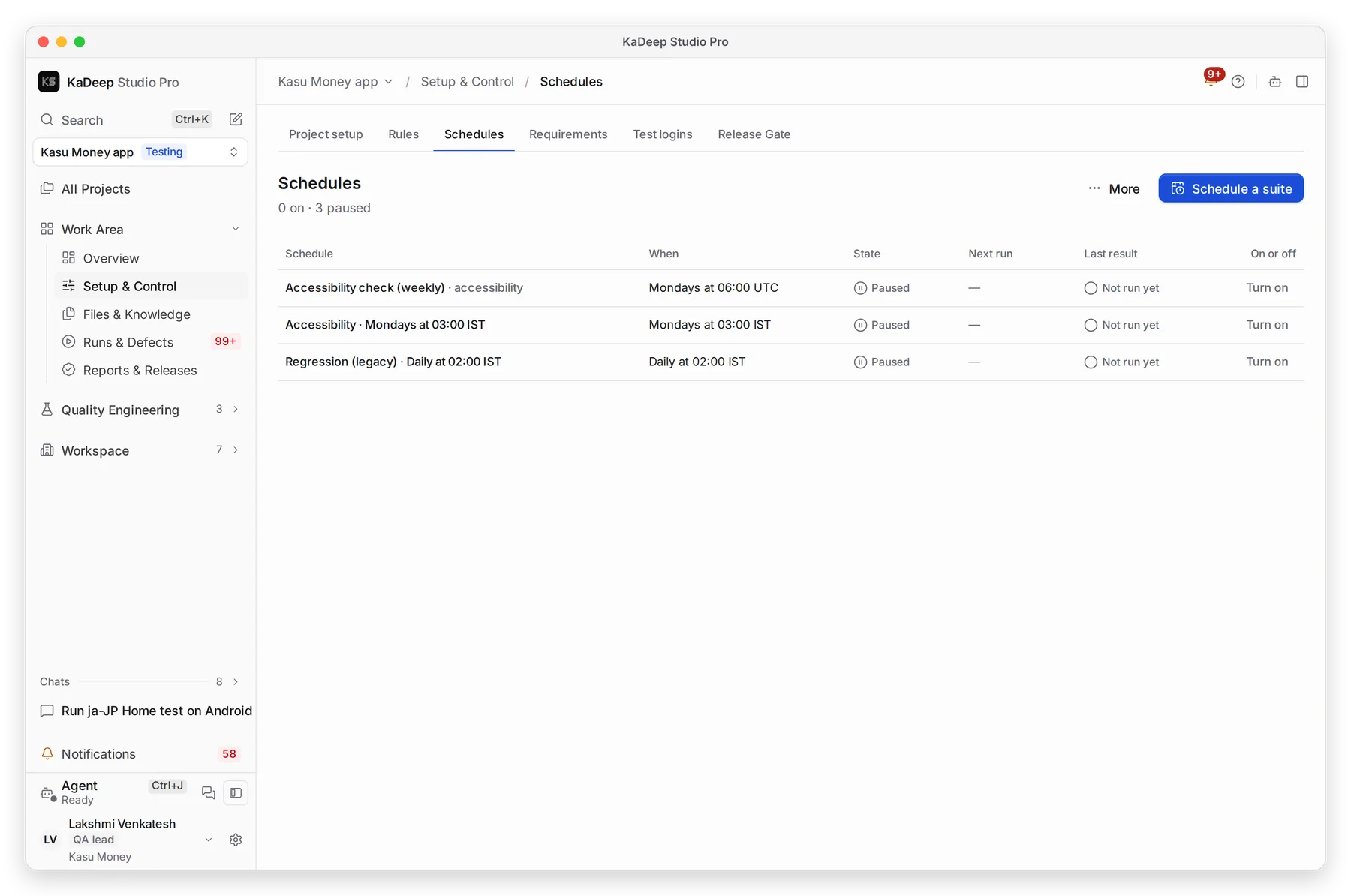
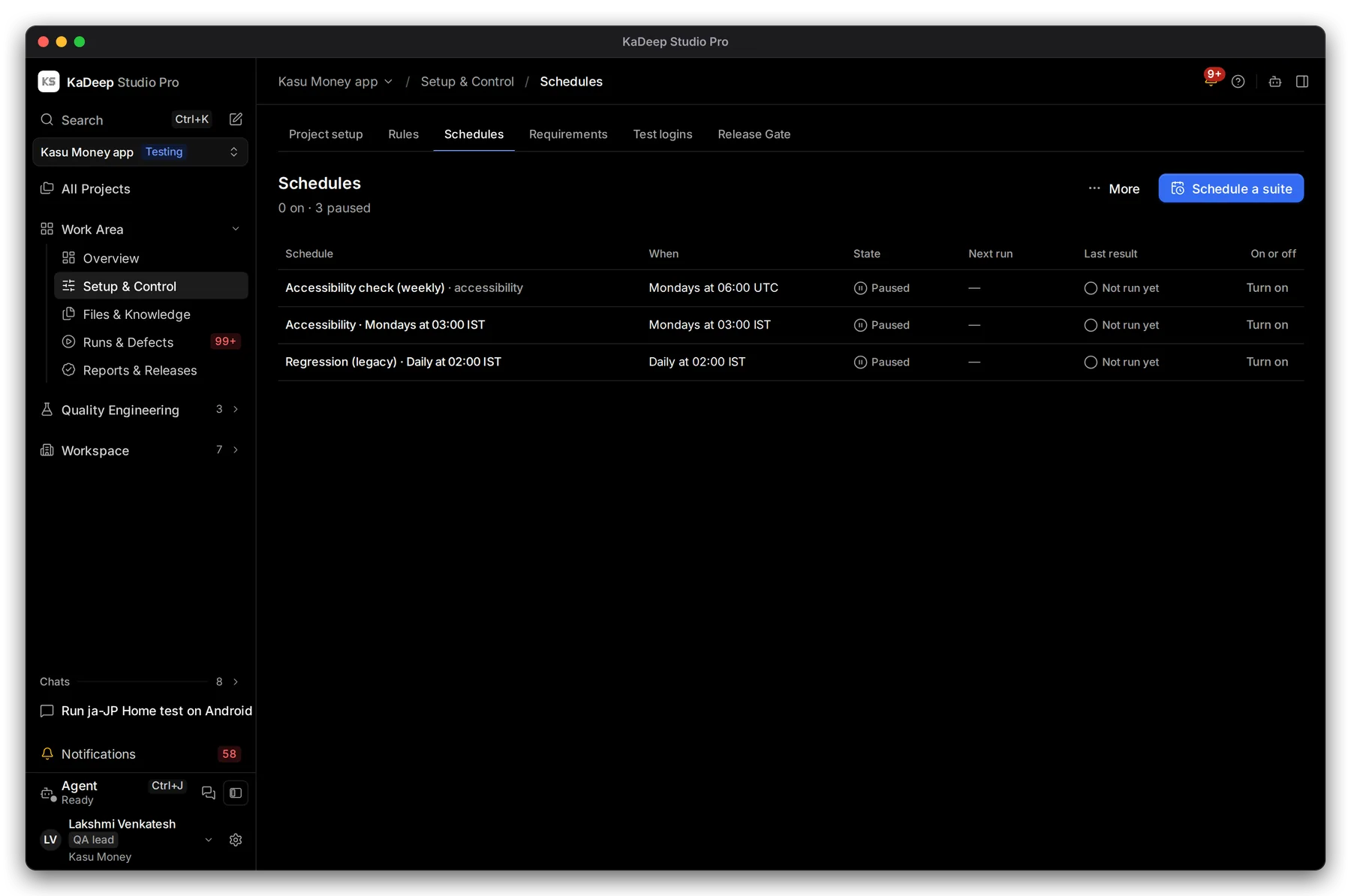
Manage view
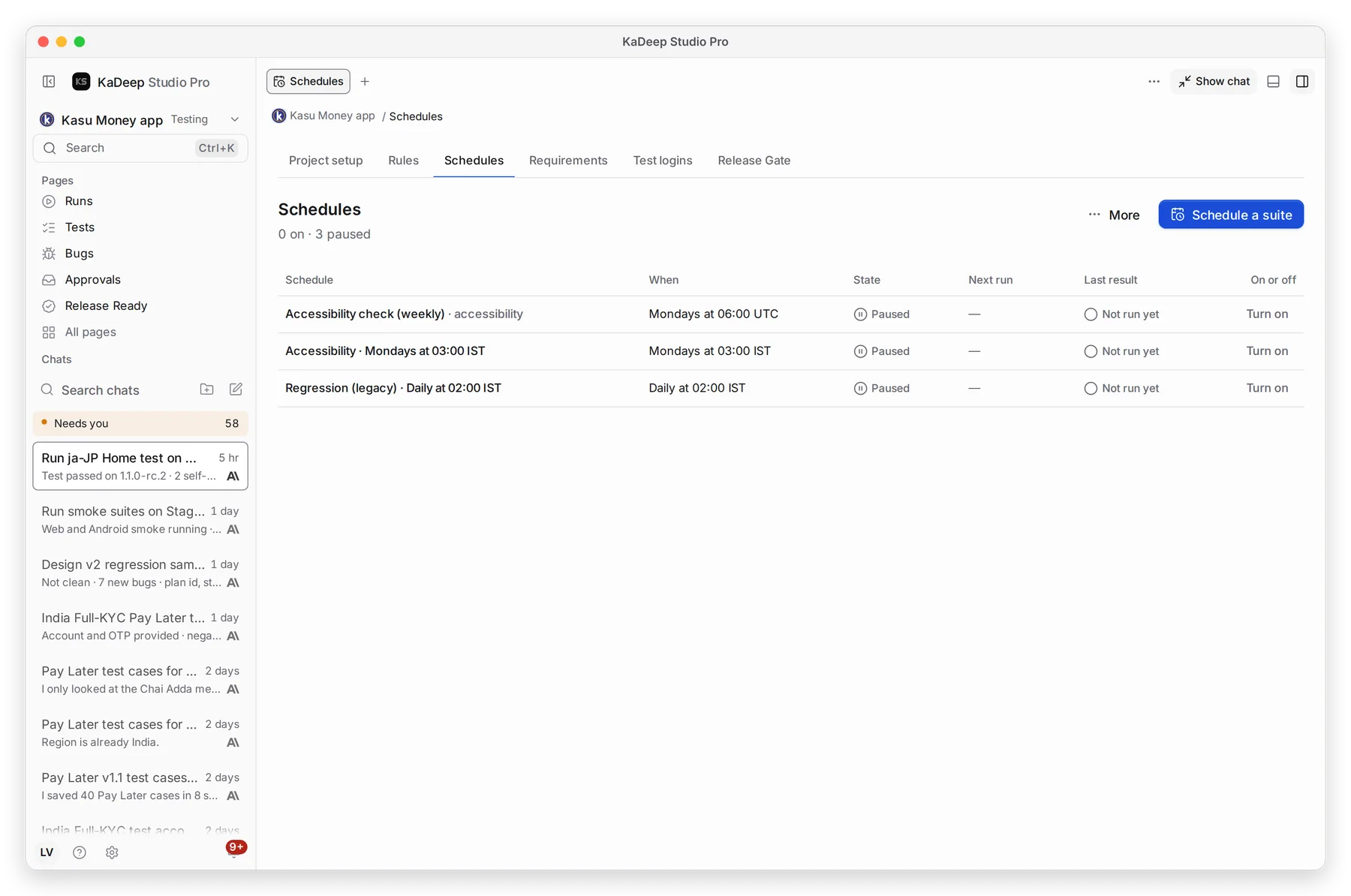
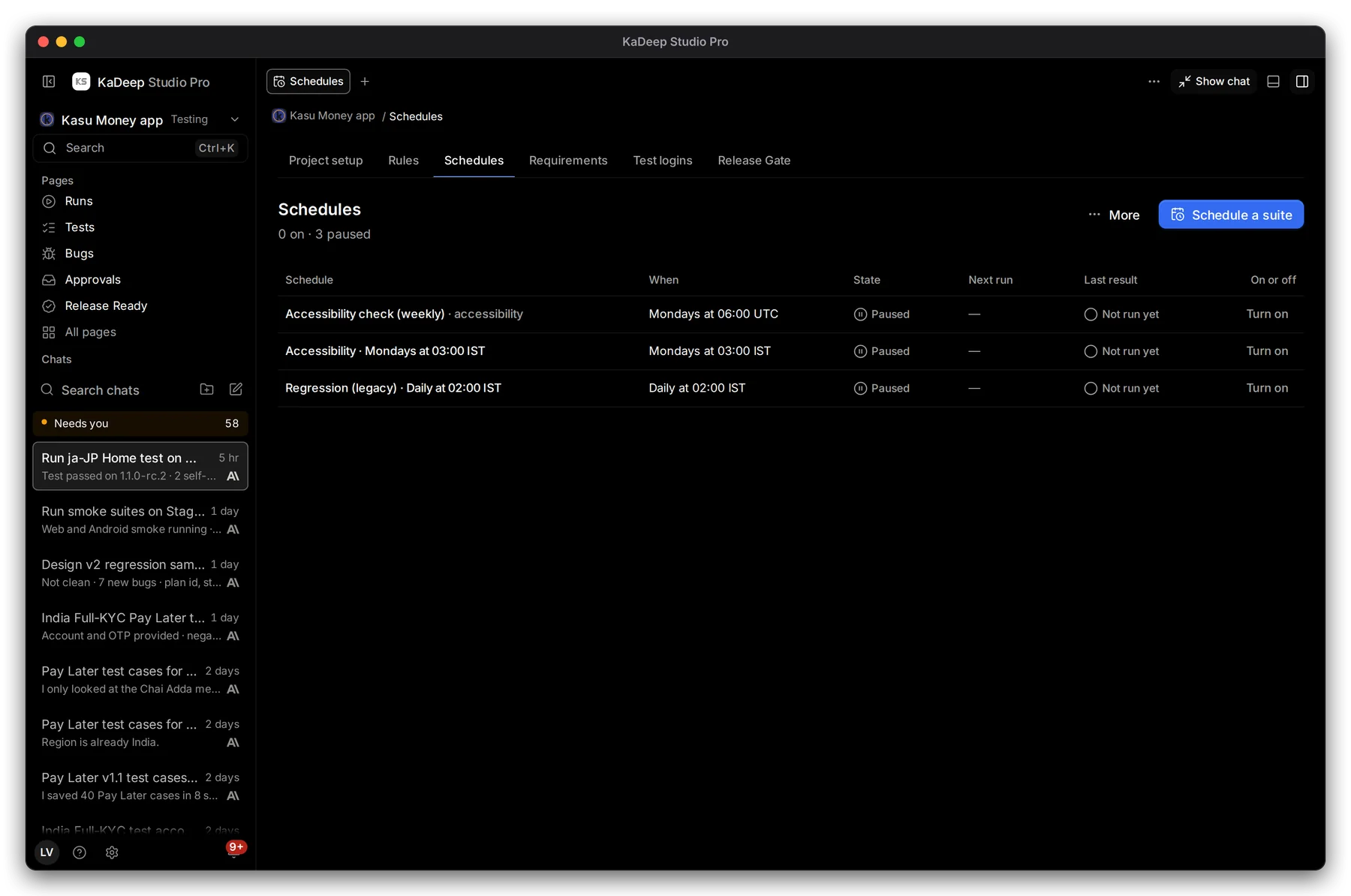
Hands-on view
- 1 Schedule a suite.
- 2 When each schedule runs, and its State: on or Paused.
- 3 Next run and Last result.
- 4 Turn on or Turn off, without changing the schedule.
2. Schedule a suite
Section titled “2. Schedule a suite”- Choose Schedule a suite.
- Pick the Suite.
- Choose How often: Every day, Every week, Every few hours or Only when started by hand.
- Set the Time and the Time zone. For Every few hours, set Every (hours).
- Pick the Environment, or keep each suite’s own.
- Choose Save schedule. To save it without starting it, tick Start paused first.
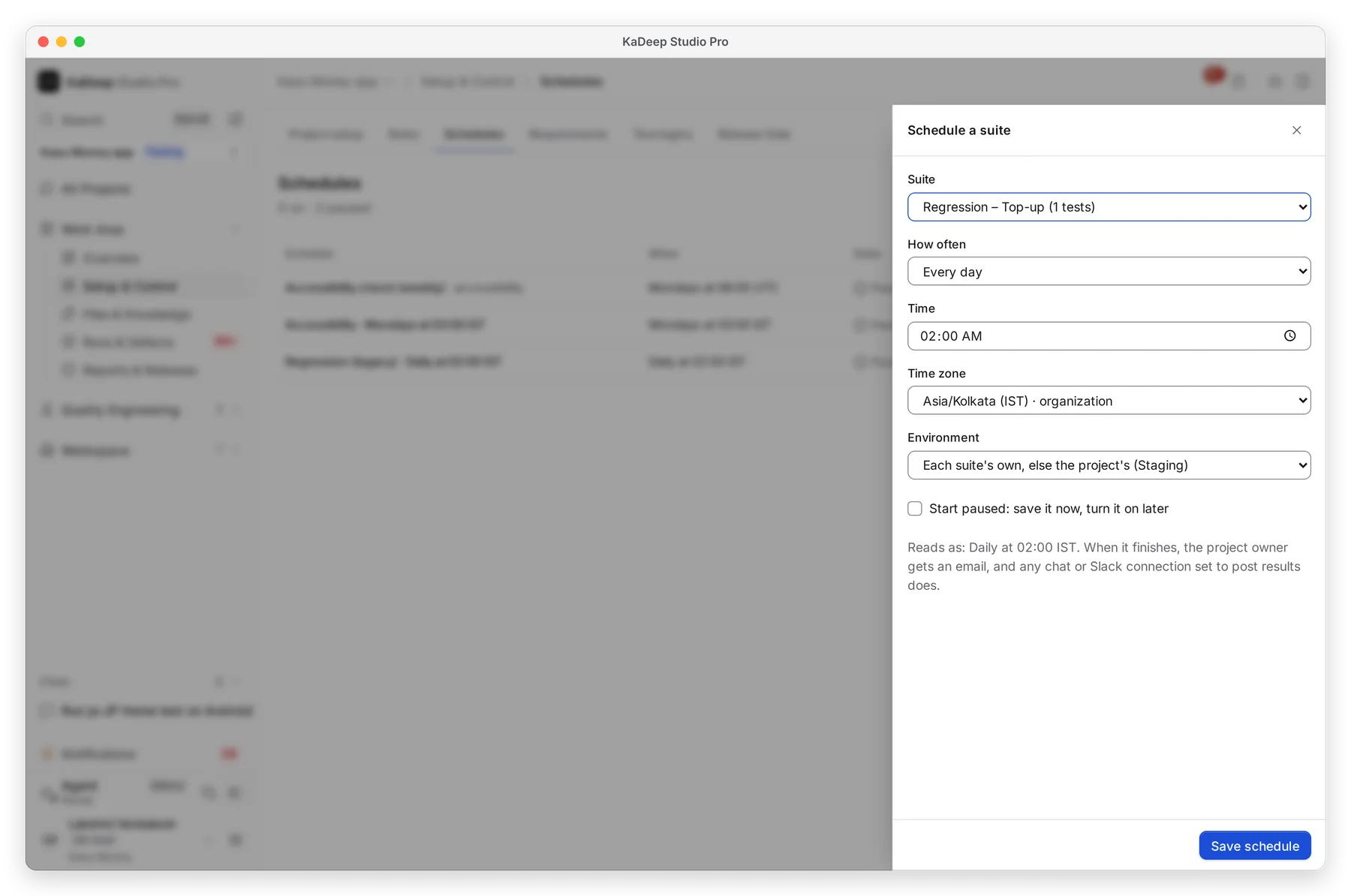
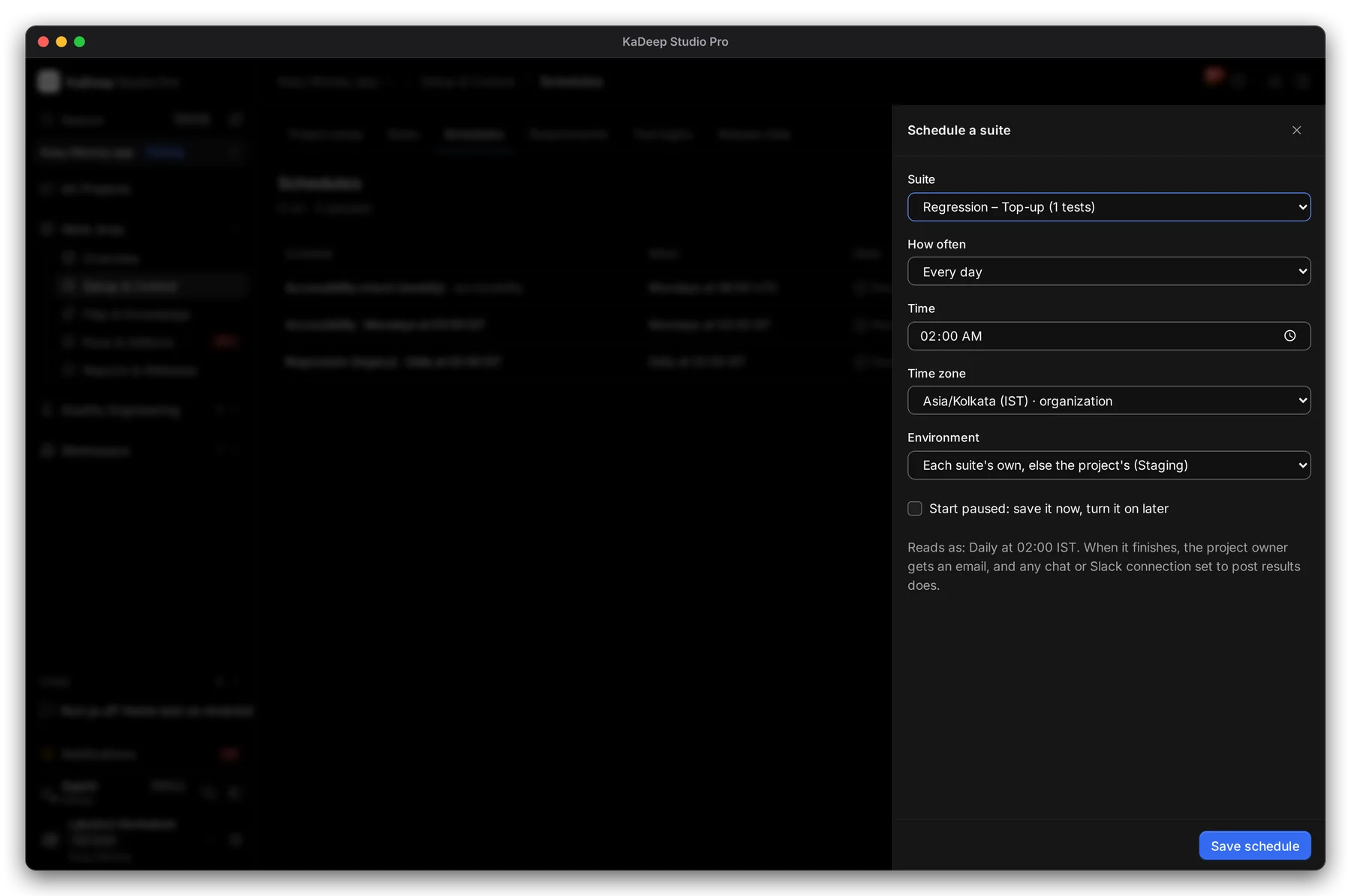
Manage view
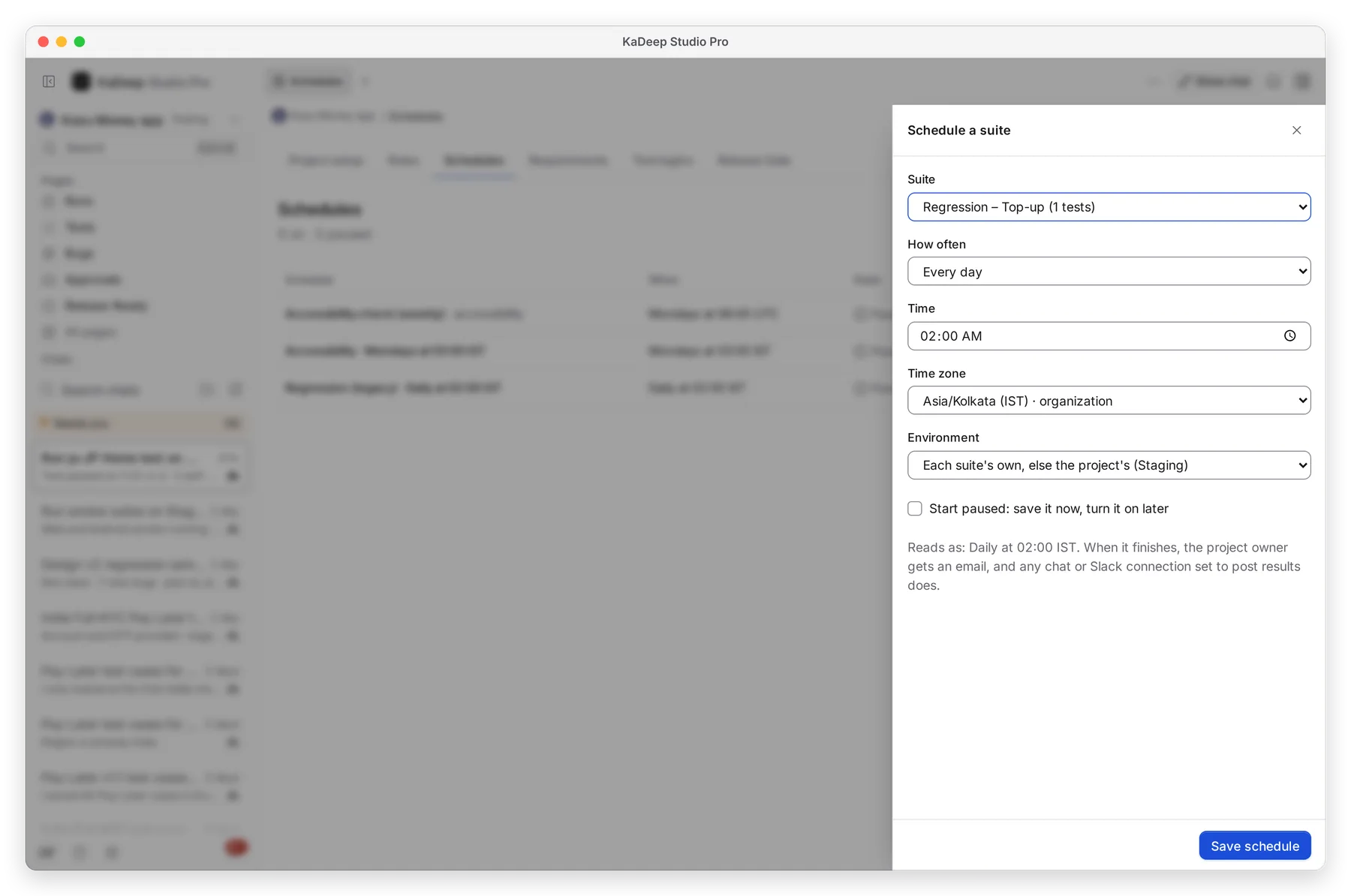
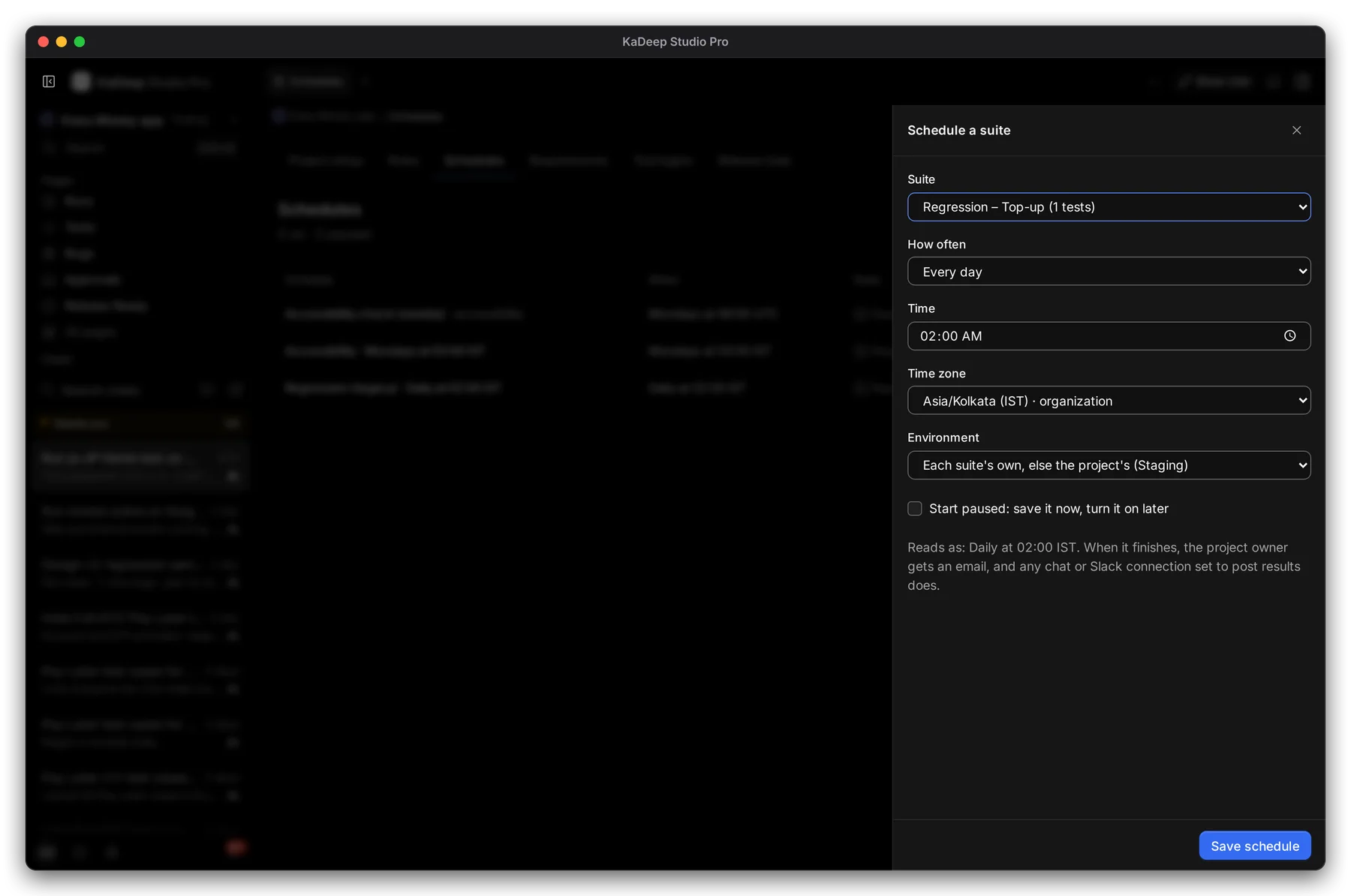
Hands-on view
The form reads the schedule back in plain words, such as “Daily at 02:00 IST”. When a run finishes, the project owner gets an email.
3. Open a schedule
Section titled “3. Open a schedule”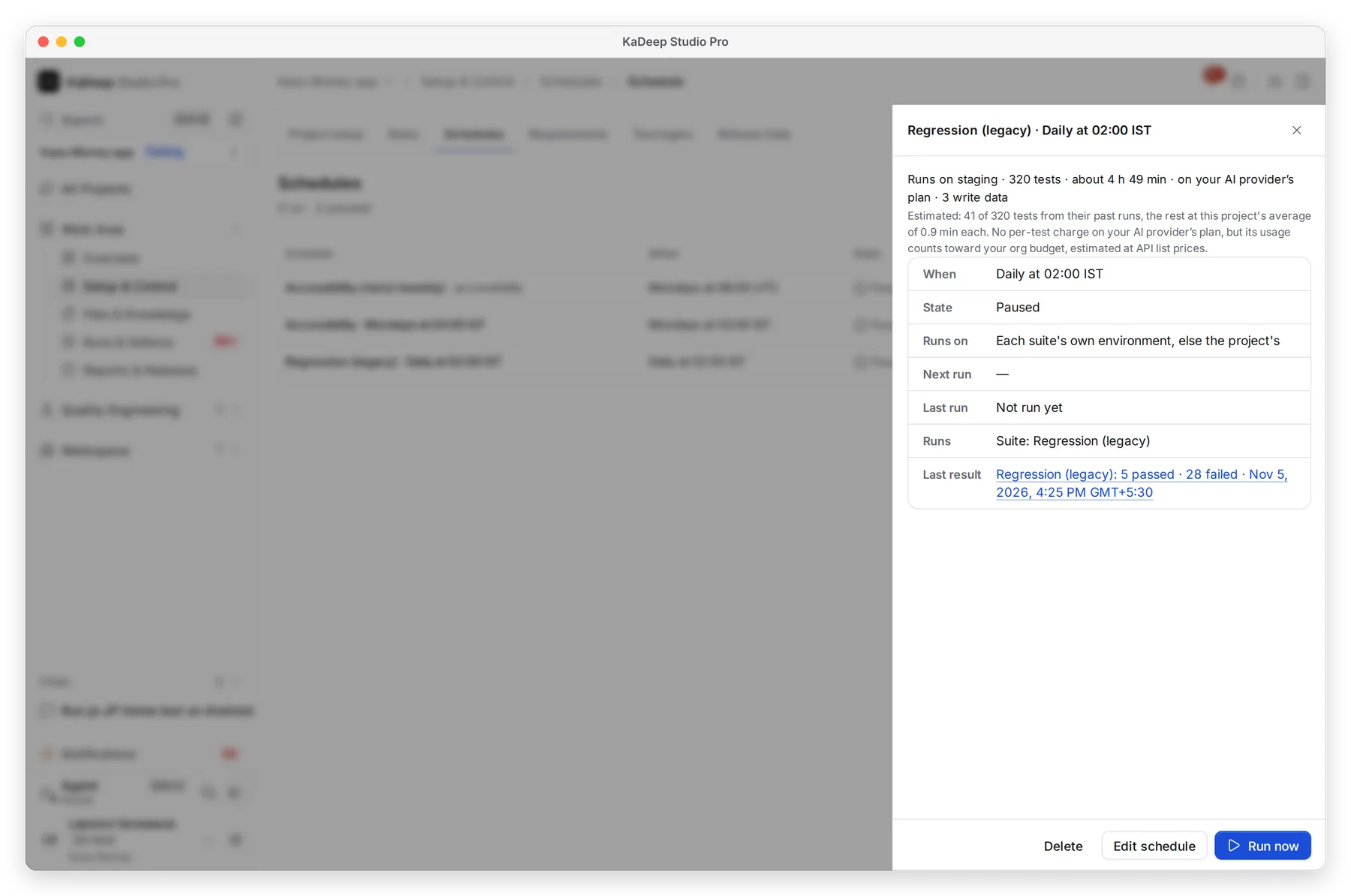
Manage view
Hands-on view
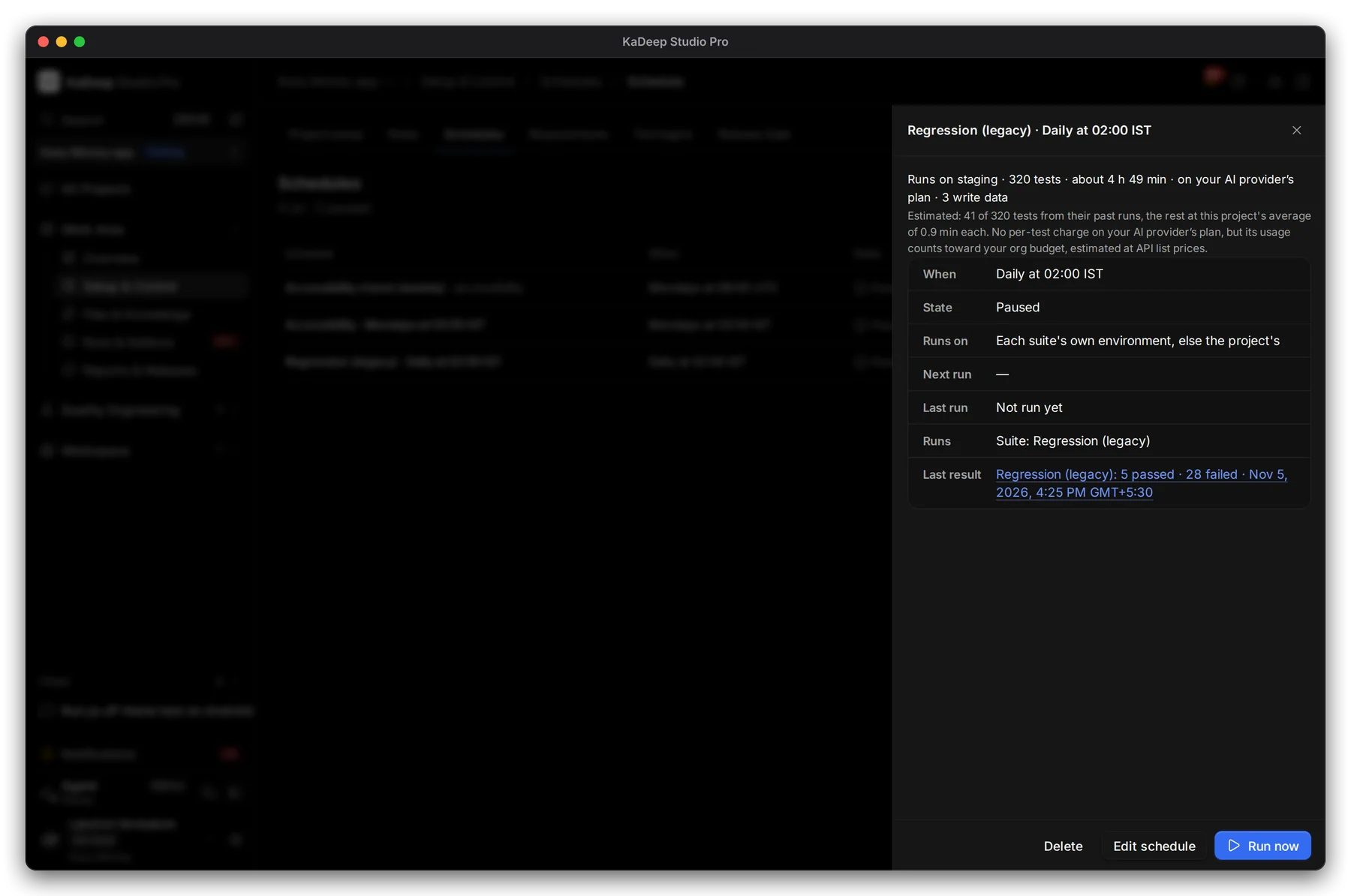
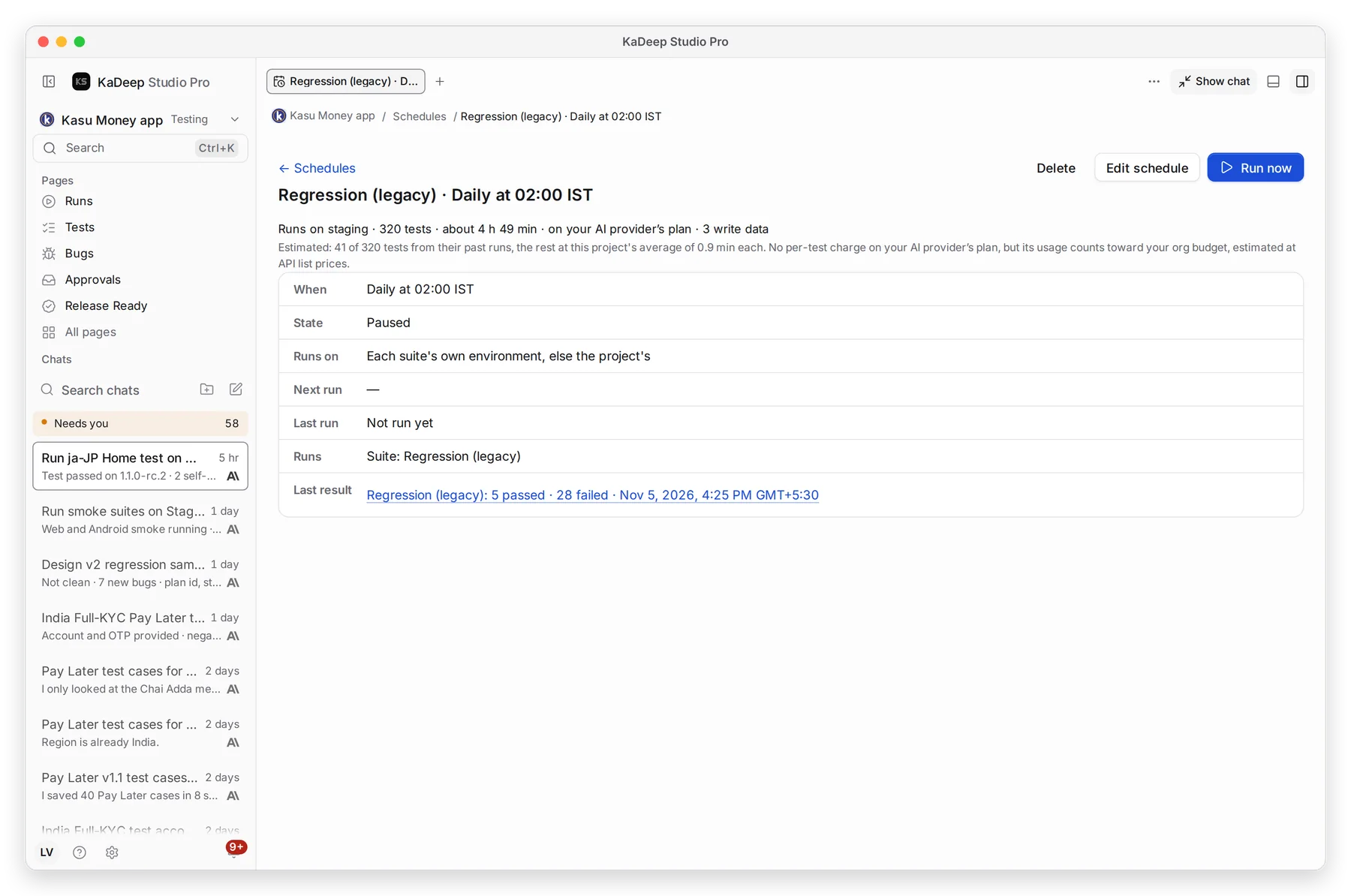
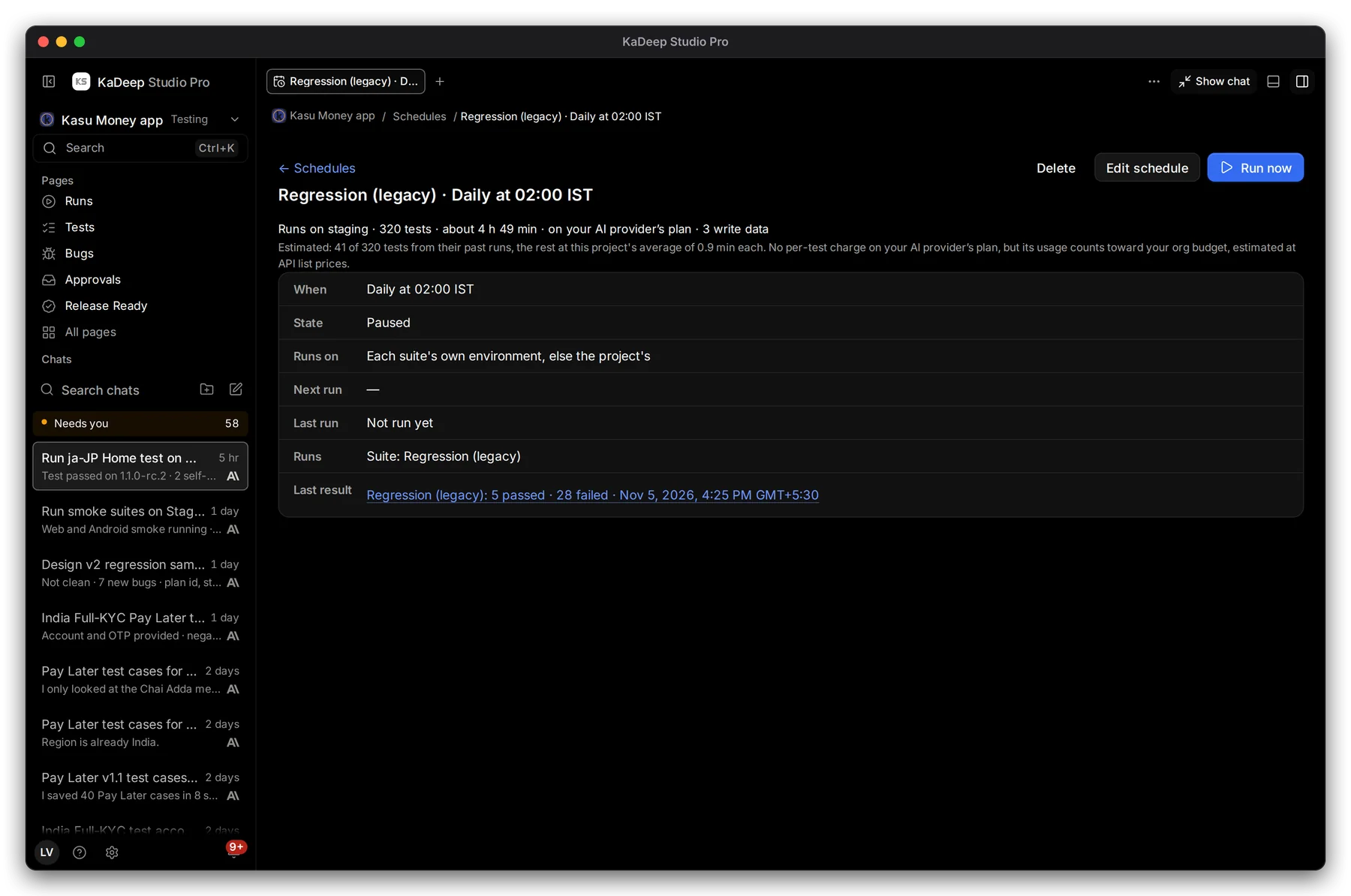
- 1 How many tests, about how long they take, and what a run costs.
- 2 Runs on: where the tests run.
- 3 Last result. Click it to open that run.
- 4 Edit schedule. Run now starts it once, outside the schedule. Delete removes the schedule; the suite stays.
What’s next
Section titled “What’s next”Runs and evidenceRead what a scheduled run found.
SuitesChange which tests a schedule runs.
Release Gate in CIRun tests from your pipeline.