Workspace knowledge
Your view
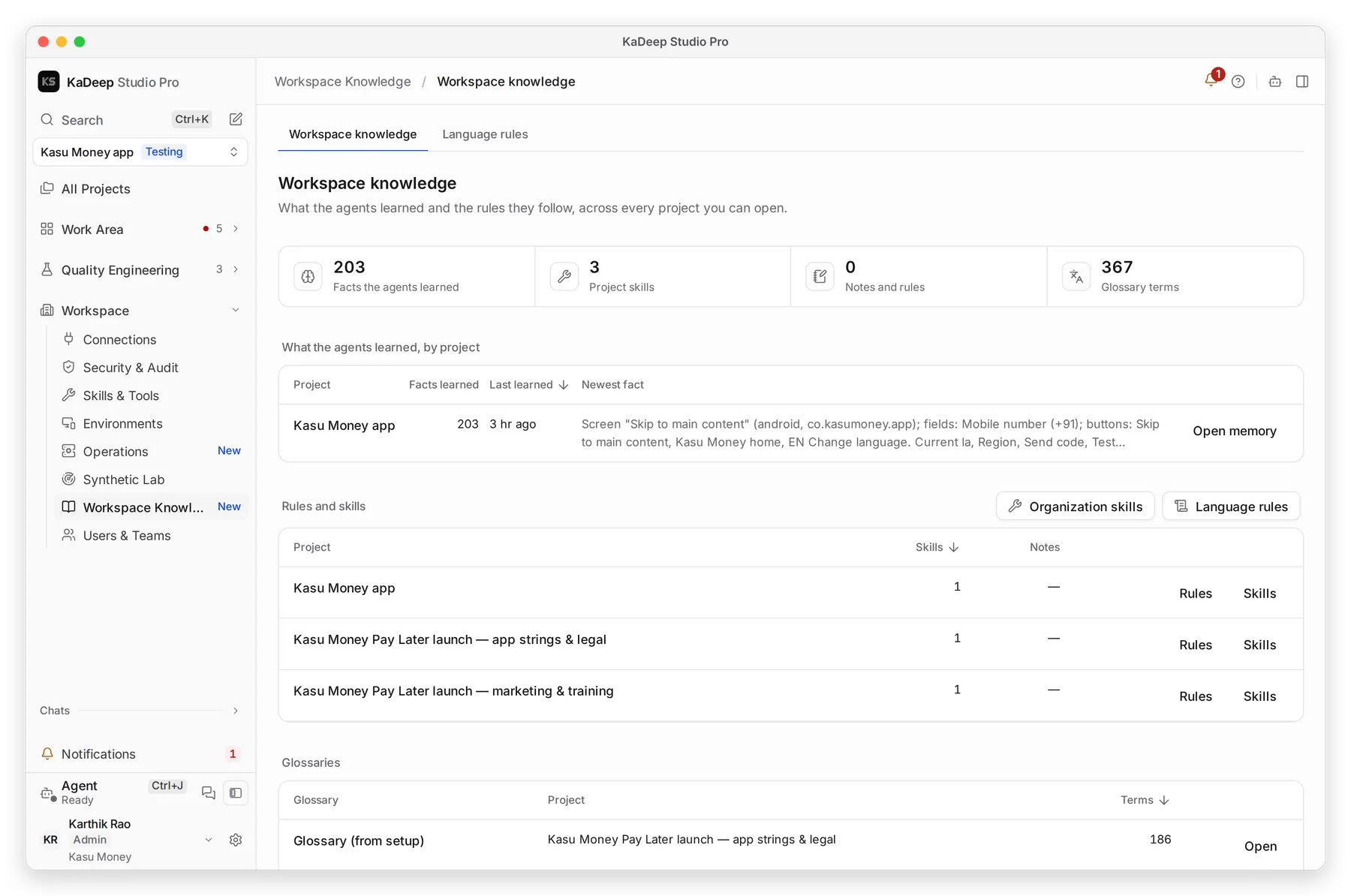
Agents learn as they work: where buttons are, which account to use, how your app behaves. Workspace knowledge shows what they learned in every project you can open, so you can check it and fix it.
1. Open Workspace knowledge
Section titled “1. Open Workspace knowledge”In the sidebar, open Workspace › Workspace Knowledge.
Press Ctrl K (Windows) or ⌘ K (Mac), type Workspace knowledge and press Enter.
Manage view
Hands-on view
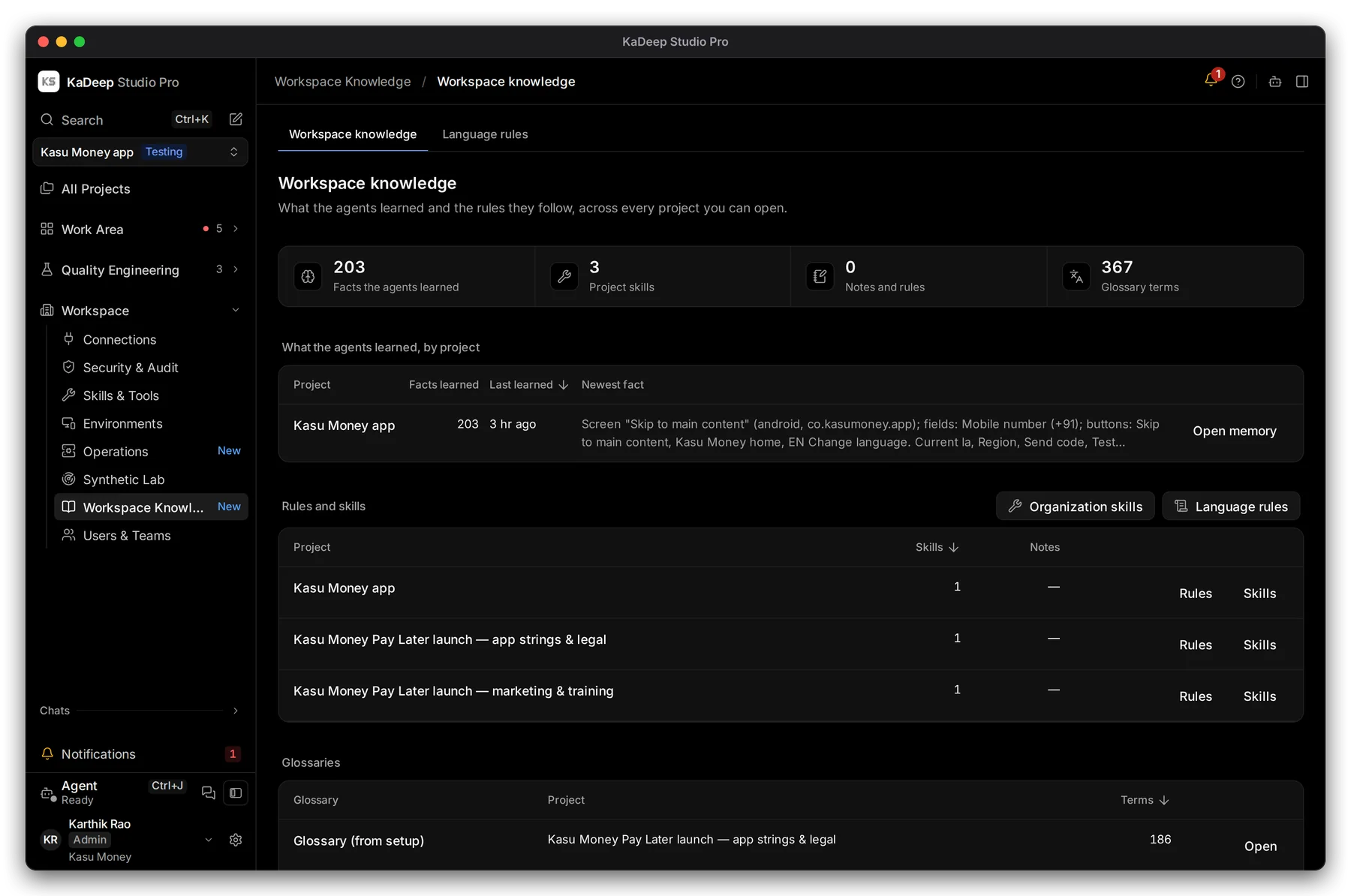
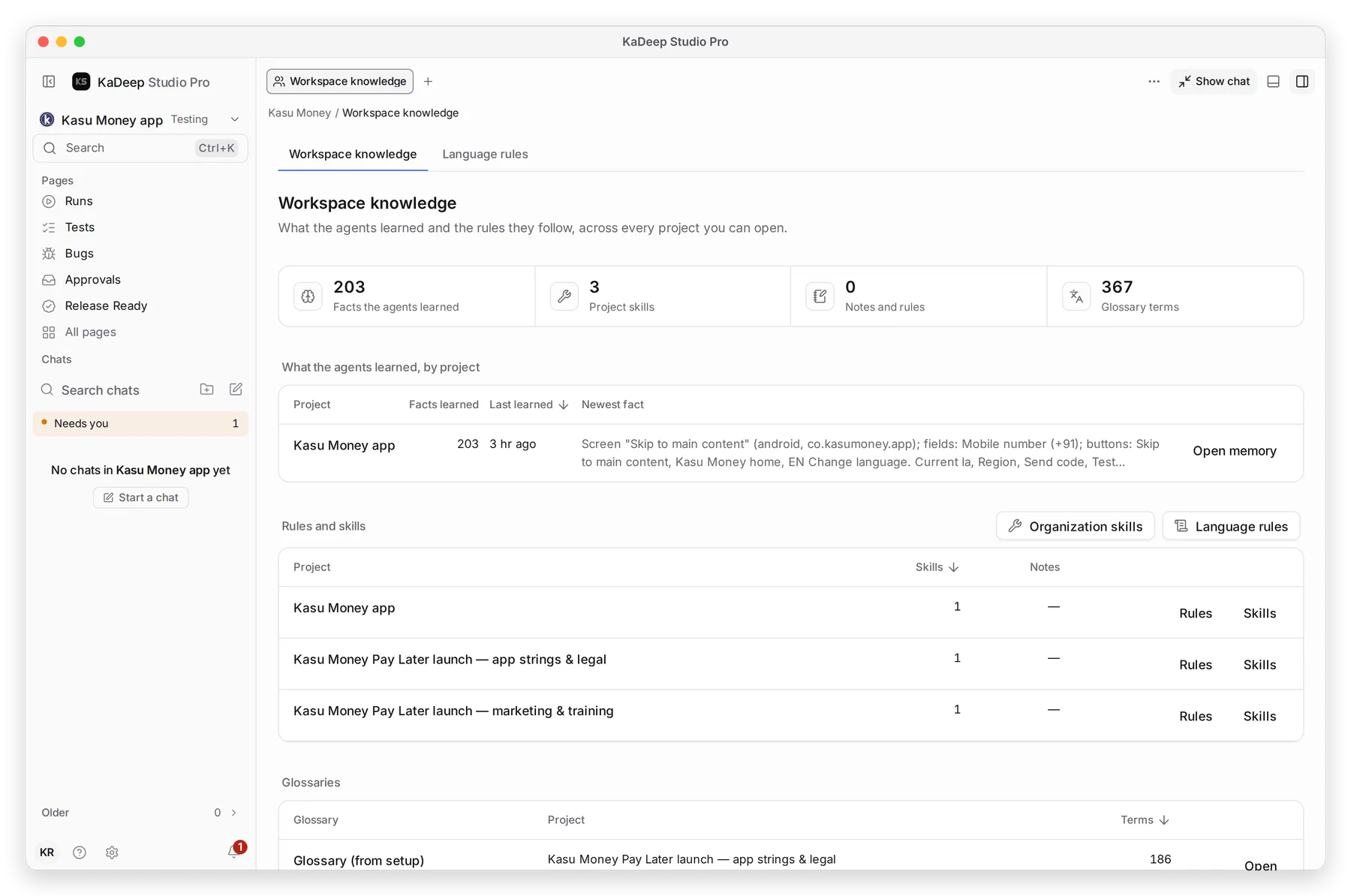
1 The totals: facts the agents learned, project skills, notes and rules, and glossary terms.
2. Check what the agents learned
Section titled “2. Check what the agents learned”What the agents learned, by project shows each project’s number of facts, when the agent last learned something, and the newest fact.
- Read the newest fact. Does it match your app?
- Choose 2 Open memory to see every fact for that project.
- Correct or delete a wrong fact there. The agent uses the corrected version from its next run.
3. Check the rules and skills
Section titled “3. Check the rules and skills”Rules and skills lists, per project, how many skills and notes the agent has. Choose Rules or Skills on a row to open them.
| To change | Open |
|---|---|
| Skills shared by every project | 3 Organization skills |
| Tone, terms and approvals for every language | 4 Language rules |
| One project’s rules | Rules on its row |
What’s next
Section titled “What’s next”Agents, memory and notesOne project's memory in detail.
Language rulesRules for every language.
Set up checklistBack to the list.