Review people and access
Your view
People & access is your access review on one page: who signs in, which roles exist, who holds risky permissions, and what changed.
1. Open People & access
Section titled “1. Open People & access”Open Workspace › Security & Audit › People & access.
Under Pages, choose All pages, then People & access.
The line under the title sums it up, for example 26 members · 138 sign-ins · 2 failed sign-ins · 8 people with risky access.
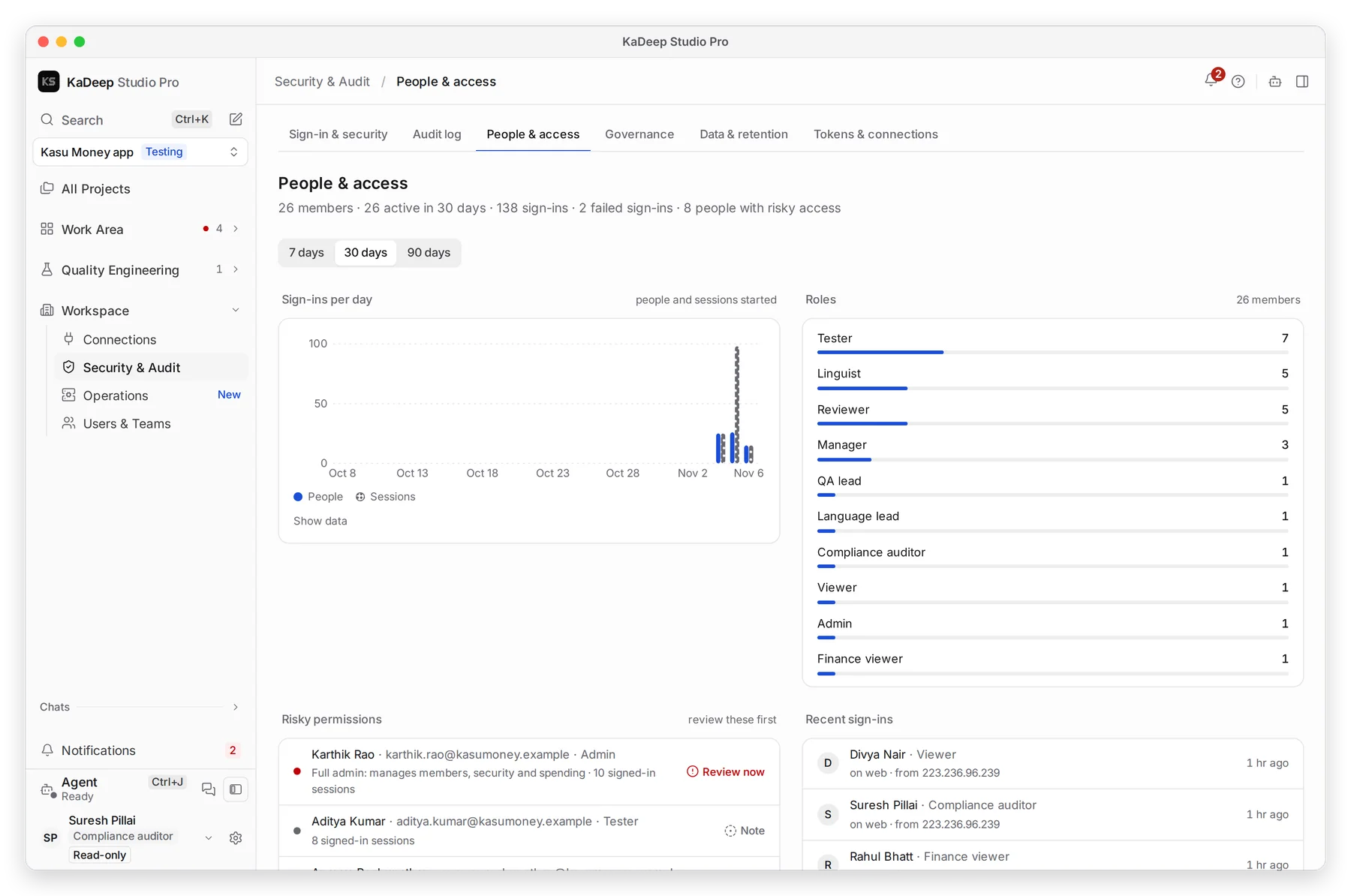
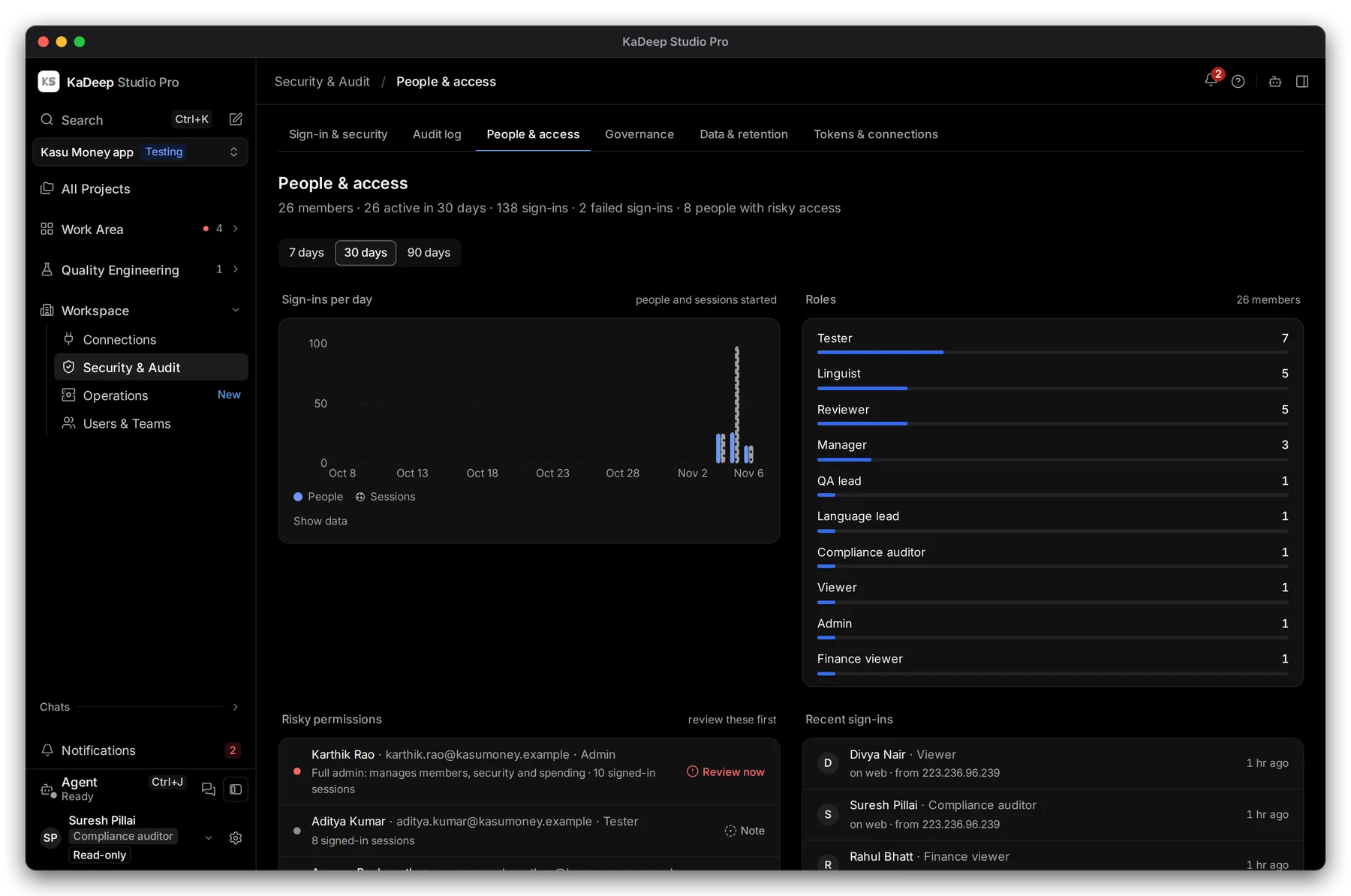
Manage view
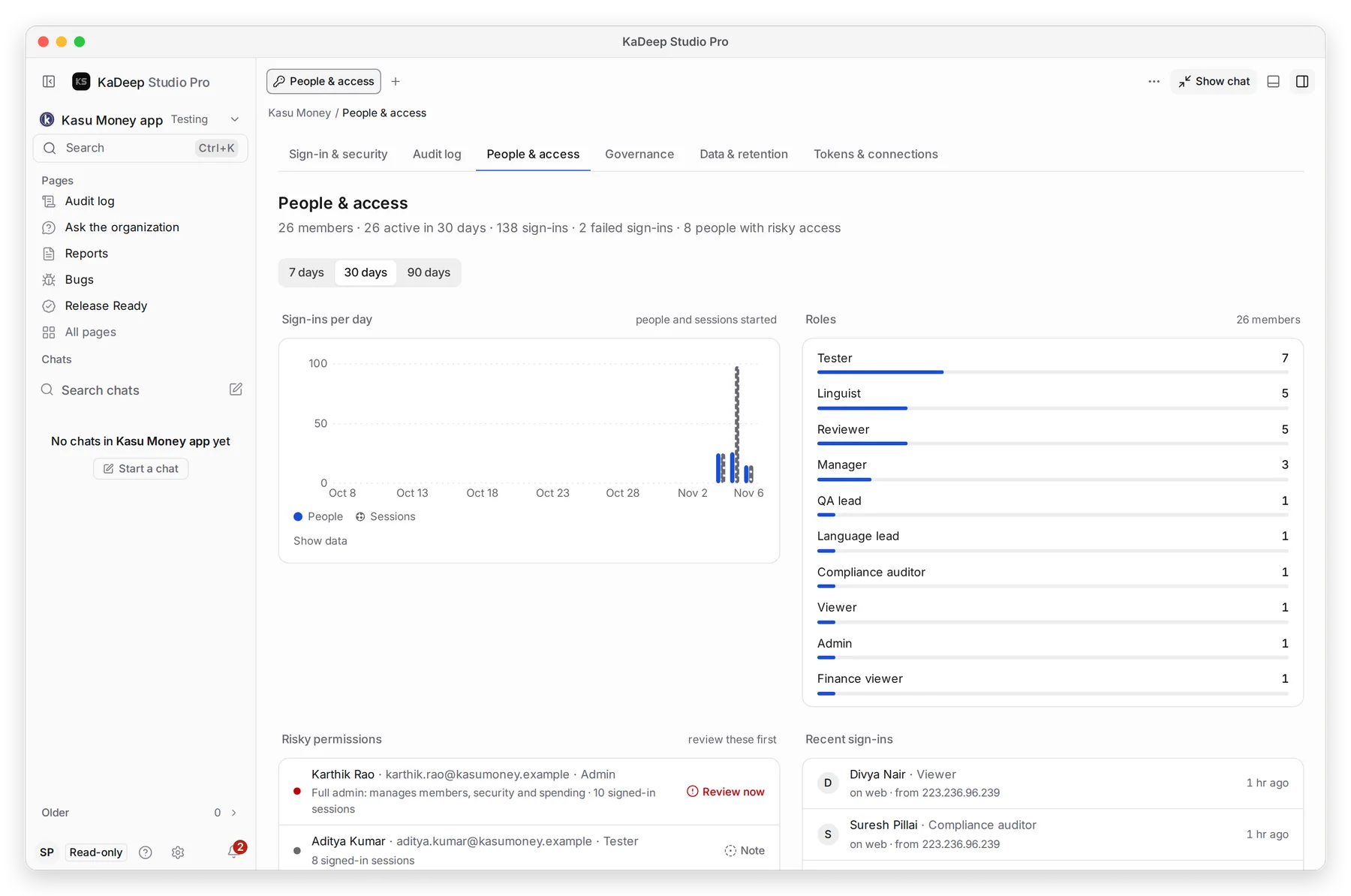
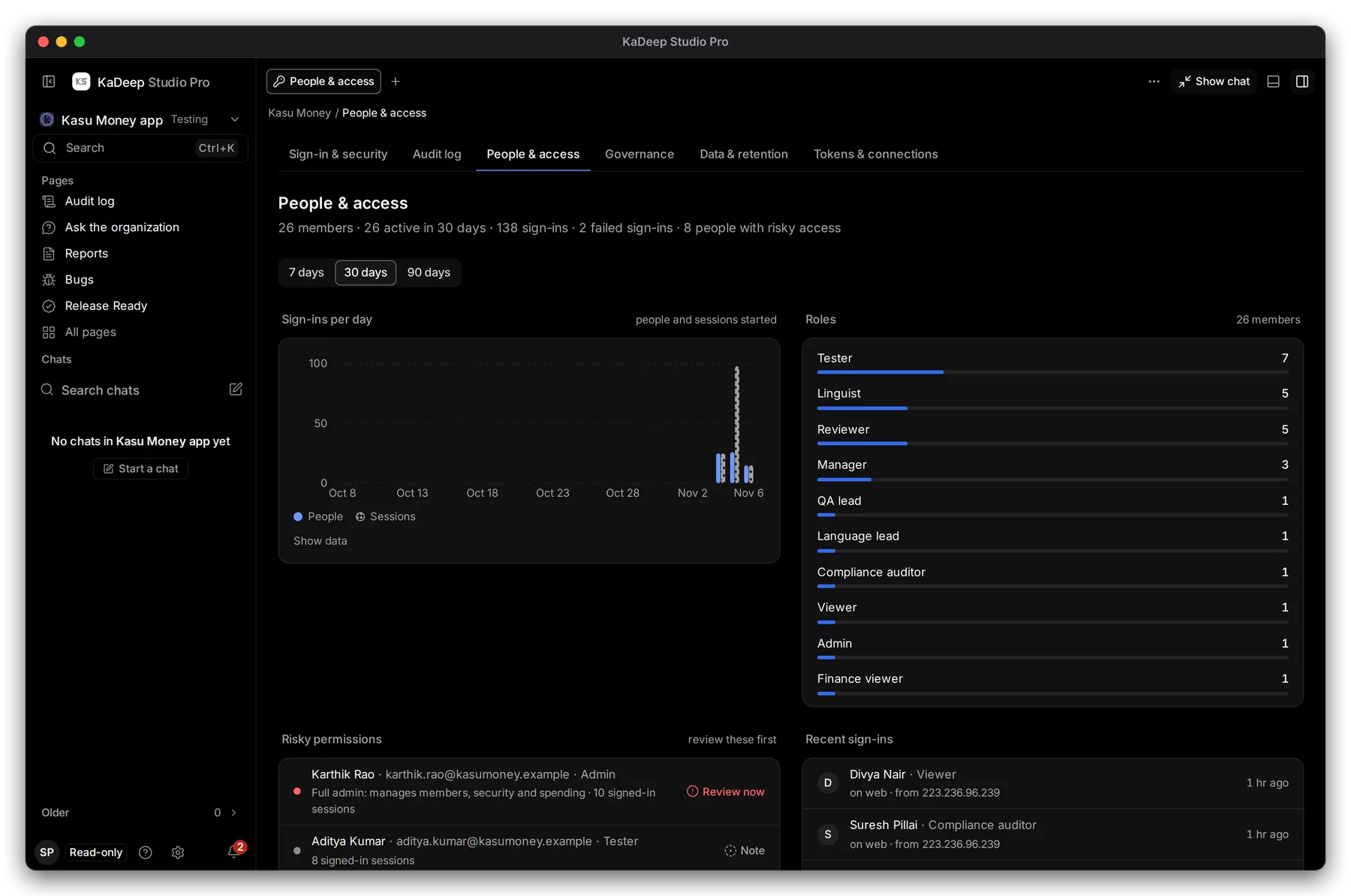
Hands-on view
- 1 Period: 7, 30 or 90 days.
- 2 Sign-ins per day: people and sessions started. Show data gives the numbers.
- 3 Roles: how many members hold each role.
- 4 Risky permissions, to review first: full admins, and people signed in on many devices.
2. Run an access review
Section titled “2. Run an access review”- Read Risky permissions. Check each person still needs that role.
- Read Recent sign-ins: who, which role, from where and when.
- Scroll to the changes list to see every role change, invite and removal in the period.
- If something looks wrong, tell your admin. You can’t change roles yourself.
| Section | What to look for |
|---|---|
| Failed sign-ins | Many failures for one person, or from an unknown place |
| Risky permissions | Admins who no longer need it; people with many open sessions |
| Recent sign-ins | A person who left, still signing in |
| Access changes | Role changes nobody asked for |
What’s next
Section titled “What’s next”Audit logEvery change, in detail.
Roles and what they can doWhat each role allows.
Sign-in and securitySingle sign-on, two-step and session rules.