Playbook: QA services agency serving several clients
Your view
Your agency tests apps for several clients at once. Each client wants its own team, its own budget and its own proof. This playbook sets KaDeep up with one project per client app, so work, people, spend and evidence stay apart.
Playbook · setup guide, not a customer story
1. The team and its KaDeep roles
Section titled “1. The team and its KaDeep roles”People see only the projects they belong to. A person can be a QA lead on one client’s project and a tester on another’s. See Add people to a project.
| Your people | KaDeep role | What they see first on Home |
|---|---|---|
| Agency operations, who sets KaDeep up | Admin | Users & roles, Single sign-on, Spend & limits |
| Delivery or account managers | Manager | Who is on what, Waiting for your approval, Oldest open bugs |
| A QA lead per client | QA lead on that client’s project | Latest runs, New bugs, Can we ship? |
| Testers, shared across clients | Tester, added per project | My tasks, Bugs to recheck, Recent runs |
| Your finance team, for client billing | Finance viewer (read-only) | Spend vs limit, Spend by project, Spend by model |
| A client contact who only looks | Viewer (read-only), on their own project only | Their projects, runs and bugs |
2. Setup checklist, in order
Section titled “2. Setup checklist, in order”- Turn on single sign-on for your own staff. See Sign-in and security.
- Set the organization limit, then a Monthly limit for each client project, so one client never spends another’s budget. See Spending limit and approvals.
- Connect the AI that powers the agent. See Connect AI providers.
- Create one testing project per client app, named after the client and the app. See Create a testing project.
- In each project, connect that client’s tracker and chat, so bugs land in their tools. See Integrations.
- Store each client’s test logins in their own project. See Test logins.
- Invite your staff, then add each person only to the client projects they work on, with a role per project. See Invite people and give them roles and Add people to a project.
- Set each client’s exit criteria on the test plan. See Plans.
- Decide retention, and how long each client’s evidence must be kept. See Data and retention.
3. The main journeys
Section titled “3. The main journeys”| Journey | What happens | Guide |
|---|---|---|
| Hand out work | Assign a suite or a task to a tester with a due date | Assign tasks |
| See every client at once | The Timeline shows all work by person or by project, with late work flagged | Timeline |
| Run and report | The agent runs the client’s suites; each run has a report you can save as PDF | Reports |
| Fix and re-check | The client’s developers mark bugs fixed; the agent re-checks them | Bugs |
| Release advice | Release Ready gives the client a dated verdict with every reason | Release Ready: can we ship? |
| Hand over proof | An evidence pack, or a read-only link the client opens without an account | Export evidence |
4. Governance
Section titled “4. Governance”- Spend per client. Each client project has its own Monthly limit. Requests to spend more go through the approval chain. See Spending limit and approvals and Approvals.
- Access per client. Add people per project, and remove them when an engagement ends. Their work stays. Review access on People and access.
- Read-only production. If a client lets you test production, turn on Read-only for that environment. See Project setup and rules.
- What the agents learned. Workspace knowledge shows what the agents learned, project by project, so you can check it and correct it. If you also localize, keep Share translation memory between projects off in Language rules.
- Audit and retention. Filter the Audit log by Project to show one client its own trail. Place hold keeps a project’s data during a dispute. See Data and retention.
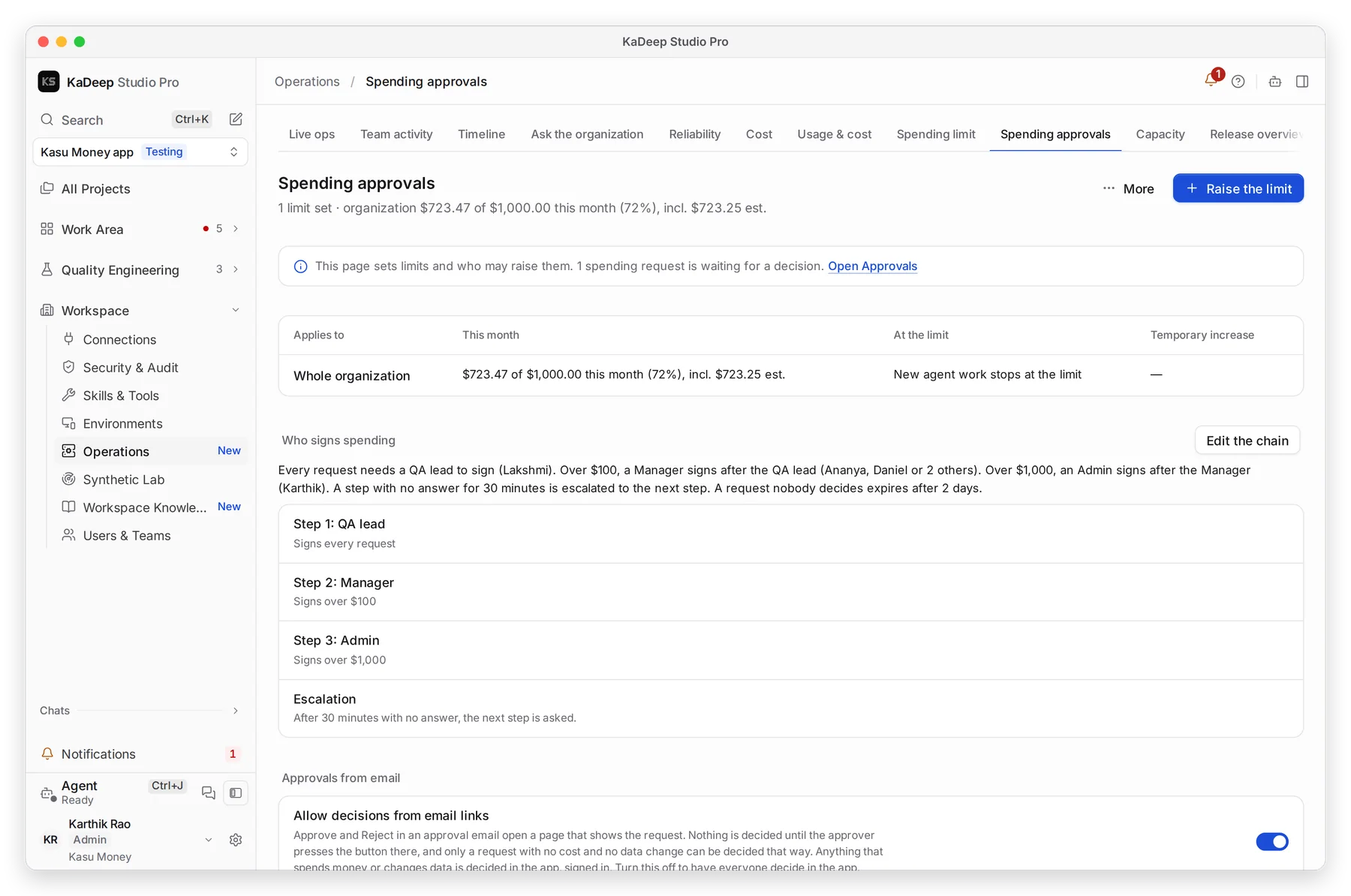
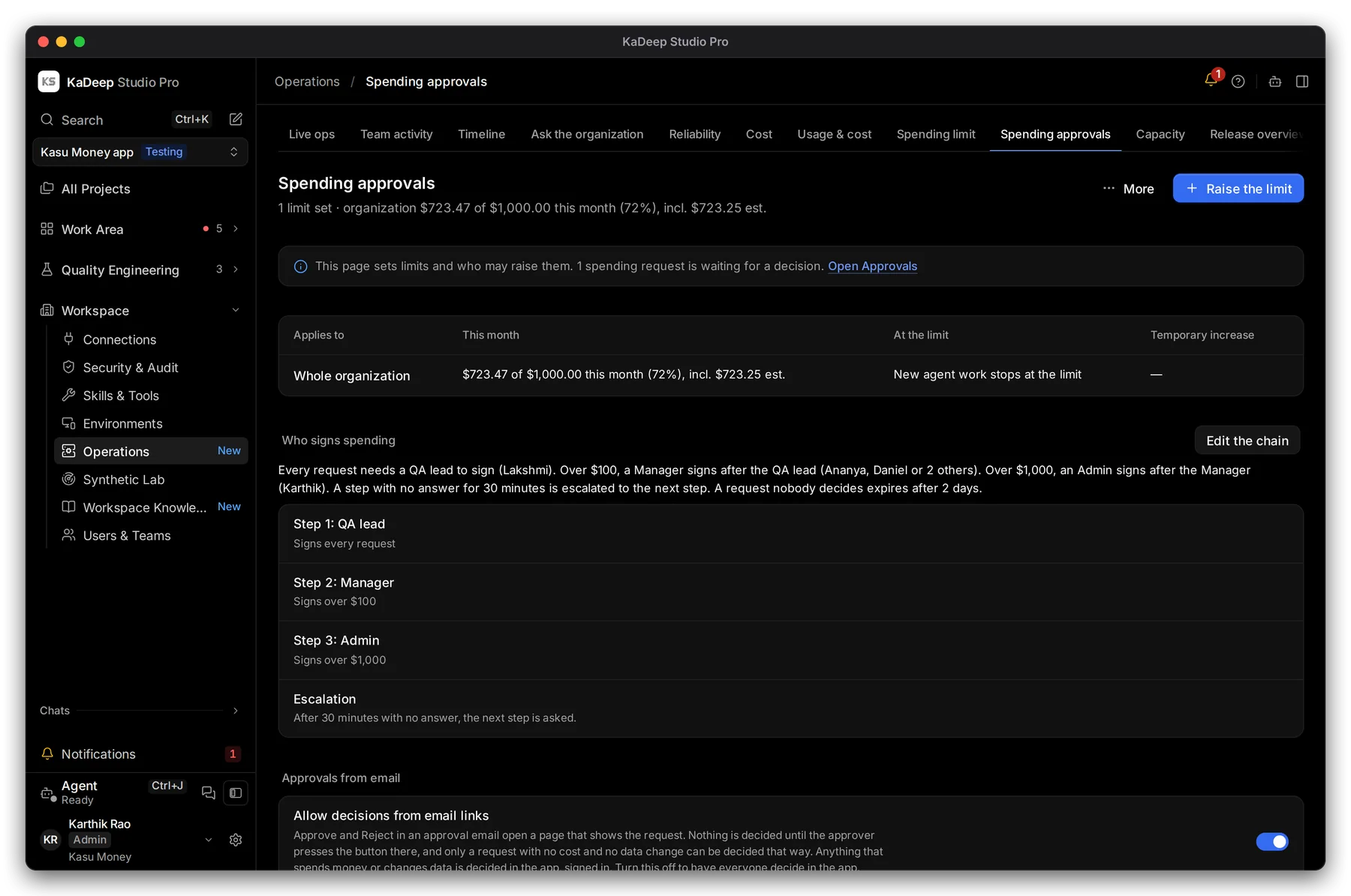
Manage view
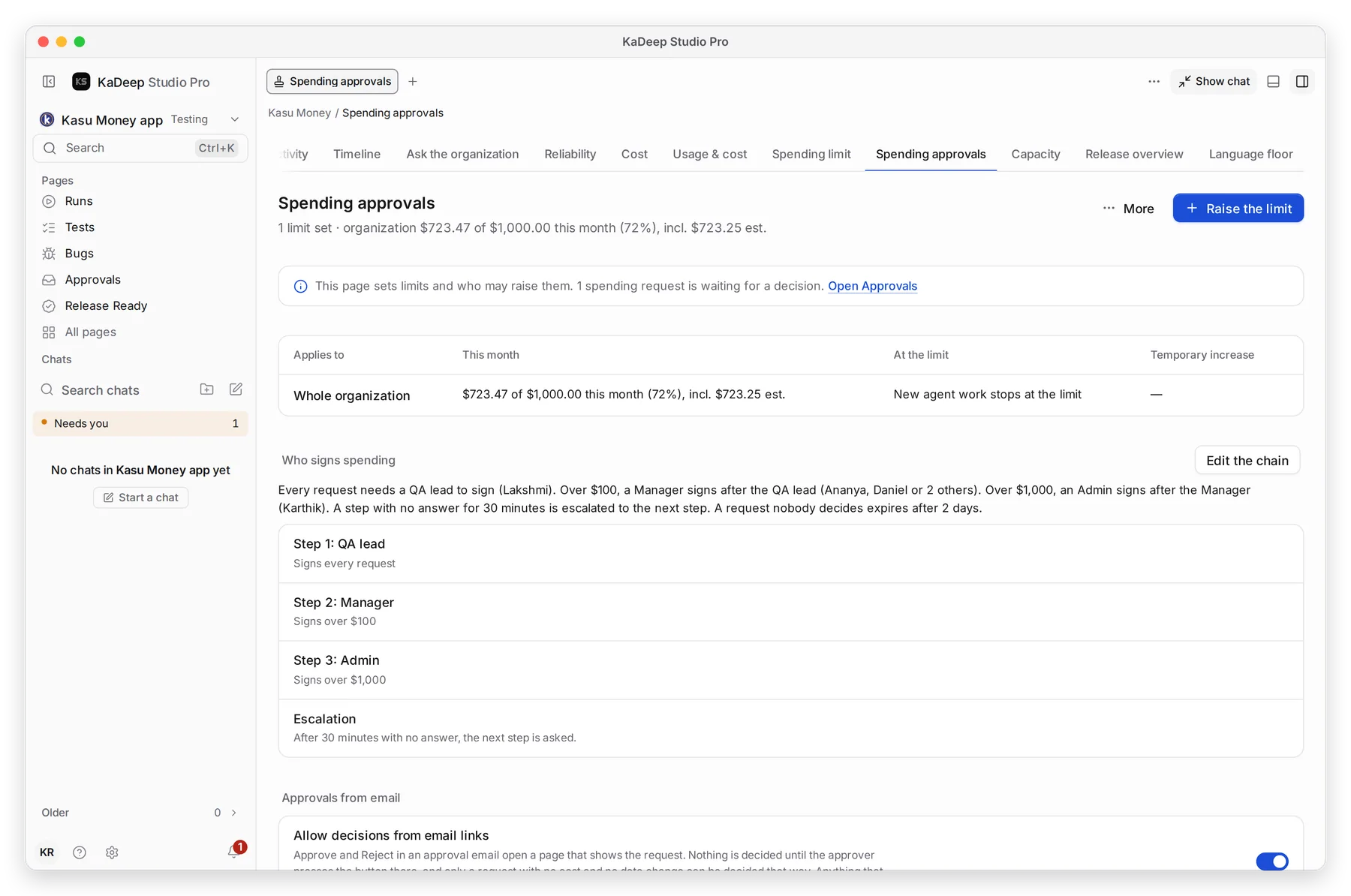
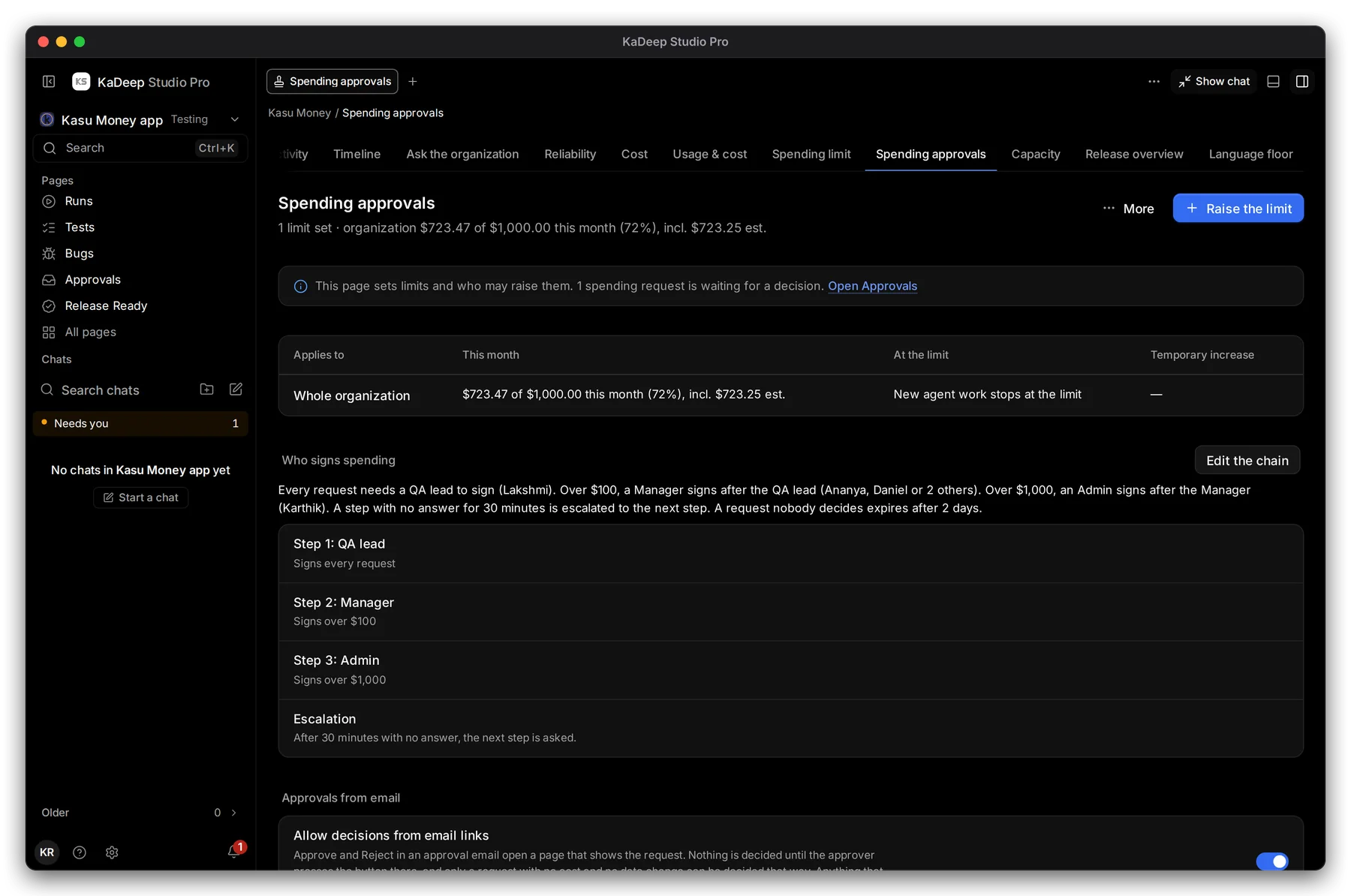
Hands-on view
5. What to measure
Section titled “5. What to measure”| Measure | Where you read it | Guide |
|---|---|---|
| Spend per client project | Usage & cost, By project | Usage over time |
| Cost per test and per bug | Cost tiles | Cost |
| Late and at-risk work per client | Timeline, By project | Timeline |
| Readiness per client | Release Ready verdicts | Release Ready |
| What your team did today | Team activity | Team activity |
| How fast approvals are decided | Governance, Approvals SLA | Governance |
6. A 30/60/90-day rollout
Section titled “6. A 30/60/90-day rollout”| Days | Goal | Check before you move on |
|---|---|---|
| 1–30 | One client, one app, one QA lead and two testers | The client receives an evidence pack and can trace each finding to its run. Spend stays in that project’s limit. |
| 31–60 | Two or three more clients, each in its own project | No person sees a project they are not on. The Timeline shows every client’s work in one place. |
| 61–90 | New engagements start in KaDeep; client billing reads Cost by project | Each client has its own limit, its own exit criteria and a recorded decision for each release. |
What’s next
Section titled “What’s next”How KaDeep fits your organizationThe lifecycle, the roles and what stays under your control.
Find your fit and estimate the workEstimate the manual work per client.
Roll out KaDeep: pilot, expand, governThe admin's plan, step by step.