Your Home page
Your view
Home is where you land after you sign in. It answers one question for your role: what should I do next?
1. Open Home
Section titled “1. Open Home”In the sidebar, choose All Projects. Home is the first tab.
Home opens in the panel beside the chat when you sign in. To open it again, press Ctrl K (Windows) or ⌘ K (Mac) and type Home.
2. The parts of Home
Section titled “2. The parts of Home”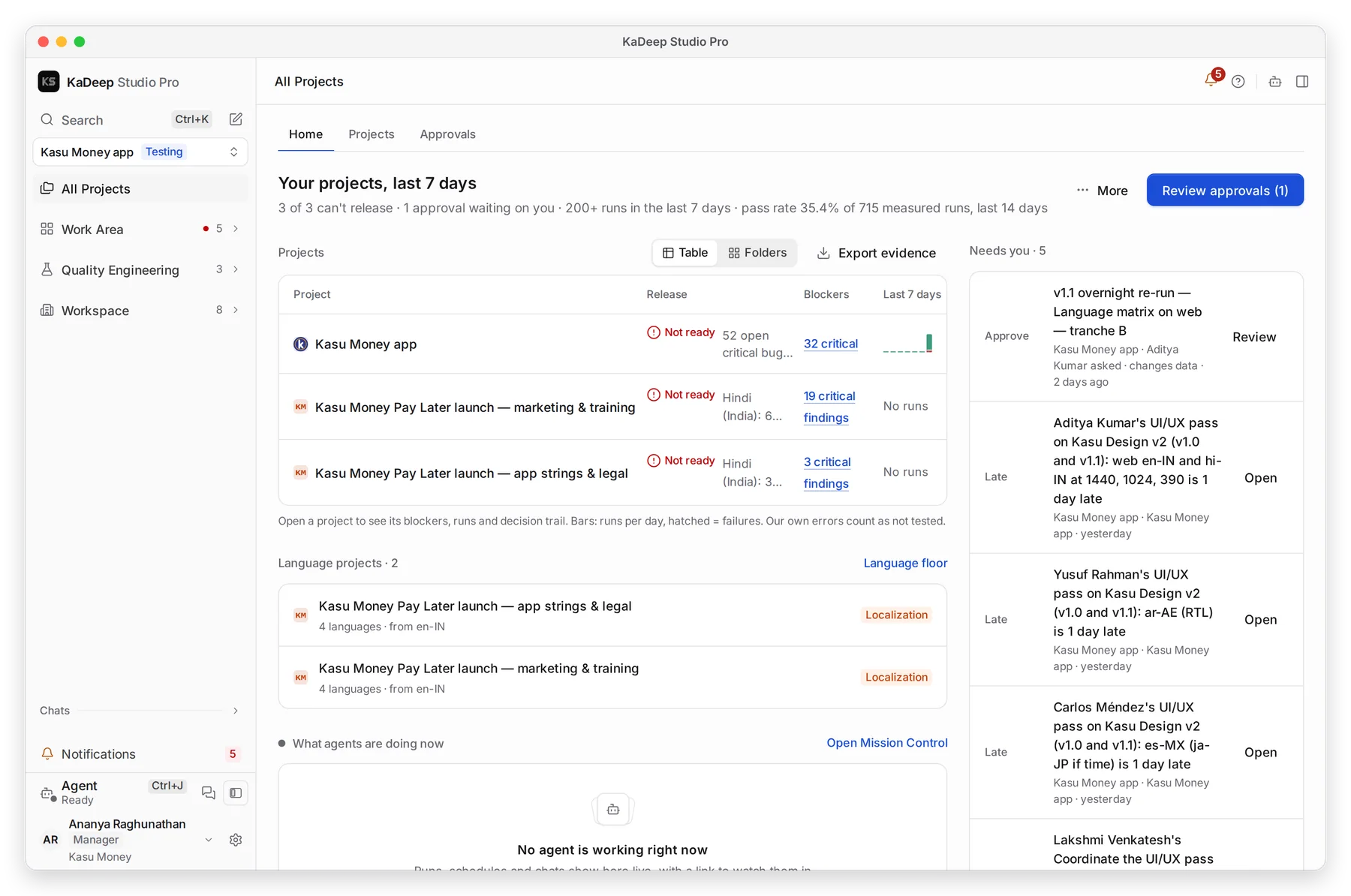
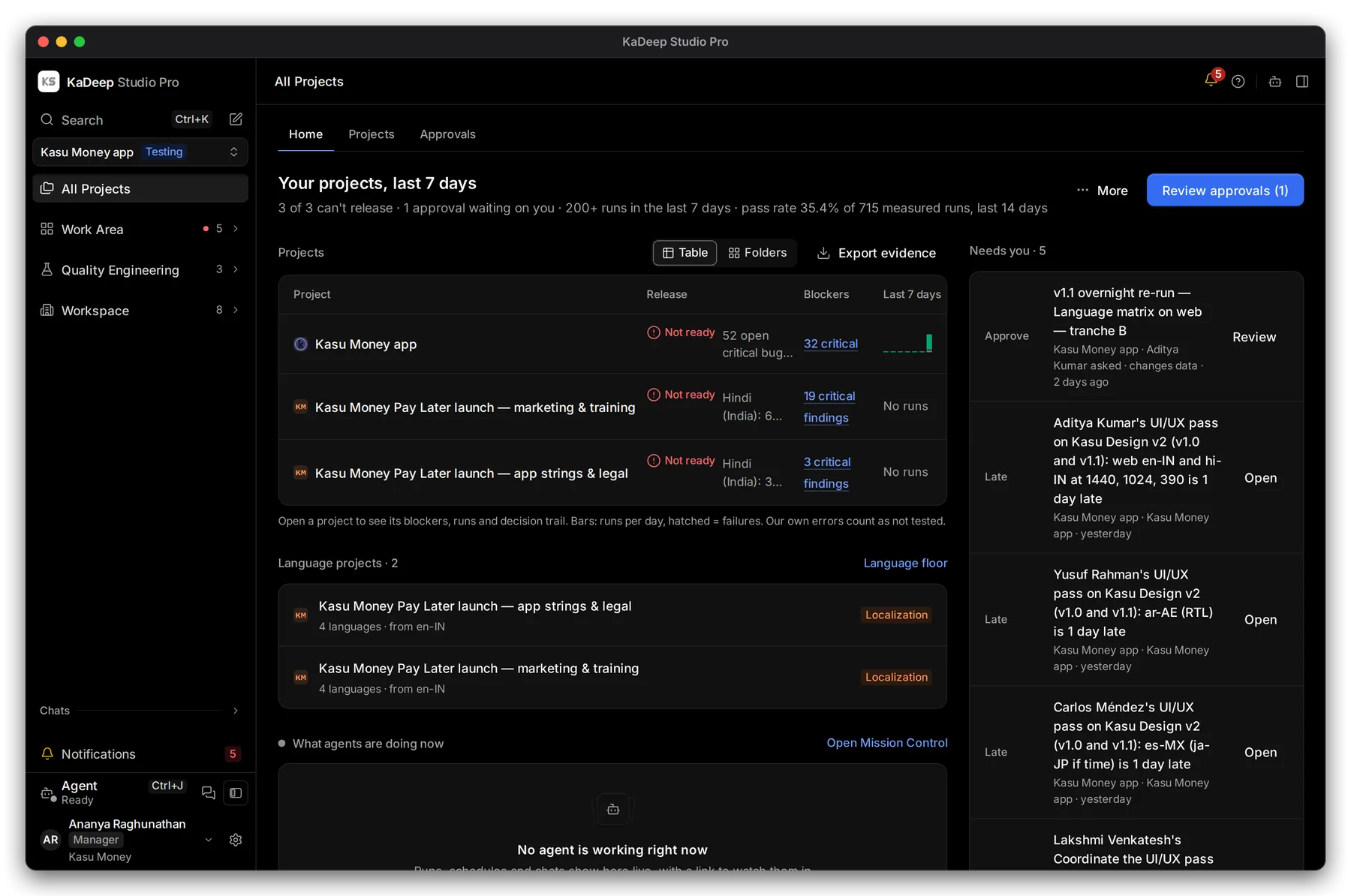
Manage view
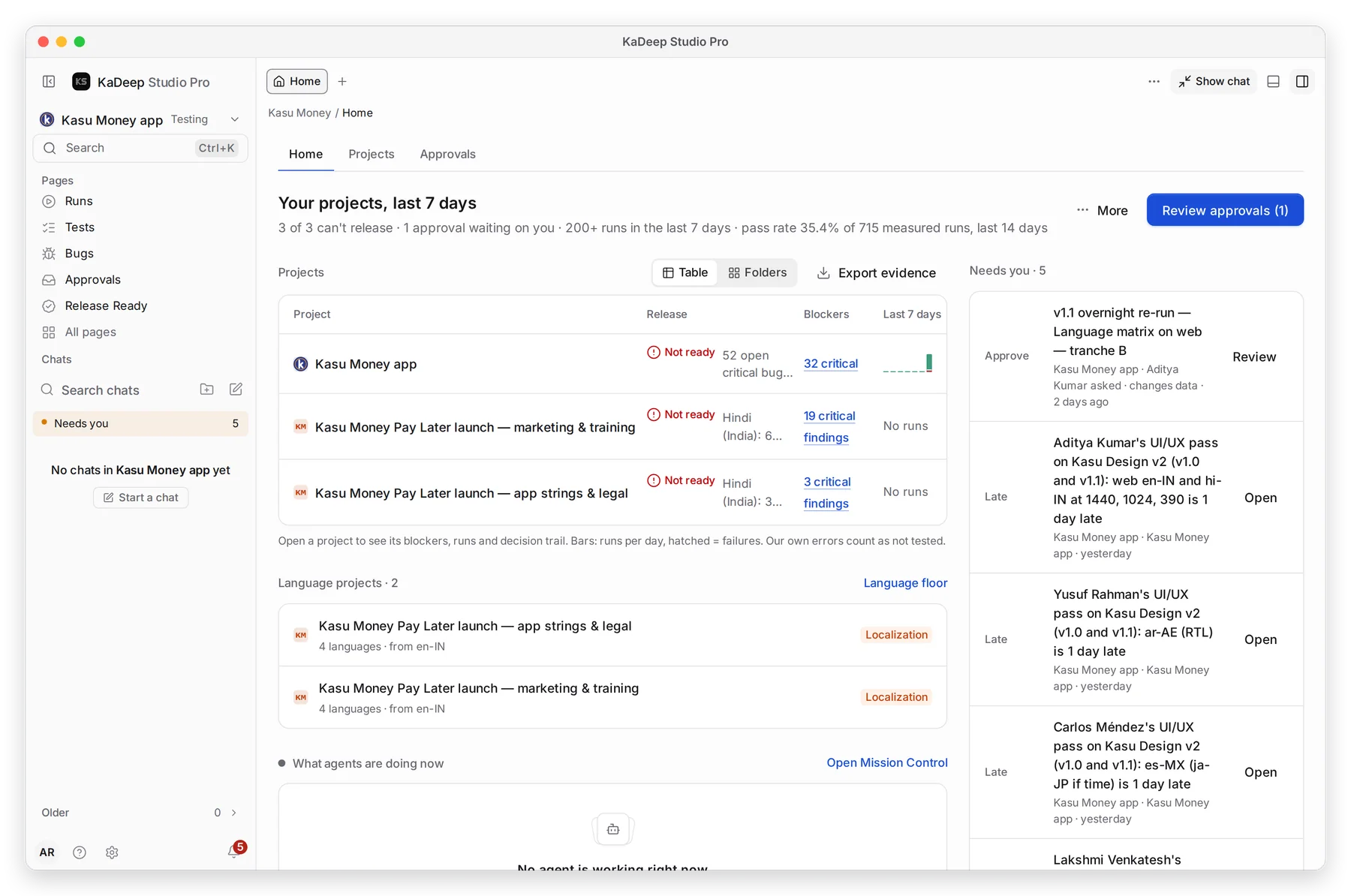
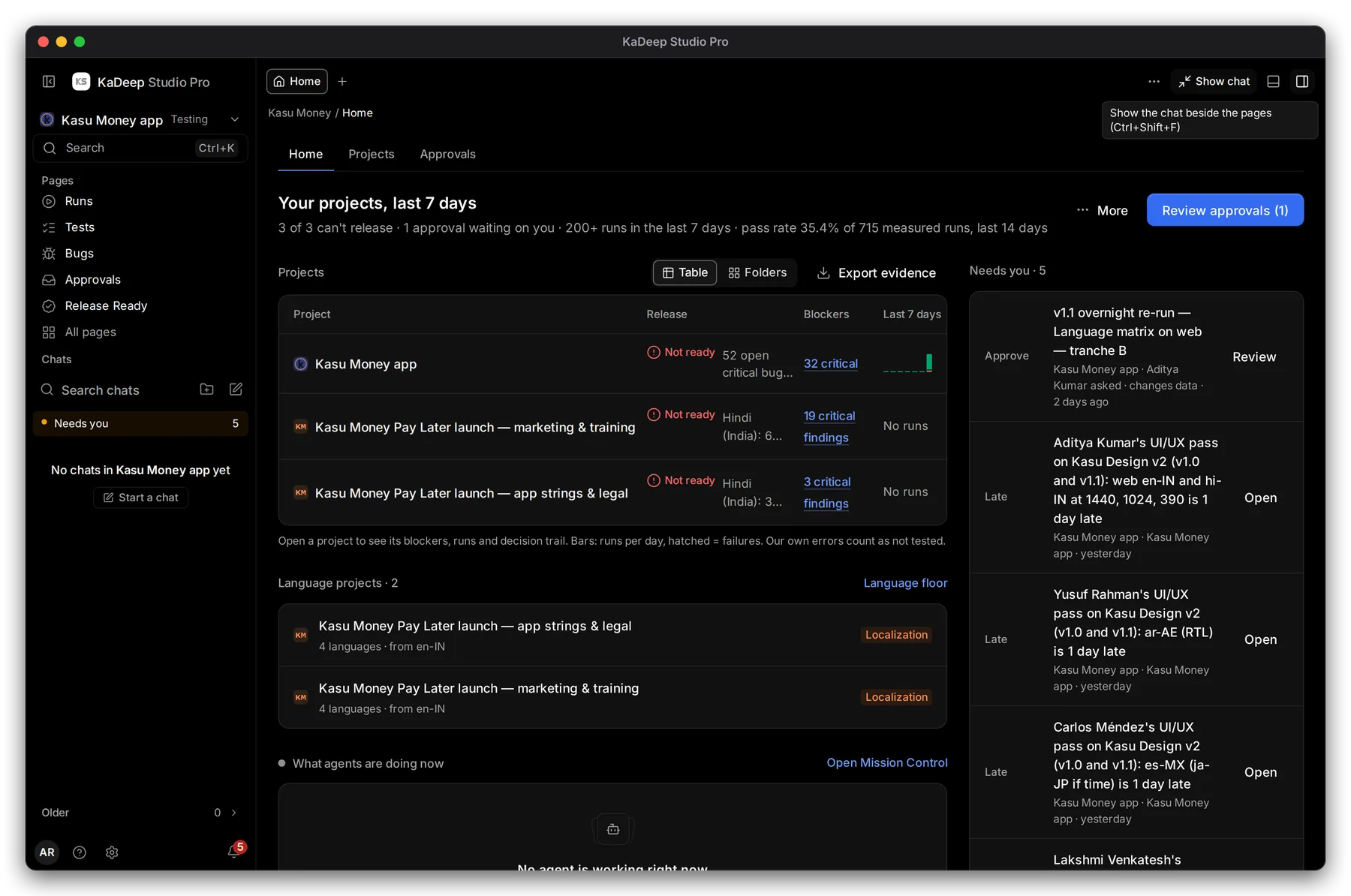
Hands-on view
- 1 The summary: your projects in one line, for example how many can’t release and what waits on you.
- 2 The main button: the next job for your role, such as Review approvals.
- 3 Needs you: everything waiting for your decision, oldest risk first.
- 4 The tiles for your role, such as your projects and their release status.
3. Needs you
Section titled “3. Needs you”Every Home has a Needs you list. Each row says what kind of thing it is, such as Approve, Late or At risk, and who asked. Choose Open or Review on a row to act on it. When the list is empty, nothing is waiting on you.
4. Home for each role
Section titled “4. Home for each role”| Role | The three tiles | Main button |
|---|---|---|
| Admin | Users & roles, Single sign-on, Spend & limits | Invite people |
| Owner | Can we ship?, Spend vs limit, Top risks | Show me why |
| Manager | Who is on what, Waiting for your approval, Oldest open bugs | Review approvals |
| QA lead | Latest runs, New bugs, Can we ship? | Run tests |
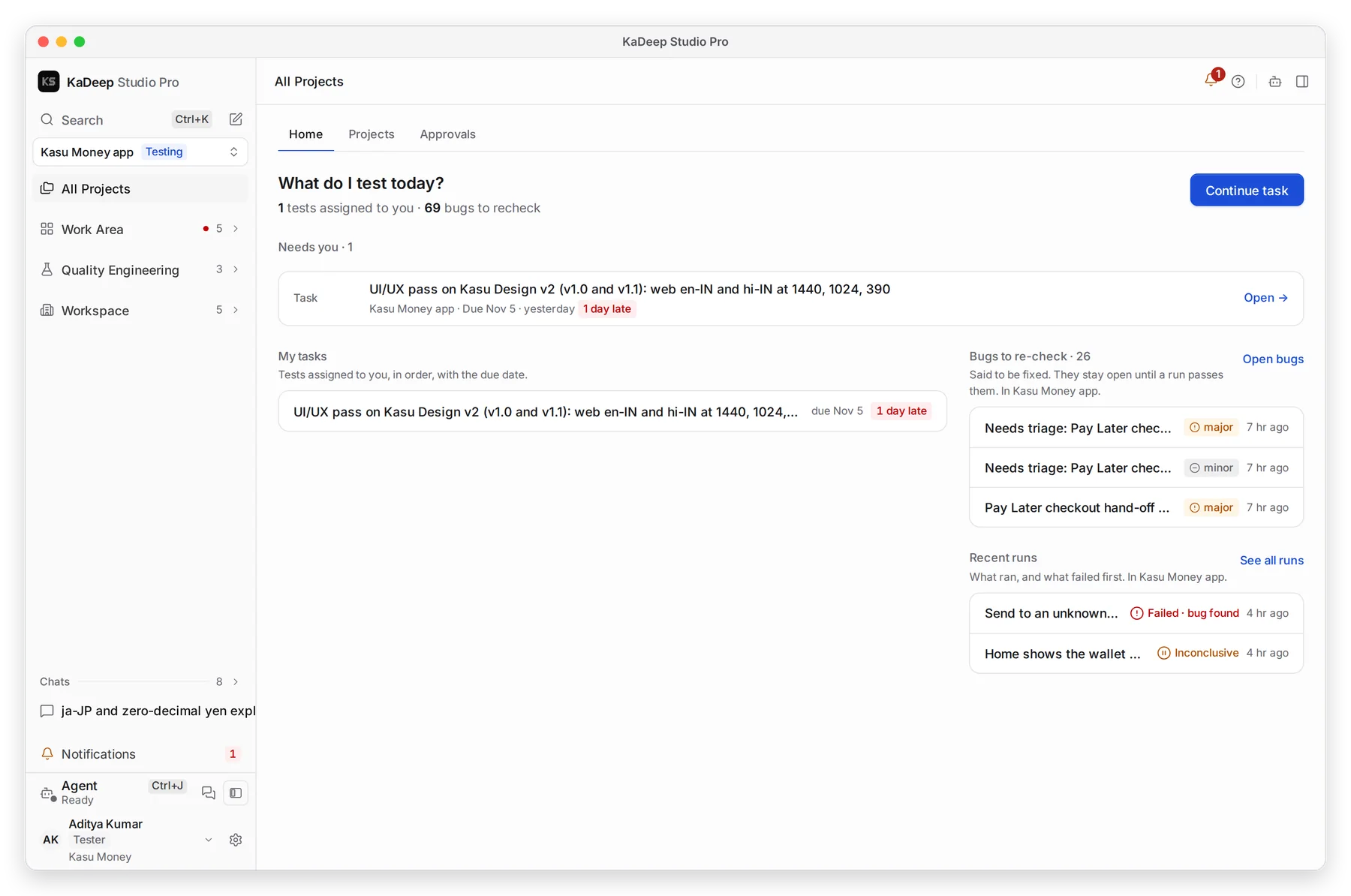
| Tester | My tasks, Bugs to re-check, Recent runs | Start task, or Continue task once you have started |
| Language lead | Language status, My queue, Who is on what | Open language status |
| Linguist, Reviewer | My queue, Due soon, Sent back to me | Next task |
| Finance | Spend vs limit, Spend by project, Spend by model | Open cost |
| Compliance | Can we ship?, Accessibility results, Audit log | Export evidence |
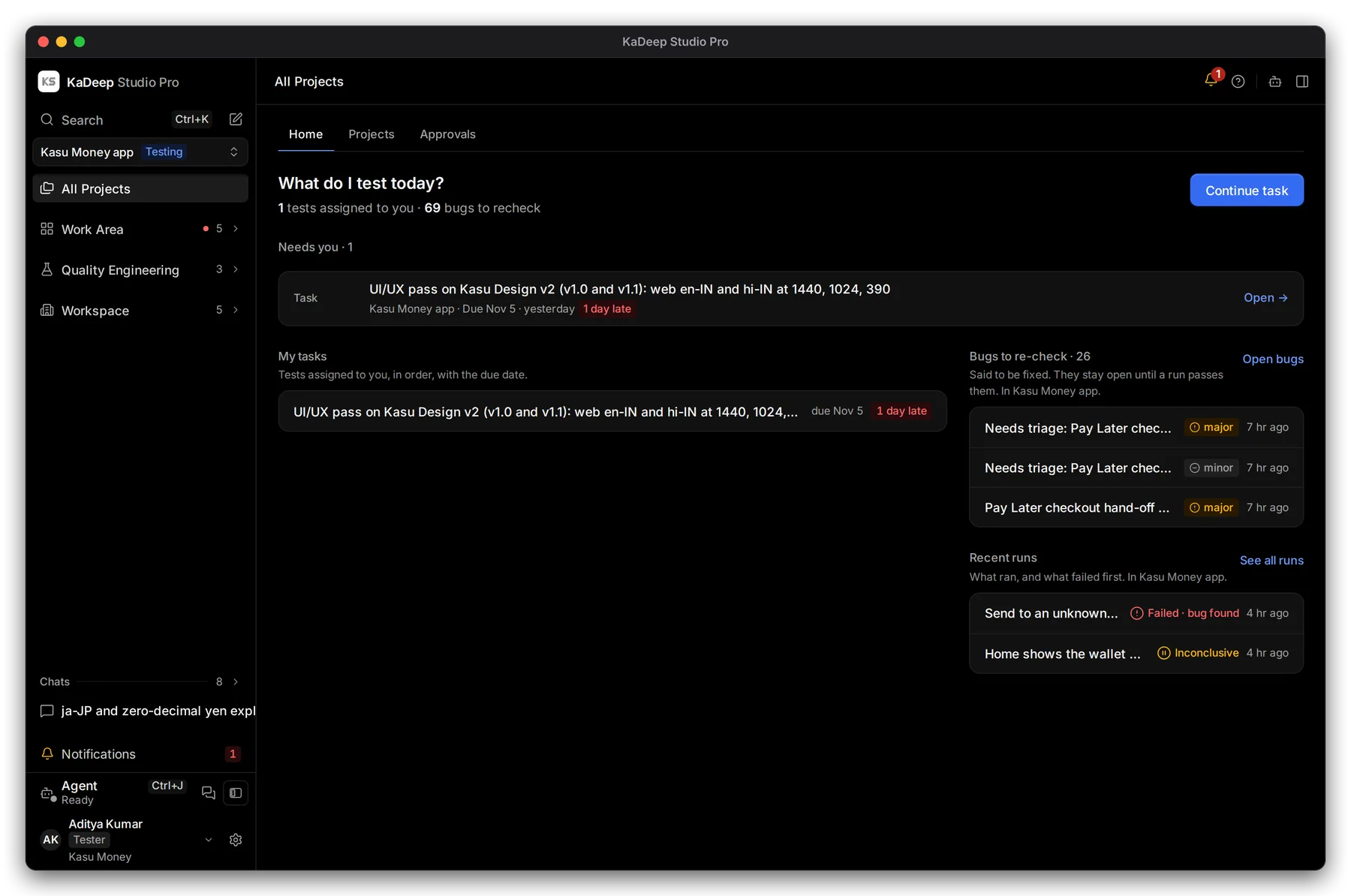
A tester’s Home, for example, starts with today’s task:
What’s next
Section titled “What’s next”Find and open projectsAll Projects and the project switcher.
Needs youFor managers and leads: everything waiting on you.
Guides by roleEverything for the work you do.