Capacity
Your view
Agents run on machines: cloud browsers, cloud phones and paired computers. Capacity answers one question: can your runs start now?
1. Open Capacity
Section titled “1. Open Capacity”In the sidebar, open Workspace › Operations, then the Capacity tab.
Press Ctrl K (Windows) or ⌘ K (Mac), type Capacity and press Enter.
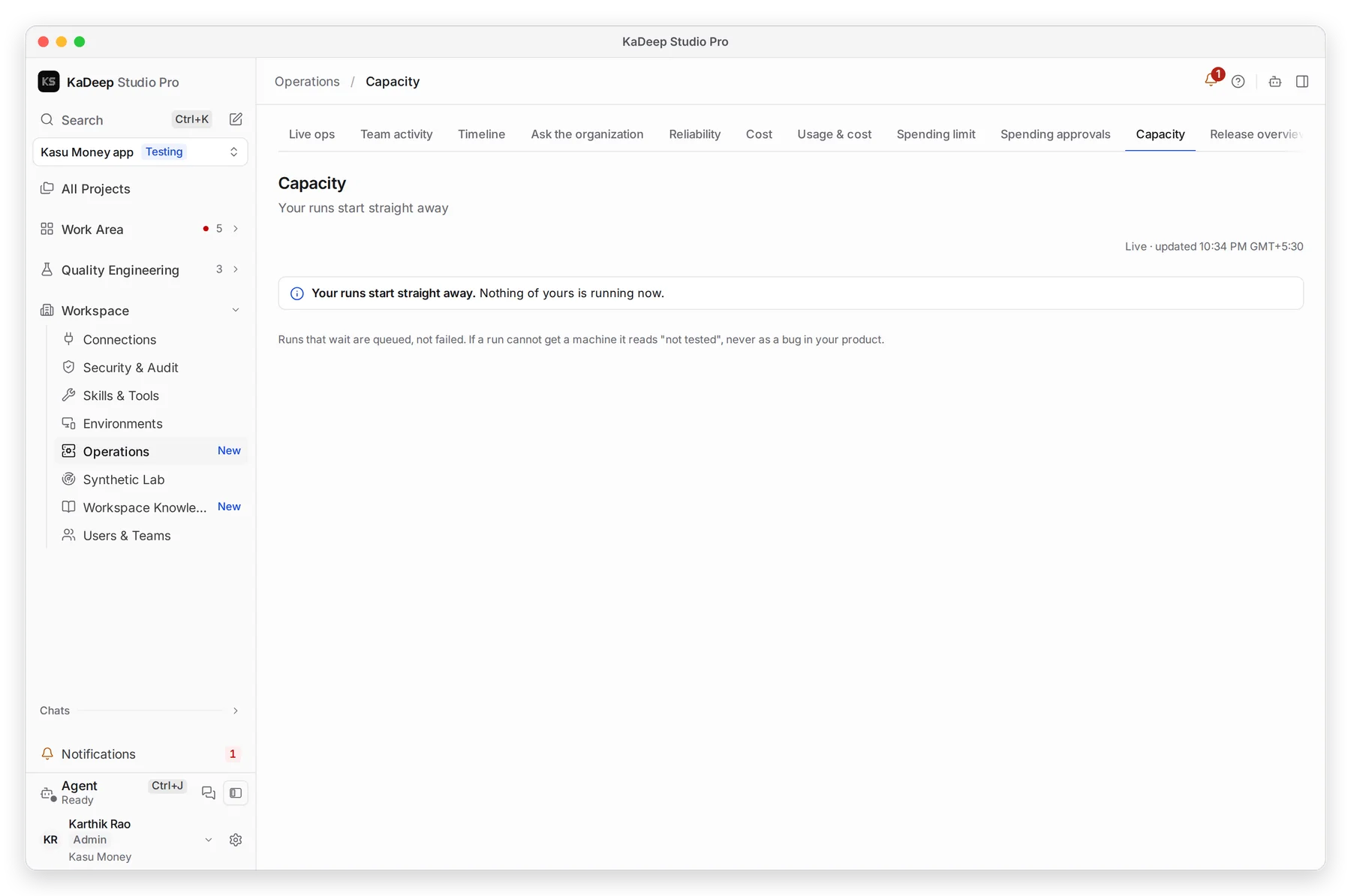
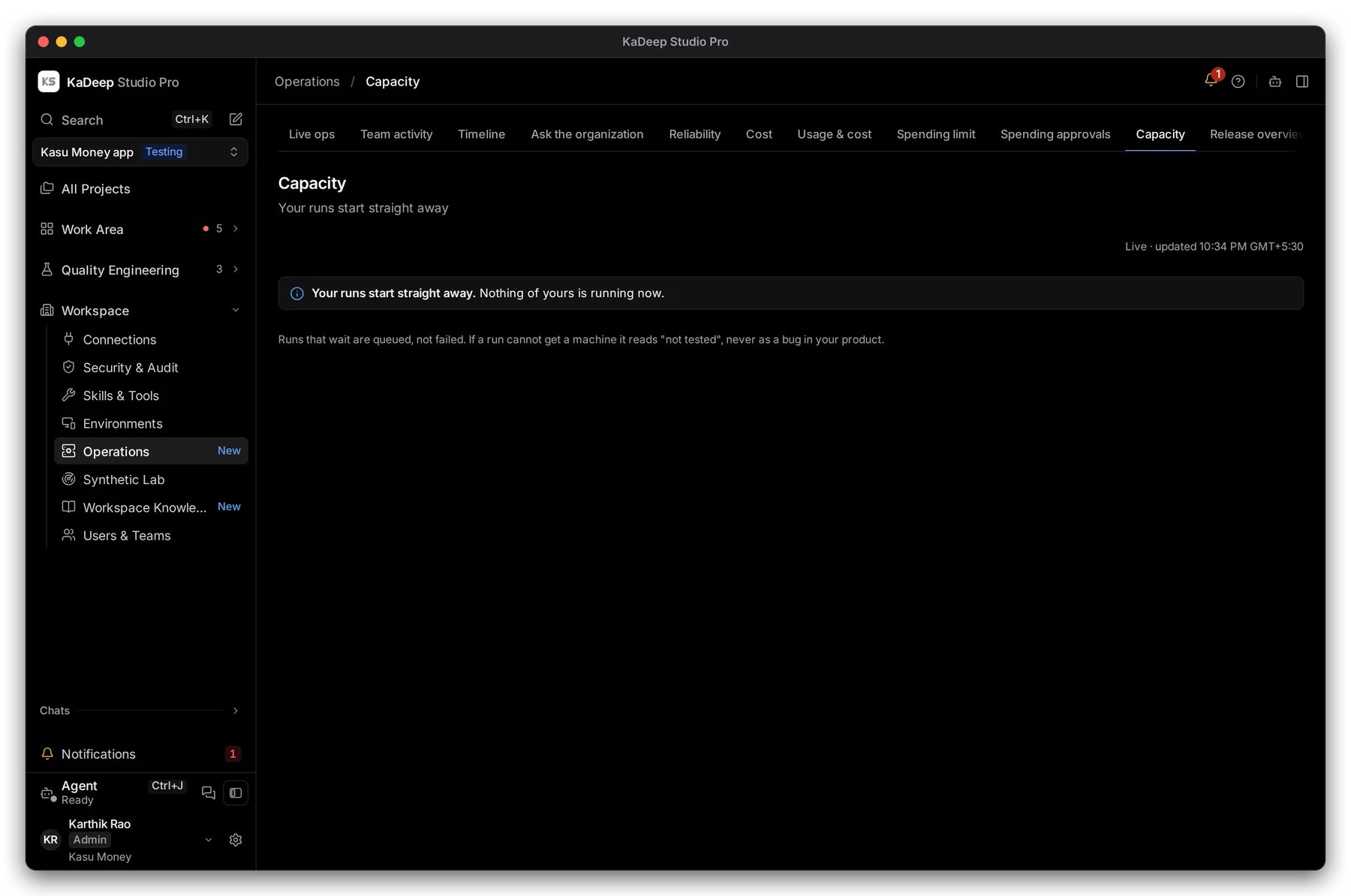
Manage view
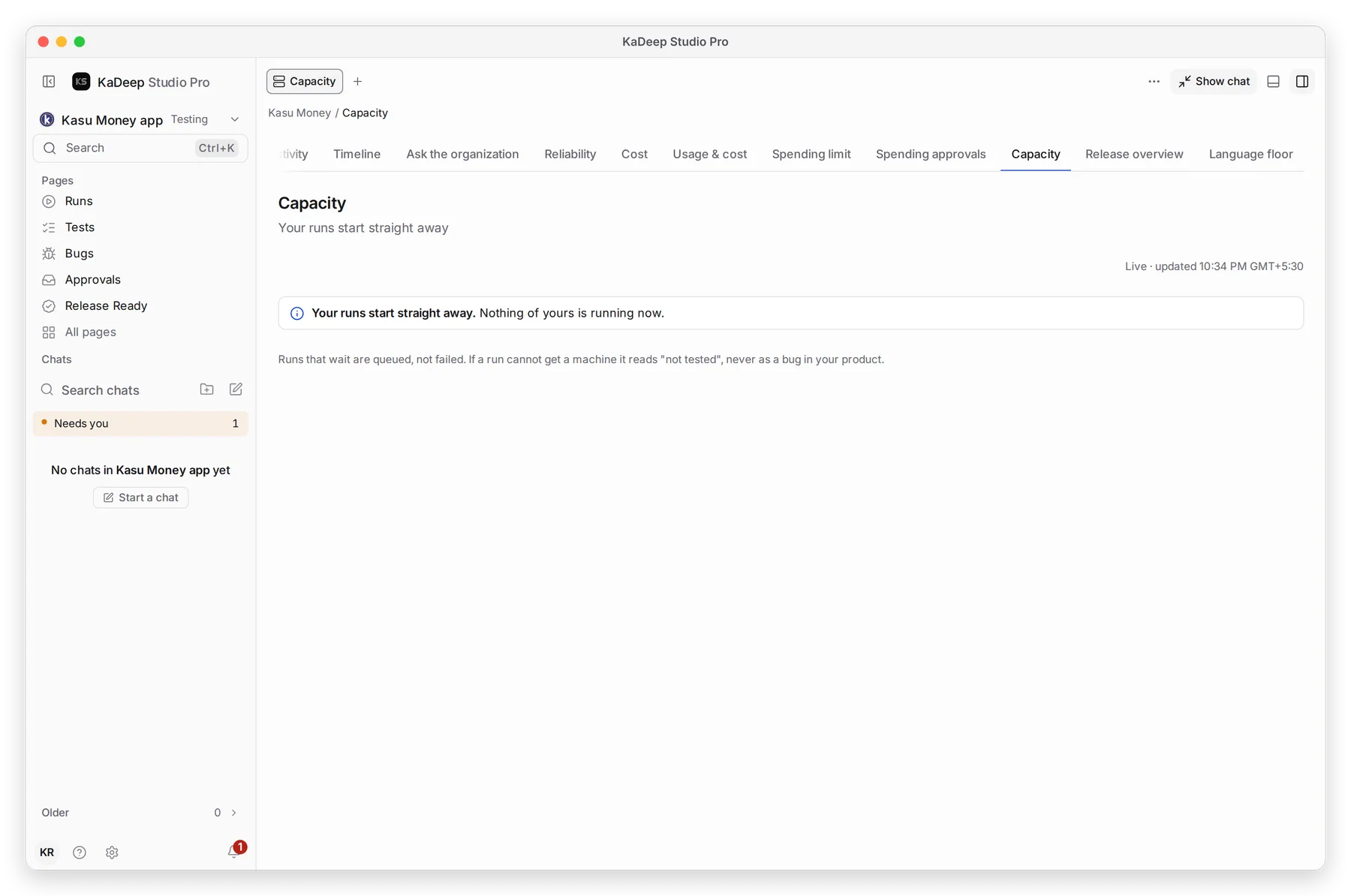
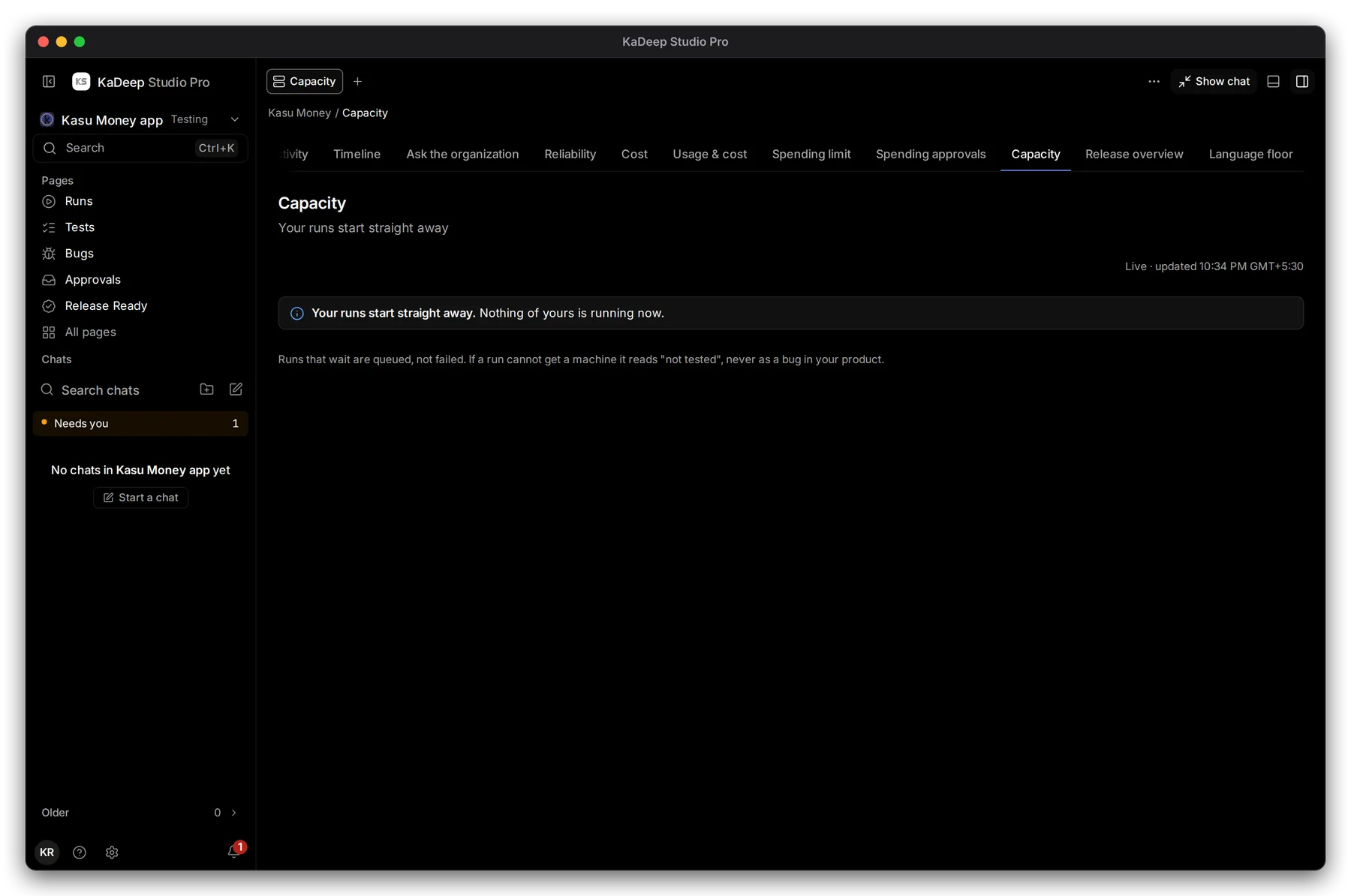
Hands-on view
1 The answer, in one line. 2 The page updates live.
2. Read the answer
Section titled “2. Read the answer”| You see | It means | What to do |
|---|---|---|
| Your runs start straight away | A machine is free for every new run. | Nothing. |
| Runs are waiting | Every machine of that kind is busy. Runs start in order as machines free up. | Wait, or add a paired computer. |
| A kind of machine is offline | For example, no phone host is online. | Check Devices and browsers. |
3. Add capacity
Section titled “3. Add capacity”- More phones and browsers in the cloud: KaDeep adds them as you need them, within your spending limit.
- Your own machines: pair a computer and run it in worker mode. It takes runs for its project.
What’s next
Section titled “What’s next”Devices and browsersWhere tests run.
Watch agents liveMission Control shows every running agent.
Set up checklistBack to the list.