Assign, check and deliver languages
Your view
A delivery is one file in one language, from first draft to the file you hand over. Deliveries is where you assign people, see what blocks each one, and export the finished file.
1. Open Deliveries
Section titled “1. Open Deliveries”Open Work Area › Reports & Releases › Deliveries.
Under Pages, choose Deliveries.
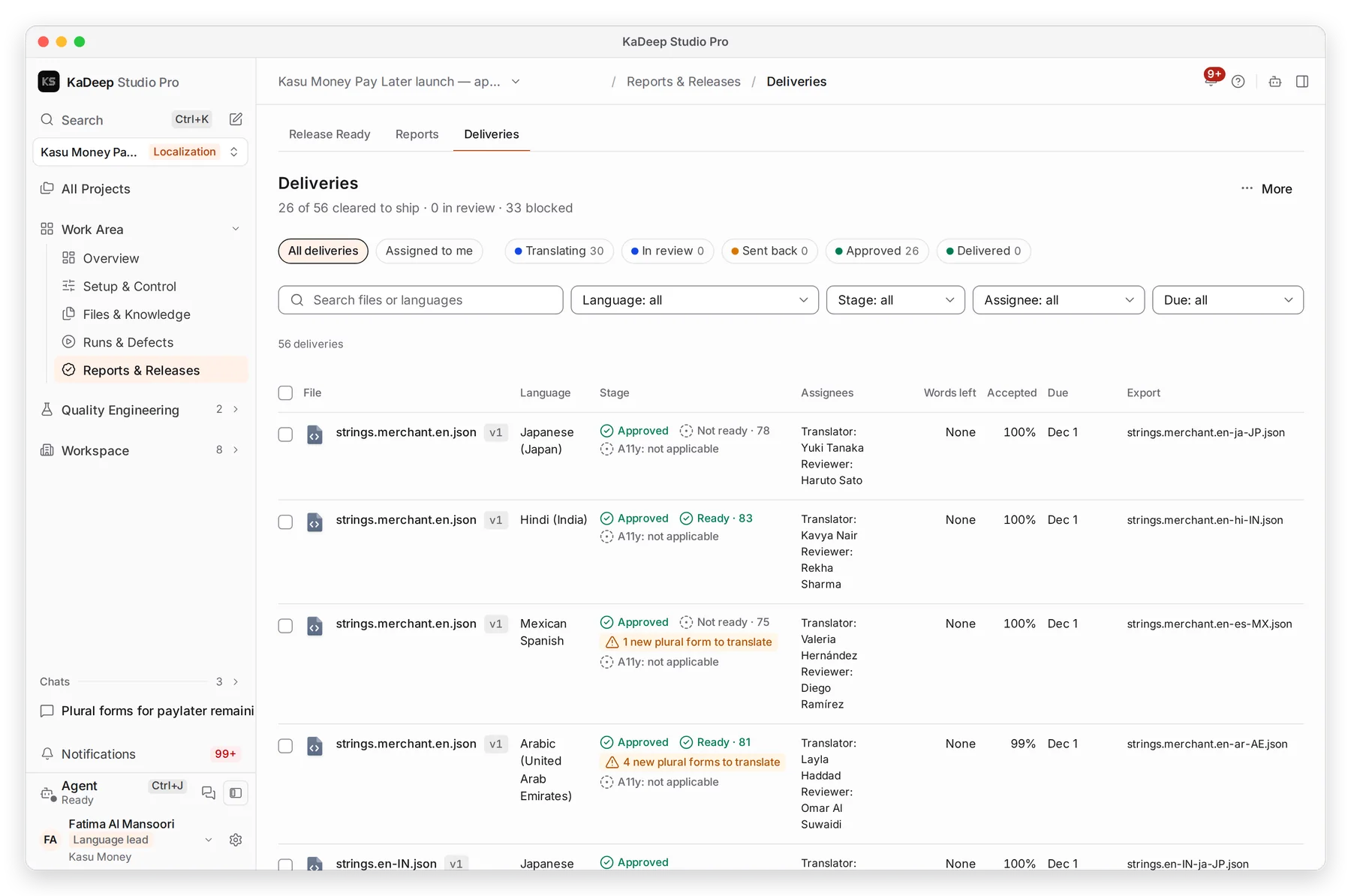
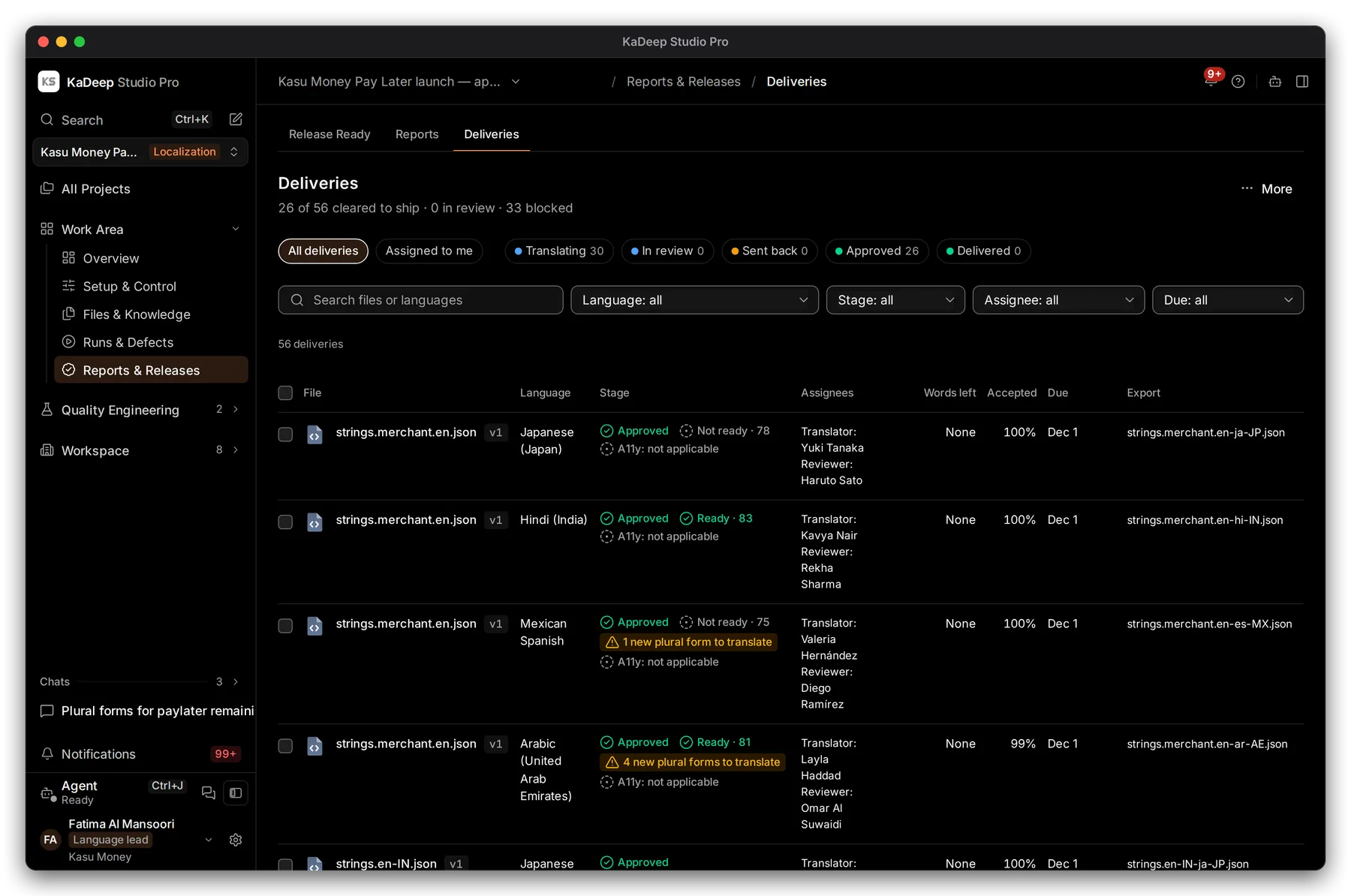
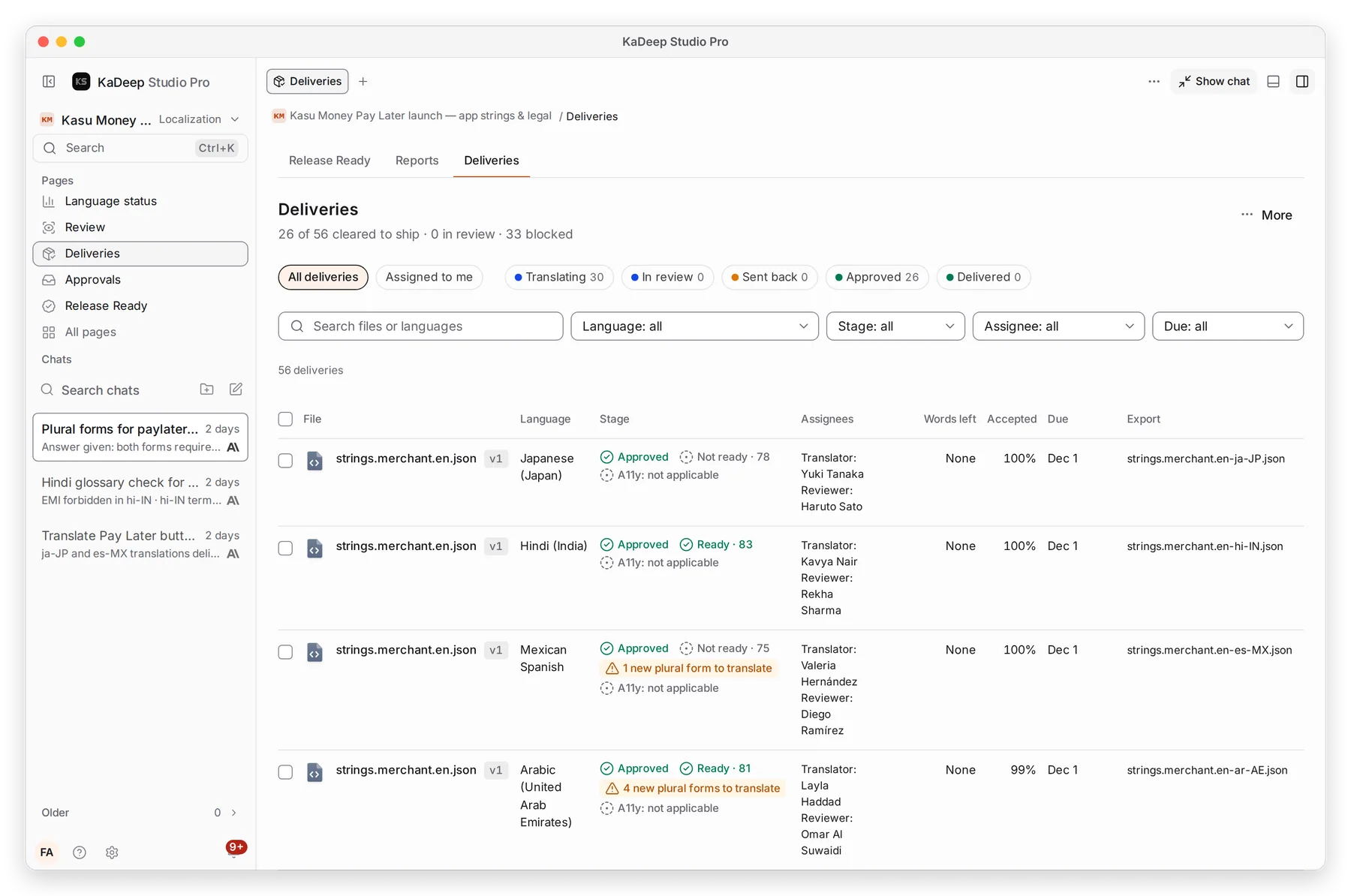
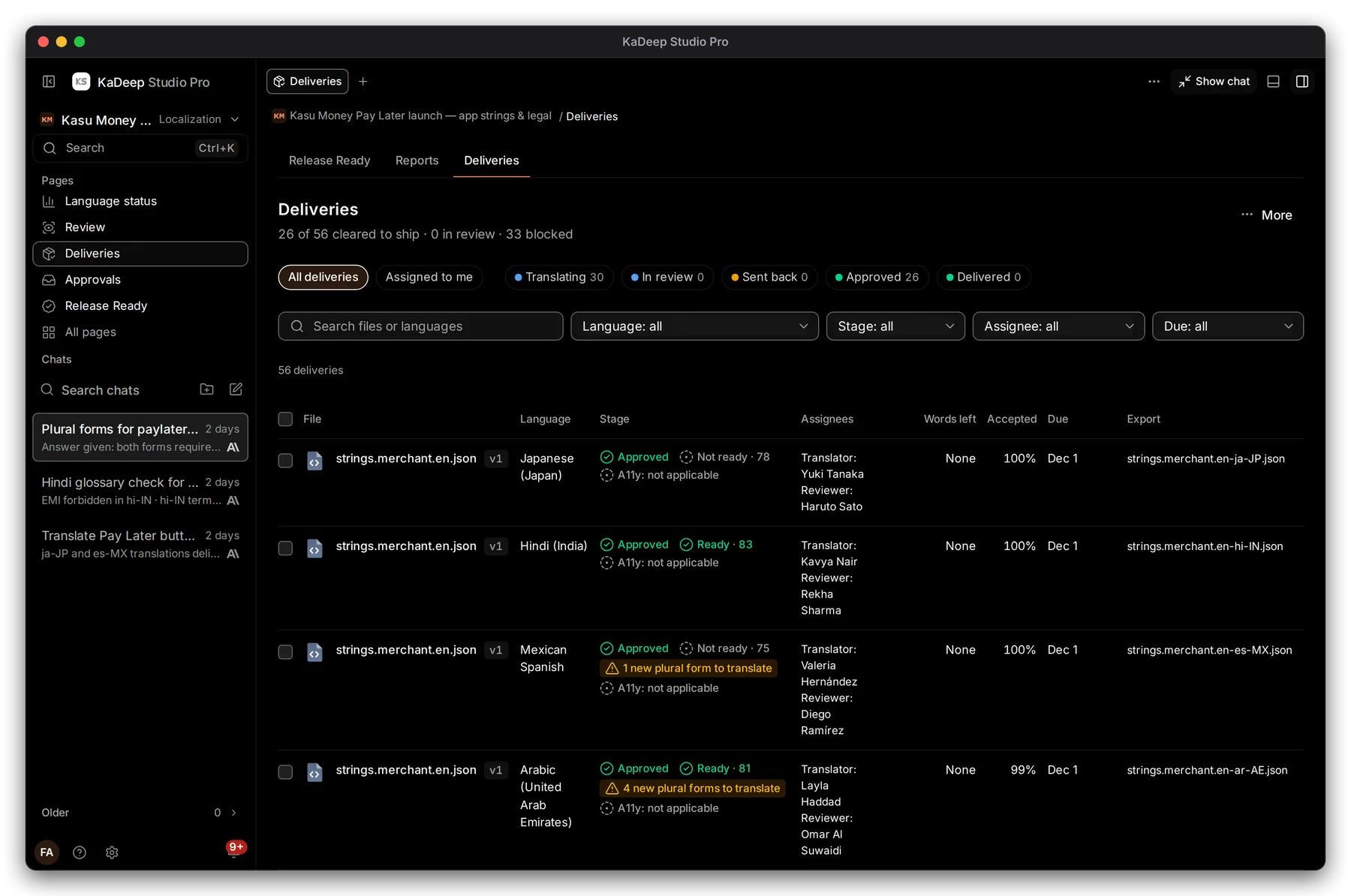
The summary reads, for example, 26 of 56 cleared to ship · 0 in review · 33 blocked.
Manage view
Hands-on view
- 1 Stages: Translating In review Sent back Approved Delivered. Click one to filter.
- 2 Stage and readiness, for example Approved · Ready · 83, and any warning such as 4 new plural forms to translate.
- 3 Translator and Reviewer. Click to assign or reassign.
- 4 Export: the name of the exported file.
2. Assign people and a date
Section titled “2. Assign people and a date”- Click a delivery’s people, or tick several deliveries and choose Assign people.
- Choose a Translator, a Reviewer and a Due date.
- Choose Save. Each person is notified and emailed, and the task shows in their My work.
3. Read the gates
Section titled “3. Read the gates”Click a file’s name to open the delivery.
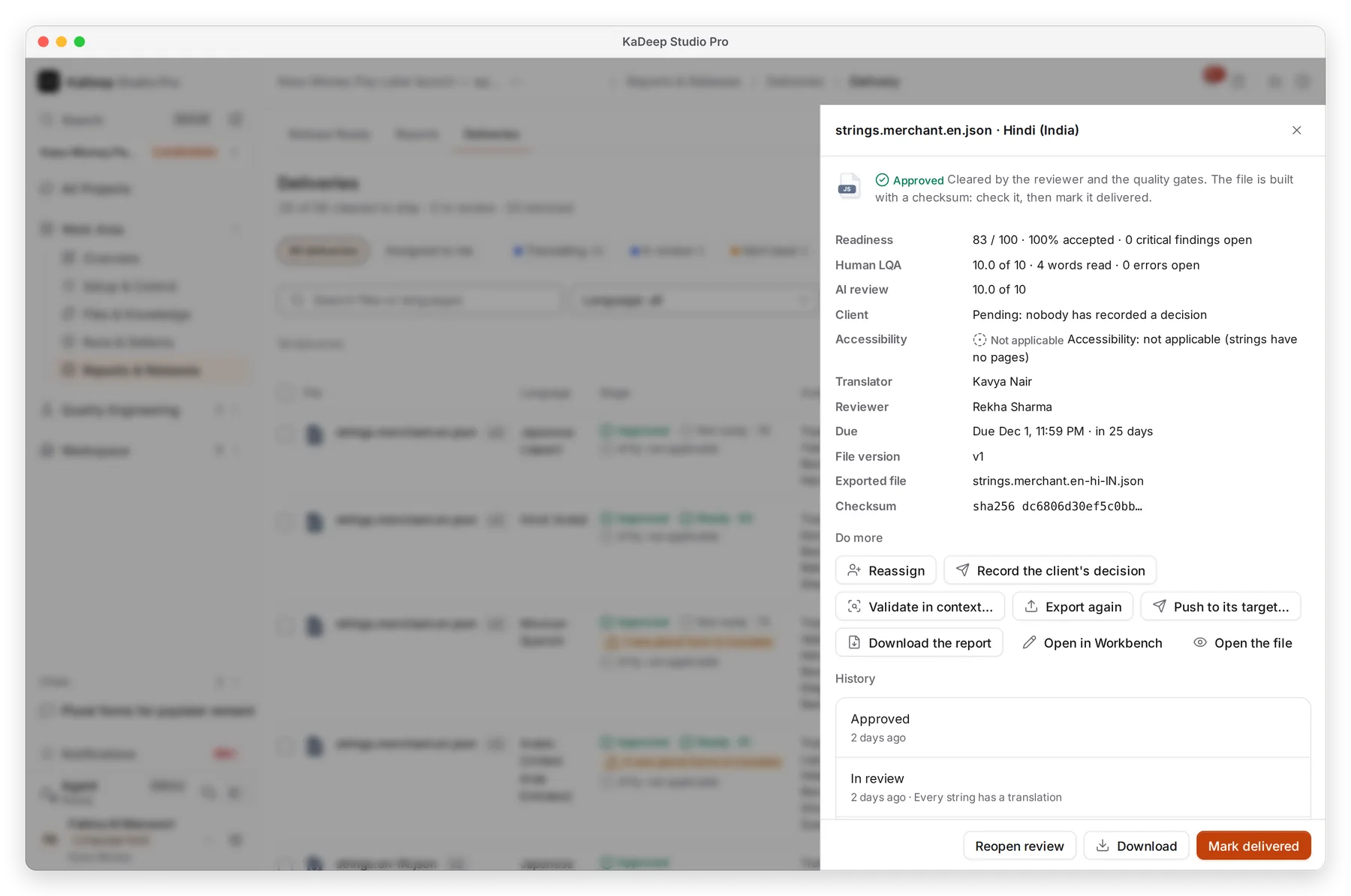
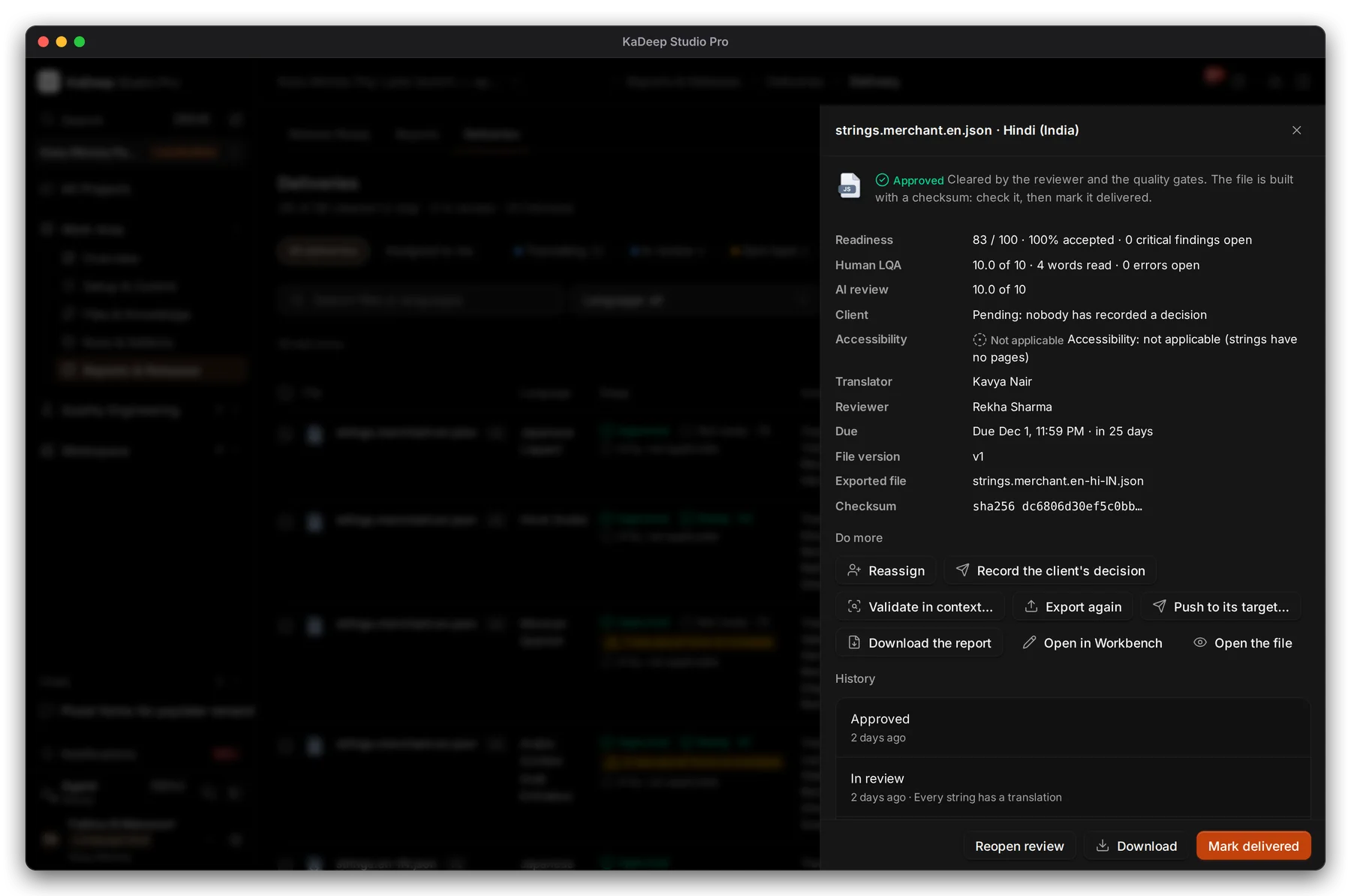
Manage view
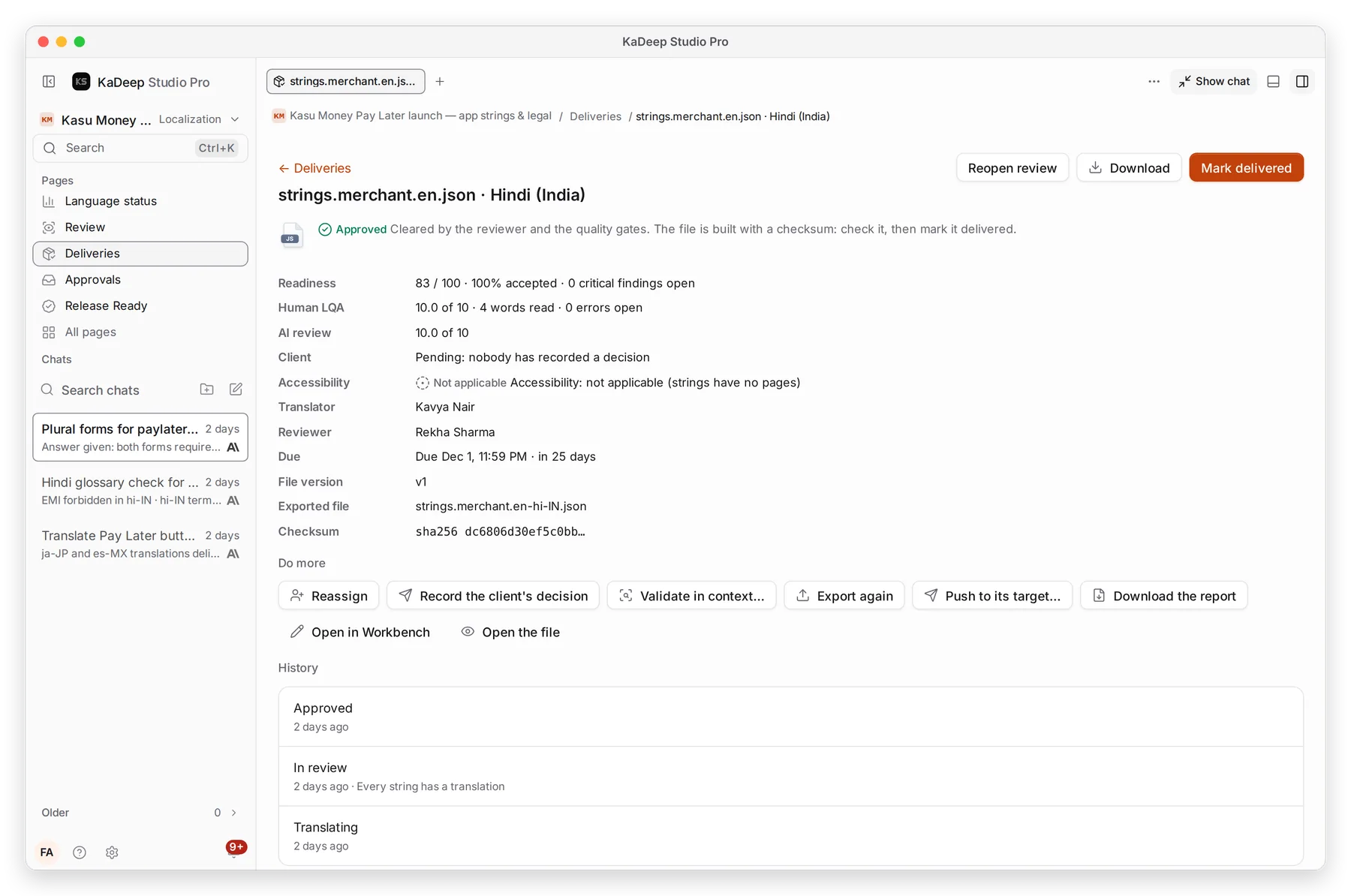
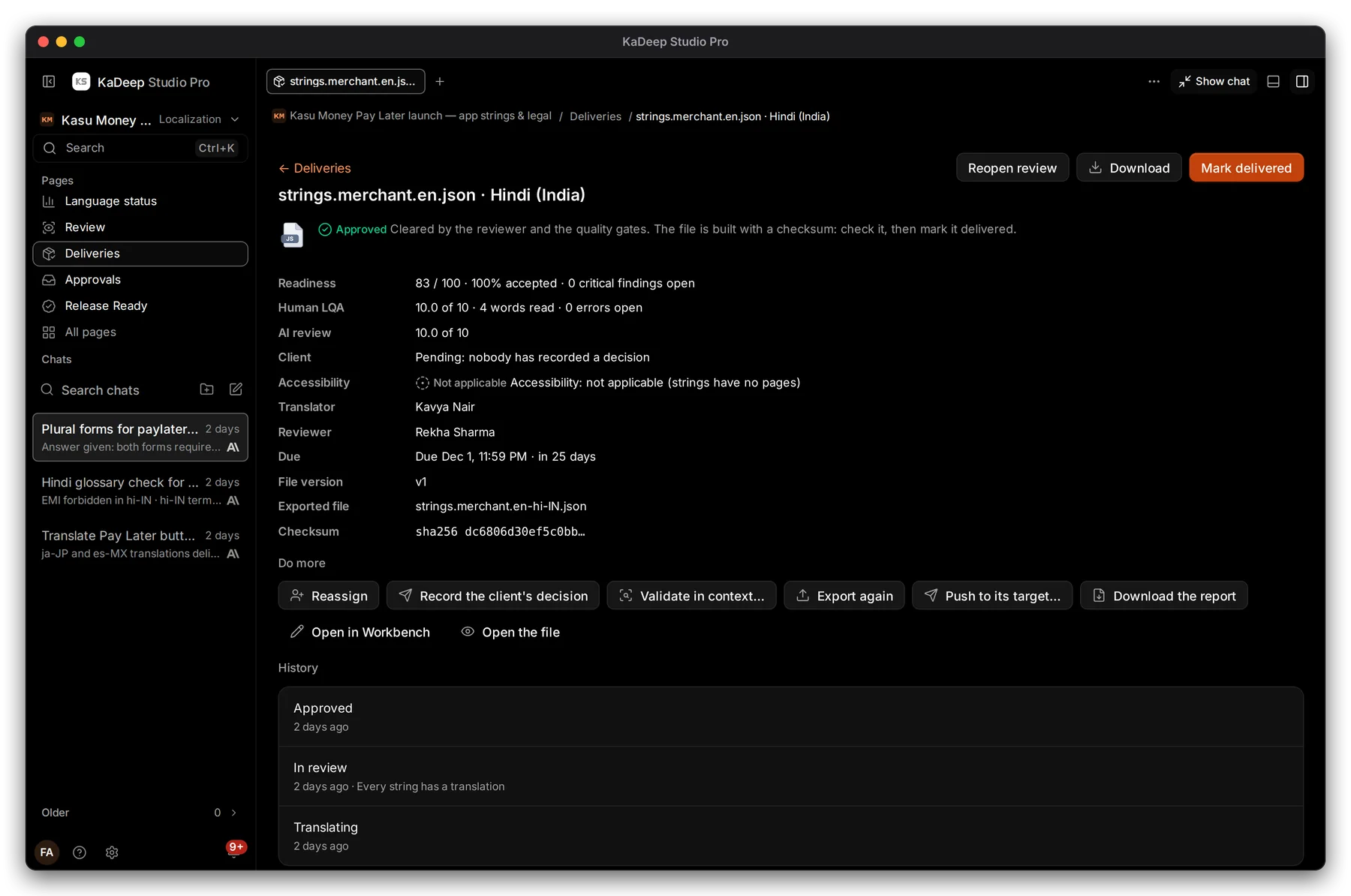
Hands-on view
- 1 Readiness: a score out of 100, how much is accepted, and open critical findings. Human LQA and AI review sit below it.
- 2 Accessibility: whether the translation added accessibility failures.
- 3 Export builds the translated file. Export again after changes.
- 4 Download the exported file.
- 5 Mark delivered when it has been handed over.
| Gate | Blocks the next stage until |
|---|---|
| Critical findings | Every critical finding is fixed |
| Legal sign-off | The legal signer signs a legal file |
| Client | You record the client’s decision, if your project needs it |
| Course review | A reviewer signs off a SCORM course |
| Accessibility | The compared accessibility check passes |
What is in the way lists every blocker in plain words. Found since approval means a problem appeared after approval: the approval stands, but delivery waits.
4. Export formats
Section titled “4. Export formats”| Source | You get |
|---|---|
| App strings (JSON, Android XML, iOS, PO, RESX) | The same format, named for the language, for example strings.merchant.en-hi-IN.json |
| Word, PowerPoint, Excel | The same format, with the layout kept |
| PDF, or Download as Word (DOCX) | |
| Pictures and posters (PNG, SVG) | The picture with the text redrawn in the language |
| SCORM course | A SCORM zip with every page, picture and document translated |
Push to its target… sends the file to a connected repository, CMS or LMS. Download the report gives the review report. XLIFF 2.0 and TMX (accepted strings only) are available through the KaDeep API; ask your admin.
What’s next
Section titled “What’s next”Review and LQAHow strings get accepted.
Languages and localesTurn approval rules on or off.
Release Ready: can we ship?The project's dated verdict.