How KaDeep fits your organization
KaDeep Studio Pro puts AI agents to work on the repeatable parts of a release: running tests, drafting translations, collecting evidence. Your people keep the parts that need judgment: what to test, what is right, and whether to ship.
This page is for the people deciding how KaDeep fits: an admin, a head of quality, a release manager. To see a whole release run on it, read the Kasu Money case study.
1. Where KaDeep sits in a release
Section titled “1. Where KaDeep sits in a release”- PlanThe agent reads your documents and drafts tests and a plan you approve.Who: QA lead, managerPlans →
- TestAgents run suites on web, phones and desktop apps, and file bugs with evidence.Who: Testers, QA leadRun a suite →
- LocalizeLinguists translate with the agent; reviewers check in context and send back.Who: Language lead, linguists, reviewersHow localization works →
- DecideRelease Ready gives a dated verdict against your criteria; stakeholders sign off.Who: Manager, QA leadRelease Ready →
- ShipYour pipeline asks the Release Gate; deliveries go out; evidence is kept.Who: QA lead, language leadRelease Gate in CI →
- MonitorMonitors check key journeys around the clock and tell the people named on them.Who: Manager, QA leadSynthetic monitors →
The agent works inside the projects you set up. It tests web apps, Android and iOS apps and Windows and Mac software. It translates app strings, documents, pictures and courses. Every run keeps its steps, screenshots and recording as evidence.
2. Who does what
Section titled “2. Who does what”Each person gets one role. The role decides their Home page, what they can open, and whether they can spend. See Roles and what they can do.
| Your people | KaDeep role | What they see first on Home | Start here |
|---|---|---|---|
| IT or the head of quality, who sets things up | Admin | Users & roles, Single sign-on, Spend & limits | Admin guides |
| Release, product or delivery managers | Manager | Who is on what, Waiting for your approval, Oldest open bugs | Manager guides |
| The QA lead for each product | QA lead | Latest runs, New bugs, Can we ship? | QA lead guides |
| QA engineers, and developers who re-check fixes | Tester | My tasks, Bugs to recheck, Recent runs | Tester guides |
| The localization manager | Language lead | Language status, My queue, Who is on what | Language lead guides |
| Translators, in-house or from a vendor | Linguist | My queue, Due soon, Sent back to me | Linguist guides |
| In-country, legal or training reviewers | Reviewer | My queue, Due soon, Sent back to me | Reviewer guides |
| Finance | Finance viewer (read-only) | Spend vs limit, Spend by project, Spend by model | Finance guides |
| Risk, audit and compliance | Compliance auditor (read-only) | Can we ship?, Accessibility results, Audit log | Compliance guides |
| Designers and anyone who only needs to look | Viewer (read-only) | Their projects, runs and bugs | Your Home page |
Read-only roles can read everything they’re given and change nothing. They never start runs or spend money.
3. What changes week to week
Section titled “3. What changes week to week”The work moves from doing every step by hand to deciding on what the agent brings back.
| When | Who | What they do in KaDeep | Guide |
|---|---|---|---|
| Start of the week | Manager | Hands out work with due dates, and checks the Timeline for late work | Timeline |
| Every night or after each deploy | QA lead | Suites run on a schedule; nobody has to start them | Schedule runs |
| Every morning | Testers | Read what failed, with what was expected and what the agent saw | Run a suite |
| After each fix | Testers | Re-check the bug on the environment where the fix shipped | Bugs |
| Through the week | Linguists and reviewers | Work their own queue; send strings back with a reason | Your language queue |
| Any time | Everyone | Needs you lists what waits on their decision | Needs you |
| Release day | Manager and stakeholders | Read the verdict, sign off, ship or hold | Release Ready |
4. What stays under your control
Section titled “4. What stays under your control”The agent works within limits you set. Every change is recorded.
| Control | What it does | Guide |
|---|---|---|
| Budgets | A monthly limit for the organization, limits per project and per run. A run that hits the limit stops and says so. | Spending limit and approvals |
| Approvals | The agent’s plans wait for a person to approve. Spending over a limit goes up an approval chain you choose. | Approve the agent’s plan, Approvals |
| Audit | Every change, who made it and when. Compliance can export evidence for an auditor. | Audit log, Export evidence |
| Read-only production | Mark an environment Read-only: the agent looks, but never clicks, types or submits. | Project setup and rules |
| Data retention | How long run videos, screenshots, run records and language files are kept, and legal holds. | Data and retention |
| Sign-in and access | Single sign-on, two-step sign-in, session limits and SCIM. A review of who has risky access. | Sign-in and security, People and access |
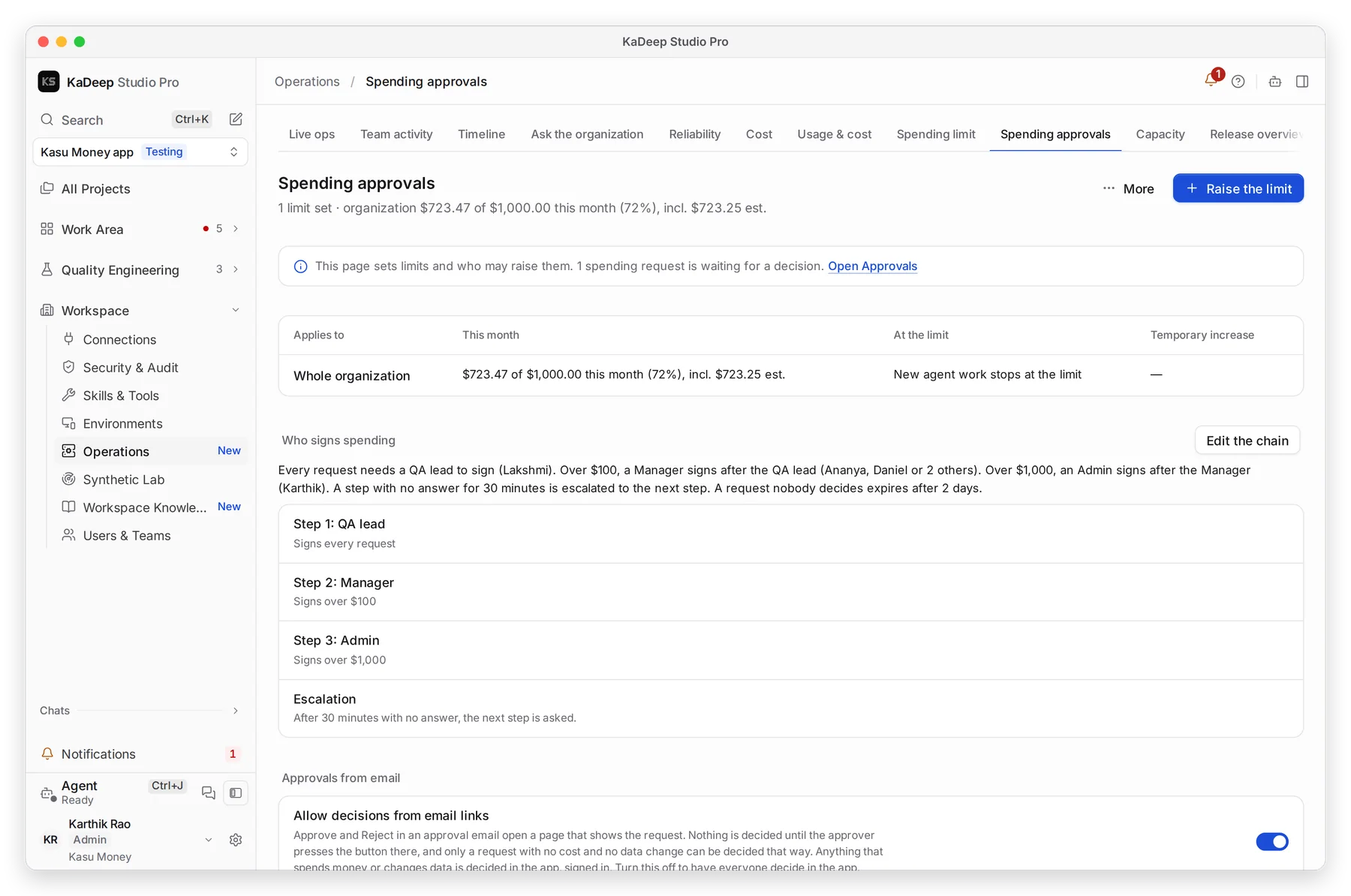
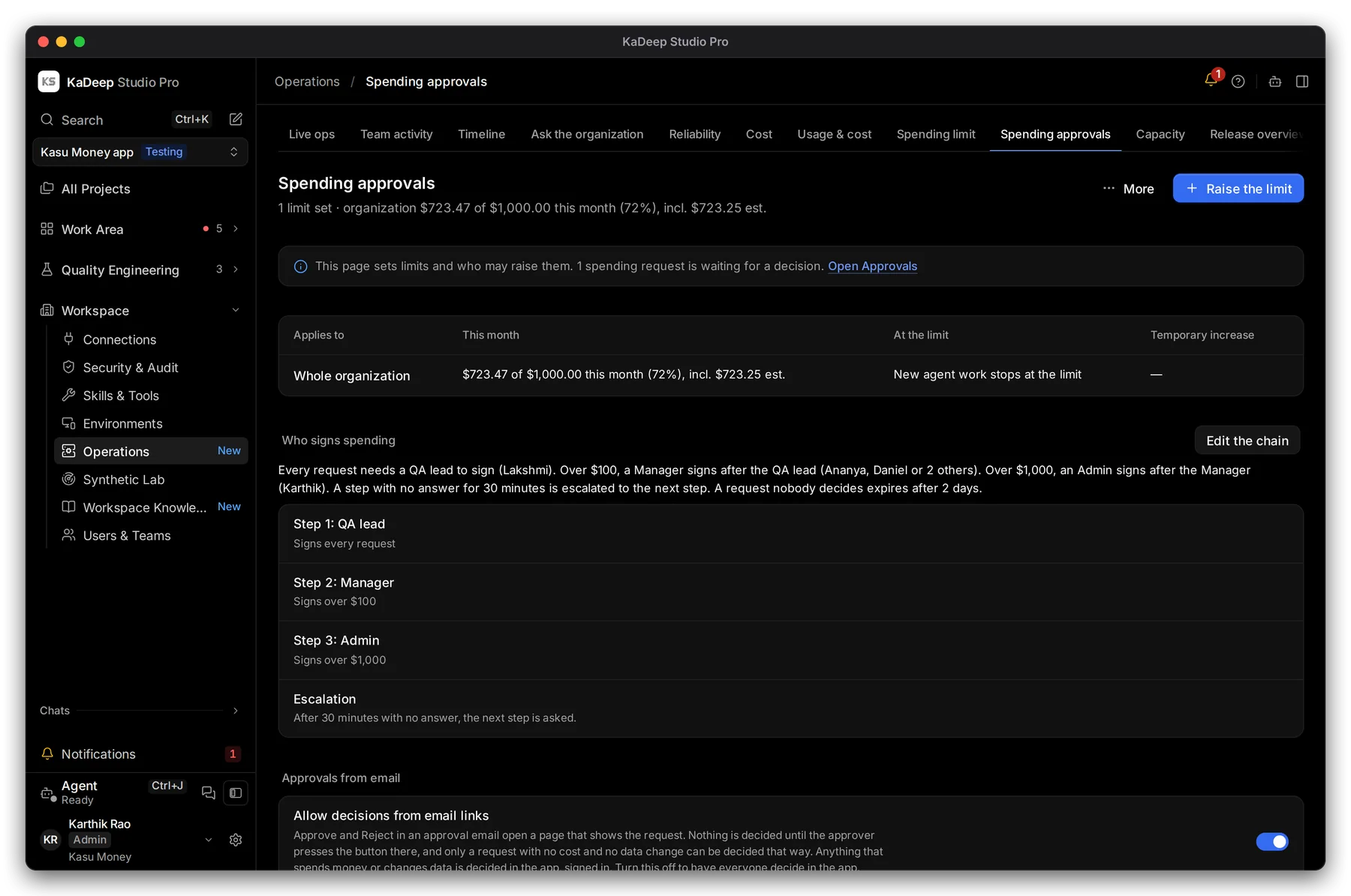
Manage view
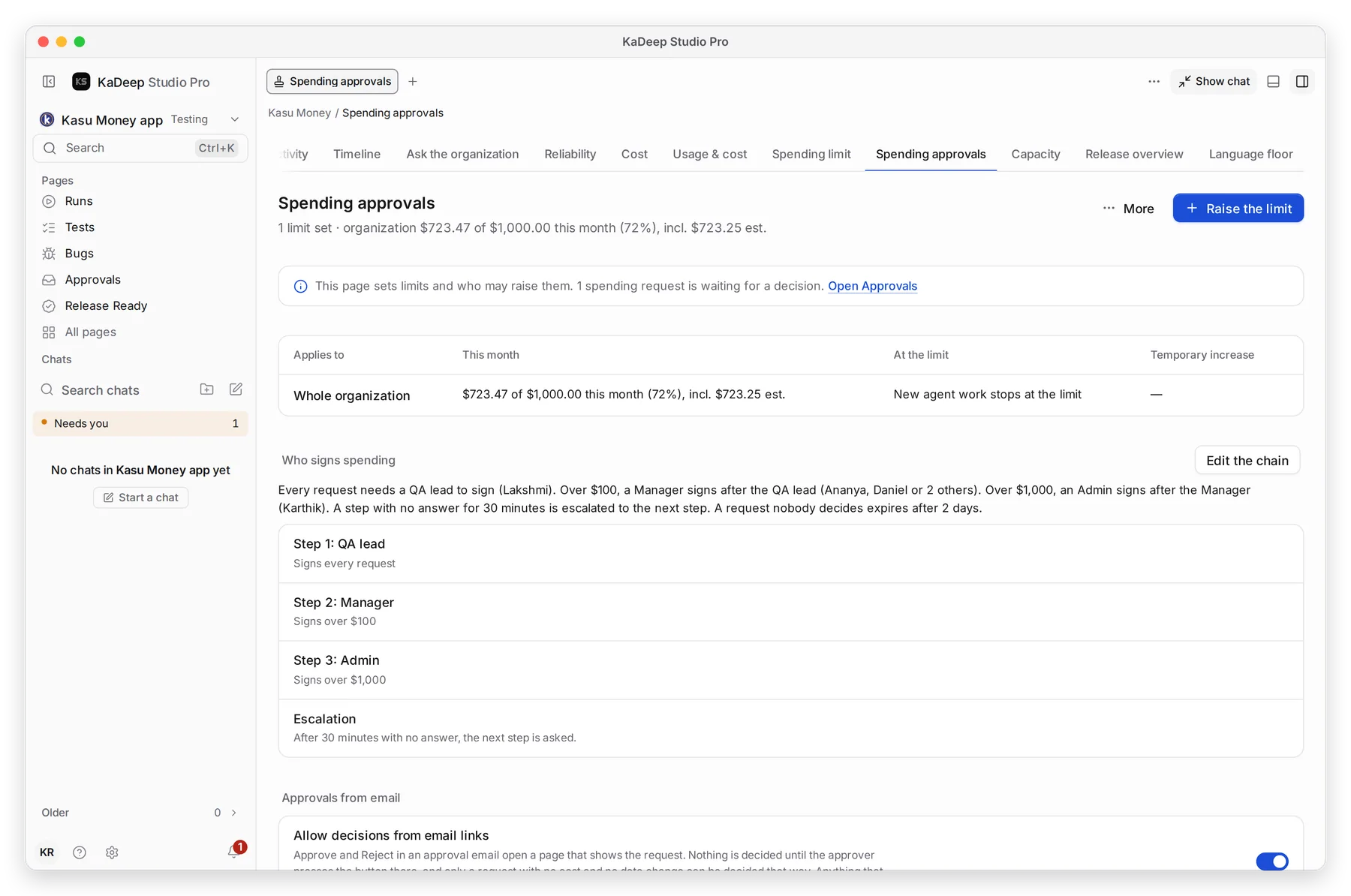
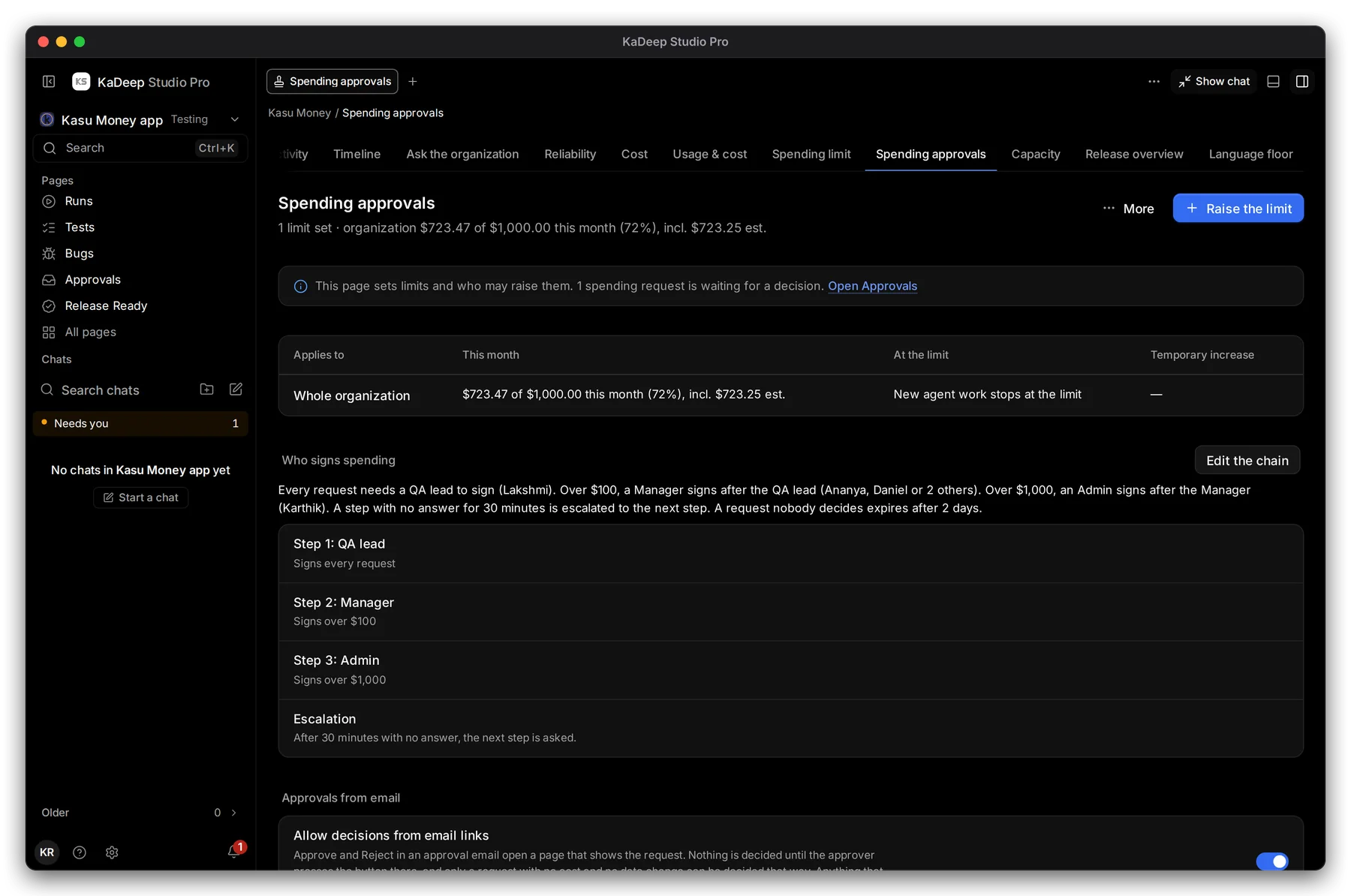
Hands-on view
5. Playbooks for your kind of team
Section titled “5. Playbooks for your kind of team”Each playbook is a setup guide for one kind of team: the roles, the setup order, the main journeys, governance, what to measure and a 30/60/90-day rollout.