Roll out KaDeep: pilot, expand, govern
Start small, prove it on one project, then bring in everyone else with the controls already in place. This guide walks you through three stages: pilot, expand and govern.
| Stage | Who is in | What you set up |
|---|---|---|
| Pilot | You, a QA lead, a tester and a manager | One project, a spending limit, the approval chain |
| Expand | The teams who will use KaDeep every day | Single sign-on and SCIM, roles, the desktop app, paired computers |
| Govern | Finance and compliance join | Reading spend, audit, access reviews, retention |
1. Pilot: one project, a few people
Section titled “1. Pilot: one project, a few people”Who to invite first
Section titled “Who to invite first”| Person | KaDeep role | Why them |
|---|---|---|
| You | Admin | You set up the organization and its limits. |
| The person who will run the first project | QA lead | They set up the project and decide what ships. |
| One tester | Tester | They run tests beside the agent and re-check fixes. |
| The manager who will approve work and spend | Manager | They see approvals, late work and release verdicts. |
| If you localize: the person who runs languages | Language lead | They set up the localization project and its team. |
Send the invitations from Members. See Invite people and give them roles and Roles and what they can do.
Set the money first
Section titled “Set the money first”- Set the organization’s monthly limit. See Spending limit and approvals.
- Optional: set Run limits that stop any single run after a number of agent actions or minutes.
- On Spending approvals, choose Edit the chain: who signs a request, and from what amount. For example a QA lead for every request, a manager above one amount and an admin above a higher one.
- Set Escalation, so an unanswered step goes to the next person.
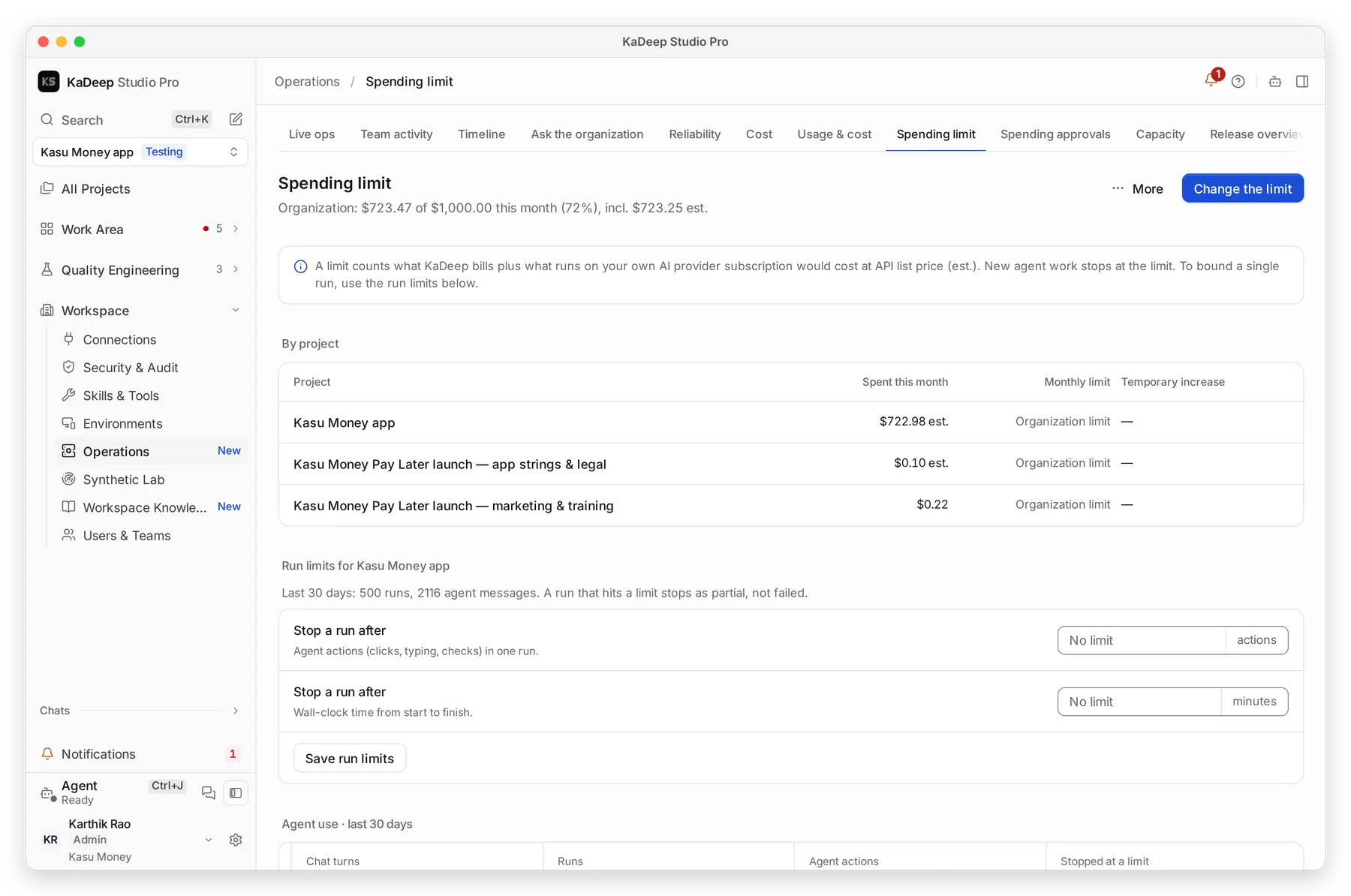
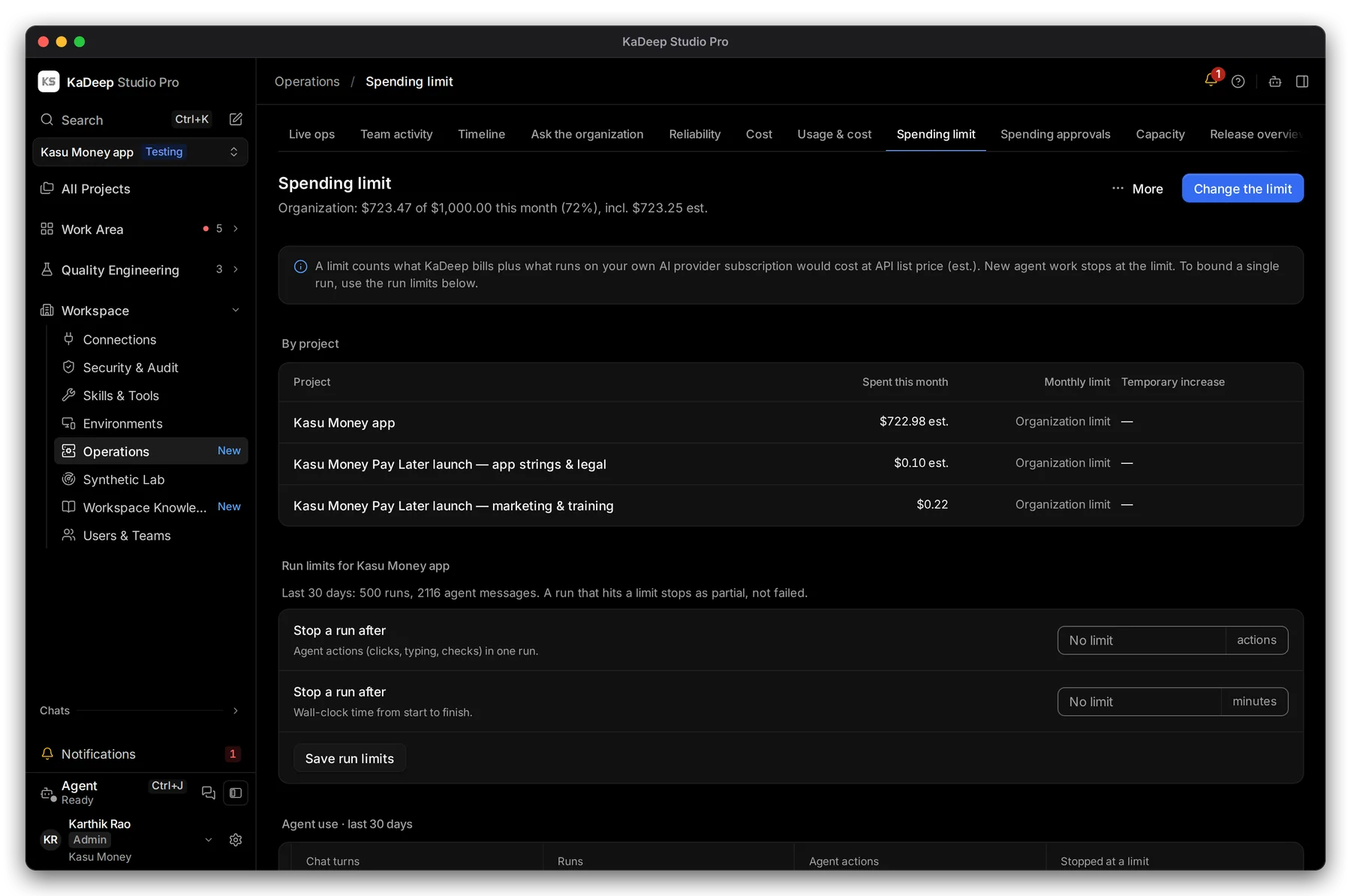
Manage view
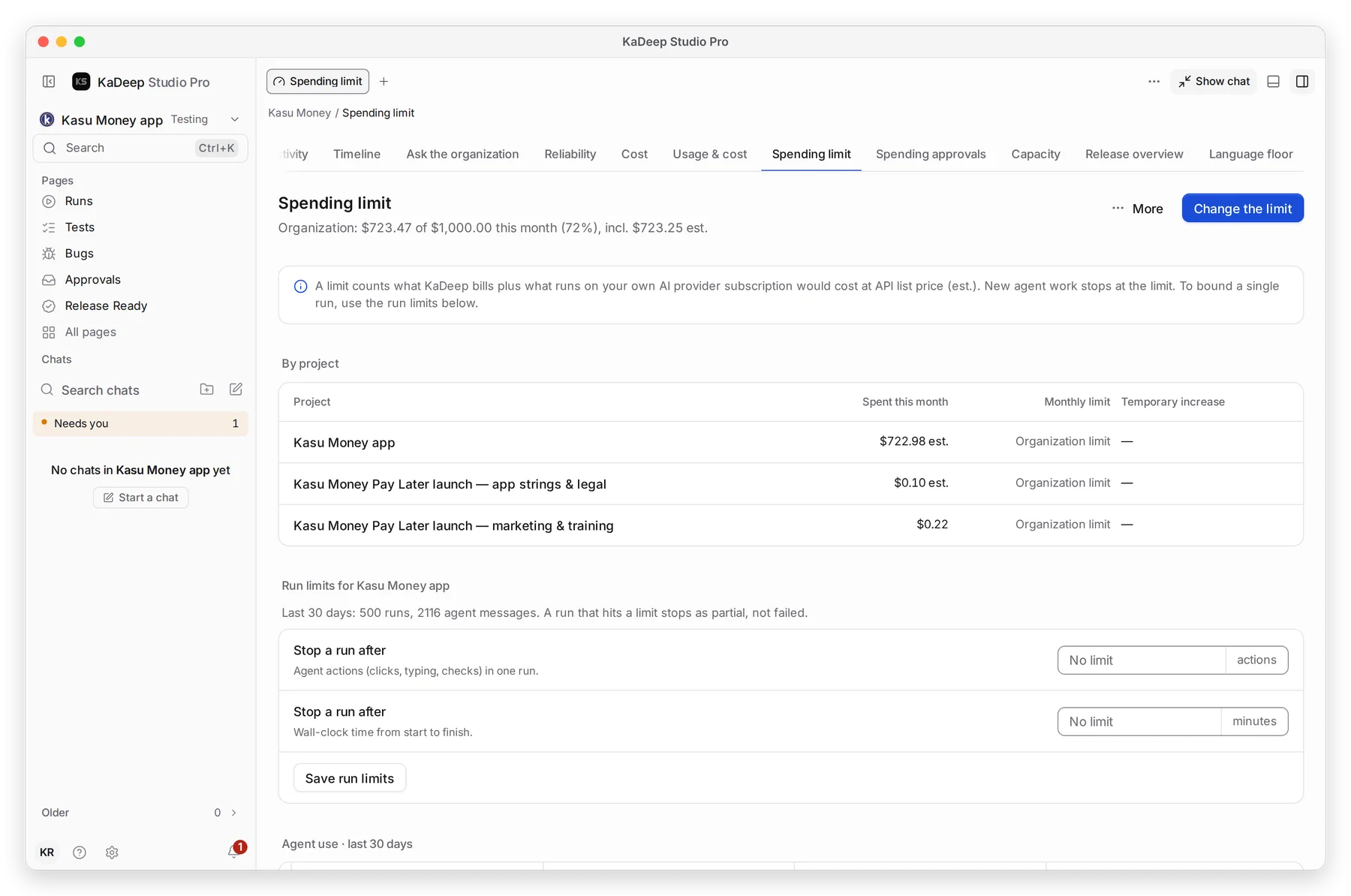
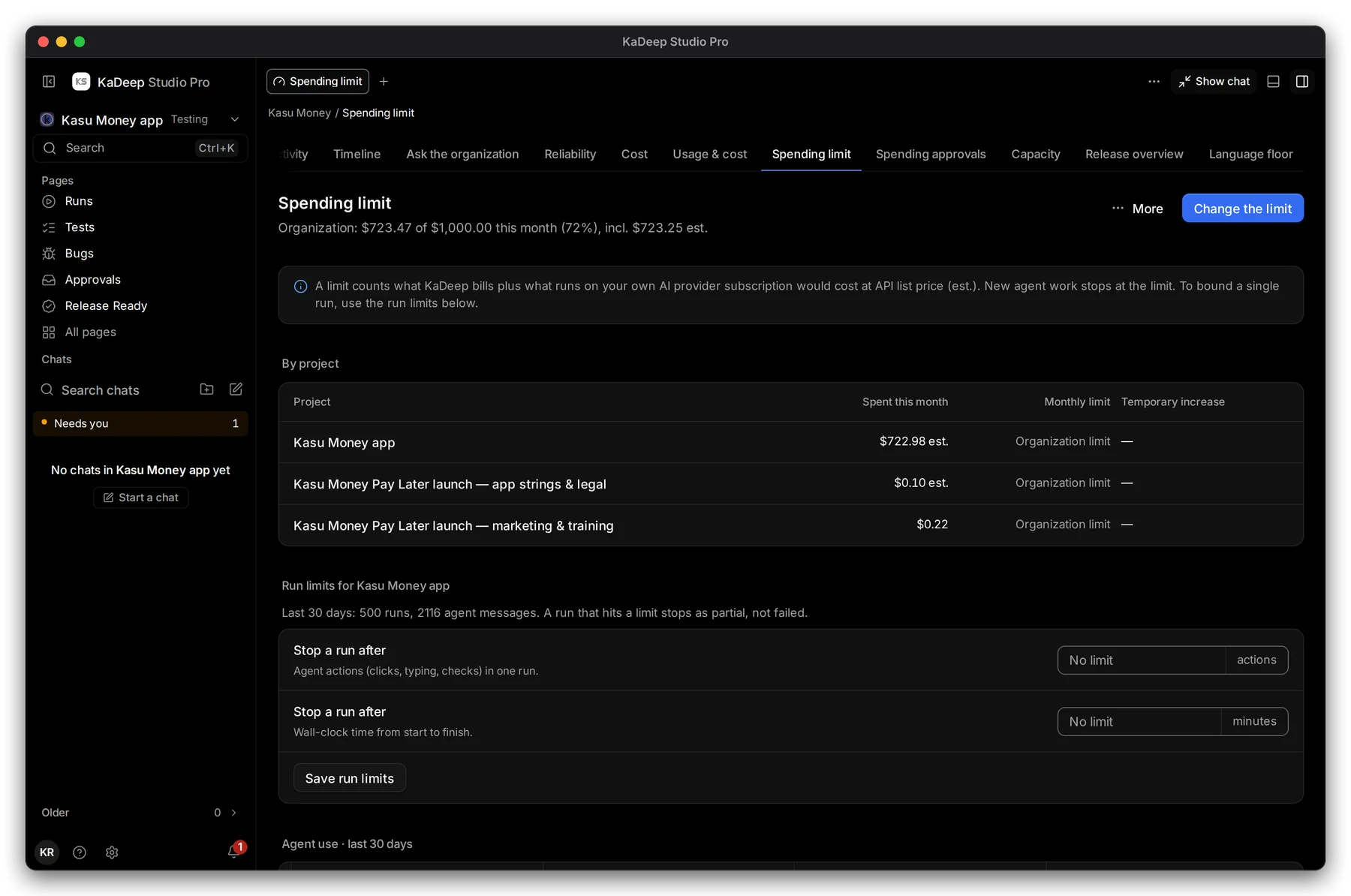
Hands-on view
The first project
Section titled “The first project”Connect an AI provider first (Connect AI providers). Then your QA lead creates the project with the wizard. A testing project has seven steps; a localization project has eight.
| Step | What to bring |
|---|---|
| Project | Testing or Localization, the name, and the app’s address |
| Scope or Languages | Environments, platforms and key journeys; or the languages, content and tone |
| Agent | The AI provider, or Pair this computer |
| Uploads | Requirements, old test cases, glossaries and style guides. You can skip it. |
| Connections | Jira, GitHub, Slack, an LMS. You can skip it. |
| Rules or Brief | How the agent should work, and what never to do |
| Team & budget | Localization only: who translates and reviews each language |
| Review | Read the charter or brief, then choose Create project |
See Create a testing project or Create a localization project. Then add the pilot team to it: Add people to a project.
Pilot exit checklist
Section titled “Pilot exit checklist”| Check | Where you see it |
|---|---|
| The pilot team signs in and lands on their own Home | Your Home page |
| A suite ran, and each failure has evidence the QA lead trusts | Run a test suite |
| A bug was fixed and re-checked by the agent | Bugs |
| A spending request went through your approval chain | Approvals |
| The manager sees what waits for them, and late work | Needs you, Timeline |
| Release Ready gave a verdict on your own exit criteria | Release Ready |
| Spend this month matches what you expected | Cost |
2. Expand: sign-in, roles and the desktop app
Section titled “2. Expand: sign-in, roles and the desktop app”Sign-in and roles
Section titled “Sign-in and roles”- Turn on single sign-on with Okta, Microsoft Entra ID, Google Workspace or any OpenID Connect provider. Choose the role for people signing in the first time. See Sign-in and security.
- Require two-step sign-in, with a Grace period for people to set it up.
- Optional: turn on User provisioning (SCIM), so your identity provider adds and removes people for you.
- Give each person the smallest role that does the job. Finance and compliance get read-only roles. See Roles and what they can do.
- Add people per project. A person can have a different role on each project. See Add people to a project.
The desktop app
Section titled “The desktop app”Everyone uses KaDeep Studio Pro as a desktop app for Windows 10 or later (64-bit) or a Mac with Apple silicon. People download it from releases.kadeep.ai. See Install the desktop app.
The 4.0 installers are not signed with a Microsoft certificate or notarized by Apple yet. Windows and macOS ask once, the first time. Tell your users what they will see:
| Computer | What they see | What they do |
|---|---|---|
| Windows | Windows protected your PC | Choose More info, check the file is KaDeepStudios-…-windows-x64-setup.exe, then Run anyway. |
| Mac, macOS 14 and earlier | The developer cannot be verified | In Applications, hold Control, click the app, choose Open, then Open again. |
| Mac, macOS 15 and later | The same message, with no Open button | Choose Done, then System Settings › Privacy & Security › Open Anyway. |
| Mac | KaDeep Studio Pro is damaged and can’t be opened | The app is fine. Paste the one-line Terminal command from Install and update problems. |
Windows protected your PC
Microsoft Defender SmartScreen prevented an unrecognized app from starting. Running this app might put your PC at risk.
Security
After the first install, the app updates itself. See Check for updates.
Pair the computers that run tests
Section titled “Pair the computers that run tests”Pair a computer when the agent needs what is on it: a desktop app, an emulator, a phone or your network. See Pair this computer. On a Mac, allow Accessibility and Screen Recording: Allow permissions on macOS. A spare computer can run as a worker: Worker mode and the tray menu.
3. Govern: read spend and audit
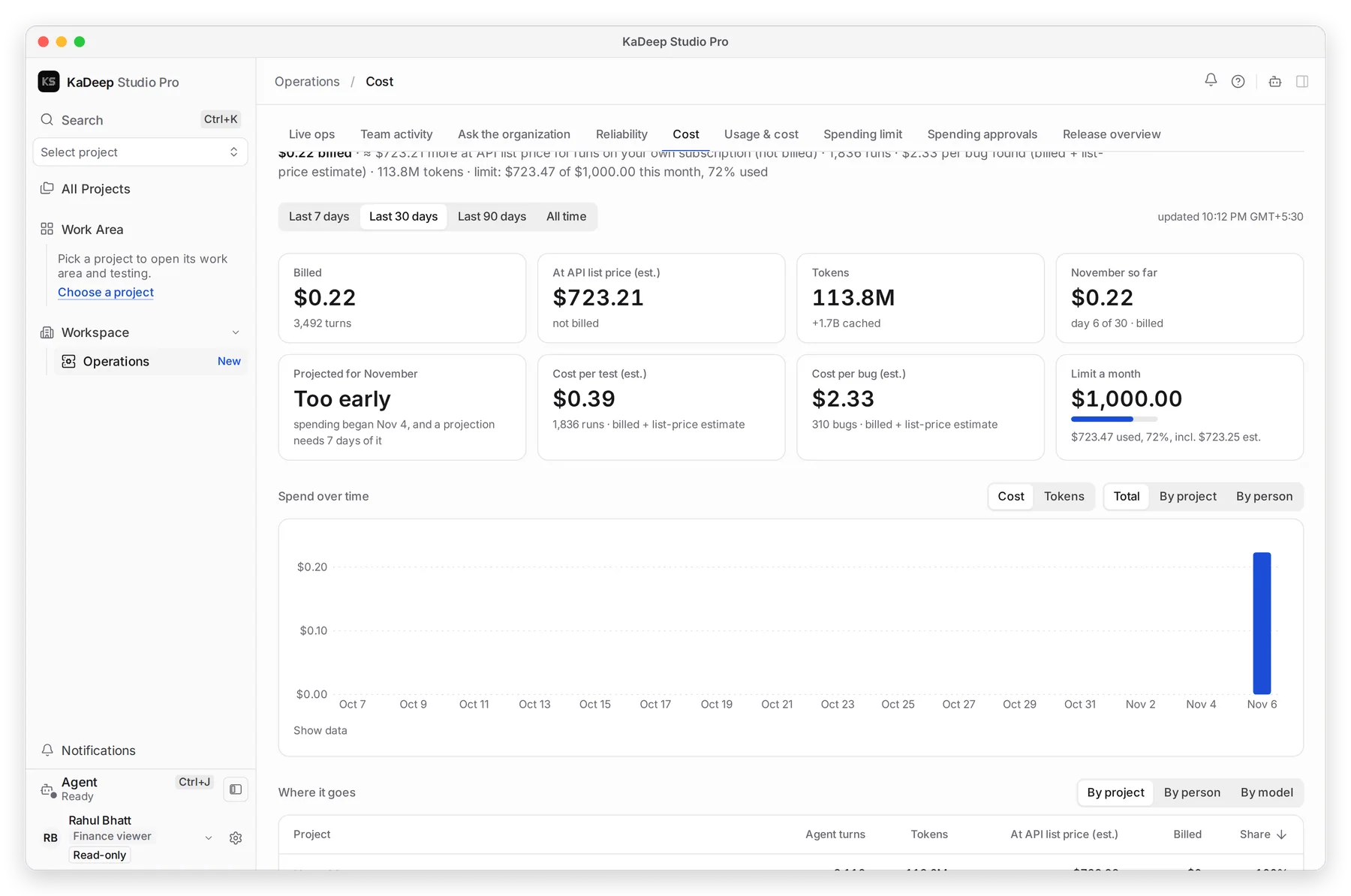
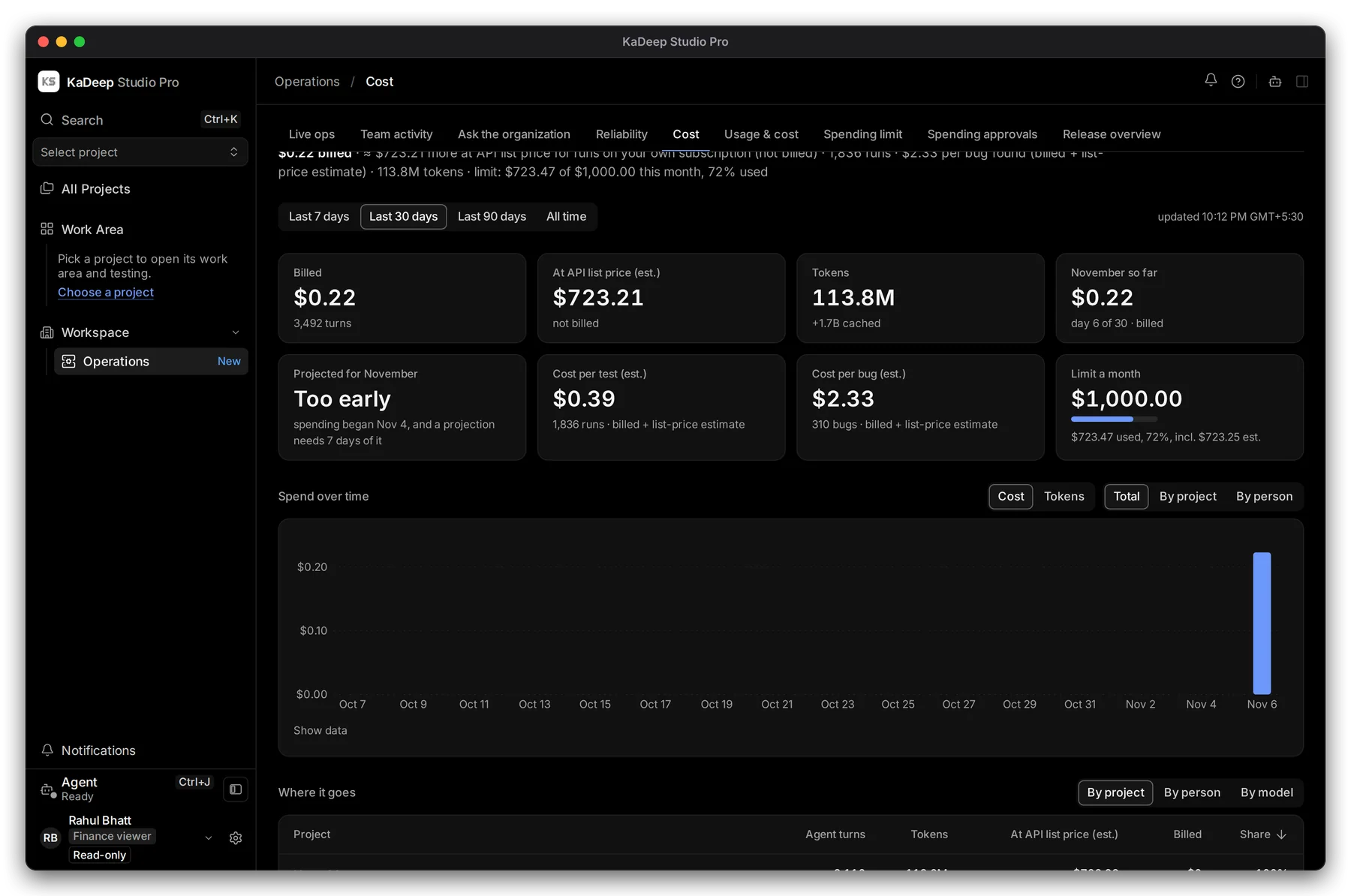
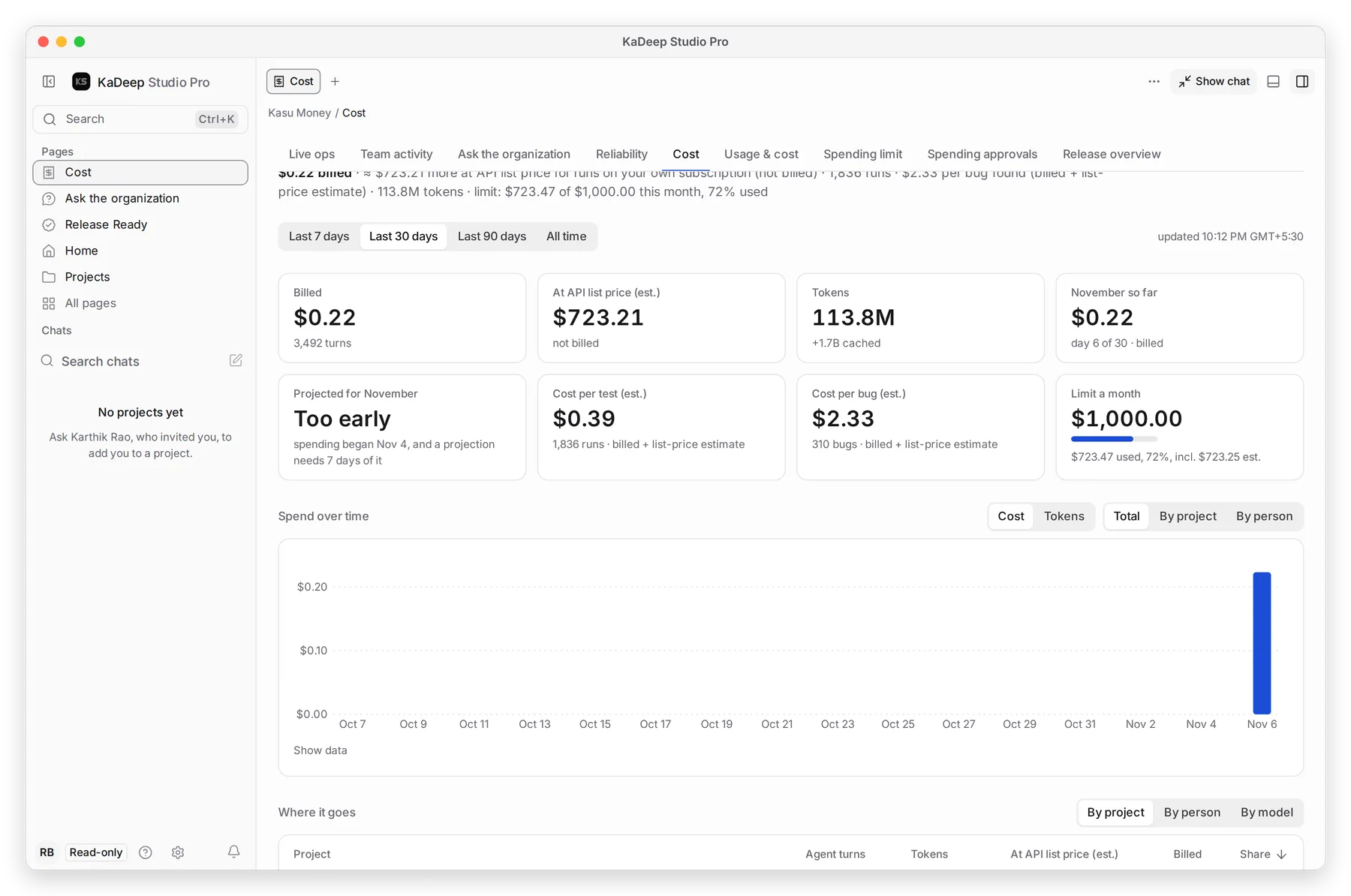
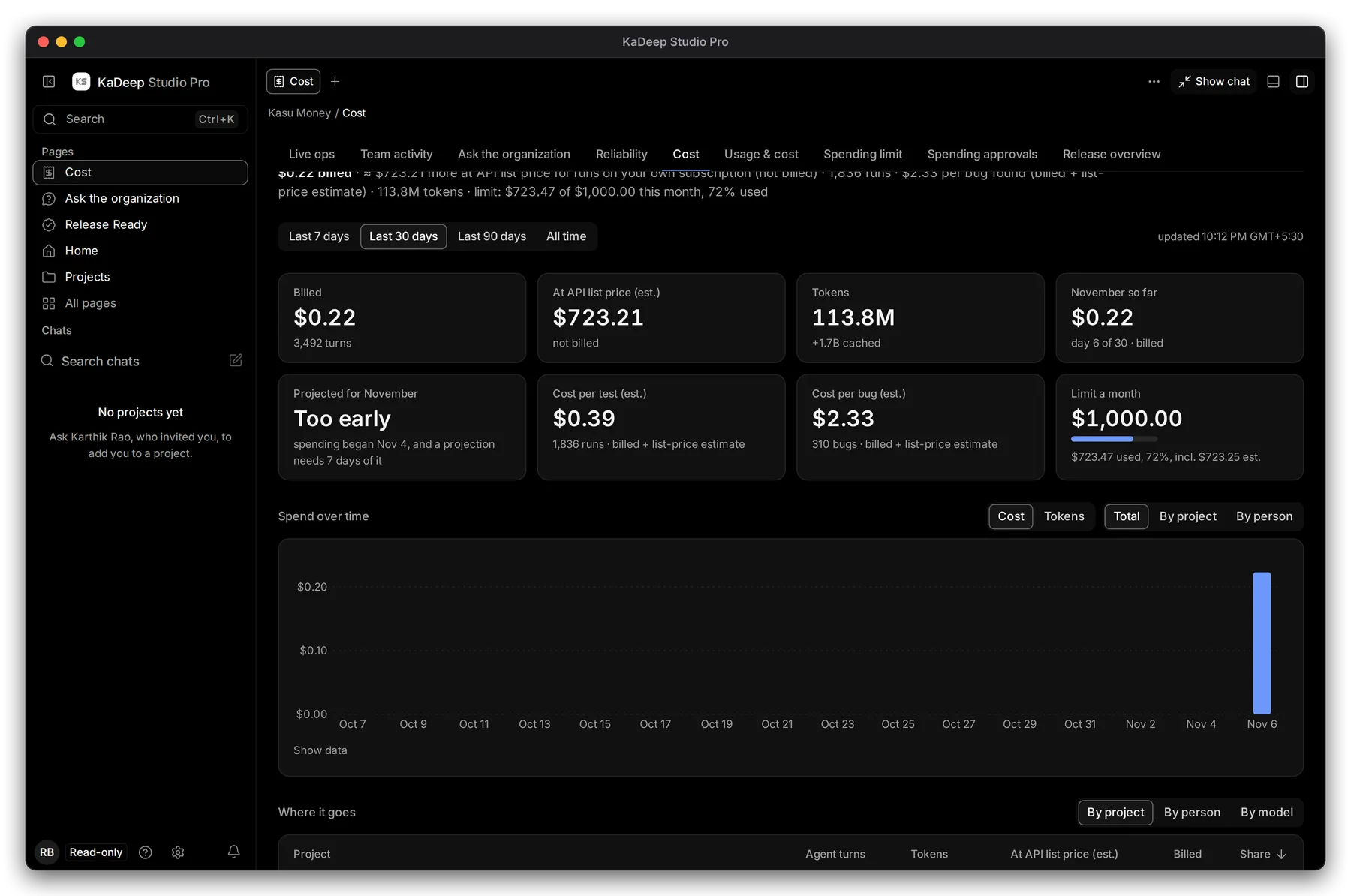
Section titled “3. Govern: read spend and audit”Invite finance with Finance viewer and compliance with Compliance auditor. Both are read-only.
Manage view
Hands-on view
| Question | Read it on | Guide |
|---|---|---|
| What did agents cost this month, and where? | Cost: billed, estimates, cost per test and per bug | Cost |
| Why did spend jump? | Usage & cost, By project, By person or By model | Usage over time |
| How close are we to the limit? | Spending approvals: the limit and who signs | Spending limits |
| Who did what, and when? | Audit log, filtered by person, kind, project and date | Audit log |
| Who holds risky access? | People & access | People and access |
| What did KaDeep refuse, and how fast are approvals? | Governance, Approvals SLA | Governance |
| What proves a release decision? | An evidence pack with a hash for every file | Export evidence |
Then decide how long evidence is kept, and how to place a legal hold: Data and retention. Review every token and its owner: Tokens and connections.