Release Gate in CI
Your view
The Release Gate makes your CI pipeline ask KaDeep before it ships. It runs your smoke suite against the new build, and stops the release if the evidence says no.
Before you start: you need to be a lead or owner on the project, and have a suite to run, such as smoke. See Suites.
1. Open Release Gate
Section titled “1. Open Release Gate”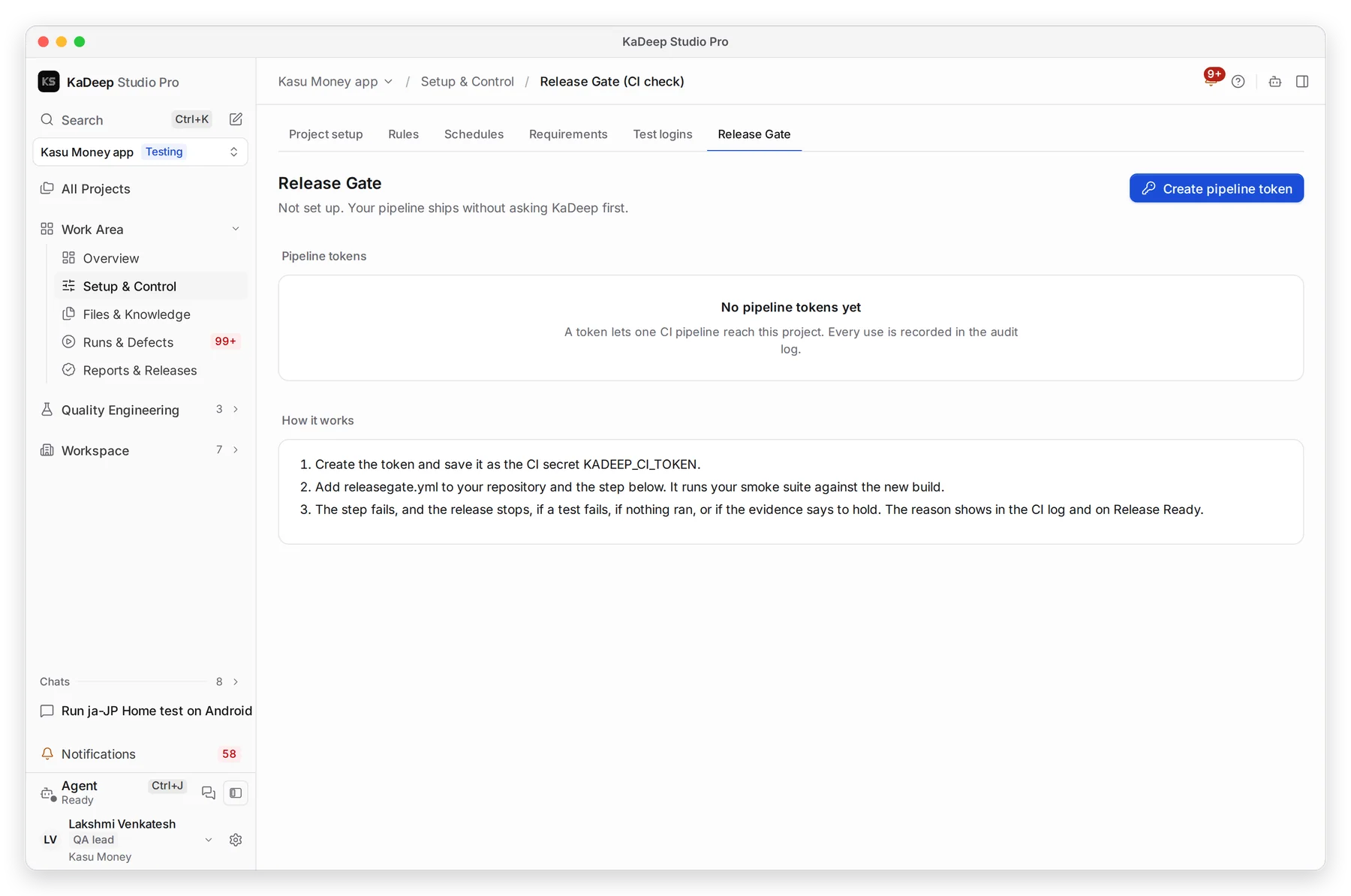
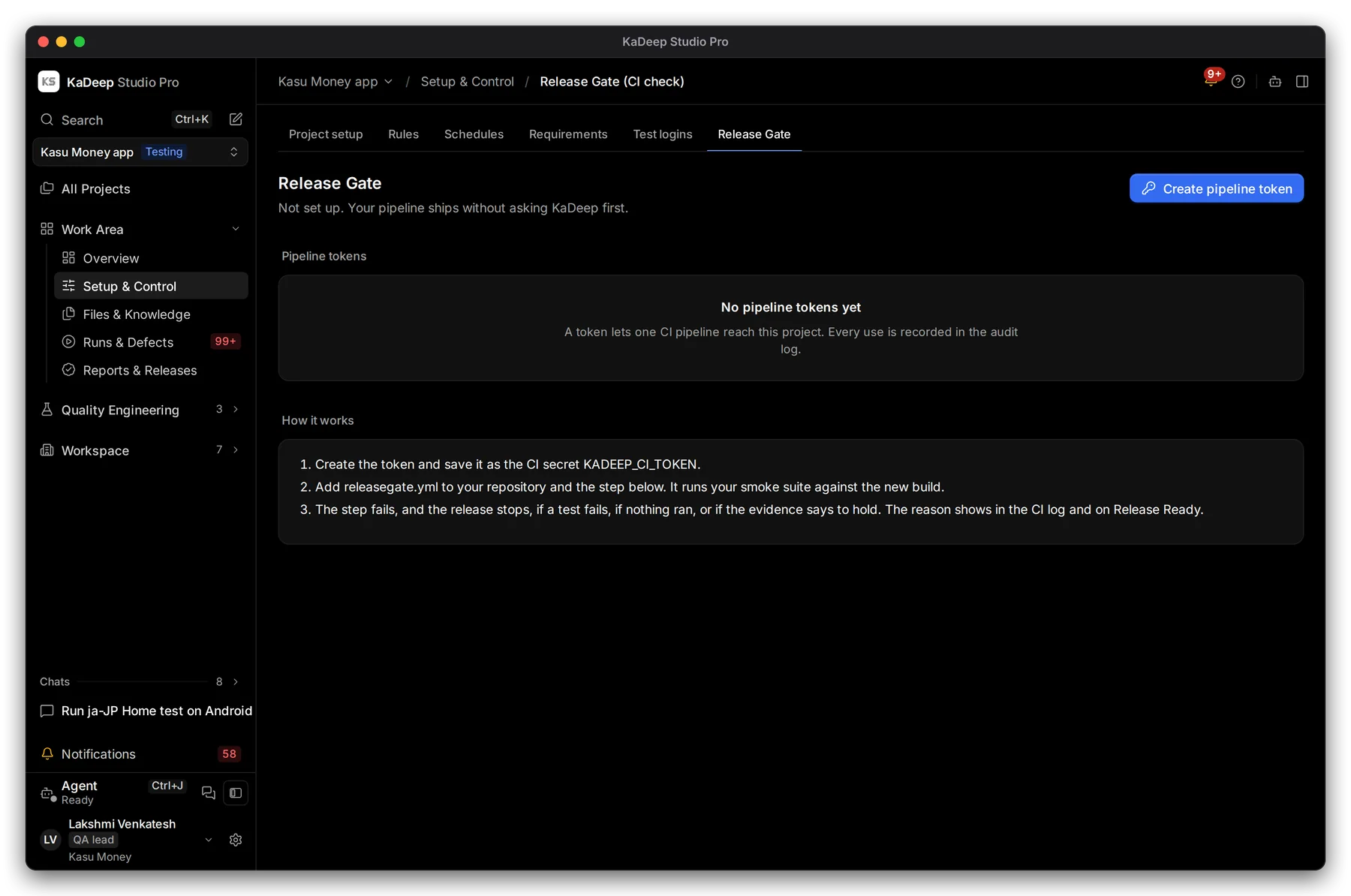
Manage view
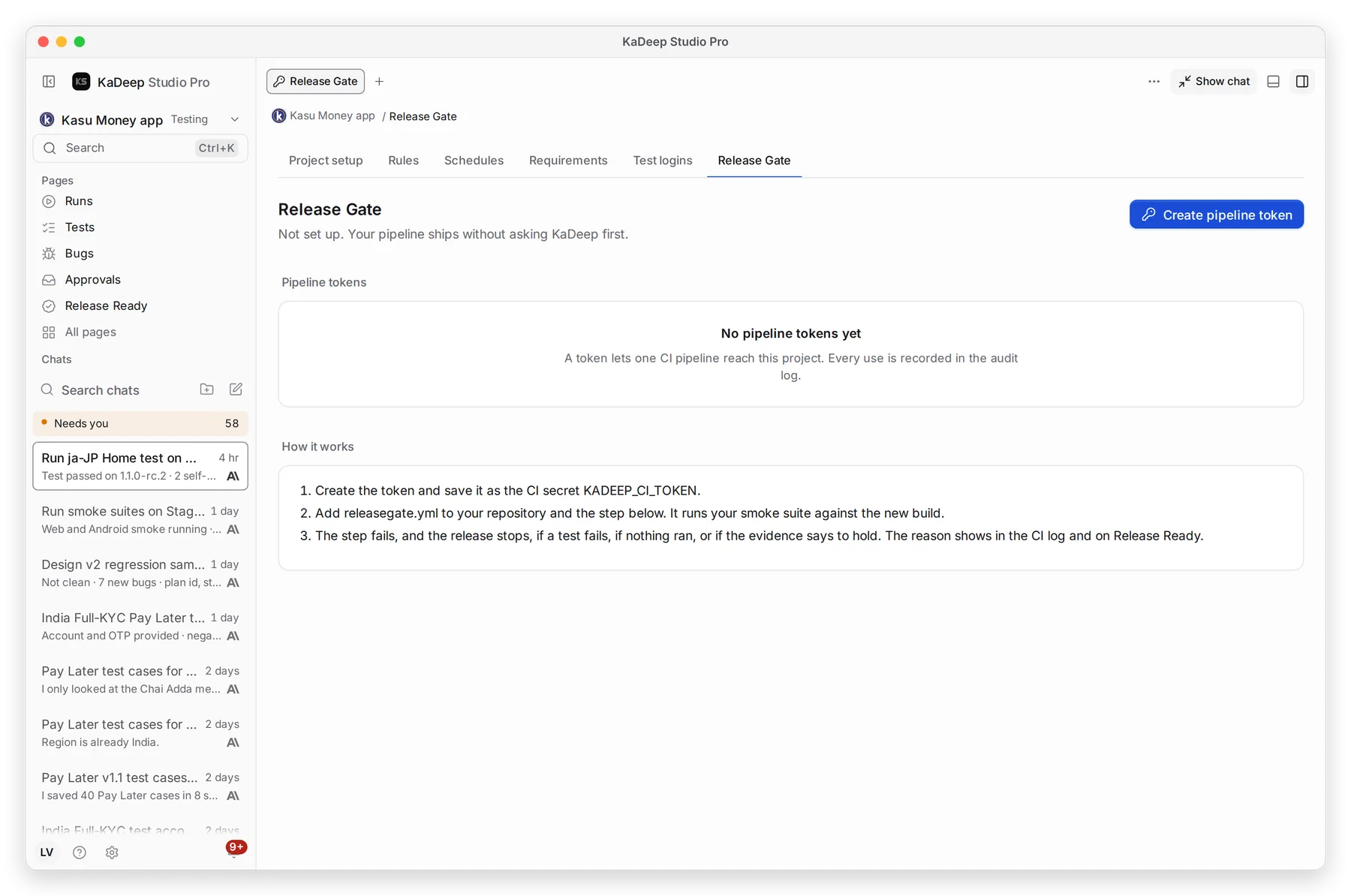
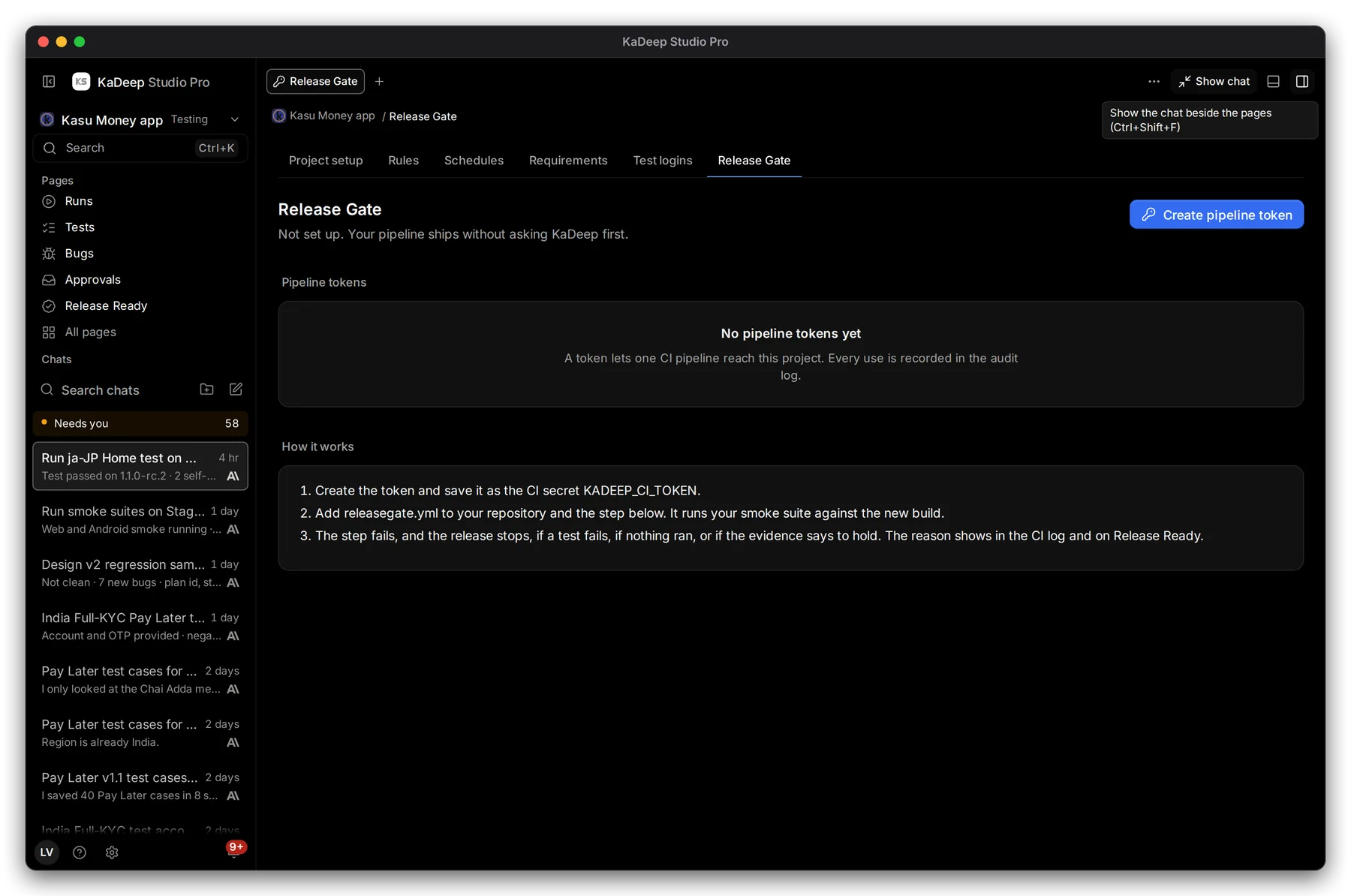
Hands-on view
- 1 The status. Not set up means your pipeline ships without asking KaDeep.
- 2 Create pipeline token.
- 3 Pipeline tokens: who made each one, when it was last used, and when it expires.
- 4 How it works, with the step to copy into your pipeline.
2. Create a pipeline token
Section titled “2. Create a pipeline token”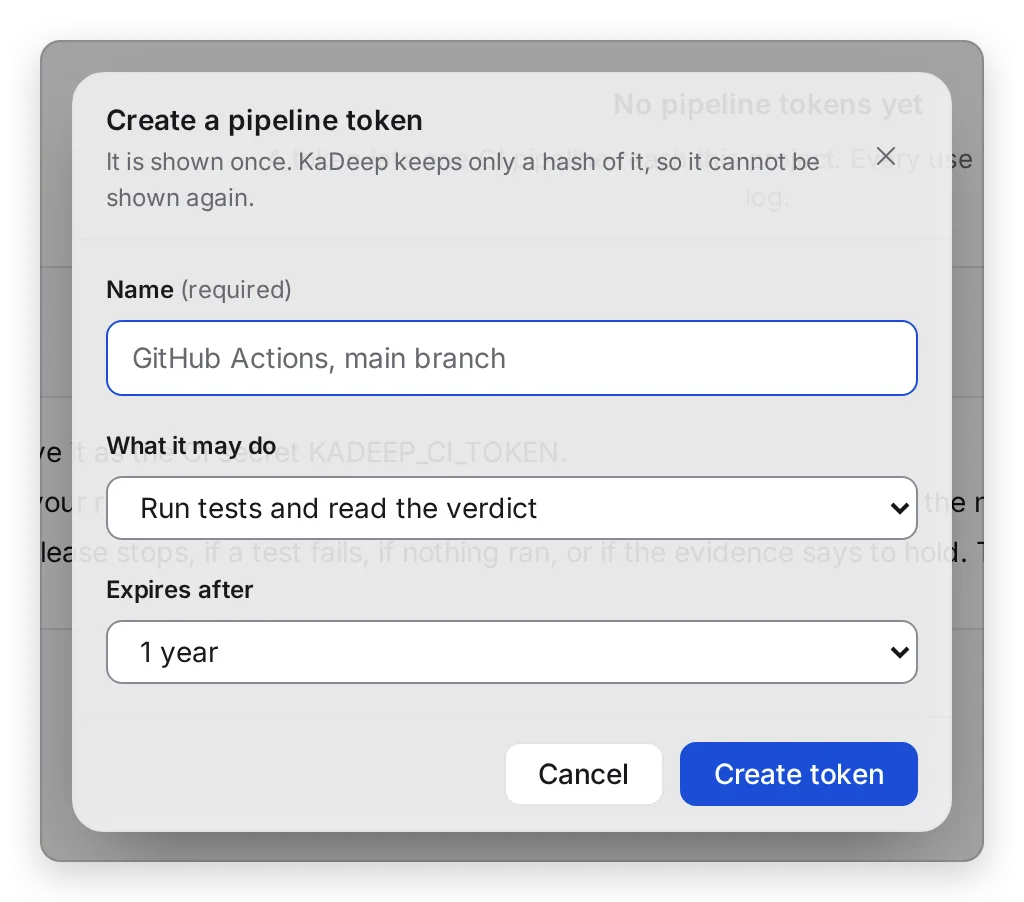
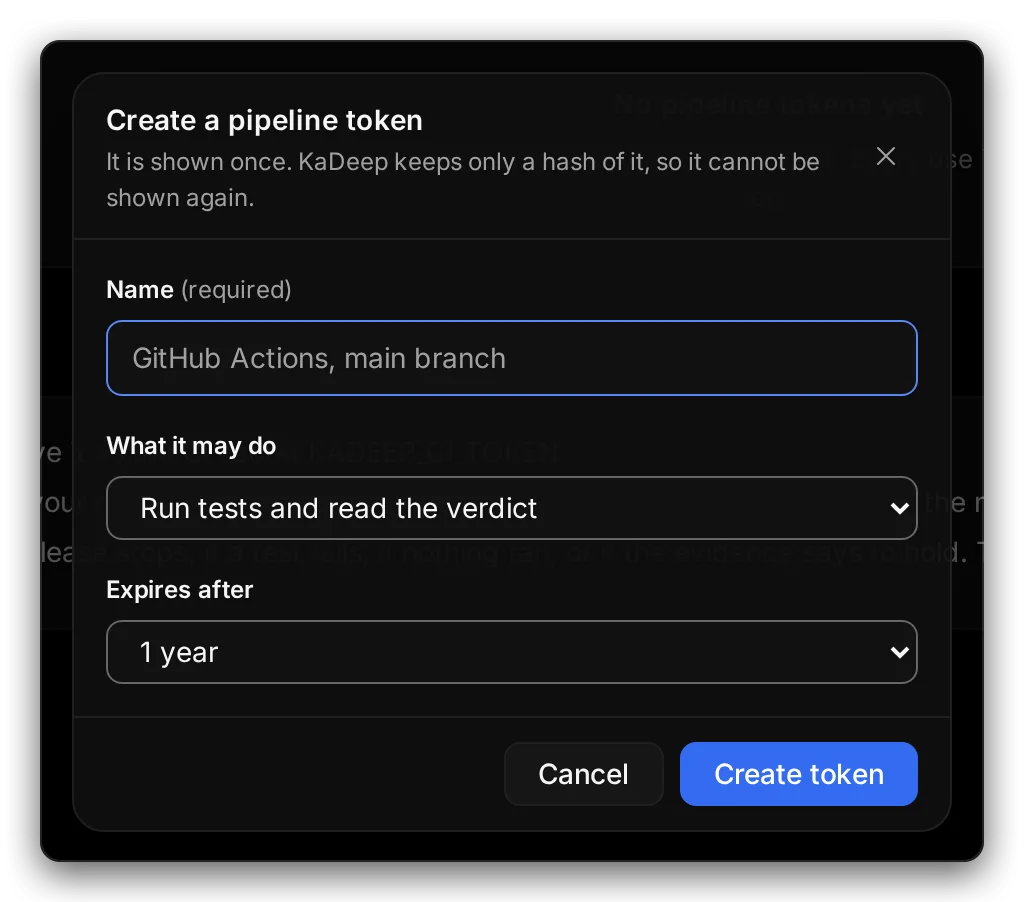
Manage view
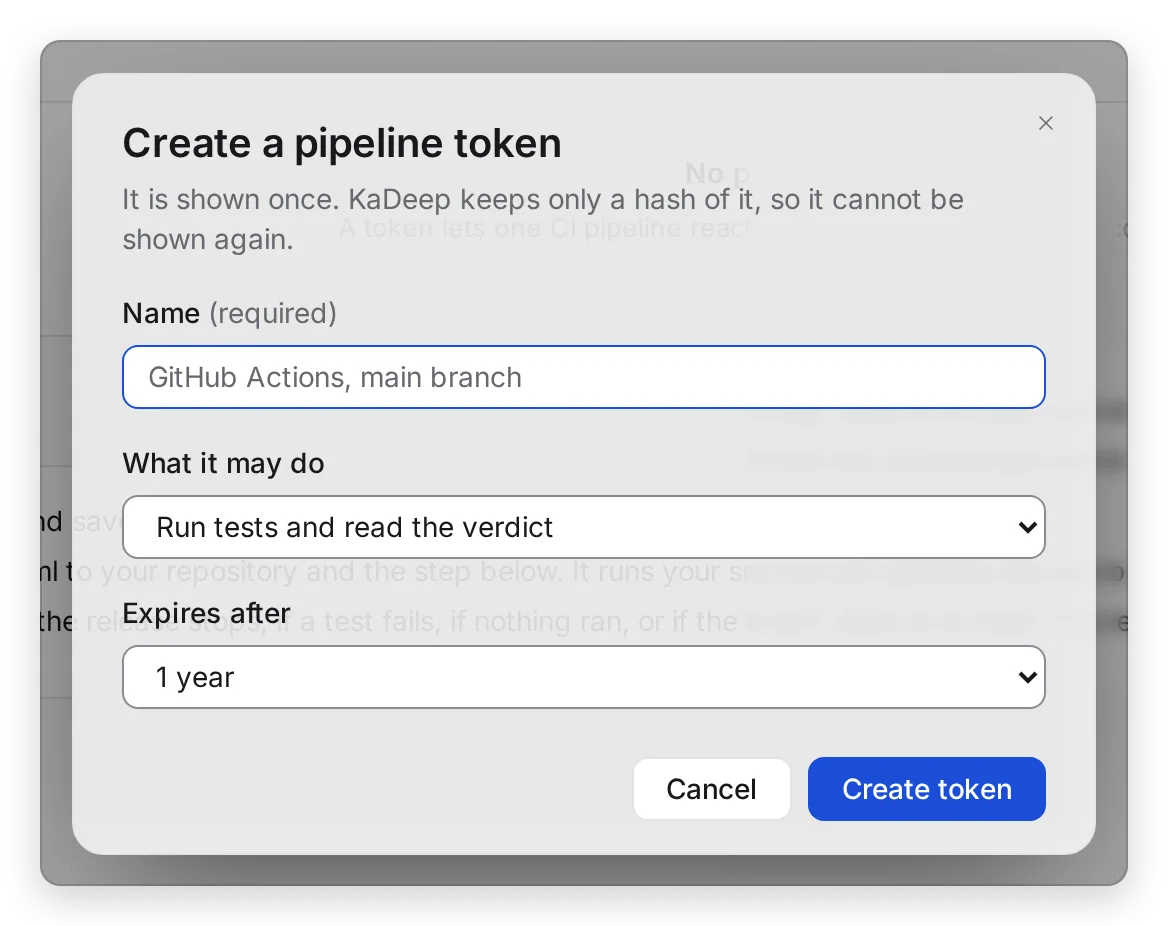
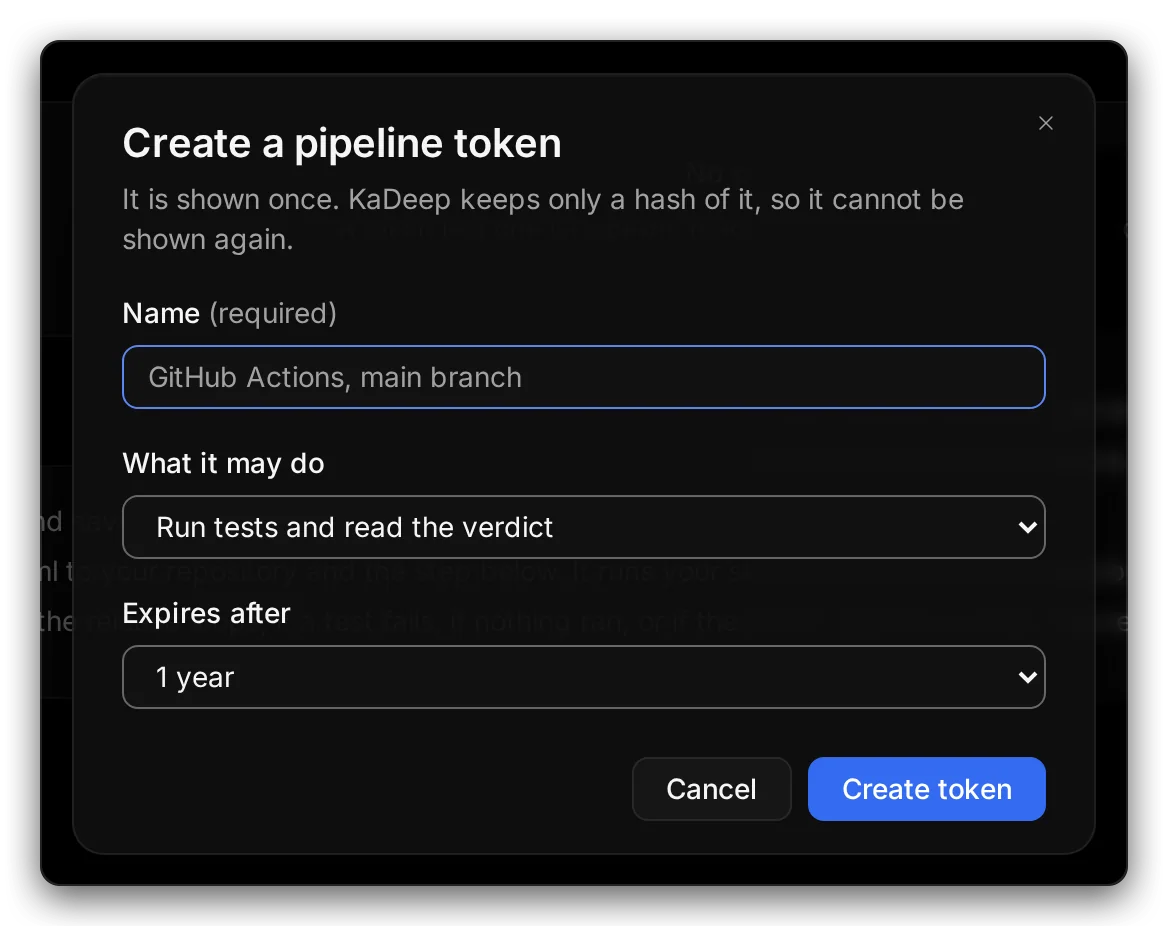
Hands-on view
- Type a 1 Name that says which pipeline uses it, like “GitHub Actions, main branch”.
- Choose 2 What it may do. For a gate, keep Run tests and read the verdict.
- Choose when it 3 Expires after: 30 days, 90 days, 1 year, or no expiry.
- Choose 4 Create token.
- Copy the token and save it in your CI as the secret
KADEEP_CI_TOKEN.
3. Add the gate to your pipeline
Section titled “3. Add the gate to your pipeline”Add releasegate.yml at the root of your repository, then add the step. Copy step on the page fills in your project and your KaDeep address (KADEEP_API) for you.
version: 1project: <your project id>checks:  - suite: smoke
# GitHub Actions: block the release until KaDeep says Release Ready- name: KaDeep Release Gate run: npx -y releasegate@^0.3 env: KADEEP_CI_TOKEN: ${{ secrets.KADEEP_CI_TOKEN }}4. What stops a release
Section titled “4. What stops a release”| The gate | When |
|---|---|
| Passes | The suite ran and passed, and Release Ready does not say hold. |
| Fails | A test failed. |
| Fails | Nothing ran, so there is no evidence. |
| Fails | Someone put the release on hold on Release Ready. |
The reason shows in the CI log and on Release Ready. In a localization project, the gate checks that each language is approved and fully covered instead.
What’s next
Section titled “What’s next”Release Ready: can we ship?The verdict the gate reads, and how to hold.
Schedule runsRun suites every night or after each deploy.
Tokens and connectionsEvery token in the organization.