Runs and evidence
Your view
Every test the agent runs is kept as a run: the result, each step, a recording and a written report. Use the Runs page to find one and show what happened.
1. Open Runs
Section titled “1. Open Runs”- In the sidebar, open Work Area › Runs & Defects. Runs is the first tab. In the sidebar, under Pages, choose Runs.
- The line under the title counts every run in the project, by result.
2. Find a run
Section titled “2. Find a run”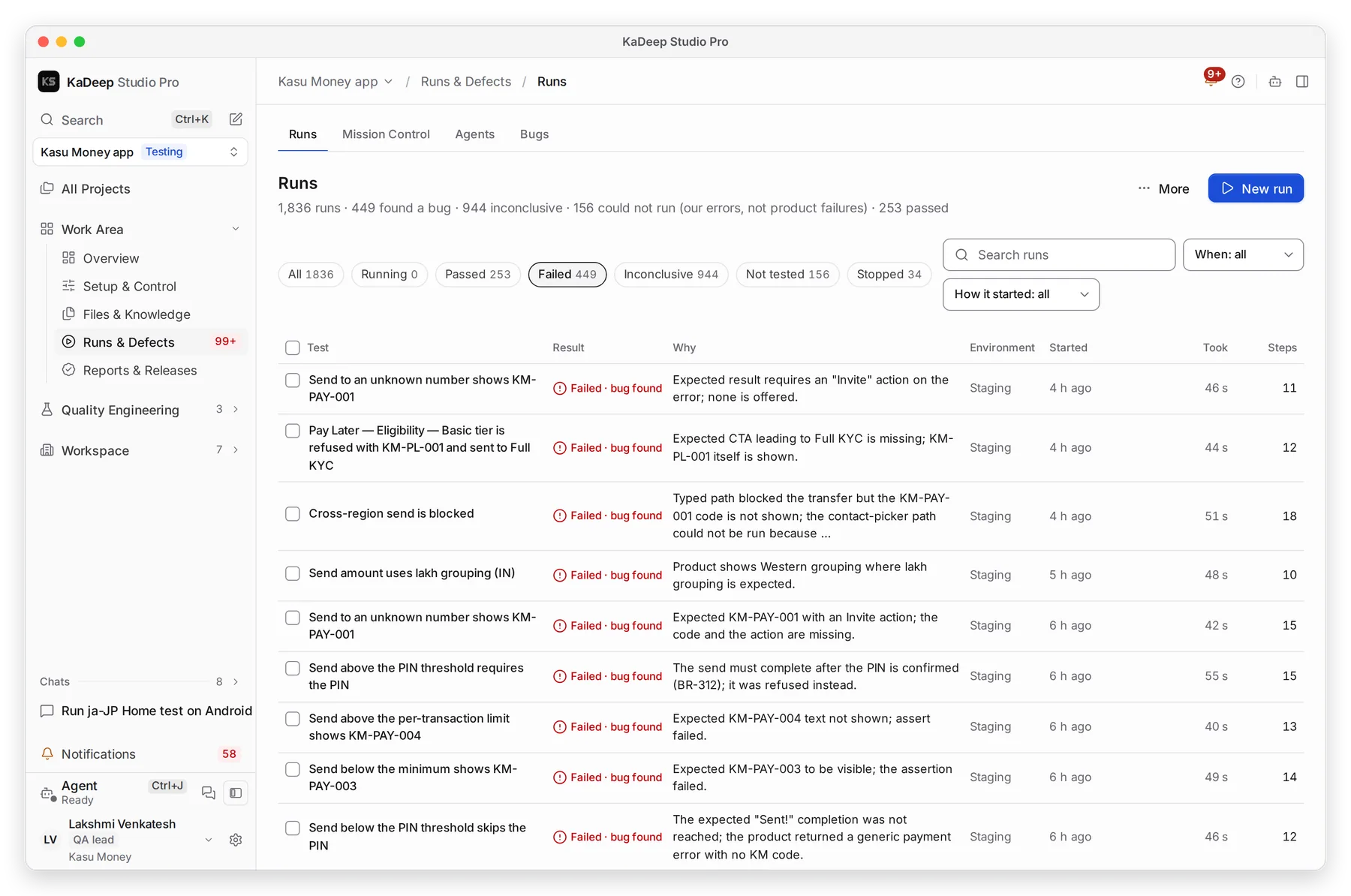
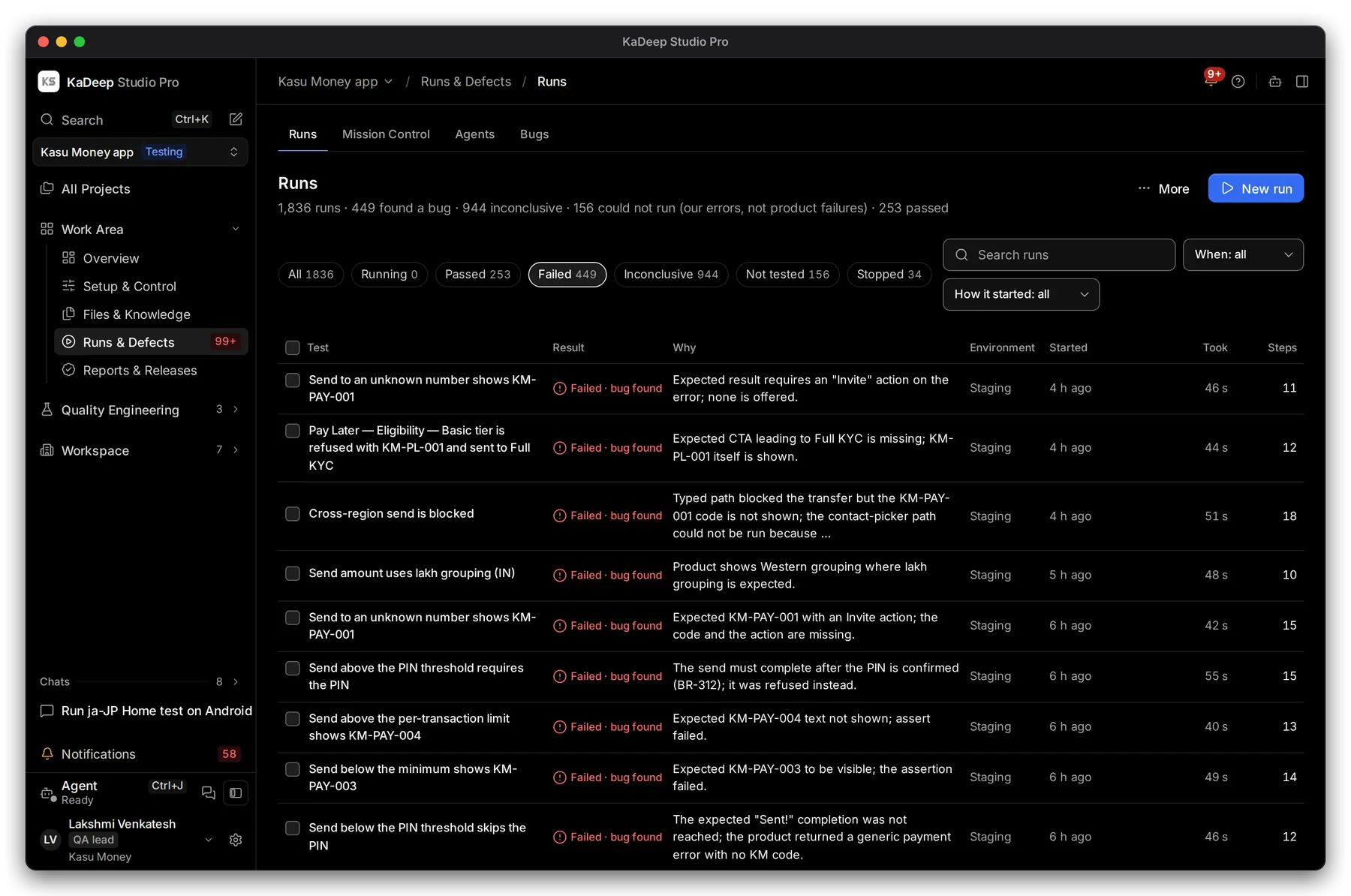
Manage view
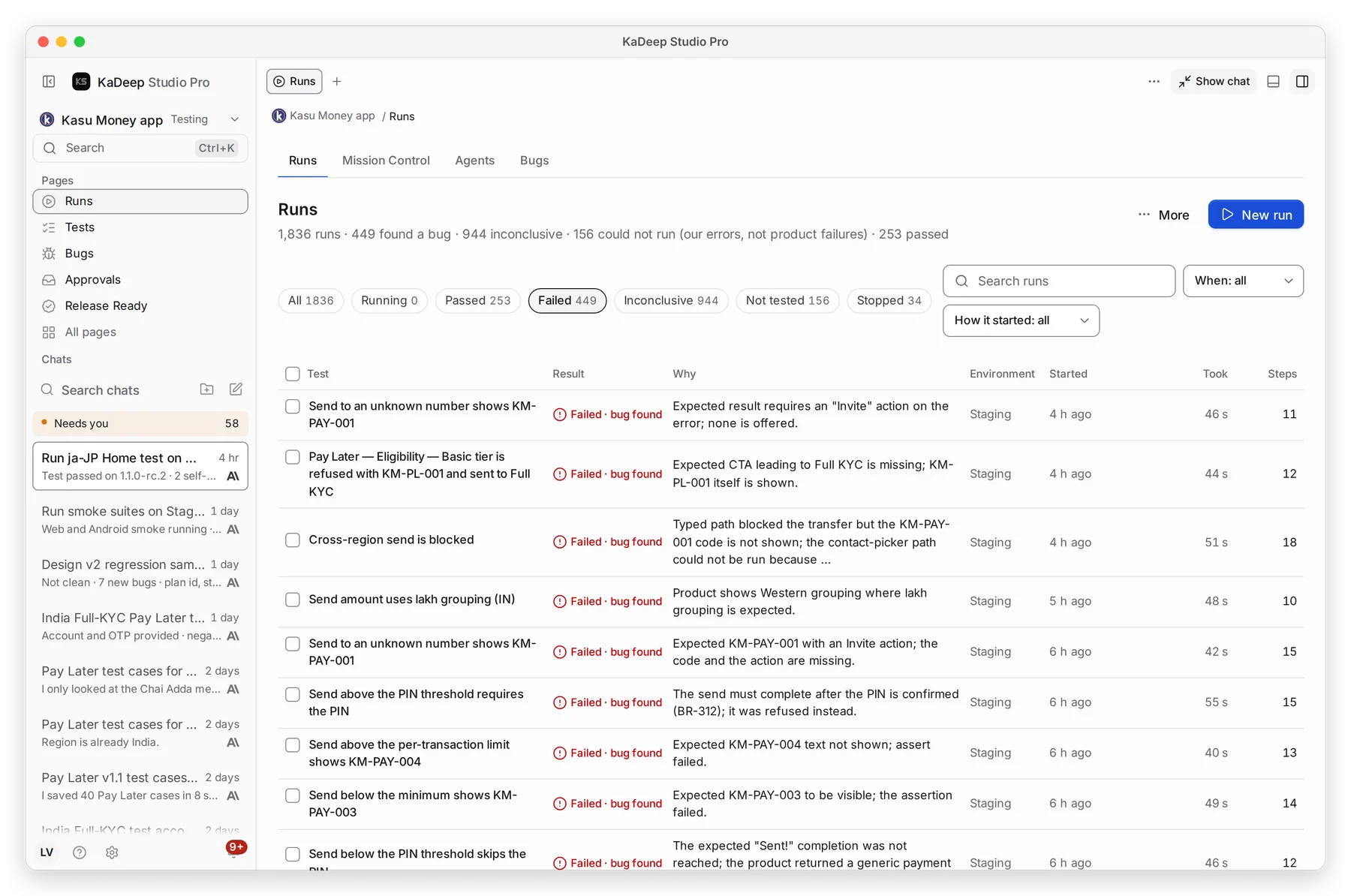
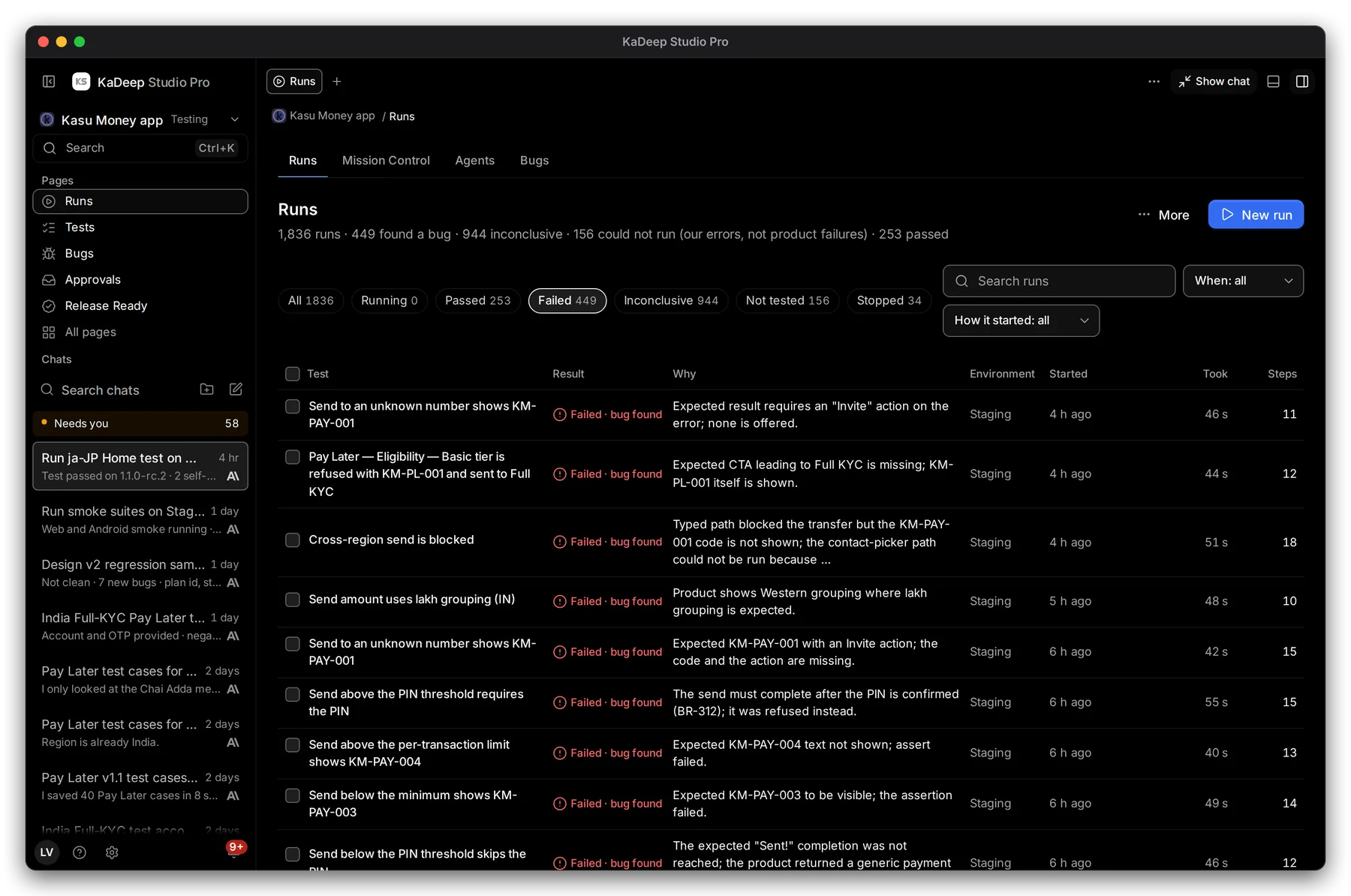
Hands-on view
- 1 Filter by result: Passed, Failed, Inconclusive, Not tested, Stopped, or Running right now.
- 2 Search runs by test name.
- 3 How it started: from the agent chat, by a person, on a schedule, in a suite run, or from another tool such as CI. When narrows it to the last day, week or month.
- 4 The Why column says in one line what the agent found. Click a run to open it.
| Result | What it means |
|---|---|
| Failed · bug found | The app did something wrong. The agent filed a bug. |
| Test needs updating | The test no longer matches the app. Fix the test, not the app. |
| Not tested | A setup or service problem stopped it. It is not a product failure. |
The full list of results is in Run a test suite.
3. Watch the recording
Section titled “3. Watch the recording”Open a run, then choose the Video tab.
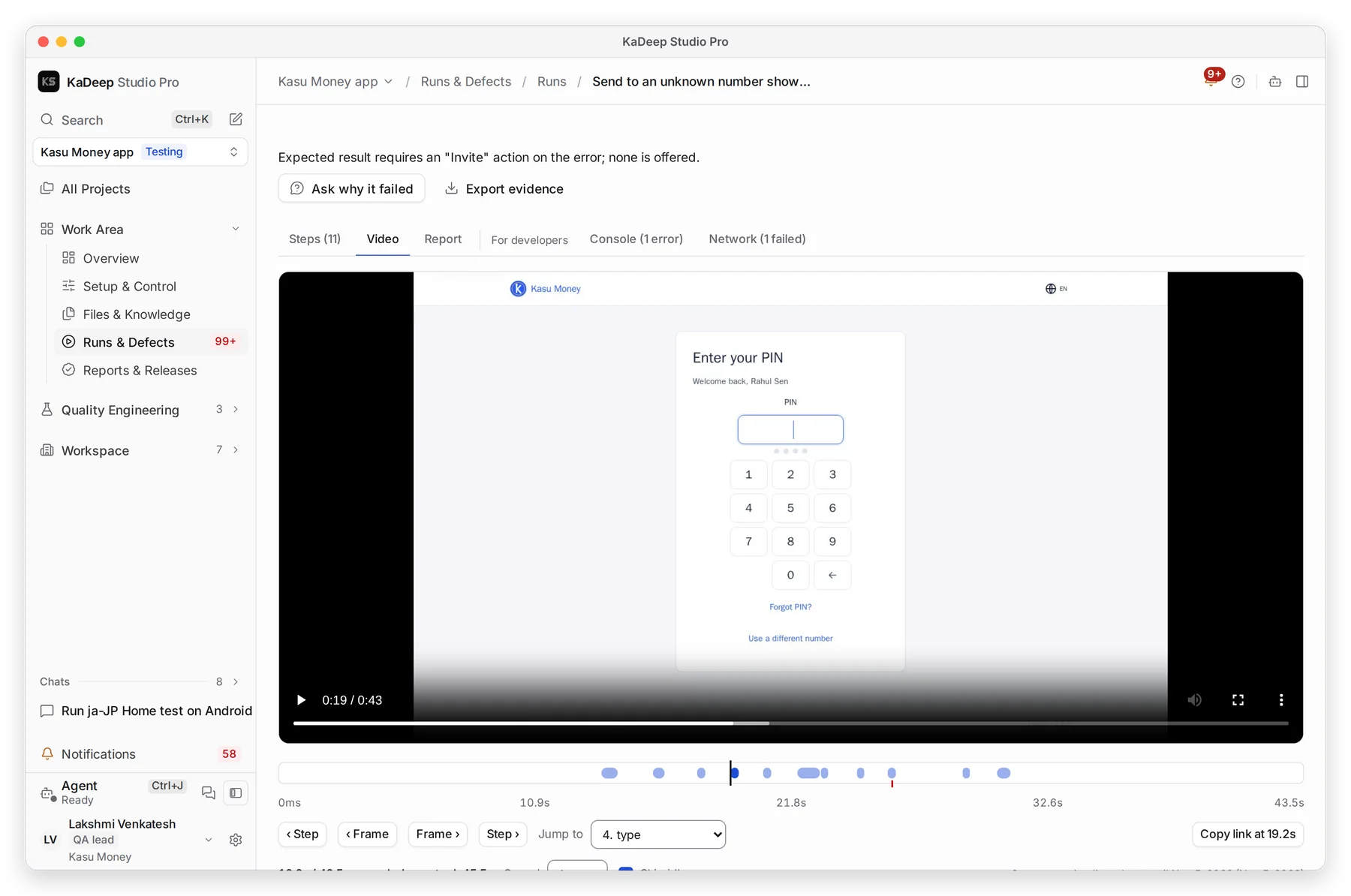
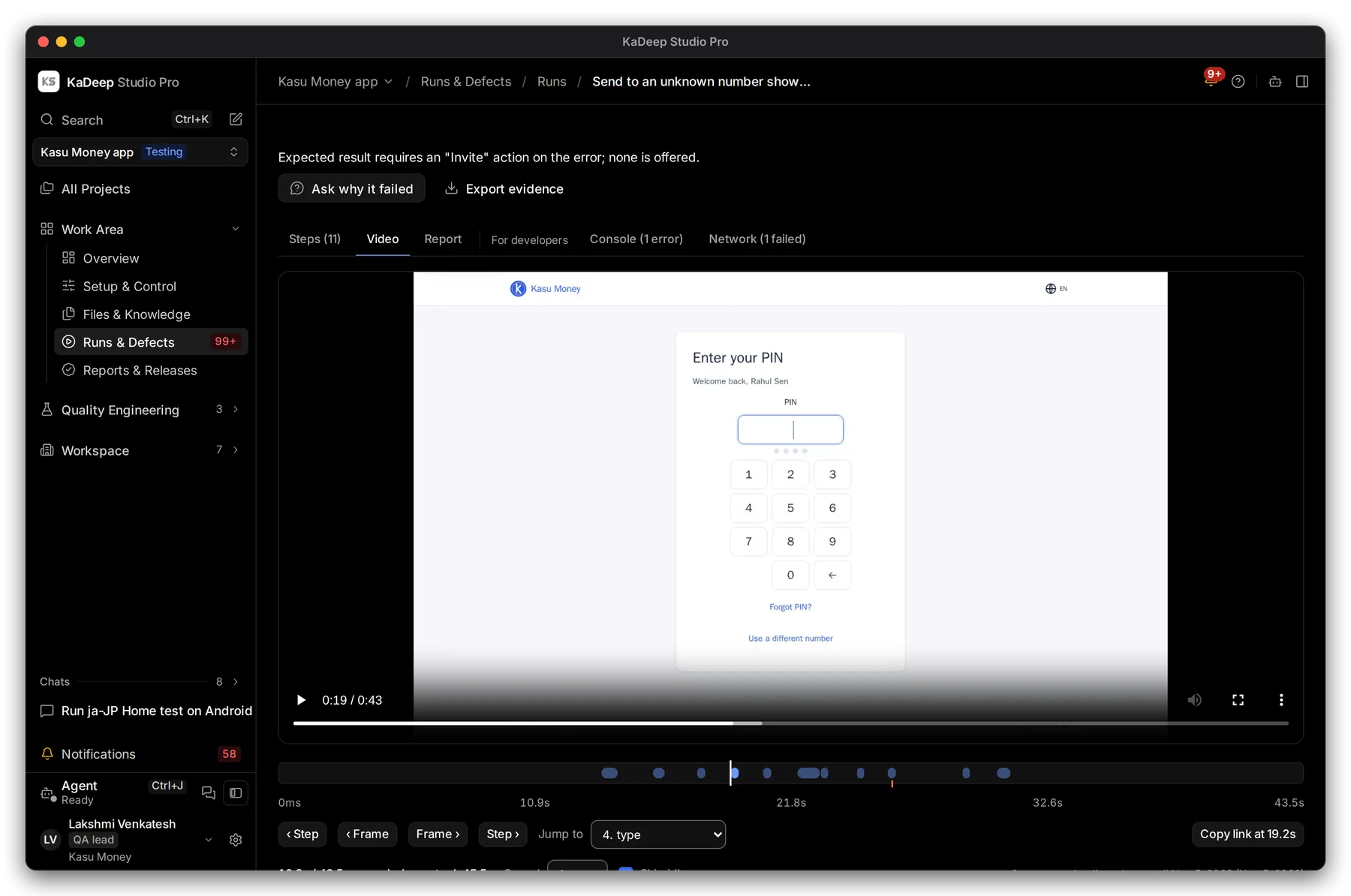
Manage view
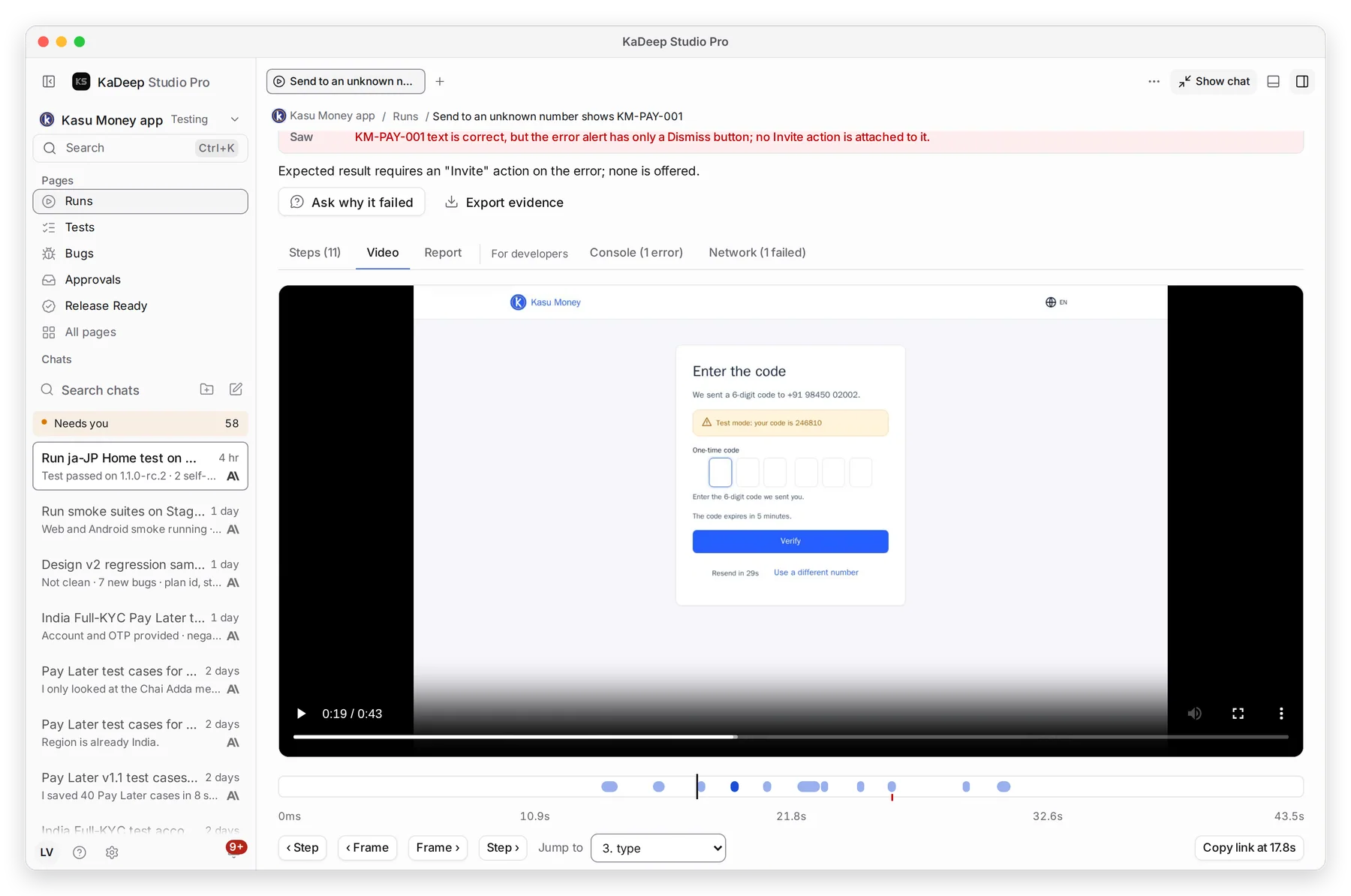
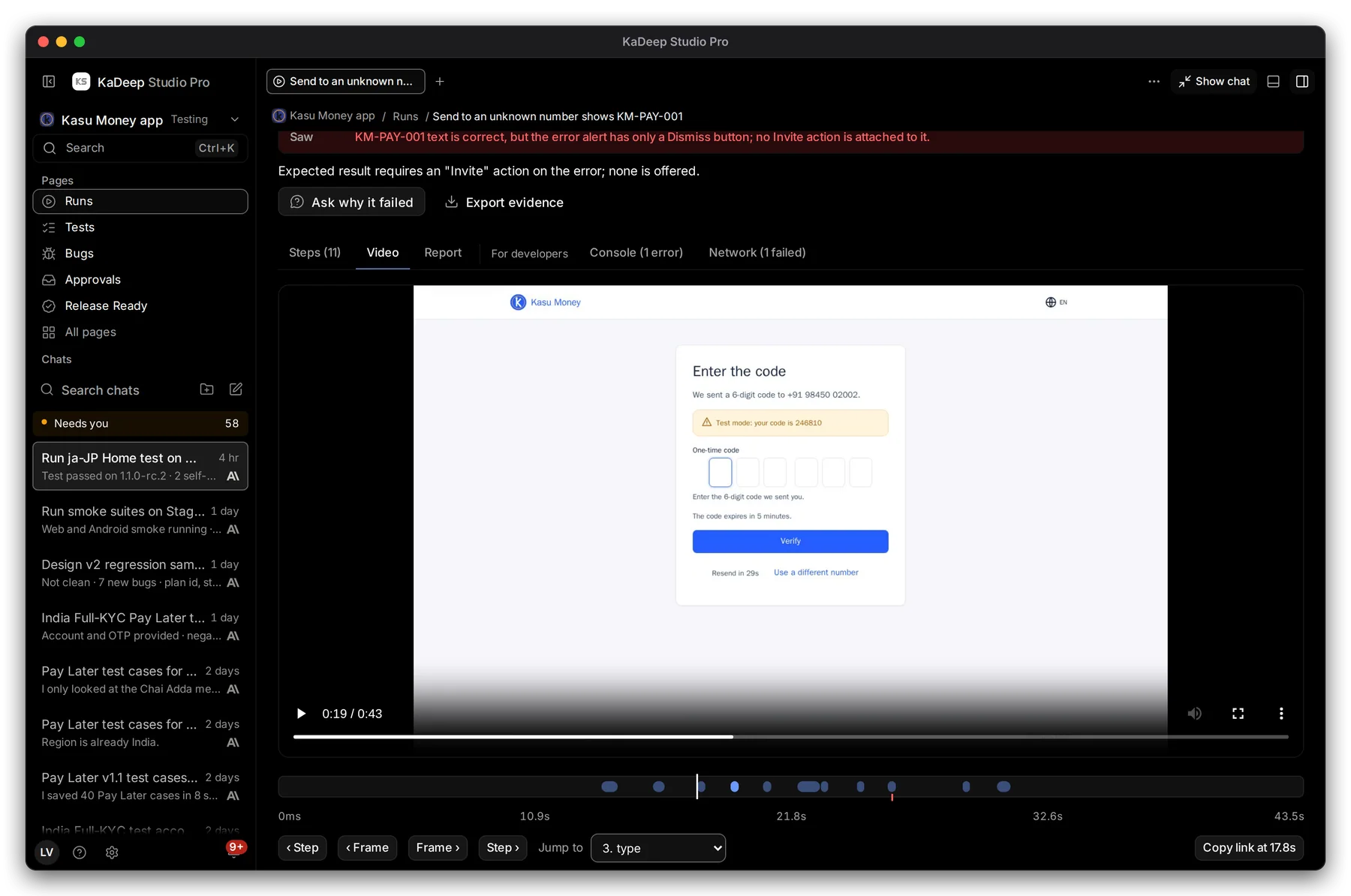
Hands-on view
- 1 Video plays the whole test, as the agent saw it.
- 2 The recording. Play it, or change the Speed.
- 3 Each mark on the timeline is a step. Use ‹ Step and Step › to jump between them, or pick one from Jump to.
- 4 For developers: Console errors and failed Network calls from the run.
4. Read and share the report
Section titled “4. Read and share the report”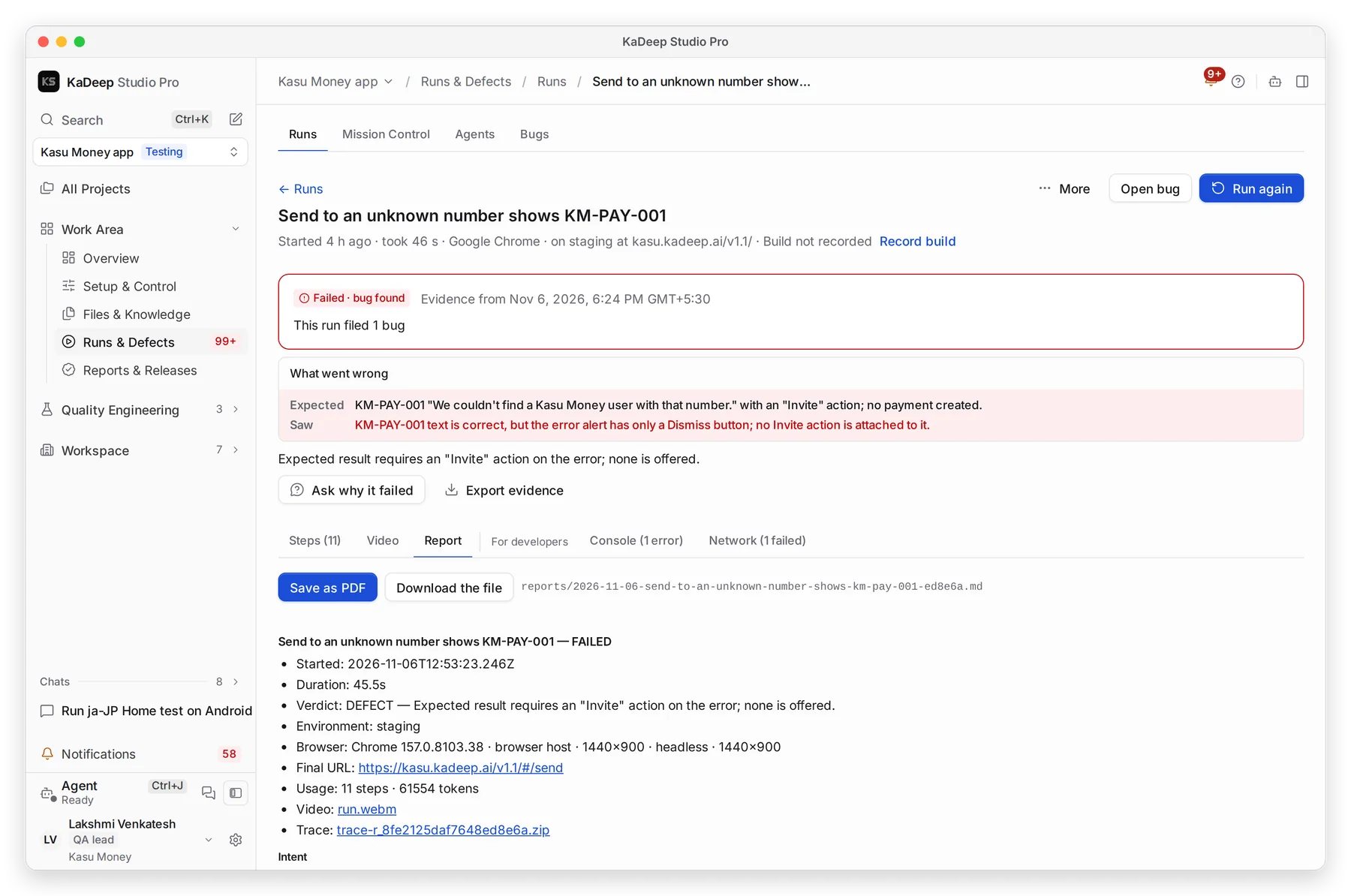
Manage view
Hands-on view
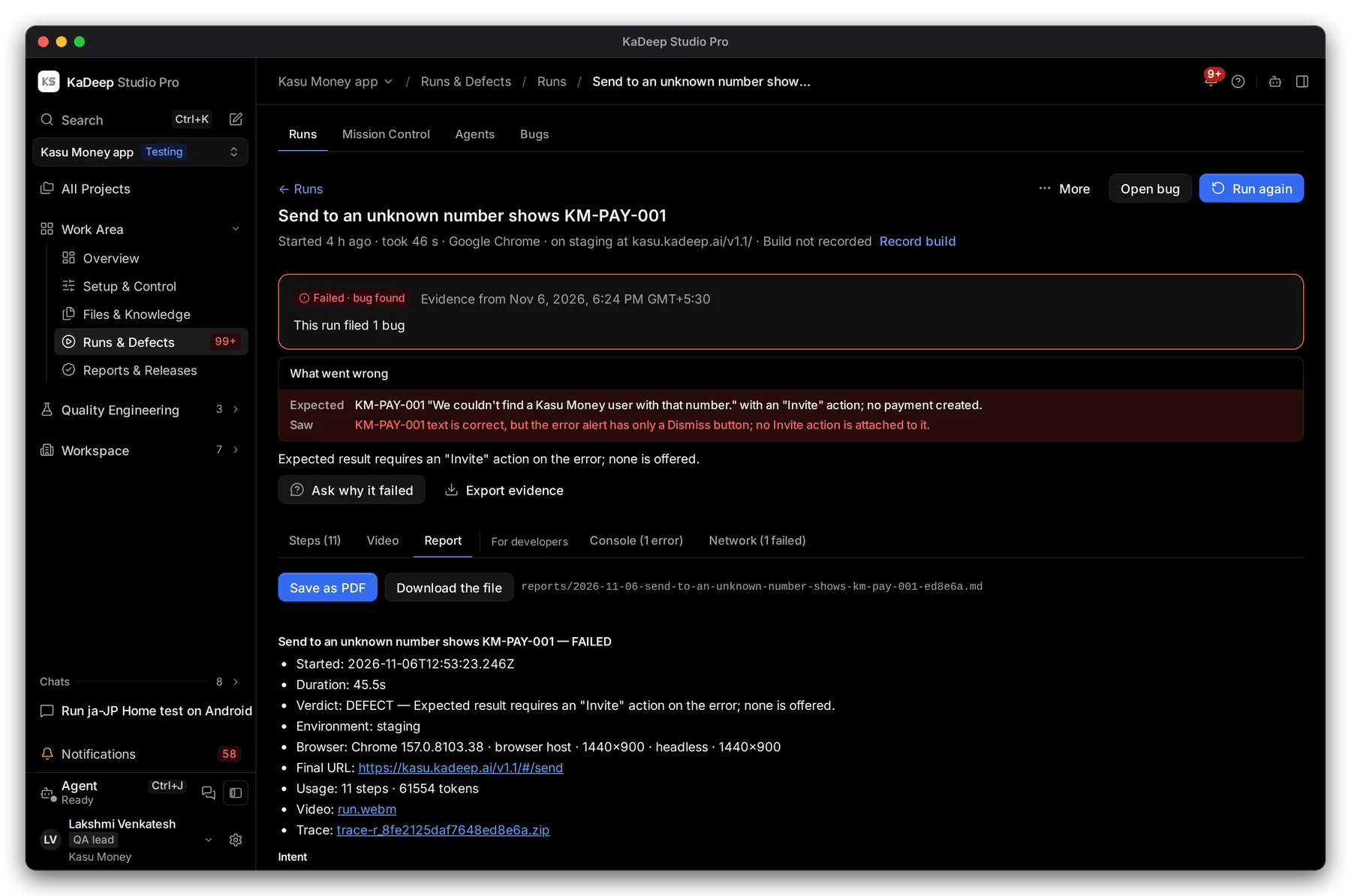
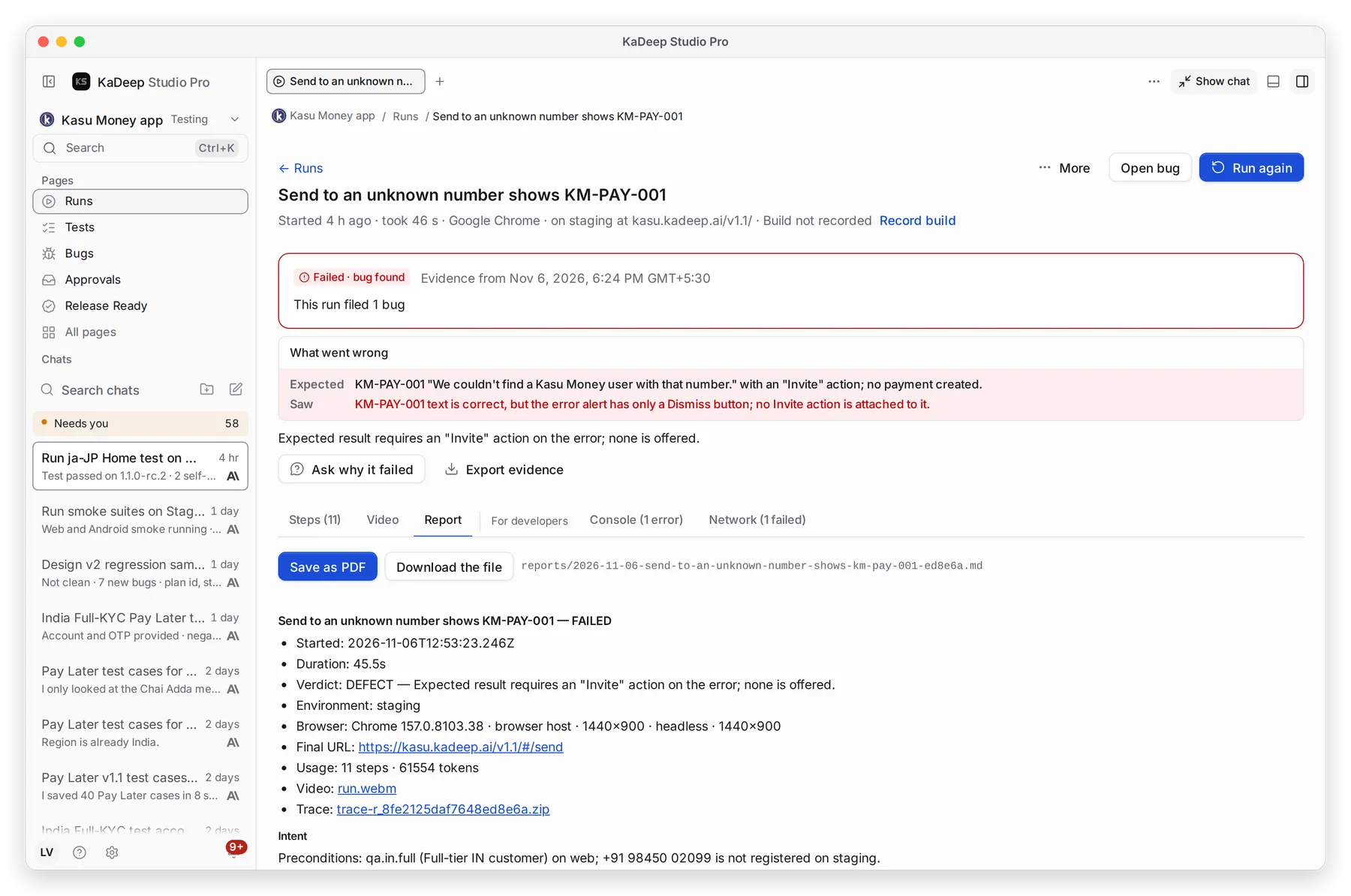
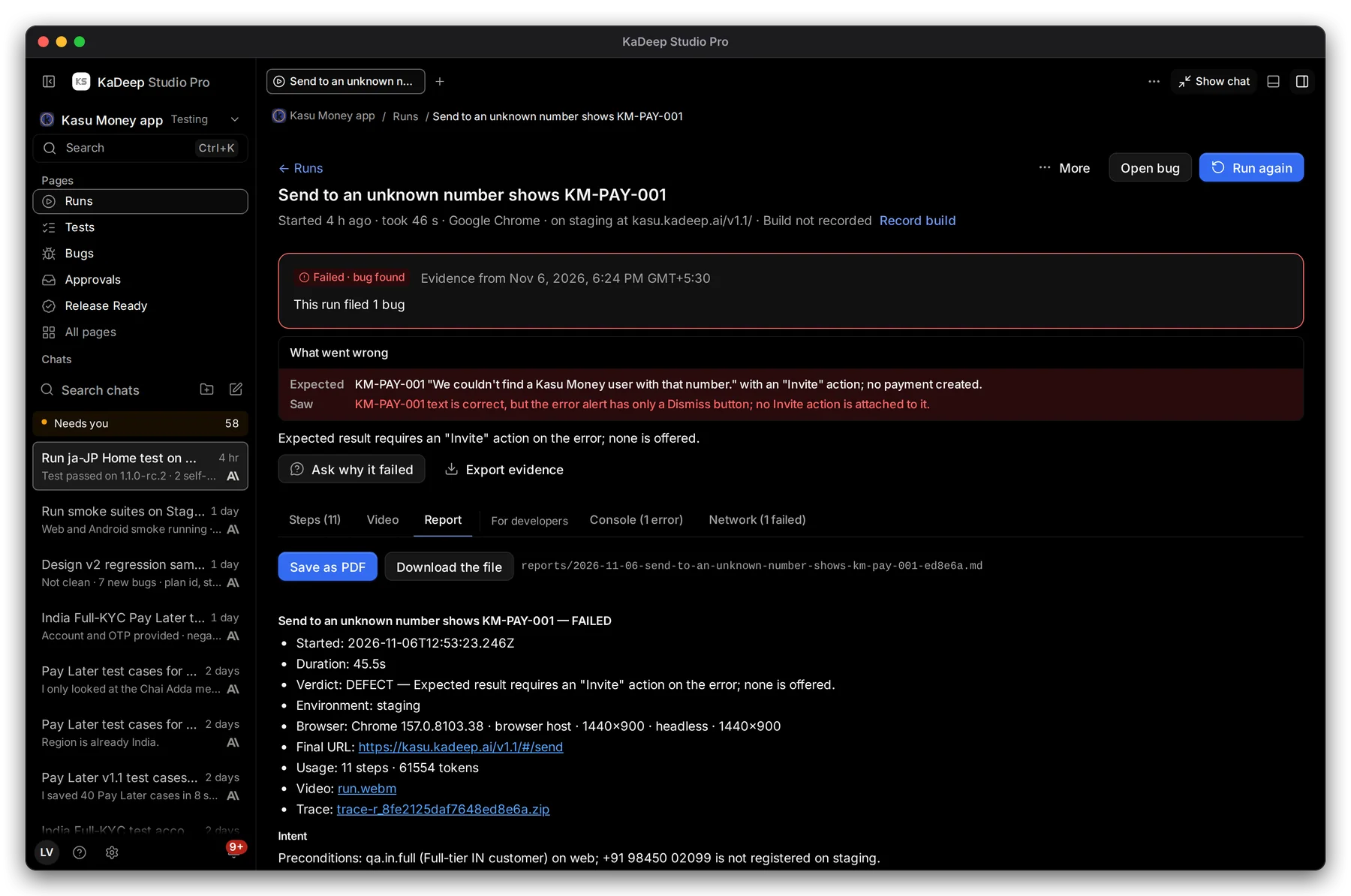
- 1 Report: the verdict, environment, browser or device, and each step, in plain text.
- 2 Save as PDF to attach it to a ticket.
- 3 Download the file to keep the report as text.
- 4 Export evidence downloads the steps, screenshots and result in one file, ready for an auditor.
What’s next
Section titled “What’s next”BugsTriage what the agent found, and recheck fixes.
Watch agents liveSee runs while they happen in Mission Control.
Run a test suiteStart a run and read the verdict.
Files and reportsEvery screenshot and report in one place.