Work with the agent
The agent is an AI that works inside your project. Tell it what you need in plain words. It plans, runs tests or translates, shows its evidence, and asks before anything risky.
1. Open the agent
Section titled “1. Open the agent”2. Ask in plain words
Section titled “2. Ask in plain words”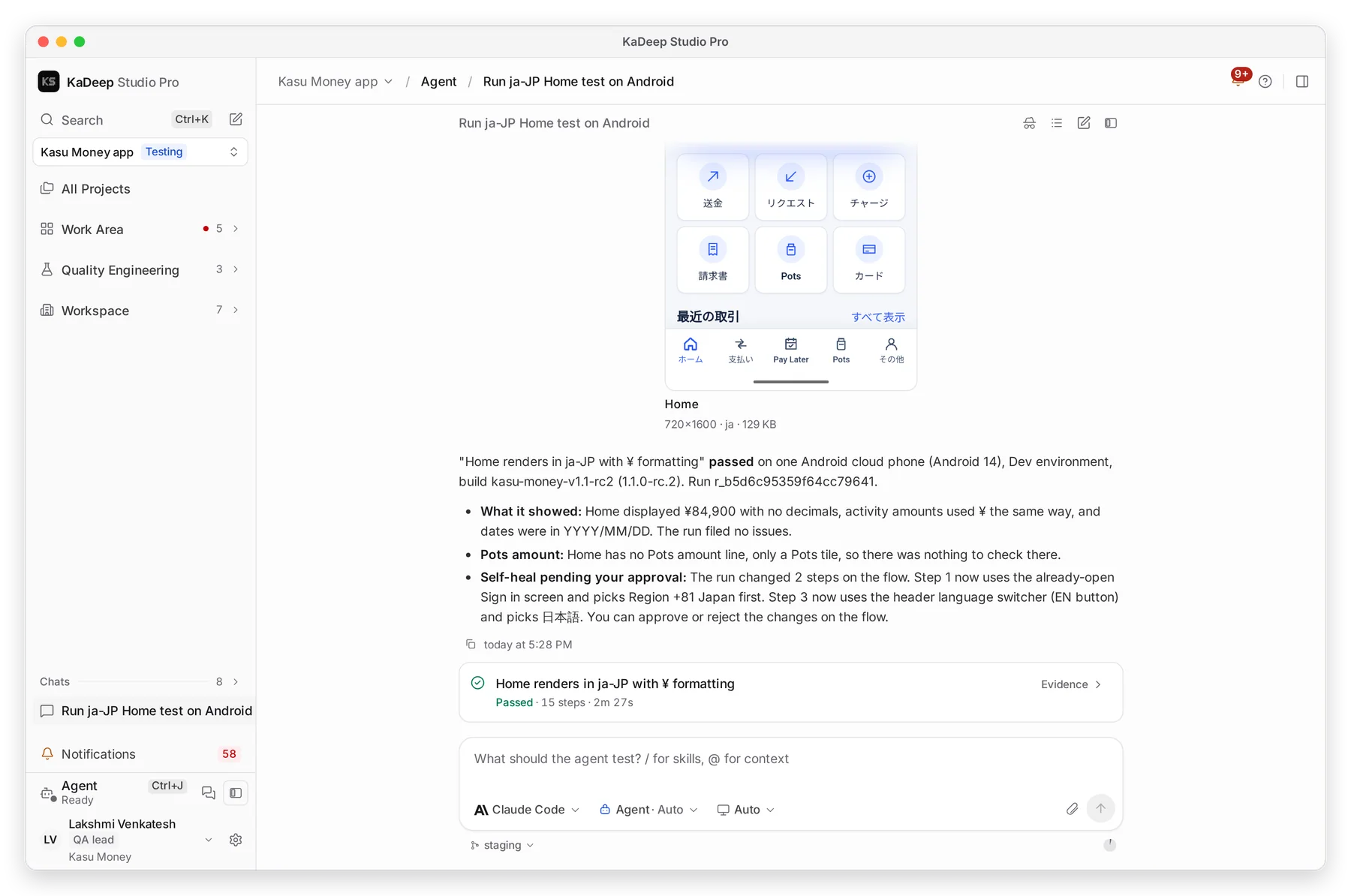
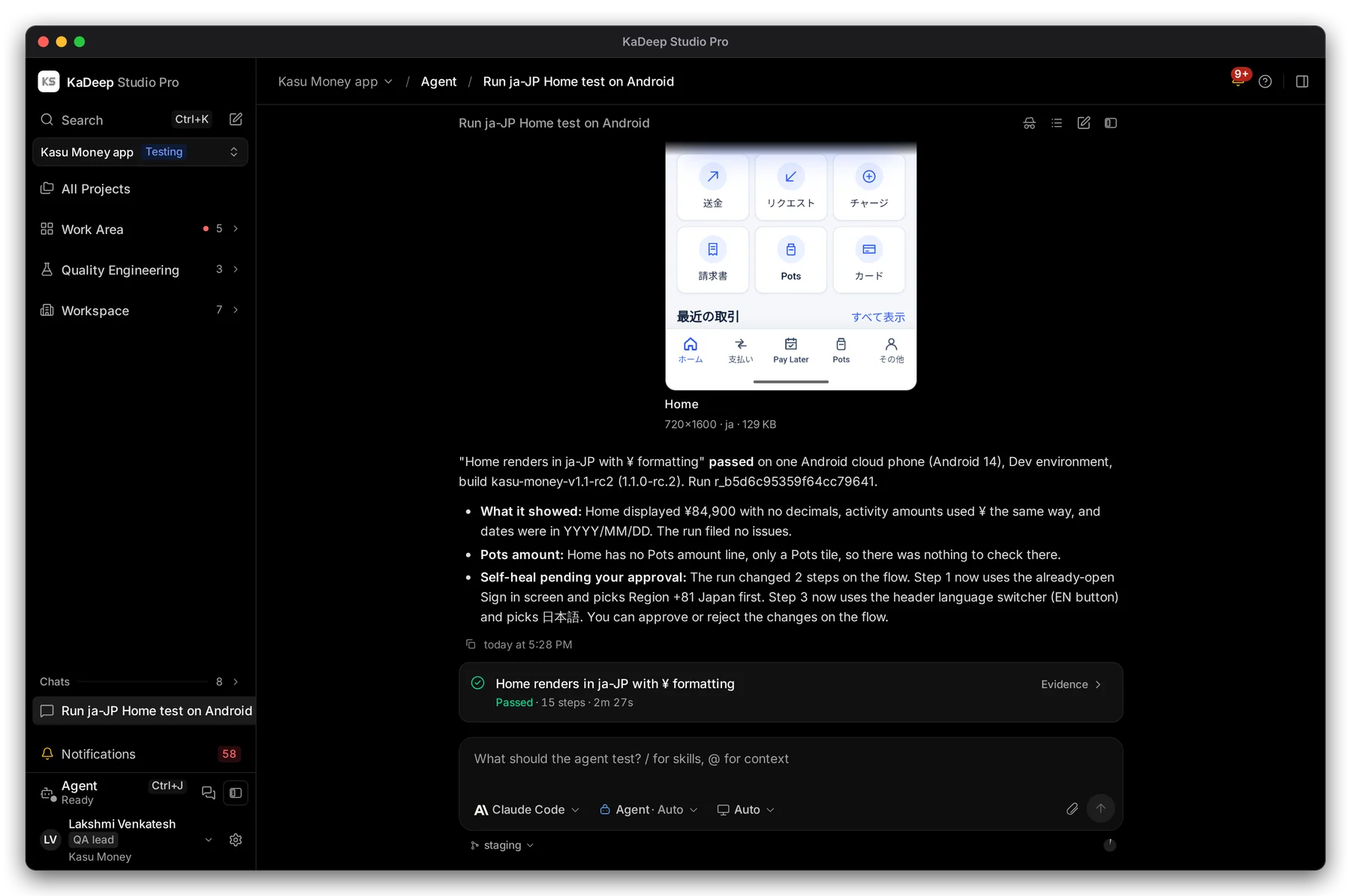
Manage view
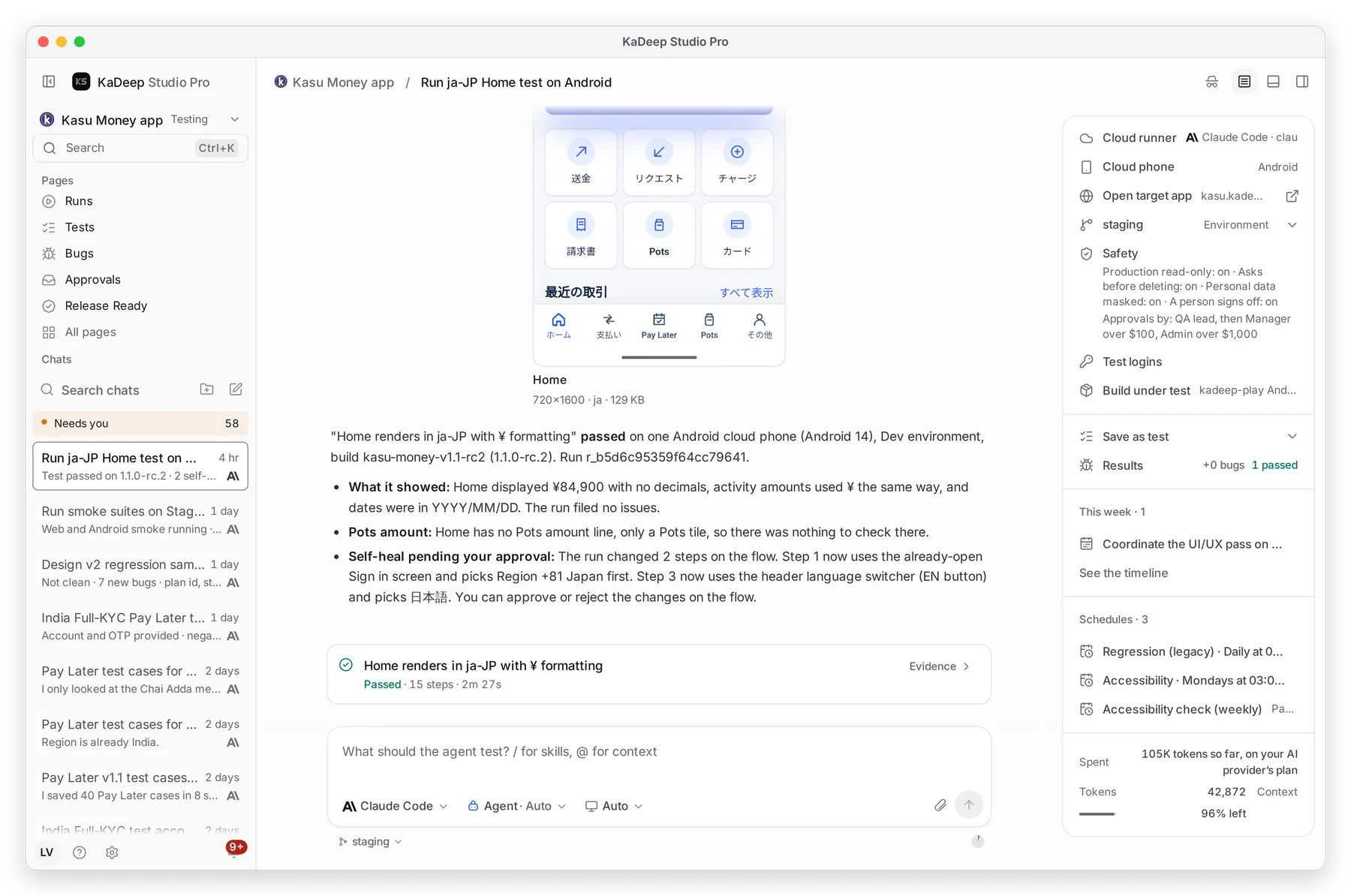
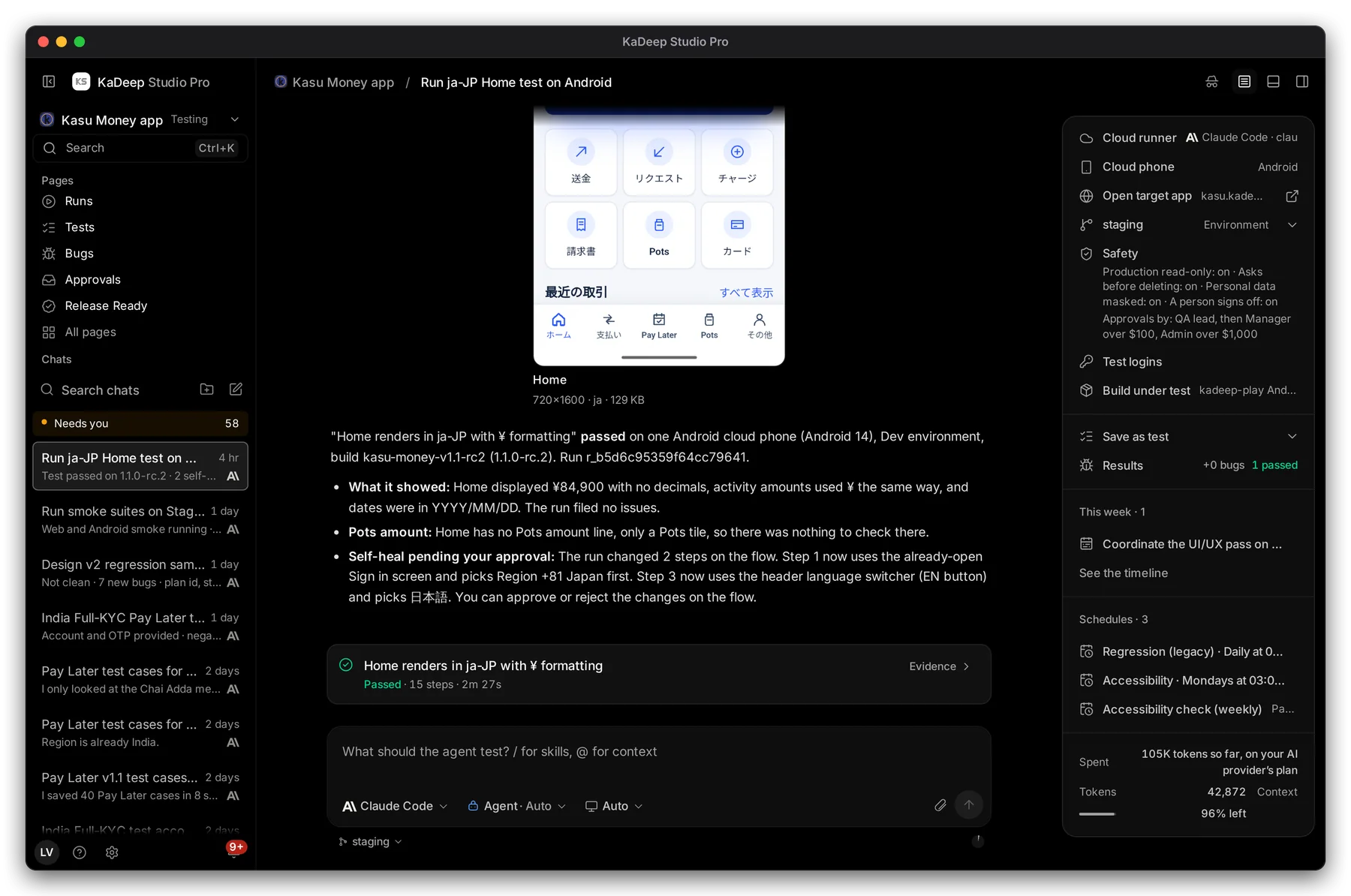
Hands-on view
- Type in 3 the box, for example: “Run the Home test in Japanese on Android and check the yen amounts.”
- Press Enter. Type / for skills, or @ to point at a file, test or bug.
- Optional: choose 4 the AI provider the agent uses for this chat.
New chats suggest a few starting points, such as “Check that sign-up and login work end to end”.
3. Follow what it does
Section titled “3. Follow what it does”1 The agent tells you what it did and what it found, in plain words, with screenshots. 2 Every run it made appears as a card. Choose Evidence to see each step.
5 The panel on the right shows where the agent runs, the app it tests, and the project’s safety rules.
You don’t need to watch. You get a notification when it finishes or needs you.
4. Approve what it proposes
Section titled “4. Approve what it proposes”Some work waits for a person: a plan that changes data, a change to a test, or spending over a limit. The agent stops and asks. You see it in the chat and in Needs you.
| You can | What happens |
|---|---|
| Approve | The agent goes ahead. |
| Change | Tell it what to do differently; it proposes again. |
| Reject | Nothing happens. |