Playbook: e-learning and L&D team
Your view
Your team builds courses once and teaches them in many languages. This playbook sets KaDeep up so the agent drafts every language, people review it in context, and each course is signed off before it reaches your learners.
Playbook · setup guide, not a customer story
1. The team and its KaDeep roles
Section titled “1. The team and its KaDeep roles”| Your people | KaDeep role | What they see first on Home |
|---|---|---|
| L&D operations or IT, who sets KaDeep up | Admin | Users & roles, Single sign-on, Spend & limits |
| Head of learning | Manager | Who is on what, Waiting for your approval, Oldest open bugs |
| Localization coordinator | Language lead | Language status, My queue, Who is on what |
| Translators, in-house or from a vendor | Linguist | My queue, Due soon, Sent back to me |
| In-country trainers and subject experts | Reviewer | My queue, Due soon, Sent back to me |
| An instructional designer who checks the course plays | Tester | My tasks, Bugs to recheck, Recent runs |
| Budget holder | Finance viewer (read-only) | Spend vs limit, Spend by project, Spend by model |
Linguists and reviewers see only Home, Languages, Team and Settings. Each one works only in their own languages. See Roles and what they can do.
2. Setup checklist, in order
Section titled “2. Setup checklist, in order”- Turn on single sign-on, so trainers sign in with their work account. See Sign-in and security.
- Set the monthly limit and who approves more. See Spending limit and approvals.
- Connect the AI that powers the agent. See Connect AI providers.
- Decide the rules every language project follows, such as shared memory and AI providers that keep no copy of your content. See Language rules.
- Create a localization project with the wizard: languages, your LMS at Connections, the brief, and the team. See Create a localization project.
- Add the target languages and their locale rules. See Languages and locales.
- Load your glossary and the terms that must never be translated. See Glossary and translation memory.
- Upload the course as a SCORM zip, with its pictures, videos and documents. See Source assets.
- Assign a translator and a reviewer per language, with due dates. See Deliveries.
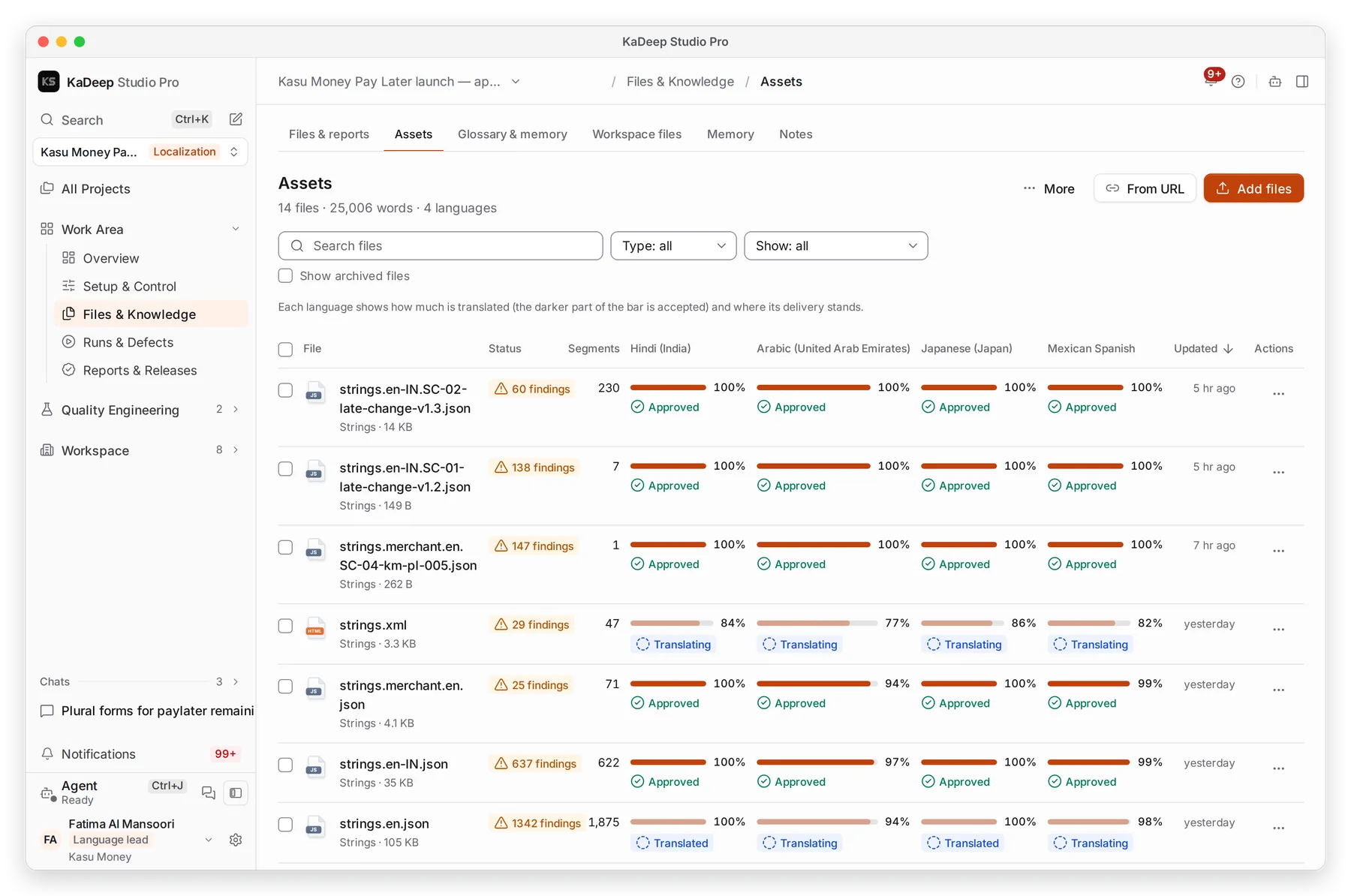
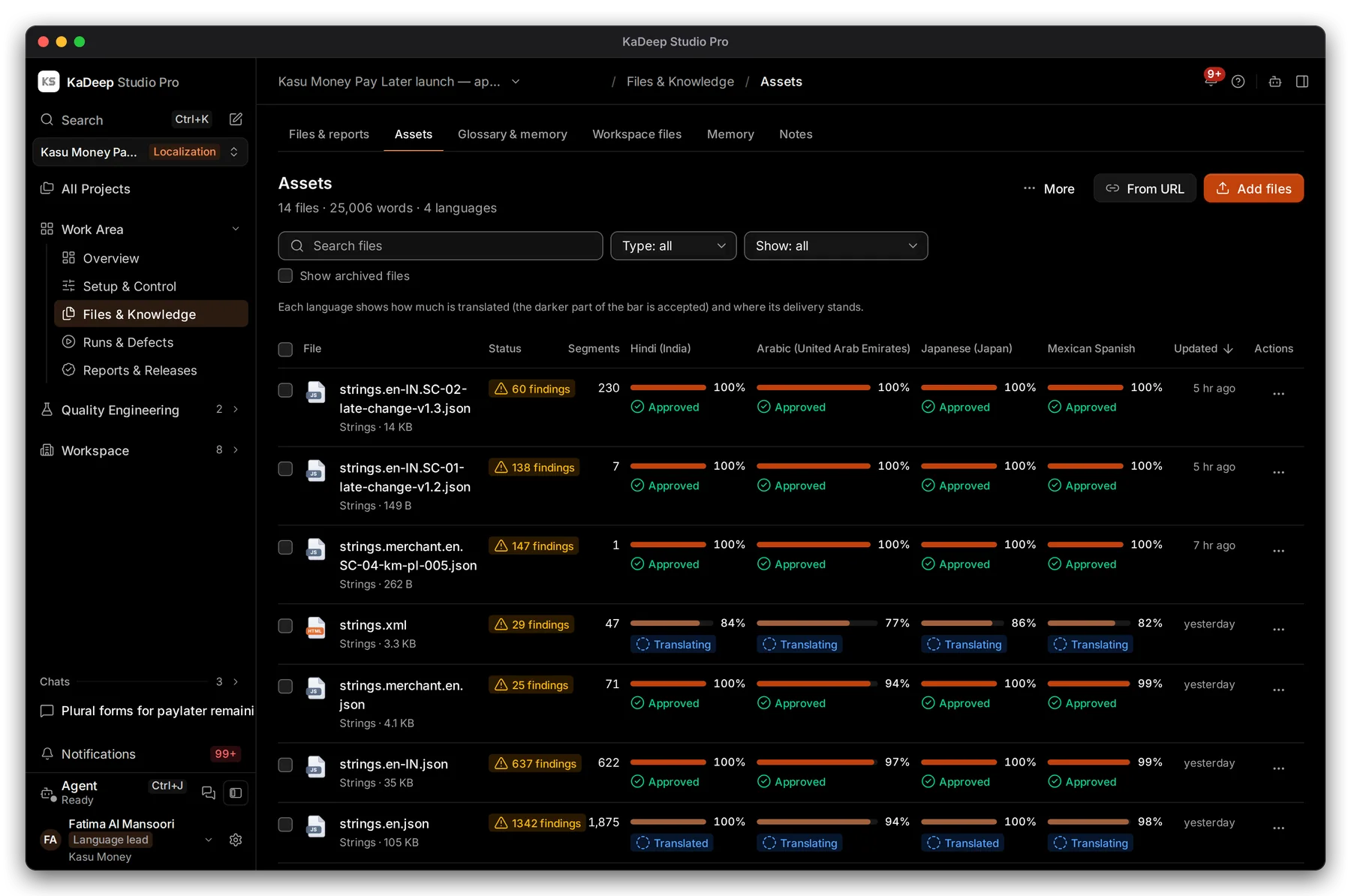
Manage view
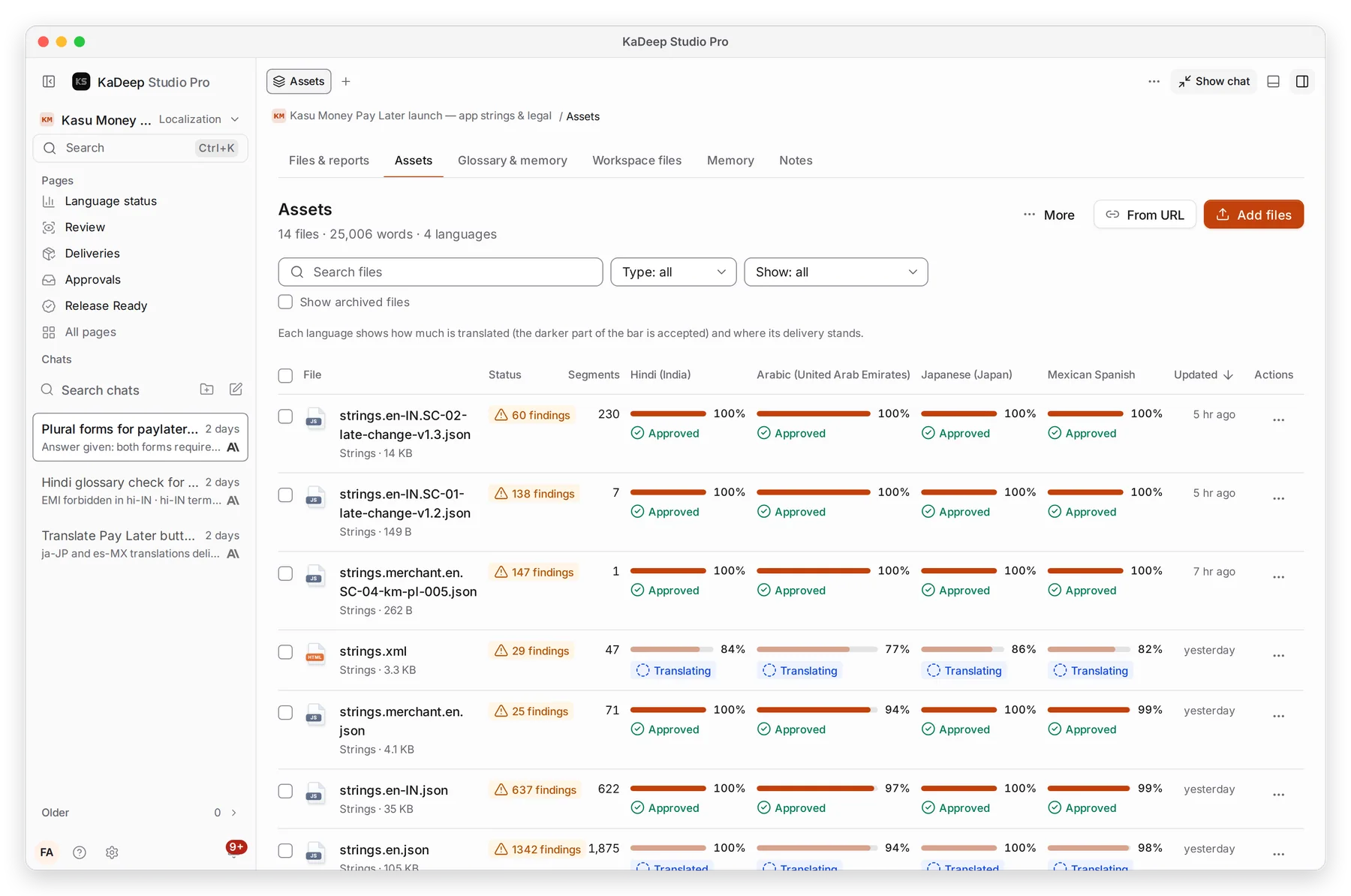
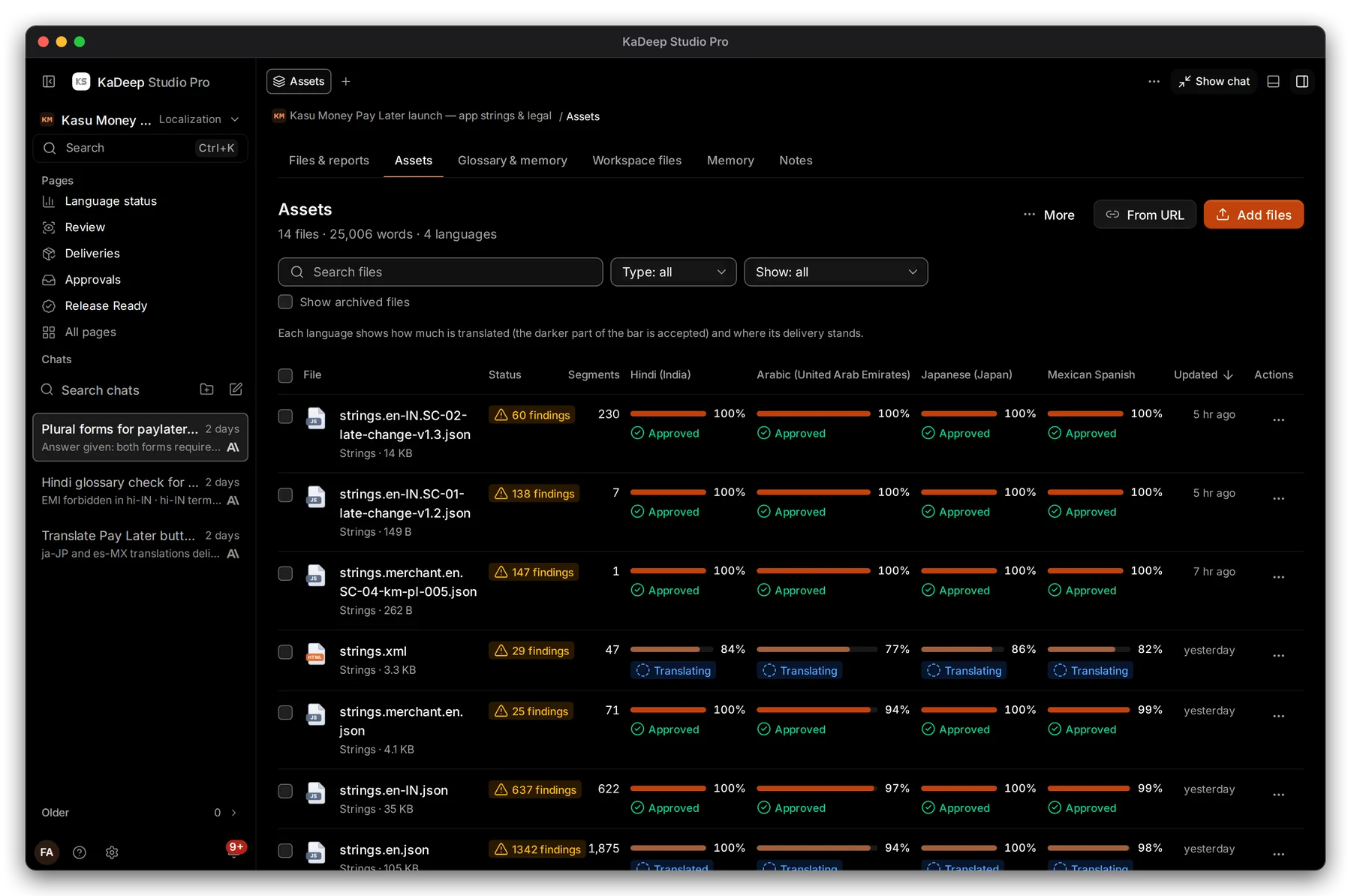
Hands-on view
3. The main journeys
Section titled “3. The main journeys”| Journey | What happens | Guide |
|---|---|---|
| Draft every language | The agent drafts each string; linguists edit with glossary and memory beside them | Translate in the Workbench |
| Review in context | Reviewers accept a string or send it back with a reason that counts toward the LQA score | Review and LQA |
| Course videos | Subtitles, or a dubbed voice, for the videos in a course | Video Translate |
| Course sign-off | A reviewer signs off the course on its delivery; an accessibility check can run on it | Deliveries |
| Hand over | Export the course in its own format and mark it delivered | Deliveries |
KaDeep reads course pages inside the player, and the player records status and score. So you can check that a learner can finish and pass in every language before you deliver.
4. Governance
Section titled “4. Governance”- Budgets. Set the organization limit, and give each course project its own Monthly limit if you want. See Spending limit and approvals.
- Approvals. Spending requests over the amounts you choose wait on Approvals.
- Gates. Do-not-translate terms, forbidden terms and character limits block approval until they are fixed. See Glossary and translation memory.
- Audit. Language rules keeps a language audit: accepted, approved, exported and rule changes, with who and when. The organization’s Audit log keeps everything else.
- Retention. Language files of an archived project are kept for one year by default. See Data and retention.
5. What to measure
Section titled “5. What to measure”| Measure | Where you read it | Guide |
|---|---|---|
| Progress per language | Language status | Language status |
| Human quality score per file and language | LQA in Review | Review and LQA |
| What blocks each delivery | Readiness on the delivery | Deliveries |
| Who is on what, and late work | Timeline, Language floor | Timeline, Language floor |
| Spend per course project | Usage & cost, By project | Usage over time |
6. A 30/60/90-day rollout
Section titled “6. A 30/60/90-day rollout”| Days | Goal | Check before you move on |
|---|---|---|
| 1–30 | One course, two languages, one linguist and one reviewer each | The exported course plays in your LMS and reports a pass in both languages. |
| 31–60 | Every language you teach in; the glossary and memory grow | Reviewers send strings back with reasons, and linguists find them in My work without being told. |
| 61–90 | New courses start in KaDeep by default; videos get subtitles | Each delivery has a course sign-off on record. Spend per project is inside the limit you set. |
What’s next
Section titled “What’s next”How KaDeep fits your organizationThe lifecycle, the roles and what stays under your control.
Case study: Kasu MoneyA SCORM course in four languages, start to finish.
Roll out KaDeep: pilot, expand, governThe admin's plan, step by step.