Set organization language rules
Your view
Language rules are the rules every language project in your organization follows, with a record of who changed what. Leads read them; only an admin can change them.
1. Open Language rules
Section titled “1. Open Language rules”Open Workspace › Workspace Knowledge › Language rules.
Choose All pages, then Language rules.
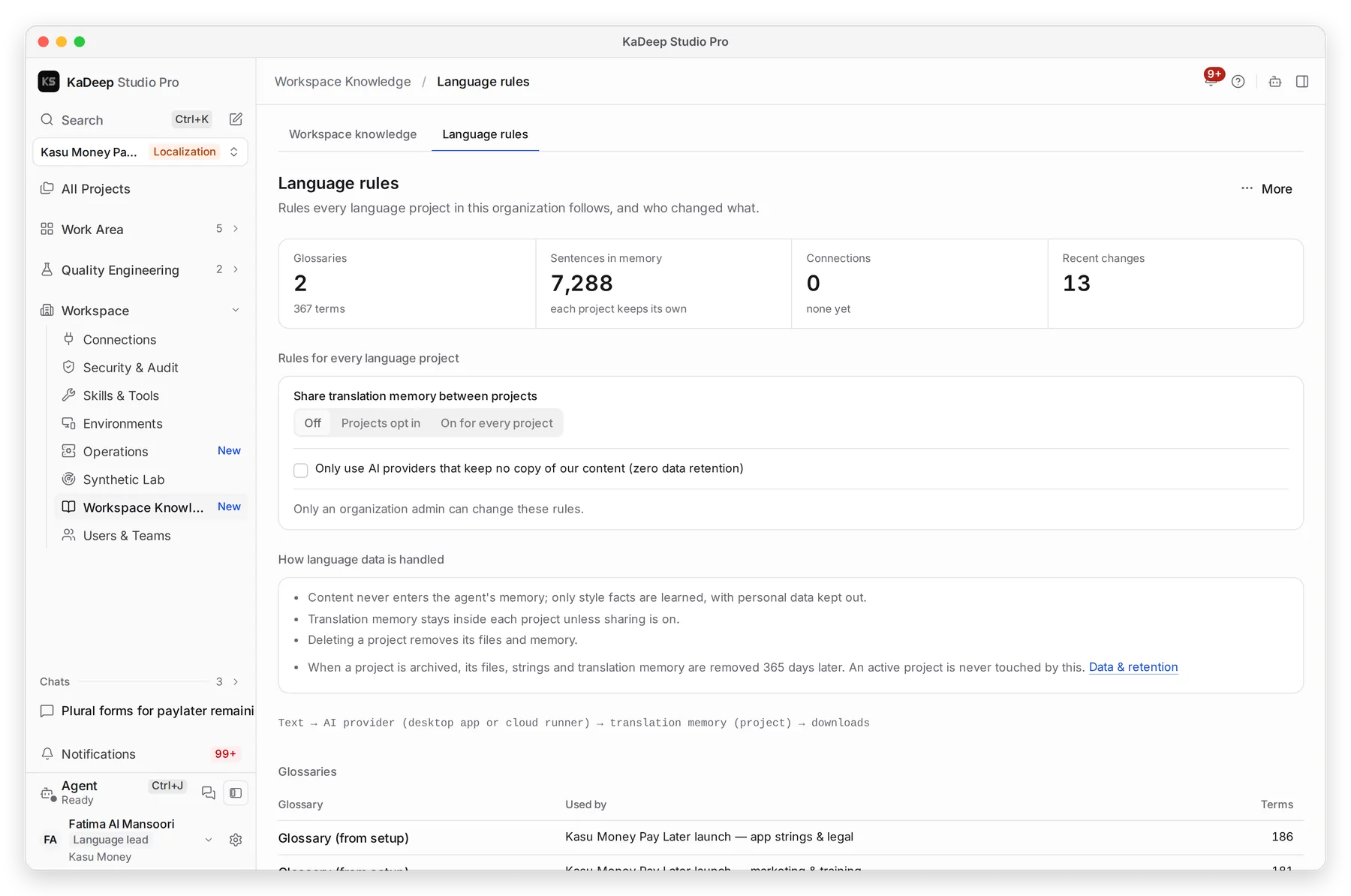
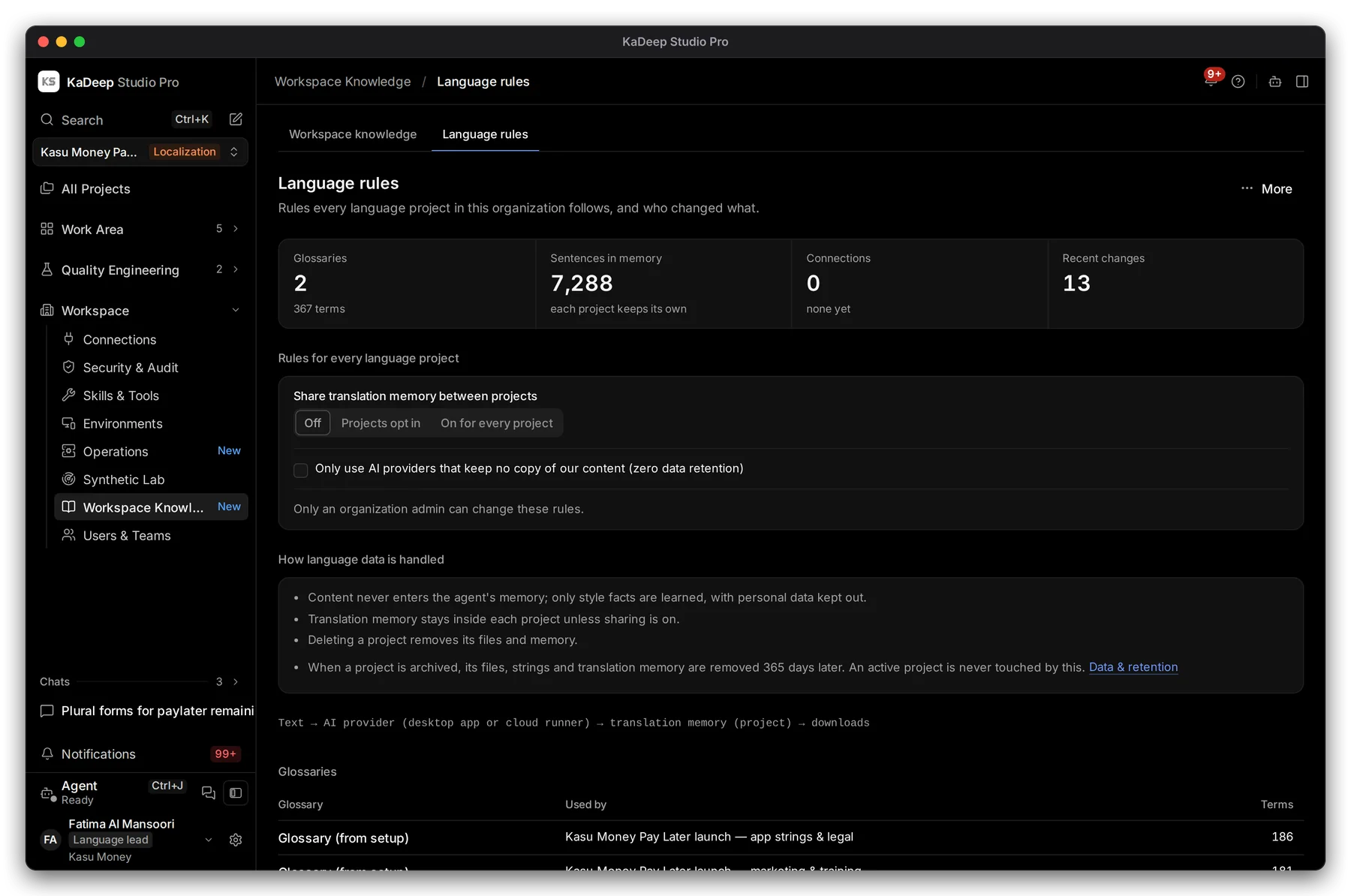
Manage view
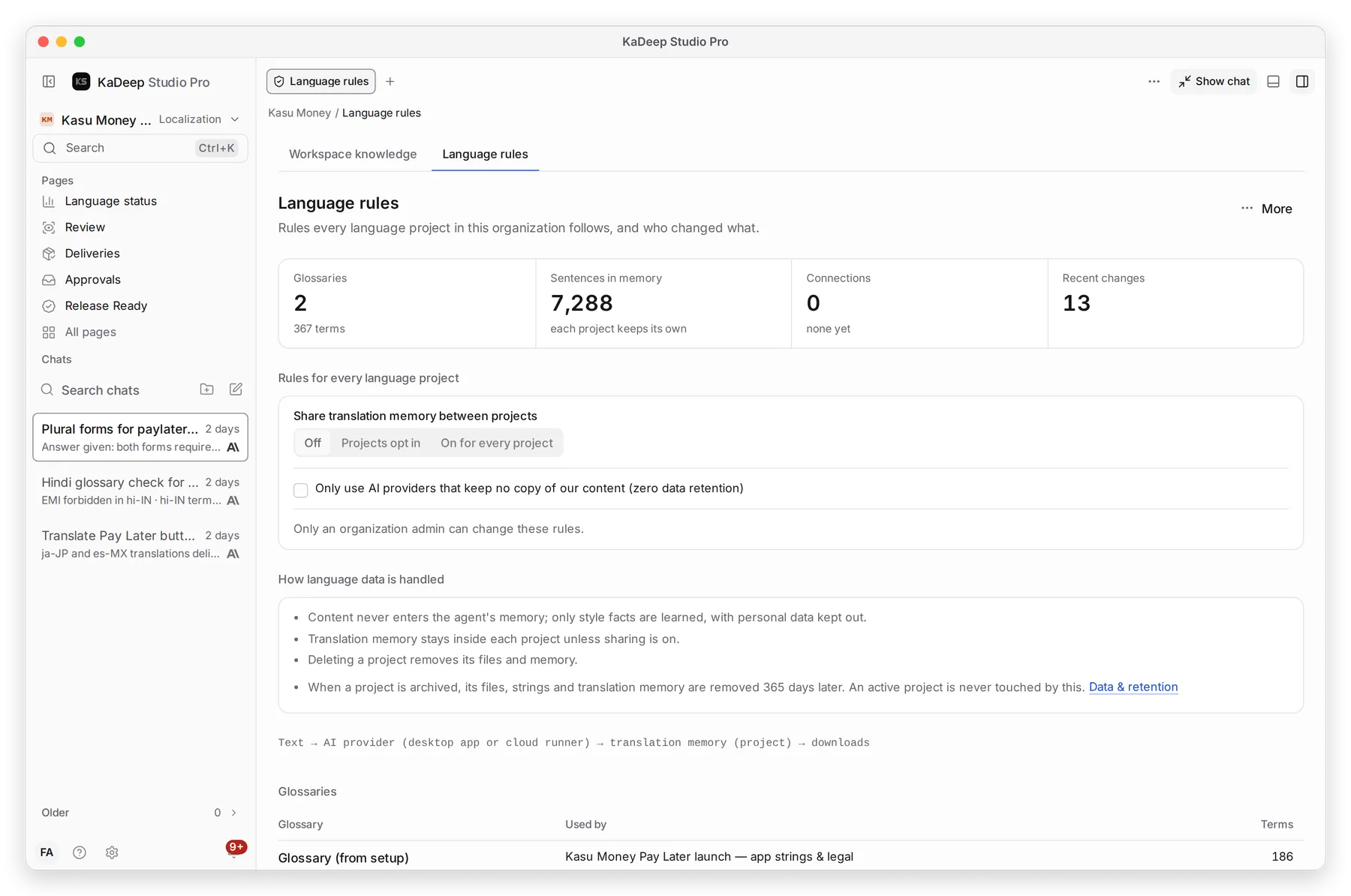
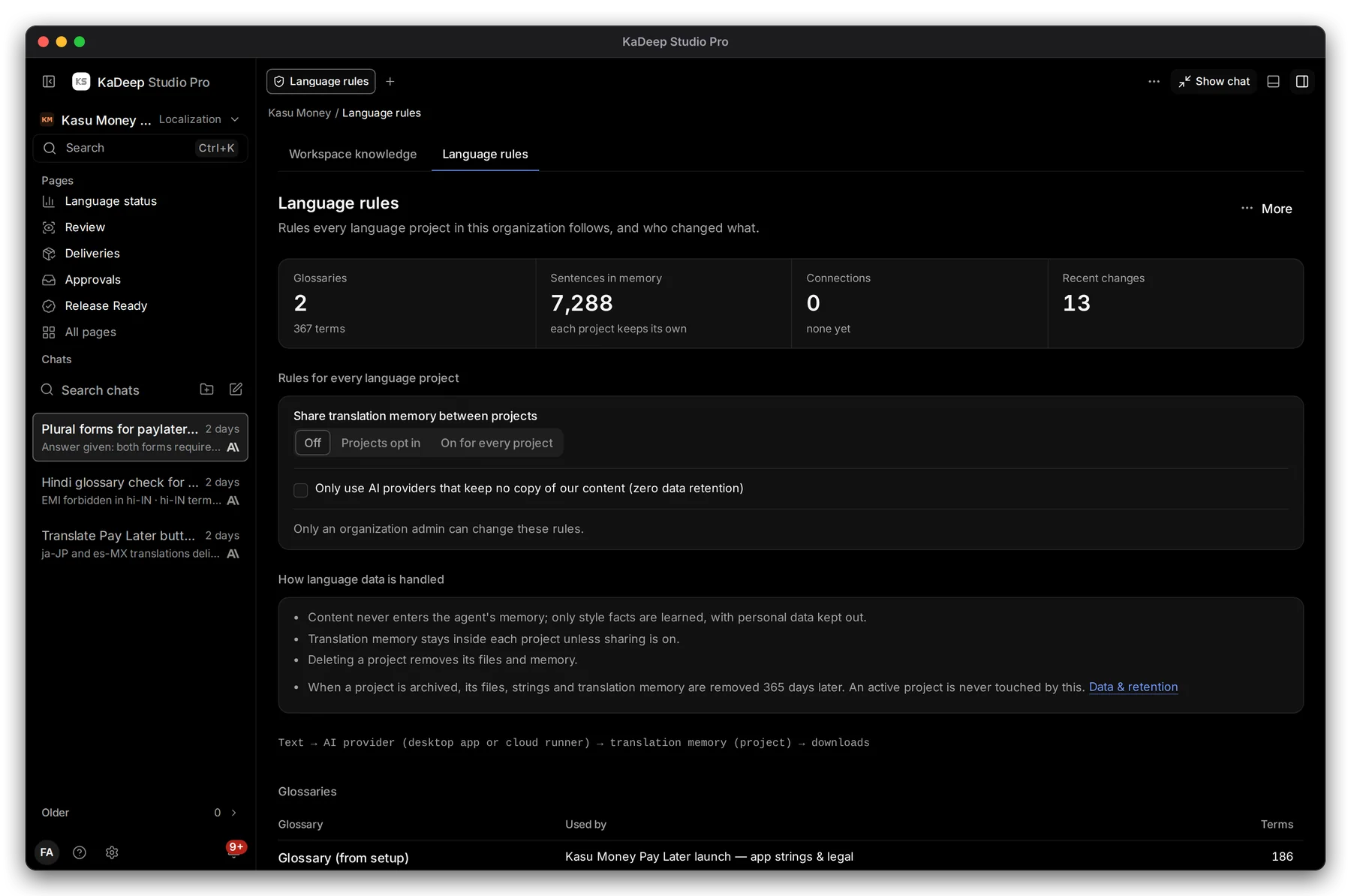
Hands-on view
- 1 Glossaries, Sentences in memory, Connections and Recent changes at a glance.
- 2 Share translation memory between projects: Off, Projects opt in, or On for every project.
- 3 Only use AI providers that keep no copy of our content (zero data retention).
- 4 How language data is handled, in plain words.
2. What the page covers
Section titled “2. What the page covers”| Section | What it tells you |
|---|---|
| How language data is handled | Content never enters the agent’s memory; memory stays in its project unless sharing is on; archived projects are cleared after 365 days |
| Glossaries | Every glossary, which project uses it, and how many terms |
| Connections | Figma, GitHub, a CMS or an LMS, and their health |
| Spend against caps (30 days) | Each language project’s spend and cap |
| Recent changes | A language audit: accepted, approved, exported, overrides, rule changes, with who and when |
3. Change a rule (admins)
Section titled “3. Change a rule (admins)”- Choose the new setting.
- Add a reason if asked. It is kept with the change.
- The change shows in Recent changes and in the organization’s audit log.
What’s next
Section titled “What’s next”Languages and localesRules for one project.
Glossary and translation memoryTerms and memory in a project.
Data and retentionHow long files and memory are kept.