Bugs
Your view
When a test fails, the agent files a bug with what it expected, what it saw, steps to reproduce and the evidence. You decide how serious it is, who fixes it, and when a fix is proven.
1. Open Bugs
Section titled “1. Open Bugs”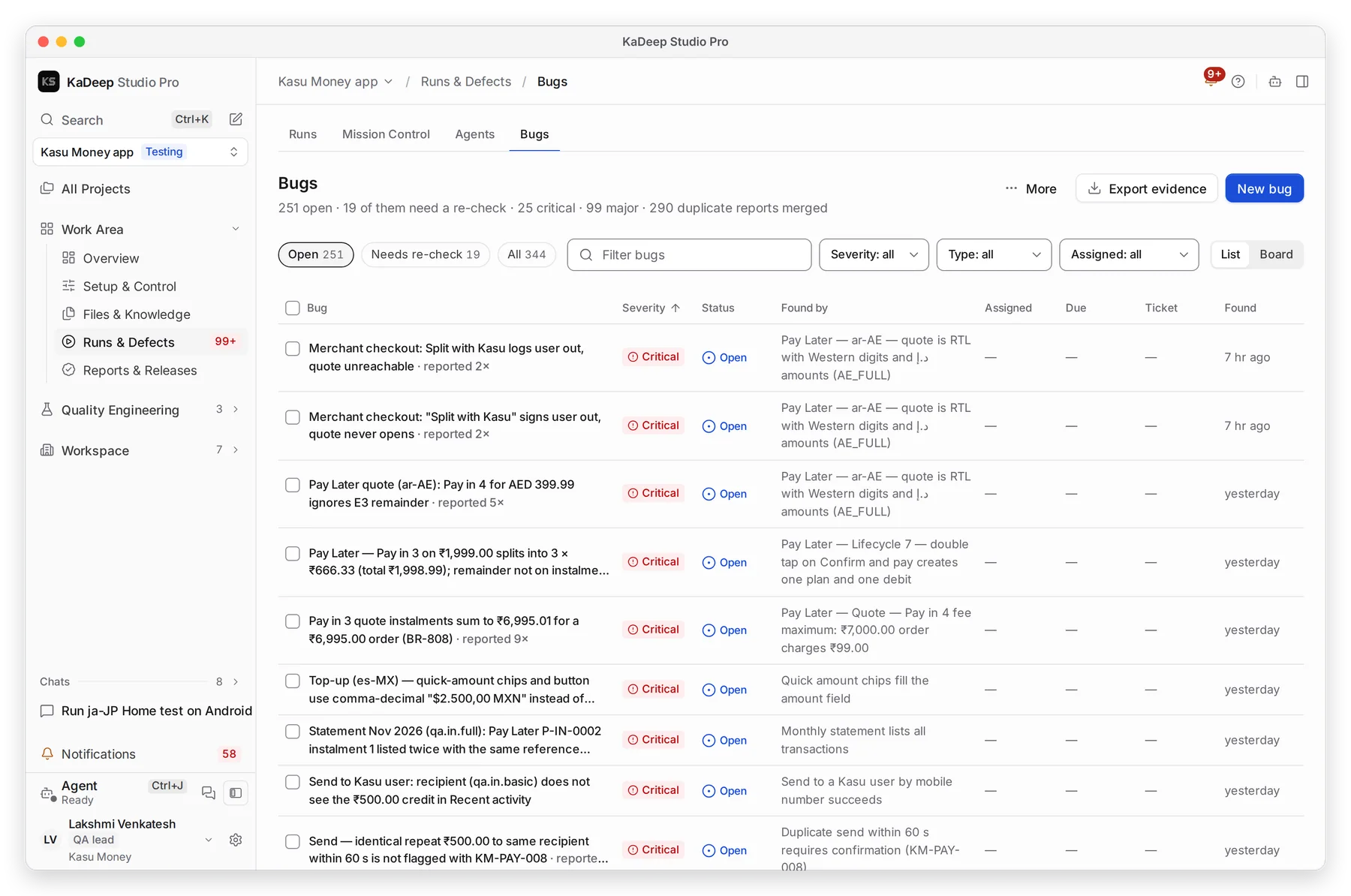
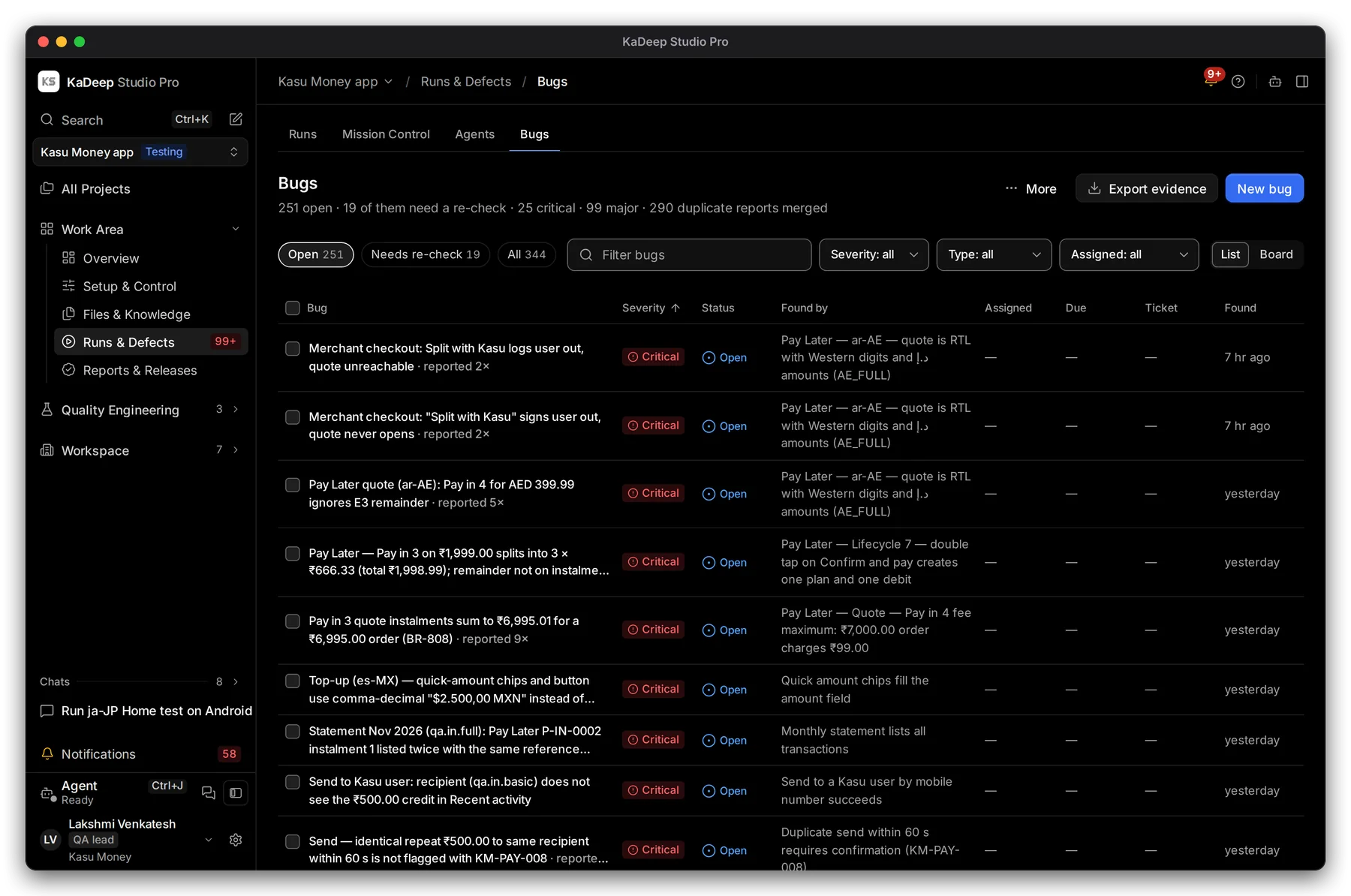
Manage view
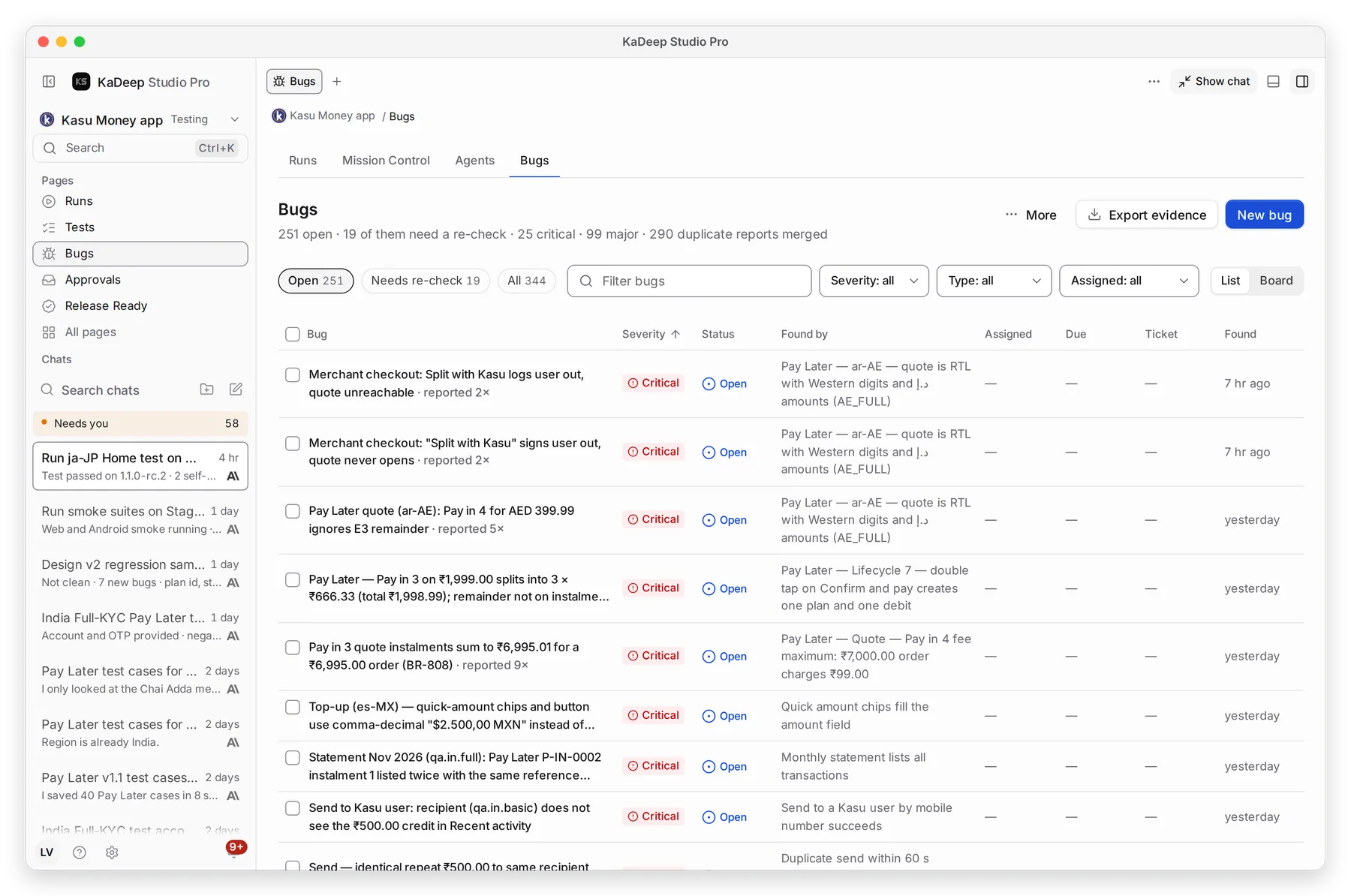
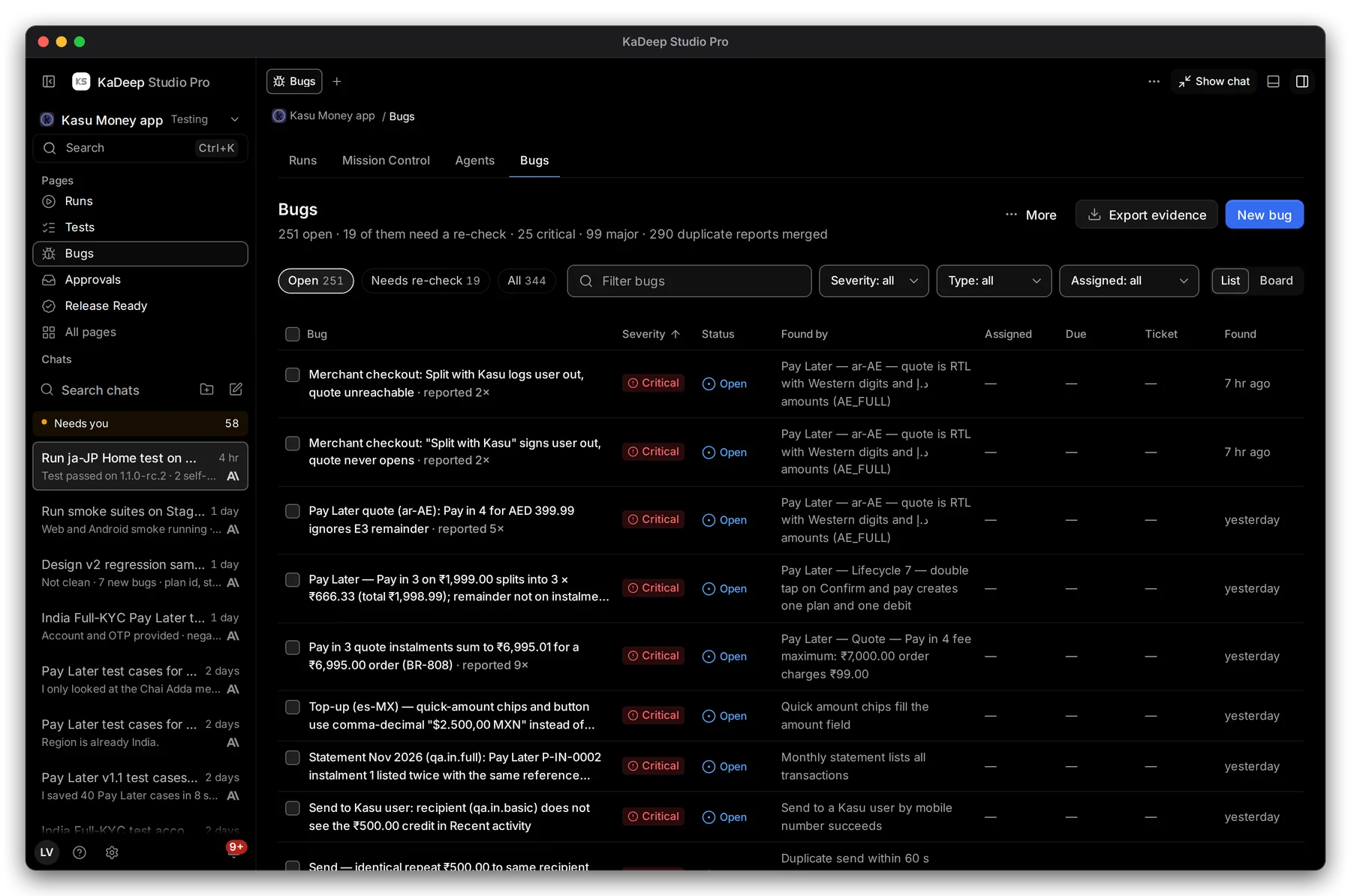
Hands-on view
- 1 Open, Needs re-check or All.
- 2 Filter bugs by words in the title.
- 3 Narrow by Severity, Type (functional, UX, UI, accessibility) and Assigned. Nobody yet finds bugs with no owner.
- 4 List or Board: the board groups bugs into columns by status.
- 5 Click a bug to open it. reported 5× means the same problem was found five times and merged into one bug.
2. Triage a bug
Section titled “2. Triage a bug”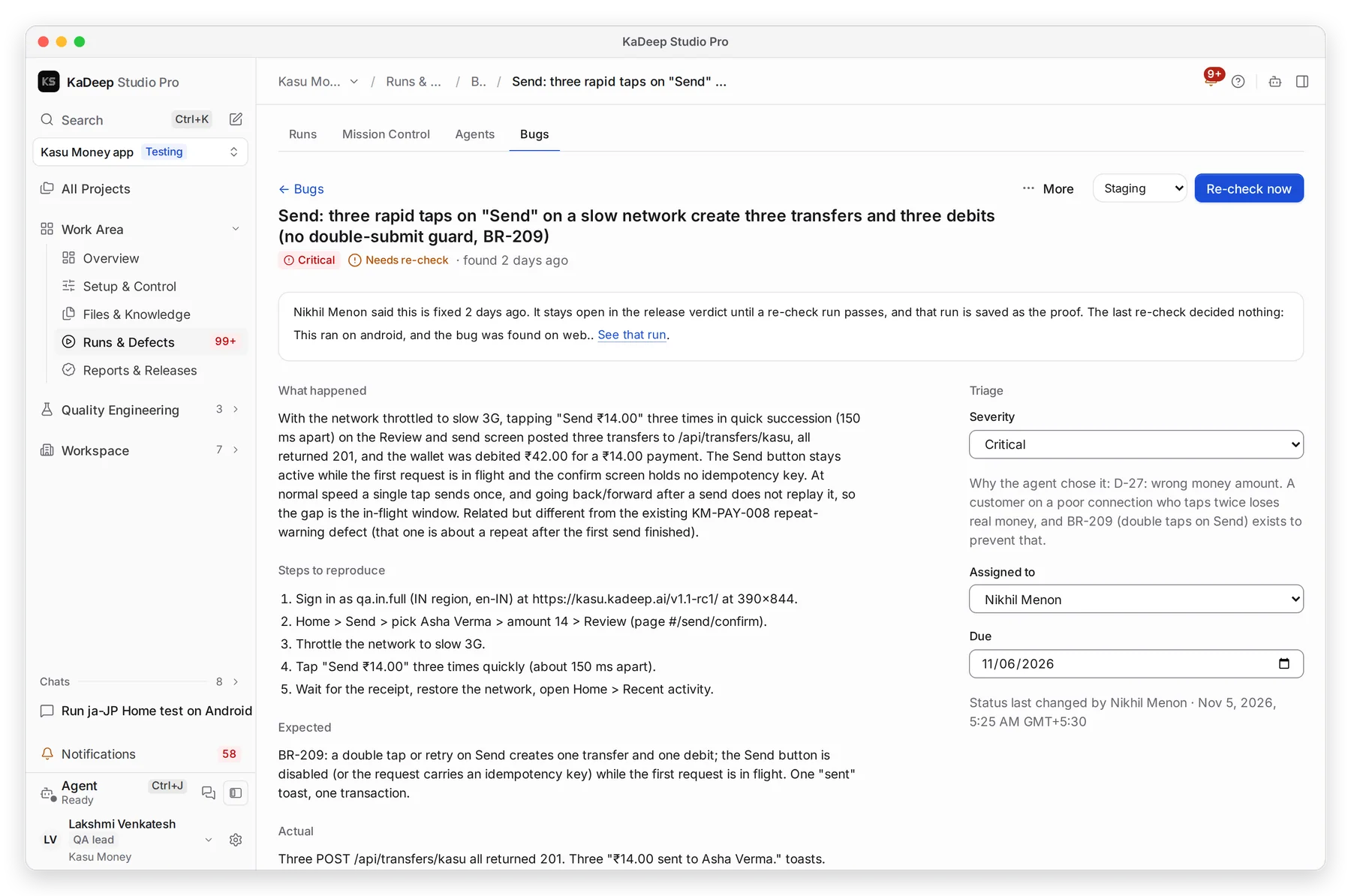
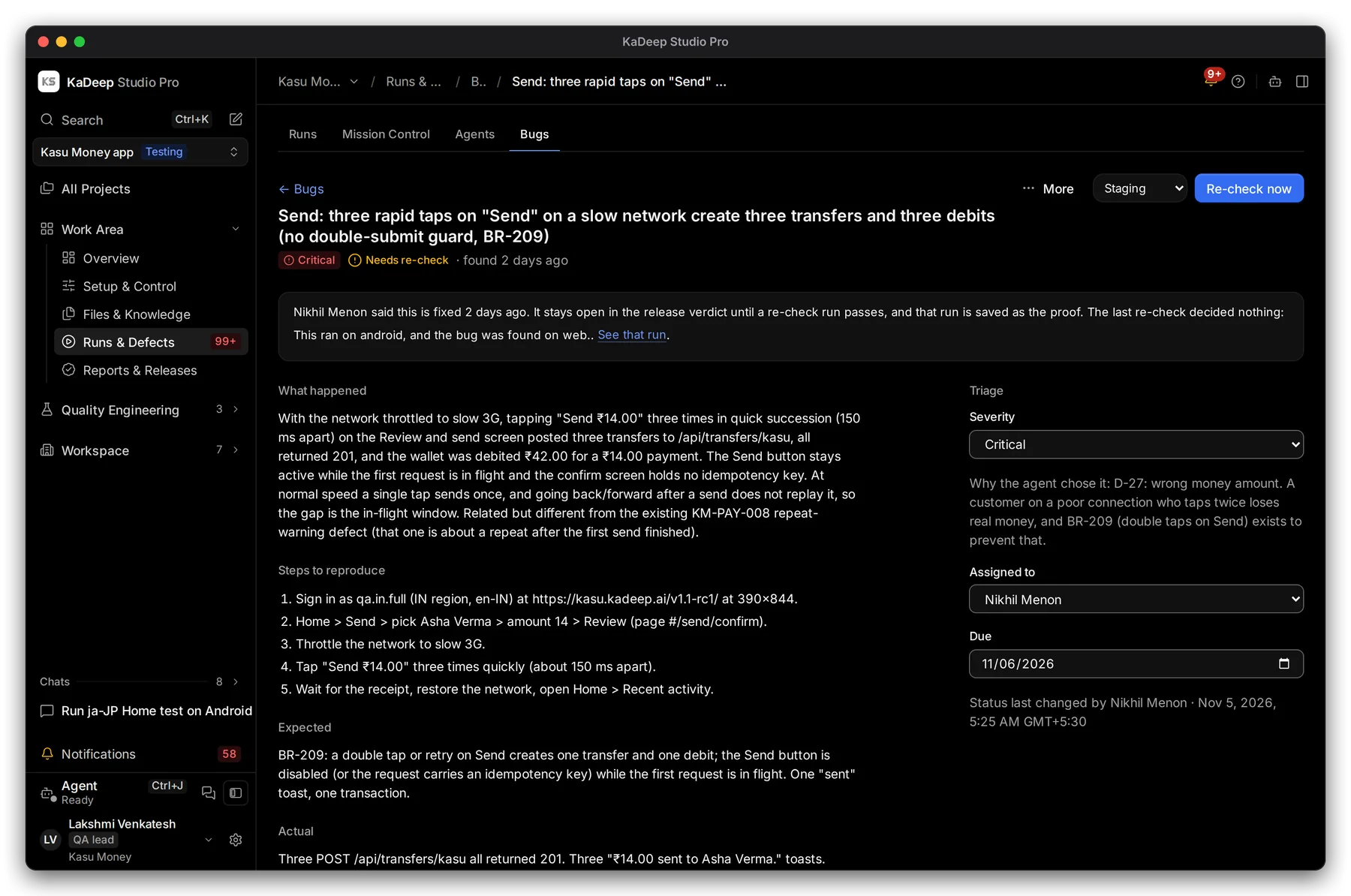
Manage view
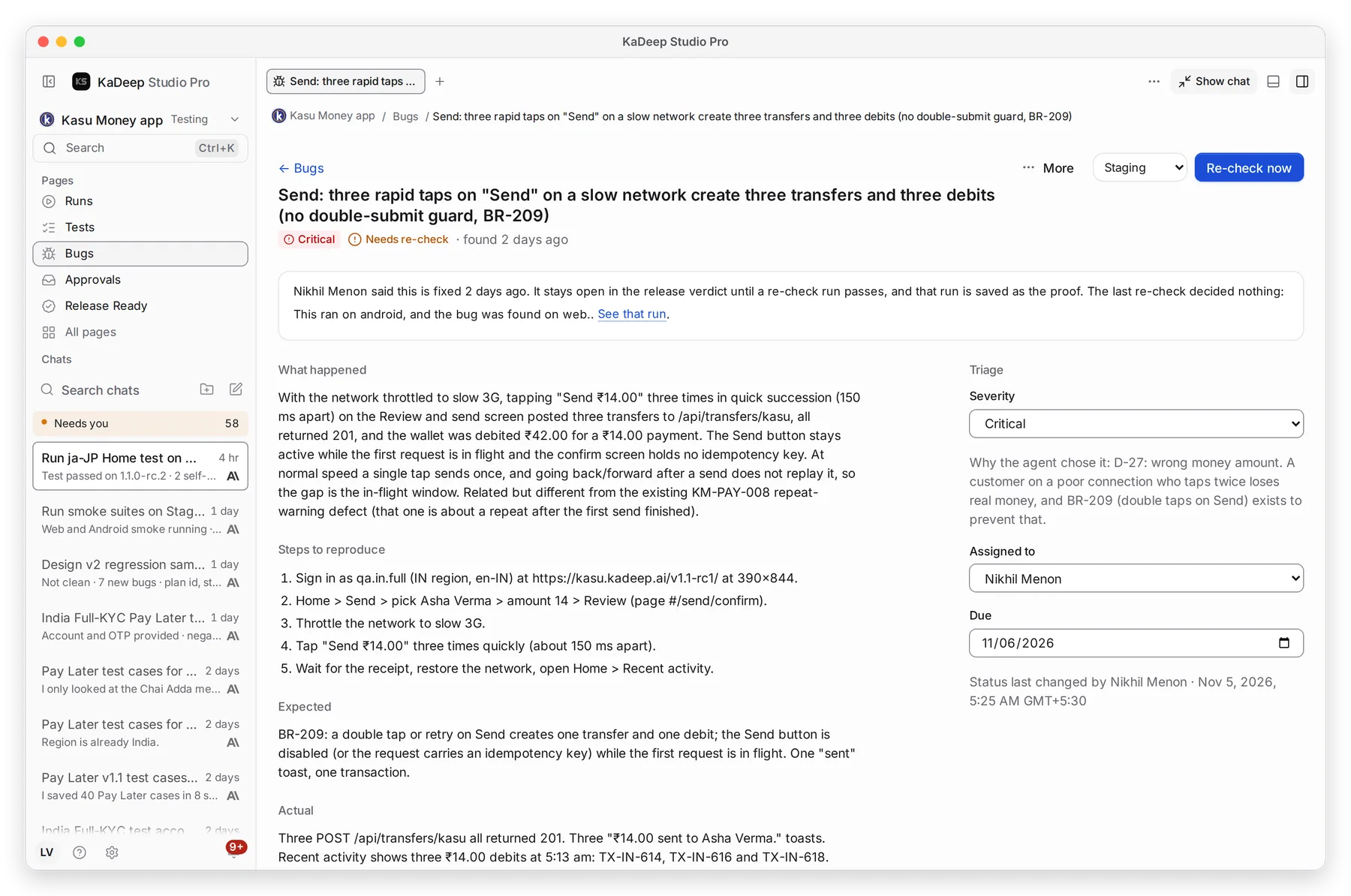
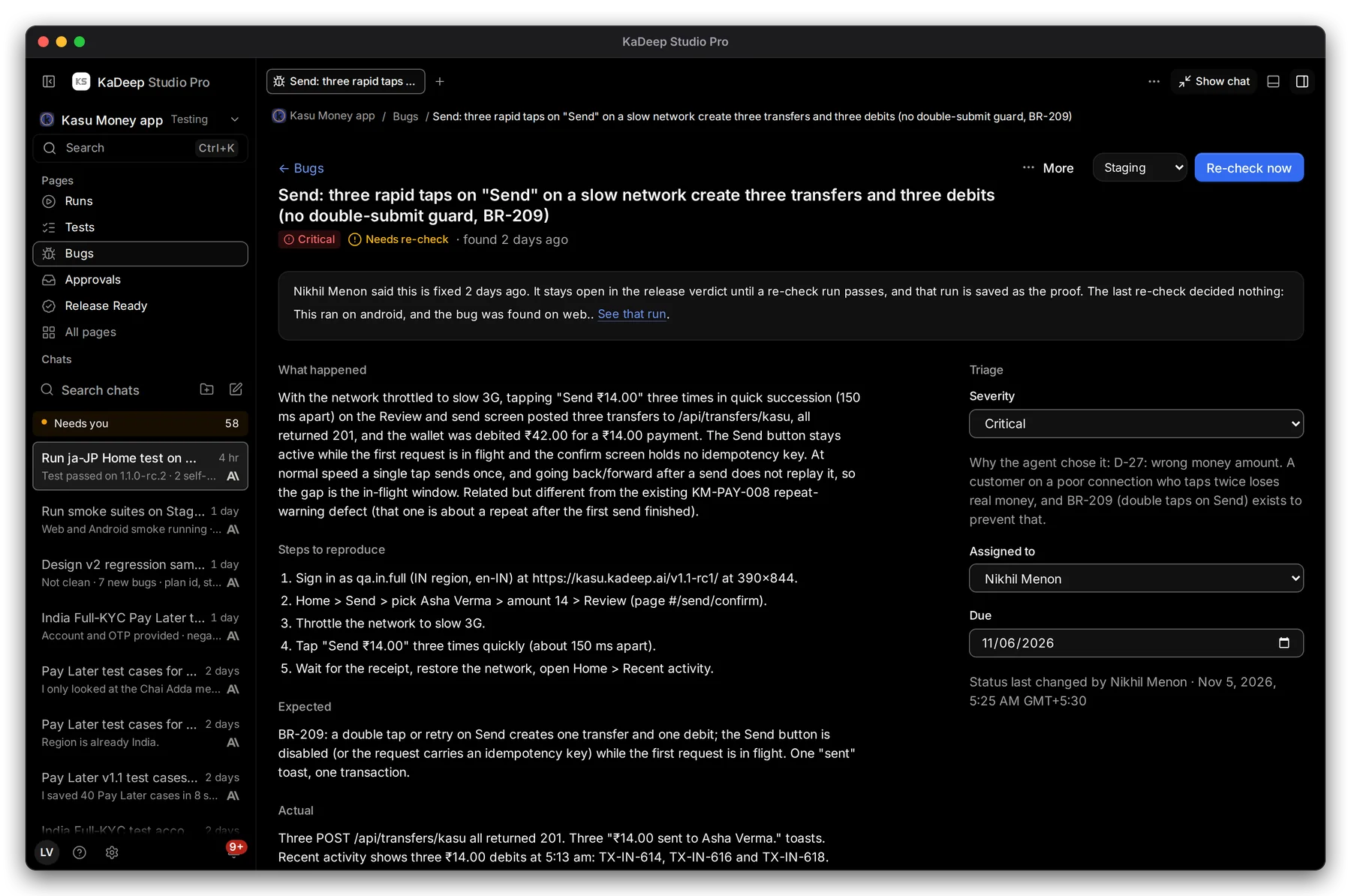
Hands-on view
- Read What happened, Steps to reproduce, Expected and Actual.
- Check 2 Severity. Under it, the agent says why it chose that level. Change it if you disagree.
- Pick a person in 3 Assigned to. They get a notification.
- Set a 4 Due date. Late bugs show on your manager’s Home and on the Timeline.
Under More: File in tracker or Link a ticket… for Jira, GitHub or Bugzilla, Dismiss… with a reason, and Ask the agent about this bug.
3. Re-check a fix
Section titled “3. Re-check a fix”| Status | What it means |
|---|---|
| Open | Found and not fixed yet. |
| Needs re-check | A developer says it is fixed. It still counts as open. |
| Fixed | A re-check run passed. That run is kept as the proof. |
| Dismissed | Not a bug, or won’t fix, with the reason. |
When the fix is in, choose Send to re-check. Then pick the environment and choose 5 Re-check now. The agent runs the test again. 1 The note at the top says what the last re-check decided.
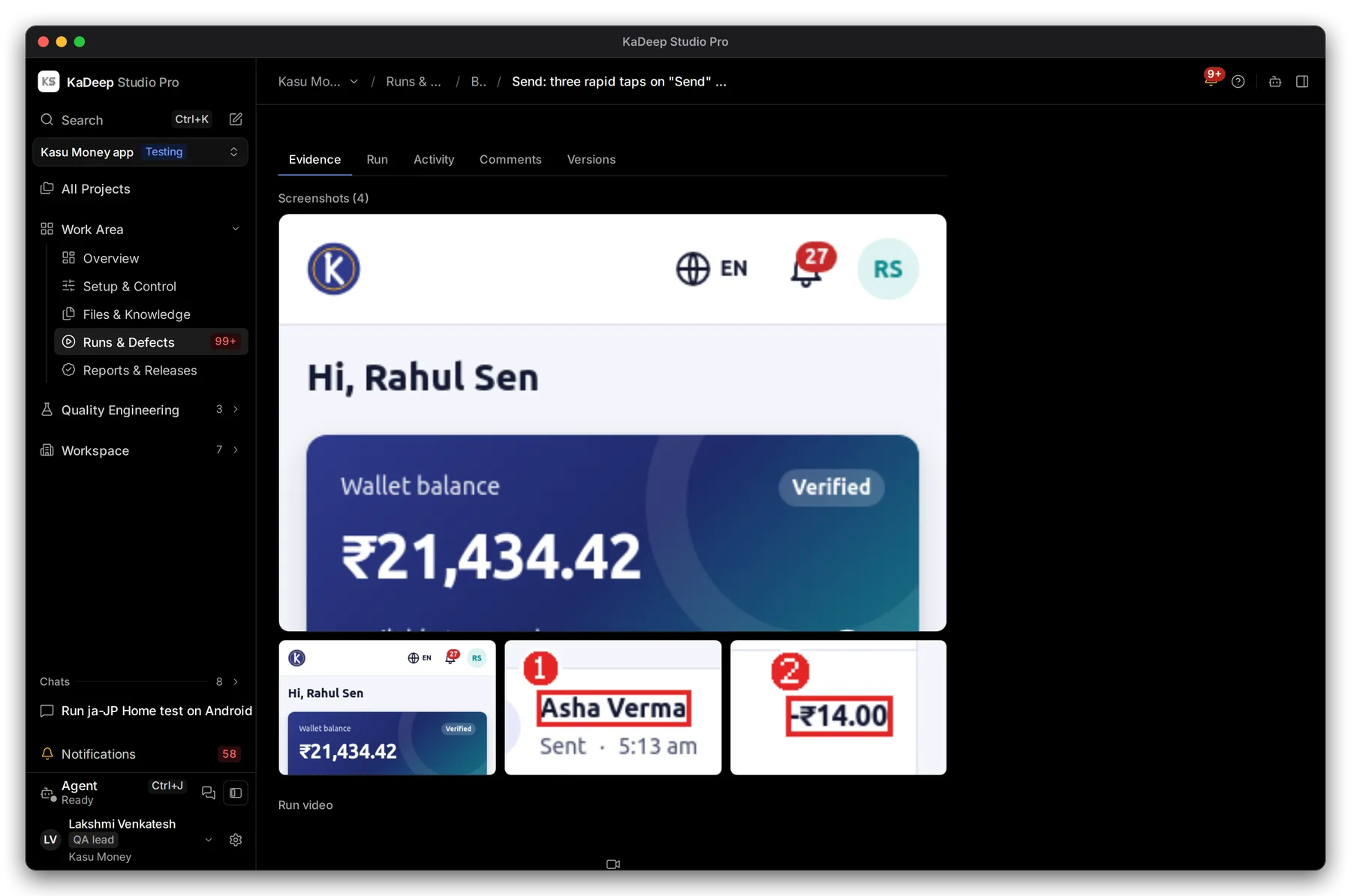
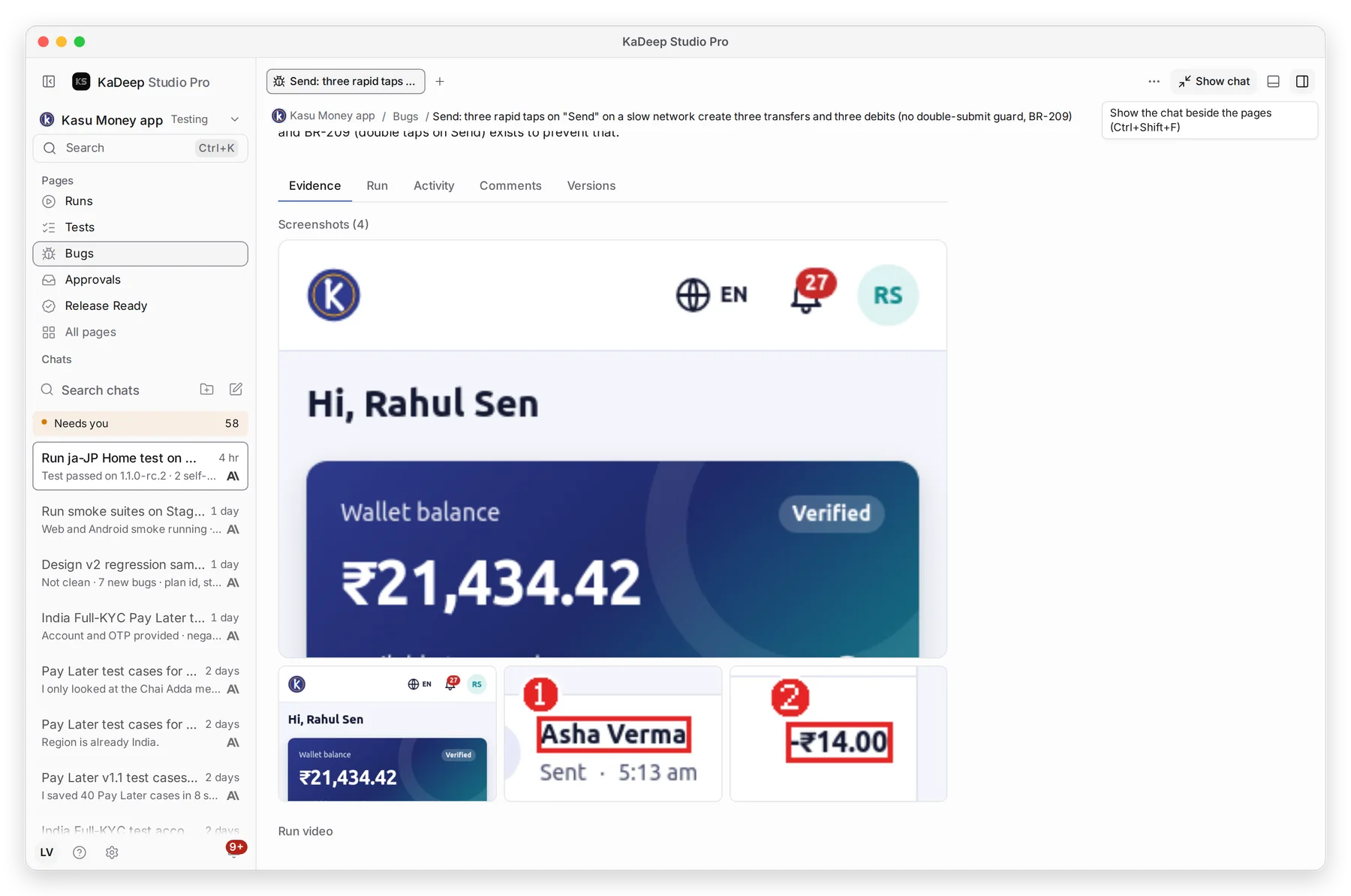
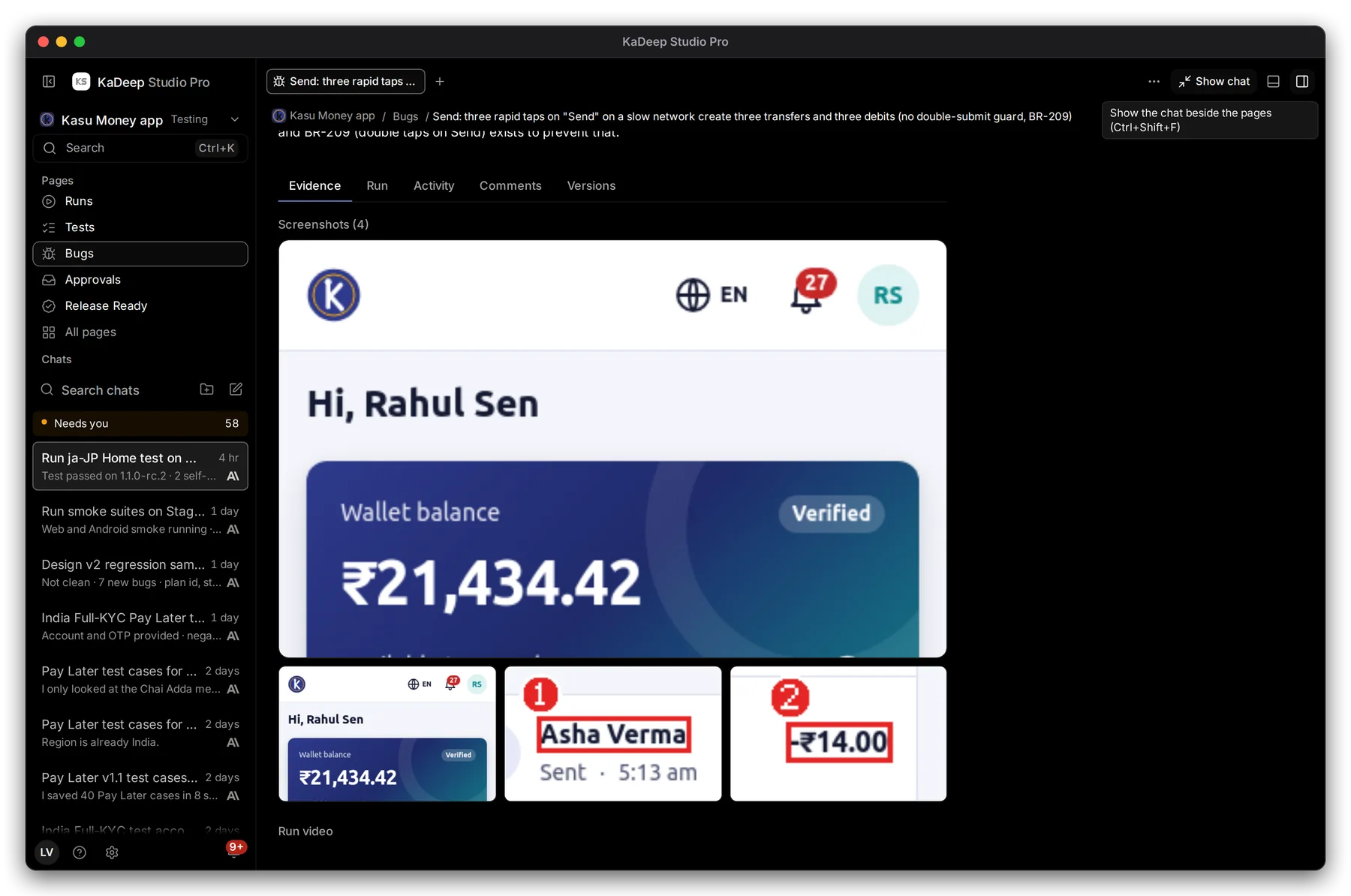
4. Check the evidence
Section titled “4. Check the evidence”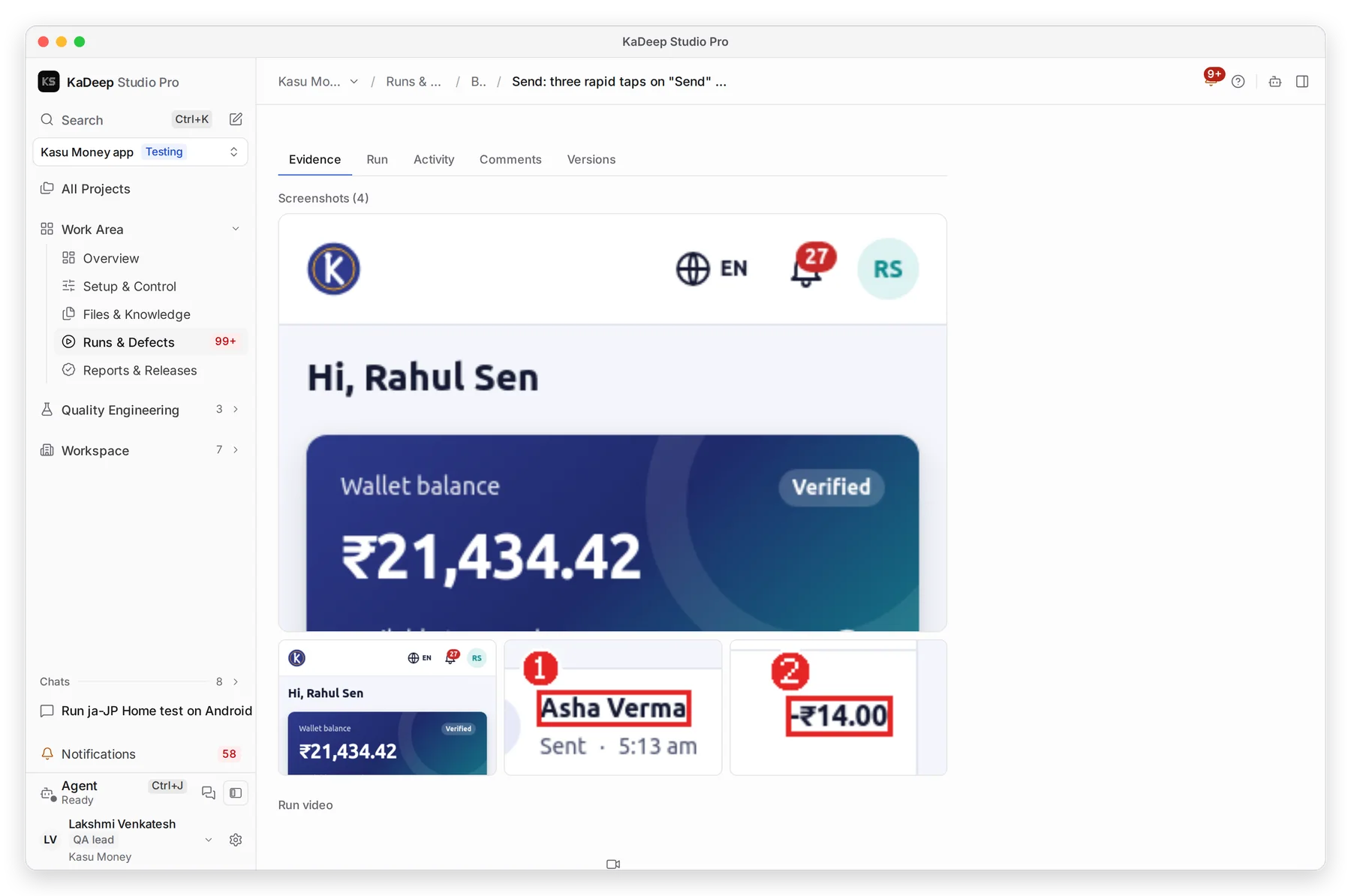
Manage view
Hands-on view
- 1 Evidence: the screenshots and the video of the run that found it.
- 2 Activity: every change, with who made it and when.
- 3 Comments for your team.
What’s next
Section titled “What’s next”Runs and evidenceThe run behind each bug.
IntegrationsSend bugs to Jira, GitHub or Slack.
Release Ready: can we ship?How open bugs shape the verdict.