Tokens and connections
Your view
AI keys, pipeline tokens, integrations and email senders all reach your systems. This page lists every one, so you can see who owns it and when it was last used.
1. Open Tokens & connections
Section titled “1. Open Tokens & connections”In the sidebar, open Workspace › Security & Audit, then the Tokens & connections tab.
Press Ctrl K (Windows) or ⌘ K (Mac), type Tokens and press Enter.
Manage view
Hands-on view
2. Review the list
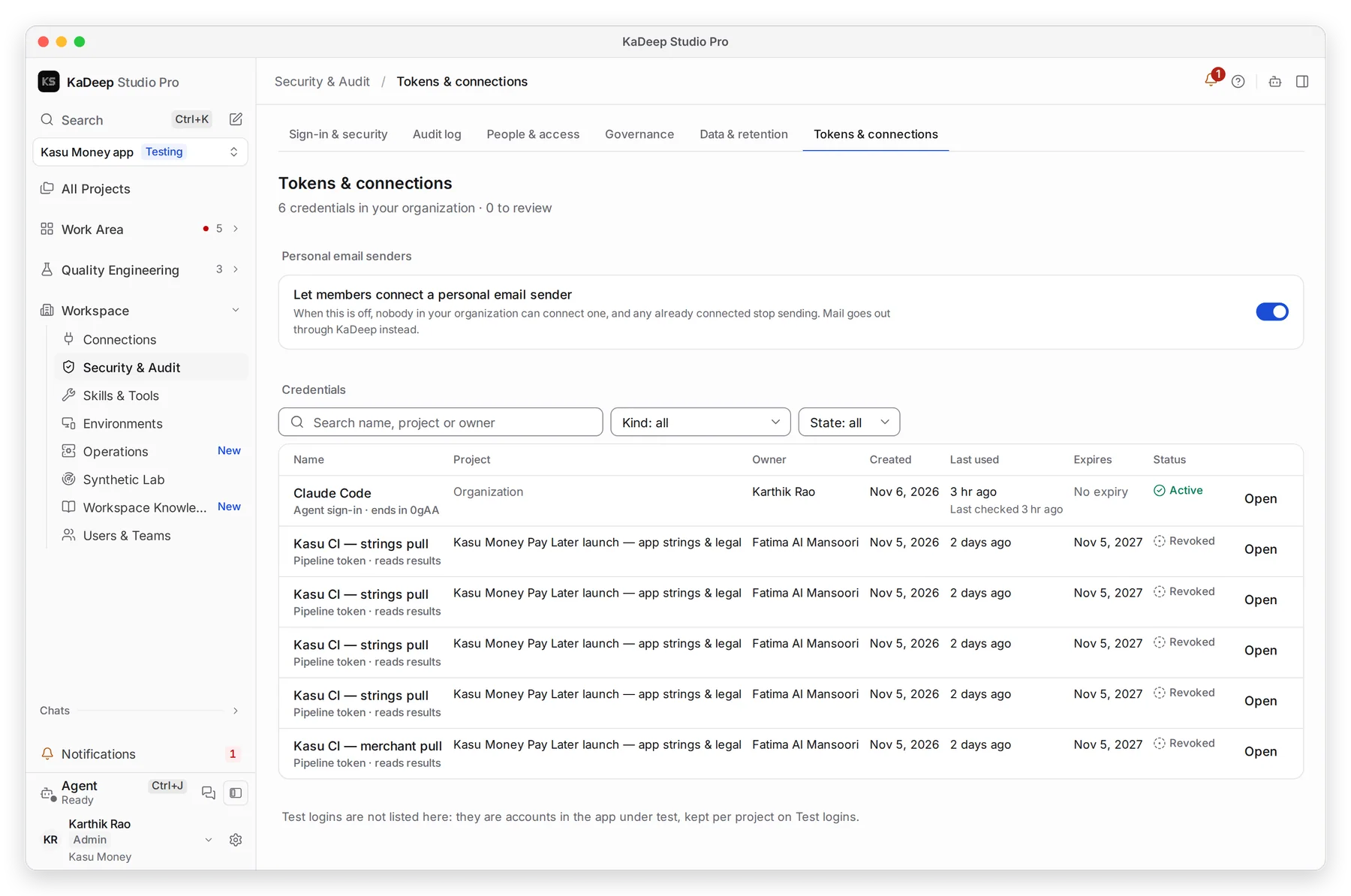
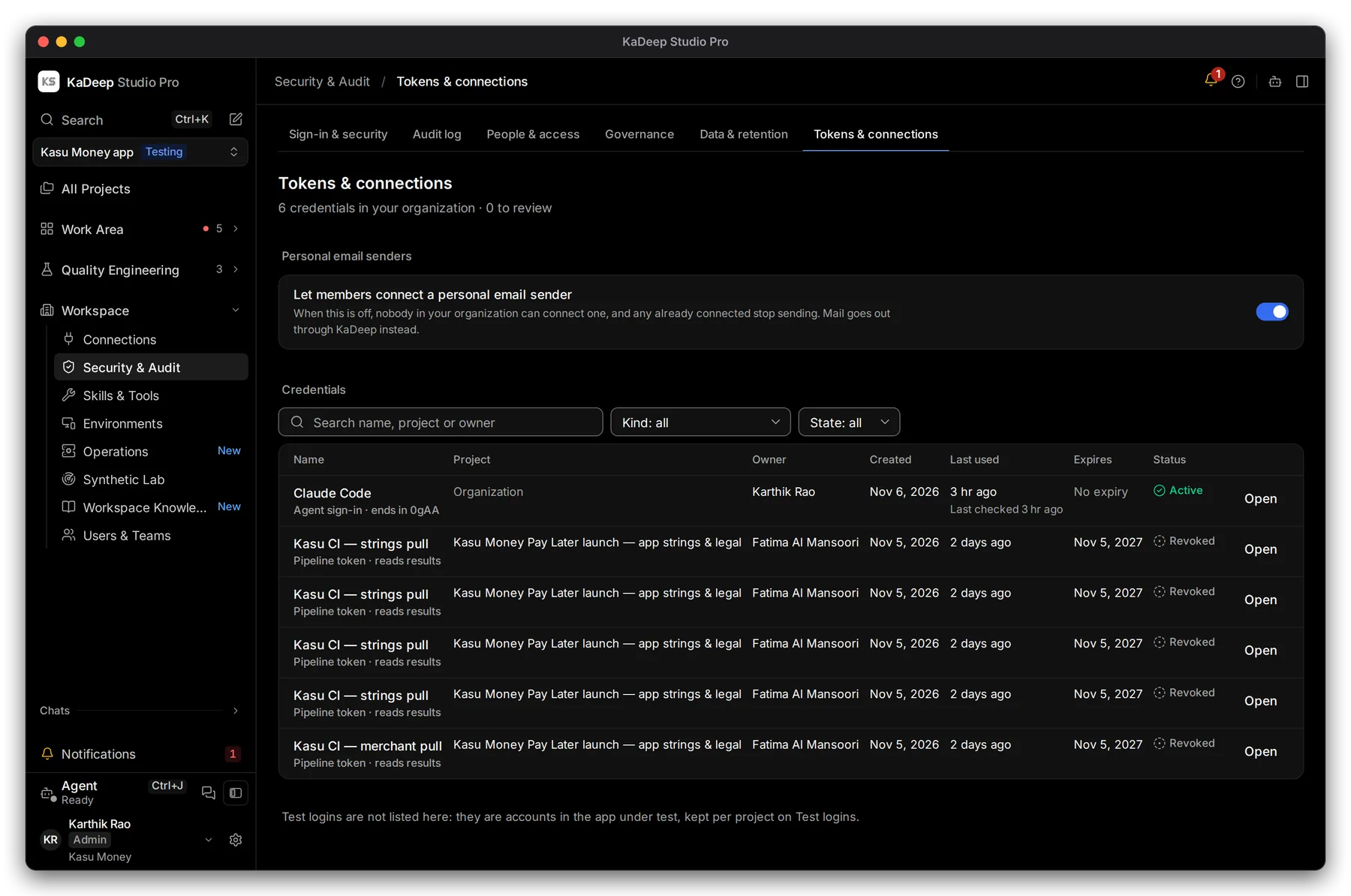
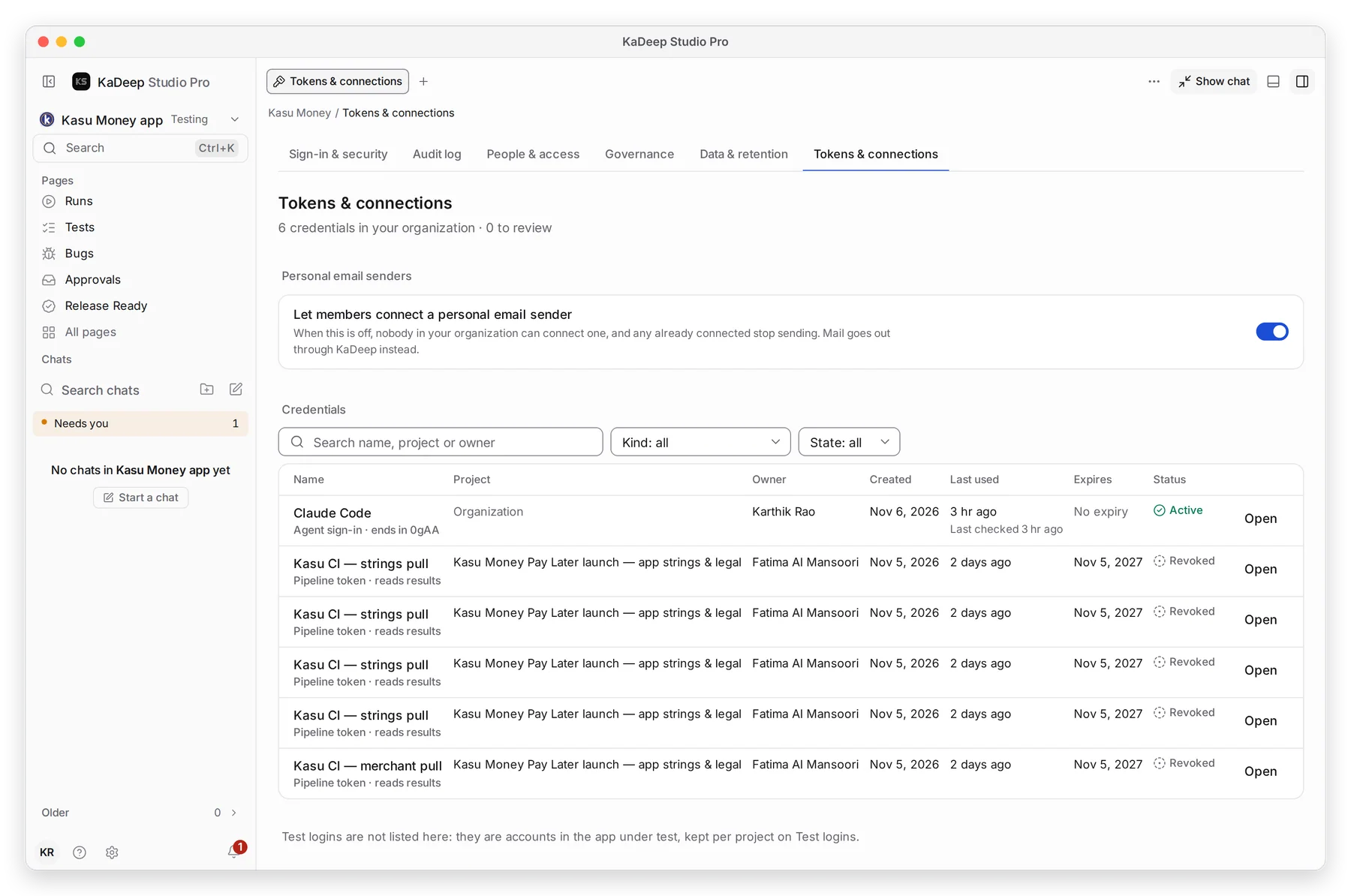
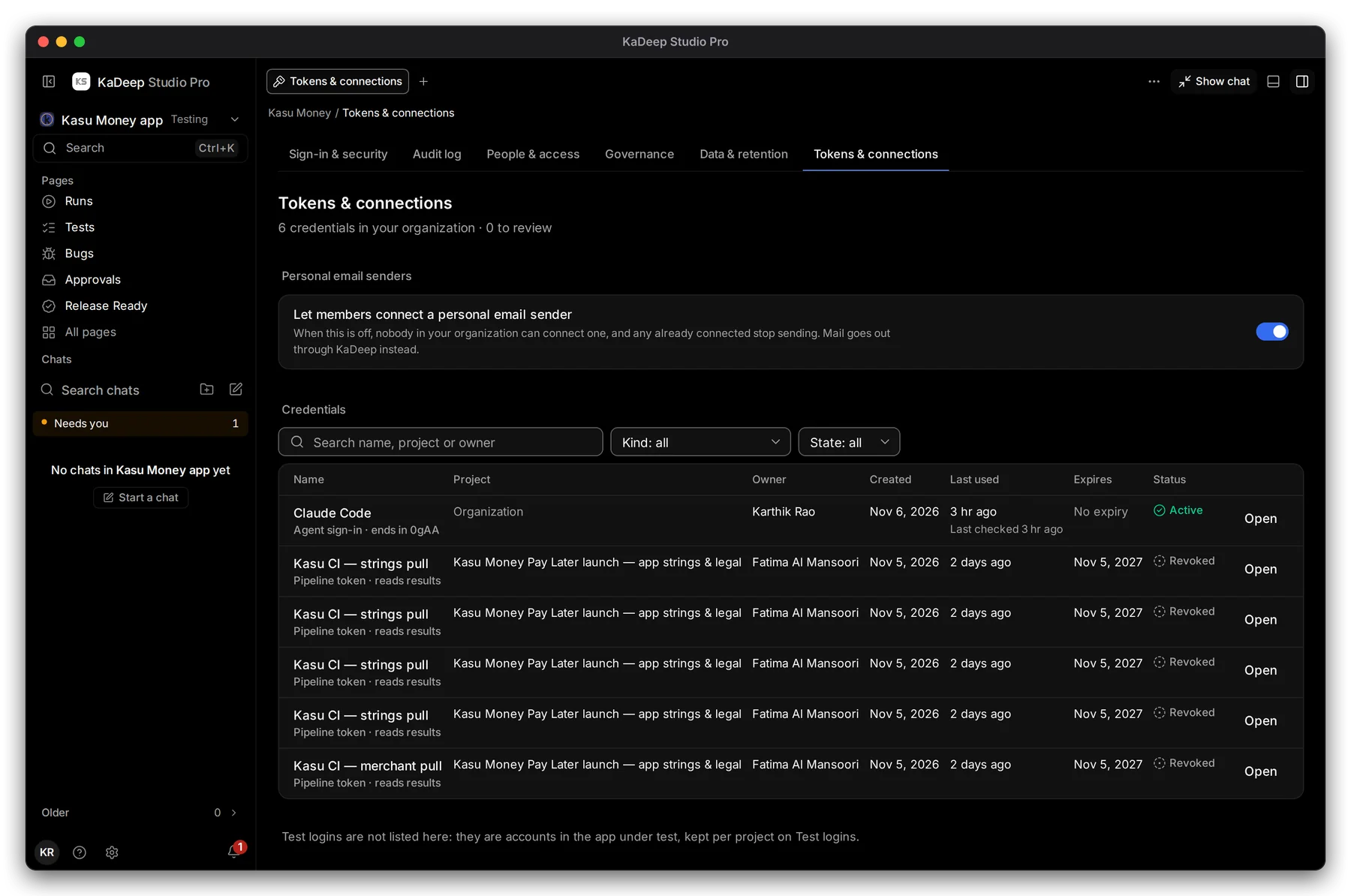
Section titled “2. Review the list”Each row is one credential: its Name, Project, Owner, Created, 3 Last used, Expires and 4 Status.
- 2 Search by name, project or owner, or filter by Kind and State.
- Look for tokens that are old, never used, or owned by someone who left.
- 5 Choose Open on a row to see where it is used, and revoke it.
| Status | Meaning |
|---|---|
| Active | Works now. |
| Revoked | Stopped by a person. Kept in the list as a record. |
3. Personal email senders
Section titled “3. Personal email senders”1 Let members connect a personal email sender decides whether people may send from their own mailbox. Turn it off, and every personal sender stops sending. See Email sending.
What’s next
Section titled “What’s next”Sign-in and securitySCIM and runner tokens are made there.
People and accessWho holds which role.
Set up checklistBack to the list.