About and menus
Support may ask which version you have. You can find it in two places: the app’s About window, and Settings › About.
1. The About window
Section titled “1. The About window”Choose Help › About KaDeep Studio Pro.

KaDeep Studio Pro
Version 4.0.0
Production
OKChoose KaDeep Studio Pro › About KaDeep Studio Pro in the menu bar.
KaDeep Studio Pro
Version 4.0.0
Production
It shows the version, for example Version 4.0.0, and the server you are connected to. For most people the server is Production.
2. Settings › About
Section titled “2. Settings › About”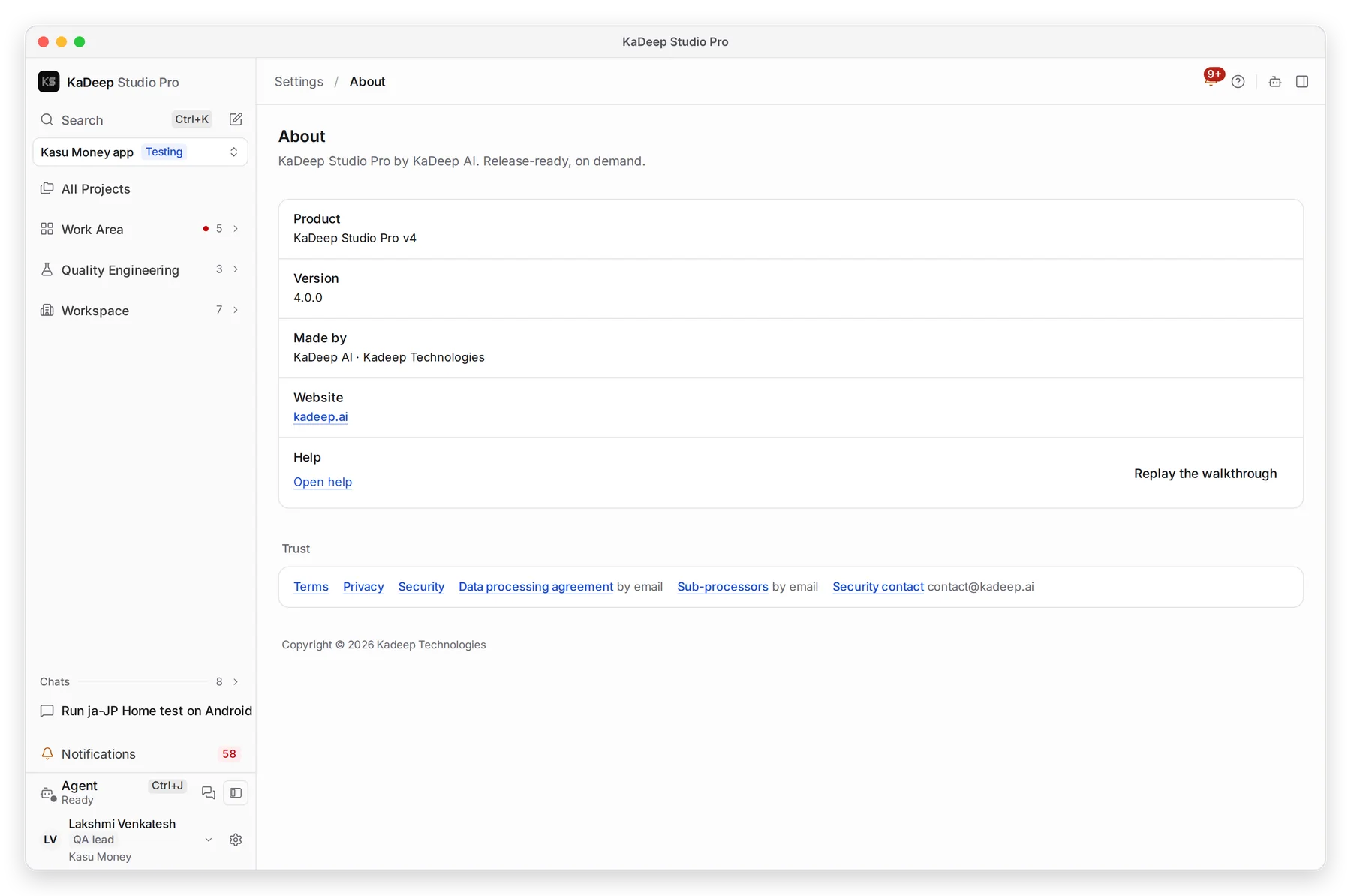
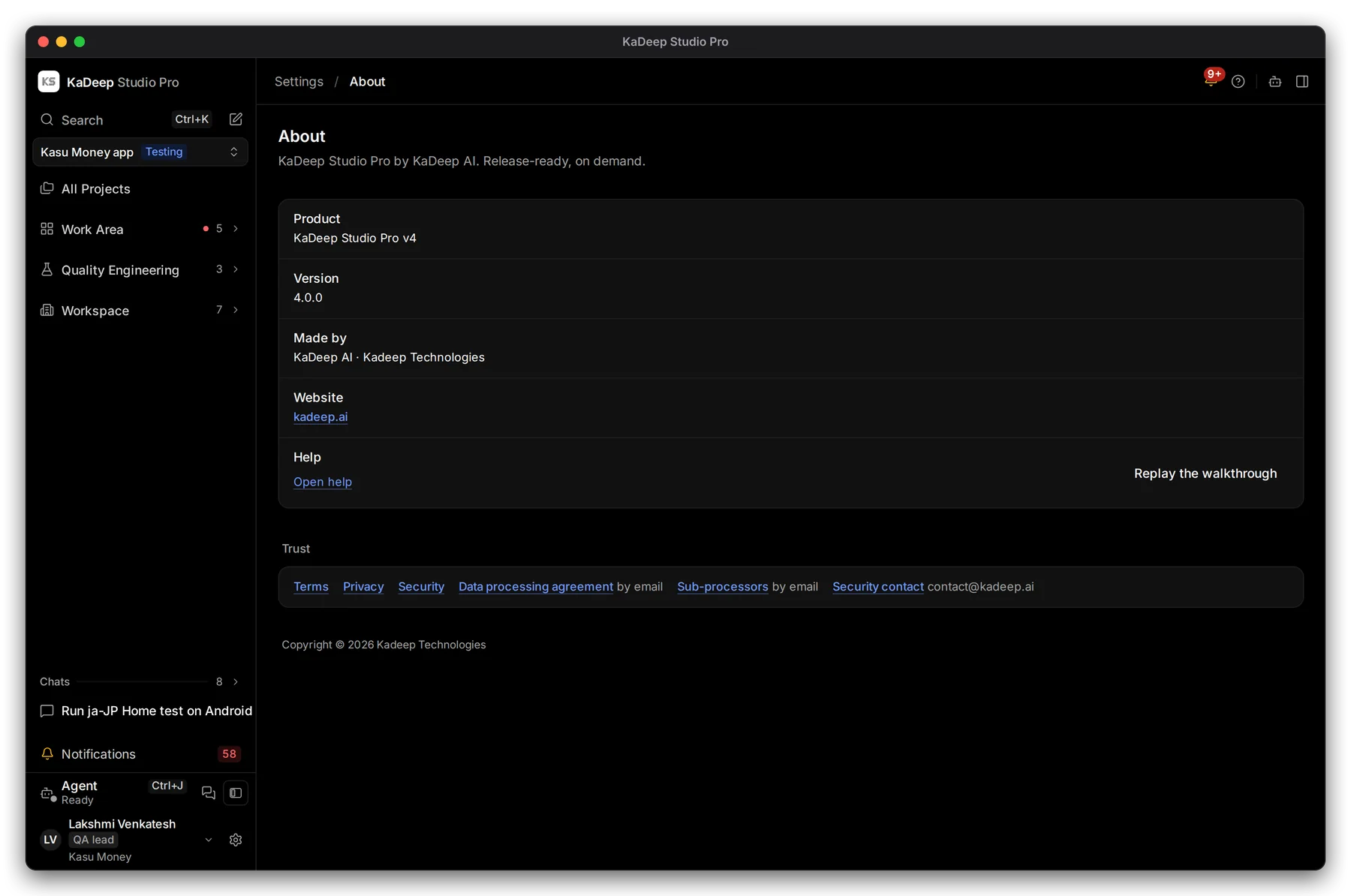
Manage view
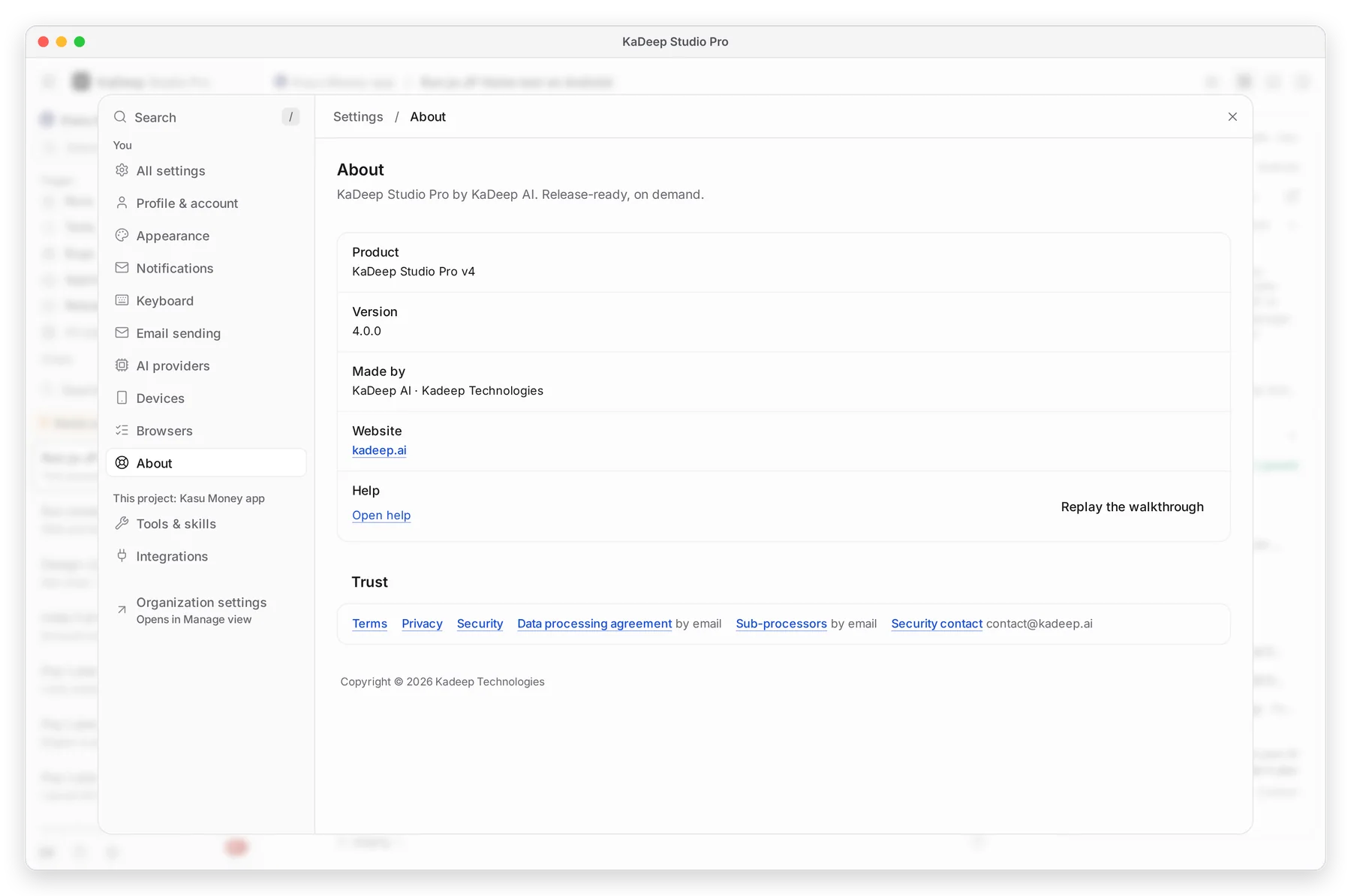
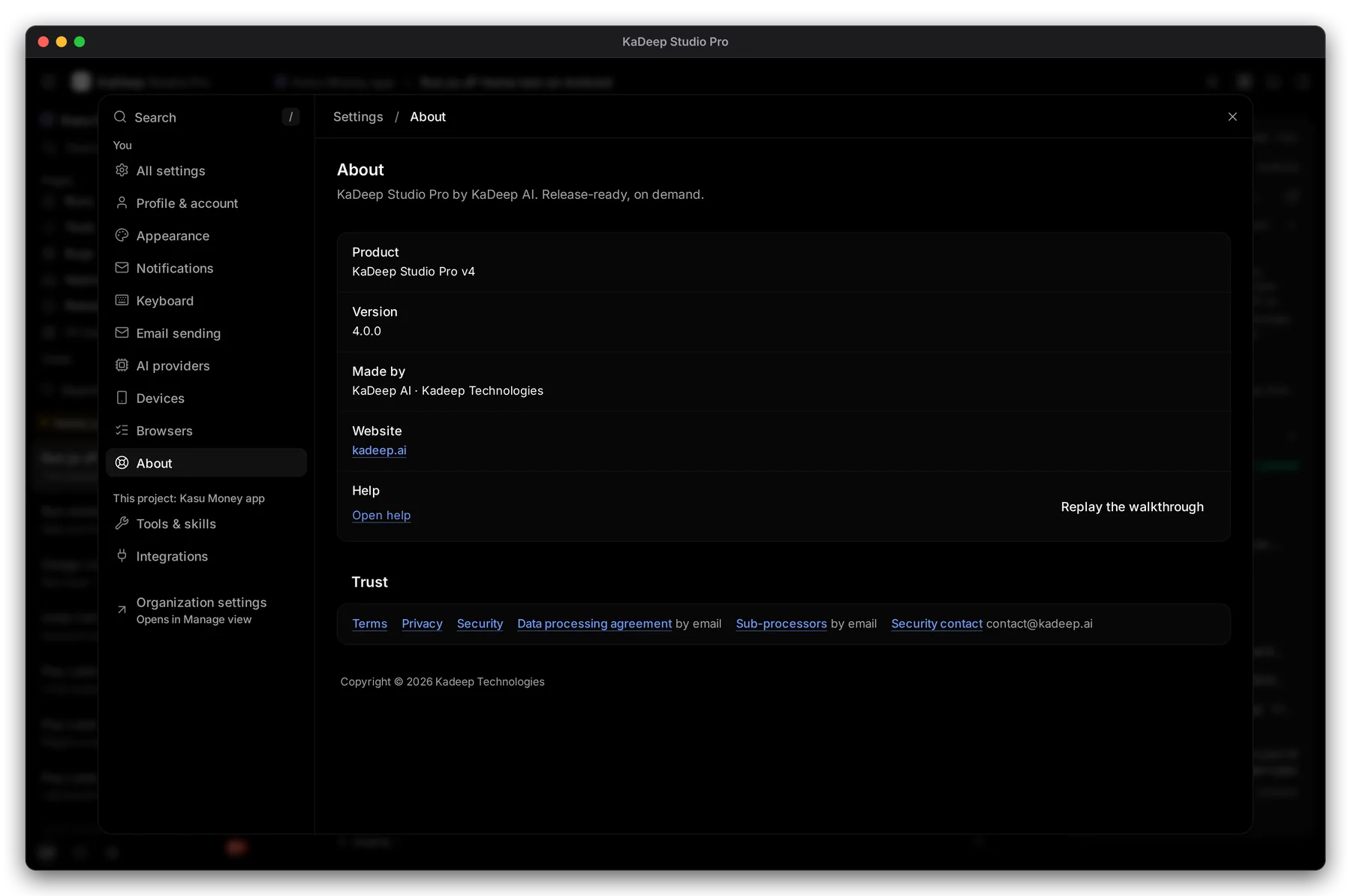
Hands-on view
1 Version. The page also names the server you are connected to. 2 Open help opens this site. 3 Replay the walkthrough shows the first-day tour again.
The Trust links at the bottom lead to the terms, privacy policy, security page and data processing agreement.
3. The menus
Section titled “3. The menus”| Menu | What is in it |
|---|---|
| KaDeep Studio Pro (Mac only) | About KaDeep Studio Pro, Check for Updates…, Hide, Hide Others, Show All, Quit |
| File | Close the window (Mac), or Quit (Windows) |
| Edit | Undo, cut, copy, paste and select all |
| View | Reload, zoom in and out, actual size, full screen |
| Window | Minimize and the open windows |
| Help | On Windows: About KaDeep Studio Pro and Check for Updates…. Links to kadeep.ai. |
The tray icon has its own menu. See Worker mode and the tray menu.