Review translations and run LQA
Your view
A reviewer reads each translation, ideally in context, and decides: accept it, or send it back with a reason. Every reason counts in the language’s human quality score (LQA).
1. Open your review queue
Section titled “1. Open your review queue”Open Quality Engineering › Linguistic Testing › Review.
Under Pages, choose Review.
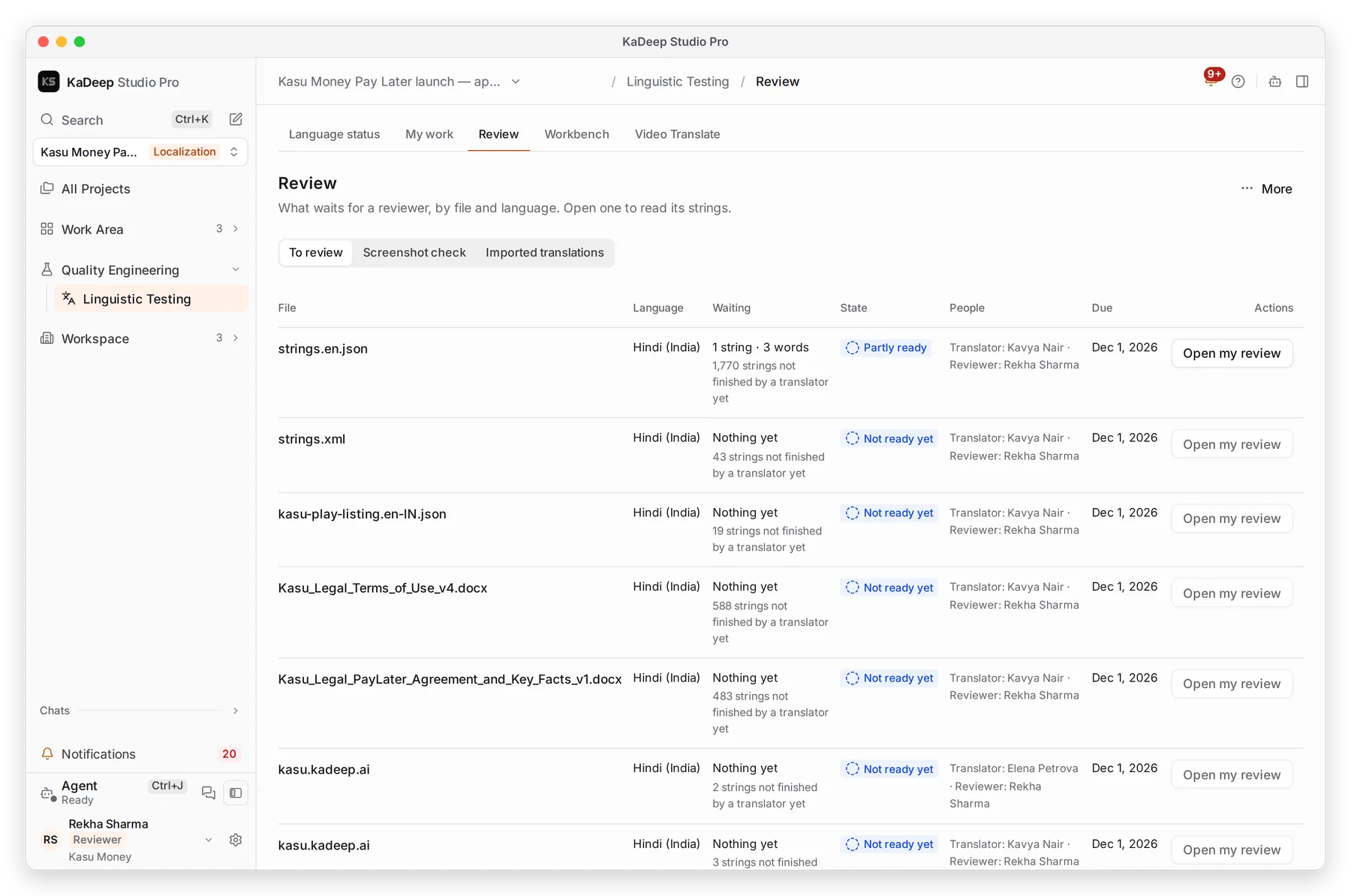
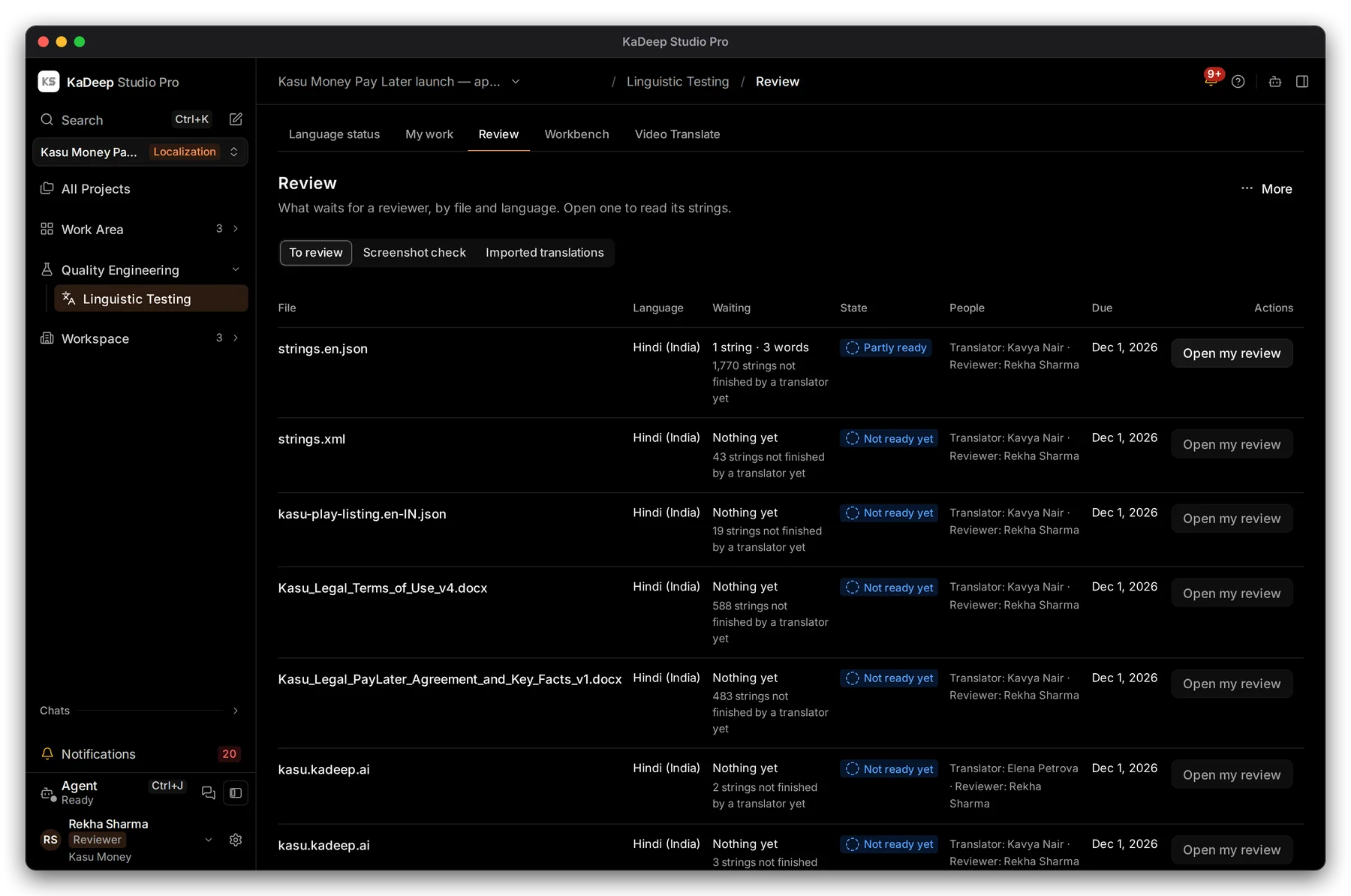
Manage view
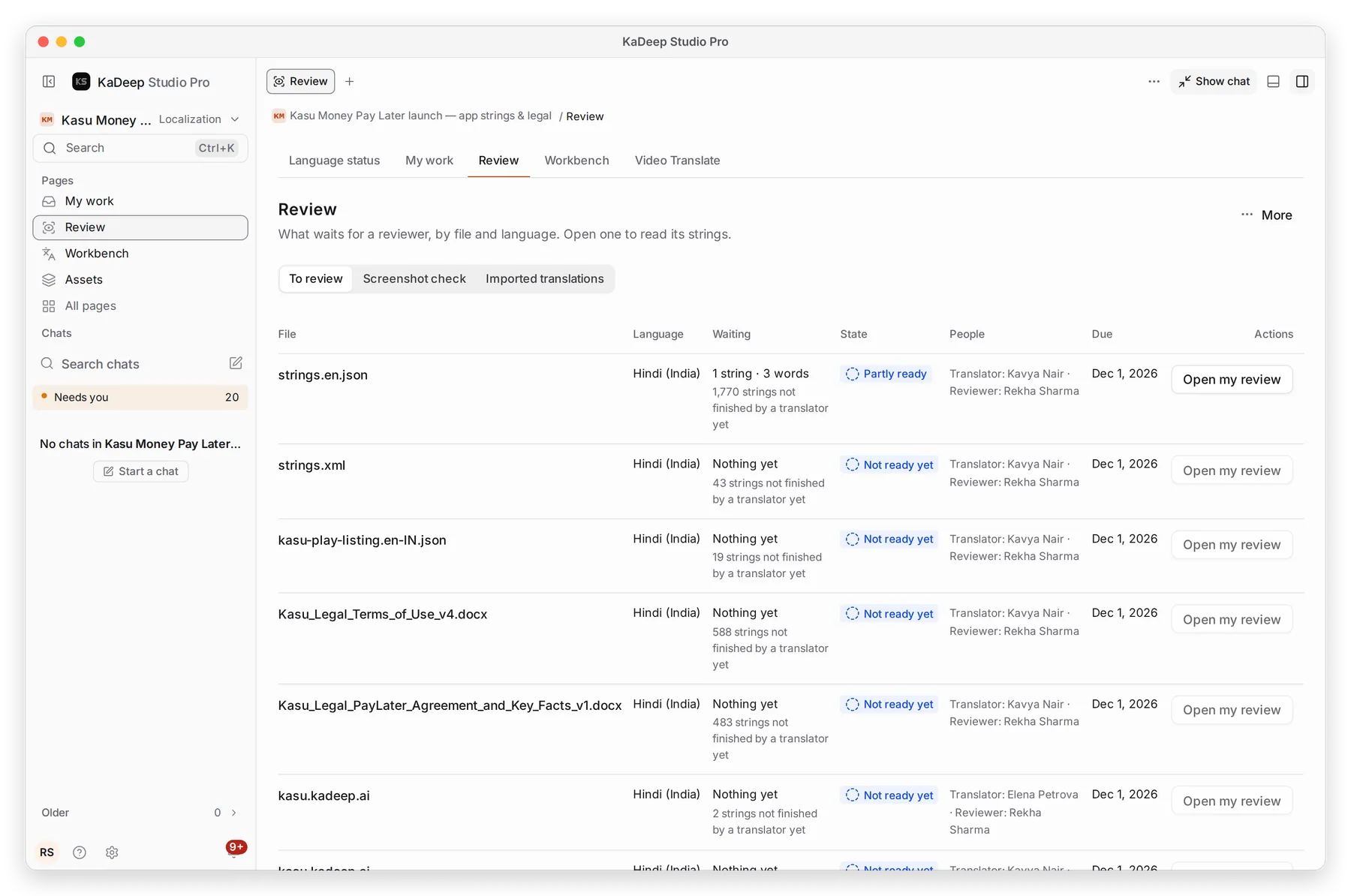
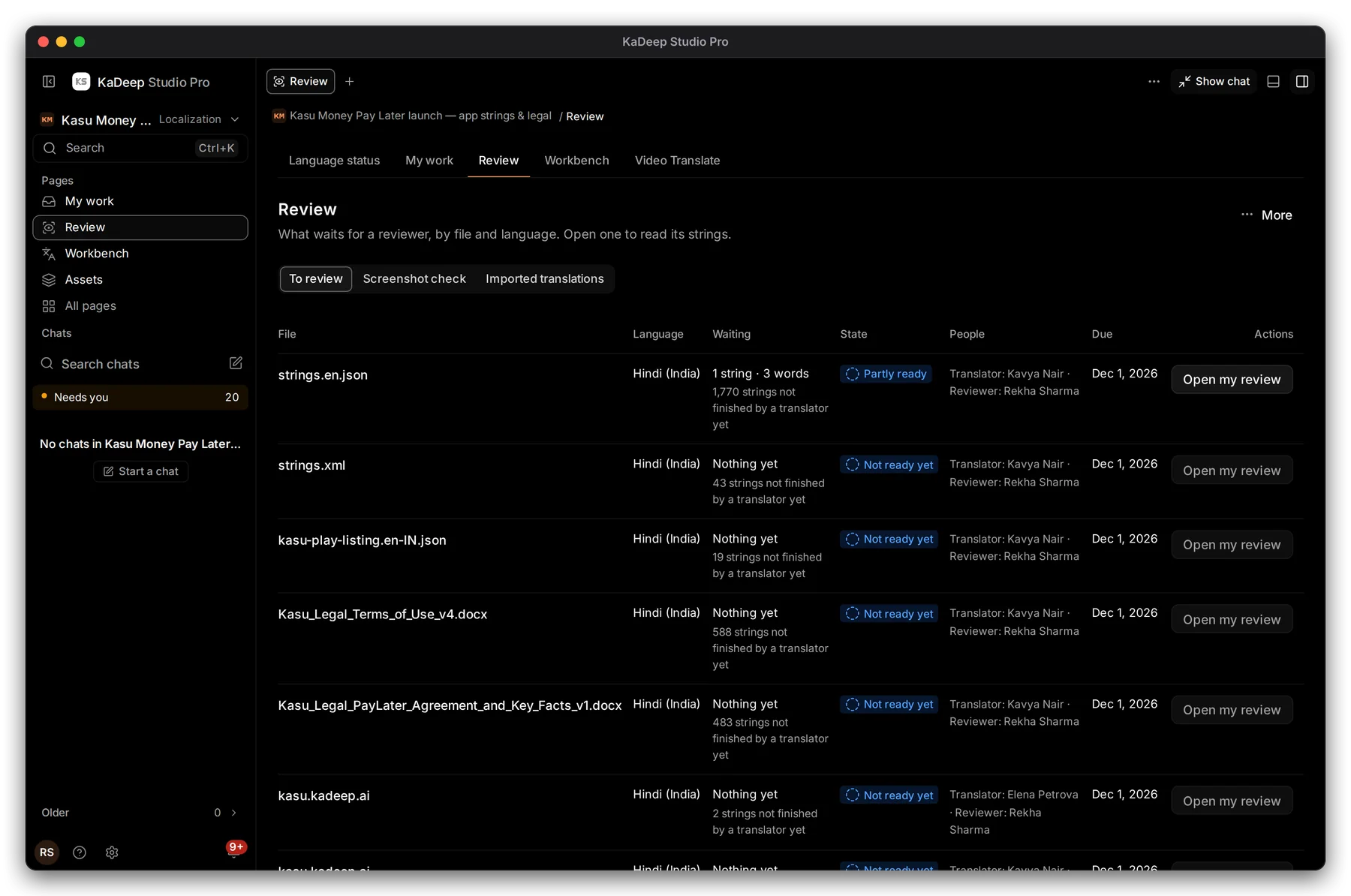
Hands-on view
- 1 To review; Screenshot check for strings seen on real screens; Imported translations from outside KaDeep.
- 2 What waits: strings and words ready for you, and how many a translator has not finished.
- 3 State: Partly ready means some strings are ready now; Not ready yet means none are.
- 4 Open my review opens those strings in the Workbench.
2. Accept or send back each string
Section titled “2. Accept or send back each string”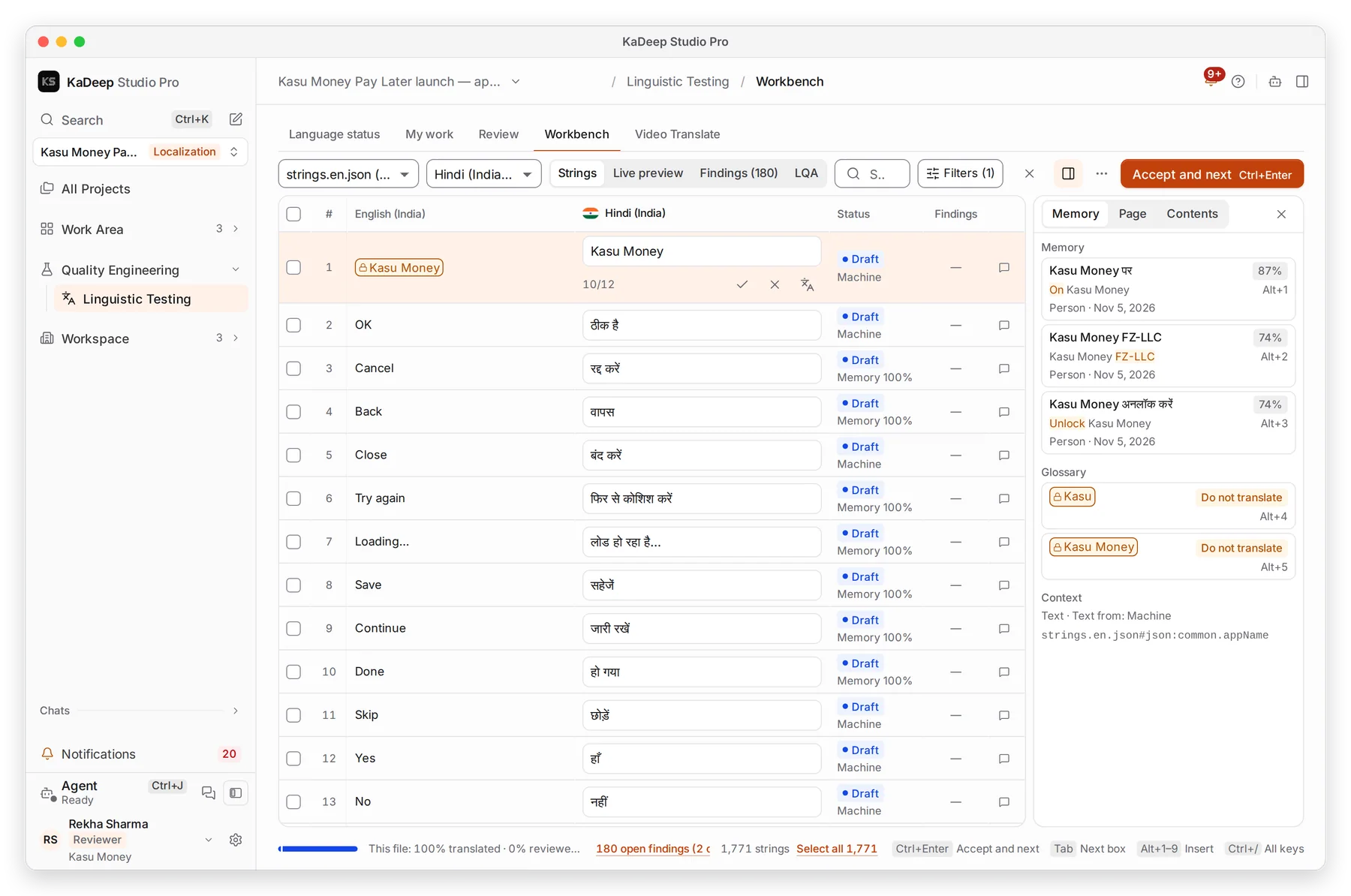
Manage view
Hands-on view
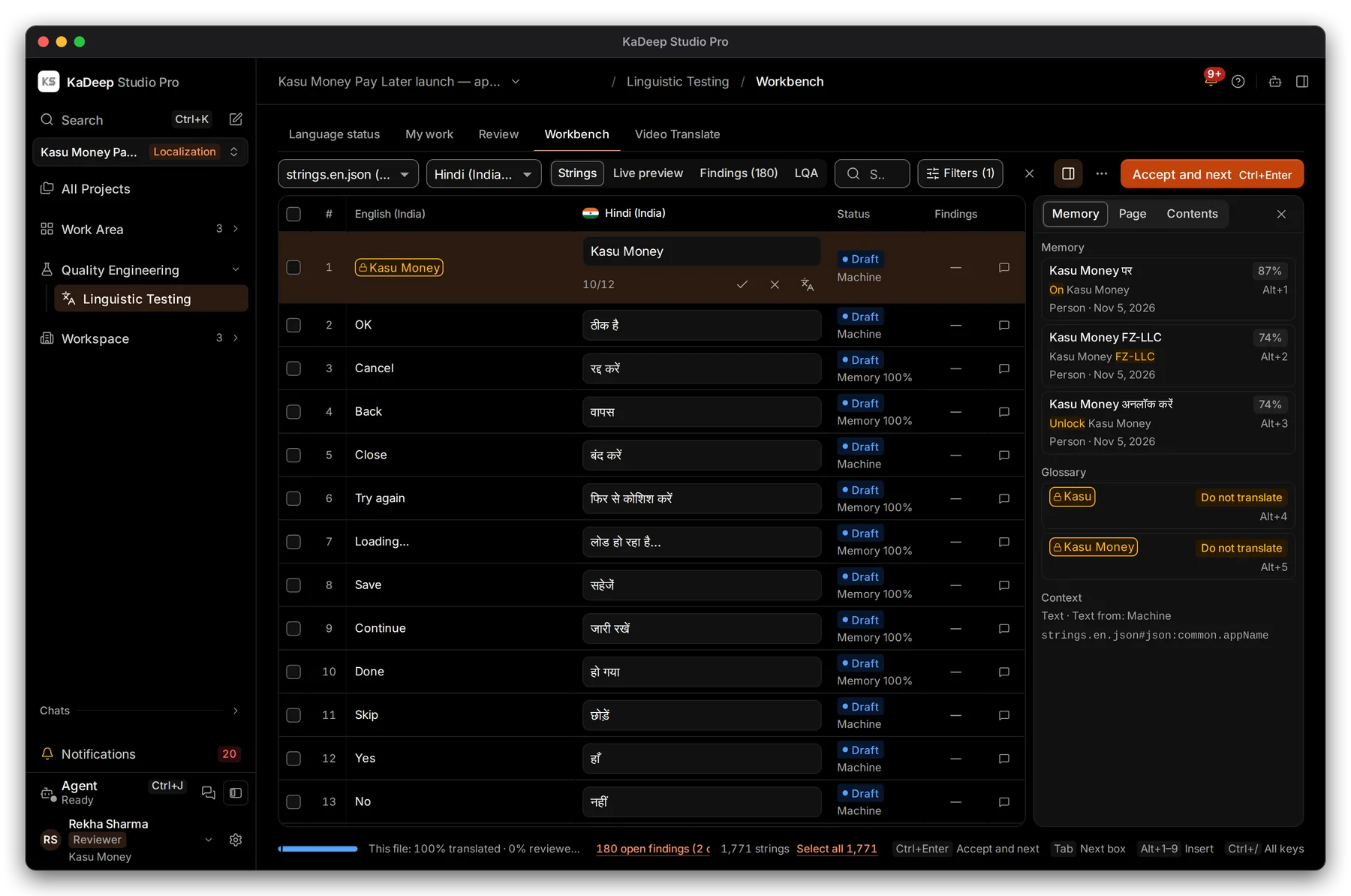
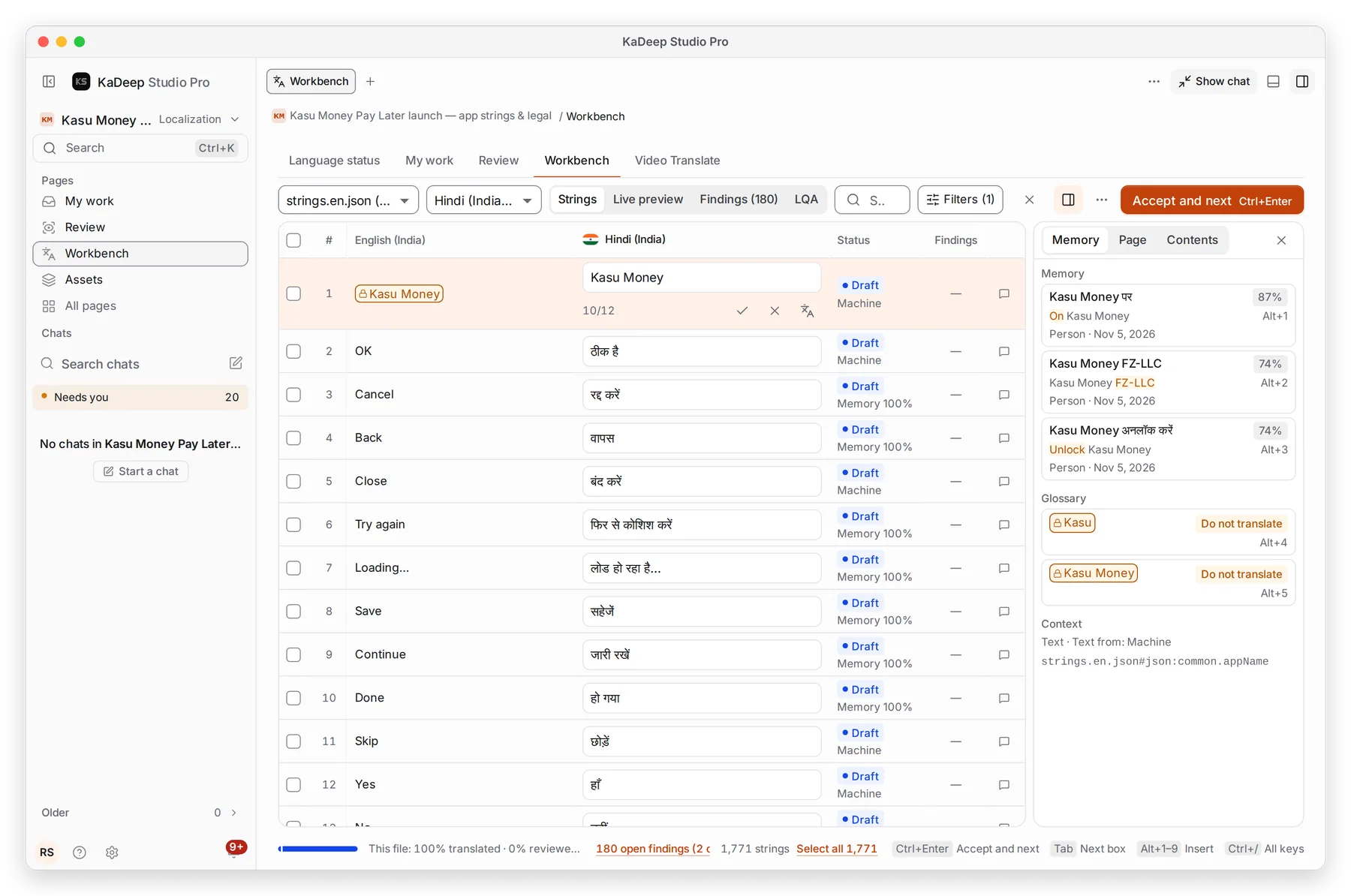
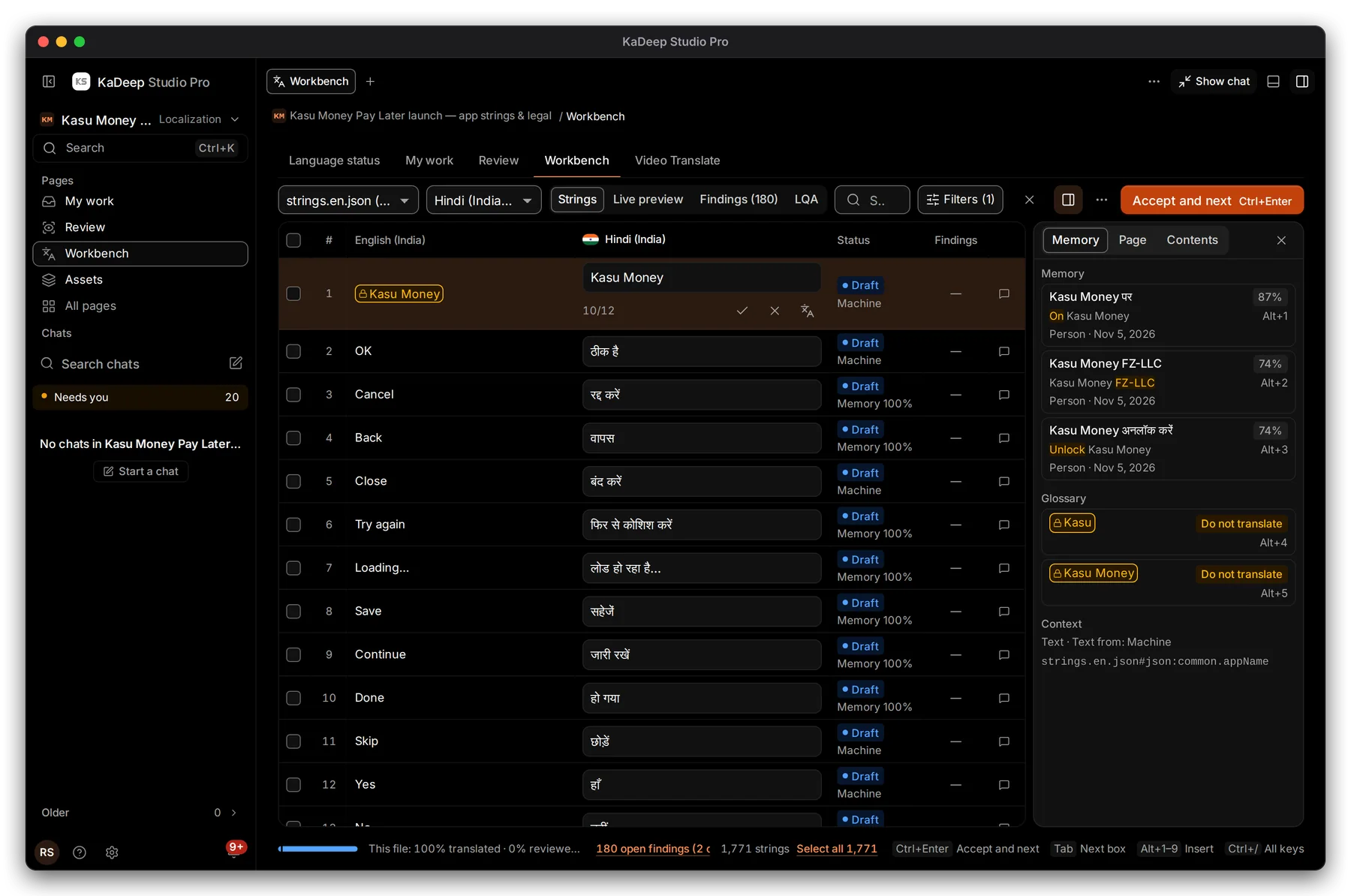
- 1 Filters shows only strings waiting for review.
- 2 LQA: the human quality score for this file and language.
- 3 Accept the string. Or edit it first, then accept.
- 4 Send back returns it to the translator.
- 5 Accept and next, or Ctrl Enter / ⌘ Enter.
To act on many strings at once, tick them and choose Mark reviewed or Accept. A string with an open critical finding can’t be accepted.
3. Send a string back with a reason
Section titled “3. Send a string back with a reason”Choose Send back. KaDeep asks three questions:
| Question | Choices |
|---|---|
| What kind of problem? | Accuracy, Terminology, Linguistic conventions, Style, Locale conventions, Audience appropriateness, Design and markup |
| How bad is it? | Minor: a reader notices, the meaning holds. Major: clearly wrong or misleading. Critical: wrong meaning with legal, money or safety risk. |
| What needs changing? | A short note, for example use the formal “aap” |
The translator sees your reason with the string, and gets one message for the whole file.
What’s next
Section titled “What’s next”DeliveriesWhat happens when a file and language are approved.
Glossary and translation memoryAccepted strings feed the memory.
Language statusHuman LQA and AI review side by side.