Approve the agent’s plan
Your view
For anything bigger than one quick test, the agent writes a plan first: what it will do, in order, and what it needs from you. Nothing runs until you approve it.
1. Find the plan that waits for you
Section titled “1. Find the plan that waits for you”A waiting plan shows in three places:
- In the chat where you asked, as a plan card. A Plan ready bar above the message box takes you to it.
- In Needs you, with the other things that wait for your decision.
- On the Plans tab, under This chat’s plan, marked Waiting for your approval.
2. Read it
Section titled “2. Read it”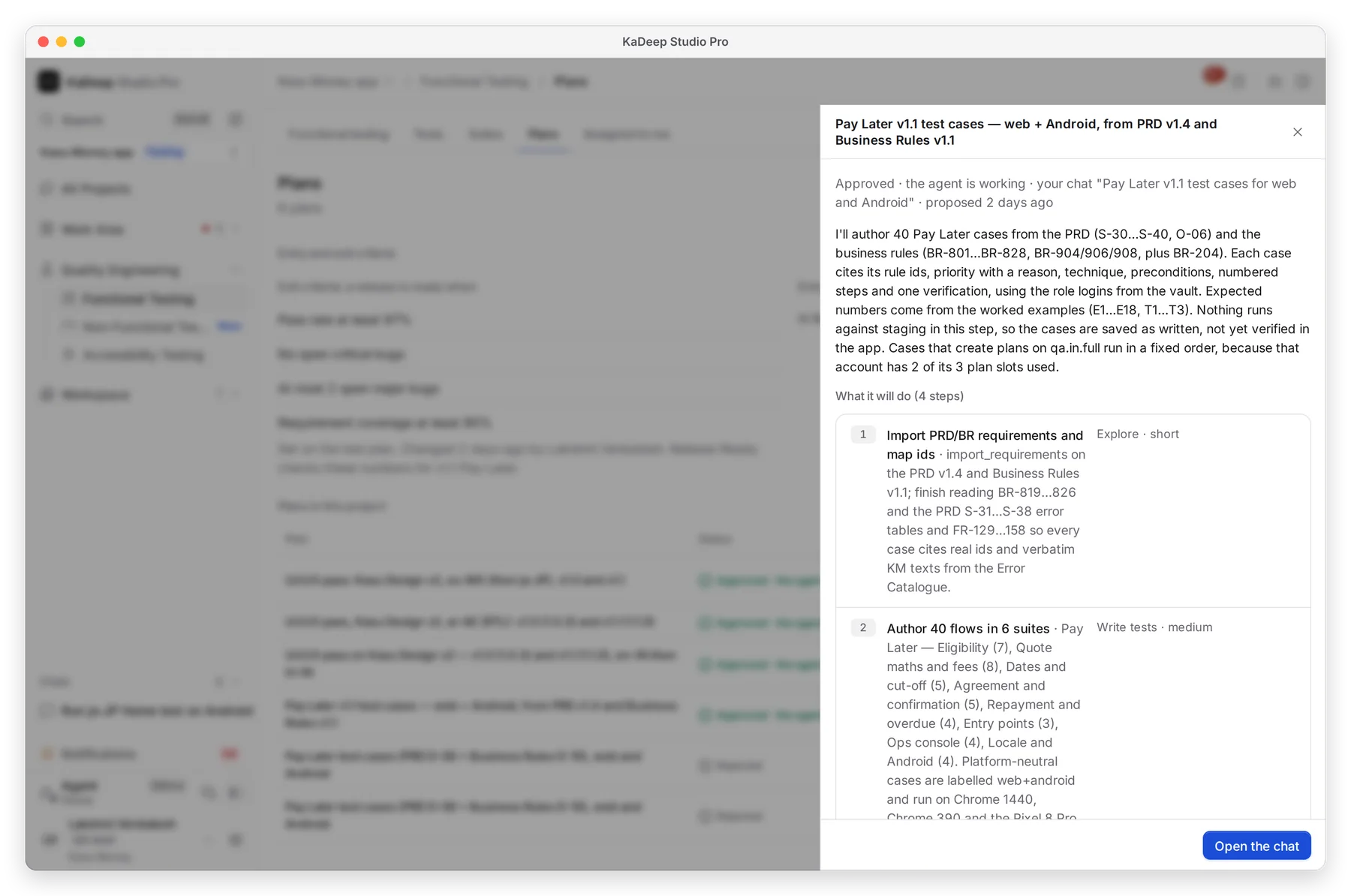
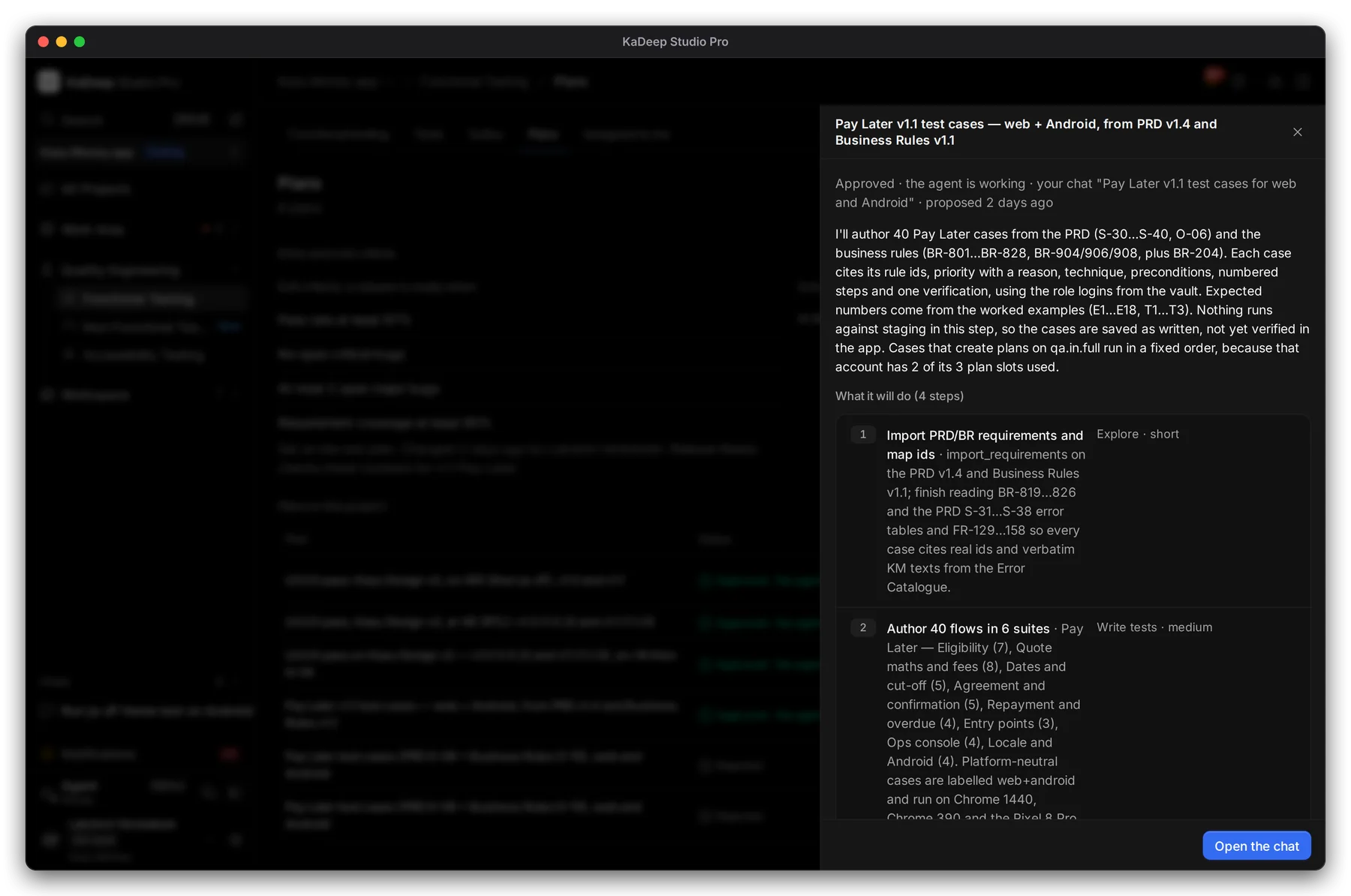
Manage view
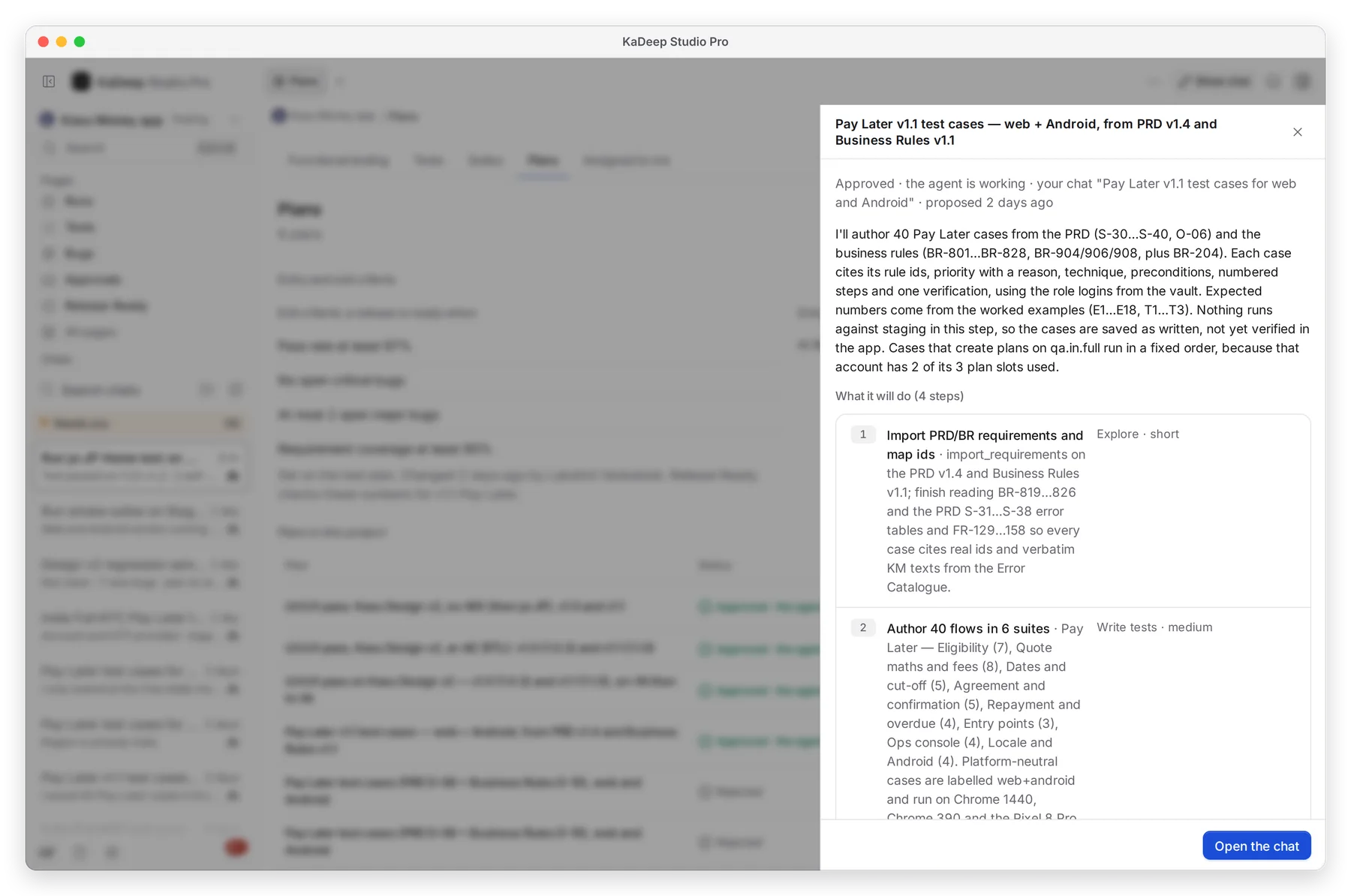
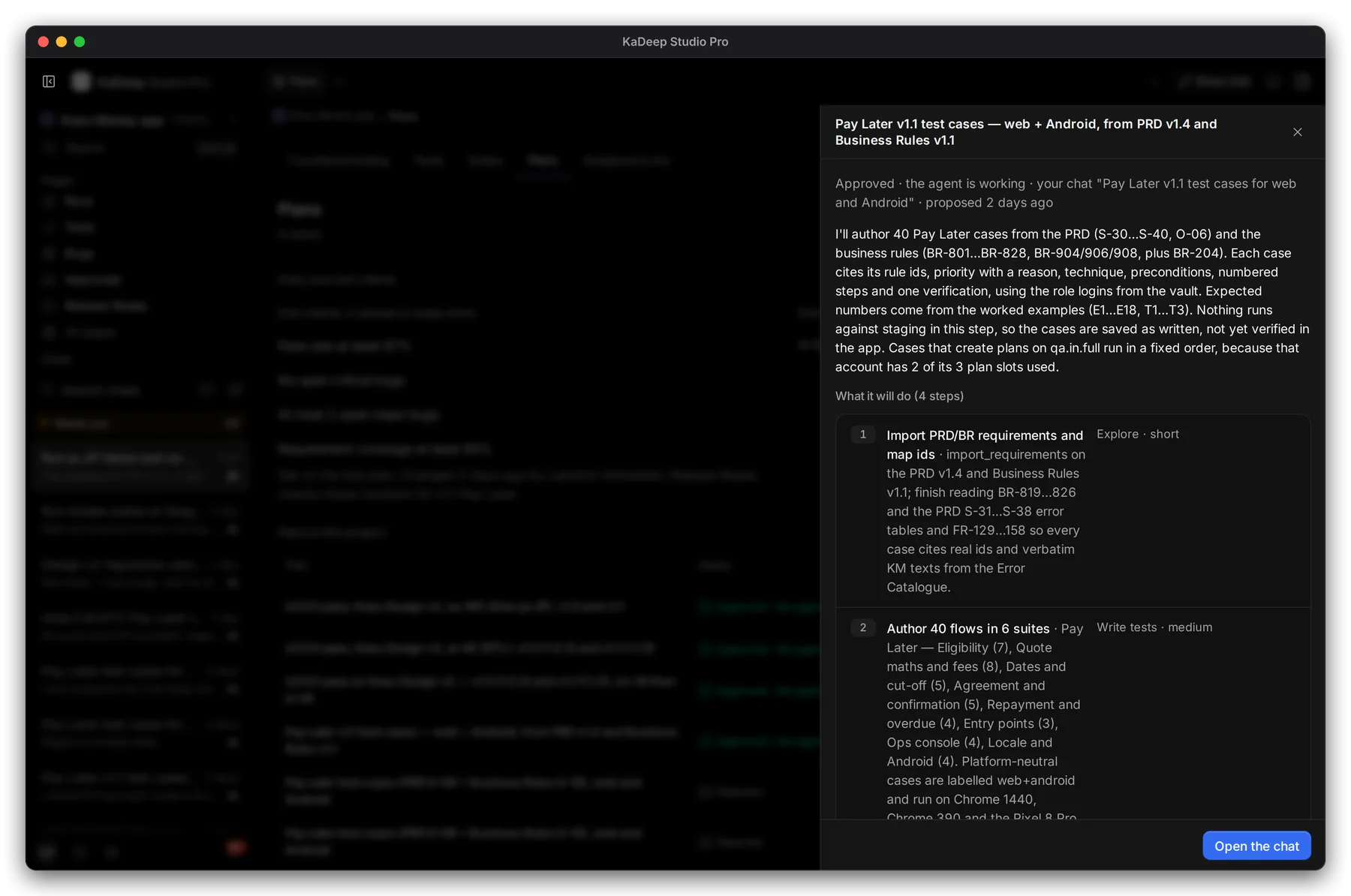
Hands-on view
- 1 The status, whose chat it came from, and when the agent proposed it.
- 2 The plan in the agent’s words: what it will cover and what it will not do.
- 3 What it will do: each step, with its kind (explore, write tests, run) and size.
- 4 Open the chat to ask the agent about it.
Below the steps, read What it needs from you, Suites it will create and Tests it will save.
3. Decide
Section titled “3. Decide”The plan card has three buttons:
| Choose | What happens |
|---|---|
| Approve and start | The agent starts at once. The status becomes Approved · the agent is working, and the chat shows its progress. |
| Change it with the agent | The chat opens. Say what to change, for example “Android only” or “skip the Ops console”. The agent proposes a new plan. |
| Reject | Nothing runs. The status becomes Rejected. |
You can also type “go ahead” in the chat to approve the waiting plan.
4. Check the history
Section titled “4. Check the history”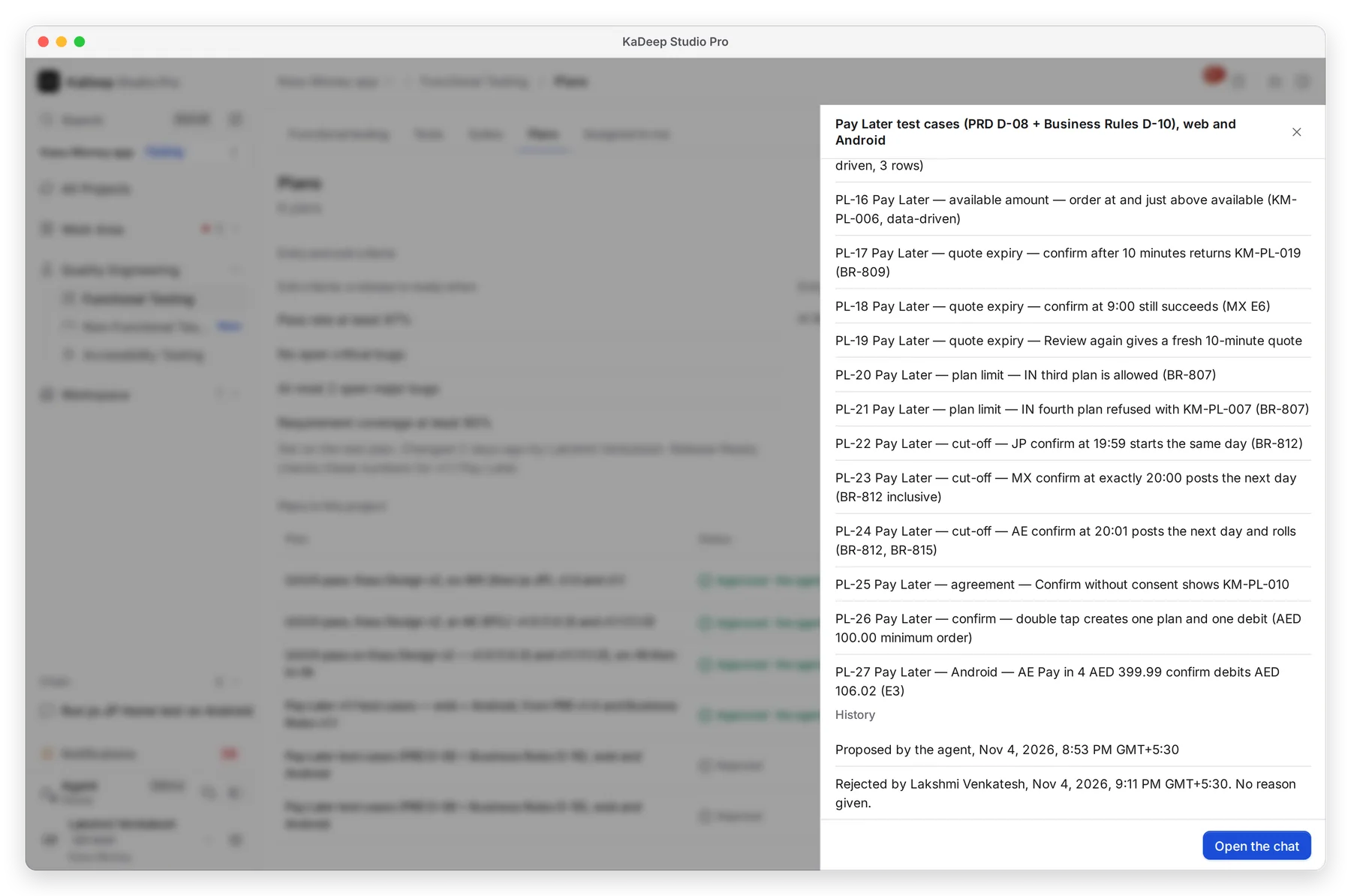
Manage view
Hands-on view
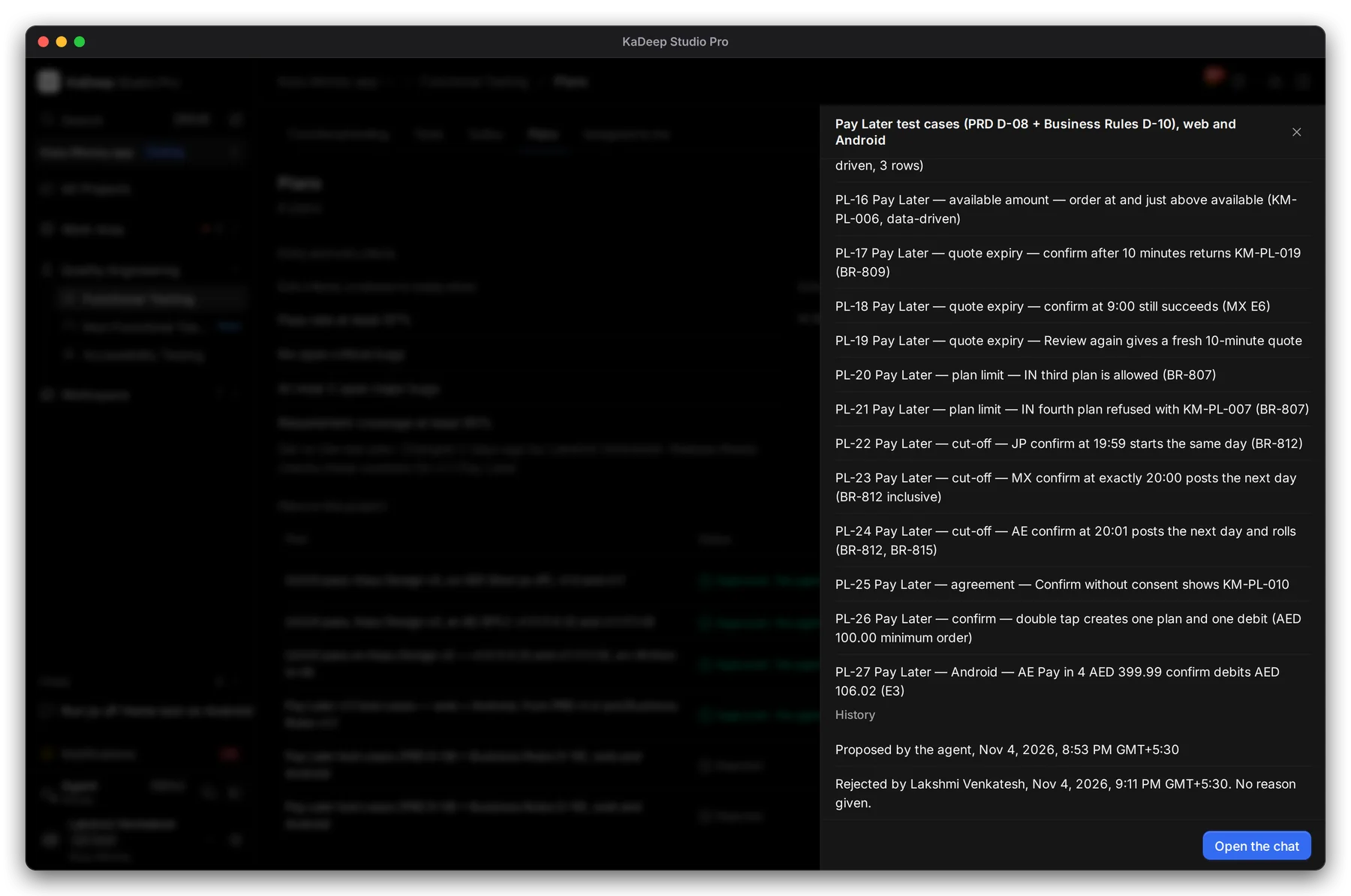
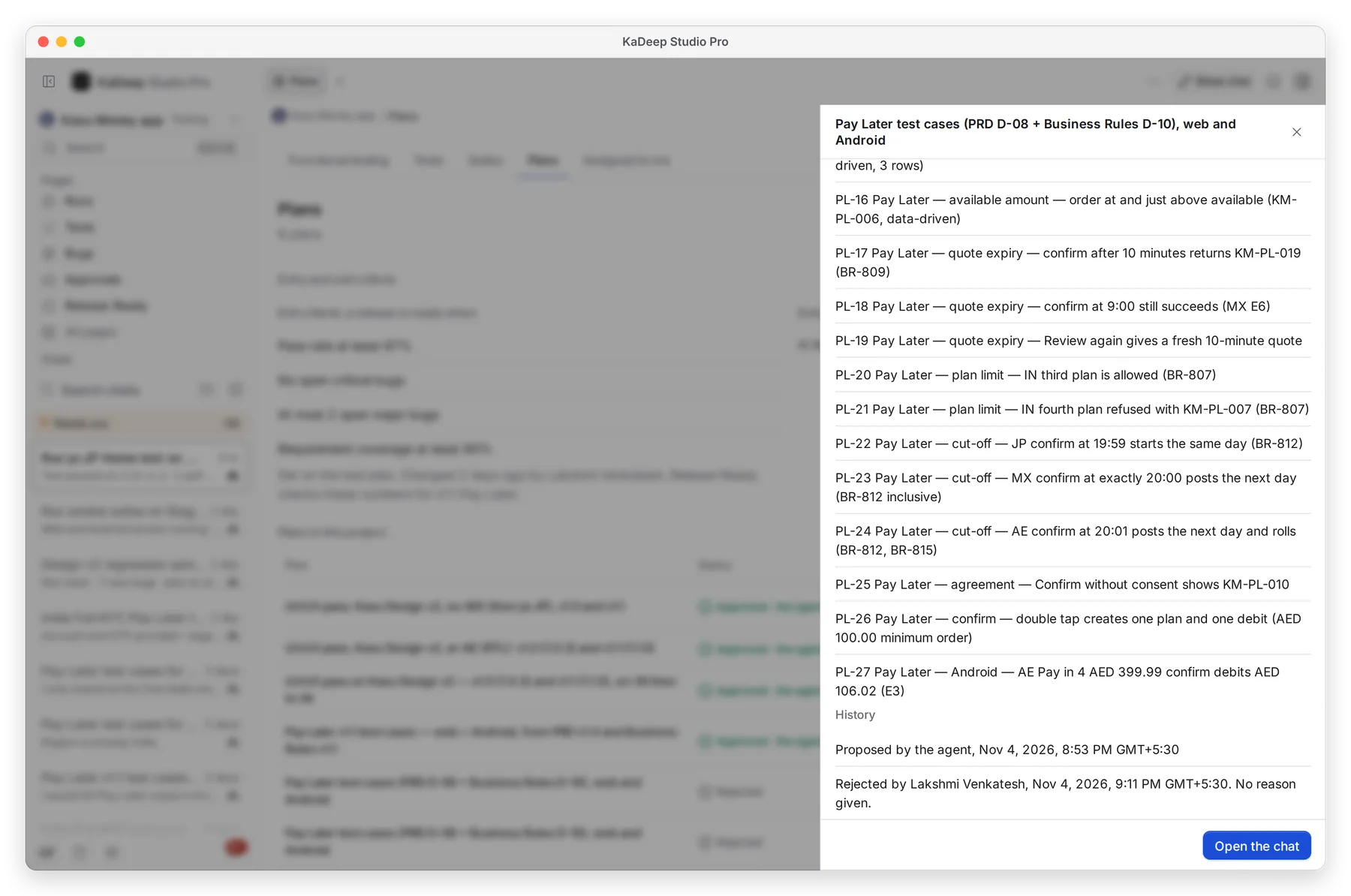
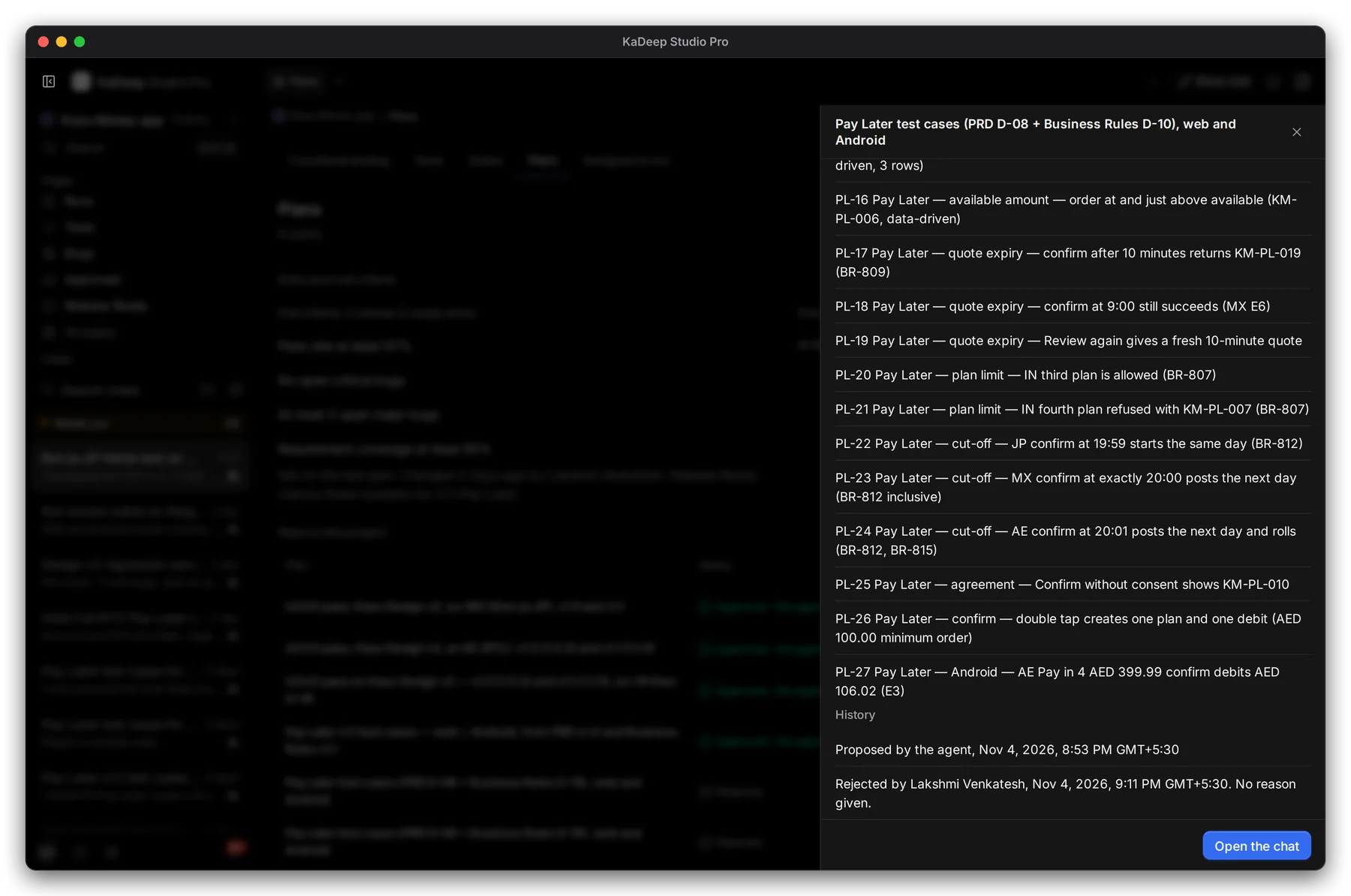
1 Every plan keeps a history: when the agent proposed it, who approved or rejected it, when, and the reason if one was given.
What’s next
Section titled “What’s next”PlansEvery plan in the project, and the exit criteria.
Needs youEverything waiting for your decision.
Watch agents liveFollow the agent as it works.