Install the desktop app
KaDeep Studio Pro is a desktop app for Windows and macOS. Installing it takes about two minutes.
| What | You need |
|---|---|
| Windows | Windows 10 or later, 64-bit |
| Mac | A Mac with Apple silicon (M1 or later). Intel Macs are not supported. |
| An invitation | An email from your organization’s admin, or your sign-in details |
1. Download
Section titled “1. Download”Open releases.kadeep.ai on the computer you want to install on.
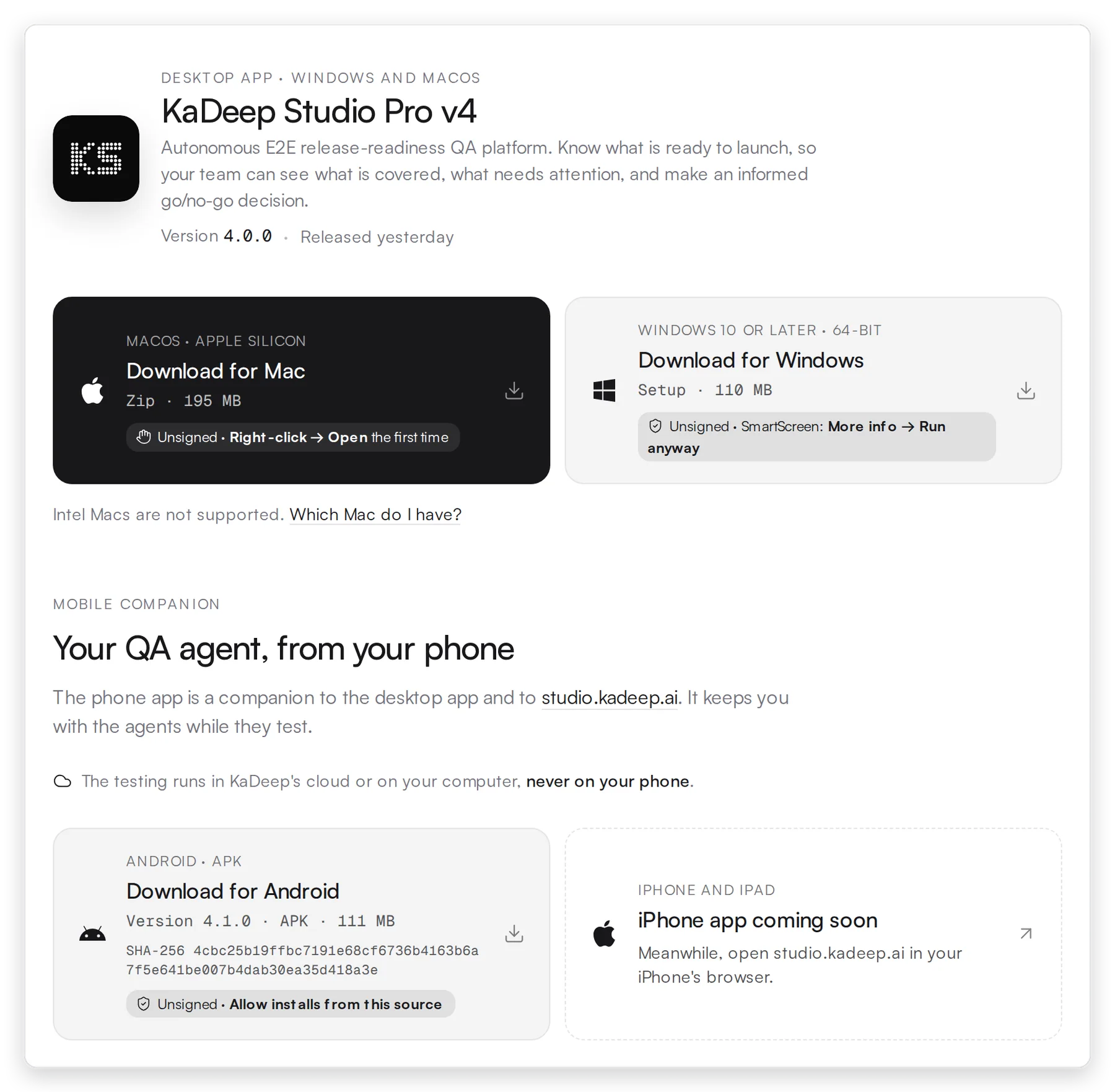
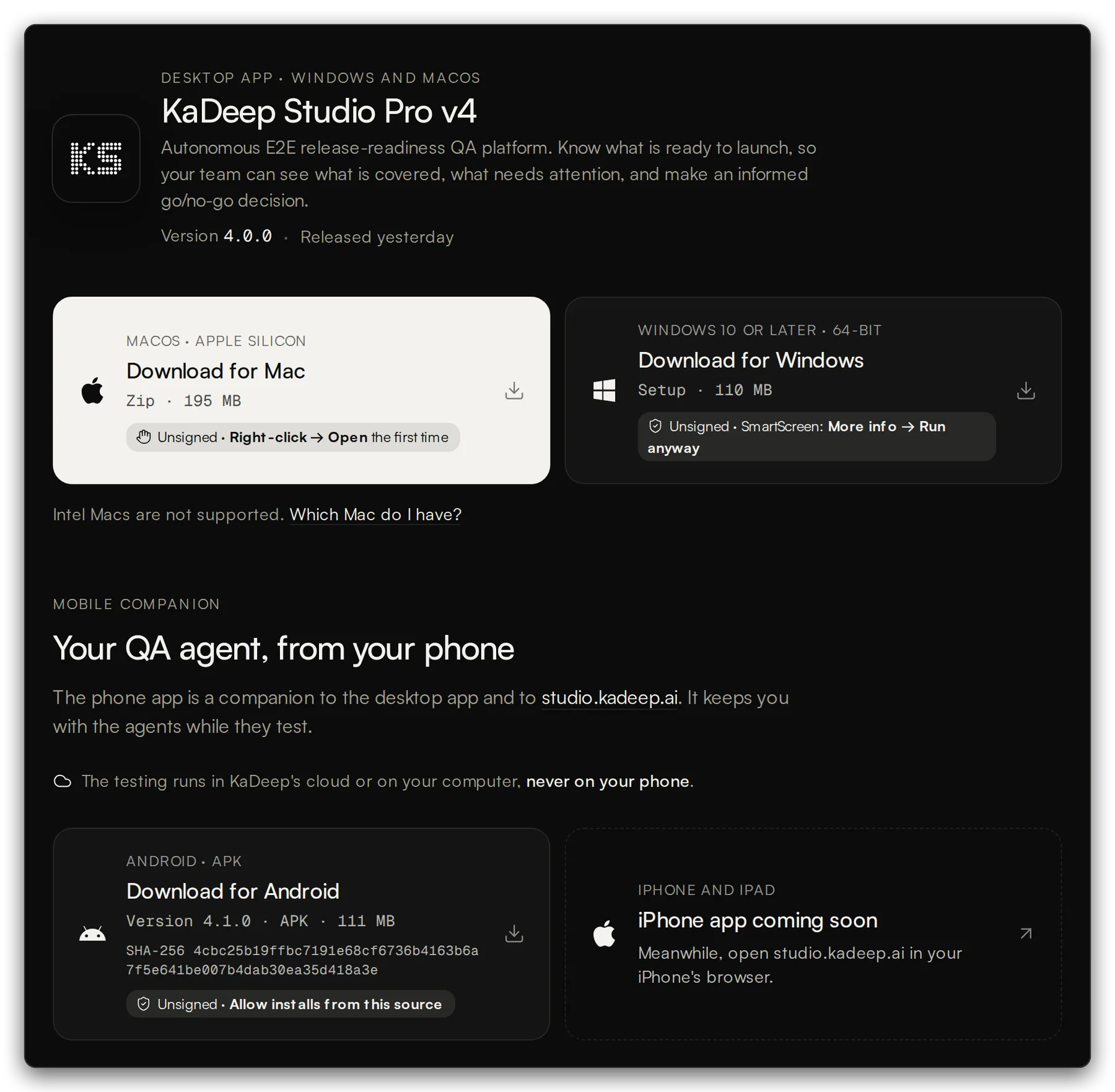
Choose 1 Download for Mac or 2 Download for Windows. The page shows the version, here 4.0.0.
3 Download for Android, further down the page, gets the phone app, version 4.1.0. Open the page on your phone to install it. The iPhone app is coming soon. See The phone companion app.
The page is public. You don’t need an account to download.
2. Install and open it
Section titled “2. Install and open it”-
Open Downloads and double-click KaDeepStudios-…-windows-x64-setup.exe.
-
If Windows says Windows protected your PC, choose More info.
✕Windows protected your PC
Microsoft Defender SmartScreen prevented an unrecognized app from starting. Running this app might put your PC at risk.
1More info
Don’t run -
Then choose Run anyway.
✕Windows protected your PC
Microsoft Defender SmartScreen prevented an unrecognized app from starting. Running this app might put your PC at risk.
2Run anywayDon’t run -
Keep the suggested folder, or choose another one. Then choose Install and Finish.
-
Open KaDeep Studio Pro from the Start menu or the desktop shortcut.
The Mac download is a zip file: KaDeepStudios-…-macos-arm64.zip.
-
Unzip the download. Open Downloads and double-click the zip. It unpacks to KaDeep Studio Pro.
-
Move to Applications. Drag KaDeep Studio Pro into the Applications folder.
-
Open it the first time. Open Applications. Hold Control and click KaDeep Studio Pro (or right-click it), then choose Open.
 KaDeep Studio Pro
-
macOS asks if you are sure. Choose Open.
macOS cannot verify the developer of “KaDeep Studio Pro”. Are you sure you want to open it?
By opening this app, you will be overriding system security which can expose your computer and personal information to malware.
2OpenMove to TrashCancelOn macOS 15 Sequoia and later, the message has no Open button. Choose Done, then open System Settings › Privacy & Security, scroll to Security and choose Open Anyway. Enter your Mac password.
Security
Allow applications fromApp Store & Known Developers“KaDeep Studio Pro” was blocked to protect your Mac.2Open Anyway -
If macOS says “KaDeep Studio Pro is damaged and can’t be opened”, the app is fine. macOS kept the download warning on it, which is common with a zip. Choose Cancel, open Terminal, paste this line and press Return. It clears the warning and opens the app.
Terminal xattr -cr "/Applications/KaDeep Studio Pro.app" && open "/Applications/KaDeep Studio Pro.app" -
KaDeep Studio Pro opens. From now on, open it from Applications or Launchpad like any other app.
3. Sign in
Section titled “3. Sign in”The app opens on the sign-in page. Sign in with the email your admin invited, or with your company’s single sign-on.