Export evidence for an auditor
An evidence pack is the proof behind a release decision, in one file an auditor can check. Every file in it has a hash, and the export is recorded in the audit log.
1. Start from Home
Section titled “1. Start from Home”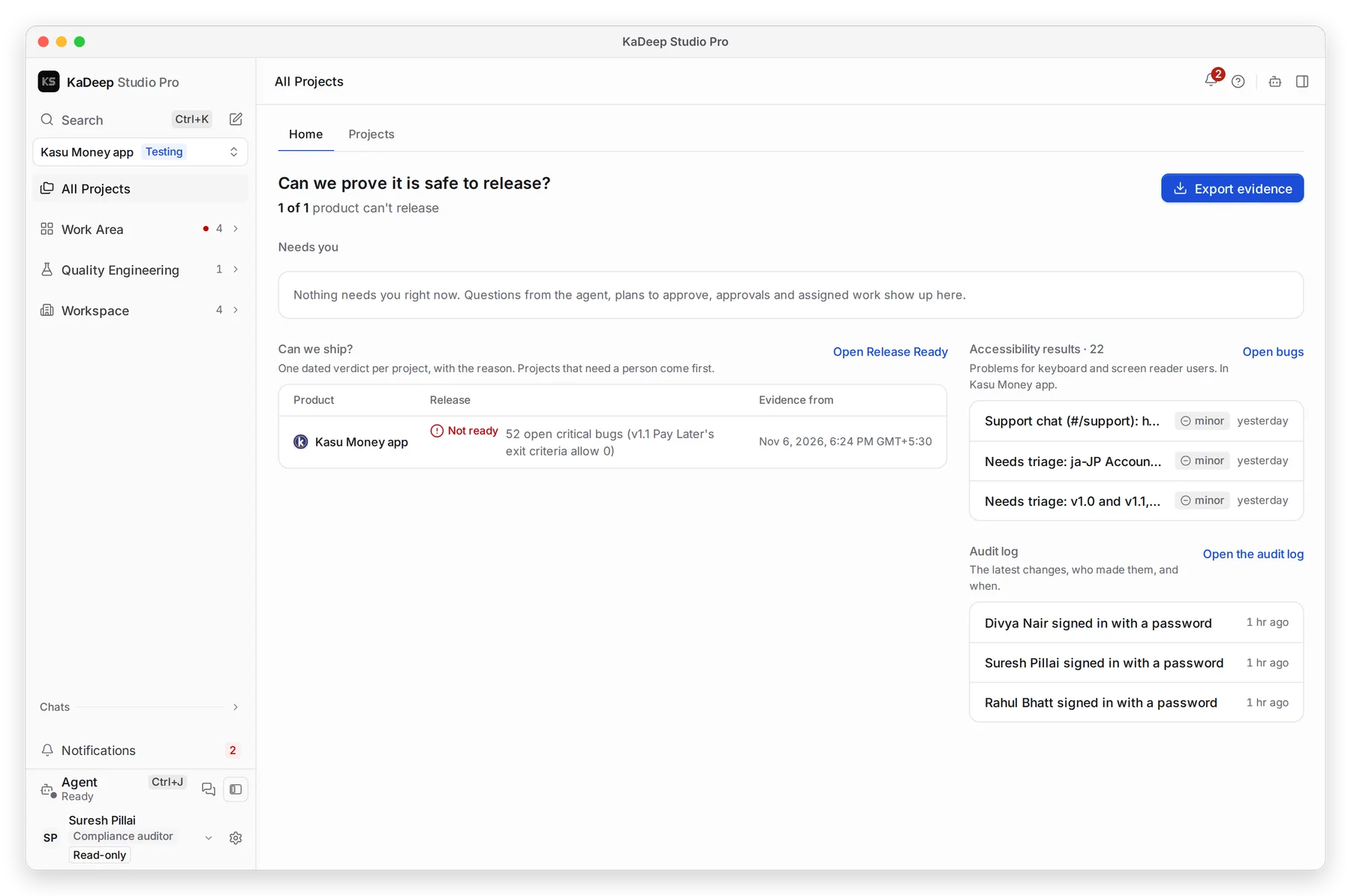
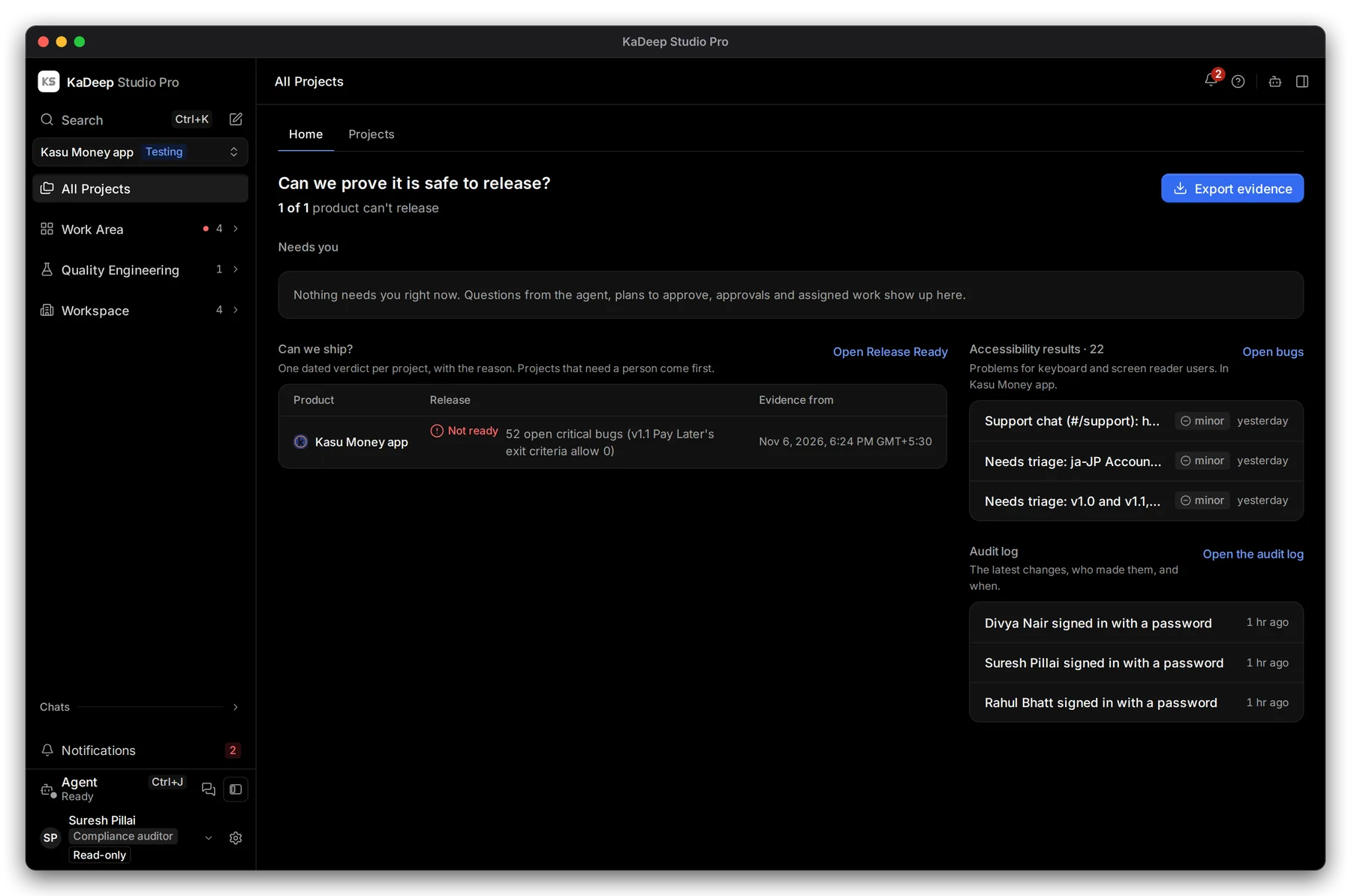
Manage view
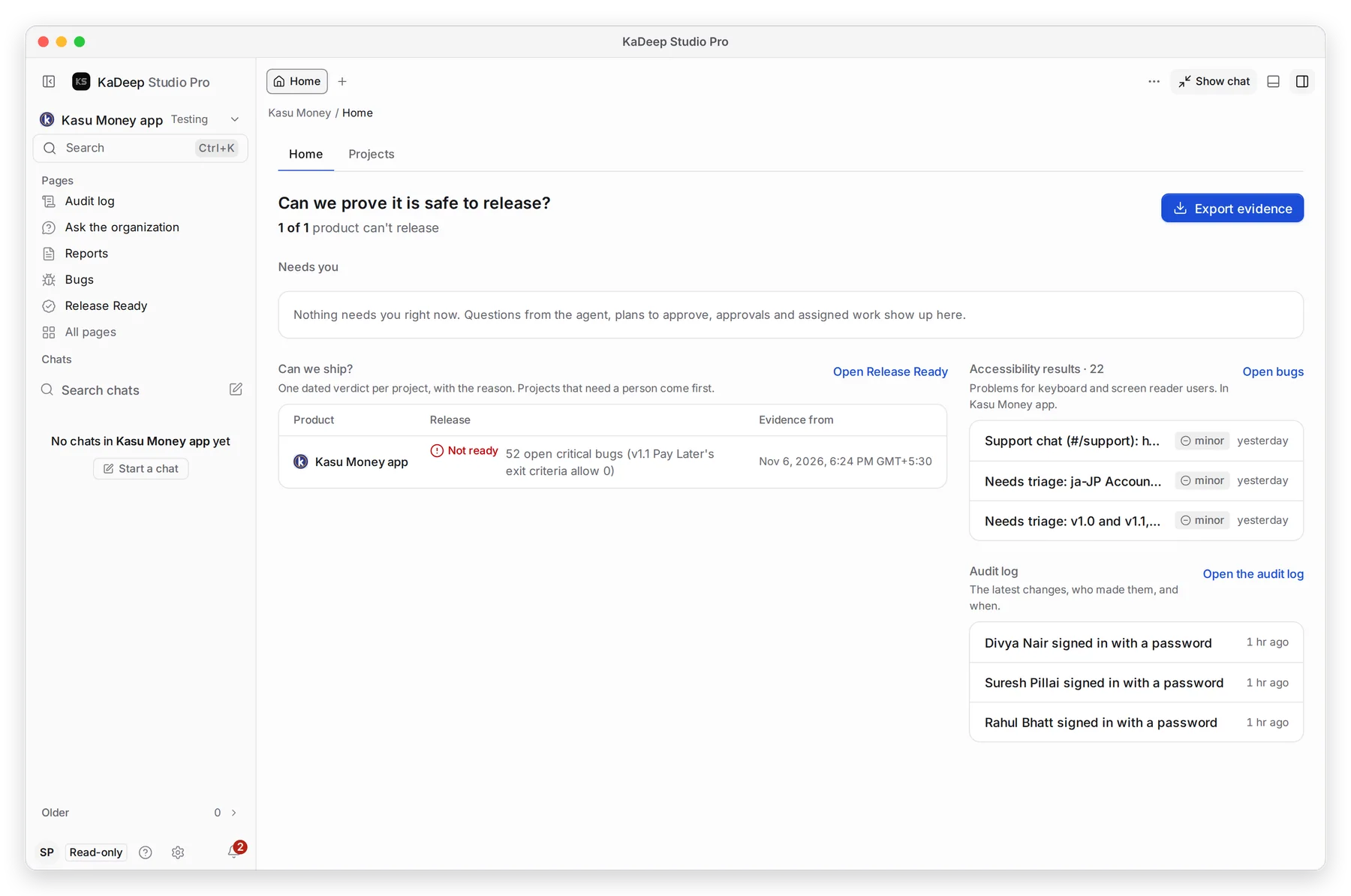
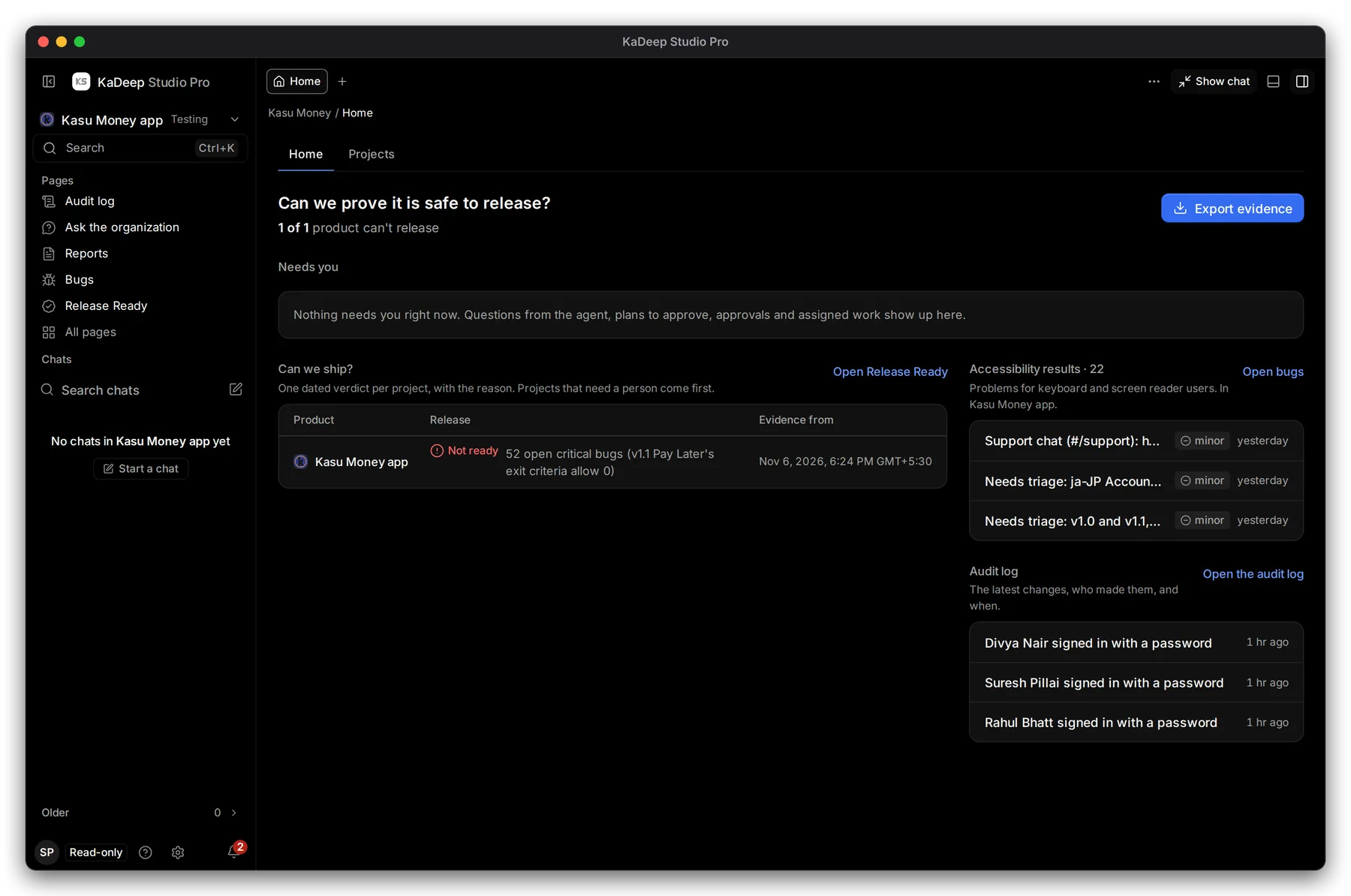
Hands-on view
Choose 1 Export evidence. The Export evidence panel opens on the right. You can also open it from Release Ready and from any run.
2. Choose what it covers
Section titled “2. Choose what it covers”- Product: the project the evidence is for.
- Covers: a release, or Project snapshot (no release) for a period rather than a build.
- Period: Last 7 days, Last 14 days, Last 30 days, Last 90 days, or Pick dates.
3. Download the pack
Section titled “3. Download the pack”Choose Download evidence pack. You get a zip with:
| In the pack | Why it matters |
|---|---|
| The report as PDF and HTML | The readable verdict and its reasons |
| The decision, and who made it | Accountability |
| The runs and bugs | What was tested and what was found |
| A SHA-256 for every file, and a manifest hash | Proof that nothing changed after export |
The panel shows the Manifest SHA-256. Copy it into your audit notes.
4. Or share a read-only link
Section titled “4. Or share a read-only link”If your role may share, Create read-only link makes a link anyone can open without an account. It shows the report as it stands now, never updates, and logs every view. Choose how long it works, then copy it: it is not shown again. Revoke ends it early.
Other formats gives a Printable page or a Data file (JSON). These have no hash and no pictures, so use the pack for an auditor.