Pairing problems
Your view
A paired computer lets the agent drive desktop apps, local phones and sites only your network can reach. When it stops answering, its state tells you why.
1. Find the computer’s state
Section titled “1. Find the computer’s state”Look in two places:
- On the computer: the KaDeep tray icon (menu bar on a Mac). Its menu, KaDeep Studio Pro desktop worker, shows the state.
- In KaDeep: Workspace › Environments › Desktop.All pages › Desktop.
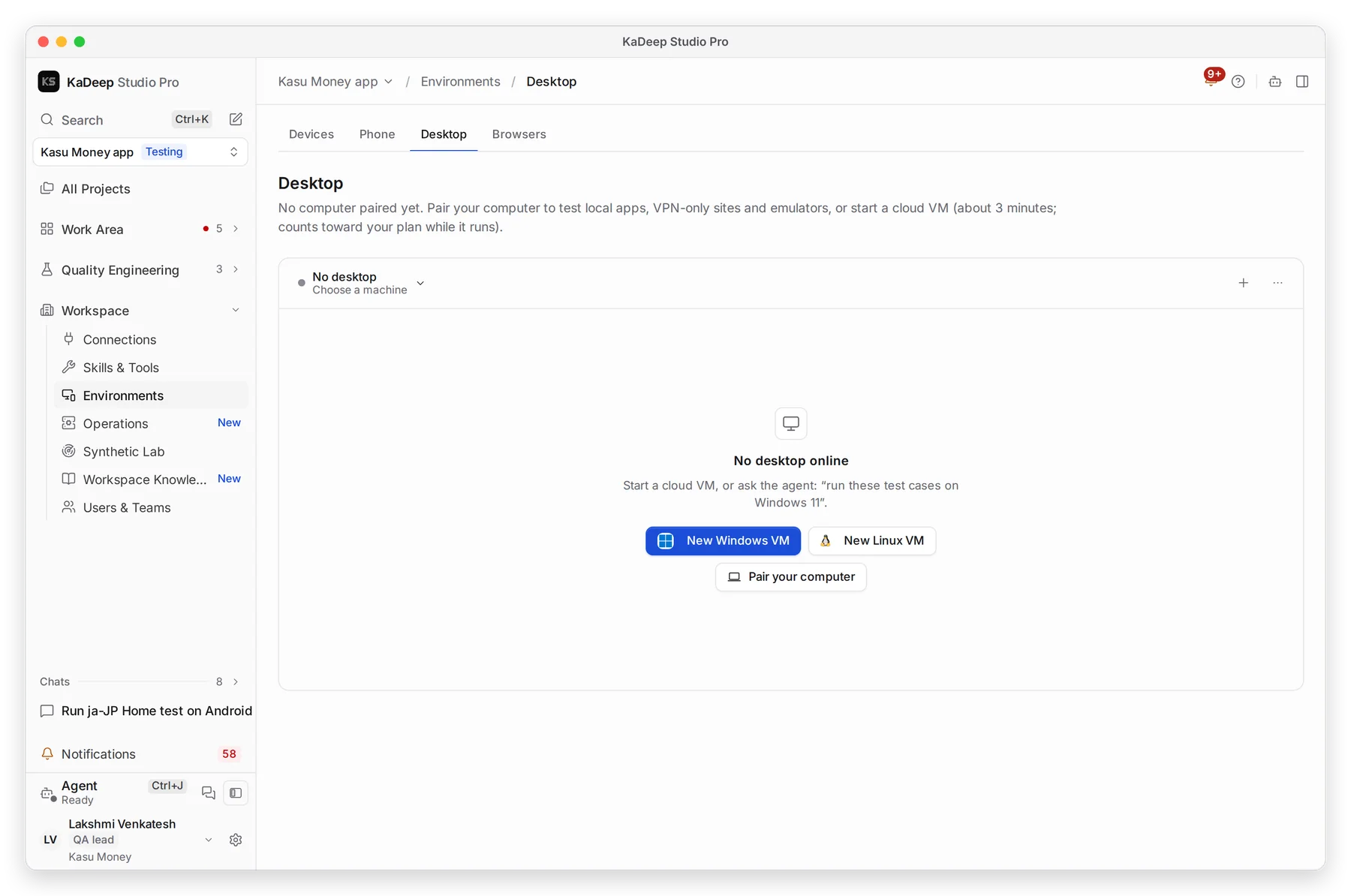
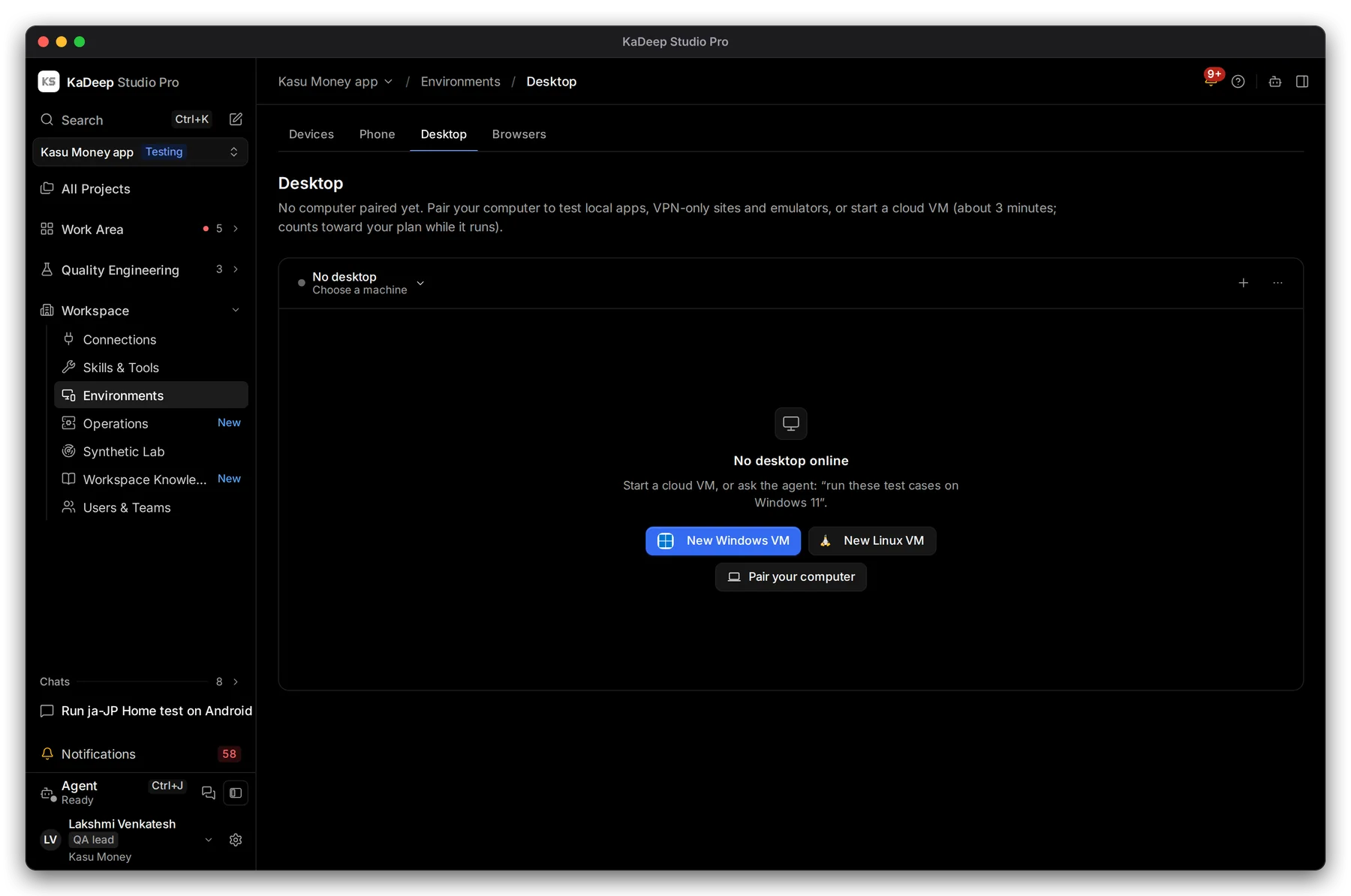
Manage view
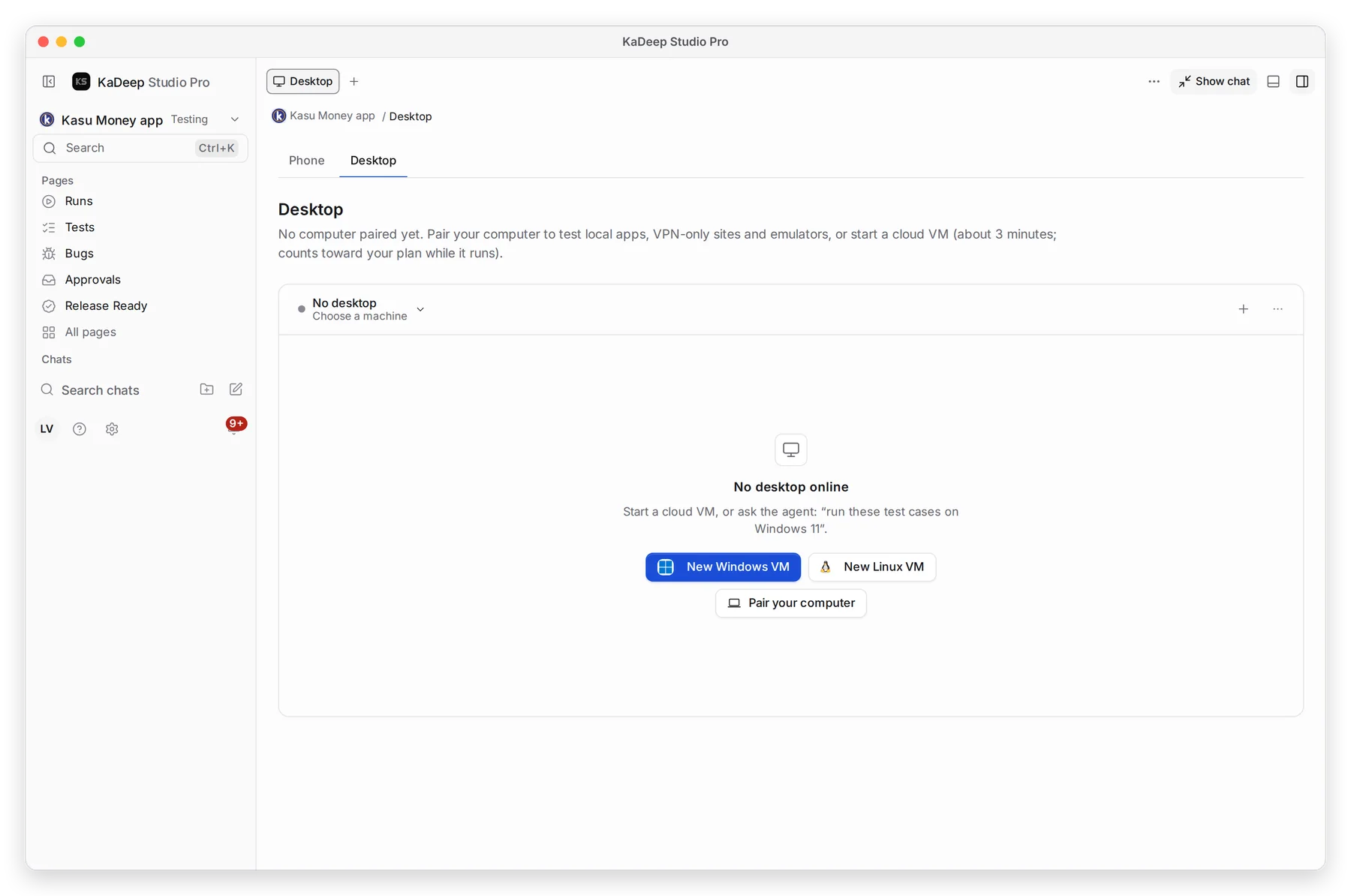
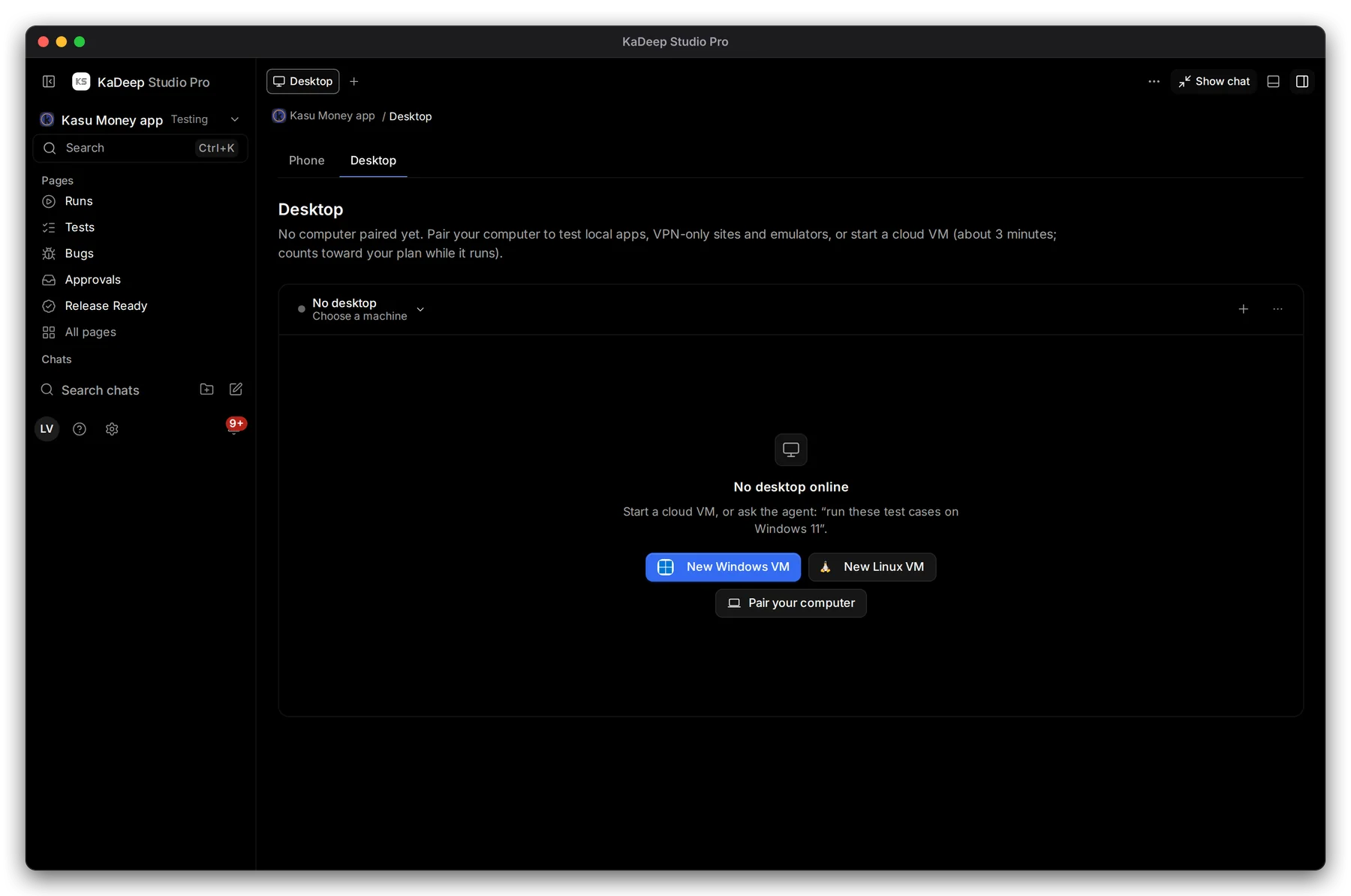
Hands-on view
- 1 Your computers. Choose one to see it.
- 2 No desktop online: no paired computer is answering right now.
- 3 Pair your computer starts pairing.
- 4 More has Pair a computer, with a fresh pairing code.
2. Fix it by state
Section titled “2. Fix it by state”| State | What it means | What to do |
|---|---|---|
| Not paired | This computer was never paired, or the pairing was forgotten | Pair it again: Pair this computer |
| Pairing… | Pairing is in progress | Wait a few seconds |
| Reconnecting… | The connection dropped | Check the internet connection and VPN. It reconnects by itself. |
| Offline | KaDeep is closed, or the computer is asleep | Open KaDeep. Keep the computer awake while agents use it. |
| Busy · 1 session | An agent is using the computer | Wait, or Stop all sessions from the tray menu |
| Paused | Someone chose Pause worker | Choose Resume worker in the tray menu |
| Error | Something failed; the message says what | Read the message, then see below |
3. The pairing code is refused
Section titled “3. The pairing code is refused”- Codes work once and expire. Make a fresh one on the Desktop page: More › Pair a computer.
- Paste it into the app’s Permissions & pairing… window, then choose Pair.
- Still refused because it is for a different computer? Choose Forget pairing on this computer, then pair again.
What’s next
Section titled “What’s next”Pair this computerPairing, step by step.
Worker mode and the tray menuPause, resume and stop sessions.
Install and update problemsIf the app itself does not open.