Use the glossary and translation memory
Your view
The glossary (also called a termbase) says how key terms must be translated, and which must never be translated. Translation memory remembers every accepted translation, so the same sentence is never translated twice.
1. Open Glossary & memory
Section titled “1. Open Glossary & memory”Open Work Area › Files & Knowledge › Glossary & memory.
Choose All pages, then Glossary & memory.
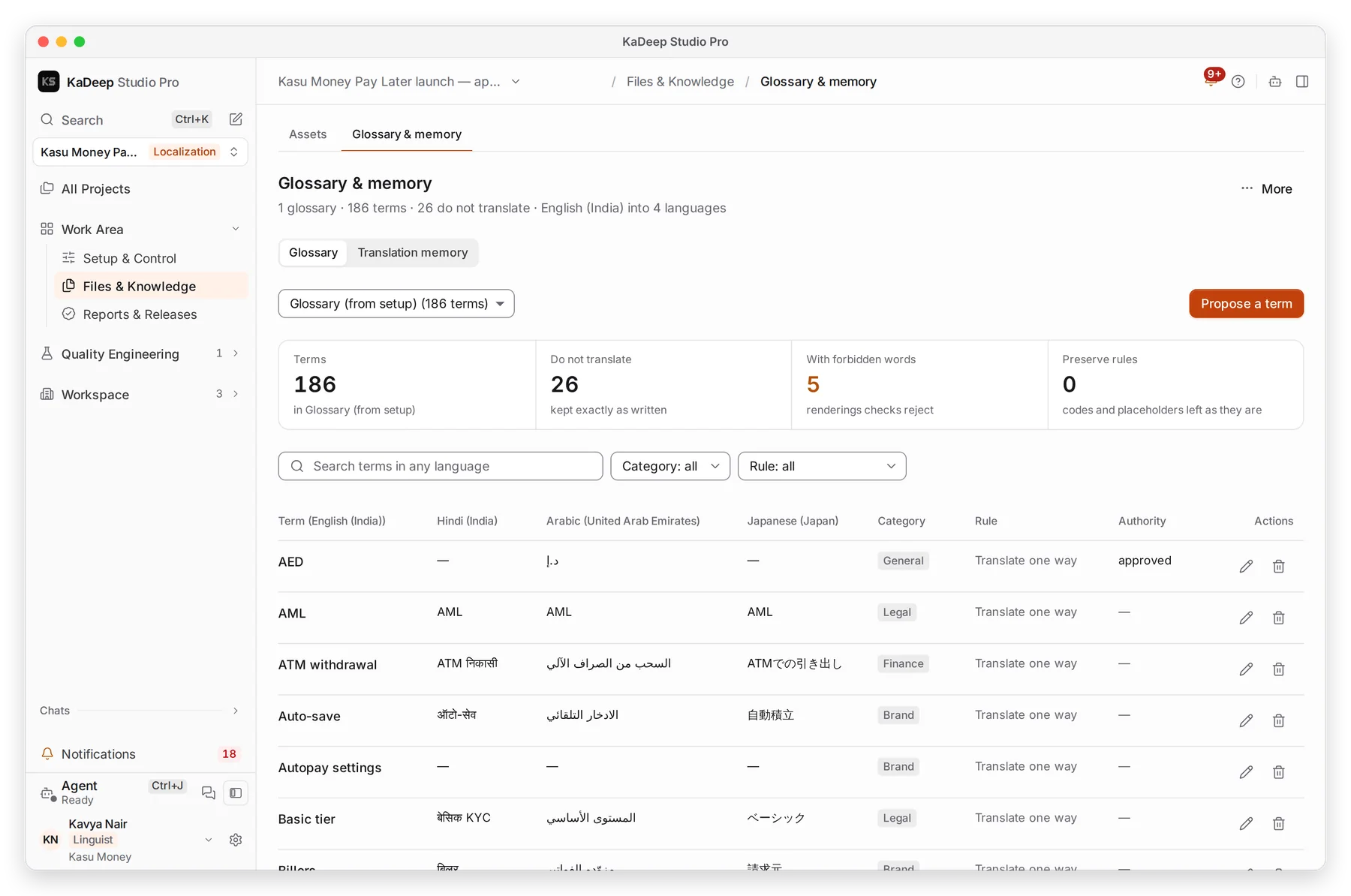
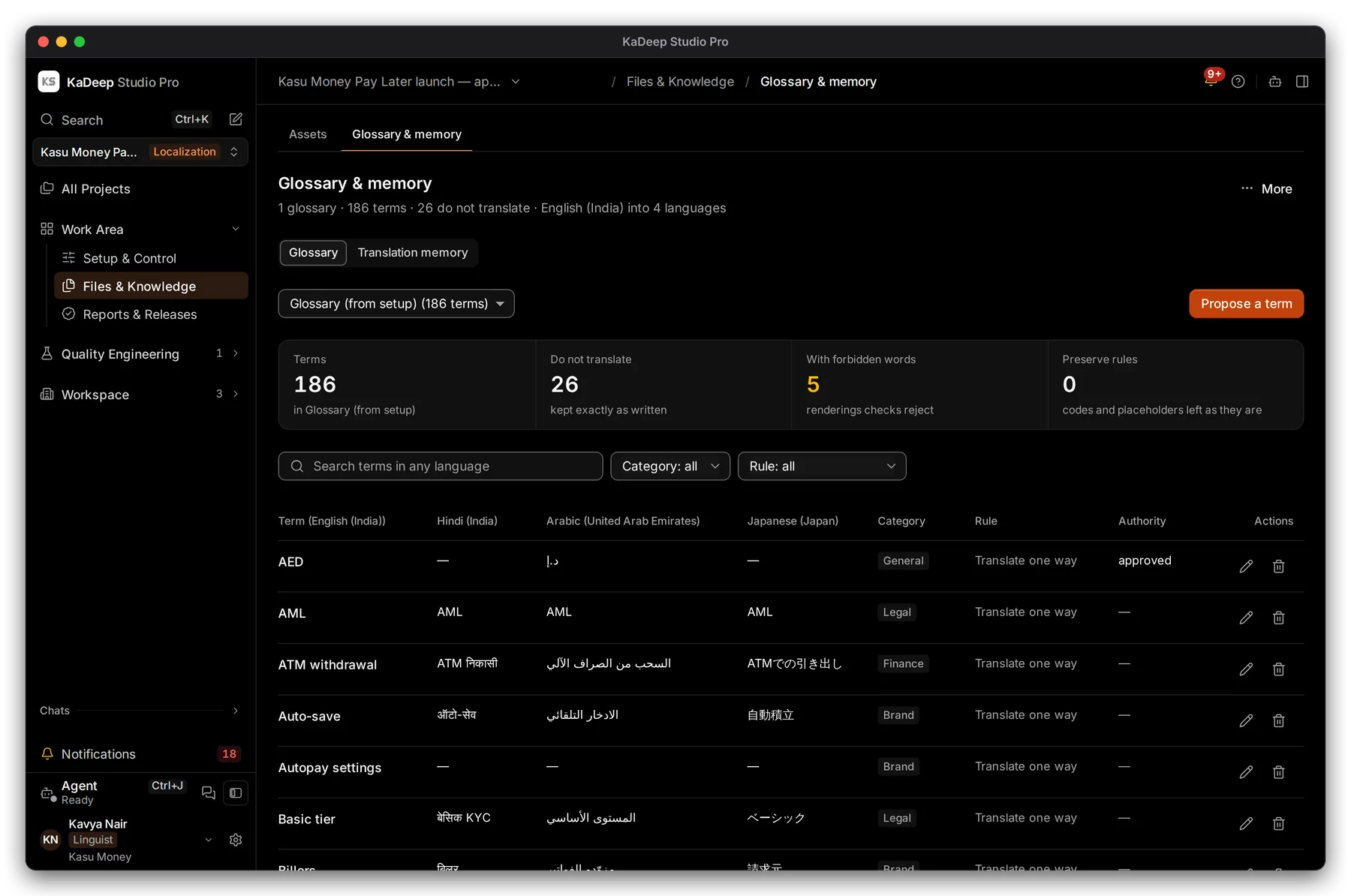
Manage view
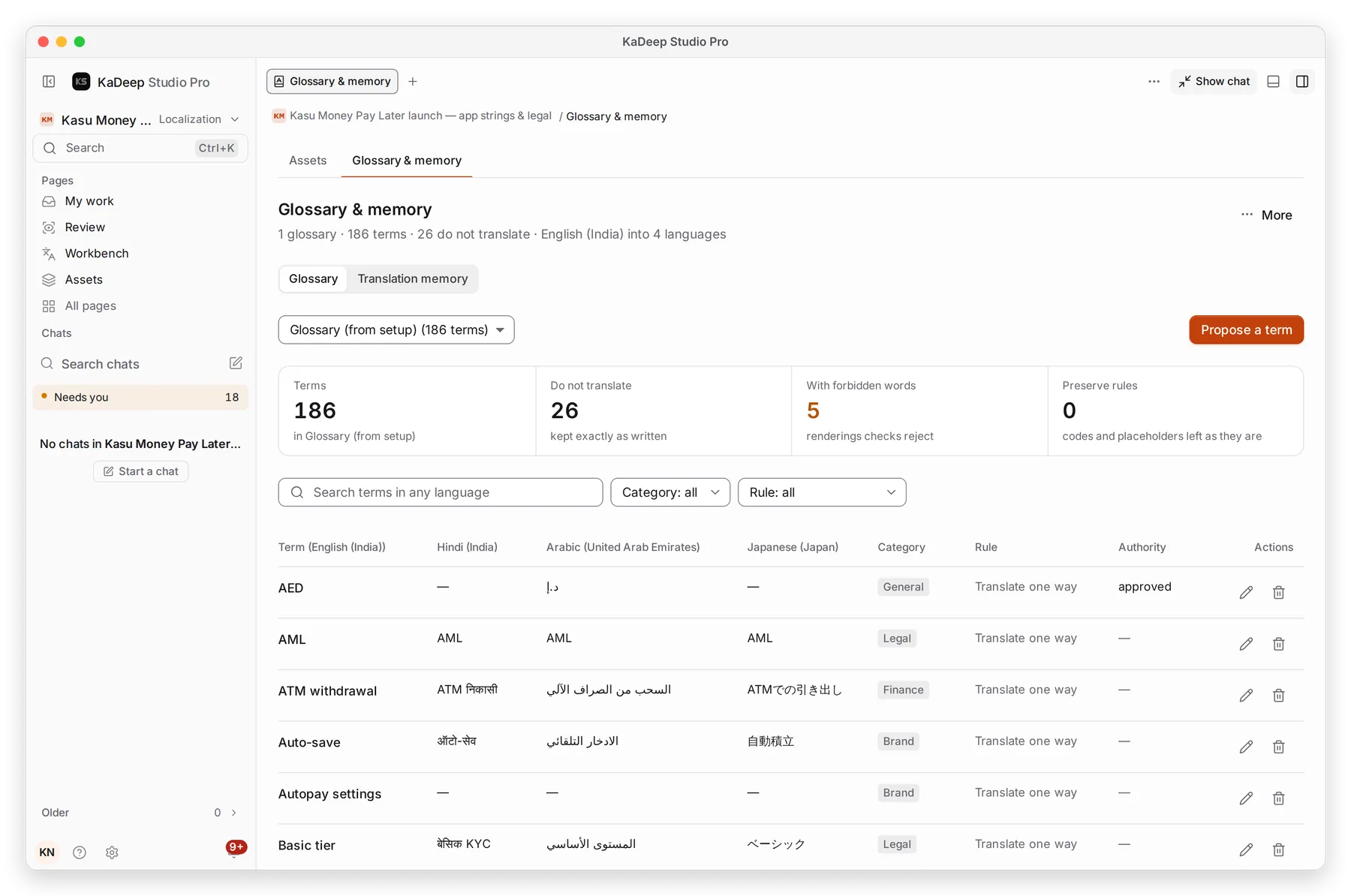
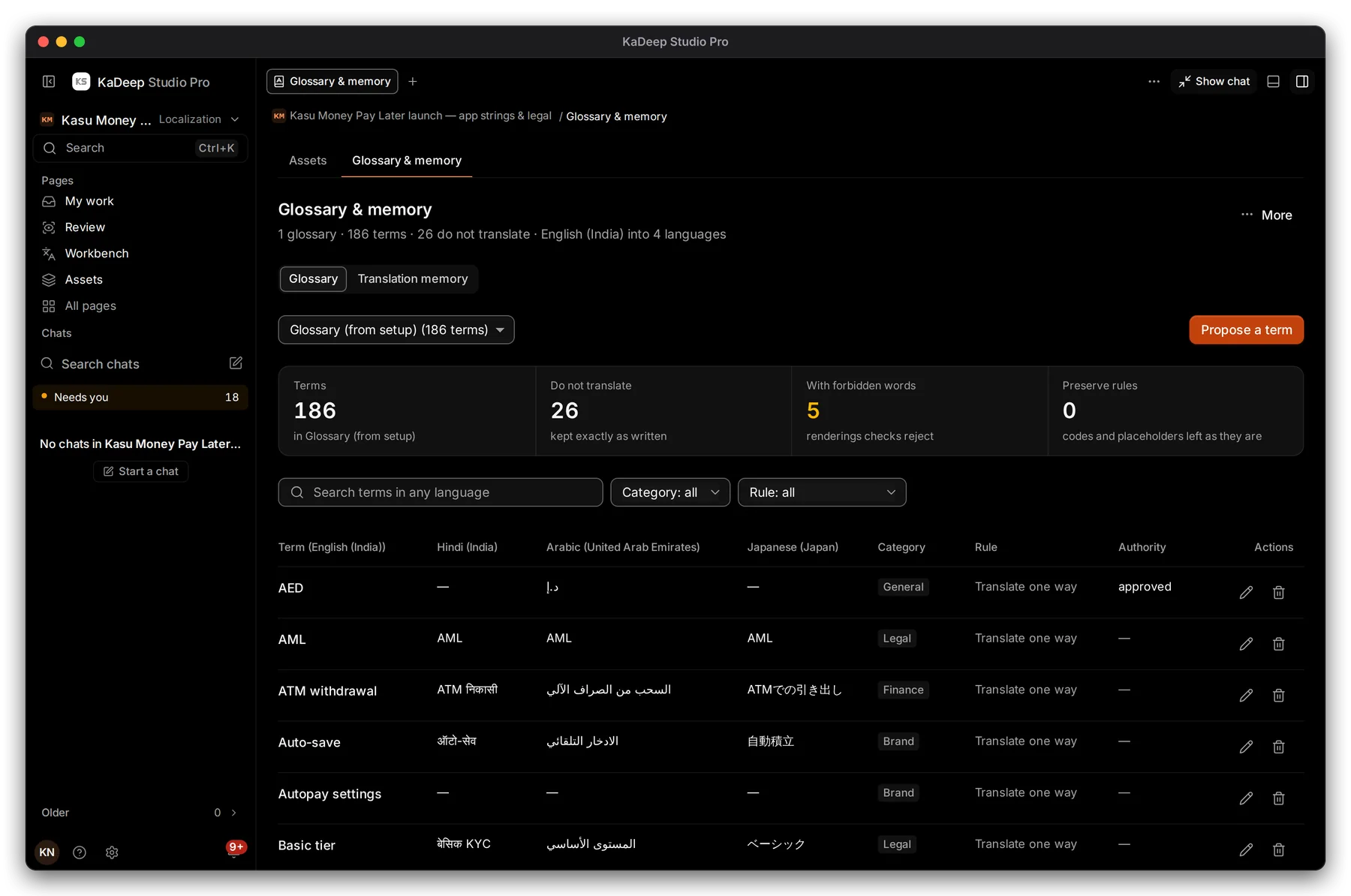
Hands-on view
- 1 Glossary or Translation memory.
- 2 Do not translate: terms kept exactly as written, such as brands and codes.
- 3 Propose a term (linguists and reviewers) or Add a term (language leads).
- 4 A term with its translation in each language, its Category, Rule and Authority.
2. Read the rules
Section titled “2. Read the rules”| Rule | Meaning in the Workbench |
|---|---|
| Translate one way | Use this translation every time. Other wordings are flagged. |
| Do not translate | Keep the term as written. Changing it is a finding. |
| Has forbidden words | Wordings the checks reject, even if they read well |
| Waiting for a lead | A proposal. It steers nothing until a lead approves it. |
3. Propose a term
Section titled “3. Propose a term”- Choose Propose a term.
- Type the source term, its translation in your language, and a note on why.
- Save it. It shows as Waiting for a lead.
- The language lead approves or changes it. Until then, the live glossary works as before.
Language leads can also Import TBX, CSV or Excel into the glossary, and Import TMX or XLIFF into the memory.
What’s next
Section titled “What’s next”Translate in the WorkbenchTerms and memory matches as you type.
Language rulesShare memory between projects; organization glossaries.
Review and LQATerminology is one of the review categories.