Watch the language floor
Your view
The Language floor is the view across all your language projects: what is ready, what waits, what is blocked, and which language needs a decision.
1. Open the Language floor
Section titled “1. Open the Language floor”Open Workspace › Operations › Language floor.
Choose All pages, then Language floor.
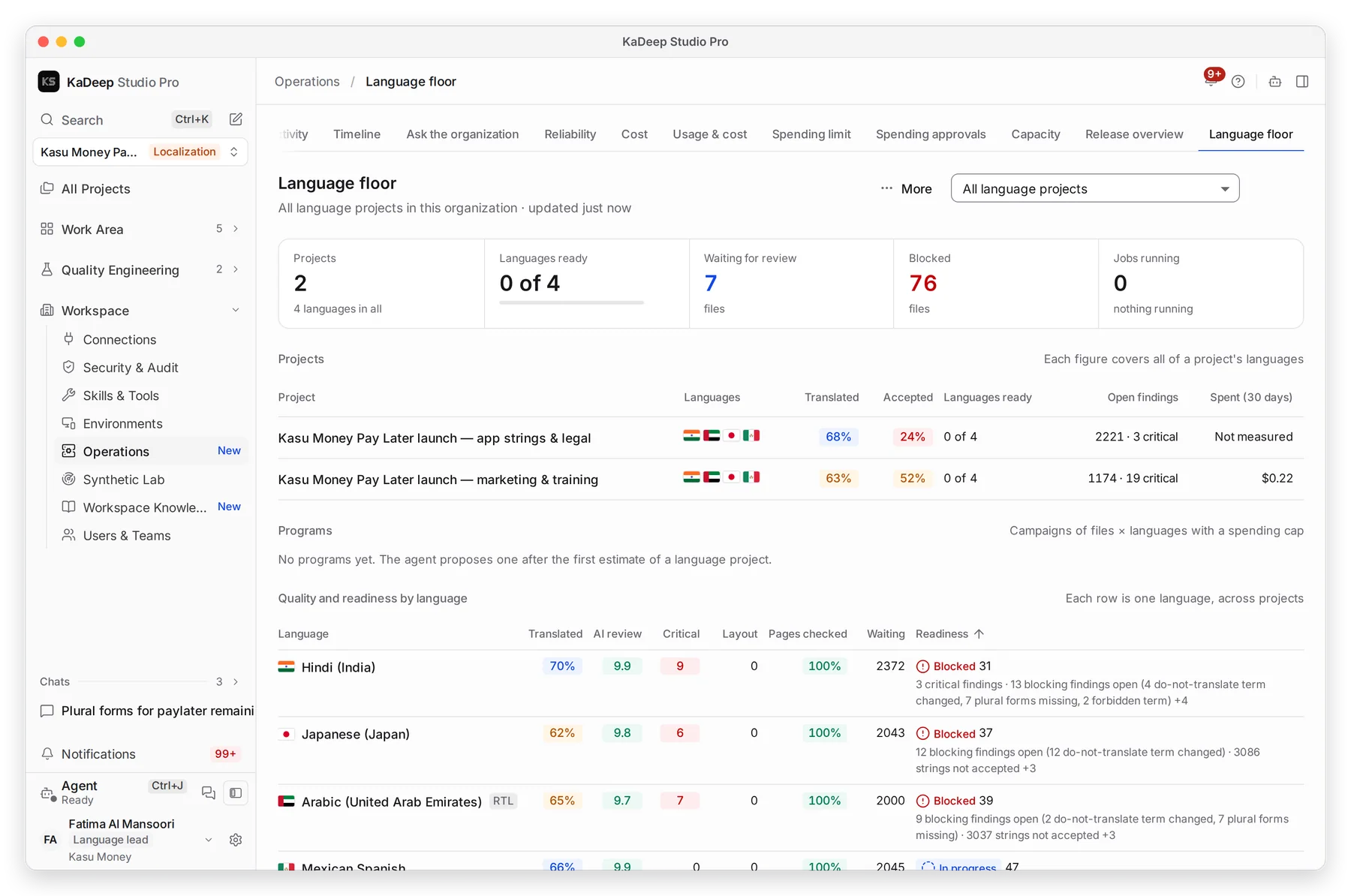
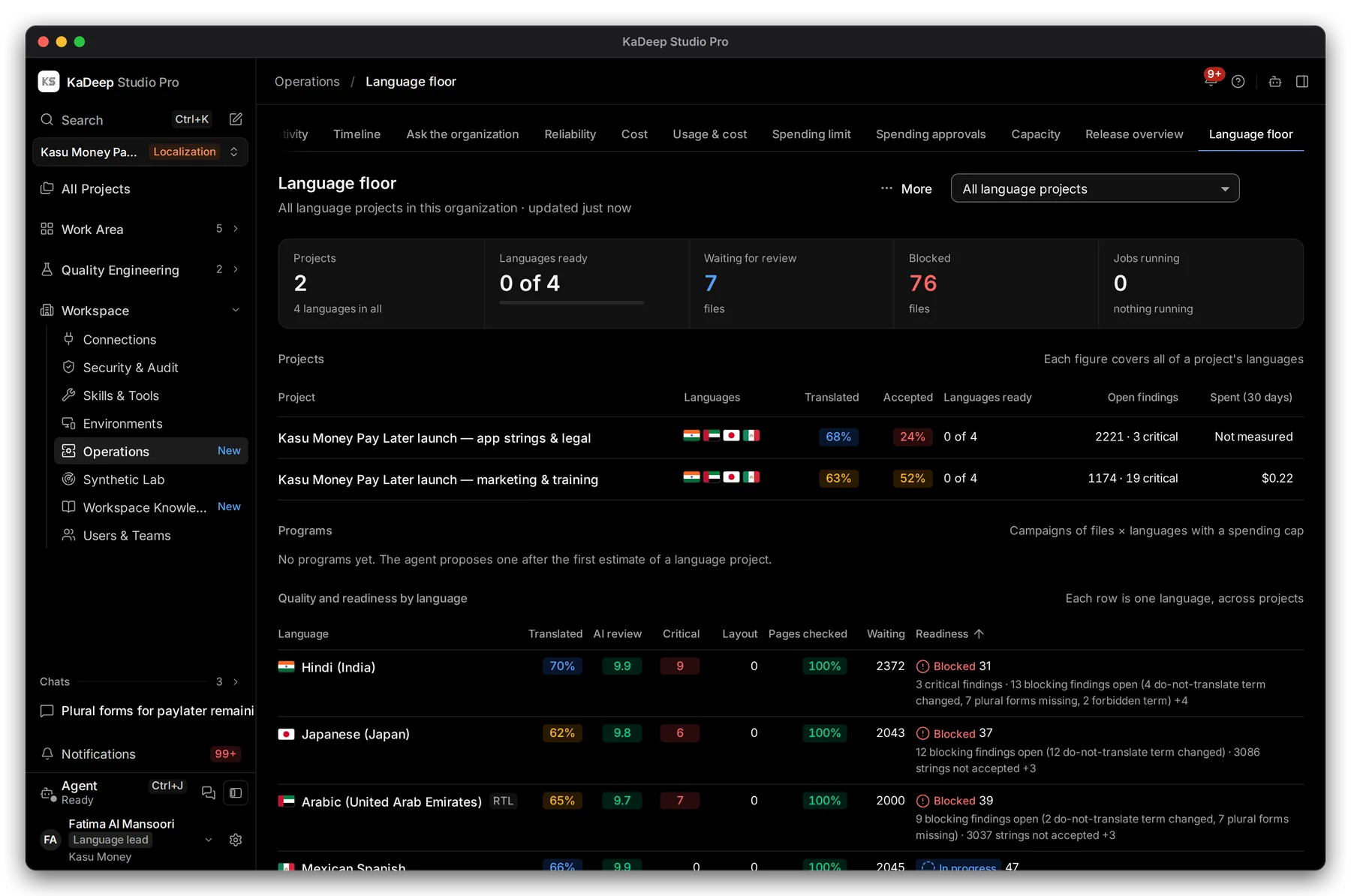
Manage view
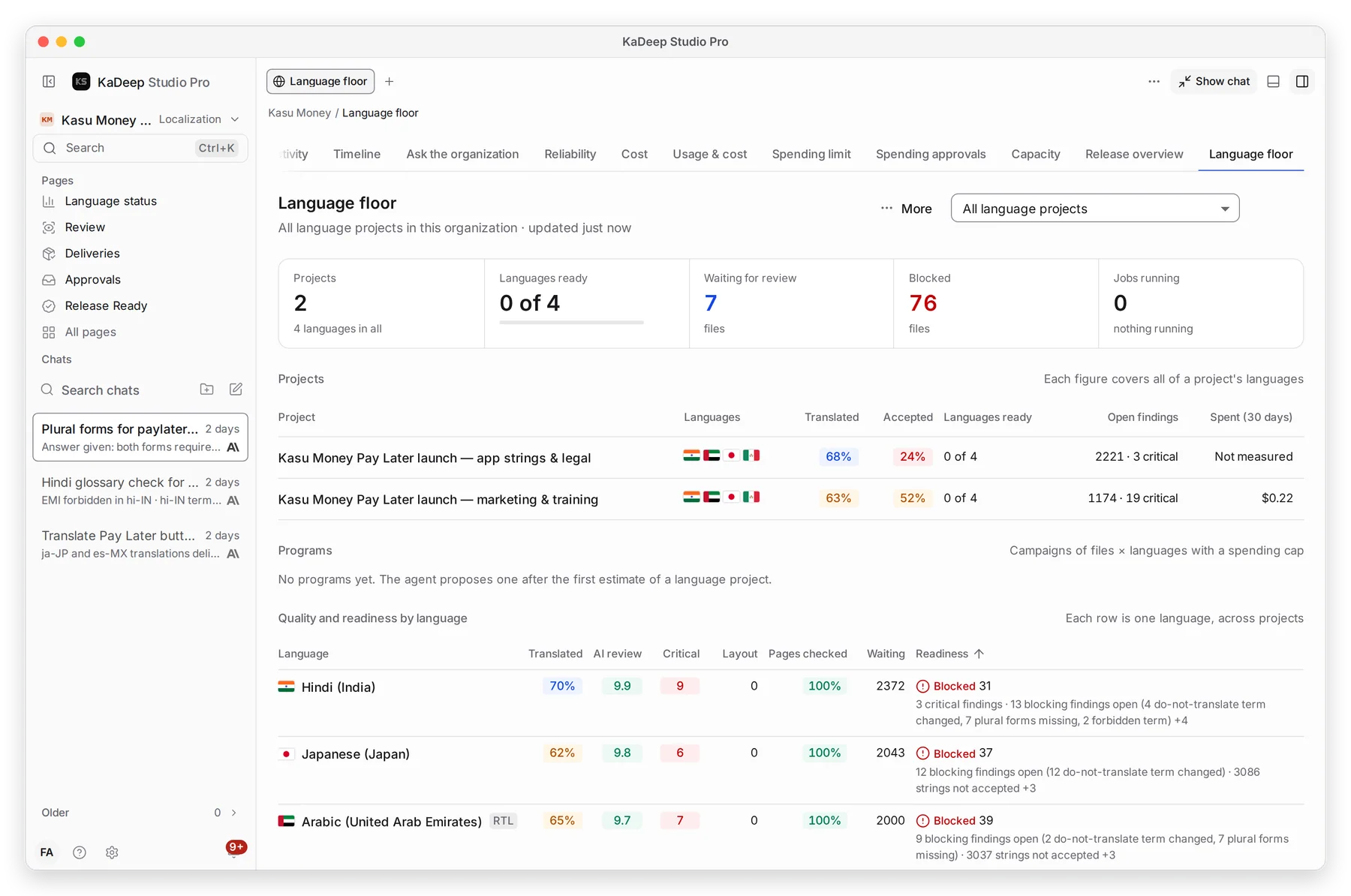
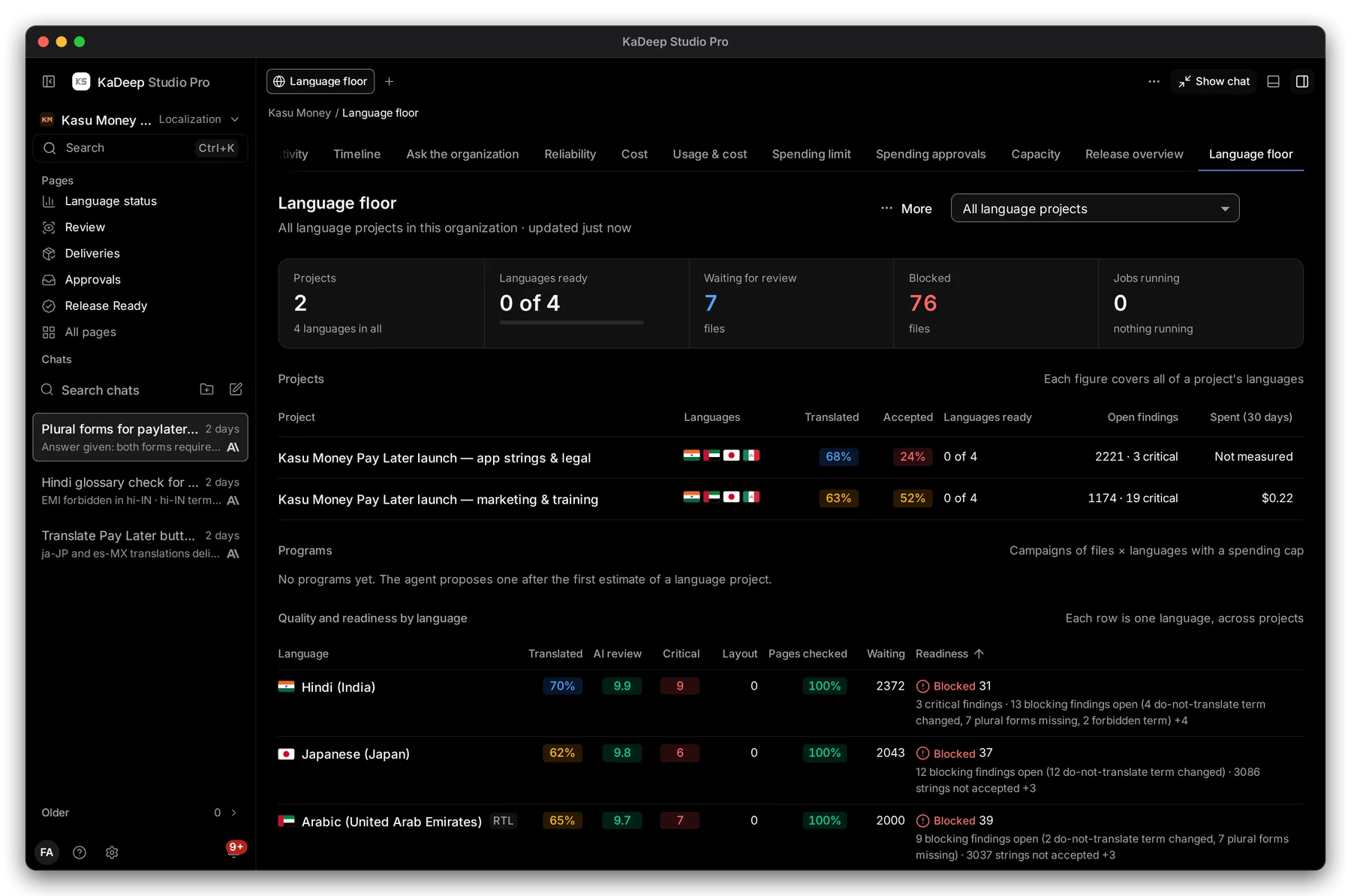
Hands-on view
- 1 Show: all language projects, or one.
- 2 Waiting for review: files reviewers can take now.
- 3 Blocked: files that can’t move on.
- 4 One project: its languages, translated, accepted, languages ready, open findings and spend.
2. Read quality by language
Section titled “2. Read quality by language”Scroll to Quality and readiness by language. Each row is one language across projects.
| Column | Meaning |
|---|---|
| Translated | Share of strings translated |
| AI review | The agent’s quality score, out of 10 |
| Critical | Open critical findings |
| Layout | Text that does not fit its place |
| Pages checked | Share of pages seen in context |
| Readiness | Blocked, In progress or ready, with a score and the reasons |
3. Decide
Section titled “3. Decide”- Read Needs a decision: files where a lead must choose.
- Open the file to read its findings.
- Approve it, or send it back for rework, from the delivery.
What’s next
Section titled “What’s next”Language statusOne project in detail.
DeliveriesUnblock and deliver.
Team activityWhat everyone did today.