“This page is not available”
Your view
KaDeep shows each person the pages their role needs. When you open a page your role can’t use, KaDeep says so, names who can, and lets you ask for access.
1. What you see
Section titled “1. What you see”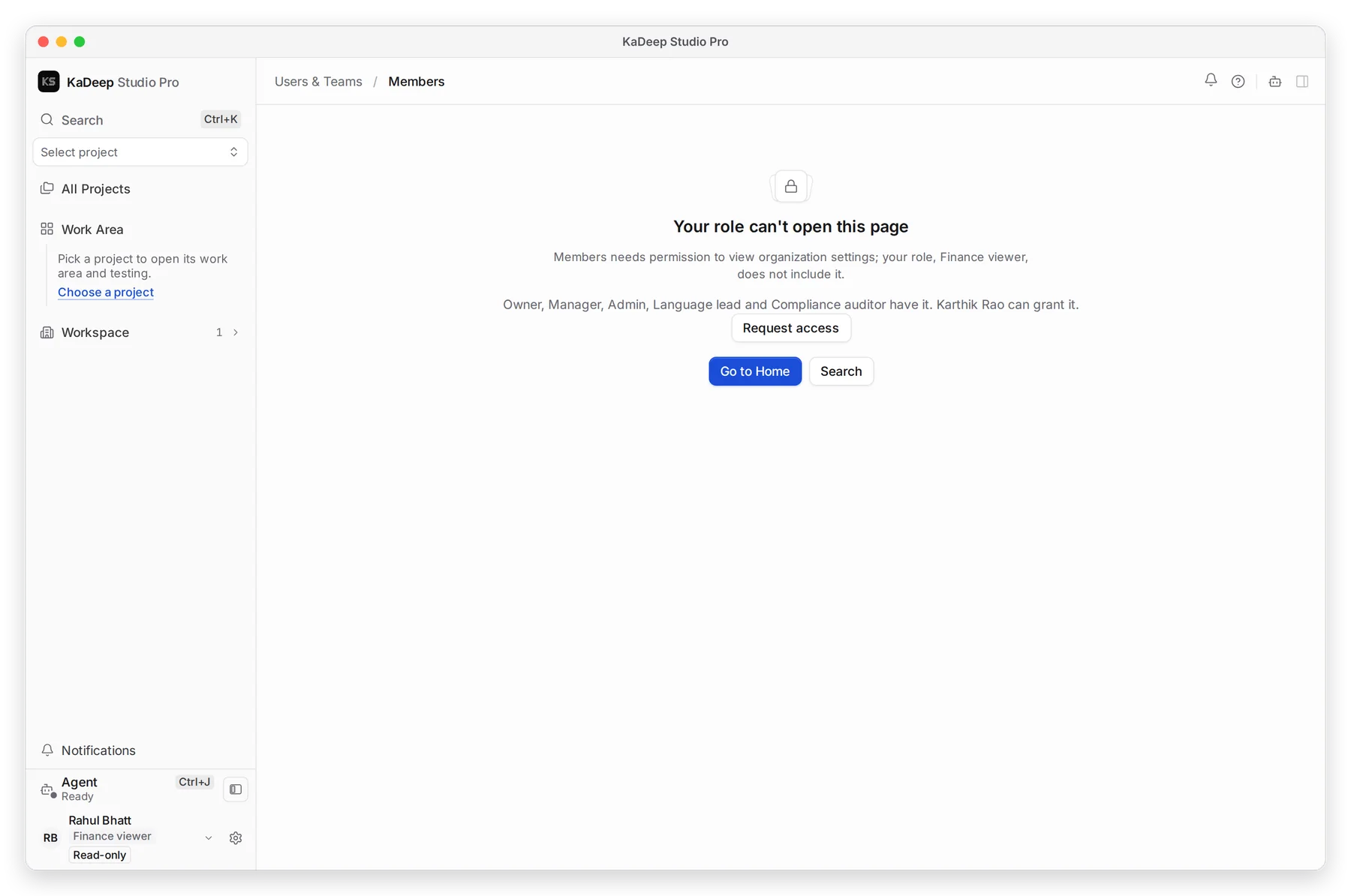
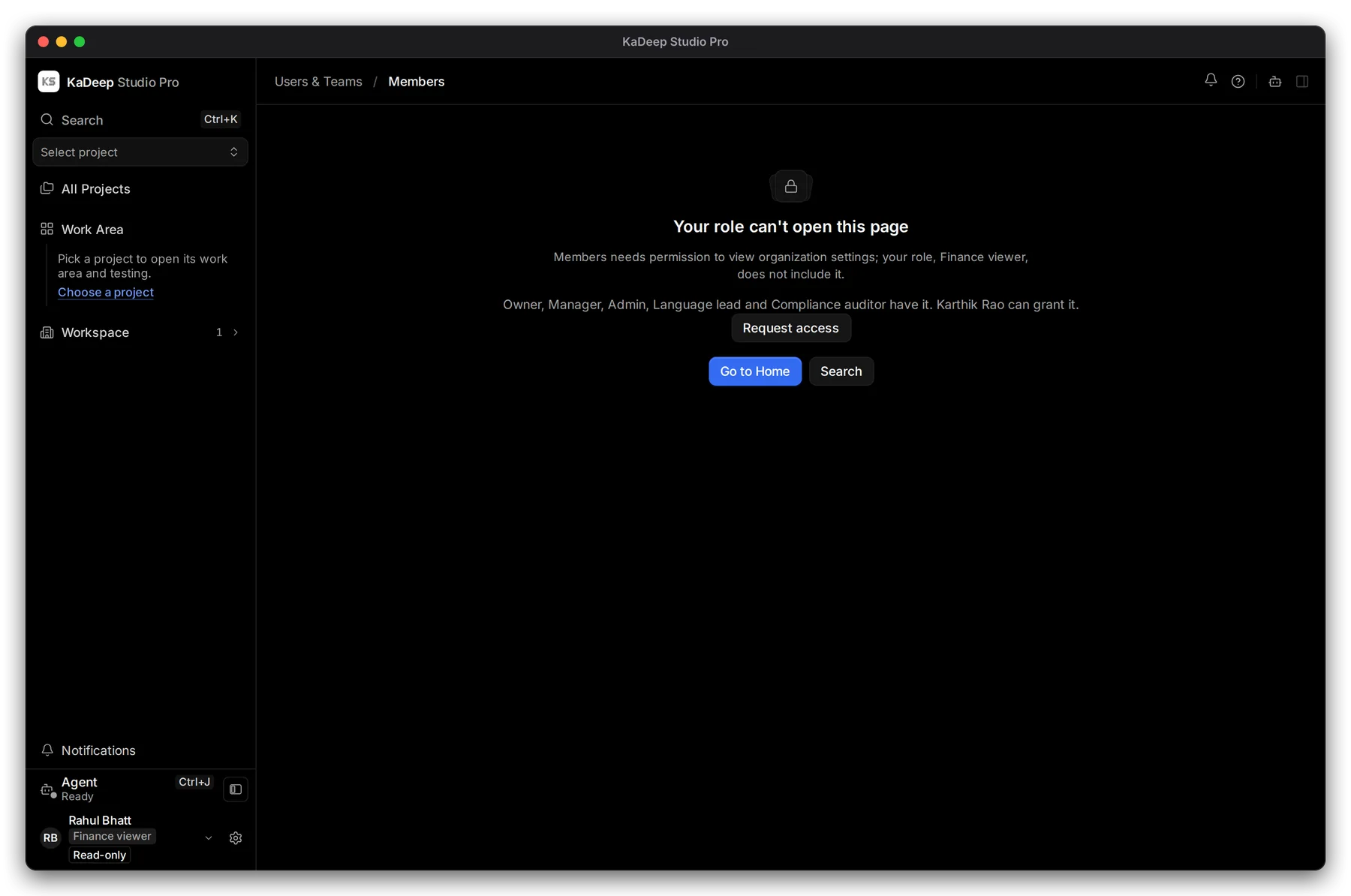
Manage view
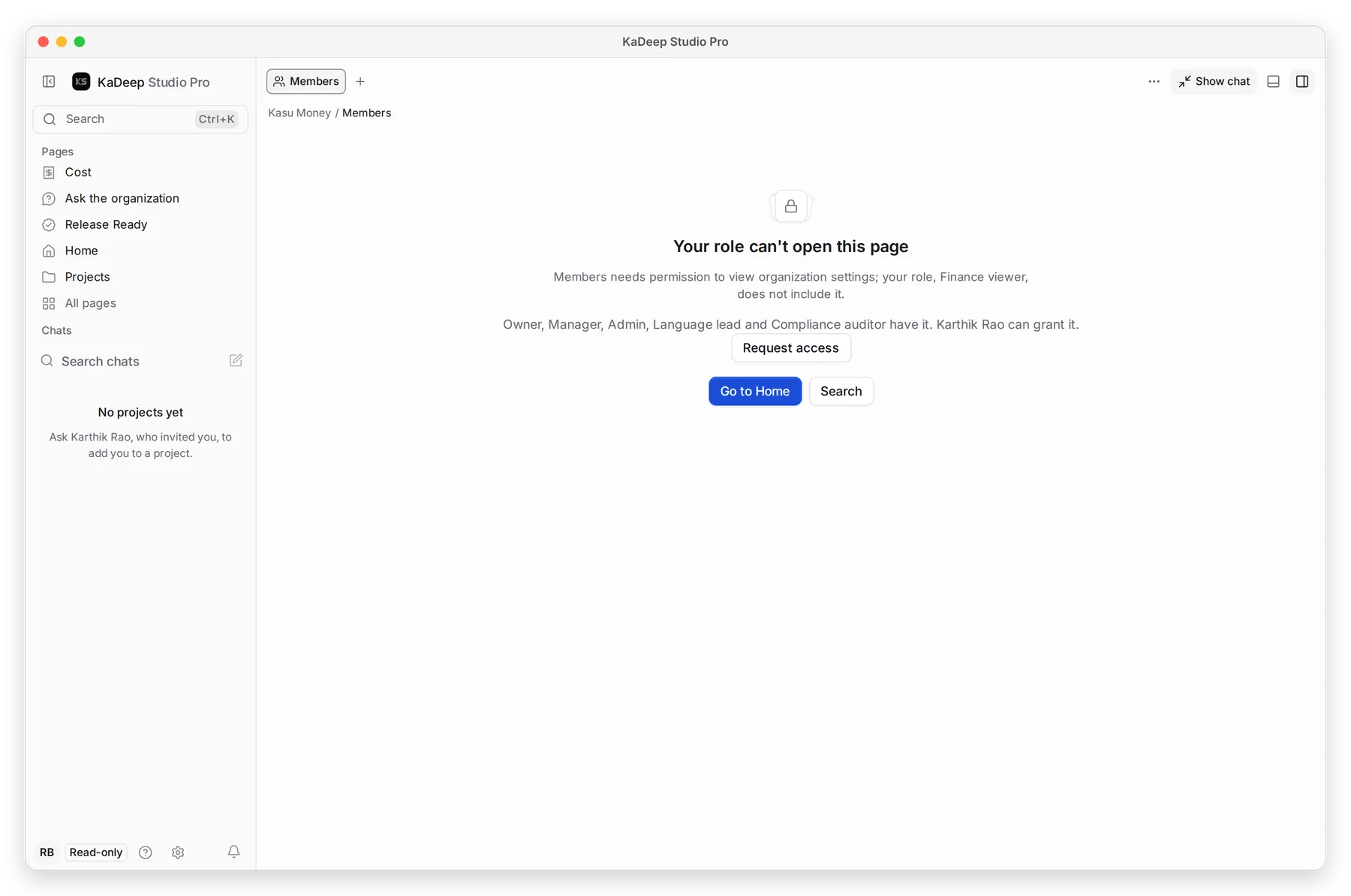
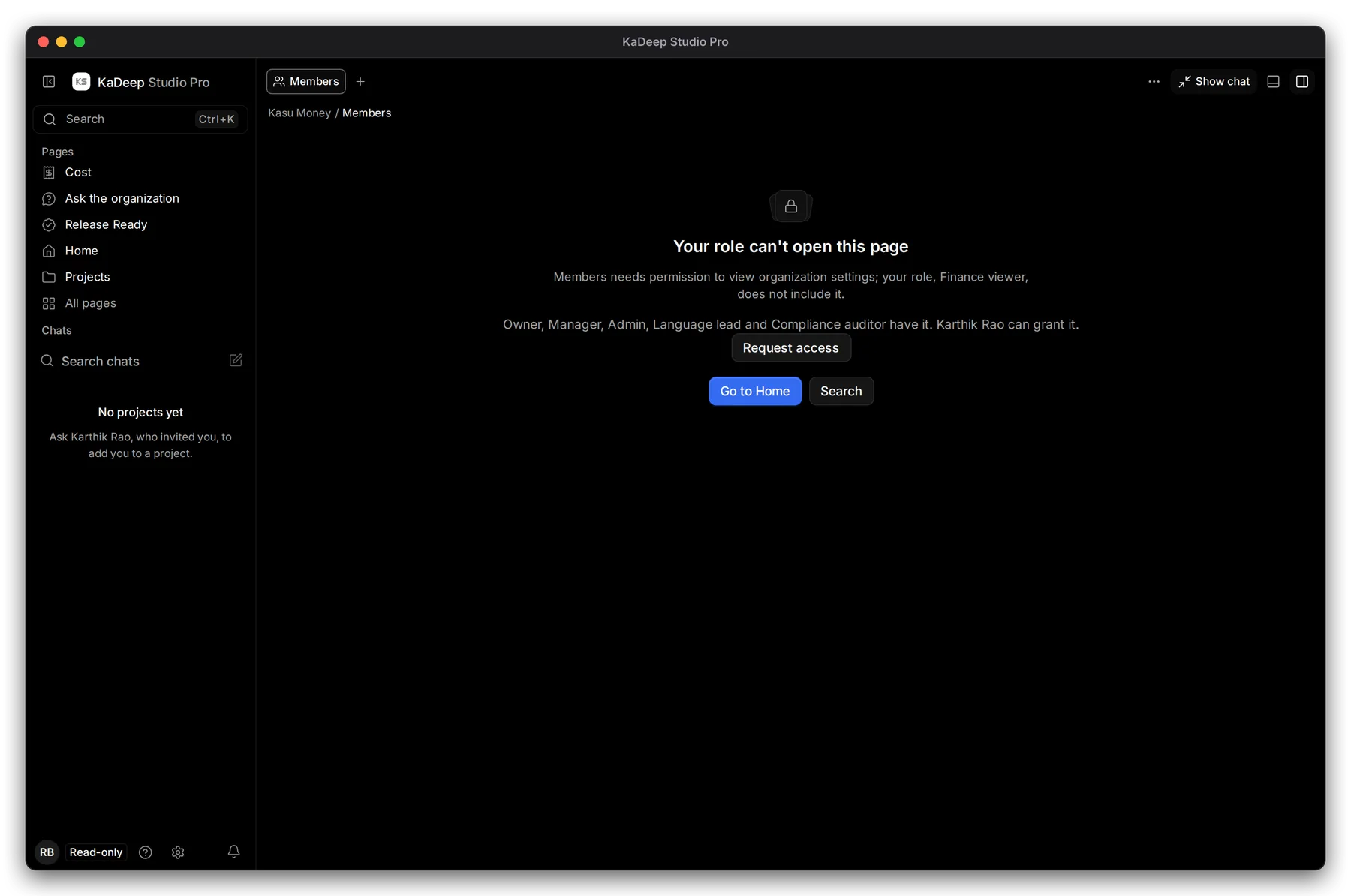
Hands-on view
- 1 Your role can’t open this page: the page needs a permission your role does not have.
- 2 The roles that have it, and the person who can grant it.
- 3 Request access sends that person a request. Go to Home takes you back.
2. Ask for access
Section titled “2. Ask for access”- Choose Request access. The button changes to Access requested.
- The people who can grant it get a notification. They change your role in Users & Teams › Members.
- When they do, open the page again. You can ask once a day.
3. Why a page is missing
Section titled “3. Why a page is missing”| What you notice | Why | What to do |
|---|---|---|
| A page is not in your sidebar at all | Your role does not use it. Linguists and reviewers, for example, see the language pages and little else. | Ask your admin if you need it. See Roles and what they can do. |
| Pick a project to open its work area | Project pages need a project | Choose a project in the project switcher. |
| No projects yet | Nobody added you to a project | Ask the project’s lead or your admin to add you. |
| A testing page is missing in a localization project | Each kind of project has its own pages. In a localization project, the Tests area is called Validation. | Switch to the right project. |
| You can open a page but every button is greyed out | Your role is read-only (Finance viewer or Compliance auditor) | Nothing is wrong. You can read and export, not change. |
| A Hands-on Pages list shows only five pages | It shows the five your role uses most | Choose All pages for the rest. |
What’s next
Section titled “What’s next”Roles and what they can doBuilt-in roles and presets.
Invite people and give them rolesFor admins: change someone's role.
Find and open projectsThe project switcher and All Projects.
Frequently asked questionsShort answers to common questions.