Set up checklist
Your view
Your organization is new and empty. Work down this list, and in about an hour your team can sign in, start a project and run the agent.
Before you start: you need the Admin role. The person who created the organization has it.
1. Start from Home
Section titled “1. Start from Home”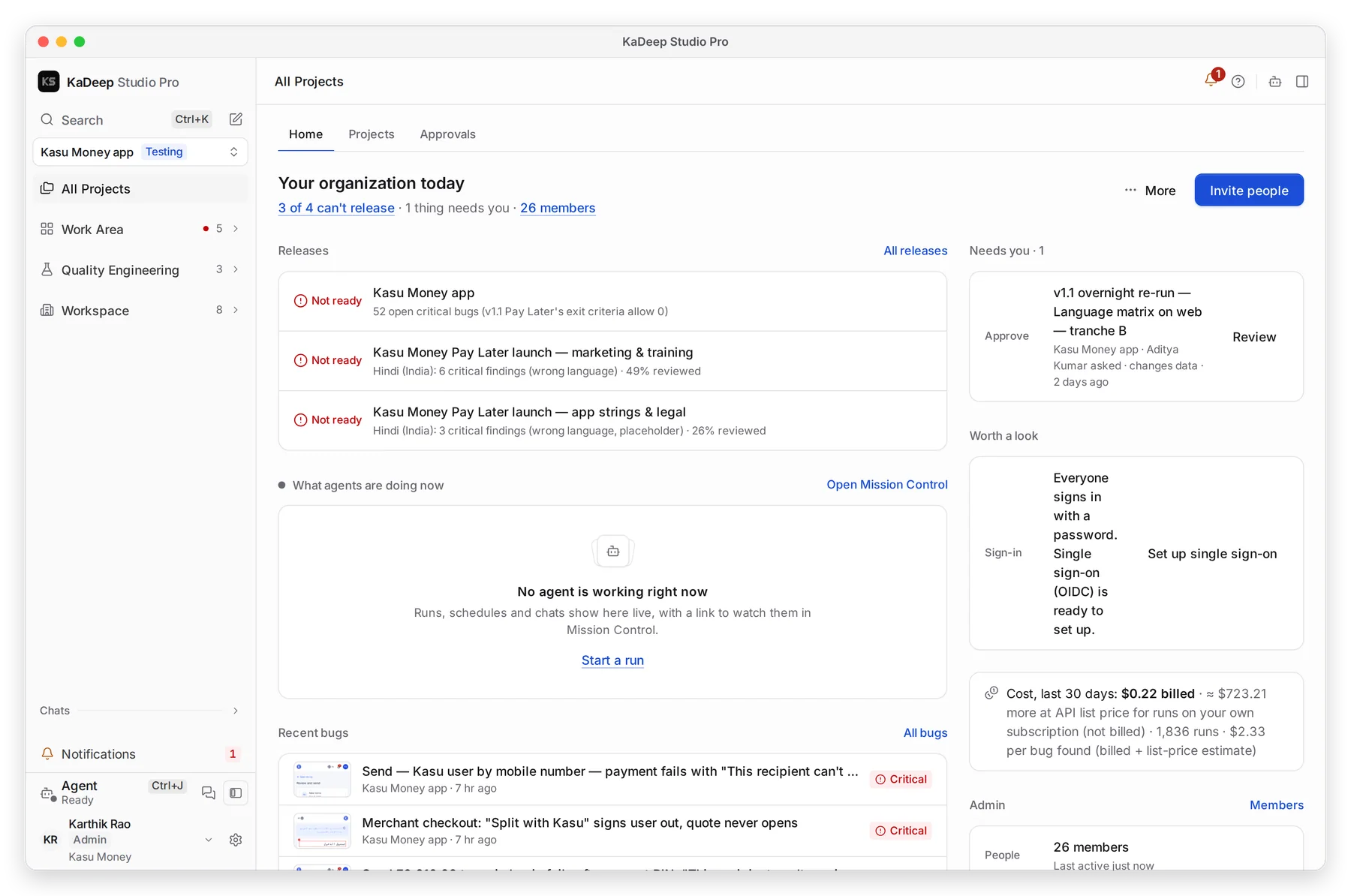
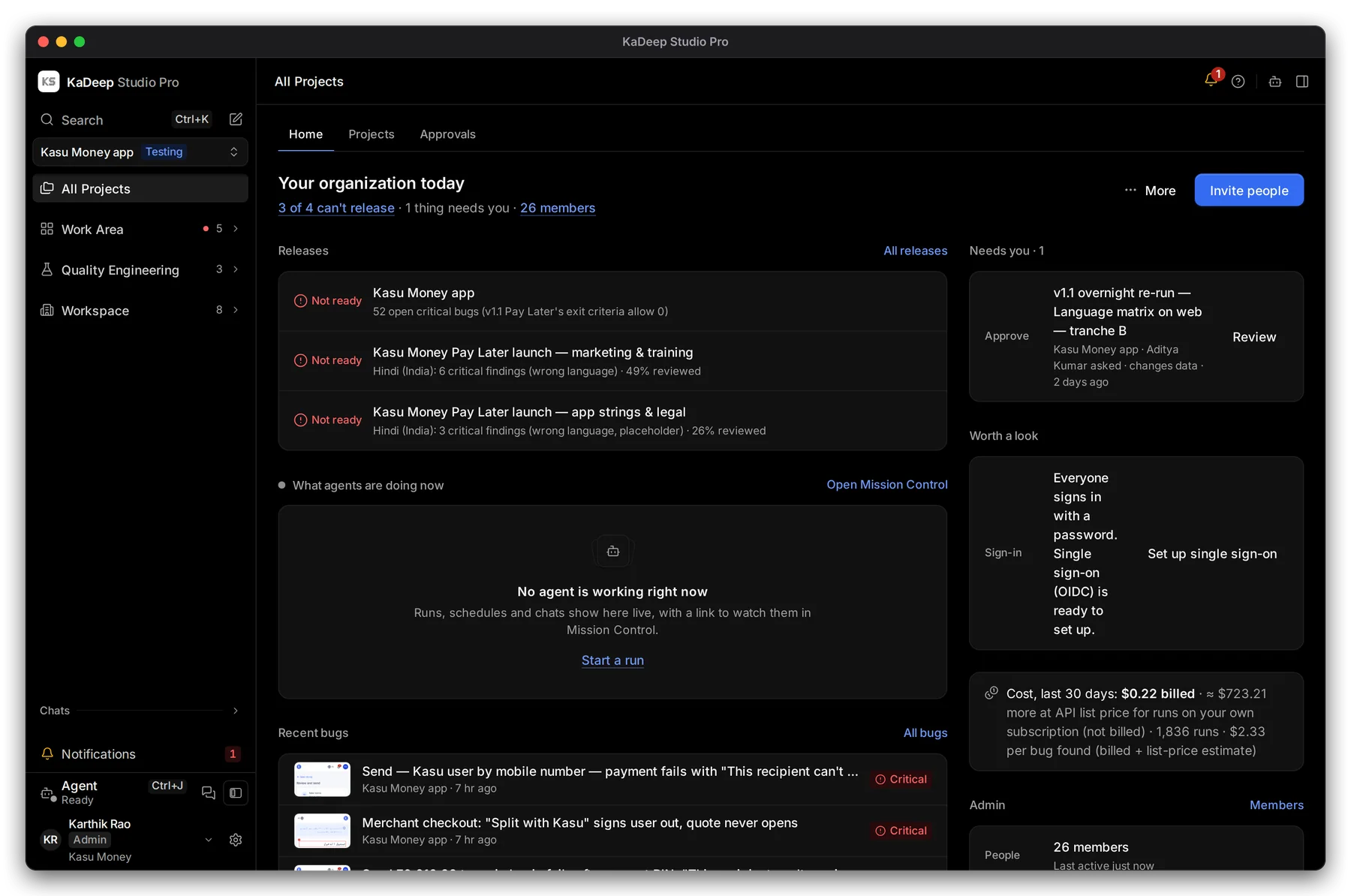
Manage view
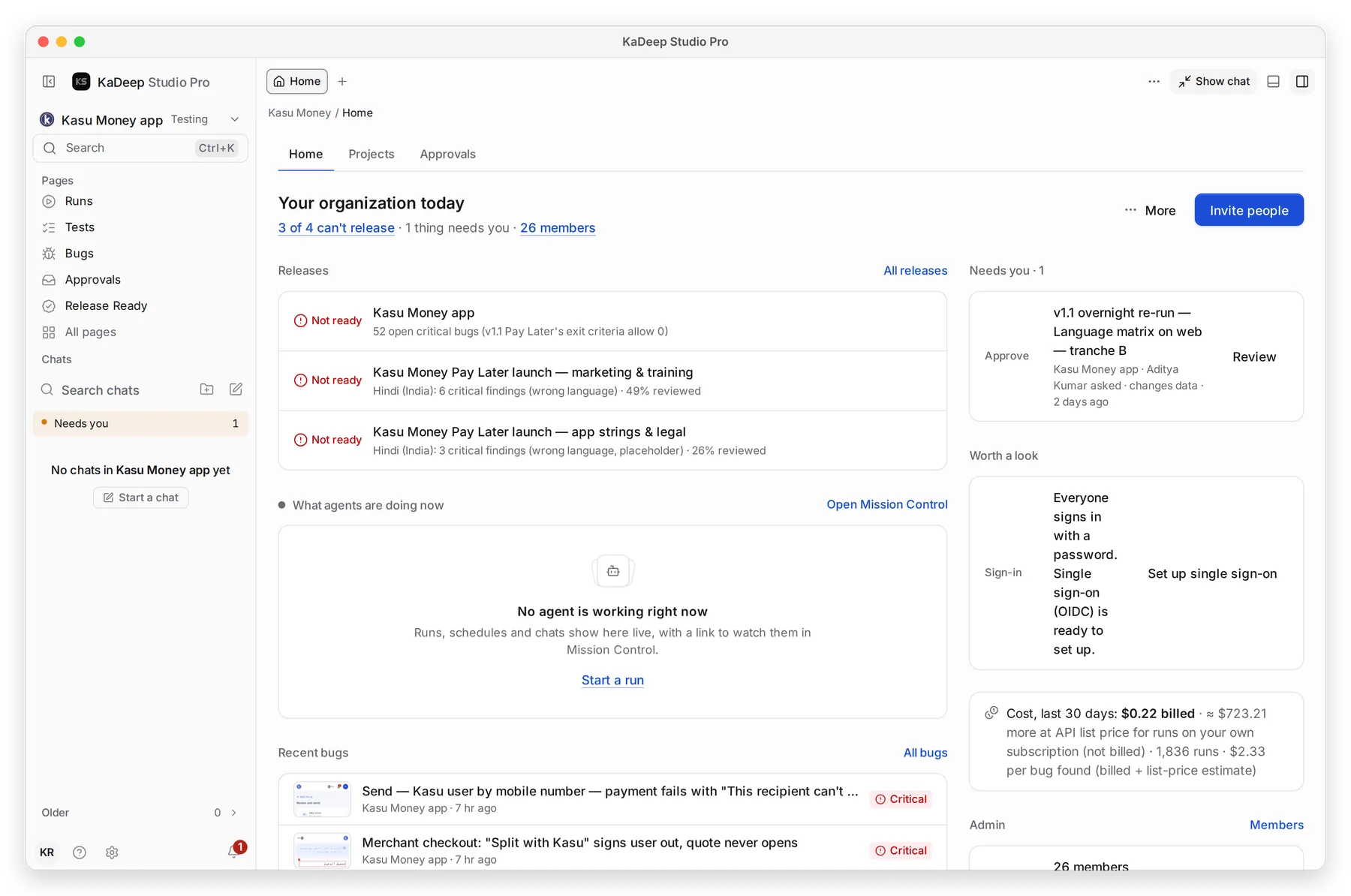
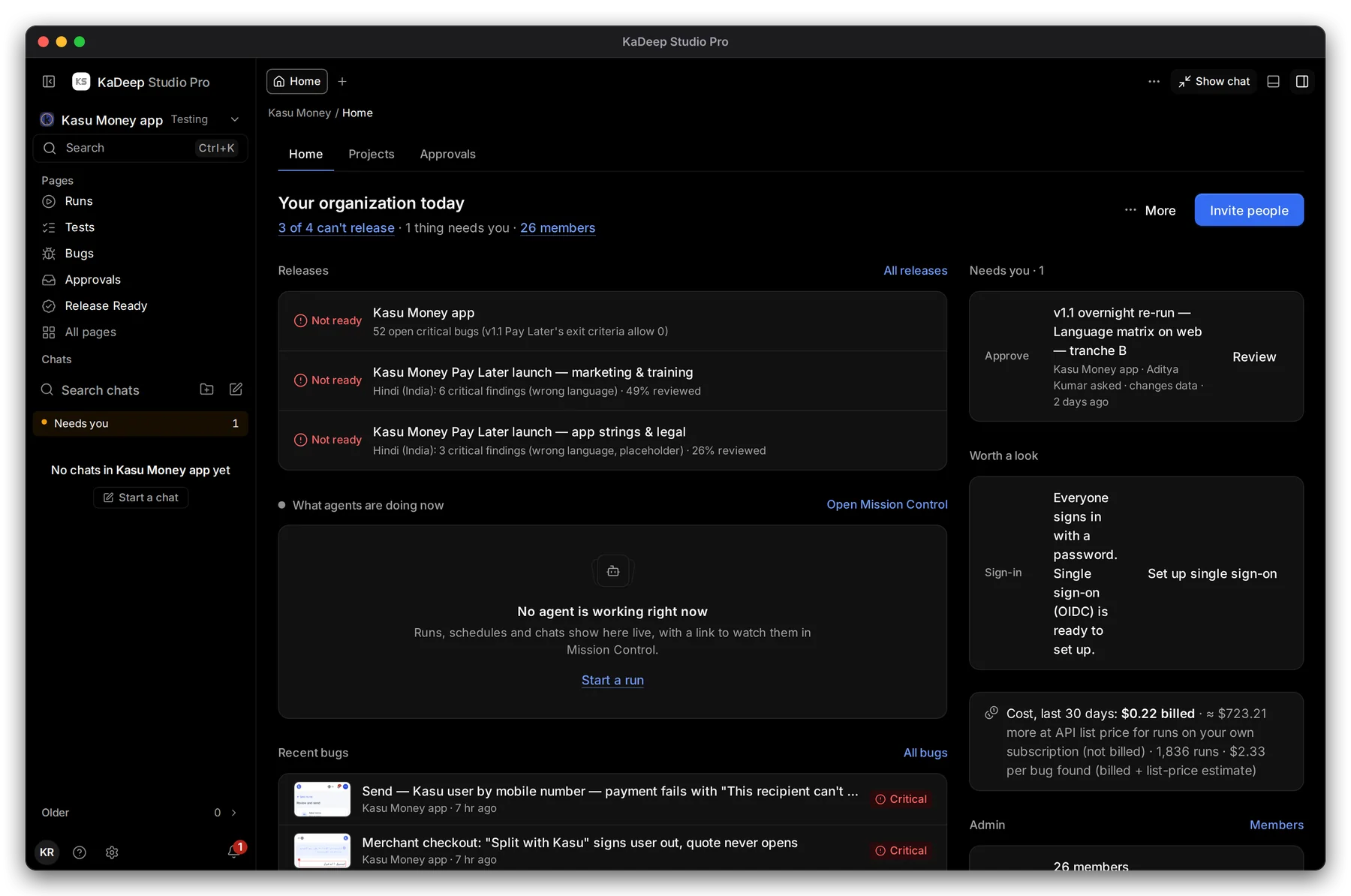
Hands-on view
As an admin, Home is your setup desk. 1 Your organization today sums up projects and people. 2 Invite people is the main button. 3 Worth a look suggests what to set up next, like Set up single sign-on. 4 The cost line shows what runs cost so far.
2. Work down the list
Section titled “2. Work down the list”| Do this | Page | Time | |
|---|---|---|---|
| 1 | Set the time zone and the organization’s AI keys | Organization settings | 5 min |
| 2 | Invite your team by email | Invite people and give them roles | 5 min |
| 3 | Check who can do what | Roles and what they can do | 3 min |
| 4 | Create a first project, then add people to it | Add people to a project | 10 min |
| 5 | Turn on single sign-on and two-step sign-in | Sign-in and security | 10 min |
| 6 | Connect the AI that powers the agent | Connect AI providers | 5 min |
| 7 | Connect Jira, GitHub, Slack and other tools | Integrations | 5 min |
| 8 | Let the agent email reports from your own address | Email sending | 5 min |
| 9 | Choose where phone and browser tests run | Devices and browsers | 3 min |
| 10 | Turn off tools nobody should use | Organization tools and requests | 2 min |
| 11 | Set the monthly limit and who approves spending | Spending limit and approvals | 5 min |
| 12 | Check runs can start right away | Capacity | 1 min |
| 13 | Decide how long evidence is kept | Data and retention | 3 min |
| 14 | Review every token and who owns it | Tokens and connections | 2 min |
| 15 | Later: check what the agents learned | Workspace knowledge | any time |
For step 4, see Create a testing project or Create a localization project.
What’s next
Section titled “What’s next”Organization settingsStep 1: time zone and the organization's AI keys.
Invite people and give them rolesStep 2: bring your team in.
Guides for adminsEvery page for your role.