Your manager Home
Your view
Home is where your day starts. It answers three questions across all your projects: can we release, what waits for me, and who is on what.
1. Open Home
Section titled “1. Open Home”You land on Home after you sign in. To come back, choose All Projects in the sidebar. Home is the first tab.
You land on Home after you sign in. It opens in the page panel, beside the chat. To give it the whole window, choose the maximize button at the top of the panel.
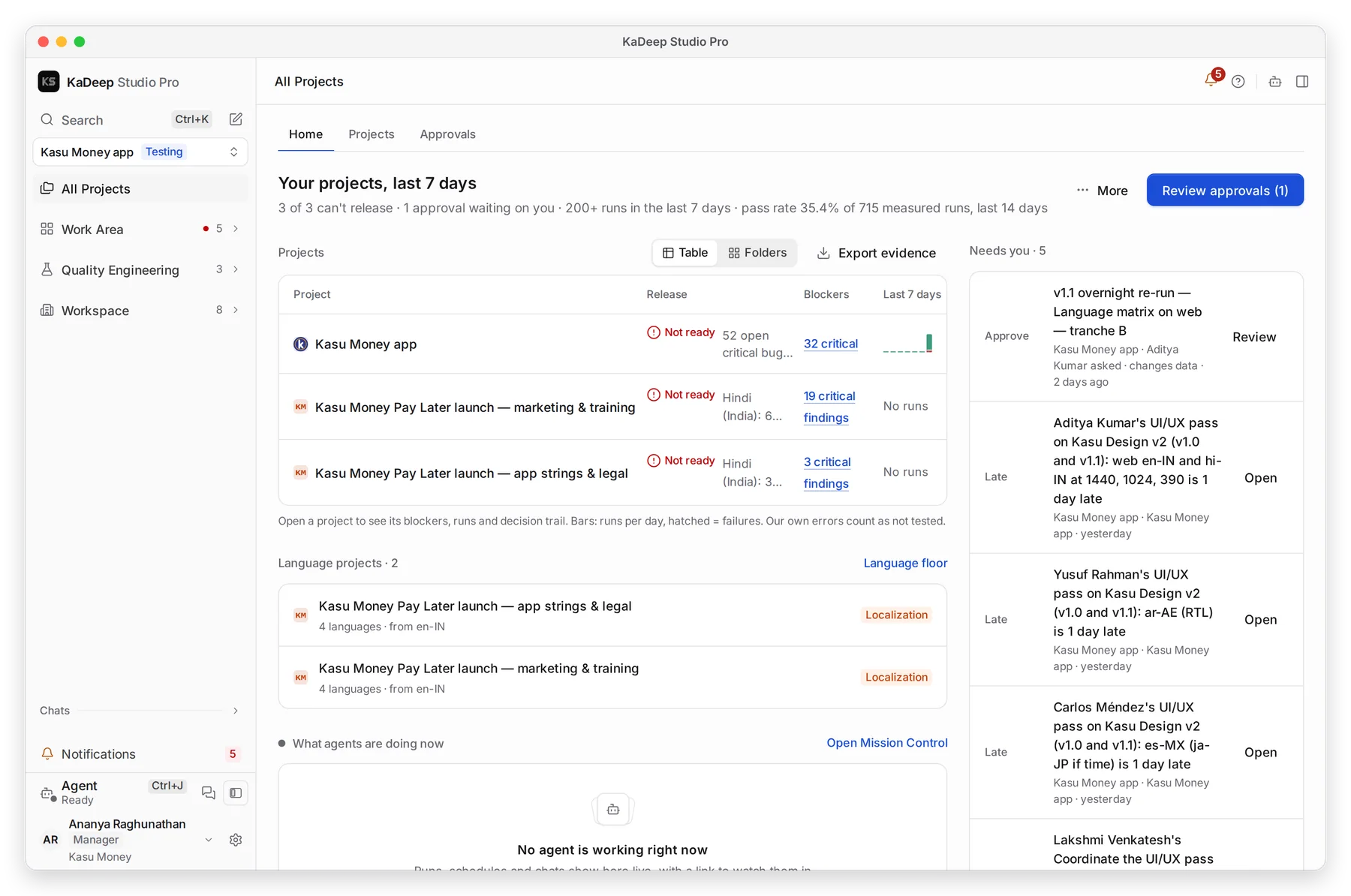
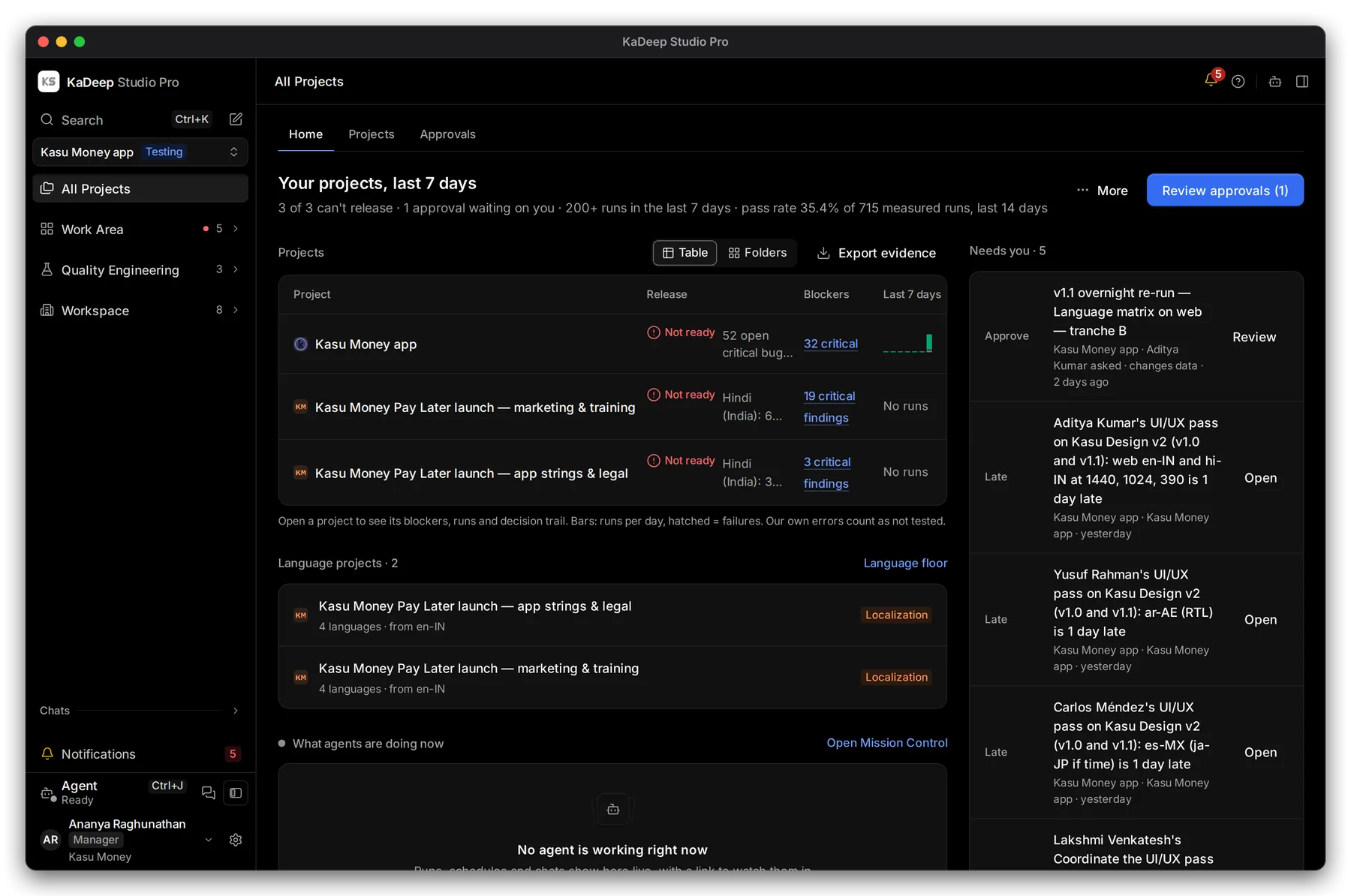
Manage view
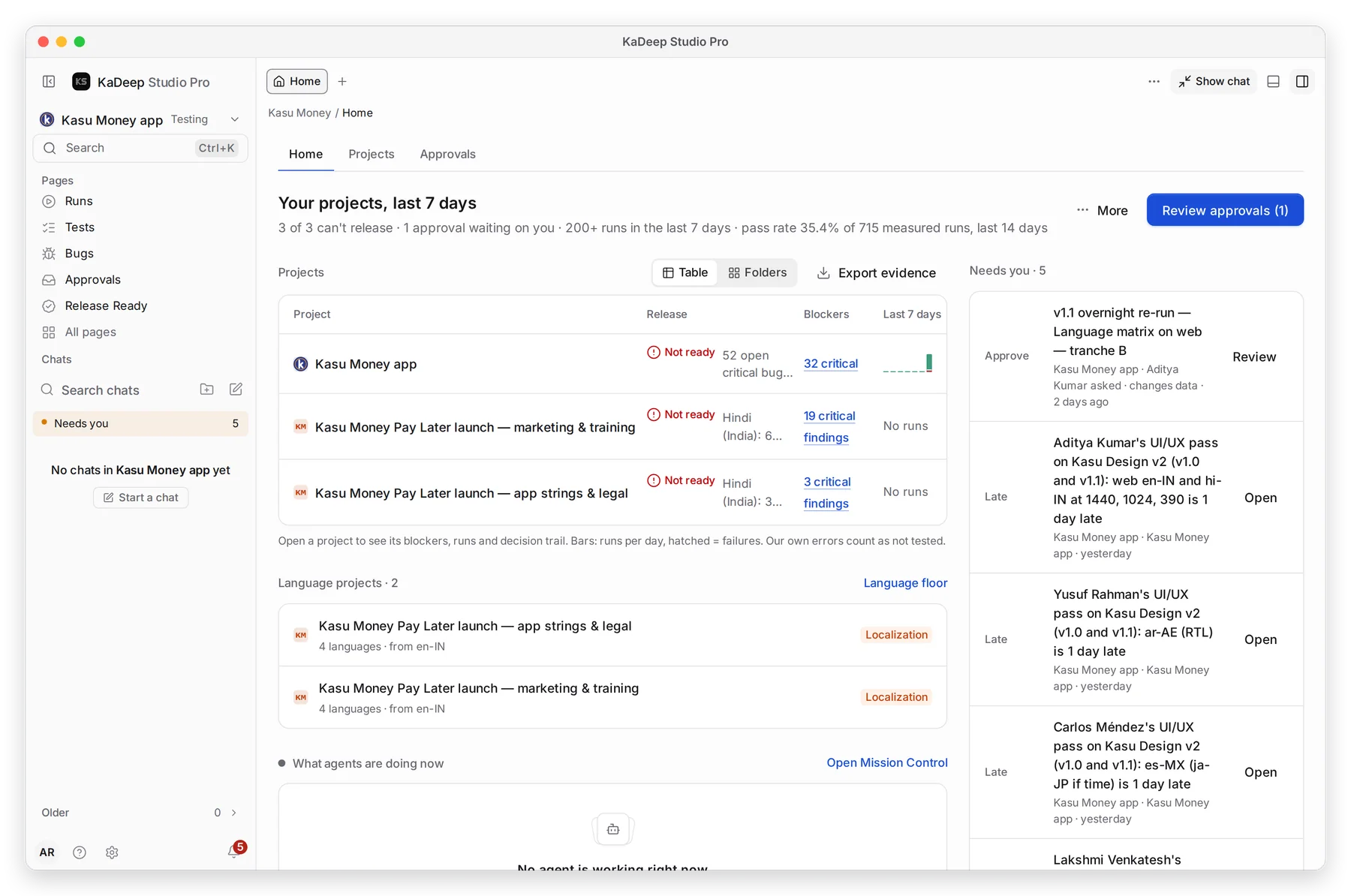
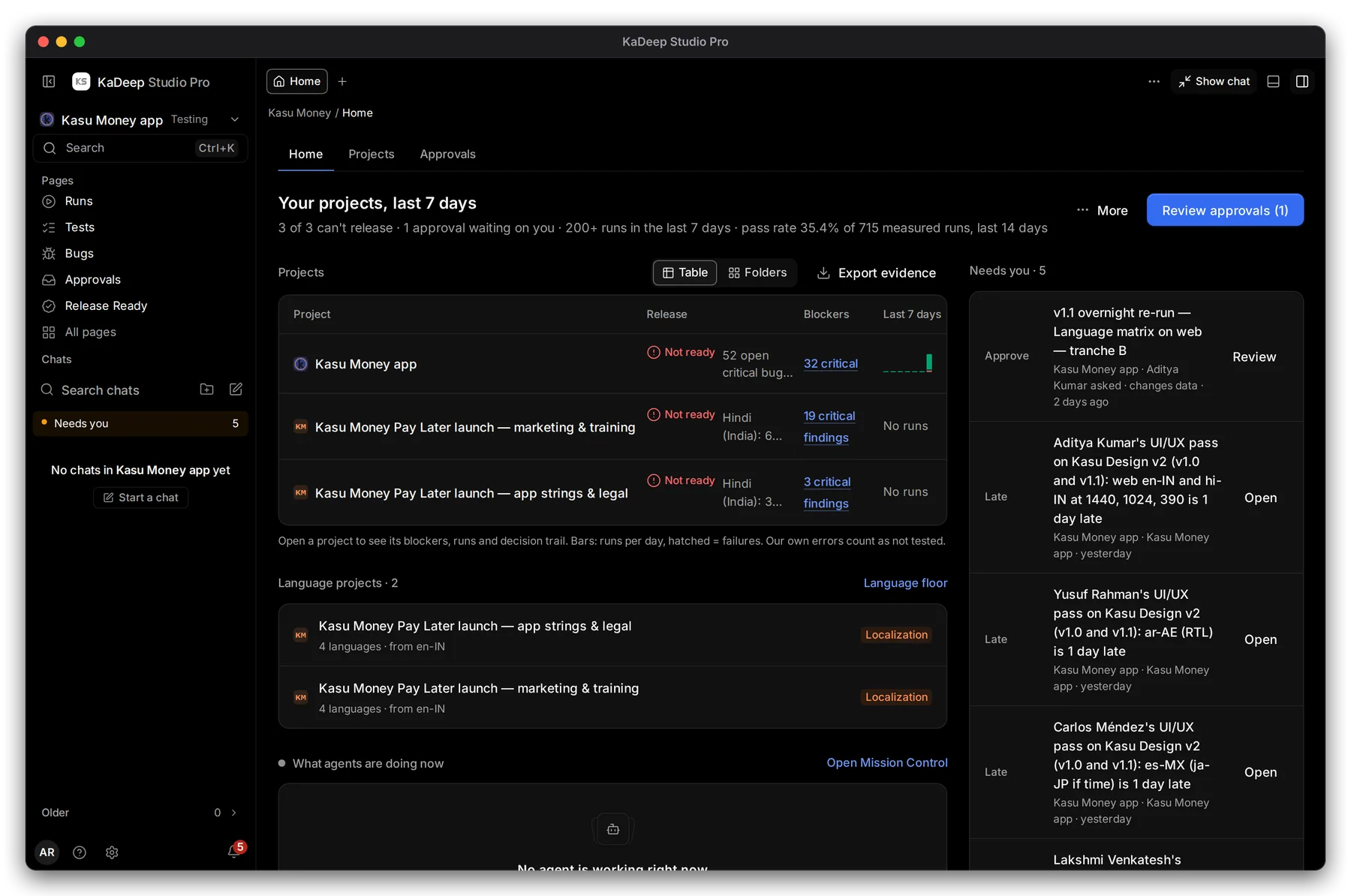
Hands-on view
- 1 Your projects, last 7 days: how many can’t release, approvals waiting on you, runs and pass rate.
- 2 Review approvals opens what waits for your signature. The number is how many.
- 3 Projects: each project’s release status, its blockers, and a bar of runs per day. Hatched bars are failures. Choose Table or Folders.
- 4 Needs you: requests, late work and sign-offs that wait on you.
Click a project to open its Release Ready report. Export evidence downloads the verdicts for all your projects in one file.
2. Scroll for the team
Section titled “2. Scroll for the team”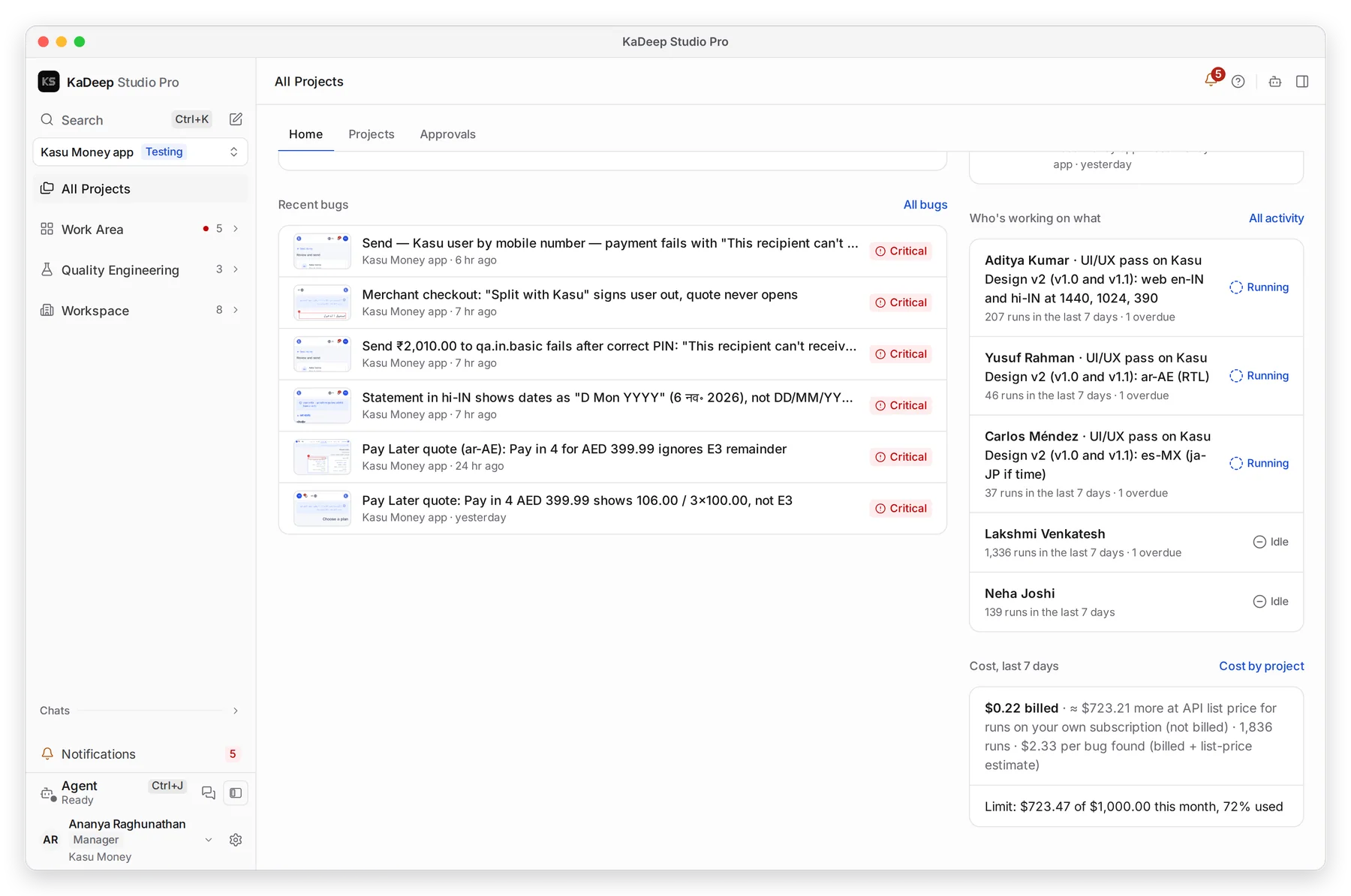
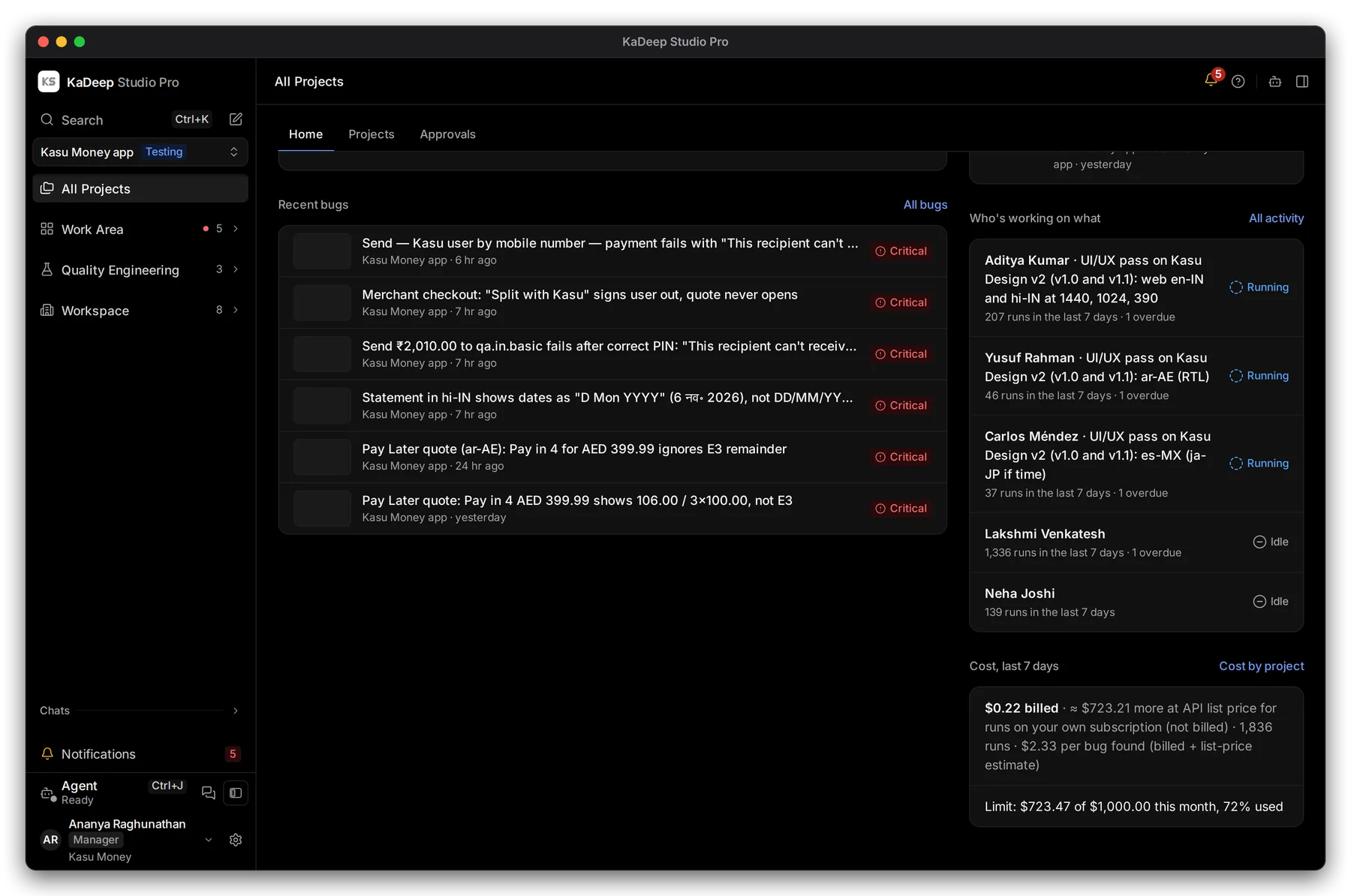
Manage view
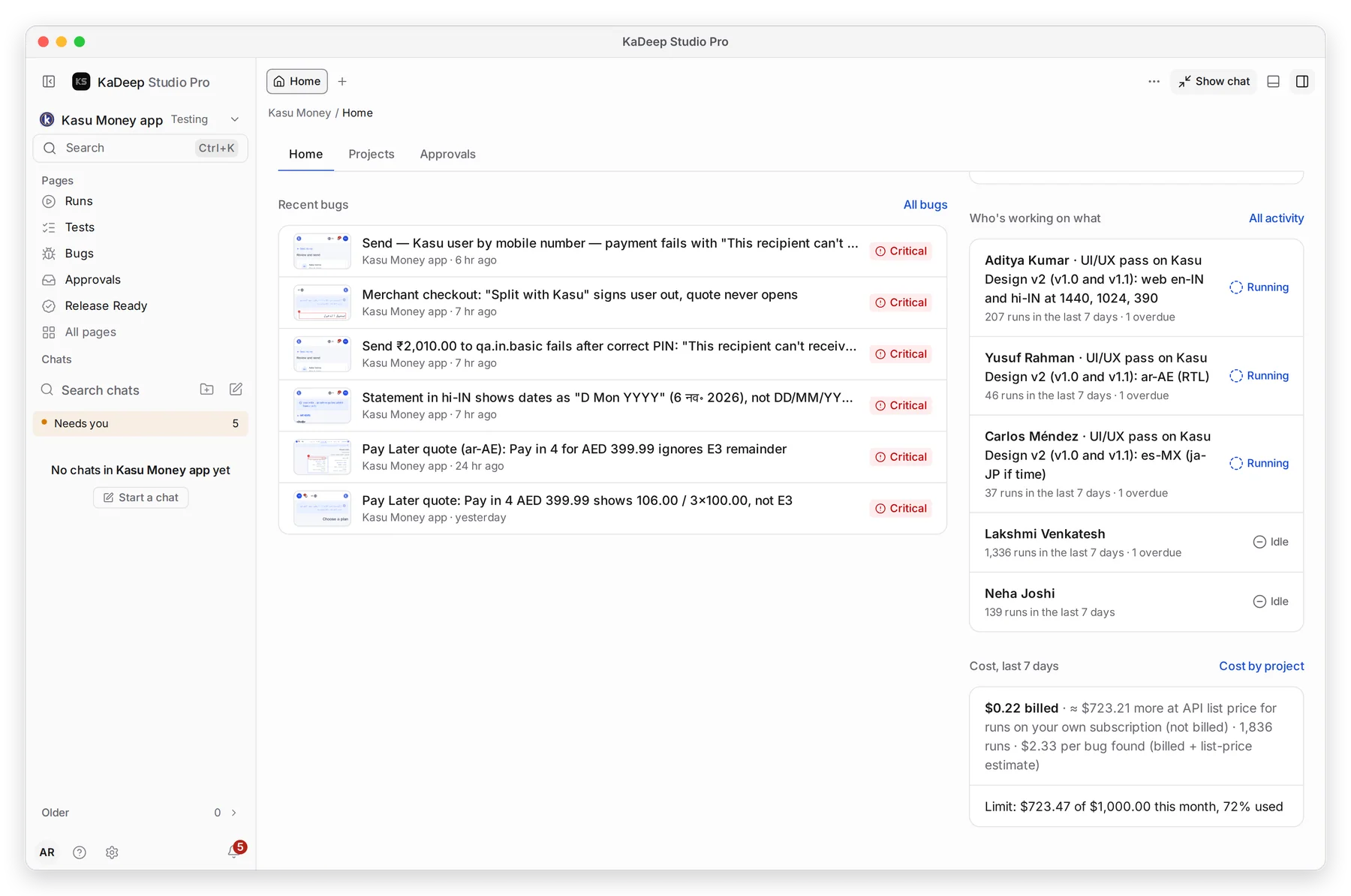
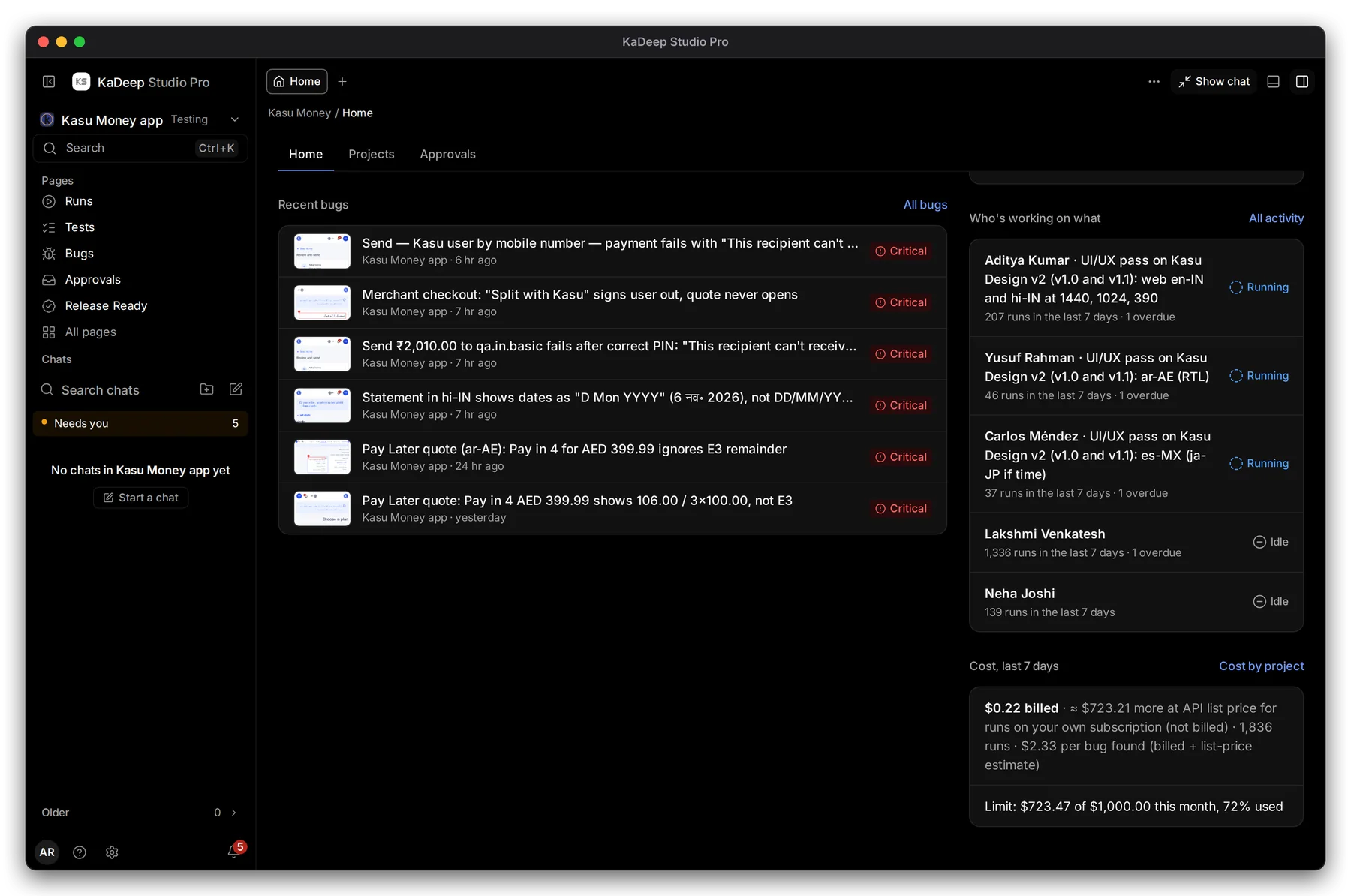
Hands-on view
- 1 Recent bugs across your projects, newest first, with severity. All bugs opens the full list.
- 2 Who’s working on what: each person’s current task, runs in the last 7 days, and how many tasks are overdue. All activity opens Team activity.
- 3 Cost, last 7 days, and how much of this month’s limit is used.
Also on Home:
| Section | What it shows |
|---|---|
| Language projects | Your localization projects, with a link to the Language floor. |
| What agents are doing now | Runs, schedules and chats that are live. Open Mission Control to watch them. |
What’s next
Section titled “What’s next”Needs youEverything waiting on your decision.
TimelineAll the work you handed out, by person.
ApprovalsWho signs what, and how to decide.
Release ReadyOne verdict per project, with the reasons.