Playbook: e-commerce team with frequent releases
Your view
You ship often, and checkout must work every time. This playbook sets KaDeep up so a smoke suite runs on every build, the full regression runs at night, and your pipeline asks KaDeep before it ships.
Playbook · setup guide, not a customer story
1. The team and its KaDeep roles
Section titled “1. The team and its KaDeep roles”| Your people | KaDeep role | What they see first on Home |
|---|---|---|
| Engineering manager or platform lead | Admin | Users & roles, Single sign-on, Spend & limits |
| Head of product or e-commerce | Manager | Who is on what, Waiting for your approval, Oldest open bugs |
| QA lead for the store | QA lead | Latest runs, New bugs, Can we ship? |
| QA engineers and developers who re-check fixes | Tester | My tasks, Bugs to recheck, Recent runs |
| Merchandising or marketing, who only look | Viewer (read-only) | Their projects, runs and bugs |
| Finance | Finance viewer (read-only) | Spend vs limit, Spend by project, Spend by model |
2. Setup checklist, in order
Section titled “2. Setup checklist, in order”- Set the monthly limit, and Run limits that stop any single run after a number of minutes. See Spending limit and approvals.
- Connect the AI that powers the agent. See Connect AI providers.
- Connect your tracker and chat, so bugs and verdicts land where your team works. See Integrations.
- Create a testing project for the store, with Web and Android or iOS as platforms. See Create a testing project.
- Store test logins for a new shopper, a returning shopper and a store admin. Use Variables for a test card number. See Test logins.
- Import your cases, then build a short smoke suite and a full regression suite. See Tests and Suites.
- Add your app builds and choose where phone tests run. See Test on phones.
- Schedule the regression suite every night. See Schedule runs.
- Add the Release Gate to your pipeline with a pipeline token. See Release Gate in CI.
- Add monitors for the pages and journeys that make money. See Synthetic monitors.
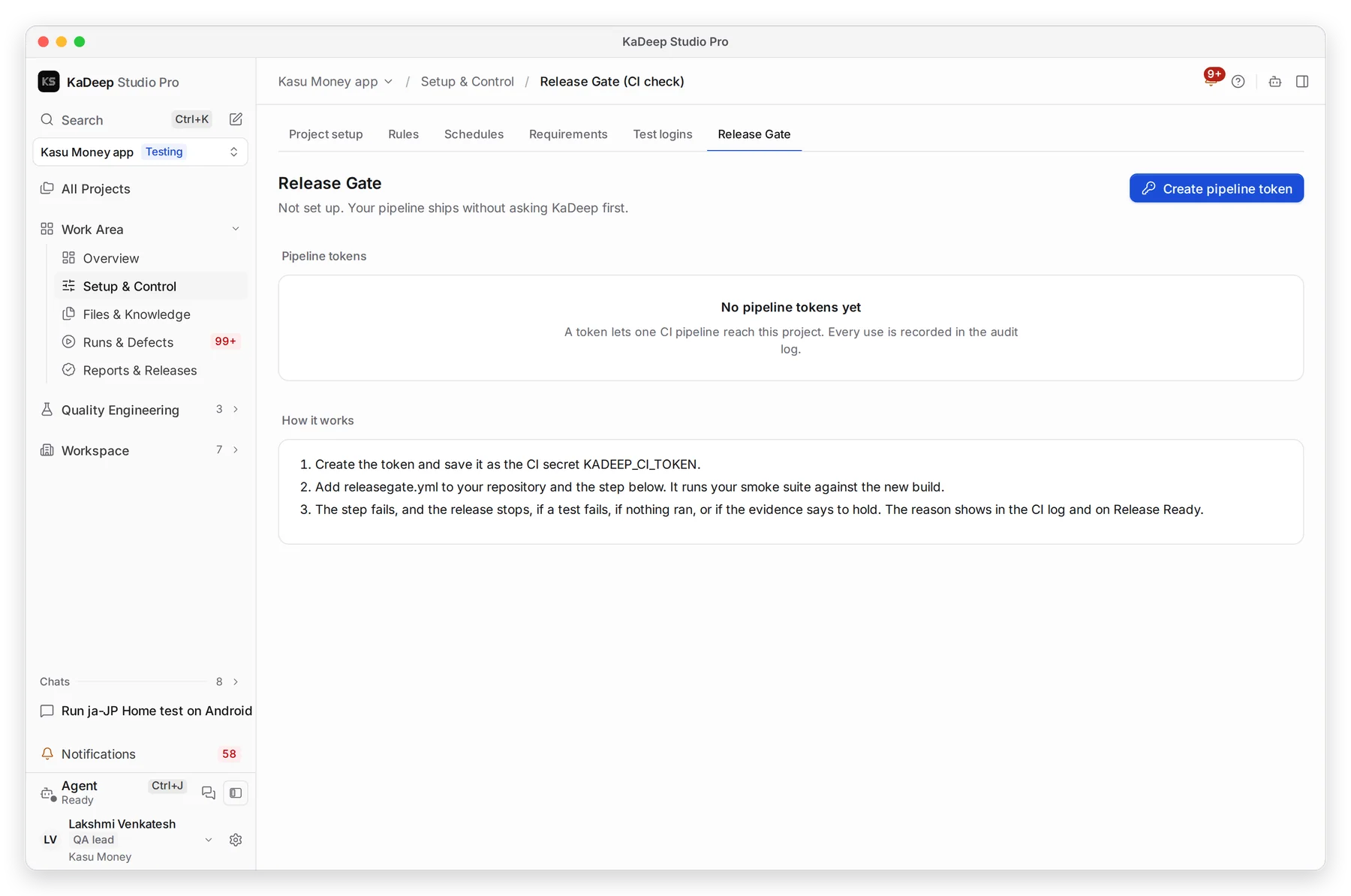
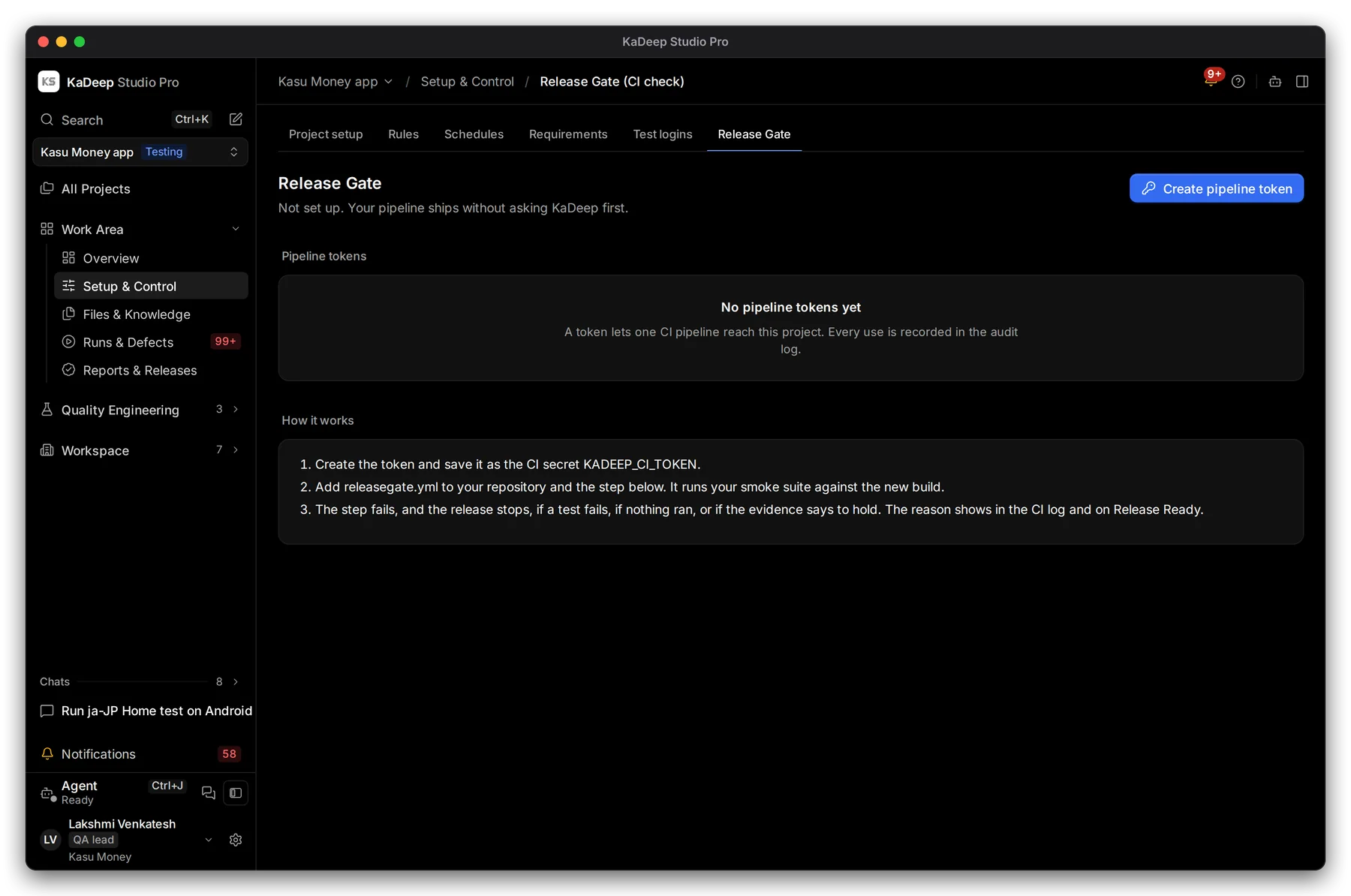
Manage view
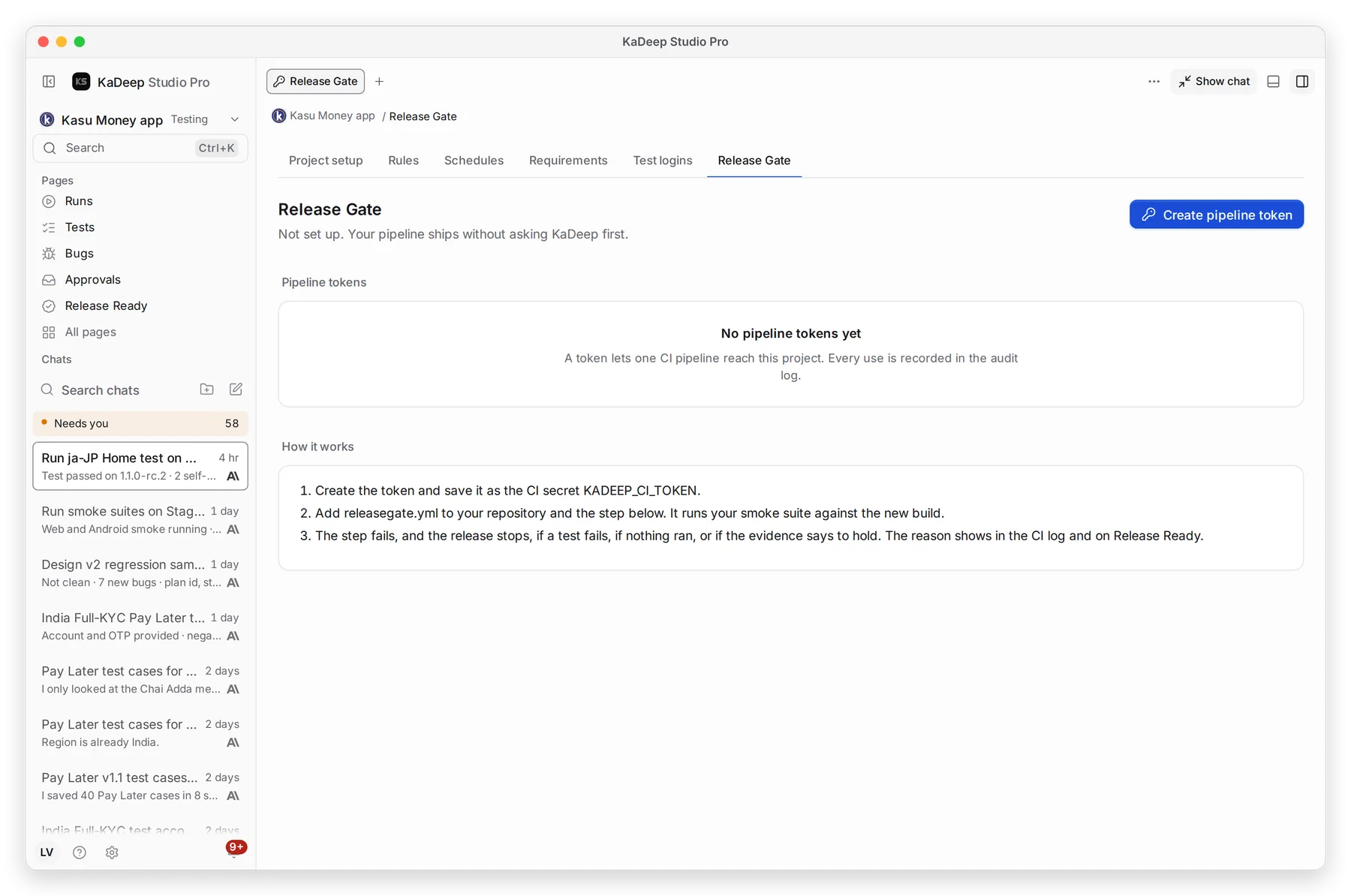
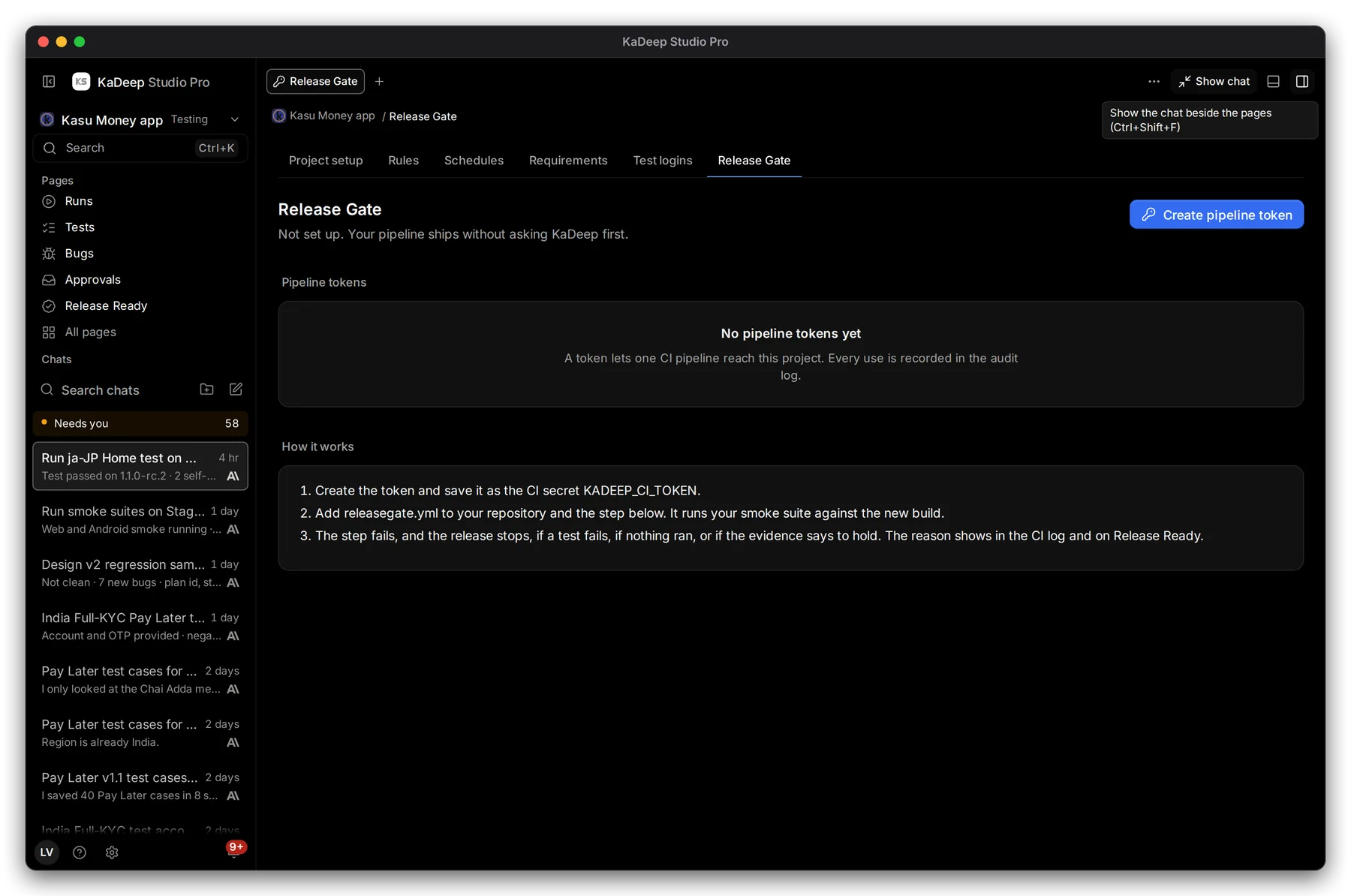
Hands-on view
3. The main journeys
Section titled “3. The main journeys”| Journey | What the agent does | Guide |
|---|---|---|
| Every build | Your CI runs the smoke suite; a failure stops the release | Release Gate in CI |
| Every night | The regression suite runs on the web and on phones | Schedule runs, Test on phones |
| Read the morning results | Totals, what changed since the last run, and each failure with evidence | Run a test suite |
| Fix and re-check | A developer marks a bug fixed; the agent re-checks it on the bug’s own platform | Bugs |
| Speed and load | Load and stress results; a slowdown shows on Release Ready against its baseline | Performance and other non-functional tests |
| Between releases | Monitors check checkout on a schedule and open an incident when it fails | Synthetic monitors |
4. Governance
Section titled “4. Governance”- Budgets. Frequent runs add up. Watch spend against the limit, and give the store project its own Monthly limit if other teams share the organization. See Spending limit and approvals.
- Approvals. Runs over the project’s allowance, and tests marked Changes data, wait on Approvals.
- Read-only production. Turn on Read-only for production, so the agent never places a real order. Suites never write test data on production. See Project setup and rules.
- Tokens. Pipeline tokens show who made them and when they were last used. Give each one an expiry. See Tokens and connections.
- Audit and retention. Every token use is in the Audit log. Set how long run videos stay in Data and retention.
5. What to measure
Section titled “5. What to measure”| Measure | Where you read it | Guide |
|---|---|---|
| Pass rate and failures per build | Runs, filtered by result | Runs and evidence |
| Readiness, execution and bug trends | Analytics | Analytics |
| Flaky and slow tests | Reliability | Monitoring and reliability |
| Uptime and incidents | Synthetic monitors | Synthetic monitors |
| Cost per test and per bug | Cost tiles | Cost |
6. A 30/60/90-day rollout
Section titled “6. A 30/60/90-day rollout”| Days | Goal | Check before you move on |
|---|---|---|
| 1–30 | Checkout and sign-in on the web; a smoke suite you run by hand | The smoke suite finishes in the time you need, and its failures are real bugs. |
| 31–60 | The nightly regression, phones, and the Release Gate in CI | Your pipeline stops on a failed smoke suite. Developers re-check their own fixes. |
| 61–90 | Monitors, load tests, and release decisions on Release Ready | Every release has a dated verdict. Spend per week is steady and inside the limit. |
What’s next
Section titled “What’s next”How KaDeep fits your organizationThe lifecycle, the roles and what stays under your control.
Find your fit and estimate the workEstimate the regression work the agent can take on.
Roll out KaDeep: pilot, expand, governThe admin's plan, step by step.